# Introduction (/docs/cross-chain)
---
title: Introduction
description: Learn about different interoperability protocols in the Lux ecosystem.
---
# Lux Proposals (LPs) (/docs/lps)
---
title: Lux Proposals (LPs)
description: Official Lux Proposals for network improvements and best practices
icon: FileText
---
# Lux Proposals (LPs)
Lux Proposals (LPs) are the primary mechanism for proposing new features, collecting community input, and documenting design decisions for the Lux Network.
## Browse LPs
Visit [lps.lux.network](https://lps.lux.network) for the complete list of Lux Proposals.
## LP Categories
### Standards Track LPs
These LPs describe changes to the Lux protocol, including:
- Core protocol changes
- Networking improvements
- Interface standards
- EVM updates
### Best Practices Track LPs
These LPs describe recommended patterns and guidelines for building on Lux.
### Meta Track LPs
These LPs describe process and governance for the LP system itself.
## Contributing
To propose a new LP, visit the [LPs repository](https://github.com/luxfi/lps) and follow the contribution guidelines.
# Lux L1s (/docs/lux-l1s)
---
title: Lux L1s
description: Explore the multi-chain architecture of Lux ecosystem.
---
An Lux L1 is a sovereign network which defines its own rules regarding its membership and token economics. It is composed of a dynamic subset of Lux validators working together to achieve consensus on the state of one or more blockchains. Each blockchain is validated by exactly one Lux L1, while an Lux L1 can validate many blockchains.
Lux's [Primary Network](/docs/primary-network) is a special Lux L1 running three blockchains:
- The Platform Chain [(Platform-Chain)](/docs/primary-network#p-chain-platform-chain)
- The Contract Chain [(LUExchange-Chain)](/docs/primary-network#c-chain-contract-chain)
- The Exchange Chain [(Exchange-Chain)](/docs/primary-network#x-chain-exchange-chain)
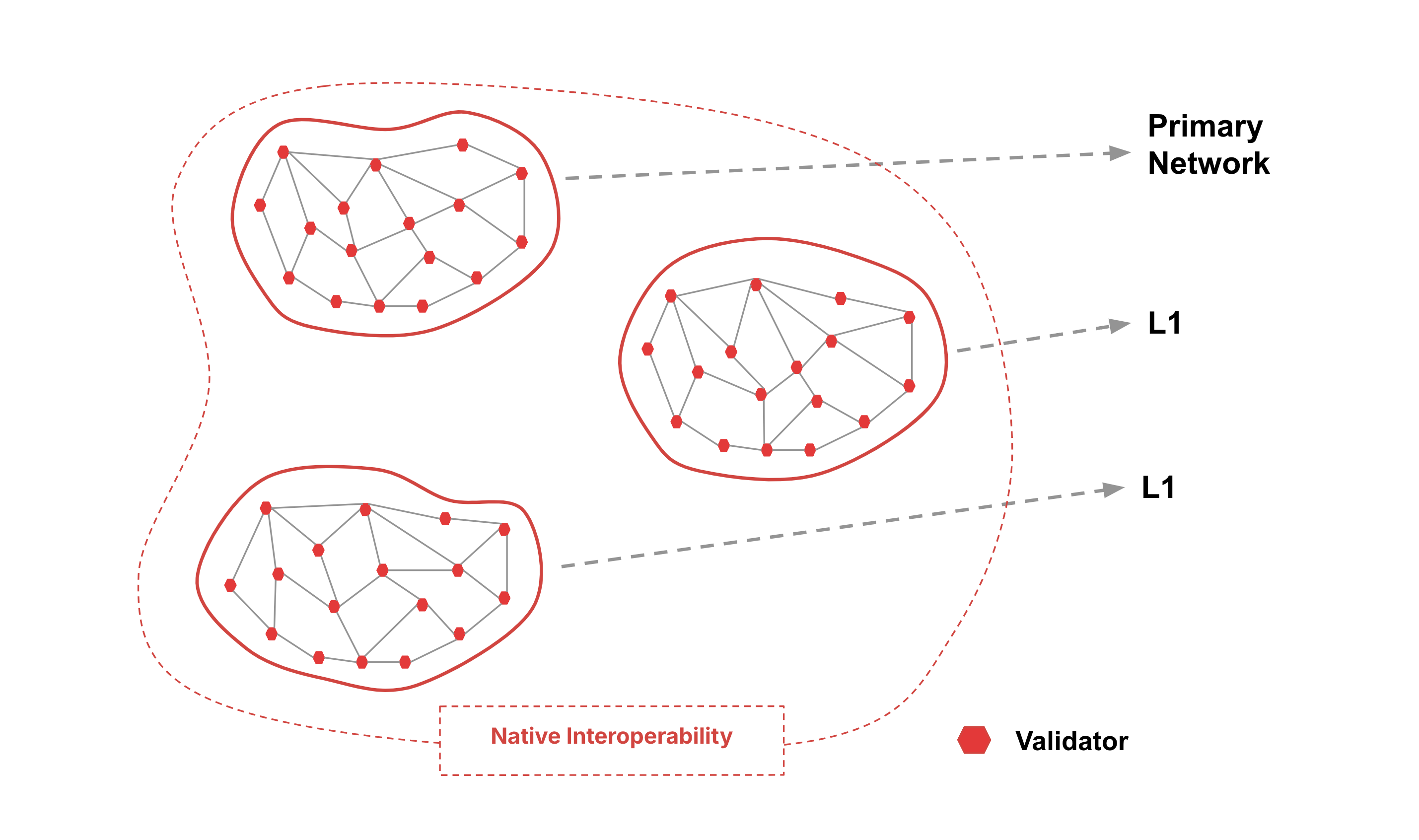
Every validator of an Lux L1 **must** sync the Platform-Chain of the Primary Network for interoperability.
Node operators that validate an Lux L1 with multiple chains do not need to run multiple machines for validation. For example, the Primary Network is an Lux L1 with three coexisting chains, all of which can be validated by a single node, or a single machine.
## Advantages
### Independent Networks
- Lux L1s use virtual machines to specify their own execution logic, determine their own fee regime, maintain their own state, facilitate their own networking, and provide their own security.
- Each Lux L1's performance is isolated from other Lux L1s in the ecosystem, so increased usage on one Lux L1 won't affect another.
- Lux L1s can have their own token economics with their own native tokens, fee markets, and incentives determined by the Lux L1 deployer.
- One Lux L1 can host multiple blockchains with customized [virtual machines](/docs/primary-network/virtual-machines).
### Native Interoperability
Lux Warp Messaging enables native cross-Lux L1 communication and allows Virtual Machine (VM) developers to implement arbitrary communication protocols between any two Lux L1s.
### Accommodate App-Specific Requirements
Different blockchain-based applications may require validators to have certain properties such as large amounts of RAM or CPU power.
an Lux L1 could require that validators meet certain [hardware requirements](/docs/nodes/system-requirements#hardware-and-operating-systems) so that the application doesn't suffer from low performance due to slow validators.
### Launch Networks Designed With Compliance
Lux's L1 architecture makes regulatory compliance manageable. As mentioned above, an Lux L1 may require validators to meet a set of requirements.
Some examples of requirements the creators of an Lux L1 may choose include:
- Validators must be located in a given country.
- Validators must pass KYC/AML checks.
- Validators must hold a certain license.
### Control Privacy of On-Chain Data
Lux L1s are ideal for organizations interested in keeping their information private.
Institutions conscious of their stakeholders' privacy can create a private Lux L1 where the contents of the blockchains would be visible only to a set of pre-approved validators.
Define this at creation with a [single parameter](/docs/nodes/configure/lux-l1-configs#private-lux-l1).
### Validator Sovereignty
In a heterogeneous network of blockchains, some validators will not want to validate certain blockchains because they simply have no interest in those blockchains.
The Lux L1 model enables validators to concern themselves only with blockchain networks they choose to participate in. This greatly reduces the computational burden on validators.
## Why Build Your Own Lux L1
There are many advantages to running your own Lux L1. If you find one or more of these a good match for your project then an Lux L1 might be a good solution for you.
### We Want Our Own Gas Token
LUExchange-Chain is an Ethereum Virtual Machine (EVM) chain; it requires the gas fees to be paid in its native token. That is, the application may create its own utility tokens (ERC-20) on the LUExchange-Chain, but the gas must be paid in LUX. In the meantime, [Subnet-EVM](https://github.com/luxfi/subnet-evm) effectively creates an application-specific EVM-chain with full control over native(gas) coins. The operator can pre-allocate the native tokens in the chain genesis, and mint more using the [Subnet-EVM](https://github.com/luxfi/subnet-evm) precompile contract. And these fees can be either burned (as LUX burns in LUExchange-Chain) or configured to be sent to an address which can be a smart contract.
Note that the Lux L1 gas token is specific to the application in the chain, thus unknown to the external parties. Moving assets to other chains requires trusted bridge contracts (or upcoming cross Lux L1 communication feature).
### We Want Higher Throughput
The primary goal of the gas limit on LUExchange-Chain is to restrict the block size and therefore prevent network saturation. If a block can be arbitrarily large, it takes longer to propagate, potentially degrading the network performance. The LUExchange-Chain gas limit acts as a deterrent against any system abuse but can be quite limiting for high throughput applications. Unlike LUExchange-Chain, Lux L1 can be single-tenant, dedicated to the specific application, and thus host its own set of validators with higher bandwidth requirements, which allows for a higher gas limit thus higher transaction throughput. Plus, [Subnet-EVM](https://github.com/luxfi/subnet-evm) supports fee configuration upgrades that can be adaptive to the surge in application traffic.
Lux L1 workloads are isolated from the Primary Network; which means, the noisy neighbor effect of one workload (for example NFT mint on LUExchange-Chain) cannot destabilize the Lux L1 or surge its gas price. This failure isolation model in the Lux L1 can provide higher application reliability.
### We Want Strict Access Control
The LUExchange-Chain is open and permissionless where anyone can deploy and interact with contracts. However, for regulatory reasons, some applications may need a consistent access control mechanism for all on-chain transactions. With [Subnet-EVM](https://github.com/luxfi/subnet-evm), an application can require that "only authorized users may deploy contracts or make transactions." Allow-lists are only updated by the administrators, and the allow list itself is implemented within the precompile contract, thus more transparent and auditable for compliance matters.
### We Need EVM Customization
If your project is deployed on the LUExchange-Chain then your execution environment is dictated by the setup of the LUExchange-Chain. Changing any of the execution parameters means that the configuration of the LUExchange-Chain would need to change, and that is expensive, complex and difficult to change. So if your project needs some other capabilities, different execution parameters or precompiles that LUExchange-Chain does not provide, then Lux L1s are a solution you need. You can configure the EVM in an Lux L1 to run however you want, adding precompiles, and setting runtime parameters to whatever your project needs.
### We Need Custom Validator Management
With the Etna upgrade, L1s can implement their own validator management logic through a _ValidatorManager_ smart contract. This gives you complete control over your validator set, allowing you to define custom staking rules, implement permissionless proof-of-stake with your own token, or create permissioned proof-of-authority networks. The validator management can be handled directly through smart contracts, giving you programmatic control over validator selection and rewards distribution.
### We Want to Build a Sovereign Network
L1s on Lux are truly sovereign networks that operate independently without relying on other systems. You have complete control over your network's consensus mechanisms, transaction processing, and security protocols. This independence allows you to scale horizontally without dependencies on other networks while maintaining full control over your network parameters and upgrades. This sovereignty is particularly important for projects that need complete autonomy over their blockchain's operation and evolution.
## When to Choose an Lux L1
Here we presented some considerations in favor of running your own Lux L1 vs. deploying on the LUExchange-Chain.
If an application has relatively low transaction rate and no special circumstances that would make the LUExchange-Chain a non-starter, you can begin with LUExchange-Chain deployment to leverage existing technical infrastructure, and later expand to an Lux L1. That way you can focus on working on the core of your project and once you have a solid product/market fit and have gained enough traction that the LUExchange-Chain is constricting you, plan a move to your own Lux L1.
Of course, we're happy to talk to you about your architecture and help you choose the best path forward. Feel free to reach out to us on [Discord](https://chat.avalabs.org/) or other [community channels](https://www.lux.network/community) we run.
## Develop Your Own Lux L1
Lux L1s on Lux are deployed by default with [Subnet-EVM](https://github.com/luxfi/subnet-evm#subnet-evm), a fork of go-ethereum. It implements the Ethereum Virtual Machine and supports Solidity smart contracts as well as most other Ethereum client functionality.
To get started, check out our [L1 Toolbox](/tools/l1-toolbox) or the tutorials in the [Lux CLI](/docs/tooling/lux-cli) section.
# Simple VM in Any Language (/docs/lux-l1s/simple-vm-any-language)
---
title: Simple VM in Any Language
description: Learn how to implement a simple virtual machine in any language.
---
This is a language-agnostic high-level documentation explaining the basics of how to get started at implementing your own virtual machine from scratch.
Lux virtual machines are grpc servers implementing Lux's [Proto interfaces](https://buf.build/luxfi/lux). This means that it can be done in [any language that has a grpc implementation](https://grpc.io/docs/languages/).
## Minimal Implementation
To get the process started, at the minimum, you will to implement the following interfaces:
- [`vm.Runtime`](https://buf.build/luxfi/lux/docs/main:vm.runtime) (Client)
- [`vm.VM`](https://buf.build/luxfi/lux/docs/main:vm) (Server)
To build a blockchain taking advantage of LuxGo's consensus to build blocks, you will need to implement:
- [AppSender](https://buf.build/luxfi/lux/docs/main:appsender) (Client)
- [Messenger](https://buf.build/luxfi/lux/docs/main:messenger) (Client)
To have a json-RPC endpoint, `/ext/bc/subnetId/rpc` exposed by LuxGo, you will need to implement:
- [`Http`](https://buf.build/luxfi/lux/docs/main:http) (Server)
You can and should use a tool like `buf` to generate the (Client/Server) code from the interfaces as stated in the [Lux module](https://buf.build/luxfi/lux)'s page.
There are _server_ and _client_ interfaces to implement. LuxGo calls the _server_ interfaces exposed by your VM and your VM calls the _client_ interfaces exposed by LuxGo.
## Starting Process
Your VM is started by LuxGo launching your binary. Your binary is started as a sub-process of LuxGo. While launching your binary, LuxGo passes an environment variable `LUX_VM_RUNTIME_ENGINE_ADDR` containing an url. We must use this url to initialize a `vm.Runtime` client.
Your VM, after having started a grpc server implementing the VM interface must call the [`vm.Runtime.InitializeRequest`](https://buf.build/luxfi/lux/docs/main:vm.runtime#vm.runtime.InitializeRequest) with the following parameters.
- `protocolVersion`: It must match the `supported plugin version` of the [LuxGo release](https://github.com/luxfi/LuxGo/releases) you are using. It is always part of the release notes.
- `addr`: It is your grpc server's address. It must be in the following format `host:port` (example `localhost:12345`)
## VM Initialization
The service methods are described in the same order as they are called. You will need to implement these methods in your server.
### Pre-Initialization Sequence
LuxGo starts/stops your process multiple times before launching the real initialization sequence.
1. [VM.Version](https://buf.build/luxfi/lux/docs/main:vm#vm.VM.Version)
- Return: your VM's version.
2. [VM.CreateStaticHandler](https://buf.build/luxfi/lux/docs/main:vm#vm.VM.CreateStaticHandlers)
- Return: an empty array - (Not absolutely required).
3. [VM.Shutdown](https://buf.build/luxfi/lux/docs/main:vm#vm.VM.Shutdown)
- You should gracefully stop your process.
- Return: Empty
### Initialization Sequence
1. [VM.CreateStaticHandlers](https://buf.build/luxfi/lux/docs/main:vm#vm.VM.CreateStaticHandlers)
- Return an empty array - (Not absolutely required).
2. [VM.Initialize](https://buf.build/luxfi/lux/docs/main:vm#vm.VM.Initialize)
- Param: an [InitializeRequest](https://buf.build/luxfi/lux/docs/main:vm#vm.InitializeRequest).
- You must use this data to initialize your VM.
- You should add the genesis block to your blockchain and set it as the last accepted block.
- Return: an [InitializeResponse](https://buf.build/luxfi/lux/docs/main:vm#vm.InitializeResponse) containing data about the genesis extracted from the `genesis_bytes` that was sent in the request.
3. [VM.VerifyHeightIndex](https://buf.build/luxfi/lux/docs/main:vm#vm.VM.VerifyHeightIndex)
- Return: a [VerifyHeightIndexResponse](https://buf.build/luxfi/lux/docs/main:vm#vm.VerifyHeightIndexResponse) with the code `ERROR_UNSPECIFIED` to indicate that no error has occurred.
4. [VM.CreateHandlers](https://buf.build/luxfi/lux/docs/main:vm#vm.VM.CreateHandlers)
- To serve json-RPC endpoint, `/ext/bc/subnetId/rpc` exposed by LuxGo
- See [json-RPC](#json-rpc) for more detail
- Create a [`Http`](https://buf.build/luxfi/lux/docs/main:http) server and get its url.
- Return: a `CreateHandlersResponse` containing a single item with the server's url. (or an empty array if not implementing the json-RPC endpoint)
5. [VM.StateSyncEnabled](https://buf.build/luxfi/lux/docs/main:vm#vm.VM.StateSyncEnabled)
- Return: `true` if you want to enable StateSync, `false` otherwise.
6. [VM.SetState](https://buf.build/luxfi/lux/docs/main:vm#vm.VM.SetState) _If you had specified `true` in the `StateSyncEnabled` result_
- Param: a [SetStateRequest](https://buf.build/luxfi/lux/docs/main:vm#vm.SetStateRequest) with the `StateSyncing` value
- Set your blockchain's state to `StateSyncing`
- Return: a [SetStateResponse](https://buf.build/luxfi/lux/docs/main:vm#vm.SetStateResponse) built from the genesis block.
7. [VM.GetOngoingSyncStateSummary](https://buf.build/luxfi/lux/docs/main:vm#vm.VM.GetOngoingSyncStateSummary) _If you had specified `true` in the `StateSyncEnabled` result_
- Return: a [GetOngoingSyncStateSummaryResponse](https://buf.build/luxfi/lux/docs/main:vm#vm.GetOngoingSyncStateSummaryResponse) built from the genesis block.
8. [VM.SetState](https://buf.build/luxfi/lux/docs/main:vm#vm.VM.SetState)
- Param: a [SetStateRequest](https://buf.build/luxfi/lux/docs/main:vm#vm.SetStateRequest) with the `Bootstrapping` value
- Set your blockchain's state to `Bootstrapping`
- Return: a [SetStateResponse](https://buf.build/luxfi/lux/docs/main:vm#vm.SetStateResponse) built from the genesis block.
9. [VM.SetPreference](https://buf.build/luxfi/lux/docs/main:vm#vm.VM.SetPreference)
- Param: `SetPreferenceRequest` containing the preferred block ID
- Return: Empty
10. [VM.SetState](https://buf.build/luxfi/lux/docs/main:vm#vm.VM.SetState)
- Param: a [SetStateRequest](https://buf.build/luxfi/lux/docs/main:vm#vm.SetStateRequest) with the `NormalOp` value
- Set your blockchain's state to `NormalOp`
- Return: a [SetStateResponse](https://buf.build/luxfi/lux/docs/main:vm#vm.SetStateResponse) built from the genesis block.
11. [VM.Connected](https://buf.build/luxfi/lux/docs/main:vm#vm.VM.Connected) (for every other node validating this Lux L1 in the network)
- Param: a [ConnectedRequest](https://buf.build/luxfi/lux/docs/main:vm#vm.ConnectedRequest) with the NodeID and the version of LuxGo.
- Return: Empty
12. [VM.Health](https://buf.build/luxfi/lux/docs/main:vm#vm.VM.Health)
- Param: Empty
- Return: a [HealthResponse](https://buf.build/luxfi/lux/docs/main:vm#vm.HealthResponse) with an empty `details` property.
13. [VM.ParseBlock](https://buf.build/luxfi/lux/docs/main:vm#vm.VM.ParseBlock)
- Param: A byte array containing a Block (the genesis block in this case)
- Return: a [ParseBlockResponse](https://buf.build/luxfi/lux/docs/main:vm#vm.ParseBlockResponse) built from the last accepted block.
At this point, your VM is fully started and initialized.
### Building Blocks
#### Transaction Gossiping Sequence
When your VM receives transactions (for example using the [json-RPC](#json-rpc) endpoints), it can gossip them to the other nodes by using the [AppSender](https://buf.build/luxfi/lux/docs/main:appsender) service.
Supposing we have a 3 nodes network with nodeX, nodeY, nodeZ. Let's say NodeX has received a new transaction on it's json-RPC endpoint.
[`AppSender.SendAppGossip`](https://buf.build/luxfi/lux/docs/main:appsender#appsender.AppSender.SendAppGossip) (_client_): You must serialize your transaction data into a byte array and call the `SendAppGossip` to propagate the transaction.
LuxGo then propagates this to the other nodes.
[VM.AppGossip](https://buf.build/luxfi/lux/docs/main:vm#vm.VM.AppGossip): You must deserialize the transaction and store it for the next block.
- Param: A byte array containing your transaction data, and the NodeID of the node which sent the gossip message.
- Return: Empty
#### Block Building Sequence
Whenever your VM is ready to build a new block, it will initiate the block building process by using the [Messenger](https://buf.build/luxfi/lux/docs/main:messenger) service. Supposing that nodeY wants to build the block. you probably will implement some kind of background worker checking every second if there are any pending transactions:
_client_ [`Messenger.Notify`](https://buf.build/luxfi/lux/docs/main:messenger#messenger.Messenger.Notify): You must issue a notify request to LuxGo by calling the method with the `MESSAGE_BUILD_BLOCK` value.
1. [VM.BuildBlock](https://buf.build/luxfi/lux/docs/main:vm#vm.VM.BuildBlock)
- Param: Empty
- You must build a block with your pending transactions. Serialize it to a byte array.
- Store this block in memory as a "pending blocks"
- Return: a [BuildBlockResponse](https://buf.build/luxfi/lux/docs/main:vm#vm.BuildBlockResponse) from the newly built block and it's associated data (`id`, `parent_id`, `height`, `timestamp`).
2. [VM.BlockVerify](https://buf.build/luxfi/lux/docs/main:vm#vm.VM.BlockVerify)
- Param: The byte array containing the block data
- Return: the block's timestamp
3. [VM.SetPreference](https://buf.build/luxfi/lux/docs/main:vm#vm.VM.SetPreference)
- Param: The block's ID
- You must mark this block as the next preferred block.
- Return: Empty
1. [VM.ParseBlock](https://buf.build/luxfi/lux/docs/main:vm#vm.VM.ParseBlock)
- Param: A byte array containing a the newly built block's data
- Store this block in memory as a "pending blocks"
- Return: a [ParseBlockResponse](https://buf.build/luxfi/lux/docs/main:vm#vm.ParseBlockResponse) built from the last accepted block.
2. [VM.BlockVerify](https://buf.build/luxfi/lux/docs/main:vm#vm.VM.BlockVerify)
- Param: The byte array containing the block data
- Return: the block's timestamp
3. [VM.SetPreference](https://buf.build/luxfi/lux/docs/main:vm#vm.VM.SetPreference)
- Param: The block's ID
- You must mark this block as the next preferred block.
- Return: Empty
[VM.BlockAccept](https://buf.build/luxfi/lux/docs/main:vm#vm.VM.BlockAccept): You must accept this block as your last final block.
- Param: The block's ID
- Return: Empty
#### Managing Conflicts
Conflicts happen when two or more nodes propose the next block at the same time. LuxGo takes care of this and decides which block should be considered final, and which blocks should be rejected using chain consensus. On the VM side, all there is to do is implement the `VM.BlockAccept` and `VM.BlockReject` methods.
_nodeX proposes block `0x123...`, nodeY proposes block `0x321...` and nodeZ proposes block `0x456`_
There are three conflicting blocks (different hashes), and if we look at our VM's log files, we can see that LuxGo uses chain consensus to decide which block must be accepted.
```bash
... consensus/voter.go:58 filtering poll results ...
... consensus/voter.go:65 finishing poll ...
... consensus/voter.go:87 consensus engine can't quiesce
...
... consensus/voter.go:58 filtering poll results ...
... consensus/voter.go:65 finishing poll ...
... consensus/topological.go:600 accepting block
```
Supposing that LuxGo accepts block `0x123...`. The following RPC methods are called on all nodes:
1. [VM.BlockAccept](https://buf.build/luxfi/lux/docs/main:vm#vm.VM.BlockAccept): You must accept this block as your last final block.
- Param: The block's ID (`0x123...`)
- Return: Empty
2. [VM.BlockReject](https://buf.build/luxfi/lux/docs/main:vm#vm.VM.BlockReject): You must mark this block as rejected.
- Param: The block's ID (`0x321...`)
- Return: Empty
3. [VM.BlockReject](https://buf.build/luxfi/lux/docs/main:vm#vm.VM.BlockReject): You must mark this block as rejected.
- Param: The block's ID (`0x456...`)
- Return: Empty
### JSON-RPC
To enable your json-RPC endpoint, you must implement the [HandleSimple](https://buf.build/luxfi/lux/docs/main:http#http.HTTP.HandleSimple) method of the [`Http`](https://buf.build/luxfi/lux/docs/main:http) interface.
- Param: a [HandleSimpleHTTPRequest](https://buf.build/luxfi/lux/docs/main:http#http.HandleSimpleHTTPRequest) containing the original request's method, url, headers, and body.
- Analyze, deserialize and handle the request. For example: if the request represents a transaction, we must deserialize it, check the signature, store it and gossip it to the other nodes using the [messenger client](#block-building-sequence)).
- Return the [HandleSimpleHTTPResponse](https://buf.build/luxfi/lux/docs/main:http#http.HandleSimpleHTTPResponse) response that will be sent back to the original sender.
This server is registered with LuxGo during the [initialization process](#initialization-sequence) when the `VM.CreateHandlers` method is called. You must simply respond with the server's url in the `CreateHandlersResponse` result.
# Introduction (/docs/lux-l1s/virtual-machines-index)
---
title: Introduction
description: Learn about the execution layer of a blockchain network.
---
A Virtual Machine (VM) is a blueprint for a blockchain. Blockchains are instantiated from a VM, similar to how objects are instantiated from a class definition. VMs can define anything you want, but will generally define transactions that are executed and how blocks are created.
## Blocks and State
Virtual Machines deal with blocks and state. The functionality provided by VMs is to:
- Define the representation of a blockchain's state
- Represent the operations in that state
- Apply the operations in that state
Each block in the blockchain contains a set of state transitions. Each block is applied in order from the blockchain's initial genesis block to its last accepted block to reach the latest state of the blockchain.
## Blockchain
A blockchain relies on two major components: The **Consensus Engine** and the **VM**. The VM defines application specific behavior and how blocks are built and parsed to create the blockchain. All VMs run on top of the Lux Consensus Engine, which allows nodes in the network to agree on the state of the blockchain. Here's a quick example of how VMs interact with consensus:
1. A node wants to update the blockchain's state
2. The node's VM will notify the consensus engine that it wants to update the state
3. The consensus engine will request the block from the VM
4. The consensus engine will verify the returned block using the VM's implementation of `Verify()`
5. The consensus engine will get the network to reach consensus on whether to accept or reject the newly verified block. Every virtuous (well-behaved) node on the network will have the same preference for a particular block
6. Depending upon the consensus results, the engine will either accept or reject the block. What happens when a block is accepted or rejected is specific to the implementation of the VM
LuxGo provides the consensus engine for every blockchain on the Lux Network. The consensus engine relies on the VM interface to handle building, parsing, and storing blocks as well as verifying and executing on behalf of the consensus engine.
This decoupling between the application and consensus layer allows developers to build their applications quickly by implementing virtual machines, without having to worry about the consensus layer managed by Lux which deals with how nodes agree on whether or not to accept a block.
## Installing a VM
VMs are supplied as binaries to a node running `LuxGo`. These binaries must be named the VM's assigned **VMID**. A VMID is a 32-byte hash encoded in CB58 that is generated when you build your VM.
In order to install a VM, its binary must be installed in the `LuxGo` plugin path. See [here](/docs/nodes/configure/configs-flags#--plugin-dir-string) for more details. Multiple VMs can be installed in this location.
Each VM runs as a separate process from LuxGo and communicates with `LuxGo` using gRPC calls. This functionality is enabled by **RPCChainVM**, a special VM which wraps around other VM implementations and bridges the VM and LuxGo, establishing a standardized communication protocol between them.
During VM creation, handshake messages are exchanged via **RPCChainVM** between LuxGo and the VM installation. Ensure matching **RPCChainVM** protocol versions to avoid errors, by updating your VM or using a [different version of LuxGo](https://github.com/luxfi/LuxGo/releases).
Note that some VMs may not support the latest protocol version.
### API Handlers
Users can interact with a blockchain and its VM through handlers exposed by the VM's API.
VMs expose two types of handlers to serve responses for incoming requests:
- **Blockchain Handlers**: Referred to as handlers, these expose APIs to interact with a blockchain instantiated by a VM. The API endpoint will be different for each chain. The endpoint for a handler is `/ext/bc/[chainID]`.
- **VM Handlers**: Referred to as static handlers, these expose APIs to interact with the VM directly. One example API would be to parse genesis data to instantiate a new blockchain. The endpoint for a static handler is `/ext/vm/[vmID]`.
For any readers familiar with object-oriented programming, static and non-static handlers on a VM are analogous to static and non-static methods on a class. Blockchain handlers can be thought of as methods on an object, whereas VM handlers can be thought of as static methods on a class.
### Instantiate a VM
The `vm.Factory` interface is implemented to create new VM instances from which a blockchain can be initialized. The factory's `New` method shown below provides `LuxGo` with an instance of the VM. It's defined in the [`factory.go`](https://github.com/luxfi/timestampvm/blob/main/timestampvm/factory.go) file of the `timestampvm` repository.
```go
// Returning a new VM instance from VM's factory
func (f *Factory) New(*snow.Context) (interface{}, error) { return &vm.VM{}, nil }
```
### Initializing a VM to Create a Blockchain
Before a VM can run, LuxGo will initialize it by invoking its `Initialize` method. Here, the VM will bootstrap itself and sets up anything it requires before it starts running.
This might involve setting up its database, mempool, genesis state, or anything else the VM requires to run.
```go
if err := vm.Initialize(
ctx.Context,
vmDBManager,
genesisData,
chainConfig.Upgrade,
chainConfig.Config,
msgChan,
fxs,
sender,
);
```
You can refer to the [implementation](https://github.com/luxfi/timestampvm/blob/main/timestampvm/vm.go#L75) of `vm.initialize` in the TimestampVM repository.
## Interfaces
Every VM should implement the following interfaces:
### `block.ChainVM`
To reach a consensus on linear blockchains, Lux uses the chain consensus engine. To be compatible with chain consensus, a VM must implement the `block.ChainVM` interface.
For more information, see [here](https://github.com/luxfi/luxgo/blob/master/snow/engine/chain/block/vm.go).
```go title="snow/engine/chain/block/vm.go"
// ChainVM defines the required functionality of a Chain VM.
//
// A Chain VM is responsible for defining the representation of the state,
// the representation of operations in that state, the application of operations
// on that state, and the creation of the operations. Consensus will decide on
// if the operation is executed and the order operations are executed.
//
// For example, suppose we have a VM that tracks an increasing number that
// is agreed upon by the network.
// The state is a single number.
// The operation is setting the number to a new, larger value.
// Applying the operation will save to the database the new value.
// The VM can attempt to issue a new number, of larger value, at any time.
// Consensus will ensure the network agrees on the number at every block height.
type ChainVM interface {
common.VM
Getter
Parser
// Attempt to create a new block from data contained in the VM.
//
// If the VM doesn't want to issue a new block, an error should be
// returned.
BuildBlock() (block.Block, error)
// Notify the VM of the currently preferred block.
//
// This should always be a block that has no children known to consensus.
SetPreference(ids.ID) error
// LastAccepted returns the ID of the last accepted block.
//
// If no blocks have been accepted by consensus yet, it is assumed there is
// a definitionally accepted block, the Genesis block, that will be
// returned.
LastAccepted() (ids.ID, error)
}
// Getter defines the functionality for fetching a block by its ID.
type Getter interface {
// Attempt to load a block.
//
// If the block does not exist, an error should be returned.
//
GetBlock(ids.ID) (block.Block, error)
}
// Parser defines the functionality for fetching a block by its bytes.
type Parser interface {
// Attempt to create a block from a stream of bytes.
//
// The block should be represented by the full byte array, without extra
// bytes.
ParseBlock([]byte) (block.Block, error)
}
```
### `common.VM`
`common.VM` is a type that every `VM` must implement. For more information, you can see the full file [here](https://github.com/luxfi/luxgo/blob/master/snow/engine/common/vm.go).
```go title="snow/engine/common/vm.go"
// VM describes the interface that all consensus VMs must implement
type VM interface {
// Contains handlers for VM-to-VM specific messages
AppHandler
// Returns nil if the VM is healthy.
// Periodically called and reported via the node's Health API.
health.Checkable
// Connector represents a handler that is called on connection connect/disconnect
validators.Connector
// Initialize this VM.
// [ctx]: Metadata about this VM.
// [ctx.networkID]: The ID of the network this VM's chain is running on.
// [ctx.chainID]: The unique ID of the chain this VM is running on.
// [ctx.Log]: Used to log messages
// [ctx.NodeID]: The unique staker ID of this node.
// [ctx.Lock]: A Read/Write lock shared by this VM and the consensus
// engine that manages this VM. The write lock is held
// whenever code in the consensus engine calls the VM.
// [dbManager]: The manager of the database this VM will persist data to.
// [genesisBytes]: The byte-encoding of the genesis information of this
// VM. The VM uses it to initialize its state. For
// example, if this VM were an account-based payments
// system, `genesisBytes` would probably contain a genesis
// transaction that gives coins to some accounts, and this
// transaction would be in the genesis block.
// [toEngine]: The channel used to send messages to the consensus engine.
// [fxs]: Feature extensions that attach to this VM.
Initialize(
ctx *snow.Context,
dbManager manager.Manager,
genesisBytes []byte,
upgradeBytes []byte,
configBytes []byte,
toEngine chan<- Message,
fxs []*Fx,
appSender AppSender,
) error
// Bootstrapping is called when the node is starting to bootstrap this chain.
Bootstrapping() error
// Bootstrapped is called when the node is done bootstrapping this chain.
Bootstrapped() error
// Shutdown is called when the node is shutting down.
Shutdown() error
// Version returns the version of the VM this node is running.
Version() (string, error)
// Creates the HTTP handlers for custom VM network calls.
//
// This exposes handlers that the outside world can use to communicate with
// a static reference to the VM. Each handler has the path:
// [Address of node]/ext/VM/[VM ID]/[extension]
//
// Returns a mapping from [extension]s to HTTP handlers.
//
// Each extension can specify how locking is managed for convenience.
//
// For example, it might make sense to have an extension for creating
// genesis bytes this VM can interpret.
CreateStaticHandlers() (map[string]*HTTPHandler, error)
// Creates the HTTP handlers for custom chain network calls.
//
// This exposes handlers that the outside world can use to communicate with
// the chain. Each handler has the path:
// [Address of node]/ext/bc/[chain ID]/[extension]
//
// Returns a mapping from [extension]s to HTTP handlers.
//
// Each extension can specify how locking is managed for convenience.
//
// For example, if this VM implements an account-based payments system,
// it have an extension called `accounts`, where clients could get
// information about their accounts.
CreateHandlers() (map[string]*HTTPHandler, error)
}
```
### `block.Block`
The `block.Block` interface It define the functionality a block must implement to be a block in a linear linear chain. For more information, you can see the full file [here](https://github.com/luxfi/luxgo/blob/master/snow/consensus/chain/block.go).
```go title="snow/consensus/chain/block.go"
// Block is a possible decision that dictates the next canonical block.
//
// Blocks are guaranteed to be Verified, Accepted, and Rejected in topological
// order. Specifically, if Verify is called, then the parent has already been
// verified. If Accept is called, then the parent has already been accepted. If
// Reject is called, the parent has already been accepted or rejected.
//
// If the status of the block is Unknown, ID is assumed to be able to be called.
// If the status of the block is Accepted or Rejected; Parent, Verify, Accept,
// and Reject will never be called.
type Block interface {
choices.Decidable
// Parent returns the ID of this block's parent.
Parent() ids.ID
// Verify that the state transition this block would make if accepted is
// valid. If the state transition is invalid, a non-nil error should be
// returned.
//
// It is guaranteed that the Parent has been successfully verified.
Verify() error
// Bytes returns the binary representation of this block.
//
// This is used for sending blocks to peers. The bytes should be able to be
// parsed into the same block on another node.
Bytes() []byte
// Height returns the height of this block in the chain.
Height() uint64
}
```
### `choices.Decidable`
This interface is a superset of every decidable object, such as transactions, blocks, and vertices. For more information, you can see the full file [here](https://github.com/luxfi/luxgo/blob/master/snow/choices/decidable.go).
```go title="snow/choices/decidable.go"
// Decidable represents element that can be decided.
//
// Decidable objects are typically thought of as either transactions, blocks, or
// vertices.
type Decidable interface {
// ID returns a unique ID for this element.
//
// Typically, this is implemented by using a cryptographic hash of a
// binary representation of this element. An element should return the same
// IDs upon repeated calls.
ID() ids.ID
// Accept this element.
//
// This element will be accepted by every correct node in the network.
Accept() error
// Reject this element.
//
// This element will not be accepted by any correct node in the network.
Reject() error
// Status returns this element's current status.
//
// If Accept has been called on an element with this ID, Accepted should be
// returned. Similarly, if Reject has been called on an element with this
// ID, Rejected should be returned. If the contents of this element are
// unknown, then Unknown should be returned. Otherwise, Processing should be
// returned.
Status() Status
}
```
# WAGMI Lux L1 (/docs/lux-l1s/wagmi-avalanche-l1)
---
title: WAGMI Lux L1
description: Learn about the WAGMI Lux L1 in this detailed case study.
---
This is one of the first cases of using Lux L1s as a proving ground for changes in a production VM (Coreth). Many underestimate how useful the isolation of Lux L1s is for performing complex VM testing on a live network (without impacting the stability of the primary network).
We created a basic WAGMI Explorer [https://subnets-test.lux.network/wagmi](https://subnets-test.lux.network/wagmi) that surfaces aggregated usage statistics about the Lux L1.
- SubnetID: [28nrH5T2BMvNrWecFcV3mfccjs6axM1TVyqe79MCv2Mhs8kxiY](https://explorer-xp.lux-test.network/lux-l1/28nrH5T2BMvNrWecFcV3mfccjs6axM1TVyqe79MCv2Mhs8kxiY?tab=validators)
- ChainID: [2ebCneCbwthjQ1rYT41nhd7M76Hc6YmosMAQrTFhBq8qeqh6tt](https://testnet.avascan.info/blockchain/2ebCneCbwthjQ1rYT41nhd7M76Hc6YmosMAQrTFhBq8qeqh6tt)
### Network Parameters[](#network-parameters "Direct link to heading")
- NetworkID: 11111
- ChainID: 11111
- Block Gas Limit: 20,000,000 (2.5x LUExchange-Chain)
- 10s Gas Target: 100,000,000 (~6.67x LUExchange-Chain)
- Min Fee: 1 Gwei (4% of LUExchange-Chain)
- Target Block Rate: 2s (Same as LUExchange-Chain)
The genesis file of WAGMI can be found [here](https://github.com/luxfi/public-chain-assets/blob/1951594346dcc91682bdd8929bcf8c1bf6a04c33/chains/11111/genesis.json).
### Adding WAGMI to Core[](#adding-wagmi-to-core "Direct link to heading")
- Network Name: WAGMI
- RPC URL: [https://subnets.lux.network/wagmi/wagmi-chain-testnet/rpc]
- WS URL: wss://lux-l1s.lux.network/wagmi/wagmi-chain-testnet/ws
- Chain ID: 11111
- Symbol: WGM
- Explorer: [https://subnets.lux.network/wagmi/wagmi-chain-testnet/explorer]
This can be used with other wallets too, such as MetaMask.
Case Study: WAGMI Upgrades[](#case-study-wagmi-upgrades "Direct link to heading")
----------------------------------------------------------------------------------
This case study uses [WAGMI](https://subnets-test.lux.network/wagmi) Lux L1 upgrade to show how a network upgrade on an EVM-based (Ethereum Virtual Machine) Lux L1 can be done simply, and how the resulting upgrade can be used to dynamically control fee structure on the Lux L1.
### Introduction[](#introduction "Direct link to heading")
[Subnet-EVM](https://github.com/luxfi/subnet-evm) aims to provide an easy to use toolbox to customize the EVM for your blockchain. It is meant to run out of the box for many Lux L1s without any modification. But what happens when you want to add a new feature updating the rules of your EVM?
Instead of hard coding the timing of network upgrades in client code like most EVM chains, requiring coordinated deployments of new code, [Subnet-EVM v0.2.8](https://github.com/luxfi/subnet-evm/releases/tag/v0.2.8) introduces the long awaited feature to perform network upgrades by just using a few lines of JSON in a configuration file.
### Network Upgrades: Enable/Disable Precompiles[](#network-upgrades-enabledisable-precompiles "Direct link to heading")
Detailed description of how to do this can be found in [Customize an Lux L1](/docs/lux-l1s/evm-configuration/customize-lux-l1#network-upgrades-enabledisable-precompiles) tutorial. Here's a summary:
1. Network Upgrade utilizes existing precompiles on the Subnet-EVM:
- ContractDeployerAllowList, for restricting smart contract deployers
- TransactionAllowList, for restricting who can submit transactions
- NativeMinter, for minting native coins
- FeeManager, for configuring dynamic fees
- RewardManager, for enabling block rewards
2. Each of these precompiles can be individually enabled or disabled at a given timestamp as a network upgrade, or any of the parameters governing its behavior changed.
3. These upgrades must be specified in a file named `upgrade.json` placed in the same directory where [`config.json`](/docs/lux-l1s/evm-configuration/customize-lux-l1#luxgo-chain-configs) resides: `{chain-config-dir}/{blockchainID}/upgrade.json`.
### Preparation[](#preparation "Direct link to heading")
To prepare for the first WAGMI network upgrade, on August 15, 2022, we had announced on [X](https://x.com/AaronBuchwald/status/1559249414102720512) and shared on other social media such as Discord.
For the second upgrade, on February 24, 2024, we had another announcement on [X](https://x.com/jceyonur/status/1760777031858745701?s=20).
### Deploying upgrade.json[](#deploying-upgradejson "Direct link to heading")
The content of the `upgrade.json` is:
```json
{
"precompileUpgrades": [
{
"feeManagerConfig": {
"adminAddresses": ["0x6f0f6DA1852857d7789f68a28bba866671f3880D"],
"blockTimestamp": 1660658400
}
},
{
"contractNativeMinterConfig": {
"blockTimestamp": 1708696800,
"adminAddresses": ["0x6f0f6DA1852857d7789f68a28bba866671f3880D"],
"managerAddresses": ["0xadFA2910DC148674910c07d18DF966A28CD21331"]
}
}
]
}
```
With the above `upgrade.json`, we intend to perform two network upgrades:
1. The first upgrade is to activate the FeeManager precompile:
- `0x6f0f6DA1852857d7789f68a28bba866671f3880D` is named as the new Admin of the FeeManager precompile.
- `1660658400` is the [Unix timestamp](https://www.unixtimestamp.com/) for Tue Aug 16 2022 14:00:00 GMT+0000 (future time when we made the announcement) when the new FeeManager change would take effect.
2. The second upgrade is to activate the NativeMinter precompile:
- `0x6f0f6DA1852857d7789f68a28bba866671f3880D` is named as the new Admin of the NativeMinter precompile.
- `0xadFA2910DC148674910c07d18DF966A28CD21331` is named as the new Manager of the NativeMinter precompile. Manager addresses are enabled after Durango upgrades which occurred on February 13, 2024.
- `1708696800` is the [Unix timestamp](https://www.unixtimestamp.com/) for Fri Feb 23 2024 14:00:00 GMT+0000 (future time when we made the announcement) when the new NativeMinter change would take effect.
Detailed explanations of feeManagerConfig can be found in [here](/docs/lux-l1s/evm-configuration/customize-lux-l1#configuring-dynamic-fees), and for the contractNativeMinterConfig in [here](/docs/lux-l1s/evm-configuration/customize-lux-l1#minting-native-coins).
We place the `upgrade.json` file in the chain config directory, which in our case is `~/.luxgo/configs/chains/2ebCneCbwthjQ1rYT41nhd7M76Hc6YmosMAQrTFhBq8qeqh6tt/`. After that, we restart the node so the upgrade file is loaded.
When the node restarts, LuxGo reads the contents of the JSON file and passes it into Subnet-EVM. We see a log of the chain configuration that includes the updated precompile upgrade. It looks like this:
```bash
INFO [02-22|18:27:06.473] <2ebCneCbwthjQ1rYT41nhd7M76Hc6YmosMAQrTFhBq8qeqh6tt Chain> github.com/luxfi/subnet-evm/core/blockchain.go:335: Upgrade Config: {"precompileUpgrades":[{"feeManagerConfig":{"adminAddresses":["0x6f0f6da1852857d7789f68a28bba866671f3880d"],"blockTimestamp":1660658400}},{"contractNativeMinterConfig":{"adminAddresses":["0x6f0f6da1852857d7789f68a28bba866671f3880d"],"managerAddresses":["0xadfa2910dc148674910c07d18df966a28cd21331"],"blockTimestamp":1708696800}}]}
```
We note that `precompileUpgrades` correctly shows the upcoming precompile upgrades. Upgrade is locked in and ready.
### Activations[](#activations "Direct link to heading")
When the time passed 10:00 AM EDT August 16, 2022 (Unix timestamp 1660658400), the `upgrade.json` had been executed as planned and the new FeeManager admin address has been activated. From now on, we don't need to issue any new code or deploy anything on the WAGMI nodes to change the fee structure. Let's see how it works in practice!
For the second upgrade on February 23, 2024, the same process was followed. The `upgrade.json` had been executed after Durango, as planned, and the new NativeMinter admin and manager addresses have been activated.
### Using Fee Manager[](#using-fee-manager "Direct link to heading")
The owner `0x6f0f6DA1852857d7789f68a28bba866671f3880D` can now configure the fees on the Lux L1 as they see fit. To do that, all that's needed is access to the network, the private key for the newly set manager address and making calls on the precompiled contract.
We will use [Remix](https://remix.ethereum.org/) online Solidity IDE and the [Core Browser Extension](https://support.lux.network/en/articles/6066879-core-extension-how-do-i-add-the-core-extension). Core comes with WAGMI network built-in. MetaMask will do as well but you will need to [add WAGMI](/docs/lux-l1s/wagmi-lux-l1) yourself.
First using Core, we open the account as the owner `0x6f0f6DA1852857d7789f68a28bba866671f3880D`.
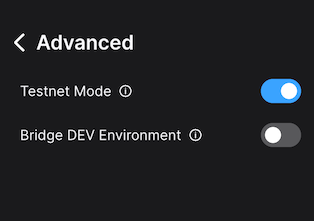
Then we connect Core to WAGMI, Switch on the `Testnet Mode` in `Advanced` page in the hamburger menu:
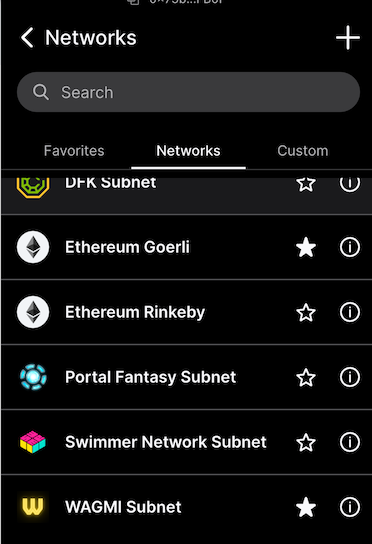
And then open the `Manage Networks` menu in the networks dropdown. Select WAGMI there by clicking the star icon:
We then switch to WAGMI in the networks dropdown. We are ready to move on to Remix now, so we open it in the browser. First, we check that Remix sees the extension and correctly talks to it. We select `Deploy & run transactions` icon on the left edge, and on the Environment dropdown, select `Injected Provider`. We need to approve the Remix network access in the Core browser extension. When that is done, `Custom (11111) network` is shown:
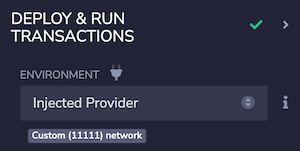
Good, we're talking to WAGMI Lux L1. Next we need to load the contracts into Remix. Using 'load from GitHub' option from the Remix home screen we load two contracts:
- [IAllowList.sol](https://github.com/luxfi/subnet-evm/blob/master/contracts/contracts/interfaces/IAllowList.sol)
- and [IFeeManager.sol](https://github.com/luxfi/subnet-evm/blob/master/contracts/contracts/interfaces/IFeeManager.sol).
IFeeManager is our precompile, but it references the IAllowList, so we need that one as well. We compile IFeeManager.sol and use deployed contract at the precompile address `0x0200000000000000000000000000000000000003` used on the [Lux L1](https://github.com/luxfi/subnet-evm/blob/master/precompile/contracts/feemanager/module.go#L21).
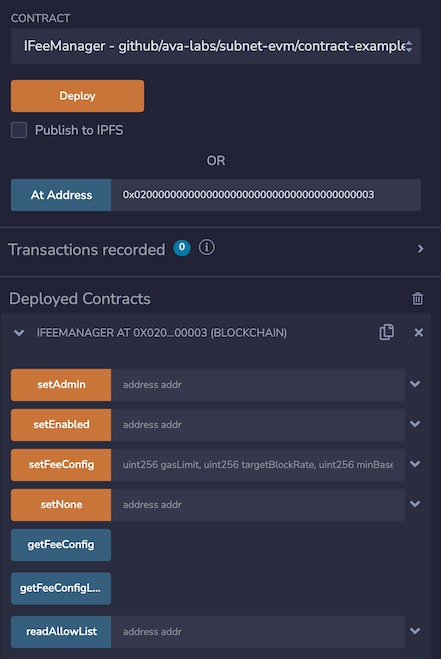
Now we can interact with the FeeManager precompile from within Remix via Core. For example, we can use the `getFeeConfig` method to check the current fee configuration. This action can be performed by anyone as it is just a read operation.
Once we have the new desired configuration for the fees on the Lux L1, we can use the `setFeeConfig` to change the parameters. This action can **only** be performed by the owner `0x6f0f6DA1852857d7789f68a28bba866671f3880D` as the `adminAddress` specified in the [`upgrade.json` above](#deploying-upgradejson).
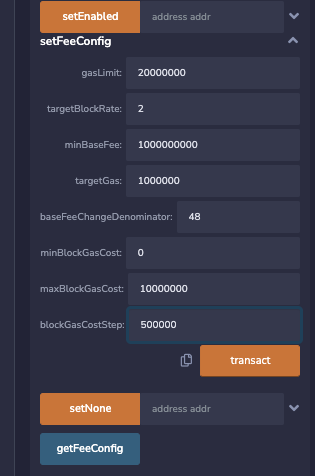
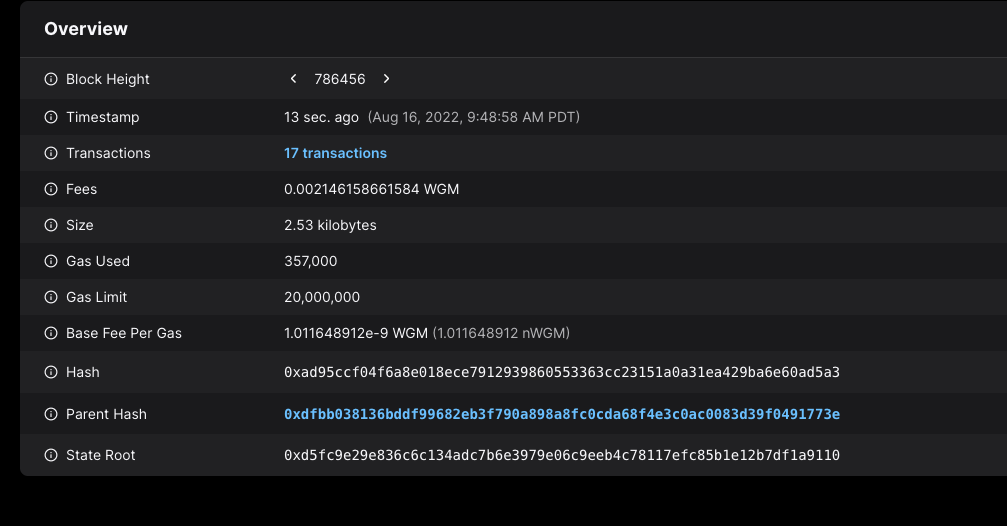
When we call that method by pressing the `transact` button, a new transaction is posted to the Lux L1, and we can see it on [the explorer](https://subnets-test.lux.network/wagmi/block/0xad95ccf04f6a8e018ece7912939860553363cc23151a0a31ea429ba6e60ad5a3):
Immediately after the transaction is accepted, the new fee config takes effect. We can check with the `getFeeCofig` that the values are reflected in the active fee config (again this action can be performed by anyone):
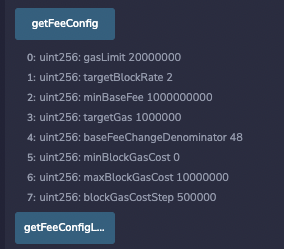
That's it, fees changed! No network upgrades, no complex and risky deployments, just making a simple contract call and the new fee configuration is in place!
### Using NativeMinter[](#using-nativeminter "Direct link to heading")
For the NativeMinter, we can use the same process to connect to the Lux L1 and interact with the precompile. We can load INativeMinter interface using 'load from GitHub' option from the Remix home screen with following contracts:
- [IAllowList.sol](https://github.com/luxfi/subnet-evm/blob/master/contracts/contracts/interfaces/IAllowList.sol)
- and [INativeMinter.sol](https://github.com/luxfi/subnet-evm/blob/master/contracts/contracts/interfaces/INativeMinter.sol).
We can compile them and interact with the deployed contract at the precompile address `0x0200000000000000000000000000000000000001` used on the [Lux L1](https://github.com/luxfi/subnet-evm/blob/master/precompile/contracts/nativeminter/module.go#L22).
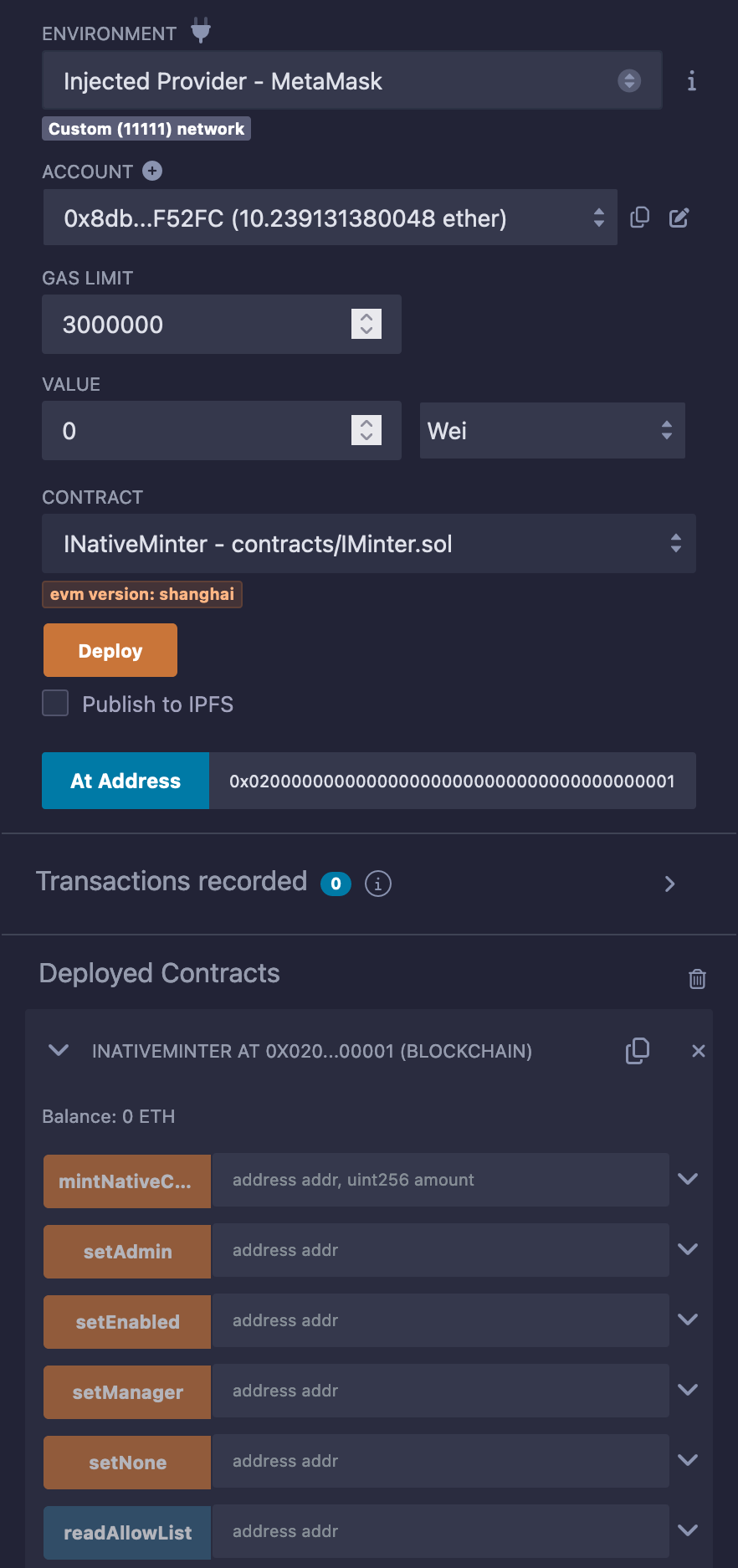
The native minter precompile is used to mint native coins to specified addresses. The minted coins is added to the current supply and can be used by the recipient to pay for gas fees. For more information about the native minter precompile see [here](/docs/lux-l1s/evm-configuration/customize-lux-l1#minting-native-coins).
`mintNativeCoin` method can be only called by enabled, manager and admin addresses. For this upgrade we have added both an admin and a manager address in [`upgrade.json` above](#deploying-upgradejson). The manager address was available after Durango upgrades which occurred on February 13, 2024. We will use the manager address `0xadfa2910dc148674910c07d18df966a28cd21331` to mint native coins.
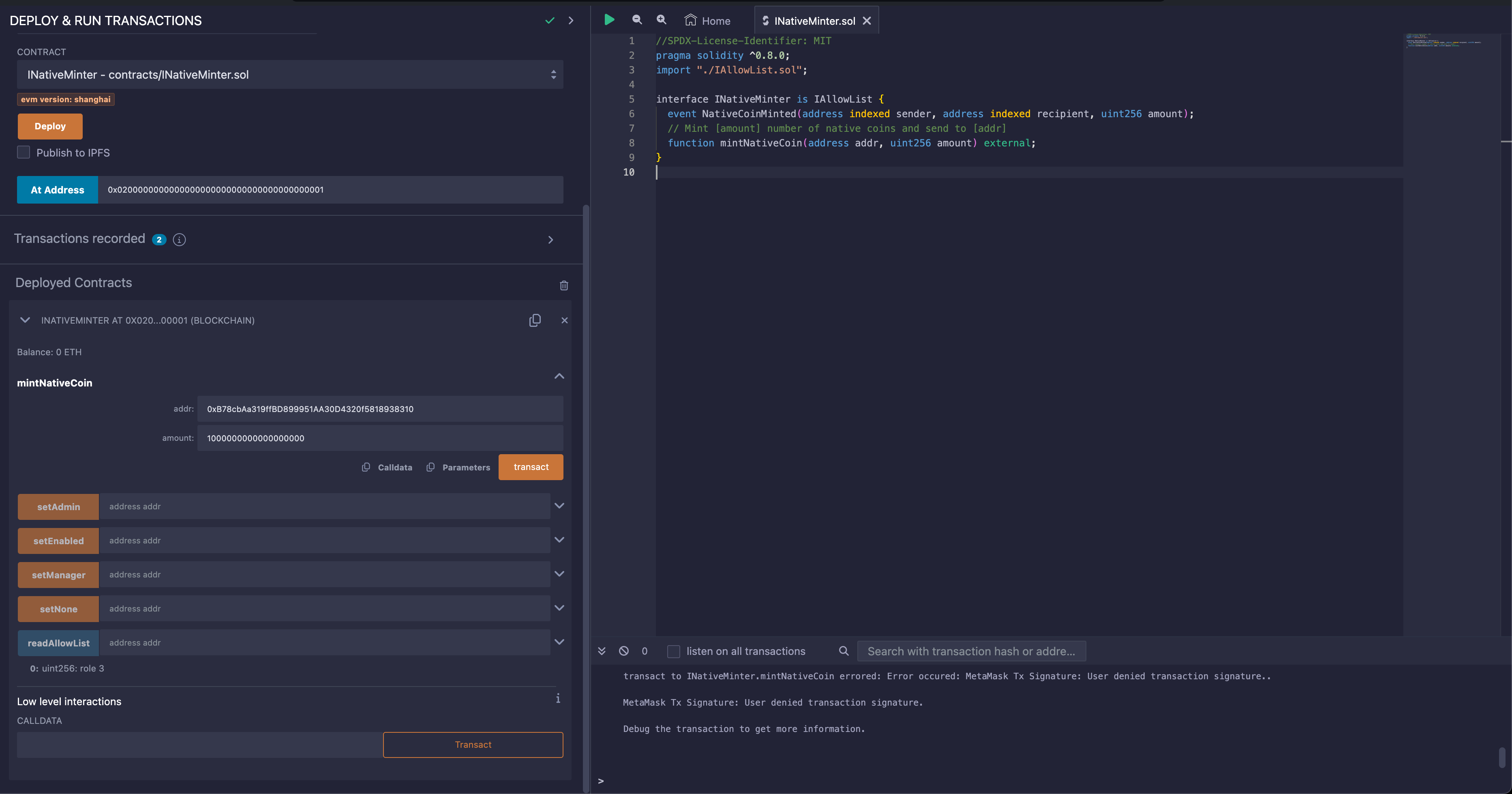
When we call that method by pressing the `transact` button, a new transaction is posted to the Lux L1, and we can see it on [the explorer](https://subnets-test.lux.network/wagmi/tx/0xc4aaba7b5863c1b8f6664ac1d483e2d7d392ab58d1a8feb0b6c318cbae7f1e93):
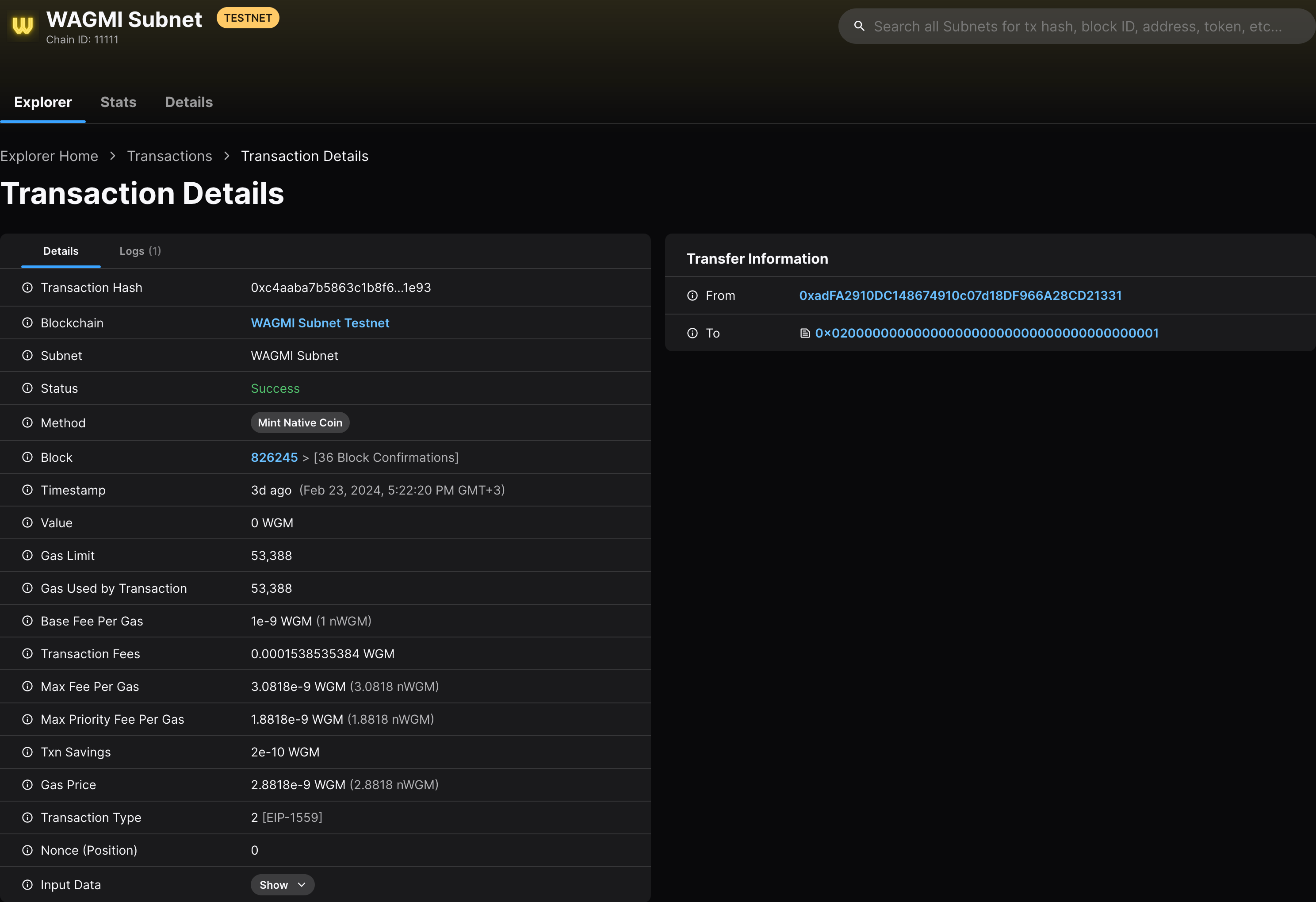
As a result of this transaction, the native minter precompile minted a new native coin (1 WGM) to the recipient address `0xB78cbAa319ffBD899951AA30D4320f5818938310`. The address page on the explorer [here](https://subnets-test.lux.network/wagmi/address/0xB78cbAa319ffBD899951AA30D4320f5818938310) shows no incoming transaction; this is because the 1 WGM was directly minted by the EVM itself, without any sender.
### Conclusion[](#conclusion "Direct link to heading")
Network upgrades can be complex and perilous procedures to carry out safely. Our continuing efforts with Lux L1s is to make upgrades as painless and simple as possible. With the powerful combination of stateful precompiles and network upgrades via the upgrade configuration files we have managed to greatly simplify both the network upgrades and network parameter changes. This in turn enables much safer experimentation and many new use cases that were too risky and complex to carry out with high-coordination efforts required with the traditional network upgrade mechanisms.
We hope this case study will help spark ideas for new things you may try on your own. We're looking forward to seeing what you have built and how easy upgrades help you in managing your Lux L1s! If you have any questions or issues, feel free to contact us on our [Discord](https://chat.avalabs.org/). Or just reach out to tell us what exciting new things you have built!
# Introduction (/docs/nodes)
---
title: Introduction
description: A brief introduction to the concepts of nodes and validators within the Lux ecosystem.
---
LuxGo nodes relay transactions/blocks, expose APIs, and (when staked) participate in consensus on the Primary Network and any Lux L1s they validate.
## Node Roles
| Role | Purpose | Consensus Participation |
|------|---------|-------------------------|
| **Validator** | Stakes on the Platform-Chain, validates the Primary Network and any Subnets/L1s it joins | Yes (polled for Snowman/Snowman++) |
| **Non-validating** | Tracks chains, serves APIs, used for infra and indexing | No (not polled) |
All nodes: connect via P2P with staking certs, track P/C/X, bootstrap or state-sync chains, and serve APIs if enabled.
## Data Retention Modes
| Mode | Description | When to use |
|------|-------------|------------|
| **Archive** | Keep full history | Auditing, full re-exec |
| **Pruned** | Drop old data after sync | Save disk on long-running nodes |
| **State sync** | Sync from state summaries instead of full replay | Fast catch-up for new nodes |
Choose per-chain via chain configs.
## Validator Requirements
| Network | Requirements |
|---------|--------------|
| **Primary Network** | Stake **2,000 LUX** on the Platform-Chain; validation period **14–365 days**; meet uptime to earn rewards; must validate Platform-Chain, LUExchange-Chain, Exchange-Chain |
| **Lux L1s** | Validators pay **1.33 LUX/month** (burned) to the Platform-Chain for validation slots; each L1 sets its own validation/staking rules beyond that. |
Lux L1s are blockchains that run on a Subnet. When you validate a Subnet, you validate all Lux L1s on that Subnet.
### Validator Responsibilities
- **Validate & build blocks**: Participate in Snowman++ consensus (all Primary Network chains and most L1s).
- **Maintain APIs**: Serve RPCs for wallets/apps if enabled.
- **Stay healthy**: Meet uptime and networking requirements to remain in good standing and earn rewards.
# System Requirements (/docs/nodes/system-requirements)
---
title: System Requirements
description: Hardware, storage, and networking requirements for running Lux nodes on the Primary Network and Lux L1s.
---
## Primary Network Validators
Running a Primary Network validator requires careful consideration of your stake weight. Validators with higher stake receive more traffic and must process more data, requiring better hardware.
### Storage Requirements
You **must** use a local NVMe SSD attached directly to your hardware with **minimum 3000 IOPS**. Cloud block storage (AWS EBS, GCP Persistent Disk, Azure Managed Disks) introduces latency that causes poor performance, missed blocks, and potential benching. If running in the cloud, use instance types with local NVMe storage (e.g., AWS i3/i4i instances, GCP N2 with local SSD).
New validators should use **state sync** to bootstrap. While full sync from genesis is still possible, state sync is significantly faster—downloading only the active state (~500 GB) rather than replaying all historical blocks.
| Storage Type | Initial Size | Description |
|--------------|--------------|-------------|
| Active State | ~500 GB | Current state required to validate. Downloaded via state sync. |
| Full Archive | ~12.5 TB | Complete historical state. Only needed for archive nodes or block explorers. |
Even with state sync, your node's storage usage will grow over time as new blocks are added and old state accumulates. A node starting at 500 GB can grow to 1 TB+ over months of operation. Plan for this growth when provisioning storage, or schedule periodic maintenance using [state management strategies](/docs/nodes/maintain/chain-state-management).
### Hardware Requirements
Resource requirements scale with your stake weight. Higher stake means more validator duties and network traffic.
| Component | Low Stake Validators | High Stake Validators |
|-----------|---------------------|----------------------|
| **Use Case** | Validators with modest stake delegations who want reliable operation without over-provisioning | Validators with significant stake who handle proportionally more network traffic and validation duties |
| **CPU** | 4 cores / 8 threads (e.g., AMD Ryzen 5, Intel i5) | 8+ cores / 16 threads (e.g., AMD Ryzen 7/9, Intel i7/i9) |
| **RAM** | 16 GB | 32 GB |
| **Storage** | 1 TB NVMe SSD (local, not network-attached) | 2 TB NVMe SSD (local, not network-attached) |
| **Network** | 100 Mbps symmetric, stable connection | 1 Gbps symmetric, low-latency connection |
| **OS** | Ubuntu 22.04 LTS or macOS ≥ 12 | Ubuntu 22.04 LTS or macOS ≥ 12 |
If you're unsure which tier applies to you: start with low-stake specs and monitor performance. If you see high CPU usage, memory pressure, or network saturation, upgrade accordingly.
---
## Lux L1 Validators
L1 validators run your own blockchain with custom parameters. Hardware requirements depend on your chain's transaction throughput and state size.
| Component | Low Throughput | Medium Throughput | High Throughput |
|-----------|----------------|-------------------|-----------------|
| **Use Case** | Testnets, development chains, or production L1s with minimal traffic (< 10 TPS) | Production L1s with moderate activity (10–100 TPS), gaming chains, or DeFi applications | High-performance L1s with heavy transaction volume (100+ TPS), large state, or complex smart contracts |
| **CPU** | 2 cores | 4 cores | 8+ cores |
| **RAM** | 4 GB | 8 GB | 16 GB+ |
| **Storage** | 100 GB (SSD optional) | 500 GB SSD | 1 TB+ NVMe SSD |
| **Network** | 25 Mbps | 100 Mbps | 1 Gbps |
| **OS** | Ubuntu 22.04 LTS or macOS ≥ 12 | Ubuntu 22.04 LTS or macOS ≥ 12 | Ubuntu 22.04 LTS or macOS ≥ 12 |
L1 validators sync the Platform-Chain to track validator sets and cross-chain messages. This adds minimal overhead to the requirements above.
---
## Networking
LuxGo requires inbound connections on port `9651`. Before installation, ensure your networking environment is properly configured.
### IPv4 and IPv6 Support
LuxGo supports both IPv4 and IPv6:
- **IPv4**: Fully supported and most common
- **IPv6**: Fully supported - your node can operate exclusively on IPv6 or dual-stack
- **Dual-stack**: You can run both IPv4 and IPv6 simultaneously
If using IPv6, ensure your firewall and network configuration properly allow inbound IPv6 connections on port `9651`.
### Cloud Providers
Cloud instances have static IPs by default. Ensure your security group or firewall allows:
- **Inbound**: TCP port 9651 (IPv4 and/or IPv6)
- **Outbound**: All traffic
### Home Connections
Residential connections typically have dynamic IPs. You'll need to:
1. Configure port forwarding for port `9651` on your router
2. Consider a dynamic DNS service if your IP changes frequently
A fully connected Lux node maintains thousands of live TCP connections. Under-powered home routers may struggle with this load, causing lag on other devices or node synchronization issues.
---
## Monitoring Thresholds
Set up monitoring and alerts to catch resource issues before they impact your validator:
| Resource | Warning Threshold | Critical Threshold | Action Required |
|----------|------------------|-------------------|-----------------|
| **Disk Usage** | 80% | 90% | Run [offline pruning](/docs/nodes/maintain/reduce-disk-usage) or [state sync](/docs/nodes/maintain/chain-state-management) |
| **CPU Usage** | 70% sustained | 90% sustained | Upgrade to higher-tier instance or optimize workload |
| **Memory Usage** | 80% | 90% | Upgrade RAM or investigate memory leaks |
| **Network Bandwidth** | 80% of capacity | 95% of capacity | Upgrade network tier or reduce other network traffic |
| **Disk IOPS** | 80% of available | 95% of available | Upgrade to higher IOPS storage |
**Disk usage** is the most common issue for validators. Consider setting up automated alerts at 80% to give yourself time to plan maintenance before your node runs out of space.
---
## Next Steps
- Learn about [Active State vs Archive State](/docs/nodes/maintain/chain-state-management) to understand storage requirements
- Set up [node monitoring](/docs/nodes/maintain/monitoring) to track resource usage and configure alerts
# Lux Consensus (/docs/primary-network/avalanche-consensus)
---
title: Lux Consensus
description: Learn about the Lux Consensus protocol.
---
Consensus is the task of getting a group of computers (a.k.a. nodes) to come to an agreement on a decision. In blockchain, this means that all the participants in a network have to agree on the changes made to the shared ledger.
This agreement is reached through a specific process, a consensus protocol, that ensures that everyone sees the same information and that the information is accurate and trustworthy.
## Lux Consensus
Lux Consensus is a consensus protocol that is scalable, robust, and decentralized. It combines features of both classical and Nakamoto consensus mechanisms to achieve high throughput, fast finality, and energy efficiency. For the whitepaper, see [here](https://www.avalabs.org/whitepapers).
Key Features Include:
- Speed: Lux Consensus provides sub-second, immutable finality, ensuring that transactions are quickly confirmed and irreversible.
- Scalability: Lux Consensus enables high network throughput while ensuring low latency.
- Energy Efficiency: Unlike other popular consensus protocols, participation in Lux Consensus is neither computationally intensive nor expensive.
- Adaptive Security: Lux Consensus is designed to resist various attacks, including sybil attacks, distributed denial-of-service (DDoS) attacks, and collusion attacks. Its probabilistic nature ensures that the consensus outcome converges to the desired state, even when the network is under attack.
## Conceptual Overview
Consensus protocols in the Lux family operate through repeated sub-sampled voting. When a node is determining whether a [transaction](http://support.avalabs.org/en/articles/4587384-what-is-a-transaction) should be accepted, it asks a small, random subset of [validator nodes](http://support.avalabs.org/en/articles/4064704-what-is-a-blockchain-validator) for their preference. Each queried validator replies with the transaction that it prefers, or thinks should be accepted.
Consensus will never include a transaction that is determined to be **invalid**. For example, if you were to submit a transaction to send 100 LUX to a friend, but your wallet only has 2 LUX, this transaction is considered **invalid** and will not participate in consensus.
If a sufficient majority of the validators sampled reply with the same preferred transaction, this becomes the preferred choice of the validator that inquired.
In the future, this node will reply with the transaction preferred by the majority.
The node repeats this sampling process until the validators queried reply with the same answer for a sufficient number of consecutive rounds.
- The number of validators required to be considered a "sufficient majority" is referred to as "α" (_alpha_).
- The number of consecutive rounds required to reach consensus, a.k.a. the "Confidence Threshold," is referred to as "β" (_beta_).
- Both α and β are configurable.
When a transaction has no conflicts, finalization happens very quickly. When conflicts exist, honest validators quickly cluster around conflicting transactions, entering a positive feedback loop until all correct validators prefer that transaction. This leads to the acceptance of non-conflicting transactions and the rejection of conflicting transactions.
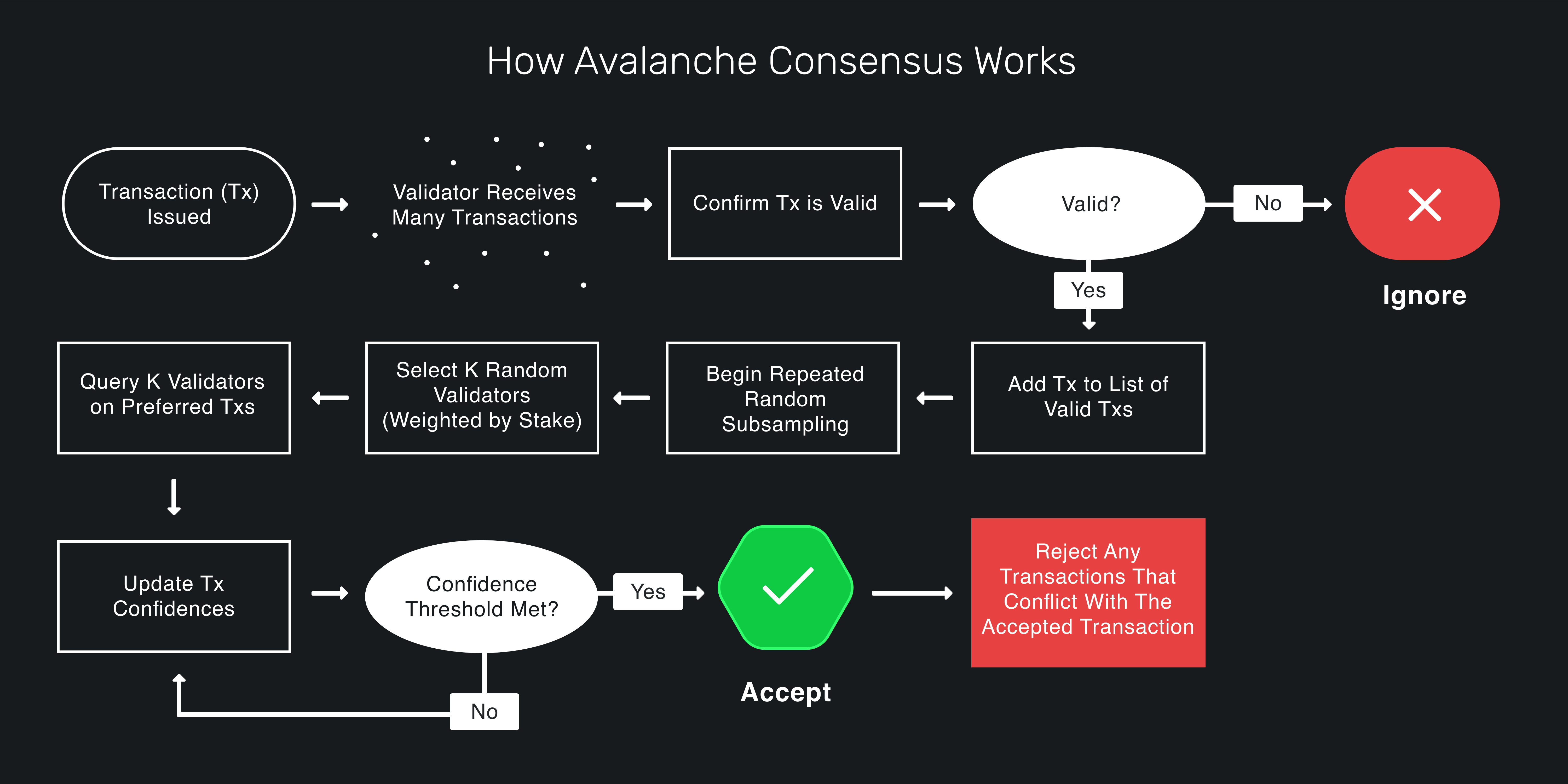
Lux Consensus guarantees that if any honest validator accepts a transaction, all honest validators will come to the same conclusion.
For a great visualization, check out [this demo](https://tedyin.com/archive/snow-bft-demo/#/snow).
## Deep Dive Into Lux Consensus
### Intuition
First, let's develop some intuition about the protocol. Imagine a room full of people trying to agree on what to get for lunch. Suppose it's a binary choice between pizza and barbecue. Some people might initially prefer pizza while others initially prefer barbecue. Ultimately, though, everyone's goal is to achieve **consensus**.
Everyone asks a random subset of the people in the room what their lunch preference is. If more than half say pizza, the person thinks, "OK, looks like things are leaning toward pizza. I prefer pizza now." That is, they adopt the _preference_ of the majority. Similarly, if a majority say barbecue, the person adopts barbecue as their preference.
Everyone repeats this process. Each round, more and more people have the same preference. This is because the more people that prefer an option, the more likely someone is to receive a majority reply and adopt that option as their preference. After enough rounds, they reach consensus and decide on one option, which everyone prefers.
### Snowball
The intuition above outlines the Snowball Algorithm, which is a building block of Lux Consensus. Let's review the Snowball algorithm.
#### Parameters
- _n_: number of participants
- _k_ (sample size): between 1 and _n_
- α (quorum size): between 1 and _k_
- β (decision threshold): >= 1
#### Algorithm
```
preference := pizza
consecutiveSuccesses := 0
while not decided:
ask k random people their preference
if >= α give the same response:
preference := response with >= α
if preference == old preference:
consecutiveSuccesses++
else:
consecutiveSuccesses = 1
else:
consecutiveSuccesses = 0
if consecutiveSuccesses > β:
decide(preference)
```
#### Algorithm Explained
Everyone has an initial preference for pizza or barbecue. Until someone has _decided_, they query _k_ people (the sample size) and ask them what they prefer. If α or more people give the same response, that response is adopted as the new preference. α is called the _quorum size_. If the new preference is the same as the old preference, the `consecutiveSuccesses` counter is incremented. If the new preference is different then the old preference, the `consecutiveSuccesses` counter is set to `1`. If no response gets a quorum (an α majority of the same response) then the `consecutiveSuccesses` counter is set to `0`.
Everyone repeats this until they get a quorum for the same response β times in a row. If one person decides pizza, then every other person following the protocol will eventually also decide on pizza.
Random changes in preference, caused by random sampling, cause a network preference for one choice, which begets more network preference for that choice until it becomes irreversible and then the nodes can decide.
In our example, there is a binary choice between pizza or barbecue, but Snowball can be adapted to achieve consensus on decisions with many possible choices.
The liveness and safety thresholds are parameterizable. As the quorum size, α, increases, the safety threshold increases, and the liveness threshold decreases. This means the network can tolerate more byzantine (deliberately incorrect, malicious) nodes and remain safe, meaning all nodes will eventually agree whether something is accepted or rejected. The liveness threshold is the number of malicious participants that can be tolerated before the protocol is unable to make progress.
These values, which are constants, are quite small on the Lux Network. The sample size, _k_, is `20`. So when a node asks a group of nodes their opinion, it only queries `20` nodes out of the whole network. The quorum size, α, is `14`. So if `14` or more nodes give the same response, that response is adopted as the querying node's preference. The decision threshold, β, is `20`. A node decides on choice after receiving `20` consecutive quorum (α majority) responses.
Snowball is very scalable as the number of nodes on the network, _n_, increases. Regardless of the number of participants in the network, the number of consensus messages sent remains the same because in a given query, a node only queries `20` nodes, even if there are thousands of nodes in the network.
Everything discussed to this point is how Lux is described in [the Lux white-paper](https://assets-global.website-files.com/5d80307810123f5ffbb34d6e/6009805681b416f34dcae012_Lux%20Consensus%20Whitepaper.pdf). The implementation of the Lux Consensus protocol by Lux Network (namely in LuxGo) has some optimizations for latency and throughput.
### Blocks
A block is a fundamental component that forms the structure of a blockchain. It serves as a container or data structure that holds a collection of transactions or other relevant information. Each block is cryptographically linked to the previous block, creating a chain of blocks, hence the term "blockchain."
In addition to storing a reference of its parent, a block contains a set of transactions. These transactions can represent various types of information, such as financial transactions, smart contract operations, or data storage requests.
If a node receives a vote for a block, it also counts as a vote for all of the block's ancestors (its parent, the parents' parent, etc.).
### Finality
Lux Consensus is probabilistically safe up to a safety threshold. That is, the probability that a correct node accepts a transaction that another correct node rejects can be made arbitrarily low by adjusting system parameters. In Nakamoto consensus protocol (as used in Bitcoin and Ethereum, for example), a block may be included in the chain but then be removed and not end up in the canonical chain. This means waiting an hour for transaction settlement. In Lux, acceptance/rejection are **final and irreversible** and only take a few seconds.
### Optimizations
It's not safe for nodes to just ask, "Do you prefer this block?" when they query validators. In Lux Network' implementation, during a query a node asks, "Given that this block exists, which block do you prefer?" Instead of getting back a binary yes/no, the node receives the other node's preferred block.
Nodes don't only query upon hearing of a new block; they repeatedly query other nodes until there are no blocks processing.
Nodes may not need to wait until they get all _k_ query responses before registering the outcome of a poll. If a block has already received _alpha_ votes, then there's no need to wait for the rest of the responses.
### Validators
If it were free to become a validator on the Lux network, that would be problematic because a malicious actor could start many, many nodes which would get queried very frequently. The malicious actor could make the node act badly and cause a safety or liveness failure. The validators, the nodes which are queried as part of consensus, have influence over the network. They have to pay for that influence with real-world value in order to prevent this kind of ballot stuffing. This idea of using real-world value to buy influence over the network is called Proof of Stake.
To become a validator, a node must **bond** (stake) something valuable (**LUX**). The more LUX a node bonds, the more often that node is queried by other nodes. When a node samples the network it's not uniformly random. Rather, it's weighted by stake amount. Nodes are incentivized to be validators because they get a reward if, while they validate, they're sufficiently correct and responsive.
Lux doesn't have slashing. If a node doesn't behave well while validating, such as giving incorrect responses or perhaps not responding at all, its stake is still returned in whole, but with no reward. As long as a sufficient portion of the bonded LUX is held by correct nodes, then the network is safe, and is live for virtuous transactions.
### Big Ideas
Two big ideas in Lux are **subsampling** and **transitive voting**.
Subsampling has low message overhead. It doesn't matter if there are twenty validators or two thousand validators; the number of consensus messages a node sends during a query remains constant.
Transitive voting, where a vote for a block is a vote for all its ancestors, helps with transaction throughput. Each vote is actually many votes in one.
### Loose Ends
Transactions are created by users which call an API on an [LuxGo](https://github.com/luxfi/luxgo) full node or create them using a library such as [LuxJS](https://github.com/luxfi/luxjs).
### Other Observations
Conflicting transactions are not guaranteed to be live. That's not really a problem because if you want your transaction to be live then you should not issue a conflicting transaction.
Wave is the name of Lux Network's implementation of the Lux Consensus protocol for linear chains.
If there are no undecided transactions, the Lux Consensus protocol _quiesces_. That is, it does nothing if there is no work to be done. This makes Lux more sustainable than Proof-of-work where nodes need to constantly do work.
Lux has no leader. Any node can propose a transaction and any node that has staked LUX can vote on every transaction, which makes the network more robust and decentralized.
## Why Do We Care?
Lux is a general consensus engine. It doesn't matter what type of application is put on top of it. The protocol allows the decoupling of the application layer from the consensus layer. If you're building a dapp on Lux then you just need to define a few things, like how conflicts are defined and what is in a transaction. You don't need to worry about how nodes come to an agreement. The consensus protocol is a black box that put something into it and it comes back as accepted or rejected.
Lux can be used for all kinds of applications, not just P2P payment networks. Lux's Primary Network has an instance of the Ethereum Virtual Machine, which is backward compatible with existing Ethereum Dapps and dev tooling. The Ethereum consensus protocol has been replaced with Lux Consensus to enable lower block latency and higher throughput.
Lux is very performant. It can process thousands of transactions per second with one to two second acceptance latency.
## Summary
Lux Consensus is a radical breakthrough in distributed systems. It represents as large a leap forward as the classical and Nakamoto consensus protocols that came before it. Now that you have a better understanding of how it works, check out other documentations for building game-changing Dapps and financial instruments on Lux.
# LUX Token (/docs/primary-network/avax-token)
---
title: LUX Token
description: Learn about the native token of Lux Primary Network.
---
LUX is the native utility token of Lux. It's a hard-capped, scarce asset that is used to pay for fees, secure the platform through staking, and provide a basic unit of account between the multiple Lux L1s created on Lux.
`1 nLUX` is equal to `0.000000001 LUX`. Use the [LUX Unit Converter](/console/primary-network/unit-converter) to convert between different LUX denominations.
## Utility
LUX is a capped-supply (up to 720M) resource in the Lux ecosystem that's used to power the
network. LUX is used to secure the ecosystem through staking and for day-to-day operations like
issuing transactions.
LUX represents the weight that each node has in network decisions. No single actor owns
the Lux Network, so each validator in the network is given a proportional weight in the
network's decisions corresponding to the proportion of total stake that they own through proof
of stake (PoS).
Any entity trying to execute a transaction on Lux Primary Network pays a corresponding fee (commonly known as
"gas") to run it on the network. The fees used to execute a transaction on Lux is burned,
or permanently removed from circulating supply.
## Tokenomics
A fixed amount of 360M LUX was minted at genesis, but a small amount of LUX is constantly minted
as a reward to validators. The protocol rewards validators for good behavior by minting them LUX
rewards at the end of their staking period. The minting process offsets the LUX burned by
transactions fees. While LUX is still far away from its supply cap, it will almost always remain an
inflationary asset.
Lux does not take away any portion of a validator's already staked tokens (commonly known as
"slashing") for negligent/malicious staking periods, however this behavior is disincentivized as
validators who attempt to do harm to the network would expend their node's computing resources
for no reward.
LUX is minted according to the following formula, where $R_j$ is the total number of tokens at
year $j$, with $R_1 = 360M$, and $R_l$ representing the last year that the values of
$\gamma,\lambda \in \R$ were changed; $c_j$ is the yet un-minted supply of coins to reach $720M$ at
year $j$ such that $c_j \leq 360M$; $u$ represents a staker, with $u.s_{amount}$ representing the
total amount of stake that $u$ possesses, and $u.s_{time}$ the length of staking for $u$.
LUX is minted according to the following formula, where $R_j$ is the total number of tokens at:
$$
R_j = R_l + \sum_{\forall u} \rho(u.s_{amount}, u.s_{time}) \times \frac{c_j}{L} \times \left( \sum_{i=0}^{j}\frac{1}{\left(\gamma + \frac{1}{1 + i^\lambda}\right)^i} \right)
$$
where,
$$
L = \left(\sum_{i=0}^{\infty} \frac{1}{\left(\gamma + \frac{1}{1 + i^\lambda} \right)^i} \right)
$$
At genesis, $c_1 = 360M$. The values of $\gamma$ and $\lambda$ are governable, and if changed,
the function is recomputed with the new value of $c_*$. We have that $\sum_{*}\rho(*) \le 1$.
$\rho(*)$ is a linear function that can be computed as follows ($u.s_{time}$ is measured in weeks,
and $u.s_{amount}$ is measured in LUX tokens):
$$
\rho(u.s_{amount}, u.s_{time}) = (0.002 \times u.s_{time} + 0.896) \times \frac{u.s_{amount}}{R_j}
$$
If the entire supply of tokens at year $j$ is staked for the maximum amount of staking time (one
year, or 52 weeks), then $\sum_{\forall u}\rho(u.s_{amount}, u.s_{time}) = 1$. If, instead,
every token is staked continuously for the minimal stake duration of two weeks, then
$\sum_{\forall u}\rho(u.s_{amount}, u.s_{time}) = 0.9$. Therefore, staking for the maximum
amount of time incurs an additional 11.11% of tokens minted, incentivizing stakers to stake
for longer periods.
Due to the capped-supply, the above function guarantees that
LUX will never exceed a total of $720M$ tokens, or $\lim_{j \to \infty} R(j) = 720M$.
# Coreth Architecture (/docs/primary-network/coreth-architecture)
---
title: Coreth Architecture
description: How the LUExchange-Chain EVM (Coreth) runs inside LuxGo, including consensus, execution, and cross-chain transfers.
---
Coreth is the EVM implementation that powers the LUExchange-Chain. It is shipped with LuxGo under [`graft/coreth`](https://github.com/luxfi/luxgo/tree/master/graft/coreth) and wrapped by chain consensus ([`vms/proposervm`](https://github.com/luxfi/luxgo/tree/master/vms/proposervm)) for block production.
At a glance:
- chain consensus engine calls into Coreth’s block builder and execution pipeline.
- Coreth executes EVM bytecode, maintains state (trie over Pebble/LevelDB), and exposes JSON-RPC/WS.
- Atomic import/export uses shared UTXO memory and writes to the node database.
## Consensus & Block Production
- Runs **chain consensus** via the ProposerVM wrapper; a stake-weighted proposer list gates each 5s window before falling back to anyone building.
- Blocks are built by Coreth's block builder ([`graft/coreth/plugin/evm/block_builder.go`](https://github.com/luxfi/luxgo/blob/master/graft/coreth/plugin/evm/block_builder.go)), which applies EIP-1559 base fee rules and proposer-specific metadata.
- Chain ID: Mainnet `43114`, Testnet `43113`. JSON-RPC is exposed at `/ext/bc/C/rpc` with optional WebSocket at `/ext/bc/C/ws`.
## Execution Pipeline
- **Execution**: Standard go-ethereum VM with Lux-specific patches (fee handling, atomic tx support, bootstrapping/state sync) in [`graft/coreth`](https://github.com/luxfi/luxgo/tree/master/graft/coreth).
- **State**: Uses PebbleDB/LevelDB via LuxGo's database interface; state pruning and state-sync are configurable.
- **APIs**: Supports `eth`, `net`, `web3`, `debug` (optional), `txpool` (optional) namespaces. Enable/disable via chain config.
## Cross-Chain (Atomic) Transfers
- Coreth supports **atomic import/export** to the Exchange-Chain and Platform-Chain using shared UTXO memory ([`graft/coreth/plugin/evm/atomic`](https://github.com/luxfi/luxgo/tree/master/graft/coreth/plugin/evm/atomic)).
- Exports lock LUX into an atomic UTXO set; imports consume those UTXOs to credit balance on the destination chain.
- Wallet helpers and SDKs build these atomic txs against the LUExchange-Chain RPC; on-chain they show up as `ImportTx`/`ExportTx` wrapping atomic inputs/outputs.
## Configuration
Chain-specific config lives at:
```json title="~/.luxgo/configs/chains/C/config.json"
{
"eth-apis": ["eth", "net", "web3", "eth-filter"],
"pruning-enabled": true,
"state-sync-enabled": true
}
```
Key knobs:
- `eth-apis`: List of RPC namespaces to serve.
- `pruning-enabled`: Enable state trie pruning.
- `state-sync-enabled`: Allow state sync bootstrap instead of full replay.
- P-chain fee recipient and other advanced options are also supported; see [`graft/coreth/plugin/evm/config.go`](https://github.com/luxfi/luxgo/blob/master/graft/coreth/plugin/evm/config.go).
## Developer Tips
- Use **chain configs** to toggle RPC namespaces instead of patching code.
- When running local devnets, use `--chain-config-content` to pass base64 configs inline.
- For cross-chain LUX moves, call the Platform-Chain/Exchange-Chain import/export endpoints; Coreth handles the atomic mempool internally.
# Exchange Integration (/docs/primary-network/exchange-integration)
---
title: Exchange Integration
description: Learn how to integrate your exchange with the EVM-Compatible Lux LUExchange-Chain.
---
## Overview
The objective of this document is to provide a brief overview of how to
integrate with the EVM-Compatible Lux LUExchange-Chain.
For teams that already
support ETH, supporting the LUExchange-Chain is as straightforward as spinning up an
Lux node (which has the [same API](https://ethereum.org/en/developers/docs/apis/json-rpc/) as
[`go-ethereum`](https://geth.ethereum.org/docs/rpc/server)) and populating
Lux's ChainID (43114) when constructing transactions.
Additionally, Lux Network maintains an implementation of the [Rosetta
API](https://docs.cdp.coinbase.com/mesh/docs/welcome) for the LUExchange-Chain called
[lux-rosetta](https://github.com/luxfi/lux-rosetta). You can
learn more about this standardized integration path on the attached Rosetta API
website.
## Integration Using EVM Endpoints
### Running an Lux Node
If you want to build your node form source or include it in a docker image,
reference the [LuxGo GitHub
repository](https://github.com/luxfi/luxgo). To quickly get up and
running, you can use the [node installation script](/docs/nodes/run-a-node/using-install-script/installing-lux-go) that automates installing
and updating LuxGo node as a `systemd` service on Linux, using prebuilt
binaries.
### Configuring an Lux Node
All configuration options and their default values are described [here](/docs/nodes/configure/configs-flags).
You can supply configuration options on the command line, or use a config file,
which can be easier to work with when supplying many options. You can specify
the config file location with `—config-file=config.json`, where `config.json` is
a JSON file whose keys and values are option names and values.
Individual chains, including the LUExchange-Chain, have their own configuration options
which are separate from the node-level options. These can also be specified in a
config file. For more details, see
[here](/docs/nodes/chain-configs/primary-network/c-chain).
The LUExchange-Chain config file should be at
`$HOME/.luxgo/configs/chains/C/config.json`. You can also tell LuxGo
to look somewhere else for the LUExchange-Chain config file with option
`--chain-config-dir`. An example LUExchange-Chain config file:
If you need Ethereum's [Archive
Node](https://ethereum.org/en/developers/docs/nodes-and-clients/#archive-node)
functionality, you need to disable LUExchange-Chain pruning, which has been enabled by
default since LuxGo v1.4.10. To disable pruning, include
`"pruning-enabled": false` in the LUExchange-Chain config file as shown below.
```json
{
"coreth-admin-api-enabled": false,
"local-txs-enabled": true,
"pruning-enabled": false,
"eth-apis": [
"internal-eth",
"internal-blockchain",
"internal-transaction",
"internal-tx-pool",
"internal-account",
"internal-personal",
"debug-tracer",
"web3",
"eth",
"eth-filter",
"admin",
"net"
]
}
```
### Interacting with the LUExchange-Chain
Interacting with the LUExchange-Chain is identical to interacting with
[`go-ethereum`](https://geth.ethereum.org/). You can find the reference material
for LUExchange-Chain API [here](/docs/rpcs/c-chain).
Please note that `personal_` namespace is turned off by default. To turn it on,
you need to pass the appropriate command line switch to your node, like in the
above config example.
## Integration Using Rosetta
[Rosetta](https://docs.cdp.coinbase.com/mesh/docs/welcome) is an open-source specification and set
of tools that makes integrating with different blockchain networks easier by
presenting the same set of APIs for every network. The Rosetta API is made up of
2 core components, the [Data
API](https://docs.cdp.coinbase.com/mesh/docs/api-data) and the
[Construction
API](https://docs.cdp.coinbase.com/mesh/docs/api-construction).
Together, these APIs allow for anyone to read and write to blockchains in a
standard format over a standard communication protocol. The specifications for
these APIs can be found in the
[rosetta-specifications](https://github.com/coinbase/rosetta-specifications)
repository.
You can find the Rosetta server implementation for Lux LUExchange-Chain
[here](https://github.com/luxfi/lux-rosetta), all you need to do is
install and run the server with proper configuration. It comes with a `Dockerfile`
that packages both the server and the Lux client. Detailed instructions
can be found in the linked repository.
## Constructing Transactions
Lux LUExchange-Chain transactions are identical to standard EVM transactions with 2 exceptions:
- They must be signed with Lux's ChainID (43114).
- The detailed dynamic gas fee can be found [here](/docs/rpcs/other/guides/txn-fees#c-chain-fees).
For development purposes, Lux supports all the popular tooling for
Ethereum, so developers familiar with Ethereum and Solidity can feel right at
home. Popular development environments include:
- [Remix IDE](https://remix.ethereum.org/)
- [thirdweb](https://thirdweb.com/)
- [Hardhat](https://hardhat.org/)
## Ingesting On-Chain Data
You can use any standard way of ingesting on-chain data you use for Ethereum network.
### Determining Finality
Lux consensus provides fast and irreversible finality with 1-2 seconds. To
query the most up-to-date finalized block, query any value (that is block, balance,
state, etc) with the `latest` parameter. If you query above the last finalized
block (that is eth_blockNumber returns 10 and you query 11), an error will be
thrown indicating that unfinalized data cannot be queried (as of
`luxgo@v1.3.2`).
### (Optional) Custom Golang SDK
If you plan on extracting data from the LUExchange-Chain into your own systems using
Golang, we recommend using our custom
[`ethclient`](https://github.com/luxfi/luxgo/tree/master/graft/coreth/ethclient). The
standard `go-ethereum` Ethereum client does not compute block hashes correctly
(when you call `block.Hash()`) because it doesn't take into account the added
[ExtDataHash](https://github.com/luxfi/luxgo/blob/master/graft/coreth/core/types/block.go#L98)
header field in Lux LUExchange-Chain blocks, which is used move LUX between chains
(Exchange-Chain and Platform-Chain). You can read more about our multi-chain abstraction
[here](/docs/primary-network) (out of scope for a
normal LUExchange-Chain integration).
If you plan on reading JSON responses directly or use web3.js (doesn't recompute
hash received over the wire) to extract on-chain transaction data/logs/receipts,
you shouldn't have any issues!
## Support
If you have any problems or questions, reach out either directly to our
developers, or on our public [Discord](https://chat.avalabs.org/) server.
# Primary Network (/docs/primary-network)
---
title: Primary Network
description: Learn about the Lux Primary Network and its three blockchains.
---
import { Network, Layers, Terminal, ArrowRight, Database, Package } from 'lucide-react';
Lux is a heterogeneous network of blockchains. As opposed to homogeneous networks, where all applications reside in the same chain, heterogeneous networks allow separate chains to be created for different applications.
The Primary Network is a special [Lux L1](/docs/lux-l1s) that runs three blockchains:
- The Contract Chain [(LUExchange-Chain)](/docs/primary-network#c-chain-contract-chain)
- The Platform Chain [(Platform-Chain)](/docs/primary-network#p-chain-platform-chain)
- The Exchange Chain [(Exchange-Chain)](/docs/primary-network#x-chain-exchange-chain)
Lux Mainnet is comprised of the Primary Network and all deployed Lux L1s.
A node can become a validator for the Primary Network by staking at least **2,000 LUX**.
### LUExchange-Chain (Contract Chain)
The **LUExchange-Chain** is an implementation of the Ethereum Virtual Machine (EVM). The [LUExchange-Chain's API](/docs/rpcs/c-chain) supports Geth's API and supports the deployment and execution of smart contracts written in Solidity.
The LUExchange-Chain is an instance of the [Coreth](https://github.com/luxfi/luxgo/tree/master/graft/coreth) Virtual Machine.
| Property | Mainnet | Testnet Testnet |
|----------|---------|--------------|
| **Network Name** | Lux LUExchange-Chain | Lux Testnet LUExchange-Chain |
| **Chain ID** | 43114 (0xA86A) | 43113 (0xA869) |
| **Currency** | LUX | LUX |
| **RPC URL** | https://api.lux.network/ext/bc/C/rpc | https://api.lux-test.network/ext/bc/C/rpc |
| **Explorer** | https://subnets.lux.network/c-chain | https://subnets-test.lux.network/c-chain |
| **Faucet** | - | [Get Test LUX](/console/primary-network/faucet) |
| **Add to Wallet** | | |
### Platform-Chain (Platform Chain)
The **Platform-Chain** is responsible for all validator and Lux L1-level operations. The [Platform-Chain API](/docs/rpcs/p-chain) supports the creation of new blockchains and Lux L1s, the addition of validators to Lux L1s, staking operations, and other platform-level operations.
The Platform-Chain is an instance of the [Platform Virtual Machine](https://github.com/luxfi/luxgo/tree/master/vms/platformvm).
| Property | Mainnet | Testnet Testnet |
|----------|---------|--------------|
| **RPC URL** | https://api.lux.network/ext/bc/P | https://api.lux-test.network/ext/bc/P |
| **Currency** | LUX | LUX |
| **Explorer** | https://subnets.lux.network/p-chain | https://subnets-test.lux.network/p-chain |
### Exchange-Chain (Exchange Chain)
The **Exchange-Chain** is responsible for operations on digital smart assets known as **Lux Native Tokens**. A smart asset is a representation of a real-world resource (for example, equity, or a bond) with sets of rules that govern its behavior, like "can't be traded until tomorrow." The [Exchange-Chain API](/docs/rpcs/x-chain) supports the creation and trade of Lux Native Tokens.
One asset traded on the Exchange-Chain is LUX. When you issue a transaction to a blockchain on Lux, you pay a fee denominated in LUX.
The Exchange-Chain is an instance of the Lux Virtual Machine (XVM).
| Property | Mainnet | Testnet Testnet |
|----------|---------|--------------|
| **RPC URL** | https://api.lux.network/ext/bc/X | https://api.lux-test.network/ext/bc/X |
| **Currency** | LUX | LUX |
| **Explorer** | https://subnets.lux.network/x-chain | https://subnets-test.lux.network/x-chain |
## Explore More
# PlatformVM Architecture (/docs/primary-network/platformvm-architecture)
---
title: PlatformVM Architecture
description: How the Platform-Chain manages validators, staking, and Lux L1 creation inside LuxGo.
---
PlatformVM (Platform-Chain) runs on chain consensus and controls validators, staking rewards, subnet membership, and chain creation. Source lives in [`vms/platformvm`](https://github.com/luxfi/luxgo/tree/master/vms/platformvm) and its block/tx types in [`vms/platformvm/txs`](https://github.com/luxfi/luxgo/tree/master/vms/platformvm/txs).
At a glance:
- chain consensus engine drives PlatformVM block production; mempool feeds Standard/Proposal/Atomic blocks.
- Validator registry, subnet membership, warp signing, and atomic UTXOs are persisted in the node database.
- Platform-Chain APIs expose validator state, subnet/chain creation, staking ops, and block fetch.
## Responsibilities
- **Validator registry & staking**: Tracks Primary Network validators and delegators, uptime, staking rewards, and validator fees.
- **Subnet/L1 orchestration**: Creates Subnets and chains (`CreateSubnetTx`, `CreateChainTx`), maintains Subnet validator sets (including permissionless add/remove).
- **Warp messaging**: Signs warp messages for cross-chain communication on Lux L1s.
- **Atomic transfers**: Handles import/export of LUX to/from other chains via shared memory.
## Consensus & Blocks
- Uses **chain consensus** via the ProposerVM (single proposer windows with fallback).
- Blocks are built by [`vms/platformvm/block/builder`](https://github.com/luxfi/luxgo/tree/master/vms/platformvm/block/builder); block types include **Standard**, **Proposal** (with **Commit/Abort** options), and **Atomic** blocks.
- State sync is supported for faster bootstrap; bootstrapping peers can be overridden via `CustomBeacons` in the Platform-Chain `ChainParameters`.
## Key Transaction Types
| Transaction | Purpose |
|-------------|---------|
| `AddValidatorTx`, `AddDelegatorTx` | Join the Primary Network validator set / delegate stake |
| `AddSubnetValidatorTx` | Add a validator to a Subnet (validator must also be on Primary) |
| `AddPermissionlessValidatorTx` / `AddPermissionlessDelegatorTx` | Permissionless validation on Subnets that allow it |
| `CreateSubnetTx` | Create a new Subnet and owner controls |
| `CreateChainTx` | Launch a new blockchain (VM + genesis) on a Subnet |
| `ImportTx` / `ExportTx` | Move LUX to/from other chains via atomic UTXOs |
| `RewardValidatorTx` | Mint rewards after successful staking periods |
| `TransformSubnetTx` | Legacy subnet transform (disabled post-Etna) |
## Platform-Chain APIs
- Exposed at `/ext/bc/P` with namespaces such as `platform.getBlock`, `platform.getCurrentValidators`, `platform.issueTx`, `platform.getSubnets`, `platform.getBlockchains`.
- Health and metrics are surfaced via the node-level `/ext/health` and `/ext/metrics`.
## Configuration
Default chain config location:
```json title="~/.luxgo/configs/chains/P/config.json"
{
"state-sync-enabled": true,
"pruning-enabled": true
}
```
- Subnet and chain aliases can be set in `~/.luxgo/configs/chains/aliases.json`.
- Upgrade rules and Subnet parameters are read from the chain config and network upgrade settings (`upgrade/`).
## Developer Tips
- When testing new Subnets/VMs, pass `CreateChainTx` genesis bytes and VM IDs via `platform.issueTx`.
- For permissionless Subnets, ensure the Subnet’s config enables the relevant validator/delegator transactions before issuing them.
- Use `platform.getBlock` to inspect Proposal/Commit/Abort flow if debugging staking or subnet updates.
# Virtual Machines (/docs/primary-network/virtual-machines)
---
title: Virtual Machines
description: Learn about blockchain VMs and how you can build a custom VM-enabled blockchain in Lux.
---
A **Virtual Machine** (VM) is the blueprint for a blockchain, meaning it defines a blockchain's complete application logic by specifying the blockchain's state, state transitions, transaction rules, and API interface.
Developers can use the same VM to create multiple blockchains, each of which follows identical rules but is independent of all others.
All Lux validators of the **Lux Primary Network** are required to run three VMs:
- **Coreth**: Defines the Contract Chain (LUExchange-Chain); supports smart contract functionality and is EVM-compatible.
- **Platform VM**: Defines the Platform Chain (Platform-Chain); supports operations on staking and Lux L1s.
- **Lux VM**: Defines the Exchange Chain (Exchange-Chain); supports operations on Lux Native Tokens.
All three can easily be run on any computer with [LuxGo](/docs/nodes).
## Custom VMs on Lux
Developers with advanced use-cases for utilizing distributed ledger technology are often forced to build everything from scratch - networking, consensus, and core infrastructure - before even starting on the actual application.
Lux eliminates this complexity by:
- Providing VMs as simple blueprints for defining blockchain behavior
- Supporting development in any programming language with familiar tools
- Handling all low-level infrastructure automatically
This lets developers focus purely on building their dApps, ecosystems, and communities, rather than wrestling with blockchain fundamentals.
### How Custom VMs Work
Customized VMs can communicate with Lux over a language agnostic request-response protocol known as [RPC](https://en.wikipedia.org/wiki/Remote_procedure_call). This allows the VM framework to open a world of endless possibilities, as developers can implement their dApps using the languages, frameworks, and libraries of their choice.
Validators can install additional VMs on their node to validate additional [Lux L1s](/docs/lux-l1s) in the Lux ecosystem. In exchange, validators receive staking rewards in the form of a reward token determined by the Lux L1s.
## Building a Custom VM
You can start building your first custom virtual machine in two ways:
1. Use the ready-to-deploy Subnet-EVM for Solidity-based development
2. Create a custom VM in Golang, Rust, or your preferred language
The choice depends on your needs. Subnet-EVM provides a quick start with Ethereum compatibility, while custom VMs offer maximum flexibility.
### Golang Examples
See here for a tutorial on [How to Build a Simple Golang VM](/docs/lux-l1s/golang-vms/simple-golang-vm).
### Rust Examples
See here for a tutorial on [How to Build a Simple Rust VM](/docs/lux-l1s/rust-vms/setting-up-environment).
# RPC APIs (/docs/rpcs)
---
title: RPC APIs
description: LuxGo RPC API References for interacting with Lux nodes
---
# RPC APIs
This section contains comprehensive documentation for all RPC (Remote Procedure Call) APIs available in the Lux ecosystem.
## Chain-Specific APIs
### LUExchange-Chain (Contract Chain)
The LUExchange-Chain is an instance of the Ethereum Virtual Machine (EVM). Documentation for LUExchange-Chain RPC methods and transaction formats.
### Platform-Chain (Platform Chain)
The Platform-Chain manages validators, staking, and subnets. Documentation for Platform-Chain RPC methods and transaction formats.
### Exchange-Chain (Exchange Chain)
The Exchange-Chain is responsible for asset creation and trading. Documentation for Exchange-Chain RPC methods and transaction formats.
### Subnet-EVM
The Subnet-EVM is an instance of the EVM for Subnet / Layer 1 chains. Documentation for Subnet-EVM RPC methods and transaction formats.
## Other APIs
Additional RPC APIs for node administration, health monitoring, indexing, metrics, and more.
# Data API vs RPC (/docs/api-reference/data-api/data-vs-rpc)
---
title: Data API vs RPC
description: Comparison of the Data API and RPC methods
icon: Server
---
In the rapidly evolving world of Web3 development, efficiently retrieving token balances for a user's address is a fundamental requirement. Whether you're building DeFi platforms, wallets, analytics tools, or exchanges, displaying accurate token balances is crucial for user engagement and trust. A typical use case involves showing a user's token portfolio in a wallet application, in this case, we have sLux and USDC.
Developers generally have two options to fetch this data:
1. **Using RPC methods to index blockchain data on their own**
2. **Leveraging an indexer provider like the Data API**
While both methods aim to achieve the same goal, the Data API offers a more efficient, scalable, and developer-friendly solution. This article delves into why using the Data API is better than relying on traditional RPC (Remote Procedure Call) methods.
### What Are RPC methods and their challenges?
Remote Procedure Call (RPC) methods allow developers to interact directly with blockchain nodes. One of their key advantages is that they are standardized and universally understood by blockchain developers across different platforms. With RPC, you can perform tasks such as querying data, submitting transactions, and interacting with smart contracts. These methods are typically low-level and synchronous, meaning they require a deep understanding of the blockchain’s architecture and specific command structures.
You can refer to the [official documentation](https://ethereum.org/en/developers/docs/apis/json-rpc/) to gain a more comprehensive understanding of the JSON-RPC API.
Here’s an example using the `eth_getBalance` method to retrieve the native balance of a wallet:
```bash
curl --location 'https://api.lux.network/ext/bc/C/rpc' \
--header 'Content-Type: application/json' \
--data '{"method":"eth_getBalance","params":["0x8ae323046633A07FB162043f28Cea39FFc23B50A", "latest"],"id":1,"jsonrpc":"2.0"}'
```
This call returns the following response:
```json
{
"jsonrpc": "2.0",
"id": 1,
"result": "0x284476254bc5d594"
}
```
The balance in this wallet is 2.9016 LUX. However, despite the wallet holding multiple tokens such as USDC, the `eth_getBalance` method only returns the LUX amount and it does so in Wei and in hexadecimal format. This is not particularly human-readable, adding to the challenge for developers who need to manually convert the balance to a more understandable format.
#### No direct RPC methods to retrieve token balances
Despite their utility, RPC methods come with significant limitations when it comes to retrieving detailed token and transaction data. Currently, RPC methods do not provide direct solutions for the following:
* **Listing all tokens held by a wallet**: There is no RPC method that provides a complete list of ERC-20 tokens owned by a wallet.
* **Retrieving all transactions for a wallet**: : There is no direct method for fetching all transactions associated with a wallet.
* **Getting ERC-20/721/1155 token balances**: The `eth_getBalance` method only returns the balance of the wallet’s native token (such as LUX on Lux) and cannot be used to retrieve ERC-20/721/1155 token balances.
To achieve these tasks using RPC methods alone, you would need to:
* **Query every block for transaction logs**: Scan the entire blockchain, which is resource-intensive and impractical.
* **Parse transaction logs**: Identify and extract ERC-20 token transfer events from each transaction.
* **Aggregate data**: Collect and process this data to compute balances and transaction histories.
#### Manual blockchain indexing is difficult and costly
Using RPC methods to fetch token balances involves an arduous process:
1. You must connect to a node and subscribe to new block events.
2. For each block, parse every transaction to identify ERC-20 token transfers involving the user's address.
3. Extract contract addresses and other relevant data from the parsed transactions.
4. Compute balances by processing transfer events.
5. Store the processed data in a database for quick retrieval and aggregation.
#### Why this is difficult:
* **Resource-Intensive**: Requires significant computational power and storage to process and store blockchain data.
* **Time-consuming**: Processing millions of blocks and transactions can take an enormous amount of time.
* **Complexity**: Handling edge cases like contract upgrades, proxy contracts, and non-standard implementations adds layers of complexity.
* **Maintenance**: Keeping the indexed data up-to-date necessitates continuous synchronization with new blocks being added to the blockchain.
* **High Costs**: Associated with servers, databases, and network bandwidth.
### The Data API Advantage
The Data API provides a streamlined, efficient, and scalable solution for fetching token balances. Here's why it's the best choice:
With a single API call, you can retrieve all ERC-20 token balances for a user's address:
```javascript
luxSDK.data.evm.balances.listErc20Balances({
address: "0xYourAddress",
});
```
Sample Response:
```json
{
"erc20TokenBalances": [
{
"ercType": "ERC-20",
"chainId": "43114",
"address": "0xB97EF9Ef8734C71904D8002F8b6Bc66Dd9c48a6E",
"name": "USD Coin",
"symbol": "USDC",
"decimals": 6,
"price": {
"value": 1.0,
"currencyCode": "usd"
},
"balance": "15000000",
"balanceValue": {
"currencyCode": "usd",
"value": 9.6
},
"logoUri": "https://images.ctfassets.net/gcj8jwzm6086/e50058c1-2296-4e7e-91ea-83eb03db95ee/8db2a492ce64564c96de87c05a3756fd/43114-0xB97EF9Ef8734C71904D8002F8b6Bc66Dd9c48a6E.png"
}
// Additional tokens...
]
}
```
As you can see with a single call the API returns an array of token balances for all the wallet tokens, including:
* **Token metadata**: Contract address, name, symbol, decimals.
* **Balance information**: Token balance in both hexadecimal and decimal formats, Also retrieves balances of native assets like ETH or LUX.
* **Price data**: Current value in USD or other supported currencies, saving you the effort of integrating another API.
* **Visual assets**: Token logo URI for better user interface integration.
If you’re building a wallet, DeFi app, or any application that requires displaying balances, transaction history, or smart contract interactions, relying solely on RPC methods can be challenging. Just as there’s no direct RPC method to retrieve token balances, there’s also no simple way to fetch all transactions associated with a wallet, especially for ERC-20, ERC-721, or ERC-1155 token transfers.
However, by using the Data API, you can retrieve all token transfers for a given wallet **with a single API call**, making the process much more efficient. This approach simplifies tracking and displaying wallet activity without the need to manually scan the entire blockchain.
Below are two examples that demonstrate the power of the Data API: in the first, it returns all ERC transfers, including ERC-20, ERC-721, and ERC-1155 tokens, and in the second, it shows all internal transactions, such as when one contract interacts with another.
[Lists ERC transfers](/data-api/evm-transactions/list-erc-transfers) for an ERC-20, ERC-721, or ERC-1155 contract address.
```javascript theme={null}
import { Lux } from "@lux-sdk/chainkit";
const luxSDK = new Lux({
apiKey: "",
chainId: "43114",
network: "mainnet",
});
async function run() {
const result = await luxSDK.data.evm.transactions.listTransfers({
startBlock: 6479329,
endBlock: 6479330,
pageSize: 10,
address: "0x71C7656EC7ab88b098defB751B7401B5f6d8976F",
});
for await (const page of result) {
// Handle the page
console.log(page);
}
}
run();
```
Example response
```json theme={null}
{
"nextPageToken": "",
"transfers": [
{
"blockNumber": "339",
"blockTimestamp": 1648672486,
"blockHash": "0x17533aeb5193378b9ff441d61728e7a2ebaf10f61fd5310759451627dfca2e7c",
"txHash": "0x3e9303f81be00b4af28515dab7b914bf3dbff209ea10e7071fa24d4af0a112d4",
"from": {
"name": "Wrapped LUX",
"symbol": "WLUX",
"decimals": 18,
"logoUri": "https://images.ctfassets.net/gcj8jwzm6086/5VHupNKwnDYJvqMENeV7iJ/fdd6326b7a82c8388e4ee9d4be7062d4/lux-lux-logo.svg",
"address": "0x71C7656EC7ab88b098defB751B7401B5f6d8976F"
},
"to": {
"name": "Wrapped LUX",
"symbol": "WLUX",
"decimals": 18,
"logoUri": "https://images.ctfassets.net/gcj8jwzm6086/5VHupNKwnDYJvqMENeV7iJ/fdd6326b7a82c8388e4ee9d4be7062d4/lux-lux-logo.svg",
"address": "0x71C7656EC7ab88b098defB751B7401B5f6d8976F"
},
"logIndex": 123,
"value": "10000000000000000000",
"erc20Token": {
"address": "0x71C7656EC7ab88b098defB751B7401B5f6d8976F",
"name": "Wrapped LUX",
"symbol": "WLUX",
"decimals": 18,
"logoUri": "https://images.ctfassets.net/gcj8jwzm6086/5VHupNKwnDYJvqMENeV7iJ/fdd6326b7a82c8388e4ee9d4be7062d4/lux-lux-logo.svg",
"ercType": "ERC-20",
"price": {
"currencyCode": "usd",
"value": "42.42"
}
}
}
]
}
```
[Returns a list of internal transactions](/data-api/evm-transactions/list-internal-transactions) for an address and chain. Filterable by block range.
```javascript theme={null}
import { Lux } from "@lux-sdk/chainkit";
const luxSDK = new Lux({
apiKey: "",
chainId: "43114",
network: "mainnet",
});
async function run() {
const result = await luxSDK.data.evm.transactions.listInternalTransactions({
startBlock: 6479329,
endBlock: 6479330,
pageSize: 10,
address: "0x71C7656EC7ab88b098defB751B7401B5f6d8976F",
});
for await (const page of result) {
// Handle the page
console.log(page);
}
}
run();
```
Example response
```json theme={null}
{
"nextPageToken": "",
"transactions": [
{
"blockNumber": "339",
"blockTimestamp": 1648672486,
"blockHash": "0x17533aeb5193378b9ff441d61728e7a2ebaf10f61fd5310759451627dfca2e7c",
"txHash": "0x3e9303f81be00b4af28515dab7b914bf3dbff209ea10e7071fa24d4af0a112d4",
"from": {
"name": "Wrapped LUX",
"symbol": "WLUX",
"decimals": 18,
"logoUri": "https://images.ctfassets.net/gcj8jwzm6086/5VHupNKwnDYJvqMENeV7iJ/fdd6326b7a82c8388e4ee9d4be7062d4/lux-lux-logo.svg",
"address": "0x71C7656EC7ab88b098defB751B7401B5f6d8976F"
},
"to": {
"name": "Wrapped LUX",
"symbol": "WLUX",
"decimals": 18,
"logoUri": "https://images.ctfassets.net/gcj8jwzm6086/5VHupNKwnDYJvqMENeV7iJ/fdd6326b7a82c8388e4ee9d4be7062d4/lux-lux-logo.svg",
"address": "0x71C7656EC7ab88b098defB751B7401B5f6d8976F"
},
"internalTxType": "UNKNOWN",
"value": "10000000000000000000",
"isReverted": true,
"gasUsed": "",
"gasLimit": ""
}
]
}
```
### Conclusion
Using the Data API over traditional RPC methods for fetching token balances offers significant advantages:
* **Efficiency**: Retrieve all necessary information in a single API call.
* **Simplicity**: Eliminates complex data processing and reduces development time.
* **Scalability**: Handles large volumes of data efficiently, suitable for real-time applications.
* **Comprehensive Data**: Provides enriched information, including token prices and logos.
* **Reliability**: Ensures data accuracy and consistency without the need for extensive error handling.
For developers building Web3 applications, leveraging the Data API is the smarter choice. It not only simplifies your codebase but also enhances the user experience by providing accurate and timely data.
If you’re building cutting-edge Web3 applications, this API is the key to improving your workflow and performance. Whether you’re developing DeFi solutions, wallets, or analytics platforms, take your project to the next level. [Start today with the Data API](/data-api/getting-started) and experience the difference!
# Getting Started (/docs/api-reference/data-api/getting-started)
---
title: Getting Started
description: Getting Started with the Data API
icon: Book
---
To begin, create your free account by visiting [Lux Build Console](https://build.lux.network/login?callbackUrl=%2Fconsole%2Futilities%2Fdata-api-keys).
Once the account is created:
1. Navigating to [**Data API Keys**](https://build.lux.network/console/utilities/data-api-keys)
2. Click on **Create API Key**
3. Set an alias and click on **create**
4. Copy the the value
Always keep your API keys in a secure environment. Never expose them in public repositories, such as GitHub, or share them with unauthorized individuals. Compromised API keys can lead to unauthorized access and potential misuse of your account.
With your API Key you can start making queries, for example to get the latest block on the C-chain(43114):
```bash theme={null}
curl --location 'https://data-api.lux.network/v1/chains/43114/blocks' \
--header 'accept: application/json' \
--header 'x-glacier-api-key: ' \
```
And you should see something like this:
```json theme={null}
{
"blocks": [
{
"blockNumber": "49889407",
"blockTimestamp": 1724990250,
"blockHash": "0xd34becc82943e3e49048cdd3f75b80a87e44eb3aed6b87cc06867a7c3b9ee213",
"txCount": 1,
"baseFee": "25000000000",
"gasUsed": "53608",
"gasLimit": "15000000",
"gasCost": "0",
"parentHash": "0xf4917efb4628a1d8f4d101b3d15bce9826e62ef2c93c3e16ee898d27cf02f3d4",
"feesSpent": "1435117553916960",
"cumulativeTransactions": "500325352"
},
{
"blockNumber": "49889406",
"blockTimestamp": 1724990248,
"blockHash": "0xf4917efb4628a1d8f4d101b3d15bce9826e62ef2c93c3e16ee898d27cf02f3d4",
"txCount": 2,
"baseFee": "25000000000",
"gasUsed": "169050",
"gasLimit": "15000000",
"gasCost": "0",
"parentHash": "0x2a54f142fa3acee92a839b071bb6c7cca7abc2a797cf4aac68b07f79406ac0cb",
"feesSpent": "4226250000000000",
"cumulativeTransactions": "500325351"
},
{
"blockNumber": "49889405",
"blockTimestamp": 1724990246,
"blockHash": "0x2a54f142fa3acee92a839b071bb6c7cca7abc2a797cf4aac68b07f79406ac0cb",
"txCount": 4,
"baseFee": "25000000000",
"gasUsed": "618638",
"gasLimit": "15000000",
"gasCost": "0",
"parentHash": "0x0cda1bb5c86e790976c9330c9fc26e241a705afbad11a4caa44df1c81058451d",
"feesSpent": "16763932426044724",
"cumulativeTransactions": "500325349"
},
{
"blockNumber": "49889404",
"blockTimestamp": 1724990244,
"blockHash": "0x0cda1bb5c86e790976c9330c9fc26e241a705afbad11a4caa44df1c81058451d",
"txCount": 3,
"baseFee": "25000000000",
"gasUsed": "254544",
"gasLimit": "15000000",
"gasCost": "0",
"parentHash": "0x60e55dd9eacc095c07f50a73e02d81341c406584f7abbf5d10d938776a4c893c",
"feesSpent": "6984642298020000",
"cumulativeTransactions": "500325345"
},
{
"blockNumber": "49889403",
"blockTimestamp": 1724990242,
"blockHash": "0x60e55dd9eacc095c07f50a73e02d81341c406584f7abbf5d10d938776a4c893c",
"txCount": 2,
"baseFee": "25000000000",
"gasUsed": "65050",
"gasLimit": "15000000",
"gasCost": "0",
"parentHash": "0xa3e9f91f45a85ed00b8ebe8e5e976ed1a1f52612143eddd3de9d2588d05398b8",
"feesSpent": "1846500000000000",
"cumulativeTransactions": "500325342"
},
{
"blockNumber": "49889402",
"blockTimestamp": 1724990240,
"blockHash": "0xa3e9f91f45a85ed00b8ebe8e5e976ed1a1f52612143eddd3de9d2588d05398b8",
"txCount": 2,
"baseFee": "25000000000",
"gasUsed": "74608",
"gasLimit": "15000000",
"gasCost": "0",
"parentHash": "0x670db772edfc2fdae322d55473ba0670690aed6358a067a718492c819d63356a",
"feesSpent": "1997299851936960",
"cumulativeTransactions": "500325340"
},
{
"blockNumber": "49889401",
"blockTimestamp": 1724990238,
"blockHash": "0x670db772edfc2fdae322d55473ba0670690aed6358a067a718492c819d63356a",
"txCount": 1,
"baseFee": "25000000000",
"gasUsed": "273992",
"gasLimit": "15000000",
"gasCost": "0",
"parentHash": "0x75742cf45383ce54823690b9dd2e85a743be819281468163d276f145d077902a",
"feesSpent": "7334926295195040",
"cumulativeTransactions": "500325338"
},
{
"blockNumber": "49889400",
"blockTimestamp": 1724990236,
"blockHash": "0x75742cf45383ce54823690b9dd2e85a743be819281468163d276f145d077902a",
"txCount": 1,
"baseFee": "25000000000",
"gasUsed": "291509",
"gasLimit": "15000000",
"gasCost": "0",
"parentHash": "0xe5055eae3e1fd2df24b61e9c691f756c97e5619cfc66b69cbcb6025117d1bde7",
"feesSpent": "7724988500000000",
"cumulativeTransactions": "500325337"
},
{
"blockNumber": "49889399",
"blockTimestamp": 1724990234,
"blockHash": "0xe5055eae3e1fd2df24b61e9c691f756c97e5619cfc66b69cbcb6025117d1bde7",
"txCount": 8,
"baseFee": "25000000000",
"gasUsed": "824335",
"gasLimit": "15000000",
"gasCost": "0",
"parentHash": "0xbcacff928f7dd20cc1522155e7c9b9716997914b53ab94034b813c3f207174ef",
"feesSpent": "21983004380692400",
"cumulativeTransactions": "500325336"
},
{
"blockNumber": "49889398",
"blockTimestamp": 1724990229,
"blockHash": "0xbcacff928f7dd20cc1522155e7c9b9716997914b53ab94034b813c3f207174ef",
"txCount": 1,
"baseFee": "25000000000",
"gasUsed": "21000",
"gasLimit": "15000000",
"gasCost": "0",
"parentHash": "0x0b686812078429d33e4224d2b48bd26b920db8dbb464e7f135d980759ca7e947",
"feesSpent": "562182298020000",
"cumulativeTransactions": "500325328"
}
],
"nextPageToken": "9f9e1d25-14a9-49f4-8742-fd4bf12f7cd8"
}
```
Congratulations! You’ve successfully set up your account and made your first query to the Data API 🚀🚀🚀
# Data API (/docs/api-reference/data-api)
---
title: Data API
description: Access comprehensive blockchain data for Lux networks
icon: Database
---
### What is the Data API?
The Data API provides web3 application developers with multi-chain data related to Lux's primary network, Lux L1s, and Ethereum. With the Data API, you can easily build products that leverage real-time and historical transaction and transfer history, native and token balances, and various types of token metadata.
The [Data API](/docs/api-reference/data-api), along with the [Metrics API](/docs/api-reference/metrics-api), are the engines behind the [Lux Explorer](https://subnets.lux.network/stats/) and the [Core wallet](https://core.app/en/). They are used to display transactions, logs, balances, NFTs, and more. The data and visualizations presented are all powered by these APIs, offering real-time and historical insights that are essential for building sophisticated, data-driven blockchain products.
### Features
* **Extensive L1 Support**: Gain access to data from over 100+ L1s across both mainnet and testnet. If an L1 is listed on the [Lux Explorer](https://subnets.lux.network/), you can query its data using the Data API.
* **Transactions and UTXOs**: easily retrieve details related to transactions, UTXOs, and token transfers from Lux EVMs, Ethereum, and Lux's Primary Network - the Platform-Chain, Exchange-Chain and LUExchange-Chain.
* **Blocks**: retrieve latest blocks and block details
* **Balances**: fetch balances of native, ERC-20, ERC-721, and ERC-1155 tokens along with relevant metadata.
* **Tokens**: augment your user experience with asset details.
* **Staking**: get staking related data for active and historical validations.
### Supported Chains
Lux’s architecture supports a diverse ecosystem of interconnected L1 blockchains, each operating independently while retaining the ability to seamlessly communicate with other L1s within the network. Central to this architecture is the Primary Network—Lux’s foundational network layer, which all validators are required to validate prior to [LP-77](/docs/lps/77-reinventing-subnets). The Primary Network runs three essential blockchains:
* The Contract Chain (LUExchange-Chain)
* The Platform Chain (Platform-Chain)
* The Exchange Chain (Exchange-Chain)
However, with the implementation of [LP-77](/docs/lps/77-reinventing-subnets), this requirement will change. Subnet Validators will be able to operate independently of the Primary Network, allowing for more flexible and affordable Subnet creation and management.
The **Data API** supports a wide range of L1 blockchains (**over 100**) across both **mainnet** and **testnet**, including popular ones like Beam, DFK, Lamina1, Dexalot, Shrapnel, and Pulsar. In fact, every L1 you see on the [Lux Explorer](https://explorer.lux.network/) can be queried through the Data API. This list is continually expanding as we keep adding more L1s. For a full list of supported chains, visit [List chains](/docs/api-reference/data-api/evm-chains/supportedChains).
#### The Contract Chain (LUExchange-Chain)
The LUExchange-Chain is an implementation of the Ethereum Virtual Machine (EVM). The primary network endpoints only provide information related to LUExchange-Chain atomic memory balances and import/export transactions. For additional data, please reference the [EVM APIs](/docs/rpcs/c-chain/rpc).
#### The Platform Chain (Platform-Chain)
The Platform-Chain is responsible for all validator and L1-level operations. The Platform-Chain supports the creation of new blockchains and L1s, the addition of validators to L1s, staking operations, and other platform-level operations.
#### The Exchange Chain (Exchange-Chain)
The Exchange-Chain is responsible for operations on digital smart assets known as Lux Native Tokens. A smart asset is a representation of a real-world resource (for example, equity, or a bond) with sets of rules that govern its behavior, like "can’t be traded until tomorrow." The Exchange-Chain supports the creation and trade of Lux Native Tokens.
| Feature | Description |
| :--------------- | :--------------------------------------------------------------------------------------------------------------------------------------------------------------------------------------------------------------------------------------------------------------------------------------------------------------------------------------------------------------------------------------- |
| **Chains** | Utilize this endpoint to retrieve the Primary Network chains that an address has transaction history associated with. |
| **Blocks** | Blocks are the container for transactions executed on the Primary Network. Retrieve the latest blocks, a specific block by height or hash, or a list of blocks proposed by a specified NodeID on Primary Network chains. |
| **Vertices** | Prior to Lux Cortina (v1.10.0), the Exchange-Chain functioned as a DAG with vertices rather than blocks. These endpoints allow developers to retrieve historical data related to that period of chain history. Retrieve the latest vertices, a specific vertex, or a list of vertices at a specific height from the Exchange-Chain. |
| **Transactions** | Transactions are a user's primary form of interaction with a chain and provide details around their on-chain activity, including staking-related behavior. Retrieve a list of the latest transactions, a specific transaction, a list of active staking transactions for a specified address, or a list of transactions associated with a provided asset id from Primary Network chains. |
| **UTXOs** | UTXOs are fundamental elements that denote the funds a user has available. Get a list of UTXOs for provided addresses from the Primary Network chains. |
| **Balances** | User balances are an essential function of the blockchain. Retrieve balances related to the X and Platform-Chains, as well as atomic memory balances for the LUExchange-Chain. |
| **Rewards** | Staking is the process where users lock up their tokens to support a blockchain network and, in return, receive rewards. It is an essential part of proof-of-stake (PoS) consensus mechanisms used by many blockchain networks, including Lux. Using the Data API, you can easily access pending and historical rewards associated with a set of addresses. |
| **Assets** | Get asset details corresponding to the given asset id on the Exchange-Chain. |
#### EVM
The LUExchange-Chain is an instance of the Coreth Virtual Machine, and many Lux L1s are instances of the *Subnet-EVM*, which is a Virtual Machine (VM) that defines the L1 Contract Chains. *Subnet-EVM* is a simplified version of *Coreth VM* (LUExchange-Chain).
| Feature | Description |
| :--------------- | :------------------------------------------------------------------------------------------------------------------------------------------------------------------------------------------------------------------------------------------------------------------------------------------------------------ |
| **Chains** | There are a number of chains supported by the Data API. These endpoints can be used to understand which chains are included/indexed as part of the API and retrieve information related to a specific chain. |
| **Blocks** | Blocks are the container for transactions executed within the EVM. Retrieve the latest blocks or a specific block by height or hash. |
| **Transactions** | Transactions are a user's primary form of interaction with a chain and provide details around their on-chain activity. These endpoints can be used to retrieve information related to specific transaction details, internal transactions, contract deployments, specific token standard transfers, and more! |
| **Balances** | User balances are an essential function of the blockchain. Easily retrieve native token, collectible, and fungible token balances related to an EVM chain with these endpoints. |
#### Operations
The Operations API allows users to easily access their on-chain history by creating transaction exports returned in a CSV format. This API supports EVMs as well as non-EVM Primary Network chains.
# Rate Limits (/docs/api-reference/data-api/rate-limits)
---
title: Rate Limits
description: Rate Limits for the Data API
icon: Clock
---
Rate limiting is managed through a weighted scoring system, known as Compute Units (CUs). Each API request consumes a specified number of CUs, determined by the complexity of the request. This system is designed to accommodate basic requests while efficiently handling more computationally intensive operations.
## Rate Limit Tiers
The maximum CUs (rate-limiting score) for a user depends on their subscription level and is delineated in the following table:
| Subscription Level | Per Minute Limit (CUs) | Per Day Limit (CUs) |
| :----------------- | :--------------------- | :------------------ |
| Unauthenticated | 6,000 | 1,200,000 |
| Free | 8,000 | 2,000,000 |
| Base | 10,000 | 3,750,000 |
| Growth | 14,000 | 11,200,000 |
| Pro | 20,000 | 25,000,000 |
To update your subscription level use the [AvaCloud Portal](https://app.avacloud.io/)
Note: Rate limits apply collectively across both Webhooks and Data APIs, with usage from each counting toward your total CU limit.
## Rate Limit Categories
The CUs for each category are defined in the following table:
| Weight | CU Value |
| :----- | :------- |
| Free | 1 |
| Small | 10 |
| Medium | 20 |
| Large | 50 |
| XL | 100 |
| XXL | 200 |
## Rate Limits for Data API Endpoints
The CUs for each route are defined in the table below:
| Endpoint | Method | Weight | CU Value |
| :-------------------------------------------------------------------------------- | :----- | :----- | :------- |
| `/v1/health-check` | GET | Medium | 20 |
| `/v1/address/{address}/chains` | GET | Medium | 20 |
| `/v1/transactions` | GET | Medium | 20 |
| `/v1/blocks` | GET | Medium | 20 |
| `/v1/chains/{chainId}/nfts/collections/{address}/tokens/{tokenId}:reindex` | POST | Small | 10 |
| `/v1/chains/{chainId}/nfts/collections/{address}/tokens` | GET | Medium | 20 |
| `/v1/chains/{chainId}/nfts/collections/{address}/tokens/{tokenId}` | GET | Medium | 20 |
| `/v1/operations/{operationId}` | GET | Small | 10 |
| `/v1/operations/transactions:export` | POST | Medium | 20 |
| `/v1/networks/{network}/blockchains/{blockchainId}/transactions/{txHash}` | GET | Medium | 20 |
| `/v1/networks/{network}/blockchains/{blockchainId}/transactions` | GET | XL | 100 |
| `/v1/networks/{network}/blockchains/{blockchainId}/transactions:listStaking` | GET | XL | 100 |
| `/v1/networks/{network}/rewards:listPending` | GET | XL | 100 |
| `/v1/networks/{network}/rewards` | GET | XL | 100 |
| `/v1/networks/{network}/blockchains/{blockchainId}/utxos` | GET | XL | 100 |
| `/v1/networks/{network}/blockchains/{blockchainId}/balances` | GET | XL | 100 |
| `/v1/networks/{network}/blockchains/{blockchainId}/blocks/{blockId}` | GET | XL | 100 |
| `/v1/networks/{network}/blockchains/{blockchainId}/nodes/{nodeId}/blocks` | GET | Medium | 20 |
| `/v1/networks/{network}/blockchains/{blockchainId}/blocks` | GET | Medium | 20 |
| `/v1/networks/{network}/blockchains/{blockchainId}/vertices` | GET | Medium | 20 |
| `/v1/networks/{network}/blockchains/{blockchainId}/vertices/{vertexHash}` | GET | Medium | 20 |
| `/v1/networks/{network}/blockchains/{blockchainId}/vertices:listByHeight` | GET | Medium | 20 |
| `/v1/networks/{network}/blockchains/{blockchainId}/assets/{assetId}` | GET | XL | 100 |
| `/v1/networks/{network}/blockchains/{blockchainId}/assets/{assetId}/transactions` | GET | XL | 100 |
| `/v1/networks/{network}/addresses:listChainIds` | GET | XL | 100 |
| `/v1/networks/{network}` | GET | XL | 100 |
| `/v1/networks/{network}/blockchains` | GET | Medium | 20 |
| `/v1/networks/{network}/subnets` | GET | Medium | 20 |
| `/v1/networks/{network}/subnets/{subnetId}` | GET | Medium | 20 |
| `/v1/networks/{network}/validators` | GET | Medium | 20 |
| `/v1/networks/{network}/validators/{nodeId}` | GET | Medium | 20 |
| `/v1/networks/{network}/delegators` | GET | Medium | 20 |
| `/v1/networks/{network}/l1Validators` | GET | Medium | 20 |
| `/v1/teleporter/messages/{messageId}` | GET | Medium | 20 |
| `/v1/teleporter/messages` | GET | Medium | 20 |
| `/v1/teleporter/addresses/{address}/messages` | GET | Medium | 20 |
| `/v1/icm/messages/{messageId}` | GET | Medium | 20 |
| `/v1/icm/messages` | GET | Medium | 20 |
| `/v1/icm/addresses/{address}/messages` | GET | Medium | 20 |
| `/v1/apiUsageMetrics` | GET | XXL | 200 |
| `/v1/apiLogs` | GET | XXL | 200 |
| `/v1/subnetRpcUsageMetrics` | GET | XXL | 200 |
| `/v1/rpcUsageMetrics` | GET | XXL | 200 |
| `/v1/primaryNetworkRpcUsageMetrics` | GET | XXL | 200 |
| `/v1/signatureAggregator/{network}/aggregateSignatures` | POST | Medium | 20 |
| `/v1/signatureAggregator/{network}/aggregateSignatures/{txHash}` | GET | Medium | 20 |
| `/v1/chains/{chainId}/addresses/{address}/balances:getNative` | GET | Medium | 20 |
| `/v1/chains/{chainId}/addresses/{address}/balances:listErc20` | GET | Medium | 20 |
| `/v1/chains/{chainId}/addresses/{address}/balances:listErc721` | GET | Medium | 20 |
| `/v1/chains/{chainId}/addresses/{address}/balances:listErc1155` | GET | Medium | 20 |
| `/v1/chains/{chainId}/addresses/{address}/balances:listCollectibles` | GET | Medium | 20 |
| `/v1/chains/{chainId}/blocks` | GET | Small | 10 |
| `/v1/chains/{chainId}/blocks/{blockId}` | GET | Small | 10 |
| `/v1/chains/{chainId}/contracts/{address}/transactions:getDeployment` | GET | Medium | 20 |
| `/v1/chains/{chainId}/contracts/{address}/deployments` | GET | Medium | 20 |
| `/v1/chains/{chainId}/addresses/{address}` | GET | Medium | 20 |
| `/v1/chains` | GET | Free | 1 |
| `/v1/chains/{chainId}` | GET | Free | 1 |
| `/v1/chains/address/{address}` | GET | Free | 1 |
| `/v1/chains/allTransactions` | GET | Free | 1 |
| `/v1/chains/allBlocks` | GET | Free | 1 |
| `/v1/chains/{chainId}/tokens/{address}/transfers` | GET | Medium | 20 |
| `/v1/chains/{chainId}/addresses/{address}/transactions` | GET | Medium | 20 |
| `/v1/chains/{chainId}/addresses/{address}/transactions:listNative` | GET | Medium | 20 |
| `/v1/chains/{chainId}/addresses/{address}/transactions:listErc20` | GET | Medium | 20 |
| `/v1/chains/{chainId}/addresses/{address}/transactions:listErc721` | GET | Medium | 20 |
| `/v1/chains/{chainId}/addresses/{address}/transactions:listErc1155` | GET | Medium | 20 |
| `/v1/chains/{chainId}/addresses/{address}/transactions:listInternals` | GET | Medium | 20 |
| `/v1/chains/{chainId}/transactions/{txHash}` | GET | Medium | 20 |
| `/v1/chains/{chainId}/blocks/{blockId}/transactions` | GET | Medium | 20 |
| `/v1/chains/{chainId}/transactions` | GET | Medium | 20 |
## Rate Limits for RPC endpoints
The CUs for RPC calls are calculated based on the RPC method(s) within the request. The CUs assigned to each method are defined in the table below:
| Method | Weight | CU Value |
| :---------------------------------------- | :----- | :------- |
| `eth_accounts` | Free | 1 |
| `eth_blockNumber` | Small | 10 |
| `eth_call` | Small | 10 |
| `eth_coinbase` | Small | 10 |
| `eth_chainId` | Free | 1 |
| `eth_gasPrice` | Small | 10 |
| `eth_getBalance` | Small | 10 |
| `eth_getBlockByHash` | Small | 10 |
| `eth_getBlockByNumber` | Small | 10 |
| `eth_getBlockTransactionCountByNumber` | Medium | 20 |
| `eth_getCode` | Medium | 20 |
| `eth_getLogs` | XXL | 200 |
| `eth_getStorageAt` | Medium | 20 |
| `eth_getTransactionByBlockNumberAndIndex` | Medium | 20 |
| `eth_getTransactionByHash` | Small | 10 |
| `eth_getTransactionCount` | Small | 10 |
| `eth_getTransactionReceipt` | Small | 10 |
| `eth_signTransaction` | Medium | 20 |
| `eth_sendTransaction` | Medium | 20 |
| `eth_sign` | Medium | 20 |
| `eth_sendRawTransaction` | Small | 10 |
| `eth_syncing` | Free | 1 |
| `net_listening` | Free | 1 |
| `net_peerCount` | Medium | 20 |
| `net_version` | Free | 1 |
| `web3_clientVersion` | Small | 10 |
| `web3_sha3` | Small | 10 |
| `eth_newPendingTransactionFilter` | Medium | 20 |
| `eth_maxPriorityFeePerGas` | Small | 10 |
| `eth_baseFee` | Small | 10 |
| `rpc_modules` | Free | 1 |
| `eth_getChainConfig` | Small | 10 |
| `eth_feeConfig` | Small | 10 |
| `eth_getActivePrecompilesAt` | Small | 10 |
All rate limits, weights, and CU values are subject to change.
# Snowflake Datashare (/docs/api-reference/data-api/snowflake)
---
title: Snowflake Datashare
description: Snowflake Datashare for Lux blockchain data
icon: Snowflake
---
Lux Primary Network data (C-chain, P-chain, and X-chain blockchains) can be accessed in a sql-based table format via the [Snowflake Data Marketplace.](https://app.snowflake.com/marketplace)
Explore the blockchain state since the Genesis Block. These tables provide insights on transaction gas fees, DeFi activity, the historical stake of validators on the primary network, LUX emissions rewarded to past validators/delegators, and fees paid by Lux L1 Validators to the primary network.
## Available Blockchain Data
#### Primary Network
* **C-chain:**
* Blocks
* Transactions
* Logs
* Internal Transactions
* Receipts
* Messages
* **P-chain:**
* Blocks
* Transactions
* UTXOs
* **X-chain:**
* Blocks
* Transactions
* Vertices before the [X-chain Linearization](https://www.lux.network/blog/cortina-x-chain-linearization) in the Cortina Upgrade
* **Dictionary:** A data dictionary is provided with the listing with column and table descriptions. Example columns include:
* `c_blocks.blockchash`
* `c_transactions.transactionfrom`
* `c_logs.topichex_0`
* `p_blocks.block_hash`
* `p_blocks.block_index`
* `p_blocks.type`
* `p_transactions.timestamp`
* `p_transactions.transaction_hash`
* `utxos.utxo_id`
* `utxos.address`
* `vertices.vertex_hash`
* `vertices.parent_hash`
* `x_blocks.timestamp`
* `x_blocks.proposer_id`
* `x_transactions.transaction_hash`
* `x_transactions.type`
#### Available Lux L1s
* **Gunzilla**
* **Dexalot**
* **DeFi Kingdoms (DFK)**
* **Henesys (MapleStory Universe)**
#### L1 Data
* Blocks
* Transactions
* Logs
* Internal Transactions (currently unavailable for DFK)
* Receipts
* Messages
## Access
Search for "Lux Network" on the [Snowflake Data Marketplace](https://app.snowflake.com/marketplace).
# Usage Guide (/docs/api-reference/data-api/usage)
---
title: Usage Guide
description: Usage Guide for the Data API
icon: Code
---
### Setup and Authentication
In order to utilize your accounts rate limits, you will need to make API requests with an API key. You can generate API Keys from the AvaCloud portal. Once you've created and retrieved that, you will be able to make authenticated queries by passing in your API key in the `x-glacier-api-key` header of your HTTP request.
An example curl request can be found below:
```bash
curl -H "Content-Type: Application/json" -H "x-glacier-api-key: your_api_key" \
"https://glacier-api.lux.network/v1/chains"
```
### Rate Limits
The Data API has rate limits in place to maintain it's stability and protect from bursts of incoming traffic. The rate limits associated with various plans can be found within AvaCloud.
When you hit your rate limit, the server will respond with a 429 http response code, and response headers to help you determine when you should start to make additional requests. The response headers follow the standards set in the RateLimit header fields for HTTP draft from the Internet Engineering Task Force.
With every response with a valid api key, the server will include the following headers:
* `ratelimit-policy` - The rate limit policy tied to your api key.
* `ratelimit-limit` - The number of requests you can send according to your policy.
* `ratelimit-remaining` - How many request remaining you can send in the period for your policy
For any request after the rate limit has been reached, the server will also respond with these headers:
* `ratelimit-reset`
* `retry-after`
Both of these headers are set to the number of seconds until your period is over and requests will start succeeding again.
If you start receiving rate limit errors with the 429 response code, we recommend you discontinue sending requests to the server. You should wait to retry requests for the duration specified in the response headers. Alternatively, you can implement an exponential backoff algorithm to prevent continuous errors. Failure to discontinue requests may result in being temporarily blocked from accessing the API.
Error Types
The Data API generates standard error responses along with error codes based on provided requests and parameters.
Typically, response codes within the `2XX` range signifies successful requests, while those within the `4XX` range points to errors originating from the client's side. Meanwhile, response codes within the `5XX` range indicates problems on the server's side.
### Error Types
The Glacier API generates standard error responses along with error codes based on provided requests and parameters.
Typically, response codes within the `2XX` range signifies successful requests, while those within the `4XX` range points to errors originating from the client's side. Meanwhile, response codes within the `5XX` range indicates problems on the server's side.
The error response body is formatted like this:
```json
{
"message": ["Invalid address format"], // route specific error message
"error": "Bad Request", // error type
"statusCode": 400 // http response code
}
```
Let's go through every error code that we can respond with:
| Error Code | Error Type | Description |
| :--------- | :-------------------- | :---------------------------------------------------------------------------------------------------------------------------------------------------------------------------------------------------------------------------- |
| **400** | Bad Request | Bad requests generally mean the client has passed invalid or malformed parameters. Error messages in the response could help in evaluating the error. |
| **401** | Unauthorized | When a client attempts to access resources that require authorization credentials but the client lacks proper authentication in the request, the server responds with 401. |
| **403** | Forbidden | When a client attempts to access resources with valid credentials but doesn't have the privilege to perform that action, the server responds with 403. |
| **404** | Not Found | The 404 error is mostly returned when the client requests with either mistyped URL, or the passed resource is moved or deleted, or the resource doesn't exist. |
| **500** | Internal Server Error | The 500 error is a generic server-side error that is returned for any uncaught and unexpected issues on the server side. This should be very rare, and you may reach out to us if the problem persists for a longer duration. |
| **502** | Bad Gateway | This is an internal error indicating invalid response received by the client-facing proxy or gateway from the upstream server. |
| **503** | Service Unavailable | The 503 error is returned for certain routes on a particular Subnet. This indicates an internal problem with our Subnet node, and may not necessarily mean the Subnet is down or affected. |
The above list is not exhaustive of all the errors that you'll receive, but is categorized on the basis of error codes. You may see route-specific errors along with detailed error messages for better evaluating the response.
Reach out to our team when you see an error in the `5XX` range for a longer duration. These errors should be very rare, but we try to fix them as soon as possible once detected.
### Pagination
When utilizing pagination for endpoints that return lists of data such as transactions, UTXOs, or blocks, our API uses a straightforward mechanism to manage the navigation through large datasets. We divide data into pages and each page is limited with a `pageSize` number of elements as passed in the request. Users can navigate to subsequent pages using the page token received in the `nextPageToken` field. This method ensures efficient retrieval.
Routes with pagination have a following common response format:
```json
{
"blocks": [""], // This field name will vary by route
"nextPageToken": "3d22deea-ea64-4d30-8a1e-c2a353b67e90"
}
```
### Page Token Structure
* If there's more data in the dataset for the request, the API will include a UUID-based page token in the response. This token acts as a pointer to the next page of data.
* The UUID page token is generated randomly and uniquely for each pagination scenario, enhancing security and minimizing predictability.
* It's important to note that the page token is only returned when a next page is present. If there's no further data to retrieve, a page token will not be included in the response.
* The generated page token has an expiration window of 24 hours. Beyond this timeframe, the token will no longer be valid for accessing subsequent pages.
### Integration and Usage:
To make use of the pagination system, simply examine the API response. If a UUID page token is present, it indicates the availability of additional data on the next page. You can extract this token and include it in the subsequent request to access the subsequent page of results.
Please note that you must ensure that the subsequent request is made within the 24-hour timeframe after the original token's generation. Beyond this duration, the token will expire, and you will need to initiate a fresh request from the initial page.
By incorporating UUID page tokens, our API offers a secure, efficient, and user-friendly approach to navigating large datasets, streamlining your data retrieval proces
### Swagger API Reference
You can explore the full API definitions and interact with the endpoints in the Swagger documentation at:
[https://glacier-api.lux.network/api](https://glacier-api.lux.network/api)
# Webhooks API (/docs/api-reference/webhook-api)
---
title: Webhooks API
description: Real-time notifications for blockchain events on Lux networks
icon: Webhook
---
### What is the Webhooks API?
The Webhooks API lets you monitor real-time events on the Lux ecosystem, including the C-chain, L1s, and the Platform Chain (P/X chains). By subscribing to specific events, you can receive instant notifications for on-chain occurrences without continuously polling the network.
### Key Features:
* **Real-time notifications:** Receive immediate updates on specified on-chain activities without polling.
* **Customizable:** Specify the desired event type to listen for, customizing notifications based on your individual requirements.
* **Secure:** Employ shared secrets and signature-based verification to ensure that notifications originate from a trusted source.
* **Broad Coverage:**
* **C-chain:** Mainnet and testnet, covering smart contract events, NFT transfers, and wallet-to-wallet transactions.
* **Platform Chain (P and X chains):** Address and validator events, staking activities, and other platform-level transactions.
By supporting both the C-chain and the Platform Chain, you can monitor an even wider range of Lux activities.
### Use cases
* **NFT marketplace transactions**: Get alerts for NFT minting, transfers, auctions, bids, sales, and other interactions within NFT marketplaces.
* **Wallet notifications**: Receive alerts when an address performs actions such as sending, receiving, swapping, or burning assets.
* **DeFi activities**: Receive notifications for various DeFi activities such as liquidity provisioning, yield farming, borrowing, lending, and liquidations.
* **Staking rewards:** Get real-time notifications when a validator stakes, receives delegation, or earns staking rewards on the Platform-Chain, enabling seamless monitoring of validator earnings and participation.
## APIs for continuous polling vs. Webhooks for events data
The following example uses the address activity webhook topic to illustrate the difference between polling an API for wallet event data versus subscribing to a webhook topic to receive wallet events.
### Continous polling
Continuous polling is a method where your application repeatedly sends requests to an API at fixed intervals to check for new data or events. Think of it like checking your mailbox every five minutes to see if new mail has arrived, whether or not anything is there.
* You want to track new transactions for a specific wallet.
* Your application calls an API every few seconds (e.g., every 5 seconds) with a query like, “Are there any new transactions for this wallet since my last check?”
* The API responds with either new transaction data or a confirmation that nothing has changed.
**Downsides of continuous polling**
* **Inefficiency:** Your app makes requests even when no new transactions occur, wasting computational resources, bandwidth, and potentially incurring higher API costs.
For example, if no transactions happen for an hour, your app still sends hundreds of unnecessary requests.
* **Delayed updates:**
Since polling happens at set intervals, there’s a potential delay in detecting events. If a transaction occurs just after a poll, your app won’t know until the next check—up to 5 seconds later in our example.
This lag can be critical for time-sensitive applications, like trading or notifications.
* **Scalability challenges:** Monitoring one wallet might be manageable, but if you’re tracking dozens or hundreds of wallets, the number of requests multiplies quickly.
### Webhook subscription
Webhooks are an event-driven alternative where your application subscribes to specific events, and the Lux service notifies you instantly when those events occur. It’s like signing up for a delivery alert—when the package (event) arrives, you get a text message right away, instead of checking the tracking site repeatedly.
* Your app registers a webhook specifying an endpoint (e.g., `https://your-app.com/webhooks/transactions`) and the event type (e.g., `address_activity`).
* When a new transaction occurs we send a POST request to your endpoint with the transaction details.
* Your app receives the data only when something happens, with no need to ask repeatedly.
**Benefits of Lux webhooks**
* **Real-Time updates:** Notifications arrive the moment a transaction is processed, eliminating delays inherent in polling. This is ideal for applications needing immediate responses, like alerting users or triggering automated actions.
* **Efficiency:** Your app doesn’t waste resources making requests when there’s no new data. Data flows only when events occur. This reduces server load, bandwidth usage, and API call quotas.
* **Scalability:** You can subscribe to events for multiple wallets or event types (e.g., transactions, smart contract calls) without increasing the number of requests your app makes. We handle the event detection and delivery, so your app scales effortlessly as monitoring needs grow.
## Event payload structure
The Event structure always begins with the following parameters:
```json theme={null}
{
"webhookId": "6d1bd383-aa8d-47b5-b793-da6d8a115fde",
"eventType": "address_activity",
"messageId": "8e4e7284-852a-478b-b425-27631c8d22d2",
"event": {
}
}
```
**Parameters:**
* `webhookId`: Unique identifier for the webhook in your account.
* `eventType`: The event that caused the webhook to be triggered. In the future, there will be multiple types of events, for the time being only the address\_activity event is supported. The address\_activity event gets triggered whenever the specified addresses participate in a token or LUX transaction.
* `messageId`: Unique identifier per event sent.
* `event`: Event payload. It contains details about the transaction, logs, and traces. By default logs and internal transactions are not included, if you want to include them use `"includeLogs": true`, and `"includeInternalTxs": true`.
### Address Activity webhook
The address activity webhook allows you to track any interaction with an address (any address). Here is an example of this type of event:
```json theme={null}
{
"webhookId": "263942d1-74a4-4416-aeb4-948b9b9bb7cc",
"eventType": "address_activity",
"messageId": "94df1881-5d93-49d1-a1bd-607830608de2",
"event": {
"transaction": {
"blockHash": "0xbd093536009f7dd785e9a5151d80069a93cc322f8b2df63d373865af4f6ee5be",
"blockNumber": "44568834",
"from": "0xf73166f0c75a3DF444fAbdFDC7e5EE4a73fA51C7",
"gas": "651108",
"gasPrice": "31466275484",
"maxFeePerGas": "31466275484",
"maxPriorityFeePerGas": "31466275484",
"txHash": "0xf6a791920652e87ccc91d2f1b20c1505a94452b88f359acdeb5a6fa8205638c4",
"txStatus": "1",
"input": "0xb80c2f090000000000000000000000000000000000000000000000000000000000000000000000000000000000000000eeeeeeeeeeeeeeeeeeeeeeeeeeeeeeeeeeeeeeee000000000000000000000000b97ef9ef8734c71904d8002f8b6bc66dd9c48a6e000000000000000000000000000000000000000000000000006ca0c737b131f2000000000000000000000000000000000000000000000000000000000011554e000000000000000000000000000000000000000000000000000000006627dadc0000000000000000000000000000000000000000000000000000000000000120000000000000000000000000000000000000000000000000000000000000016000000000000000000000000000000000000000000000000000000000000004600000000000000000000000000000000000000000000000000000000000000001000000000000000000000000000000000000000000000000006ca0c737b131f2000000000000000000000000000000000000000000000000000000000000000100000000000000000000000000000000000000000000000000000000000000200000000000000000000000000000000000000000000000000000000000000001000000000000000000000000000000000000000000000000000000000000002000000000000000000000000000000000000000000000000000000000000000a000000000000000000000000000000000000000000000000000000000000000e000000000000000000000000000000000000000000000000000000000000001200000000000000000000000000000000000000000000000000000000000000160000000000000000000000000b31f66aa3c1e785363f0875a1b74e27b85fd66c70000000000000000000000000000000000000000000000000000000000000001000000000000000000000000be882fb094143b59dc5335d32cecb711570ebdd40000000000000000000000000000000000000000000000000000000000000001000000000000000000000000be882fb094143b59dc5335d32cecb711570ebdd400000000000000000000000000000000000000000000000000000000000000010000000000000000000027100e663593657b064e1bae76d28625df5d0ebd44210000000000000000000000000000000000000000000000000000000000000001000000000000000000000000000000000000000000000000000000000000002000000000000000000000000000000000000000000000000000000000000000c0000000000000000000000000000000000000000000000000000000000000000000000000000000000000000000000000000000000000000000000000000000400000000000000000000000000000000000000000000000000000000000000060000000000000000000000000b31f66aa3c1e785363f0875a1b74e27b85fd66c7000000000000000000000000b97ef9ef8734c71904d8002f8b6bc66dd9c48a6e0000000000000000000000000000000000000000000000000000000000000bb80000000000000000000000000000000000000000000000000000000000000000",
"nonce": "4",
"to": "0x1dac23e41fc8ce857e86fd8c1ae5b6121c67d96d",
"transactionIndex": 0,
"value": "30576074978046450",
"type": 0,
"chainId": "43114",
"receiptCumulativeGasUsed": "212125",
"receiptGasUsed": "212125",
"receiptEffectiveGasPrice": "31466275484",
"receiptRoot": "0xf355b81f3e76392e1b4926429d6abf8ec24601cc3d36d0916de3113aa80dd674",
"erc20Transfers": [
{
"transactionHash": "0xf6a791920652e87ccc91d2f1b20c1505a94452b88f359acdeb5a6fa8205638c4",
"type": "ERC20",
"from": "0x1daC23e41Fc8ce857E86fD8C1AE5b6121C67D96d",
"to": "0xbe882fb094143B59Dc5335D32cEcB711570EbDD4",
"value": "30576074978046450",
"blockTimestamp": 1713884373,
"logIndex": 2,
"erc20Token": {
"address": "0xB31f66AA3C1e785363F0875A1B74E27b85FD66c7",
"name": "Wrapped LUX",
"symbol": "WLUX",
"decimals": 18,
"valueWithDecimals": "0.030576074978046448"
}
},
{
"transactionHash": "0xf6a791920652e87ccc91d2f1b20c1505a94452b88f359acdeb5a6fa8205638c4",
"type": "ERC20",
"from": "0x0E663593657B064e1baE76d28625Df5D0eBd4421",
"to": "0xf73166f0c75a3DF444fAbdFDC7e5EE4a73fA51C7",
"value": "1195737",
"blockTimestamp": 1713884373,
"logIndex": 3,
"erc20Token": {
"address": "0xB97EF9Ef8734C71904D8002F8b6Bc66Dd9c48a6E",
"name": "USD Coin",
"symbol": "USDC",
"decimals": 6,
"valueWithDecimals": "1.195737"
}
},
{
"transactionHash": "0xf6a791920652e87ccc91d2f1b20c1505a94452b88f359acdeb5a6fa8205638c4",
"type": "ERC20",
"from": "0xbe882fb094143B59Dc5335D32cEcB711570EbDD4",
"to": "0x0E663593657B064e1baE76d28625Df5D0eBd4421",
"value": "30576074978046450",
"blockTimestamp": 1713884373,
"logIndex": 4,
"erc20Token": {
"address": "0xB31f66AA3C1e785363F0875A1B74E27b85FD66c7",
"name": "Wrapped LUX",
"symbol": "WLUX",
"decimals": 18,
"valueWithDecimals": "0.030576074978046448"
}
}
],
"erc721Transfers": [],
"erc1155Transfers": [],
"internalTransactions": [
{
"from": "0xf73166f0c75a3DF444fAbdFDC7e5EE4a73fA51C7",
"to": "0x1daC23e41Fc8ce857E86fD8C1AE5b6121C67D96d",
"internalTxType": "CALL",
"value": "30576074978046450",
"gasUsed": "212125",
"gasLimit": "651108",
"transactionHash": "0xf6a791920652e87ccc91d2f1b20c1505a94452b88f359acdeb5a6fa8205638c4"
},
{
"from": "0x1daC23e41Fc8ce857E86fD8C1AE5b6121C67D96d",
"to": "0xF2781Bb34B6f6Bb9a6B5349b24de91487E653119",
"internalTxType": "DELEGATECALL",
"value": "30576074978046450",
"gasUsed": "176417",
"gasLimit": "605825",
"transactionHash": "0xf6a791920652e87ccc91d2f1b20c1505a94452b88f359acdeb5a6fa8205638c4"
},
{
"from": "0x1daC23e41Fc8ce857E86fD8C1AE5b6121C67D96d",
"to": "0xB97EF9Ef8734C71904D8002F8b6Bc66Dd9c48a6E",
"internalTxType": "STATICCALL",
"value": "0",
"gasUsed": "9750",
"gasLimit": "585767",
"transactionHash": "0xf6a791920652e87ccc91d2f1b20c1505a94452b88f359acdeb5a6fa8205638c4"
},
{
"from": "0xB97EF9Ef8734C71904D8002F8b6Bc66Dd9c48a6E",
"to": "0x30DFE0469803BcE76F8F62aC24b18d33D3d6FfE6",
"internalTxType": "DELEGATECALL",
"value": "0",
"gasUsed": "2553",
"gasLimit": "569571",
"transactionHash": "0xf6a791920652e87ccc91d2f1b20c1505a94452b88f359acdeb5a6fa8205638c4"
},
{
"from": "0x1daC23e41Fc8ce857E86fD8C1AE5b6121C67D96d",
"to": "0xB31f66AA3C1e785363F0875A1B74E27b85FD66c7",
"internalTxType": "CALL",
"value": "30576074978046450",
"gasUsed": "23878",
"gasLimit": "566542",
"transactionHash": "0xf6a791920652e87ccc91d2f1b20c1505a94452b88f359acdeb5a6fa8205638c4"
},
{
"from": "0x1daC23e41Fc8ce857E86fD8C1AE5b6121C67D96d",
"to": "0xB31f66AA3C1e785363F0875A1B74E27b85FD66c7",
"internalTxType": "CALL",
"value": "0",
"gasUsed": "25116",
"gasLimit": "540114",
"transactionHash": "0xf6a791920652e87ccc91d2f1b20c1505a94452b88f359acdeb5a6fa8205638c4"
},
{
"from": "0x1daC23e41Fc8ce857E86fD8C1AE5b6121C67D96d",
"to": "0xbe882fb094143B59Dc5335D32cEcB711570EbDD4",
"internalTxType": "CALL",
"value": "0",
"gasUsed": "81496",
"gasLimit": "511279",
"transactionHash": "0xf6a791920652e87ccc91d2f1b20c1505a94452b88f359acdeb5a6fa8205638c4"
},
{
"from": "0xbe882fb094143B59Dc5335D32cEcB711570EbDD4",
"to": "0xB31f66AA3C1e785363F0875A1B74E27b85FD66c7",
"internalTxType": "STATICCALL",
"value": "0",
"gasUsed": "491",
"gasLimit": "501085",
"transactionHash": "0xf6a791920652e87ccc91d2f1b20c1505a94452b88f359acdeb5a6fa8205638c4"
},
{
"from": "0xbe882fb094143B59Dc5335D32cEcB711570EbDD4",
"to": "0x0E663593657B064e1baE76d28625Df5D0eBd4421",
"internalTxType": "CALL",
"value": "0",
"gasUsed": "74900",
"gasLimit": "497032",
"transactionHash": "0xf6a791920652e87ccc91d2f1b20c1505a94452b88f359acdeb5a6fa8205638c4"
},
{
"from": "0x0E663593657B064e1baE76d28625Df5D0eBd4421",
"to": "0xB97EF9Ef8734C71904D8002F8b6Bc66Dd9c48a6E",
"internalTxType": "CALL",
"value": "0",
"gasUsed": "32063",
"gasLimit": "463431",
"transactionHash": "0xf6a791920652e87ccc91d2f1b20c1505a94452b88f359acdeb5a6fa8205638c4"
},
{
"from": "0xB97EF9Ef8734C71904D8002F8b6Bc66Dd9c48a6E",
"to": "0x30DFE0469803BcE76F8F62aC24b18d33D3d6FfE6",
"internalTxType": "DELEGATECALL",
"value": "0",
"gasUsed": "31363",
"gasLimit": "455542",
"transactionHash": "0xf6a791920652e87ccc91d2f1b20c1505a94452b88f359acdeb5a6fa8205638c4"
},
{
"from": "0x0E663593657B064e1baE76d28625Df5D0eBd4421",
"to": "0xB31f66AA3C1e785363F0875A1B74E27b85FD66c7",
"internalTxType": "STATICCALL",
"value": "0",
"gasUsed": "2491",
"gasLimit": "430998",
"transactionHash": "0xf6a791920652e87ccc91d2f1b20c1505a94452b88f359acdeb5a6fa8205638c4"
},
{
"from": "0x0E663593657B064e1baE76d28625Df5D0eBd4421",
"to": "0xbe882fb094143B59Dc5335D32cEcB711570EbDD4",
"internalTxType": "CALL",
"value": "0",
"gasUsed": "7591",
"gasLimit": "427775",
"transactionHash": "0xf6a791920652e87ccc91d2f1b20c1505a94452b88f359acdeb5a6fa8205638c4"
},
{
"from": "0xbe882fb094143B59Dc5335D32cEcB711570EbDD4",
"to": "0xB31f66AA3C1e785363F0875A1B74E27b85FD66c7",
"internalTxType": "CALL",
"value": "0",
"gasUsed": "6016",
"gasLimit": "419746",
"transactionHash": "0xf6a791920652e87ccc91d2f1b20c1505a94452b88f359acdeb5a6fa8205638c4"
},
{
"from": "0x0E663593657B064e1baE76d28625Df5D0eBd4421",
"to": "0xB31f66AA3C1e785363F0875A1B74E27b85FD66c7",
"internalTxType": "STATICCALL",
"value": "0",
"gasUsed": "491",
"gasLimit": "419670",
"transactionHash": "0xf6a791920652e87ccc91d2f1b20c1505a94452b88f359acdeb5a6fa8205638c4"
},
{
"from": "0x1daC23e41Fc8ce857E86fD8C1AE5b6121C67D96d",
"to": "0xB97EF9Ef8734C71904D8002F8b6Bc66Dd9c48a6E",
"internalTxType": "STATICCALL",
"value": "0",
"gasUsed": "3250",
"gasLimit": "430493",
"transactionHash": "0xf6a791920652e87ccc91d2f1b20c1505a94452b88f359acdeb5a6fa8205638c4"
},
{
"from": "0xB97EF9Ef8734C71904D8002F8b6Bc66Dd9c48a6E",
"to": "0x30DFE0469803BcE76F8F62aC24b18d33D3d6FfE6",
"internalTxType": "DELEGATECALL",
"value": "0",
"gasUsed": "2553",
"gasLimit": "423121",
"transactionHash": "0xf6a791920652e87ccc91d2f1b20c1505a94452b88f359acdeb5a6fa8205638c4"
},
{
"from": "0x1daC23e41Fc8ce857E86fD8C1AE5b6121C67D96d",
"to": "0xB97EF9Ef8734C71904D8002F8b6Bc66Dd9c48a6E",
"internalTxType": "STATICCALL",
"value": "0",
"gasUsed": "1250",
"gasLimit": "426766",
"transactionHash": "0xf6a791920652e87ccc91d2f1b20c1505a94452b88f359acdeb5a6fa8205638c4"
},
{
"from": "0xB97EF9Ef8734C71904D8002F8b6Bc66Dd9c48a6E",
"to": "0x30DFE0469803BcE76F8F62aC24b18d33D3d6FfE6",
"internalTxType": "DELEGATECALL",
"value": "0",
"gasUsed": "553",
"gasLimit": "419453",
"transactionHash": "0xf6a791920652e87ccc91d2f1b20c1505a94452b88f359acdeb5a6fa8205638c4"
}
],
"blockTimestamp": 1713884373
}
}
}
```
# Rate Limits (/docs/api-reference/webhook-api/rate-limits)
---
title: Rate Limits
description: Rate Limits for the Webhooks API
icon: Clock
---
Rate limiting is managed through a weighted scoring system, known as Compute Units (CUs). Each API request consumes a specified number of CUs, determined by the complexity of the request. This system is designed to accommodate basic requests while efficiently handling more computationally intensive operations.
## Rate Limit Tiers
The maximum CUs (rate-limiting score) for a user depends on their subscription level and is delineated in the following table:
| Subscription Level | Per Minute Limit (CUs) | Per Day Limit (CUs) |
| :----------------- | :--------------------- | :------------------ |
| Unauthenticated | 6,000 | 1,200,000 |
| Free | 8,000 | 2,000,000 |
| Base | 10,000 | 3,750,000 |
| Growth | 14,000 | 11,200,000 |
| Pro | 20,000 | 25,000,000 |
To update your subscription level use the [AvaCloud Portal](https://app.avacloud.io/)
Note: Rate limits apply collectively across both Webhooks and Data APIs, with usage from each counting toward your total CU limit.
## Rate Limit Categories
The CUs for each category are defined in the following table:
| Weight | CU Value |
| :----- | :------- |
| Free | 1 |
| Small | 10 |
| Medium | 20 |
| Large | 50 |
| XL | 100 |
| XXL | 200 |
## Rate Limits for Webhook Endpoints
The CUs for each route are defined in the table below:
| Endpoint | Method | Weight | CU Value |
| :------------------------------------------ | :----- | :----- | :------- |
| `/v1/webhooks` | POST | Medium | 20 |
| `/v1/webhooks` | GET | Small | 10 |
| `/v1/webhooks/{id}` | GET | Small | 10 |
| `/v1/webhooks/{id}` | DELETE | Medium | 20 |
| `/v1/webhooks/{id}` | PATCH | Medium | 20 |
| `/v1/webhooks:generateOrRotateSharedSecret` | POST | Medium | 20 |
| `/v1/webhooks:getSharedSecret` | GET | Small | 10 |
| `/v1/webhooks/{id}/addresses` | PATCH | Medium | 20 |
| `/v1/webhooks/{id}/addresses` | DELETE | Medium | 20 |
| `/v1/webhooks/{id}/addresses` | GET | Medium | 20 |
All rate limits, weights, and CU values are subject to change.
# Retry mechanism (/docs/api-reference/webhook-api/retries)
---
title: Retry mechanism
description: Retry mechanism for the Webhook API
icon: RotateCcw
---
Our webhook system is designed to ensure you receive all your messages, even if temporary issues prevent immediate delivery. To achieve this, we’ve implemented a retry mechanism that resends messages if they don’t get through on the first attempt. Importantly, **retries are handled on a per-message basis**, meaning each webhook message follows its own independent retry schedule. This ensures that the failure of one message doesn’t affect the delivery attempts of others.
This guide will walk you through how the retry mechanism works, the differences between free and paid tier users, and practical steps you can take to ensure your system handles webhooks effectively.
## How it works
When we send a webhook message to your server, we expect a `200` status code within 10 seconds to confirm successful receipt. Your server should return this response immediately and process the message afterward. Processing the message before sending the response can lead to timeouts and trigger unnecessary retries.
* **Attempt 1:** We send the message expecting a respose with `200` status code. If we do not receive a `200` status code within **10 seconds**, the attempt is considered failed. During this window, any non-`2xx` responses are ignored.
* **Attempt 2:** Occurs **10 seconds** after the first attempt, with another 10-second timeout and the same rule for ignoring non-`2xx` responses.
* **Retry Queue After Two Failed Attempts**
If both initial attempts fail, the message enters a **retry queue** with progressively longer intervals between attempts. Each retry attempt still has a 10-second timeout, and non-`2xx` responses are ignored during this window.
The retry schedule is as follows:
| Attempt | Interval |
| ------- | -------- |
| 3 | 1 min |
| 4 | 5 min |
| 5 | 10 min |
| 6 | 30 min |
| 7 | 2 hours |
| 8 | 6 hours |
| 9 | 12 hours |
| 10 | 24 hours |
**Total Retry Duration:** Up to approximately 44.8 hours (2,688 minutes) if all retries are exhausted.
**Interval Timing:** Each retry interval starts 10 seconds after the previous attempt is deemed failed. For example, if attempt 2 fails at t=20 seconds, attempt 3 will start at t=80 seconds (20s + 1 minute interval + 10s).
Since retries are per message, multiple messages can be in different stages of their retry schedules simultaneously without interfering with each other.
## Differences Between Free and Paid Tier Users
The behavior of the retry mechanism varies based on your subscription tier:
**Free tier users**
* **Initial attempts limit:** If six messages fail both the first and second attempts, your webhook will be automatically deactivated.
* **Retry queue limit:** Only five messages can enter the retry queue over the lifetime of the subscription. If a sixth message requires retry queuing, or if any message fails all 10 retry attempts, the subscription will be deactivated.
**Paid tier users**
* For paid users, webhooks will be deactivated if a single message, retried at the 24-hour interval, fails to process successfully.
## What you can do
**Ensure server availability:**
* Keep your server running smoothly to receive webhook messages without interruption.
* Implement logging for incoming webhook requests and your server's responses to help identify any issues quickly.
**Design for idempotency**
* Set up your webhook handler so it can safely process the same message multiple times without causing errors or unwanted effects. This way, if retries occur, they won't negatively impact your system.
* The webhook retry mechanism is designed to maximize the reliability of message delivery while minimizing the impact of temporary issues. By understanding how retries work—especially the per-message nature of the system—and following best practices like ensuring server availability and designing for idempotency, you can ensure a seamless experience with webhooks.
## Key Takeaways
* Each message has its own retry schedule, ensuring isolation and reliability.
* Free tier users have limits on failed attempts and retry queue entries, while paid users do not.
* Implement logging and idempotency to handle retries effectively and avoid disruptions.
* By following this guide, you’ll be well-equipped to manage webhooks and ensure your system remains robust, even in the face of temporary challenges.
# Webhook Signature (/docs/api-reference/webhook-api/webhooks-signature)
---
title: Webhook Signature
description: Webhook Signature for the Webhook API
icon: Signature
---
To make your webhooks extra secure, you can verify that they originated from our side by generating an HMAC SHA-256 hash code using your Authentication Token and request body. You can get the signing secret through the AvaCloud portal or Glacier API.
### Find your signing secret
**Using the portal**\
Navigate to the webhook section and click on Generate Signing Secret. Create the secret and copy it to your code.
**Using Data API**\
The following endpoint retrieves a shared secret:
```bash
curl --location 'https://glacier-api.lux.network/v1/webhooks:getSharedSecret' \
--header 'x-glacier-api-key: ' \
```
### Validate the signature received
Every outbound request will include an authentication signature in the header. This signature is generated by:
1. **Canonicalizing the JSON Payload**: This means arranging the JSON data in a standard format.
2. **Generating a Hash**: Using the HMAC SHA256 hash algorithm to create a hash of the canonicalized JSON payload.
To verify that the signature is from us, follow these steps:
1. Generate the HMAC SHA256 hash of the received JSON payload.
2. Compare this generated hash with the signature in the request header.
This process, known as verifying the digital signature, ensures the authenticity and integrity of the request.
**Example Request Header**
```
Content-Type: application/json;
x-signature: your-hashed-signature
```
### Example Signature Validation Function
This Node.js code sets up an HTTP server using the Express framework. It listens for POST requests sent to the `/callback` endpoint. Upon receiving a request, it validates the signature of the request against a predefined `signingSecret`. If the signature is valid, it logs match; otherwise, it logs no match. The server responds with a JSON object indicating that the request was received.
### Node (JavaScript)
```javascript
const express = require('express');
const crypto = require('crypto');
const { canonicalize } = require('json-canonicalize');
const app = express();
app.use(express.json({limit: '50mb'}));
const signingSecret = 'c13cc017c4ed63bcc842c8edfb49df37512280326a32826de3b885340b8a3d53';
function isValidSignature(signingSecret, signature, payload) {
const canonicalizedPayload = canonicalize(payload);
const hmac = crypto.createHmac('sha256', Buffer.from(signingSecret, 'hex'));
const digest = hmac.update(canonicalizedPayload).digest('base64');
console.log("signature: ", signature);
console.log("digest", digest);
return signature === digest;
}
app.post('/callback', express.json({ type: 'application/json' }), (request, response) => {
const { body, headers } = request;
const signature = headers['x-signature'];
// Handle the event
switch (body.evenType) {
case 'address\*activity':
console.log("\*\** Address*activity \*\*\*");
console.log(body);
if (isValidSignature(signingSecret, signature, body)) {
console.log("match");
} else {
console.log("no match");
}
break;
// ... handle other event types
default:
console.log(`Unhandled event type ${body}`);
}
// Return a response to acknowledge receipt of the event
response.json({ received: true });
});
const PORT = 8000;
app.listen(PORT, () => console.log(`Running on port ${PORT}`));
```
### Python (Flask)
```python
from flask import Flask, request, jsonify
import hmac
import hashlib
import base64
import json
app = Flask(__name__)
SIGNING_SECRET = 'c13cc017c4ed63bcc842c8edfb49df37512280326a32826de3b885340b8a3d53'
def canonicalize(payload):
"""Function to canonicalize JSON payload"""
# In Python, canonicalization can be achieved by using sort_keys=True in json.dumps
return json.dumps(payload, separators=(',', ':'), sort_keys=True)
def is_valid_signature(signing_secret, signature, payload):
canonicalized_payload = canonicalize(payload)
hmac_obj = hmac.new(bytes.fromhex(signing_secret), canonicalized_payload.encode('utf-8'), hashlib.sha256)
digest = base64.b64encode(hmac_obj.digest()).decode('utf-8')
print("signature:", signature)
print("digest:", digest)
return signature == digest
@app.route('/callback', methods=['POST'])
def callback_handler():
body = request.json
signature = request.headers.get('x-signature')
# Handle the event
if body.get('eventType') == 'address_activity':
print("*** Address_activity ***")
print(body)
if is_valid_signature(SIGNING_SECRET, signature, body):
print("match")
else:
print("no match")
else:
print(f"Unhandled event type {body}")
# Return a response to acknowledge receipt of the event
return jsonify({"received": True})
if __name__ == '__main__':
PORT = 8000
print(f"Running on port {PORT}")
app.run(port=PORT)
```
### Go (net/http)
```go
package main
import (
"crypto/hmac"
"crypto/sha256"
"encoding/base64"
"encoding/hex"
"encoding/json"
"fmt"
"net/http"
"sort"
"strings"
)
const signingSecret = "c13cc017c4ed63bcc842c8edfb49df37512280326a32826de3b885340b8a3d53"
// Canonicalize function sorts the JSON keys and produces a canonicalized string
func Canonicalize(payload map[string]interface{}) (string, error) {
var sb strings.Builder
var keys []string
for k := range payload {
keys = append(keys, k)
}
sort.Strings(keys)
sb.WriteString("{")
for i, k := range keys {
v, err := json.Marshal(payload[k])
if err != nil {
return "", err
}
sb.WriteString(fmt.Sprintf("\"%s\":%s", k, v))
if i < len(keys)-1 {
sb.WriteString(",")
}
}
sb.WriteString("}")
return sb.String(), nil
}
func isValidSignature(signingSecret, signature string, payload map[string]interface{}) bool {
canonicalizedPayload, err := Canonicalize(payload)
if err != nil {
fmt.Println("Error canonicalizing payload:", err)
return false
}
key, err := hex.DecodeString(signingSecret)
if err != nil {
fmt.Println("Error decoding signing secret:", err)
return false
}
h := hmac.New(sha256.New, key)
h.Write([]byte(canonicalizedPayload))
digest := h.Sum(nil)
encodedDigest := base64.StdEncoding.EncodeToString(digest)
fmt.Println("signature:", signature)
fmt.Println("digest:", encodedDigest)
return signature == encodedDigest
}
func callbackHandler(w http.ResponseWriter, r *http.Request) {
var body map[string]interface{}
err := json.NewDecoder(r.Body).Decode(&body)
if err != nil {
fmt.Println("Error decoding body:", err)
http.Error(w, "Invalid request body", http.StatusBadRequest)
return
}
signature := r.Header.Get("x-signature")
eventType, ok := body["eventType"].(string)
if !ok {
fmt.Println("Error parsing eventType")
http.Error(w, "Invalid event type", http.StatusBadRequest)
return
}
switch eventType {
case "address_activity":
fmt.Println("*** Address_activity ***")
fmt.Println(body)
if isValidSignature(signingSecret, signature, body) {
fmt.Println("match")
} else {
fmt.Println("no match")
}
default:
fmt.Printf("Unhandled event type %s\n", eventType)
}
w.Header().Set("Content-Type", "application/json")
json.NewEncoder(w).Encode(map[string]bool{"received": true})
}
func main() {
http.HandleFunc("/callback", callbackHandler)
fmt.Println("Running on port 8000")
http.ListenAndServe(":8000", nil)
}
```
### Rust (actix-web)
```rust
use actix_web::{web, App, HttpServer, HttpResponse, Responder, post};
use serde::Deserialize;
use hmac::{Hmac, Mac};
use sha2::Sha256;
use base64::encode;
use std::collections::BTreeMap;
type HmacSha256 = Hmac;
const SIGNING_SECRET: &str = "c13cc017c4ed63bcc842c8edfb49df37512280326a32826de3b885340b8a3d53";
#[derive(Deserialize)]
struct EventPayload {
eventType: String,
// Add other fields as necessary
}
// Canonicalize the JSON payload by sorting keys
fn canonicalize(payload: &BTreeMap) -> String {
serde_json::to_string(payload).unwrap()
}
fn is_valid_signature(signing_secret: &str, signature: &str, payload: &BTreeMap) -> bool {
let canonicalized_payload = canonicalize(payload);
let mut mac = HmacSha256::new_from_slice(signing_secret.as_bytes())
.expect("HMAC can take key of any size");
mac.update(canonicalized_payload.as_bytes());
let result = mac.finalize();
let digest = encode(result.into_bytes());
println!("signature: {}", signature);
println!("digest: {}", digest);
digest == signature
}
#[post("/callback")]
async fn callback(body: web::Json>, req: web::HttpRequest) -> impl Responder {
let signature = req.headers().get("x-signature").unwrap().to_str().unwrap();
if let Some(event_type) = body.get("eventType").and_then(|v| v.as_str()) {
match event_type {
"address_activity" => {
println!("*** Address_activity ***");
println!("{:?}", body);
if is_valid_signature(SIGNING_SECRET, signature, &body) {
println!("match");
} else {
println!("no match");
}
}
_ => {
println!("Unhandled event type: {}", event_type);
}
}
} else {
println!("Error parsing eventType");
return HttpResponse::BadRequest().finish();
}
HttpResponse::Ok().json(serde_json::json!({ "received": true }))
}
#[actix_web::main]
async fn main() -> std::io::Result<()> {
HttpServer::new(|| {
App::new()
.service(callback)
})
.bind("0.0.0.0:8000")?
.run()
.await
}
```
### TypeScript (ChainKit SDK)
```typescript
import { isValidSignature } from '@lux-sdk/chainkit/utils';
import express from 'express';
const app = express();
app.use(express.json());
const signingSecret = 'your-signing-secret'; // Replace with your signing secret
app.post('/webhook', (req, res) => {
const signature = req.headers['x-signature'];
const payload = req.body;
if (isValidSignature(signingSecret, signature, payload)) {
console.log('Valid signature');
// Process the request
} else {
console.log('Invalid signature');
}
res.json({ received: true });
});
app.listen(8000, () => console.log('Server running on port 8000'));
```
# WebSockets vs Webhooks (/docs/api-reference/webhook-api/wss-vs-webhooks)
---
title: WebSockets vs Webhooks
description: WebSockets vs Webhooks for the Webhook API
icon: GitCompare
---
Reacting to real-time events from Lux smart contracts allows for immediate responses and automation, improving user experience and streamlining application functionality. It ensures that applications stay synchronized with the blockchain state.
There are two primary methods for receiving these on-chain events:
* **WebSockets**, using libraries like Ethers.js or Viem
* **Webhooks**, which send structured event data directly to your app via HTTP POST.
Both approaches enable real-time interactions, but they differ drastically in their reliability, ease of implementation, and long-term maintainability. In this post, we break down why Webhooks are the better, more resilient choice for most Lux developers.
## Architecture Overview
The diagram below compares the two models side-by-side:
**WebSockets**
* The app connects to the Lux RPC API over WSS to receive raw log data.
* It must decode logs, manage connection state, and store data locally.
* On disconnection, it must re-sync via an external Data API or using standard `eth_*` RPC calls (e.g., `eth_getLogs`, `eth_getBlockByNumber`).
Important: WSS is a transport protocol—not real-time by itself. Real-time capabilities come from the availability of `eth_subscribe`, which requires node support.
**Webhooks**
* The app exposes a simple HTTP endpoint.
* Decoded event data is pushed directly via POST, including token metadata.
* Built-in retries ensure reliable delivery, even during downtime.
Important: Webhooks have a 48-hour retry window. If your app is down for longer, you still need a re-sync strategy using `eth_*` calls to recover older missed events.
***
## Using WebSockets: Real-time but high maintenance
WebSockets allow you to subscribe to events using methods like eth\_subscribe. These subscriptions notify your app in real-time whenever new logs, blocks, or pending transactions meet your criteria.
```javascript
import { createPublicClient, webSocket, formatUnits } from 'viem';
import { luxTestnet } from 'viem/chains';
import { usdcAbi } from './usdc-abi.mjs'; // Ensure this includes the Transfer event
// Your wallet address (case-insensitive comparison)
const MY_WALLET = '0x8ae323046633A07FB162043f28Cea39FFc23B50A'.toLowerCase(); //Chrome
async function monitorTransfers() {
try {
// USDC.e contract address on Lux Testnet
const usdcAddress = '0x5425890298aed601595a70AB815c96711a31Bc65';
// Set up the WebSocket client for Lux Testnet
const client = createPublicClient({
chain: luxTestnet,
transport: webSocket('wss://api.lux-test.network/ext/bc/C/ws'),
});
// Watch for Transfer events on the USDC contract
client.watchContractEvent({
address: usdcAddress,
abi: usdcAbi,
eventName: 'Transfer',
onLogs: (logs) => {
logs.forEach((log) => {
const { from, to, value } = log.args;
const fromLower = from.toLowerCase();
// Filter for transactions where 'from' matches your wallet
if (fromLower === MY_WALLET) {
console.log('*******');
console.log('Transfer from my wallet:');
console.log(`From: ${from}`);
console.log(`To: ${to}`);
console.log(`Value: ${formatUnits(value, 6)} USDC`); // USDC has 6 decimals
console.log(`Transaction Hash: ${log.transactionHash}`);
}
});
},
onError: (error) => {
console.error('Event watching error:', error.message);
},
});
console.log('Monitoring USDC Transfer events on Testnet...');
} catch (error) {
console.error('Error setting up transfer monitoring:', error.message);
}
}
// Start monitoring
monitorTransfers();
```
The downside? If your connection drops, you lose everything in between. You’ll need to:
* Set up a database to track the latest processed block and log index.
* Correctly handling dropped connections and reconnection by hand can be challenging to get right.
* Use `eth_getLogs` to re-fetch missed logs.
* Decode and process raw logs yourself to rebuild app state.
This requires extra infrastructure, custom recovery logic, and significant maintenance overhead.
***
## Webhooks: Resilient and developer-friendly
Webhooks eliminate the complexity of managing live connections. Instead, you register an HTTP endpoint to receive blockchain event payloads when they occur.
Webhook payload example:
```json
{
"eventType": "address_activity",
"event": {
"transaction": {
"txHash": "0x1d8f...",
"from": "0x3D3B...",
"to": "0x9702...",
"erc20Transfers": [
{
"valueWithDecimals": "110.56",
"erc20Token": {
"symbol": "USDt",
"decimals": 6
}
}
]
}
}
}
```
You get everything you need:
* Decoded event data
* Token metadata (name, symbol, decimals)
* Full transaction context
* No extra calls. No parsing. No manual re-sync logic.
***
## Key Advantages of Webhooks
* **Reliable delivery with zero effort:** Built-in retries ensure no missed events during downtime
* **Instant enrichment:** Payloads contain decoded logs, token metadata, and transaction context
* **No extra infrastructure:** No WebSocket connections, no DB, no external APIs
* **Faster development:** Go from idea to production with fewer moving parts
* **Lower operational cost:** Less compute, fewer network calls, smaller surface area to manage
If we compare using a table:
| Feature | WebSockets (Ethers.js/Viem) | Webhooks | | |
| :----------------------------- | :------------------------------------------------- | :--------------------------------------------------- | - | - |
| **Interruption Handling** | Manual; Requires complex custom logic | Automatic; Built-in queues & retries | | |
| **Data Recovery** | Requires DB + External API for re-sync | Handled by provider; No re-sync logic needed | | |
| **Dev Complexity** | High; Error-prone custom resilience code | Low; Focus on processing incoming POST data | | |
| **Infrastructure** | WSS connection + DB + Potential Data API cost | Application API endpoint | | |
| **Data Integrity** | Risk of gaps if recovery logic fails | High; Ensures eventual delivery | | |
| **Payload** | Often raw; Requires extra calls for context | Typically enriched and ready-to-use | | |
| **Multiple addresses** | Manual filtering or separate listeners per address | Supports direct configuration for multiple addresses | | |
| **Listen to wallet addresses** | Requires manual block/transaction filtering | Can monitor wallet addresses and smart contracts | | |
## Summary
* WebSockets offer real-time access to Lux data, but come with complexity: raw logs, reconnect logic, re-sync handling, and decoding responsibilities.
* Webhooks flip the model: the data comes to you, pre-processed and reliable. You focus on your product logic instead of infrastructure.
* If you want to ship faster, operate more reliably, and reduce overhead, Webhooks are the better path forward for Lux event monitoring.
# Getting Started (/docs/api-reference/metrics-api/getting-started)
---
title: Getting Started
description: Getting Started with the Metrics API
icon: Rocket
---
The Metrics API is designed to be simple and accessible, requiring no authentication to get started. Just choose your endpoint, make your query, and instantly access on-chain data and analytics to power your applications.
The following query retrieves the daily count of active addresses on the Lux LUExchange-Chain(43114) over the course of one month (from August 1, 2024 12:00:00 AM to August 31, 2024 12:00:00 AM), providing insights into user activity on the chain for each day during that period. With this data you can use JavaScript visualization tools like Chart.js, D3.js, Highcharts, Plotly.js, or Recharts to create interactive and insightful visual representations.
```bash
curl --request GET \
--url 'https://metrics.lux.network/v2/chains/43114/metrics/activeAddresses?startTimestamp=1722470400&endTimestamp=1725062400&timeInterval=day&pageSize=31'
```
Response:
```json
{
"results": [
{
"value": 37738,
"timestamp": 1724976000
},
{
"value": 53934,
"timestamp": 1724889600
},
{
"value": 58992,
"timestamp": 1724803200
},
{
"value": 73792,
"timestamp": 1724716800
},
{
"value": 70057,
"timestamp": 1724630400
},
{
"value": 46452,
"timestamp": 1724544000
},
{
"value": 46323,
"timestamp": 1724457600
},
{
"value": 73399,
"timestamp": 1724371200
},
{
"value": 52661,
"timestamp": 1724284800
},
{
"value": 52497,
"timestamp": 1724198400
},
{
"value": 50574,
"timestamp": 1724112000
},
{
"value": 46999,
"timestamp": 1724025600
},
{
"value": 45320,
"timestamp": 1723939200
},
{
"value": 54964,
"timestamp": 1723852800
},
{
"value": 60251,
"timestamp": 1723766400
},
{
"value": 48493,
"timestamp": 1723680000
},
{
"value": 71091,
"timestamp": 1723593600
},
{
"value": 50456,
"timestamp": 1723507200
},
{
"value": 46989,
"timestamp": 1723420800
},
{
"value": 50984,
"timestamp": 1723334400
},
{
"value": 46988,
"timestamp": 1723248000
},
{
"value": 66943,
"timestamp": 1723161600
},
{
"value": 64209,
"timestamp": 1723075200
},
{
"value": 57478,
"timestamp": 1722988800
},
{
"value": 80553,
"timestamp": 1722902400
},
{
"value": 70472,
"timestamp": 1722816000
},
{
"value": 53678,
"timestamp": 1722729600
},
{
"value": 70818,
"timestamp": 1722643200
},
{
"value": 99842,
"timestamp": 1722556800
},
{
"value": 76515,
"timestamp": 1722470400
}
]
}
```
Congratulations! You’ve successfully made your first query to the Metrics API. 🚀🚀🚀
# Metrics API (/docs/api-reference/metrics-api)
---
title: Metrics API
description: Access real-time and historical metrics for Lux networks
icon: ChartLine
---
### What is the Metrics API?
The Metrics API equips web3 developers with a robust suite of tools to access and analyze on-chain activity across Lux’s primary network, Lux L1s, and other supported EVM chains. This API delivers comprehensive metrics and analytics, enabling you to seamlessly integrate historical data on transactions, gas consumption, throughput, staking, and more into your applications.
The Metrics API, along with the [Data API](/docs/api-reference/data-api) are the driving force behind every graph you see on the [Lux Explorer](https://explorer.lux.network/). From transaction trends to staking insights, the visualizations and data presented are all powered by these APIs, offering real-time and historical insights that are essential for building sophisticated, data-driven blockchain products..
### Features
* **Chain Throughput:** Retrieve detailed metrics on gas consumption, Transactions Per Second (TPS), and gas prices, including rolling windows of data for granular analysis.
* **Cumulative Metrics:** Access cumulative data on addresses, contracts, deployers, and transaction counts, providing insights into network growth over time.
* **Staking Information:** Obtain staking-related data, including the number of validators and delegators, along with their respective weights, across different subnets.
* **Blockchains and Subnets:** Get information about supported blockchains, including EVM Chain IDs, blockchain IDs, and subnet associations, facilitating multi-chain analytics.
* **Composite Queries:** Perform advanced queries by combining different metric types and conditions, enabling detailed and customizable data retrieval.
The Metrics API is designed to provide developers with powerful tools to analyze and monitor on-chain activity across Lux’s primary network, Lux L1s, and other supported EVM chains. Below is an overview of the key features available:
### Chain Throughput Metrics
* **Gas Consumption**
Track the average and maximum gas consumption per second, helping to understand network performance and efficiency.
* **Transactions Per Second (TPS)**
Monitor the average and peak TPS to assess the network’s capacity and utilization.
* **Gas Prices**
Analyze average and maximum gas prices over time to optimize transaction costs and predict fee trends.
Monitor the average and peak TPS to assess the network’s capacity and utilization.
### Cumulative Metrics
* **Address Growth**
Access the cumulative number of active addresses on a chain, providing insights into network adoption and user activity.
* **Contract Deployment**
Monitor the cumulative number of smart contracts deployed, helping to gauge developer engagement and platform usage.
* **Transaction Count**
Track the cumulative number of transactions, offering a clear view of network activity and transaction volume.
### Staking Information
* **Validator and Delegator Counts**
Retrieve the number of active validators and delegators for a given L1, crucial for understanding network security and decentralization.
* **Staking Weights**
Access the total stake weight of validators and delegators, helping to assess the distribution of staked assets across the network.
### Rolling Window Analytics
* **Short-Term and Long-Term Metrics:** Perform rolling window analysis on various metrics like gas used, TPS, and gas prices, allowing for both short-term and long-term trend analysis.
* **Customizable Time Frames:** Choose from different time intervals (hourly, daily, monthly) to suit your specific analytical needs.
### Blockchain and L1 Information
* **Chain and L1 Mapping:** Get detailed information about EVM chains and their associated L1s, including chain IDs, blockchain IDs, and subnet IDs, facilitating cross-chain analytics.
### Advanced Composite Queries
* **Custom Metrics Combinations**: Combine multiple metrics and apply logical operators to perform sophisticated queries, enabling deep insights and tailored analytics.
* **Paginated Results:** Handle large datasets efficiently with paginated responses, ensuring seamless data retrieval in your applications.
The Metrics API equips developers with the tools needed to build robust analytics, monitoring, and reporting solutions, leveraging the full power of multi-chain data across the Lux ecosystem and beyond.
# Rate Limits (/docs/api-reference/metrics-api/rate-limits)
---
title: Rate Limits
description: Rate Limits for the Metrics API
icon: Clock
---
# Rate Limits
Rate limiting is managed through a weighted scoring system, known as Compute Units (CUs). Each API request consumes a specified number of CUs, determined by the complexity of the request. This system is designed to accommodate basic requests while efficiently handling more computationally intensive operations.
## Rate Limit Tiers
The maximum CUs (rate-limiting score) for a user depends on their subscription level and is delineated in the following table:
| Subscription Level | Per Minute Limit (CUs) | Per Day Limit (CUs) |
| :----------------- | :--------------------- | :------------------ |
| Free | 8,000 | 1,200,000 |
> We are working on new subscription tiers with higher rate limits to support even greater request volumes.
## Rate Limit Categories
The CUs for each category are defined in the following table:
| Weight | CU Value |
| :----- | :------- |
| Free | 1 |
| Small | 20 |
| Medium | 100 |
| Large | 500 |
| XL | 1000 |
| XXL | 3000 |
## Rate Limits for Metrics Endpoints
The CUs for each route are defined in the table below:
| Endpoint | Method | Weight | CU Value |
| :---------------------------------------------------------- | :----- | :----- | :------- |
| `/v2/health-check` | GET | Free | 1 |
| `/v2/chains` | GET | Free | 1 |
| `/v2/chains/{chainId}` | GET | Free | 1 |
| `/v2/chains/{chainId}/metrics/{metric}` | GET | Medium | 100 |
| `/v2/chains/{chainId}/teleporterMetrics/{metric}` | GET | Medium | 100 |
| `/v2/chains/{chainId}/rollingWindowMetrics/{metric}` | GET | Medium | 100 |
| `/v2/networks/{network}/metrics/{metric}` | GET | Medium | 100 |
| `/v2/chains/{chainId}/contracts/{address}/nfts:listHolders` | GET | Large | 500 |
| `/v2/chains/{chainId}/contracts/{address}/balances` | GET | XL | 1000 |
| `/v2/chains/43114/btcb/bridged:getAddresses` | GET | Large | 500 |
| `/v2/subnets/{subnetId}/validators:getAddresses` | GET | Large | 500 |
| `/v2/lookingGlass/compositeQuery` | POST | XXL | 3000 |
All rate limits, weights, and CU values are subject to change.
# Usage Guide (/docs/api-reference/metrics-api/usage-guide)
---
title: Usage Guide
description: Usage Guide for the Metrics API
icon: Code
---
The Metrics API does not require authentication, making it straightforward to integrate into your applications. You can start making API requests without the need for an API key or any authentication headers.
#### Making Requests
You can interact with the Metrics API by sending HTTP GET requests to the provided endpoints. Below is an example of a simple `curl` request.
```bash
curl -H "Content-Type: Application/json" "https://metrics.lux.network/v1/avg_tps/{chainId}"
```
In the above request Replace `chainId` with the specific chain ID you want to query. For example, to retrieve the average transactions per second (TPS) for a specific chain (in this case, chain ID 43114), you can use the following endpoint:
```bash
curl "https://metrics.lux.network/v1/avg_tps/43114"
```
The API will return a JSON response containing the average TPS for the specified chain over a series of timestamps and `lastRun` is a timestamp indicating when the last data point was updated:
```json
{
"results": [
{"timestamp": 1724716800, "value": 1.98},
{"timestamp": 1724630400, "value": 2.17},
{"timestamp": 1724544000, "value": 1.57},
{"timestamp": 1724457600, "value": 1.82},
// Additional data points...
],
"status": 200,
"lastRun": 1724780812
}
```
### Rate Limits
Even though the Metrics API does not require authentication, it still enforces rate limits to ensure stability and performance. If you exceed these limits, the server will respond with a 429 Too Many Requests HTTP response code.
### Error Types
The API generates standard error responses along with error codes based on provided requests and parameters.
Typically, response codes within the `2XX` range signifies successful requests, while those within the `4XX` range points to errors originating from the client's side. Meanwhile, response codes within the `5XX` range indicates problems on the server's side.
The error response body is formatted like this:
```json
{
"message": ["Invalid address format"], // route specific error message
"error": "Bad Request", // error type
"statusCode": 400 // http response code
}
```
Let's go through every error code that we can respond with:
| Error Code | Error Type | Description |
| ---------- | --------------------- | ----------------------------------------------------------------------------------------------------------------------------------------------------------------------------------------------------------------------------- |
| **400** | Bad Request | Bad requests generally mean the client has passed invalid or malformed parameters. Error messages in the response could help in evaluating the error. |
| **401** | Unauthorized | When a client attempts to access resources that require authorization credentials but the client lacks proper authentication in the request, the server responds with 401. |
| **403** | Forbidden | When a client attempts to access resources with valid credentials but doesn't have the privilege to perform that action, the server responds with 403. |
| **404** | Not Found | The 404 error is mostly returned when the client requests with either mistyped URL, or the passed resource is moved or deleted, or the resource doesn't exist. |
| **500** | Internal Server Error | The 500 error is a generic server-side error that is returned for any uncaught and unexpected issues on the server side. This should be very rare, and you may reach out to us if the problem persists for a longer duration. |
| **502** | Bad Gateway | This is an internal error indicating invalid response received by the client-facing proxy or gateway from the upstream server. |
| **503** | Service Unavailable | The 503 error is returned for certain routes on a particular Subnet. This indicates an internal problem with our Subnet node, and may not necessarily mean the Subnet is down or affected. |
### Pagination
For endpoints that return large datasets, the Metrics API employs pagination to manage the results. When querying for lists of data, you may receive a nextPageToken in the response, which can be used to request the next page of data.
Example response with pagination:
```json
{
"results": [...],
"nextPageToken": "3d22deea-ea64-4d30-8a1e-c2a353b67e90"
}
```
To retrieve the next set of results, include the nextPageToken in your subsequent request:
```bash
curl -H "Content-Type: Application/json" \
"https://metrics.lux.network/v1/avg_tps/{chainId}?pageToken=3d22deea-ea64-4d30-8a1e-c2a353b67e90"
```
### Pagination Details
#### Page Token Structure
The `nextPageToken` is a UUID-based token provided in the response when additional pages of data are available. This token serves as a pointer to the next set of data.
* **UUID Generation**: The `nextPageToken` is generated uniquely for each pagination scenario, ensuring security and ensuring predictability.
* **Expiration**: The token is valid for 24 hours from the time it is generated. After this period, the token will expire, and a new request starting from the initial page will be required.
* **Presence**: The token is only included in the response when there is additional data available. If no more data exists, the token will not be present.
#### Integration and Usage
To use the pagination system effectively:
* Check if the `nextPageToken` is present in the response.
* If present, include this token in the subsequent request to fetch the next page of results.
* Ensure that the follow-up request is made within the 24-hour window after the token was generated to avoid token expiration.
By utilizing the pagination mechanism, you can efficiently manage and navigate through large datasets, ensuring a smooth data retrieval process.
### Swagger API Reference
You can explore the full API definitions and interact with the endpoints in the Swagger documentation at:
[https://metrics.lux.network/api](https://metrics.lux.network/api)
# ICM Contract Addresses (/docs/cross-chain/icm-contracts/addresses)
---
title: ICM Contract Addresses
---
## Deployed Addresses
| Contract | Address | Chain |
| --------------------- | ---------------------------------------------- | ------------------------ |
| `TeleporterMessenger` | **0x253b2784c75e510dD0fF1da844684a1aC0aa5fcf** | All chains, all networks |
| `TeleporterRegistry` | **0x7C43605E14F391720e1b37E49C78C4b03A488d98** | Mainnet LUExchange-Chain |
| `TeleporterRegistry` | **0xF86Cb19Ad8405AEFa7d09C778215D2Cb6eBfB228** | Testnet LUExchange-Chain |
1. Using [Nick's method](https://yamenmerhi.medium.com/nicks-method-ethereum-keyless-execution-168a6659479c#), `TeleporterMessenger` deploys at a universal address across all chains, varying with each ICM contracts Major release. **Compatibility exists only between same versions of `TeleporterMessenger` instances.** See [ICM Contract Deployment](https://github.com/luxfi/teleporter/blob/main/utils/contract-deployment/README.md) and [Deploy ICM Contracts to a Subnet](https://github.com/luxfi/teleporter/tree/main?tab=readme-ov-file#deploy-teleporter-to-a-subnet) for more details.
2. `TeleporterRegistry` can be deployed to any address. See [Deploy TeleporterRegistry to a Subnet](https://github.com/luxfi/teleporter/blob/main/README.md#deploy-teleporter-to-a-subnet) for details. The table above enumerates the canonical registry addresses on the Mainnet and Testnet LUExchange-Chains.
## A Note on Versioning
Release versions follow the [semver](https://semver.org/) convention of incompatible Major releases. A new Major version is released whenever the `TeleporterMessenger` bytecode is changed, and a new version of `TeleporterMessenger` is meant to be deployed.
Due to the use of Nick's method to deploy the contract to the same address on all chains (see [ICM Contract Deployment](https://github.com/luxfi/teleporter/blob/main/utils/contract-deployment/README.md) for details), this also means that new release versions would result in different ICM contract addresses. Minor and Patch versions may pertain to contract changes that do not change the `TeleporterMessenger` bytecode, or to changes in the test frameworks, and will only be included in tags.
# Teleporter CLI (/docs/cross-chain/icm-contracts/cli)
---
title: "Teleporter CLI"
description: "The CLI is a command line interface for interacting with the Teleporter contracts."
edit_url: https://github.com/luxfi/teleporter/edit/main/cmd/teleporter-cli/README.md
---
# ICM Contracts CLI
This directory contains the source code for the ICM Contracts CLI. The CLI is a command line interface for interacting with the ICM contracts. It is written with [cobra](https://github.com/spf13/cobra) commands as a Go application.
## Build
To build the CLI, run `go build` from this directory. This will create a binary called `teleporter-cli` in the current directory.
## Usage
The CLI has a number of subcommands. To see the list of subcommands, run `./teleporter-cli help`. To see the help for a specific subcommand, run `./teleporter-cli help `.
The supported subcommands include:
- `event`: given a log event's topics and data, attempts to decode into an ICM event in a more readable format.
- `message`: given an ICM message encoded as a hex string, attempts to decode into an ICM message in a more readable format.
- `transaction`: given a transaction hash, attempts to decode all relevant TeleporterMessenger and ICM log events in a more readable format.
# Deep Dive into ICM Contracts (/docs/cross-chain/icm-contracts/deep-dive)
---
title: "Deep Dive into ICM Contracts"
description: "ICM Contracts is an EVM compatible cross-Lux L1 communication protocol built on top of Lux Interchain Messaging (ICM), and implemented as a Solidity smart contract."
edit_url: https://github.com/luxfi/icm-contracts/edit/main/README.md
---
# ICM Contracts
For help getting started with building ICM contracts, refer to [the lux-starter-kit repository](https://github.com/luxfi/lux-starter-kit).
- [Setup](#setup)
- [Initialize the repository](#initialize-the-repository)
- [Dependencies](#dependencies)
- [Structure](#structure)
- [E2E tests](#e2e-tests)
- [Run specific E2E tests](#run-specific-e2e-tests)
- [ABI Bindings](#abi-bindings)
- [Docs](#docs)
- [Resources](#resources)
## Setup
### Initialize the repository
- Get all submodules: `git submodule update --init --recursive`
### Dependencies
- [Ginkgo](https://onsi.github.io/ginkgo/#installing-ginkgo) for running the end-to-end tests.
- [Foundry](https://book.getfoundry.sh/) Use `./scripts/install_foundry.sh` to install Foundry for building contracts.
## Structure
- `contracts/`
- [`governance/`](https://github.com/luxfi/teleporter/blob/main/contracts/governance/README.md) includes contracts related to L1 governance.
- [`ictt/`](https://github.com/luxfi/teleporter/blob/main/contracts/ictt/README.md) Interchain Token Transfer contracts. Facilitates the transfer of tokens among L1s.
- [`teleporter/`](https://github.com/luxfi/teleporter/blob/main/contracts/teleporter/README.md) includes `TeleporterMessenger`, which serves as the interface for most contracts to use ICM.
- [`registry/`](https://github.com/luxfi/teleporter/blob/main/contracts/teleporter/registry/README.md) includes a registry contract for managing different versions of `TeleporterMessenger`.
- [`validator-manager/`](https://github.com/luxfi/teleporter/blob/main/contracts/validator-manager/README.md) includes contracts for managing the validator set of an L1.
- `abi-bindings/` includes Go ABI bindings for the contracts in `contracts/`.
- [`audits/`](https://github.com/luxfi/teleporter/blob/main/audits/README.md) includes all audits conducted on contracts in this repository.
- `tests/` includes integration tests for the contracts in `contracts/`, written using the [Ginkgo](https://onsi.github.io/ginkgo/) testing framework.
- `utils/` includes Go utility functions for interacting with the contracts in `contracts/`. Included are Golang scripts to derive the expected EVM contract address deployed from a given EOA at a specific nonce, and also construct a transaction to deploy provided byte code to the same address on any EVM chain using [Nick's method](https://yamenmerhi.medium.com/nicks-method-ethereum-keyless-execution-168a6659479c#).
- `scripts/` includes bash scripts for interacting with TeleporterMessenger in various environments, as well as utility scripts.
- `abi_bindings.sh` generates ABI bindings for the contracts in `contracts/` and outputs them to `abi-bindings/`.
- `lint.sh` performs Solidity and Golang linting.
## E2E tests
In addition to the docker setup, end-to-end integration tests written using Ginkgo are provided in the `tests/` directory. E2E tests are run as part of CI, but can also be run locally. Any new features or cross-chain example applications checked into the repository should be accompanied by an end-to-end tests. See the [Contribution Guide](https://github.com/luxfi/teleporter/blob/main/CONTRIBUTING.md) for additional details.
To run the E2E tests locally, you'll need to install Gingko following the instructions [here](https://onsi.github.io/ginkgo/#installing-ginkgo).
Then run the following command from the root of the repository:
```bash
./scripts/e2e_test.sh
```
### Run specific E2E tests
To run a specific E2E test, specify the environment variable `GINKGO_FOCUS`, which will then look for test descriptions that match the provided input. For example, to run the `Calculate Teleporter message IDs` test:
```bash
GINKGO_FOCUS="Calculate Teleporter message IDs" ./scripts/e2e_test.sh
```
A substring of the full test description can be used as well:
```bash
GINKGO_FOCUS="Calculate Teleporter" ./scripts/e2e_test.sh
```
The E2E test script also supports a `--components` flag, making it easy to run all the test cases for a particular project. For example, to run all E2E tests for the `tests/flows/ictt/` folder:
```bash
./scripts/e2e_test.sh --components "ictt"
```
## ABI Bindings
The E2E tests written in Golang interface with the solidity contracts by use of generated ABI bindings. To regenerate Golang ABI bindings for the Solidity smart contracts, run:
```bash
./scripts/abi_bindings.sh
```
The auto-generated bindings should be written under the `abi-bindings/` directory.
## Docs
- [ICM Protocol Overview](https://github.com/luxfi/teleporter/blob/main/contracts/teleporter/README.md)
- [Teleporter Registry and Upgrades](https://github.com/luxfi/teleporter/blob/main/contracts/teleporter/registry/README.md)
- [Contract Deployment](https://github.com/luxfi/teleporter/blob/main/utils/contract-deployment/README.md)
- [Teleporter CLI](https://github.com/luxfi/teleporter/blob/main/cmd/teleporter-cli/README.md)
## Resources
- List of blockchain signing cryptography algorithms [here](http://ethanfast.com/top-crypto.html).
- Background on stateful precompiles [here](https://medium.com/luxlux/customizing-the-evm-with-stateful-precompiles-f44a34f39efd).
- Background on BLS signature aggregation [here](https://crypto.stanford.edu/~dabo/pubs/papers/BLSmultisig.html).
# Getting Started (/docs/cross-chain/icm-contracts/getting-started)
---
title: Getting Started
---
Dive deeper into ICM contracts and kickstart your journey in building cross-chain dApps by enrolling in our [ICM contracts course](/academy/interchain-messaging).
Note: All example applications in the [examples](https://github.com/luxfi/teleporter/tree/example-sequential-message-app/contracts/sequential-delivery-example) directory are meant for education purposes only and are not audited. The example contracts are not intended for use in production environments.
This section walks through how to build an example cross-chain application on top of ICM contracts, recreating the `ExampleCrossChainMessenger` [contract](https://github.com/luxfi/teleporter/tree/example-sequential-message-app/contracts/sequential-delivery-example) that sends arbitrary string data from one chain to another. Note that this tutorial is meant for education purposes only. The resulting code is not intended for use in production environments.
Step 1: Create Initial Contract[](#step-1-create-initial-contract "Direct link to heading")
--------------------------------------------------------------------------------------------
Create a new file called `MyExampleCrossChainMessenger.sol` in a new directory:
```
mkdir teleporter/contracts/src/CrossChainApplications/MyExampleCrossChainMessenger/
touch teleporter/contracts/src/CrossChainApplications/MyExampleCrossChainMessenger/MyExampleCrossChainMessenger.sol
```
At the top of the file define the Solidity version to work with, and import the necessary types and interfaces.
```
pragma solidity 0.8.18;
import {ITeleporterMessenger, TeleporterMessageInput, TeleporterFeeInfo} from "@teleporter/ITeleporterMessenger.sol";
import {ReentrancyGuard} from "@openzeppelin/[email protected]/security/ReentrancyGuard.sol";
```
Next, define the initial empty contract. The contract inherits from `ReentrancyGuard` to prevent reentrancy attacks.
```
contract MyExampleCrossChainMessenger is
ReentrancyGuard
{
}
```
Finally, add the following struct and event declarations into the body of the contract, which will be integrated in later:
```
/**
* @dev Messages sent to this contract.
*/
struct Message {
address sender;
string message;
}
/**
* @dev Emitted when a message is submited to be sent.
*/
event SendMessage(
bytes32 indexed destinationBlockchainID,
address indexed destinationAddress,
address feeTokenAddress,
uint256 feeAmount,
uint256 requiredGasLimit,
string message
);
/**
* @dev Emitted when a new message is received from a given chain ID.
*/
event ReceiveMessage(
bytes32 indexed sourceBlockchainID,
address indexed originSenderAddress,
string message
);
```
Step 2: Integrating ICM Contracts[](#step-2-integrating-teleporter-messenger "Direct link to heading")
--------------------------------------------------------------------------------------------------------------
Now that the initial empty `MyExampleCrossChainMessenger` is defined, it's time to integrate with `ITeleporterMessenger`, which will provide the functionality to deliver cross chain messages.
Create a state variable of `ITeleporterMessenger` type called `teleporterMessenger`. Then create a constructor that takes in an address where the ICM Messenger contract would be deployed on this chain, and set the corresponding state variable.
```
ITeleporterMessenger public immutable teleporterMessenger;
constructor(address teleporterMessengerAddress) {
teleporterMessenger = ITeleporterMessenger(teleporterMessengerAddress);
}
```
Step 3: Send and Receive[](#step-3-send-and-receive "Direct link to heading")
------------------------------------------------------------------------------
Now that `MyExampleCrossChainMessenger` has an instantiation of `ITeleporterMessenger`, the next step is to add in the functionality of sending and receiving arbitrary string data between chains.
To start, create the function declaration for `sendMessage`, which will send string data cross-chain to the specified destination address' receiver. This function allows callers to specify the destination chain ID, destination address to send to, relayer fees, required gas limit for message execution at the destination address.
```
/**
* @dev Send a new message to another chain.
*/
function sendMessage(
bytes32 destinationBlockchainID,
address destinationAddress,
address feeTokenAddress,
uint256 feeAmount,
uint256 requiredGasLimit,
string calldata message
) external returns (bytes32 messageID) {
}
```
`MyExampleCrossChainMessenger` also needs to implement `ITeleporterReceiver`. First, add the import of this interface:
```
import {ITeleporterReceiver} from "@teleporter/ITeleporterReceiver.sol";
```
Then declare that the contract will implement it:
```
contract MyExampleCrossChainMessenger is
- ReentrancyGuard
+ ReentrancyGuard,
+ ITeleporterReceiver
{
```
And then finally add the method `receiveTeleporterMessage` that receives the cross-chain messages from ICM.
```
/**
* @dev Receive a new message from another chain.
*/
function receiveTeleporterMessage(
bytes32 sourceBlockchainID,
address originSenderAddress,
bytes calldata message
) external {
}
```
Now it's time to implement the methods, starting with `sendMessage`. First, add the necessary imports.
```
import {SafeERC20TransferFrom, SafeERC20} from "@teleporter/SafeERC20TransferFrom.sol";
import {IERC20} from "@openzeppelin/[email protected]/token/ERC20/IERC20.sol";
```
Next, add a `using` directive to the top of the contract body specifying `SafeERC20` as the `IERC20` implementation to use:
```
using SafeERC20 for IERC20;
```
Then add a check to the `sendMessage` function for whether `feeAmount` is greater than zero. If it is, transfer and approve the amount of IERC20 asset at `feeTokenAddress` to the Teleporter Messenger saved as a state variable.
```
// For non-zero fee amounts, first transfer the fee to this contract, and then
// allow the Teleporter contract to spend it.
uint256 adjustedFeeAmount;
if (feeAmount > 0) {
adjustedFeeAmount = SafeERC20TransferFrom.safeTransferFrom(
IERC20(feeTokenAddress),
feeAmount
);
IERC20(feeTokenAddress).safeIncreaseAllowance(
address(teleporterMessenger),
adjustedFeeAmount
);
}
```
> Note: Relayer fees are an optional way to incentivize relayers to deliver an ICM message to its destination. They are not strictly necessary, and may be omitted if a relayer is willing to relay messages with no fee, such as with a self-hosted relayer.
Next, to the end of the `sendMessage` function, add the event to emit, as well as the call to the `TeleporterMessenger` contract with the message data to be executed when delivered to the destination address. Form a `TeleporterMessageInput` and call `sendCrossChainMessage` on the `TeleporterMessenger` instance to start the cross chain messaging process. The `message` must be ABI encoded so that it can be properly decoded on the receiving end.
> Note: `allowedRelayerAddresses` is empty in this example, meaning any relayer can try to deliver this cross chain message. Specific relayer addresses can be specified to ensure only those relayers can deliver the message.
```
emit SendMessage({
destinationBlockchainID: destinationBlockchainID,
destinationAddress: destinationAddress,
feeTokenAddress: feeTokenAddress,
feeAmount: adjustedFeeAmount,
requiredGasLimit: requiredGasLimit,
message: message
});
return
teleporterMessenger.sendCrossChainMessage(
TeleporterMessageInput({
destinationBlockchainID: destinationBlockchainID,
destinationAddress: destinationAddress,
feeInfo: TeleporterFeeInfo({
feeTokenAddress: feeTokenAddress,
amount: adjustedFeeAmount
}),
requiredGasLimit: requiredGasLimit,
allowedRelayerAddresses: new address[](0),
message: abi.encode(message)
})
);
```
With the sending side complete, the next step is to implement `ITeleporterReceiver.receiveTeleporterMessage`. The receiver in this example will just receive the arbitrary string data, and check that the message is sent through ICM. To the `receiveTeleporterMessage` function, add:
```
// Only the Teleporter receiver can deliver a message.
require(msg.sender == address(teleporterMessenger), "Unauthorized.");
// do something with message.
```
The base of sending and receiving messages cross chain is complete. `MyExampleCrossChainMessenger` can now be expanded with functionality that saves the received messages, and allows users to query for the latest message received from a specified chain.
Step 4: Storing the Message[](#step-4-storing-the-message "Direct link to heading")
------------------------------------------------------------------------------------
Start by adding a map to the body of the contract, in which the key is the `sourceBlockchainID` and the value is the latest `message` sent from that chain. The `message` is of type `Message`, which is already declared in the contract.
```
mapping(bytes32 sourceBlockchainID => Message message) private _messages;
```
Next, update `receiveTeleporterMessage` to save the message into the mapping after it is received and verified that it's sent from Teleporter. At the end of that function, ABI decode the `message` bytes into a string, and emit the `ReceiveMessage` event.
```
// Store the message.
string memory messageString = abi.decode(message, (string));
_messages[sourceBlockchainID] = Message(
originSenderAddress,
messageString
);
emit ReceiveMessage(
sourceBlockchainID,
originSenderAddress,
messageString
);
```
Next, add a function to the contract called `getCurrentMessage` that allows users or contracts to easily query the contract for the latest message sent by a specified chain.
```
/**
* @dev Check the current message from another chain.
*/
function getCurrentMessage(
bytes32 sourceBlockchainID
) external view returns (address, string memory) {
Message memory messageInfo = _messages[sourceBlockchainID];
return (messageInfo.sender, messageInfo.message);
}
```
Step 5: Upgrade Support[](#step-5-upgrade-support "Direct link to heading")
----------------------------------------------------------------------------
At this point, the contract is now fully usable, and can be used to send arbitrary string data between chains. However, there are a few more modifications that need to be made to support upgrades to ICM contracts. For a more in-depth explanation of how to support upgrades, see the Upgrades README [here](https://github.com/luxfi/teleporter/blob/main/contracts/teleporter/registry/UPGRADING.md).
The first change to make is to inherit from `TeleporterOwnerUpgradeable` instead of `ITeleporterReceiver`. `TeleporterOwnerUpgradeable` integrates with the `TeleporterRegistry` via `TeleporterUpgradeable` to easily utilize the latest `TeleporterMessenger` implementation. `TeleporterOwnerUpgradeable` also ensures that only an admin address for managing Teleporter versions, specified by the constructor argument `teleporterManager`, is able to upgrade the `TeleporterMessenger` implementation used by the contract.
To start, replace the import for `ITeleporterReceiver` with `TeleporterOwnerUpgradeable`:
```
- import {ITeleporterReceiver} from "@teleporter/ITeleporterReceiver.sol";
+ import {TeleporterOwnerUpgradeable} from "@teleporter/upgrades/TeleporterOwnerUpgradeable.sol";
```
Also, replace the contract declaration to inherit from `TeleporterOwnerUpgradeable` instead of `ITeleporterReceiver`:
```
contract MyExampleCrossChainMessenger is
ReentrancyGuard,
- ITeleporterReceiver
+ TeleporterOwnerUpgradeable
{
```
Next, update the constructor to invoke the `TeleporterOwnerUpgradeable` constructor.
```
- constructor(address teleporterMessengerAddress) {
- teleporterMessenger = ITeleporterMessenger(teleporterMessengerAddress);
- }
+ constructor(
+ address teleporterRegistryAddress,
+ address teleporterManager
+ ) TeleporterOwnerUpgradeable(teleporterRegistryAddress, teleporterManager) {}
```
Then, remove the `teleporterMessenger` state variable:
```
- ITeleporterMessenger public immutable teleporterMessenger;
```
And at the beginning of `sendMessage()` add a call to get the latest `ITeleporterMessenger` implementation from `TeleporterRegistry`:
```
ITeleporterMessenger teleporterMessenger = teleporterRegistry.getLatestTeleporter();
```
And finally, change `receiveTeleporterMessage` to `_receiveTeleporterMessage`, mark it as `internal override`, and change the data location of its `message` parameter to `memory`. It's also safe to remove the check against `teleporterMessenger` in `_receiveTeleporterMessage`, since that same check is handled in `TeleporterOwnerUpgradeable`'s `receiveTeleporterMessage` function.
```
- function receiveTeleporterMessage(
+ function _receiveTeleporterMessage(
bytes32 sourceBlockchainID,
address originSenderAddress,
- bytes calldata message
+ bytes memory message
- ) external {
+ ) internal override {
- // Only the Teleporter receiver can deliver a message.
- require(msg.sender == address(teleporterMessenger), "Unauthorized.");
```
`MyExampleCrossChainMessenger` is now a working cross-chain dApp built on top of ICM contracts! Full example [here](https://github.com/luxfi/teleporter/tree/example-sequential-message-app/contracts/sequential-delivery-example).
Step 6: Testing[](#step-6-testing "Direct link to heading")
------------------------------------------------------------
For testing, `scripts/local/e2e_test.sh` sets up a local test environment consisting of three lux-l1s deployed with ICM contracts, and a lightweight inline relayer implementation to facilitate cross chain message delivery. An end-to-end test for `ExampleCrossChainMessenger` is included in `tests/flows/example_messenger.go`, which performs the following:
1. Deploys the [ExampleERC20](https://github.com/luxfi/teleporter/blob/main/contracts/mocks/ExampleERC20.sol) token to lux-l1 A.
2. Deploys `ExampleCrossChainMessenger` to both lux-l1s A and B.
3. Approves the cross-chain messenger on lux-l1 A to spend ERC20 tokens from the default address.
4. Sends `"Hello, world!"` from lux-l1 A to lux-l1 B's cross-chain messenger to receive.
5. Calls `getCurrentMessage` on lux-l1 B to make sure the right message and sender are received.
To run this test against the newly created `MyExampleCrossChainMessenger`, first generate the ABI Go bindings by running `./scripts/abi_bindings.sh --contract MyExampleCrossChainMessenger` from the root of this repository. Then, add to the generated Go package the `SendMessageRequiredGas` constant, which is required by the tests, in a new file `abi-bindings/go/CrossChainApplications/MyExampleCrossChainMessenger/MyExampleCrossChainMessenger/constants.go`:
```js
package myexamplecrosschainmessenger
import "math/big"
var SendMessageRequiredGas = big.NewInt(300000)
```
Next, modify `tests/utils/utils.go`, which is used by `tests/flows/example_messenger.go`, to use the ABI bindings for `MyExampleCrossChainMessenger` instead of `ExampleCrossChainMessenger`. First replace the import:
```
- examplecrosschainmessenger "github.com/luxfi/teleporter/abi-bindings/go/CrossChainApplications/examples/ExampleMessenger/ExampleCrossChainMessenger"
+ myexamplecrosschainmessenger "github.com/luxfi/teleporter/abi-bindings/go/CrossChainApplications/MyExampleCrossChainMessenger/MyExampleCrossChainMessenger"
```
Then, in that same `utils.go`, replace all instances of to `examplecrosschainmessenger` with `myexamplecrosschainmessenger` and all instances of `ExampleCrossChainMessenger` with `MyExampleCrossChainMessenger`.
Finally, from the root of the repository, invoke the tests with an extra bit of configuration that tells the Ginkgo test framework to focus only on the tests of this example contract (excluding all of the broader tests of Teleporter):
```
GINKGO_FOCUS="Example cross chain messenger" scripts/local/e2e_test.sh
```
# ICM Contracts Lux L1s on Devnet (/docs/cross-chain/icm-contracts/icm-contracts-on-devnet)
---
title: ICM Contracts Lux L1s on Devnet
description: This how-to guide focuses on deploying ICM contract-enabled Lux L1s to a Devnet.
---
After this tutorial, you would have created a Devnet and deployed two Lux L1s in it, and have enabled them to cross-communicate with each other and with the LUExchange-Chain through ICM contracts and the underlying Warp technology.
For more information on cross chain messaging through ICM contracts and Warp, check:
- [Cross Chain References](/docs/cross-chain)
Note that currently only [Subnet-EVM](https://github.com/luxfi/subnet-evm) and [Subnet-EVM-Based](/docs/lux-l1s/evm-configuration/evm-l1-customization) virtual machines support ICM contracts.
## Prerequisites
Before we begin, you will need to have:
- Created an AWS account and have an updated AWS `credentials` file in home directory with \[default\] profile
Note: the tutorial uses AWS hosts, but Devnets can also be created and operated in other supported cloud providers, such as GCP.
Create Lux L1s Configurations[](#create-lux-l1s-configurations "Direct link to heading")
-----------------------------------------------------------------------------------------
For this section we will follow this [steps](/docs/tooling/lux-cli/cross-chain/teleporter-local-network#create-lux-l1s-configurations), to create two ICM contract-enabled Lux L1s, `` and ``.
Create a Devnet and Deploy an Lux L1 in It[](#create-a-devnet-and-deploy-a-lux-l1-in-it "Direct link to heading")
-----------------------------------------------------------------------------------------------------------------
Let's use the `devnet wiz` command to create a devnet `` and deploy `` in it.
The devnet will be created in the `us-east-1` region of AWS, and will consist of 5 validators only.
```
lux node devnet wiz --aws --node-type default --region us-east-1 --num-validators 5 --num-apis 0 --enable-monitoring=false --default-validator-params
Creating the devnet...
Creating new EC2 instance(s) on AWS...
...
Deploying [Lux L1] to Cluster
...
configuring AWM RElayer on host i-0f1815c016b555fcc
Setting the nodes as Lux L1 trackers
...
Setting up ICM contracts on Lux L1
Teleporter Messenger successfully deployed to Lux L1 (0x253b2784c75e510dD0fF1da844684a1aC0aa5fcf)
Teleporter Registry successfully deployed to Lux L1 (0xb623C4495220C603D0A939D32478F55891a61750)
Teleporter Messenger successfully deployed to c-chain (0x253b2784c75e510dD0fF1da844684a1aC0aa5fcf)
Teleporter Registry successfully deployed to c-chain (0x5DB9A7629912EBF95876228C24A848de0bfB43A9)
Starting AWM Relayer Service
setting AWM Relayer on host i-0f1815c016b555fcc to relay L1 chain1
updating configuration file ~/.lux-cli/nodes/i-0f1815c016b555fcc/services/awm-relayer/awm-relayer-config.json
Devnet is successfully created and is now validating blockchain chain1!
Lux L1 RPC URL: http://67.202.23.231:9650/ext/bc/fqcM24LNb3kTV7KD1mAvUJXYy5XunwP8mrE44YuNwPjgZHY6p/rpc
✓ Cluster information YAML file can be found at ~/.lux-cli/nodes/inventories//clusterInfo.yaml at local host
```
Notice some details here:
- Two smart contracts are deployed to the Lux L1: Teleporter Messenger and Teleporter Registry
- Both ICM smart contracts are also deployed to `LUExchange-Chain`
- [AWM ICM Relayer](https://github.com/luxfi/icm-services/tree/main/relayer is installed and configured as a service into one of the nodes (A Relayer [listens](/docs/cross-chain/teleporter/overview#data-flow) for new messages being generated on a source Lux L1 and sends them to the destination Lux L1.)
CLI configures the Relayer to enable every Lux L1 to send messages to all other Lux L1s. If you add more Lux L1s to the Devnet, the Relayer will be automatically reconfigured.
Checking Devnet Configuration and Relayer Logs[](#checking-devnet-configuration-and-relayer-logs "Direct link to heading")
---------------------------------------------------------------------------------------------------------------------------
Execute `node list` command to get a list of the devnet nodes:
```
lux node list
Cluster "" (Devnet)
Node i-0f1815c016b555fcc (NodeID-91PGQ7keavfSV1XVFva2WsQXWLWZqqqKe) 67.202.23.231 [Validator,Relayer]
Node i-026392a651571232c (NodeID-AkPyyTs9e9nPGShdSoxdvWYZ6X2zYoyrK) 52.203.183.68 [Validator]
Node i-0d1b98d5d941d6002 (NodeID-ByEe7kuwtrPStmdMgY1JiD39pBAuFY2mS) 50.16.235.194 [Validator]
Node i-0c291f54bb38c2984 (NodeID-8SE2CdZJExwcS14PYEqr3VkxFyfDHKxKq) 52.45.0.56 [Validator]
Node i-049916e2f35231c29 (NodeID-PjQY7xhCGaB8rYbkXYddrr1mesYi29oFo) 3.214.163.110 [Validator]
```
Notice that, in this case, `i-0f1815c016b555fcc` was set as Relayer. This host contains a `systemd` service called `awm-relayer` that can be used to check the Relayer logs, and set the execution status.
To view the Relayer logs, the following command can be used:
```
lux node ssh i-0f1815c016b555fcc "journalctl -u awm-relayer --no-pager"
[Node i-0f1815c016b555fcc (NodeID-91PGQ7keavfSV1XVFva2WsQXWLWZqqqKe) 67.202.23.231 [Validator,Relayer]]
Warning: Permanently added '67.202.23.231' (ED25519) to the list of known hosts.
-- Logs begin at Fri 2024-04-05 14:11:43 UTC, end at Fri 2024-04-05 14:30:24 UTC. --
Apr 05 14:15:06 ip-172-31-47-187 systemd[1]: Started AWM Relayer systemd service.
Apr 05 14:15:07 ip-172-31-47-187 awm-relayer[6886]: {"level":"info","timestamp":"2024-04-05T14:15:07.018Z","logger":"awm-relayer","caller":"main/main.go:66","msg":"Initializing awm-relayer"}
Apr 05 14:15:07 ip-172-31-47-187 awm-relayer[6886]: {"level":"info","timestamp":"2024-04-05T14:15:07.018Z","logger":"awm-relayer","caller":"main/main.go:71","msg":"Set config options."}
Apr 05 14:15:07 ip-172-31-47-187 awm-relayer[6886]: {"level":"info","timestamp":"2024-04-05T14:15:07.018Z","logger":"awm-relayer","caller":"main/main.go:78","msg":"Initializing destination clients"}
Apr 05 14:15:07 ip-172-31-47-187 awm-relayer[6886]: {"level":"info","timestamp":"2024-04-05T14:15:07.021Z","logger":"awm-relayer","caller":"main/main.go:97","msg":"Initializing app request network"}
Apr 05 14:15:08 ip-172-31-47-187 awm-relayer[6886]: {"level":"info","timestamp":"2024-04-05T14:15:08.159Z","logger":"awm-relayer","caller":"main/main.go:309","msg":"starting metrics server...","port":9090}
Apr 05 14:15:08 ip-172-31-47-187 awm-relayer[6886]: {"level":"info","timestamp":"2024-04-05T14:15:08.160Z","logger":"awm-relayer","caller":"main/main.go:251","msg":"Creating relayer","originBlockchainID":"fqcM24LNb3kTV7KD1mAvUJXYy5XunwP8mrE44YuNwPjgZHY6p"}
Apr 05 14:15:08 ip-172-31-47-187 awm-relayer[6886]: {"level":"info","timestamp":"2024-04-05T14:15:08.160Z","logger":"awm-relayer","caller":"main/main.go:251","msg":"Creating relayer","originBlockchainID":"2EfJg86if9Ka5Ag73JRfoqWz4EGuFwtemaNf4XiBBpUW4YngS6"}
Apr 05 14:15:08 ip-172-31-47-187 awm-relayer[6886]: {"level":"info","timestamp":"2024-04-05T14:15:08.160Z","logger":"awm-relayer","caller":"relayer/relayer.go:114","msg":"Creating relayer","subnetID":"11111111111111111111111111111111LpoYY","subnetIDHex":"0000000000000000000000000000000000000000000000000000000000000000","blockchainID":"2EfJg86if9Ka5Ag73JRfoqWz4EGuFwtemaNf4XiBBpUW4YngS6","blockchainIDHex":"a2b6b947cf2b9bf6df03c8caab08e38ab951d8b120b9c37265d9be01d86bb170"}
Apr 05 14:15:08 ip-172-31-47-187 awm-relayer[6886]: {"level":"info","timestamp":"2024-04-05T14:15:08.160Z","logger":"awm-relayer","caller":"relayer/relayer.go:114","msg":"Creating relayer","subnetID":"giY8tswWgZmcAWzPkoNrmjjrykited7GJ9799SsFzTiq5a1ML","subnetIDHex":"5a2e2d87d74b4ec62fdd6626e7d36a44716484dfcc721aa4f2168e8a61af63af","blockchainID":"fqcM24LNb3kTV7KD1mAvUJXYy5XunwP8mrE44YuNwPjgZHY6p","blockchainIDHex":"582fc7bd55472606c260668213bf1b6d291df776c9edf7e042980a84cce7418a"}
Apr 05 14:15:08 ip-172-31-47-187 awm-relayer[6886]: {"level":"info","timestamp":"2024-04-05T14:15:08.171Z","logger":"awm-relayer","caller":"evm/subscriber.go:247","msg":"Successfully subscribed","blockchainID":"2EfJg86if9Ka5Ag73JRfoqWz4EGuFwtemaNf4XiBBpUW4YngS6"}
Apr 05 14:15:08 ip-172-31-47-187 awm-relayer[6886]: {"level":"info","timestamp":"2024-04-05T14:15:08.171Z","logger":"awm-relayer","caller":"relayer/relayer.go:161","msg":"processed-missed-blocks set to false, starting processing from chain head","blockchainID":"2EfJg86if9Ka5Ag73JRfoqWz4EGuFwtemaNf4XiBBpUW4YngS6"}
Apr 05 14:15:08 ip-172-31-47-187 awm-relayer[6886]: {"level":"info","timestamp":"2024-04-05T14:15:08.172Z","logger":"awm-relayer","caller":"relayer/message_relayer.go:662","msg":"Updating latest processed block in database","relayerID":"0xea06381426934ec1800992f41615b9d362c727ad542f6351dbfa7ad2849a35bf","latestBlock":6}
Apr 05 14:15:08 ip-172-31-47-187 awm-relayer[6886]: {"level":"info","timestamp":"2024-04-05T14:15:08.173Z","logger":"awm-relayer","caller":"relayer/message_relayer.go:662","msg":"Updating latest processed block in database","relayerID":"0x175e14327136d57fe22d4bdd295ff14bea8a7d7ab1884c06a4d9119b9574b9b3","latestBlock":6}
Apr 05 14:15:08 ip-172-31-47-187 awm-relayer[6886]: {"level":"info","timestamp":"2024-04-05T14:15:08.173Z","logger":"awm-relayer","caller":"main/main.go:272","msg":"Created relayer","blockchainID":"2EfJg86if9Ka5Ag73JRfoqWz4EGuFwtemaNf4XiBBpUW4YngS6"}
Apr 05 14:15:08 ip-172-31-47-187 awm-relayer[6886]: {"level":"info","timestamp":"2024-04-05T14:15:08.173Z","logger":"awm-relayer","caller":"main/main.go:295","msg":"Relayer initialized. Listening for messages to relay.","originBlockchainID":"2EfJg86if9Ka5Ag73JRfoqWz4EGuFwtemaNf4XiBBpUW4YngS6"}
Apr 05 14:15:08 ip-172-31-47-187 awm-relayer[6886]: {"level":"info","timestamp":"2024-04-05T14:15:08.178Z","logger":"awm-relayer","caller":"evm/subscriber.go:247","msg":"Successfully subscribed","blockchainID":"fqcM24LNb3kTV7KD1mAvUJXYy5XunwP8mrE44YuNwPjgZHY6p"}
Apr 05 14:15:08 ip-172-31-47-187 awm-relayer[6886]: {"level":"info","timestamp":"2024-04-05T14:15:08.178Z","logger":"awm-relayer","caller":"relayer/relayer.go:161","msg":"processed-missed-blocks set to false, starting processing from chain head","blockchainID":"fqcM24LNb3kTV7KD1mAvUJXYy5XunwP8mrE44YuNwPjgZHY6p"}
Apr 05 14:15:08 ip-172-31-47-187 awm-relayer[6886]: {"level":"info","timestamp":"2024-04-05T14:15:08.179Z","logger":"awm-relayer","caller":"relayer/message_relayer.go:662","msg":"Updating latest processed block in database","relayerID":"0xe584ccc0df44506255811f6b54375e46abd5db40a4c84fd9235a68f7b69c6f06","latestBlock":6}
Apr 05 14:15:08 ip-172-31-47-187 awm-relayer[6886]: {"level":"info","timestamp":"2024-04-05T14:15:08.179Z","logger":"awm-relayer","caller":"relayer/message_relayer.go:662","msg":"Updating latest processed block in database","relayerID":"0x70f14d33bde4716928c5c4723d3969942f9dfd1f282b64ffdf96f5ac65403814","latestBlock":6}
Apr 05 14:15:08 ip-172-31-47-187 awm-relayer[6886]: {"level":"info","timestamp":"2024-04-05T14:15:08.180Z","logger":"awm-relayer","caller":"main/main.go:272","msg":"Created relayer","blockchainID":"fqcM24LNb3kTV7KD1mAvUJXYy5XunwP8mrE44YuNwPjgZHY6p"}
Apr 05 14:15:08 ip-172-31-47-187 awm-relayer[6886]: {"level":"info","timestamp":"2024-04-05T14:15:08.180Z","logger":"awm-relayer","caller":"main/main.go:295","msg":"Relayer initialized. Listening for messages to relay.","originBlockchainID":"fqcM24LNb3kTV7KD1mAvUJXYy5XunwP8mrE44YuNwPjgZHY6p"}
```
Deploying the Second Lux L1[](#deploying-the-second-lux-l1 "Direct link to heading")
-------------------------------------------------------------------------------------
Let's use the `devnet wiz` command again to deploy ``.
When deploying Lux L1 ``, the two ICM contracts will not be deployed to LUExchange-Chain in Local Network as they have already been deployed when we deployed the first Lux L1.
```
lux node devnet wiz --default-validator-params
Adding Lux L1 into existing devnet ...
...
Deploying [chain2] to Cluster
...
Stopping AWM Relayer Service
Setting the nodes as Lux L1 trackers
...
Setting up ICM contracts on Lux L1
Teleporter Messenger successfully deployed to Lux L1 (0x253b2784c75e510dD0fF1da844684a1aC0aa5fcf)
Teleporter Registry successfully deployed to Lux L1 (0xb623C4495220C603D0A939D32478F55891a61750)
Teleporter Messenger has already been deployed to c-chain
Starting AWM Relayer Service
setting AWM Relayer on host i-0f1815c016b555fcc to relay L1 chain2
updating configuration file ~/.lux-cli/nodes/i-0f1815c016b555fcc/services/awm-relayer/awm-relayer-config.json
Devnet is now validating Lux L1 chain2
Lux L1 RPC URL: http://67.202.23.231:9650/ext/bc/7gKt6evRnkA2uVHRfmk9WrH3dYZH9gEVVxDAknwtjvtaV3XuQ/rpc
✓ Cluster information YAML file can be found at ~/.lux-cli/nodes/inventories//clusterInfo.yaml at local host
```
Verify ICM Contracts Are Successfully Set Up[](#verify-teleporter-is-successfully-set-up "Direct link to heading")
---------------------------------------------------------------------------------------------------------------
To verify that ICM contracts are successfully set up, let's send a couple of cross messages:
```
lux teleporter msg LUExchange-Chain chain1 "Hello World" --cluster
Delivering message "this is a message" to source Lux L1 "LUExchange-Chain" (2EfJg86if9Ka5Ag73JRfoqWz4EGuFwtemaNf4XiBBpUW4YngS6)
Waiting for message to be received at destination Lux L1 "chain1" (fqcM24LNb3kTV7KD1mAvUJXYy5XunwP8mrE44YuNwPjgZHY6p)
Message successfully Teleported!
```
```
lux teleporter msg chain2 chain1 "Hello World" --cluster
Delivering message "this is a message" to source Lux L1 "chain2" (29WP91AG7MqPUFEW2YwtKnsnzVrRsqcWUpoaoSV1Q9DboXGf4q)
Waiting for message to be received at destination Lux L1 "chain1" (fqcM24LNb3kTV7KD1mAvUJXYy5XunwP8mrE44YuNwPjgZHY6p)
Message successfully Teleported!
```
You have sent your first ICM message in the Devnet!
Obtaining Information on ICM Contract Deploys[](#obtaining-information-on-teleporter-deploys "Direct link to heading")
---------------------------------------------------------------------------------------------------------------------
### Obtaining Lux L1 Information[](#obtaining-lux-l1-information "Direct link to heading")
By executing `blockchain describe` on an ICM contract-enabled Lux L1, the following relevant information can be found:
- Blockchain RPC URL
- Blockchain ID in cb58 format
- Blockchain ID in plain hex format
- Teleporter Messenger address
- Teleporter Registry address
Let's get the information for ``:
```
lux blockchain describe
_____ _ _ _
| __ \ | | (_) |
| | | | ___| |_ __ _ _| |___
| | | |/ _ \ __/ _ | | / __|
| |__| | __/ || (_| | | \__ \
|_____/ \___|\__\__,_|_|_|___/
+--------------------------------+----------------------------------------------------------------------------------------+
| PARAMETER | VALUE |
+--------------------------------+----------------------------------------------------------------------------------------+
| Blockchain Name | Lux L1 |
+--------------------------------+----------------------------------------------------------------------------------------+
| ChainID | 1 |
+--------------------------------+----------------------------------------------------------------------------------------+
| Token Name | TOKEN1 Token |
+--------------------------------+----------------------------------------------------------------------------------------+
| Token Symbol | TOKEN1 |
+--------------------------------+----------------------------------------------------------------------------------------+
| VM Version | v0.6.3 |
+--------------------------------+----------------------------------------------------------------------------------------+
| VM ID | srEXiWaHjFEgKSgK2zBgnWQUVEy2MZA7UUqjqmBSS7MZYSCQ5 |
+--------------------------------+----------------------------------------------------------------------------------------+
| Cluster SubnetID | giY8tswWgZmcAWzPkoNrmjjrykited7GJ9799SsFzTiq5a1ML |
+--------------------------------+----------------------------------------------------------------------------------------+
| Cluster RPC URL | http://67.202.23.231:9650/ext/bc/fqcM24LNb3kTV7KD1mAvUJXYy5XunwP8mrE44YuNwPjgZHY6p/rpc |
+--------------------------------+----------------------------------------------------------------------------------------+
| Cluster | fqcM24LNb3kTV7KD1mAvUJXYy5XunwP8mrE44YuNwPjgZHY6p |
| BlockchainID | |
+ +----------------------------------------------------------------------------------------+
| | 0x582fc7bd55472606c260668213bf1b6d291df776c9edf7e042980a84cce7418a |
| | |
+--------------------------------+----------------------------------------------------------------------------------------+
| Cluster Teleporter| 0x253b2784c75e510dD0fF1da844684a1aC0aa5fcf |
| Messenger Address | |
+--------------------------------+----------------------------------------------------------------------------------------+
| Cluster Teleporter| 0xb623C4495220C603D0A939D32478F55891a61750 |
| Registry Address | |
+--------------------------------+----------------------------------------------------------------------------------------+
...
```
### Obtaining LUExchange-Chain Information[](#obtaining-c-chain-information "Direct link to heading")
Similar information can be found for LUExchange-Chain by using `primary describe`:
```
lux primary describe --cluster
_____ _____ _ _ _____
/ ____| / ____| | (_) | __ \
| | ______| | | |__ __ _ _ _ __ | |__) |_ _ _ __ __ _ _ __ ___ ___
| | |______| | | '_ \ / _ | | '_ \ | ___/ _ | '__/ _ | '_ _ \/ __|
| |____ | |____| | | | (_| | | | | | | | | (_| | | | (_| | | | | | \__ \
\_____| \_____|_| |_|\__,_|_|_| |_| |_| \__,_|_| \__,_|_| |_| |_|___/
+------------------------------+--------------------------------------------------------------------+
| PARAMETER | VALUE |
+------------------------------+--------------------------------------------------------------------+
| RPC URL | http://67.202.23.231:9650/ext/bc/C/rpc |
+------------------------------+--------------------------------------------------------------------+
| EVM Chain ID | 43112 |
+------------------------------+--------------------------------------------------------------------+
| TOKEN SYMBOL | LUX |
+------------------------------+--------------------------------------------------------------------+
| Address | 0x8db97C7cEcE249c2b98bDC0226Cc4C2A57BF52FC |
+------------------------------+--------------------------------------------------------------------+
| Balance | 49999489.815751426 |
+------------------------------+--------------------------------------------------------------------+
| Private Key | 56289e99c94b6912bfc12adc093c9b51124f0dc54ac7a766b2bc5ccf558d8027 |
+------------------------------+--------------------------------------------------------------------+
| BlockchainID | 2EfJg86if9Ka5Ag73JRfoqWz4EGuFwtemaNf4XiBBpUW4YngS6 |
+ +--------------------------------------------------------------------+
| | 0xa2b6b947cf2b9bf6df03c8caab08e38ab951d8b120b9c37265d9be01d86bb170 |
+------------------------------+--------------------------------------------------------------------+
| ICM Messenger Address | 0x253b2784c75e510dD0fF1da844684a1aC0aa5fcf |
+------------------------------+--------------------------------------------------------------------+
| ICM Registry Address | 0x5DB9A7629912EBF95876228C24A848de0bfB43A9 |
+------------------------------+--------------------------------------------------------------------+
```
Controlling Relayer Execution[](#controlling-relayer-execution "Direct link to heading")
-----------------------------------------------------------------------------------------
CLI provides two commands to remotely control Relayer execution:
```
lux interchain relayer stop --cluster
✓ Remote AWM Relayer on i-0f1815c016b555fcc successfully stopped
```
```
lux interchain relayer start --cluster
✓ Remote AWM Relayer on i-0f1815c016b555fcc successfully started
```
# ICM Contracts Lux L1s on Local Network (/docs/cross-chain/icm-contracts/icm-contracts-on-local-network)
---
title: ICM Contracts Lux L1s on Local Network
---
This how-to guide focuses on deploying ICM contract-enabled Lux L1s to a local Lux network.
After this tutorial, you would have created and deployed two Lux L1s to the local network and have enabled them to cross-communicate with each other and with the local LUExchange-Chain (through ICM contracts and the underlying Warp technology.)
Note that currently only [Subnet-EVM](https://github.com/luxfi/subnet-evm) and [Subnet-EVM-Based](/docs/lux-l1s/evm-configuration/evm-l1-customization) virtual machines support ICM contracts.
## Prerequisites
- [Lux-CLI installed](/docs/tooling/lux-cli)
## Create Lux L1 Configurations
Let's create an Lux L1 called `` with the latest Subnet-EVM version, a chain ID of 1, TOKEN1 as the token name, and with default Subnet-EVM parameters (more information regarding Lux L1 creation can be found [here](/docs/tooling/lux-cli#create-your-lux-l1-configuration)):
```
lux blockchain create --evm --latest\
--evm-chain-id 1 --evm-token TOKEN1 --evm-defaults
creating genesis for
configuring airdrop to stored key "subnet__airdrop" with address 0x0EF8151A3e6ad1d4e17C8ED4128b20EB5edc58B1
loading stored key "cli-teleporter-deployer" for teleporter deploys
(evm address, genesis balance) = (0xE932784f56774879e03F3624fbeC6261154ec711, 600000000000000000000)
using latest teleporter version (v1.0.0)
✓ Successfully created Lux L1 configuration
```
Notice that by default, ICM contracts are enabled and a stored key is created to fund ICM contract related operations (that is deploy ICM smart contracts, fund ICM Relayer).
To disable ICM contracts in your Lux L1, use the flag `--teleporter=false` when creating the Lux L1.
To disable Relayer in your Lux L1, use the flag `--relayer=false` when creating the Lux L1.
Now let's create a second Lux L1 called ``, with similar settings:
```
lux blockchain create --evm --latest\
creating genesis for
configuring airdrop to stored key "subnet__airdrop" with address 0x0EF815FFFF6ad1d4e17C8ED4128b20EB5edAABBB
loading stored key "cli-teleporter-deployer" for teleporter deploys
(evm address, genesis balance) = (0xE932784f56774879e03F3624fbeC6261154ec711, 600000000000000000000)
using latest teleporter version (v1.0.0)
✓ Successfully created Lux L1 configuration
```
## Deploy the Lux L1s to Local Network
Let's deploy ``:
```
lux blockchain deploy --local
Deploying [] to Local Network
Backend controller started, pid: 149427, output at: ~/.lux-cli/runs/server_20240229_165923/lux-cli-backend.log
Booting Network. Wait until healthy...
Node logs directory: ~/.lux-cli/runs/network_20240229_165923/node/logs
Network ready to use.
Deploying Blockchain. Wait until network acknowledges...
Teleporter Messenger successfully deployed to c-chain (0xF7cBd95f1355f0d8d659864b92e2e9fbfaB786f7)
Teleporter Registry successfully deployed to c-chain (0x17aB05351fC94a1a67Bf3f56DdbB941aE6c63E25)
Teleporter Messenger successfully deployed to (0xF7cBd95f1355f0d8d659864b92e2e9fbfaB786f7)
Teleporter Registry successfully deployed to (0x9EDc4cB4E781413b1b82CC3A92a60131FC111F58)
Using latest awm-relayer version (v1.1.0)
Executing AWM-Relayer...
Blockchain ready to use. Local network node endpoints:
+-------+-----------+------------------------------------------------------------------------------------+--------------------------------------------+
| NODE | VM | URL | ALIAS URL |
+-------+-----------+------------------------------------------------------------------------------------+--------------------------------------------+
| node1 | | http://127.0.0.1:9650/ext/bc/MzN4AbtFzQ3eKqPhFaDpwCMJmagciWSCgghkZx6YeC6jRdvb6/rpc | http://127.0.0.1:9650/ext/bc//rpc |
+-------+-----------+------------------------------------------------------------------------------------+--------------------------------------------+
| node2 | | http://127.0.0.1:9652/ext/bc/MzN4AbtFzQ3eKqPhFaDpwCMJmagciWSCgghkZx6YeC6jRdvb6/rpc | http://127.0.0.1:9652/ext/bc//rpc |
+-------+-----------+------------------------------------------------------------------------------------+--------------------------------------------+
| node3 | | http://127.0.0.1:9654/ext/bc/MzN4AbtFzQ3eKqPhFaDpwCMJmagciWSCgghkZx6YeC6jRdvb6/rpc | http://127.0.0.1:9654/ext/bc//rpc |
+-------+-----------+------------------------------------------------------------------------------------+--------------------------------------------+
| node4 | | http://127.0.0.1:9656/ext/bc/MzN4AbtFzQ3eKqPhFaDpwCMJmagciWSCgghkZx6YeC6jRdvb6/rpc | http://127.0.0.1:9656/ext/bc//rpc |
+-------+-----------+------------------------------------------------------------------------------------+--------------------------------------------+
| node5 | | http://127.0.0.1:9658/ext/bc/MzN4AbtFzQ3eKqPhFaDpwCMJmagciWSCgghkZx6YeC6jRdvb6/rpc | http://127.0.0.1:9658/ext/bc//rpc |
+-------+-----------+------------------------------------------------------------------------------------+--------------------------------------------+
Browser Extension connection details (any node URL from above works):
RPC URL: http://127.0.0.1:9650/ext/bc/MzN4AbtFzQ3eKqPhFaDpwCMJmagciWSCgghkZx6YeC6jRdvb6/rpc
Funded address: 0x0EF8151A3e6ad1d4e17C8ED4128b20EB5edc58B1 with 1000000 (10^18) - private key: 16289399c9466912ffffffdc093c9b51124f0dc54ac7a766b2bc5ccf558d8eee
Network name:
Chain ID: 1
Currency Symbol: TOKEN1
```
Notice some details here:
- Two smart contracts are deployed to each Lux L1: Teleporter Messenger and Teleporter Registry
- Both ICM smart contracts are also deployed to `LUExchange-Chain` in the Local Network
- [AWM ICM Relayer](https://github.com/luxfi/icm-services/tree/main/relayer) is installed, configured and executed in background (A Relayer [listens](/docs/cross-chain/teleporter/overview#data-flow) for new messages being generated on a source Lux L1 and sends them to the destination Lux L1.)
CLI configures the Relayer to enable every Lux L1 to send messages to all other Lux L1s. If you add more Lux L1s, the Relayer will be automatically reconfigured.
When deploying Lux L1 ``, the two ICM contracts will not be deployed to LUExchange-Chain in Local Network as they have already been deployed when we deployed the first Lux L1.
```
lux blockchain deploy --local
Deploying [] to Local Network
Deploying Blockchain. Wait until network acknowledges...
Teleporter Messenger has already been deployed to c-chain
Teleporter Messenger successfully deployed to (0xF7cBd95f1355f0d8d659864b92e2e9fbfaB786f7)
Teleporter Registry successfully deployed to (0x9EDc4cB4E781413b1b82CC3A92a60131FC111F58)
Using latest awm-relayer version (v1.1.0)
Executing AWM-Relayer...
Blockchain ready to use. Local network node endpoints:
+-------+-----------+-------------------------------------------------------------------------------------+--------------------------------------------+
| NODE | VM | URL | ALIAS URL |
+-------+-----------+-------------------------------------------------------------------------------------+--------------------------------------------+
| node1 | | http://127.0.0.1:9650/ext/bc/2tVGwEQmeXtdnFURW1YSq5Yf4jbJPfTBfVcu68KWHdHe5e5gX5/rpc | http://127.0.0.1:9650/ext/bc//rpc |
+-------+-----------+-------------------------------------------------------------------------------------+--------------------------------------------+
| node1 | | http://127.0.0.1:9650/ext/bc/MzN4AbtFzQ3eKqPhFaDpwCMJmagciWSCgghkZx6YeC6jRdvb6/rpc | http://127.0.0.1:9650/ext/bc//rpc |
+-------+-----------+-------------------------------------------------------------------------------------+--------------------------------------------+
| node2 | | http://127.0.0.1:9652/ext/bc/2tVGwEQmeXtdnFURW1YSq5Yf4jbJPfTBfVcu68KWHdHe5e5gX5/rpc | http://127.0.0.1:9652/ext/bc//rpc |
+-------+-----------+-------------------------------------------------------------------------------------+--------------------------------------------+
| node2 | | http://127.0.0.1:9652/ext/bc/MzN4AbtFzQ3eKqPhFaDpwCMJmagciWSCgghkZx6YeC6jRdvb6/rpc | http://127.0.0.1:9652/ext/bc//rpc |
+-------+-----------+-------------------------------------------------------------------------------------+--------------------------------------------+
| node3 | | http://127.0.0.1:9654/ext/bc/2tVGwEQmeXtdnFURW1YSq5Yf4jbJPfTBfVcu68KWHdHe5e5gX5/rpc | http://127.0.0.1:9654/ext/bc//rpc |
+-------+-----------+-------------------------------------------------------------------------------------+--------------------------------------------+
| node3 | | http://127.0.0.1:9654/ext/bc/MzN4AbtFzQ3eKqPhFaDpwCMJmagciWSCgghkZx6YeC6jRdvb6/rpc | http://127.0.0.1:9654/ext/bc//rpc |
+-------+-----------+-------------------------------------------------------------------------------------+--------------------------------------------+
| node4 | | http://127.0.0.1:9656/ext/bc/2tVGwEQmeXtdnFURW1YSq5Yf4jbJPfTBfVcu68KWHdHe5e5gX5/rpc | http://127.0.0.1:9656/ext/bc//rpc |
+-------+-----------+-------------------------------------------------------------------------------------+--------------------------------------------+
| node4 | | http://127.0.0.1:9656/ext/bc/MzN4AbtFzQ3eKqPhFaDpwCMJmagciWSCgghkZx6YeC6jRdvb6/rpc | http://127.0.0.1:9656/ext/bc//rpc |
+-------+-----------+-------------------------------------------------------------------------------------+--------------------------------------------+
| node5 | | http://127.0.0.1:9658/ext/bc/MzN4AbtFzQ3eKqPhFaDpwCMJmagciWSCgghkZx6YeC6jRdvb6/rpc | http://127.0.0.1:9658/ext/bc//rpc |
+-------+-----------+-------------------------------------------------------------------------------------+--------------------------------------------+
| node5 | | http://127.0.0.1:9658/ext/bc/2tVGwEQmeXtdnFURW1YSq5Yf4jbJPfTBfVcu68KWHdHe5e5gX5/rpc | http://127.0.0.1:9658/ext/bc//rpc |
+-------+-----------+-------------------------------------------------------------------------------------+--------------------------------------------+
Browser Extension connection details (any node URL from above works):
RPC URL: http://127.0.0.1:9650/ext/bc/2tVGwEQmeXtdnFURW1YSq5Yf4jbJPfTBfVcu68KWHdHe5e5gX5/rpc
Funded address: 0x0EF815FFFF6ad1d4e17C8ED4128b20EB5edAABBB with 1000000 (10^18) - private key: 56289e99c94b6912bfc12adc093c9b51124f0dc54ac7a766b2bc5ccf558d8027
Network name:
Chain ID: 2
Currency Symbol: TOKEN2
```
## Verify ICM Contracts Are Successfully Set Up
To verify that ICM contracts are successfully set up, let's send a couple of cross messages:
```
lux teleporter msg LUExchange-Chain chain1 "Hello World" --local
Delivering message "this is a message" to source Lux L1 "LUExchange-Chain"
Waiting for message to be received at destination Lux L1 Lux L1 "chain1"
Message successfully Teleported!
```
```
lux teleporter msg chain2 chain1 "Hello World" --local
Delivering message "this is a message" to source Lux L1 "chain2"
Waiting for message to be received at destination Lux L1 Lux L1 "chain1"
Message successfully Teleported!
```
You have sent your first ICM message in the Local Network!
Relayer related logs can be found at `~/.lux-cli/runs/awm-relayer.log`, and Relayer configuration can be found at `~/.lux-cli/runs/awm-relayer-config.json`
Obtaining Information on ICM Contract Deploys[](#obtaining-information-on-teleporter-deploys "Direct link to heading")
---------------------------------------------------------------------------------------------------------------------
### Obtaining Lux L1 Information[](#obtaining-lux-l1-information "Direct link to heading")
By executing `blockchain describe` on an ICM contract-enabled Lux L1, the following relevant information can be found:
- Blockchain RPC URL
- Blockchain ID in cb58 format
- Blockchain ID in plain hex format
- Teleporter Messenger address
- Teleporter Registry address
Let's get the information for ``:
```
lux blockchain describe
_____ _ _ _
| __ \ | | (_) |
| | | | ___| |_ __ _ _| |___
| | | |/ _ \ __/ _ | | / __|
| |__| | __/ || (_| | | \__ \
|_____/ \___|\__\__,_|_|_|___/
+--------------------------------+-------------------------------------------------------------------------------------+
| PARAMETER | VALUE |
+--------------------------------+-------------------------------------------------------------------------------------+
| Lux L1 Name | chain1 |
+--------------------------------+-------------------------------------------------------------------------------------+
| ChainID | 1 |
+--------------------------------+-------------------------------------------------------------------------------------+
| Token Name | TOKEN1 Token |
+--------------------------------+-------------------------------------------------------------------------------------+
| Token Symbol | TOKEN1 |
+--------------------------------+-------------------------------------------------------------------------------------+
| VM Version | v0.6.3 |
+--------------------------------+-------------------------------------------------------------------------------------+
| VM ID | srEXiWaHjFEgKSgK2zBgnWQUVEy2MZA7UUqjqmBSS7MZYSCQ5 |
+--------------------------------+-------------------------------------------------------------------------------------+
| Local Network SubnetID | 2CZP2ndbQnZxTzGuZjPrJAm5b4s2K2Bcjh8NqWoymi8NZMLYQk |
+--------------------------------+-------------------------------------------------------------------------------------+
| Local Network RPC URL | http://127.0.0.1:9650/ext/bc/2cFWSgGkmRrmKtbPkB8yTpnq9ykK3Dc2qmxphwYtiGXCvnSwg8/rpc |
+--------------------------------+-------------------------------------------------------------------------------------+
| Local Network BlockchainID | 2cFWSgGkmRrmKtbPkB8yTpnq9ykK3Dc2qmxphwYtiGXCvnSwg8 |
+ +-------------------------------------------------------------------------------------+
| | 0xd3bc5f71e6946d17c488d320cd1f6f5337d9dce75b3fac5023433c4634b6e91e |
+--------------------------------+-------------------------------------------------------------------------------------+
| Local Network Teleporter | 0x253b2784c75e510dD0fF1da844684a1aC0aa5fcf |
| Messenger Address | |
+--------------------------------+-------------------------------------------------------------------------------------+
| Local Network Teleporter | 0xbD9e8eC38E43d34CAB4194881B9BF39d639D7Bd3 |
| Registry Address | |
+--------------------------------+-------------------------------------------------------------------------------------+
...
```
### Obtaining LUExchange-Chain Information[](#obtaining-c-chain-information "Direct link to heading")
Similar information can be found for LUExchange-Chain by using `primary describe`:
```
lux primary describe --local
_____ _____ _ _ _____
/ ____| / ____| | (_) | __ \
| | ______| | | |__ __ _ _ _ __ | |__) |_ _ _ __ __ _ _ __ ___ ___
| | |______| | | '_ \ / _ | | '_ \ | ___/ _ | '__/ _ | '_ _ \/ __|
| |____ | |____| | | | (_| | | | | | | | | (_| | | | (_| | | | | | \__ \
\_____| \_____|_| |_|\__,_|_|_| |_| |_| \__,_|_| \__,_|_| |_| |_|___/
+------------------------------+--------------------------------------------------------------------+
| PARAMETER | VALUE |
+------------------------------+--------------------------------------------------------------------+
| RPC URL | http://127.0.0.1:9650/ext/bc/C/rpc |
+------------------------------+--------------------------------------------------------------------+
| EVM Chain ID | 43112 |
+------------------------------+--------------------------------------------------------------------+
| TOKEN SYMBOL | LUX |
+------------------------------+--------------------------------------------------------------------+
| Address | 0x8db97C7cEcE249c2b98bDC0226Cc4C2A57BF52FC |
+------------------------------+--------------------------------------------------------------------+
| Balance | 49999489.829989485 |
+------------------------------+--------------------------------------------------------------------+
| Private Key | 56289e99c94b6912bfc12adc093c9b51124f0dc54ac7a766b2bc5ccf558d8027 |
+------------------------------+--------------------------------------------------------------------+
| BlockchainID | 2JeJDKL9Bvn1vLuuPL1DpUccBCVUh7iRnkv3a5pV9kJW5HbuQz |
+ +--------------------------------------------------------------------+
| | 0xabc1bd35cb7313c8a2b62980172e6d7ef42aaa532c870499a148858b0b6a34fd |
+------------------------------+--------------------------------------------------------------------+
| ICM Messenger Address | 0x253b2784c75e510dD0fF1da844684a1aC0aa5fcf |
+------------------------------+--------------------------------------------------------------------+
| ICM Registry Address | 0x17aB05351fC94a1a67Bf3f56DdbB941aE6c63E25 |
+------------------------------+--------------------------------------------------------------------+
```
Controlling Relayer Execution[](#controlling-relayer-execution "Direct link to heading")
-----------------------------------------------------------------------------------------
Besides having the option to not use a Relayer at Lux L1 creation time, the Relayer can be stopped and restarted on used request.
To stop the Relayer:
```
lux interchain relayer stop --local
✓ Local AWM Relayer successfully stopped
```
To start it again:
```
lux interchain relayer start --local
using latest awm-relayer version (v1.1.0)
Executing AWM-Relayer...
✓ Local AWM Relayer successfully started
Logs can be found at ~/.lux-cli/runs/awm-relayer.log
```
# What is ICM Contracts? (/docs/cross-chain/icm-contracts/overview)
---
title: "What is ICM Contracts?"
description: "ICM Contracts is a messaging protocol built on top of Lux Interchain Messaging that provides a developer-friendly interface for sending and receiving cross-chain messages from the EVM."
edit_url: https://github.com/luxfi/icm-contracts/edit/main/contracts/teleporter/README.md
---
# ICM Protocol
- [Overview](#overview)
- [Data Flow](#data-flow)
- [Properties](#properties)
- [Fees](#fees)
- [Message Receipts and Fee Redemption](#message-receipts-and-fee-redemption)
- [Required Interface](#required-interface)
- [Message Delivery and Execution](#message-delivery-and-execution)
- [Resending a Message](#resending-a-message)
- [TeleporterMessenger Contract Deployment](#teleportermessenger-contract-deployment)
- [Deployed Addresses](#deployed-addresses)
- [A Note on Versioning](#a-note-on-versioning)
- [Upgradability](#upgradability)
- [Deploy TeleporterMessenger to an L1](#deploy-teleportermessenger-to-an-lux-l1)
- [Deploy TeleporterRegistry to an L1](#deploy-teleporterregistry-to-an-lux-l1)
- [Verify a Deployment of TeleporterMessenger](#verify-a-deployment-of-teleportermessenger)
> **Note on Terminology:** In this documentation, **ICM Contract** refers to any smart contract that interfaces with Lux's native Interchain Messaging (ICM) protocol. **Teleporter** (specifically `TeleporterMessenger`) is one such implementation—a production-ready, developer-friendly ICM Contract provided in this repository. The underlying ICM protocol is extensible, and developers are free to build their own custom ICM Contracts tailored to specific use cases. Teleporter serves as a reference implementation and a convenient abstraction layer for most cross-chain communication needs.
## Overview
`TeleporterMessenger` is a smart contract that serves as the interface for ICM contracts to [Lux Interchain Messaging (ICM)](https://build.lux.network/academy/interchain-messaging/04-icm-basics/01-icm-basics). It provides a mechanism to asynchronously invoke smart contract functions on other EVM L1s within Lux. `TeleporterMessenger` provides a handful of useful features to ICM, such as specifying relayer incentives for message delivery, replay protection, message delivery and execution retries, and a standard interface for sending and receiving messages within a dApp deployed across multiple Lux L1s.
The `TeleporterMessenger` contract is a user-friendly interface to ICM, aimed at dApp developers. All of the message signing and verification is abstracted away from developers. Instead, developers simply call `sendCrossChainMessage` on the `TeleporterMessenger` contract to send a message invoking a smart contract on another Lux L1, and implement the `ITeleporterReceiver` interface to receive messages on the destination Lux L1. `TeleporterMessenger` handles all of the ICM message construction and sending, as well as the message delivery and execution.
To get started with using `TeleporterMessenger`, see [How to Deploy ICM Enabled Lux L1s on a Local Network](https://build.lux.network/docs/tooling/cross-chain/teleporter-local-network)
The `ITeleporterMessenger` interface provides two primary methods:
- `sendCrossChainMessage`: called by contracts on the origin chain to initiate the sending of a message to a contract on another EVM instance.
- `receiveCrossChainMessage`: called by cross-chain relayers on the destination chain to deliver signed messages to the destination EVM instance.
The `ITeleporterReceiver` interface provides a single method. All contracts that wish to receive ICM messages on the destination chain must implement this interface:
- `receiveTeleporterMessage`: called by `TeleporterMessenger` on the destination chain to deliver a message to the destination contract.
> Note: If a contract does not implement `ITeleporterReceiver`, but instead implements [fallback](https://docs.soliditylang.org/en/latest/contracts.html#fallback-function), the fallback function will be called when `TeleporterMessenger` attempts to perform message execution. The message execution is marked as failed if the fallback function reverts, otherwise it is marked as successfully executed.
## Data Flow
/>
## Properties
TeleporterMessenger provides a handful of useful properties to cross-chain applications that ICM messages do not provide by default. These include:
1. Replay protection: `TeleporterMessenger` ensures that a cross-chain message is not delivered multiple times.
2. Retries: In certain edge cases when there is significant validator churn, it is possible for an ICM Message to be dropped before a valid aggregate signature is created for it. `TeleporterMessenger` ensures that messages can still be delivered even in this event by allowing for retries of previously submitted messages.
3. Relay incentivization: `TeleporterMessenger` provides a mechanism for messages to optionally incentivize relayers to perform the necessary signature aggregation and pay the transaction fee to broadcast the signed message on the destination chain.
4. Allowed relayers: `TeleporterMessenger` allows users to specify a list of `allowedRelayerAddresses`, where only the specified addresses can relay and deliver the `TeleporterMessenger` message. Leaving this list empty allows all relayers to deliver.
5. Message execution: `TeleporterMessenger` enables cross-chain messages to have direct effect on their destination chain by using `evm.Call()` to invoke the `receiveTeleporterMessage` function of destination contracts that implement the `ITeleporterReceiver` interface.
## Fees
Fees can be paid on a per message basis by specifing the ERC20 asset and amount to be used to incentivize a relayer to deliver the message in the call to `sendCrossChainMessage`. The fee amount is transferred into the control of `TeleporterMessenger` (i.e. locked) before the ICM message is sent. `TeleporterMessenger` tracks the fee amount for each message ID it creates. When it subsequently receives a message back from the destination chain of the original message, the new message will have a list of receipts identifying the relayer that delivered the given message ID. At this point, the fee amount originally locked by `TeleporterMessenger` for the given message will be redeemable by the relayer identified in the receipt. If the initial fee amount was not sufficient to incentivize a relayer, it can be added to by using `addFeeAmount`.
### Message Receipts and Fee Redemption
In order to confirm delivery of a `TeleporterMessenger` message from a source chain to a destination chain, a receipt is included in the next `TeleporterMessenger` message sent in the opposite direction, from the destination chain back to the source chain. This receipt contains the message ID of the original message, as well as the reward address that the delivering relayer specified. That reward address is then able to redeem the corresponding reward on the original chain by calling `redeemRelayerRewards`. The following example illustrates this flow:
- A `TeleporterMessenger` message is sent from Chain A to Chain B, with a relayer incentive of `10` `USDC`. This message is assigned the ID `1` by the `TeleporterMessenger` contract on Chain A.
- On Chain A, this is done by calling `sendCrossChainMessage`, and providing the `USDC` contract address and amount in the function call.
- A relayer delivers the message on Chain B by calling `receiveCrossChainMessage` and providing its address, `0x123...`
- The `TeleporterMessenger` contract on Chain B stores the relayer address in a receipt for the message ID.
- Some time later, a separate `TeleporterMessenger` message is sent from Chain B to Chain A. The `TeleporterMessenger` contract on Chain B includes the receipt for the original message in this new message.
- When this new message is delivered on Chain A, the `TeleporterMessenger` contract on Chain A reads the receipt and attributes the rewards for delivering the original message (message ID `1`) to the address `0x123...`.
- Address `0x123...` may now call `redeemRelayerRewards` on Chain A, which transfers the `10` `USDC` to its address. If it tries to do this before the receipt is received on Chain A, the call will fail.
It is possible for receipts to get "stuck" on the destination chain in the event that `TeleporterMessenger` traffic between two chains is skewed in one direction. In such a scenario, incoming messages on one chain may cause the rate at which receipts are generated to outpace the rate at which they are sent back to the other chain. To mitigate this, the method `sendSpecifiedReceipts` can be called to immediately send the receipts associated with the given message IDs back to the original chain.
## Required Interface
`TeleporterMessenger` messages are delivered by calling the `receiveTeleporterMessage` function defined by the `ITeleporterReceiver` interface. Contracts must implement this interface in order to be able to receive messages. The first two parameters of `receiveTeleporterMessage` identify the original sender of the given message on the origin chain and are set by the `TeleporterMessenger`. The third parameter to `receiveTeleporterMessage`, is the raw message payload. Applications using `TeleporterMessenger` are responsible for defining the exact format of this payload in a way that can be decoded on the receiving end. For example, applications may encode an action enum value along with the target method parameters on the sending side, then decode this data and route to the target method within `receiveTeleporterMessage`. See `ERC20Bridge.sol` for an example of this approach.
## Message Delivery and Execution
`TeleporterMessenger` is able to ensure that messages are considered delivered even if their execution fails (i.e. reverts) by using `evm.Call()` with a pre-defined gas limit to execute the message payload. This gas limit is specified by each message in the call to `sendCrossChainMessage`. Relayers must provide at least enough gas for the sub-call in addition to the standard gas used by a call to `receiveCrossChainMessage`. In the event that a message execution runs out of gas or reverts for any other reason, the hash of the message payload is stored by the receiving `TeleporterMessenger` contract instance. This allows for the message execution to be retried in the future, with possibly a higher gas limit by calling `retryMessageExecution`. Importantly, a message is still considered delivered on its destination chain even if its execution fails. This allows the relayer of the message to redeem their reward for deliverying the message, because they have no control on whether or not its execution will succeed or not so long as they provide sufficient gas to meet the specified `requiredGasLimit`.
Note that due to [EIP-150](https://eips.ethereum.org/EIPS/eip-150), the lesser of 63/64ths of the remaining gas and the `requiredGasLimit` will be provided to the code executed using `evm.Call()`. This creates an edge case where sufficient gas is provided by the relayer at time of the `requiredGasLimit` check, but less than the `requiredGasLimit` is provided for the message execution. In such a case, the message execution may fail due to having less than the `requiredGasLimit` available, but the message would still be considered received. Such a case is only possible if the remaining 1/64th of the `requiredGasLimit` is sufficient for executing the remaining logic of `receiveCrossChainMessage` so that the top level transaction does not also revert. Based on the current implementation, a message must have a `requiredGasLimit` of over 1,200,000 gas for this to be possible. In order to avoid this case entirely, it is recommended for applications sending `TeleporterMessenger` messages to add a buffer to the `requiredGasLimit` such that 63/64ths of the value passed is sufficient for the message execution.
## Resending a Message
If the sending Lux L1's validator set changes, then it's possible for the receiving Lux L1 to reject the underlying ICM message due to insufficient signing stake. For example, suppose L1 A has 5 validators with equal stake weight who all sign a `TeleporterMessenger` message sent to L1 B. 100% of L1 A's stake has signed the message. Also suppose L1 B requires 67% of the sending L1's stake to have signed a given ICM message in order for it to be accepted. Before the message can be delivered, however, 5 _more_ validators are added to L1 A's validator set (all with the same stake weight as the original validators), meaning that the `TeleporterMessenger` message was signed by _only 50%_ of L1 A's stake. L1 B will reject this message.
Once sent on chain, ICM messages cannot be re-signed by a new validator set in such a scenario. ICM Contracts, however, do support re-signing via the function `retrySendCrossChainMessage`, which can be called for any message that has not been acknowledged as delivered to its destination. Under the hood, this packages the `TeleporterMessenger` message into a brand new ICM message that is re-signed by the current validator set.
## TeleporterMessenger Contract Deployment
**Do not deploy the `TeleporterMessenger` contract using `forge create`**. The `TeleporterMessenger` contract must be deployed to the same contract address on every chain. To achieve this, the contract can be deployed using a static transaction that uses Nick's method as documented in [this guide](https://github.com/luxfi/icm-contracts/blob/main/utils/contract-deployment/README.md). Alternatively, if creating a new L1, the contract can be pre-allocated with the proper address and state in the new chain's [genesis file](https://build.lux.network/docs/virtual-machines/custom-precompiles#setting-the-genesis-allocation).
As an example, to include `TeleporterMessenger` `v1.0.0` in the genesis file, include the following values in the `alloc` settings, as documented at the link above. The `storage` values included below correspond to the two contract values that are initialized as part of the default constructor of `TeleporterMessenger`. These are the `ReentrancyGuard` values set in this [abstract contract](https://github.com/luxfi/icm-contracts/blob/main/contracts/utilities/ReentrancyGuards.sol). Future versions of `TeleporterMessenger` may require different storage value initializations.
```json
"alloc": {
"0x253b2784c75e510dD0fF1da844684a1aC0aa5fcf": {
"balance": "0x0",
"code": "0x608060405234801561001057600080fd5b506004361061014d5760003560e01c8063a8898181116100c3578063df20e8bc1161007c578063df20e8bc1461033b578063e69d606a1461034e578063e6e67bd5146103b6578063ebc3b1ba146103f2578063ecc7042814610415578063fc2d61971461041e57600080fd5b8063a8898181146102b2578063a9a85614146102c5578063b771b3bc146102d8578063c473eef8146102e6578063ccb5f8091461031f578063d127dc9b1461033257600080fd5b8063399b77da11610115578063399b77da1461021957806362448850146102395780638245a1b01461024c578063860a3b061461025f578063892bf4121461027f5780638ac0fd041461029f57600080fd5b80630af5b4ff1461015257806322296c3a1461016d5780632bc8b0bf146101825780632ca40f55146101955780632e27c223146101ee575b600080fd5b61015a610431565b6040519081526020015b60405180910390f35b61018061017b366004612251565b610503565b005b61015a61019036600461226e565b6105f8565b6101e06101a336600461226e565b6005602090815260009182526040918290208054835180850190945260018201546001600160a01b03168452600290910154918301919091529082565b604051610164929190612287565b6102016101fc36600461226e565b610615565b6040516001600160a01b039091168152602001610164565b61015a61022736600461226e565b60009081526005602052604090205490565b61015a6102473660046122ae565b61069e565b61018061025a366004612301565b6106fc565b61015a61026d36600461226e565b60066020526000908152604090205481565b61029261028d366004612335565b6108a7565b6040516101649190612357565b6101806102ad366004612377565b6108da565b61015a6102c03660046123af565b610b19565b61015a6102d3366004612426565b610b5c565b6102016005600160991b0181565b61015a6102f43660046124be565b6001600160a01b03918216600090815260096020908152604080832093909416825291909152205490565b61018061032d3660046124f7565b610e03565b61015a60025481565b61015a61034936600461226e565b61123d565b61039761035c36600461226e565b600090815260056020908152604091829020825180840190935260018101546001600160a01b03168084526002909101549290910182905291565b604080516001600160a01b039093168352602083019190915201610164565b6103dd6103c436600461226e565b6004602052600090815260409020805460019091015482565b60408051928352602083019190915201610164565b61040561040036600461226e565b611286565b6040519015158152602001610164565b61015a60035481565b61018061042c36600461251e565b61129c565b600254600090806104fe576005600160991b016001600160a01b0316634213cf786040518163ffffffff1660e01b8152600401602060405180830381865afa158015610481573d6000803e3d6000fd5b505050506040513d601f19601f820116820180604052508101906104a59190612564565b9050806104cd5760405162461bcd60e51b81526004016104c49061257d565b60405180910390fd5b600281905560405181907f1eac640109dc937d2a9f42735a05f794b39a5e3759d681951d671aabbce4b10490600090a25b919050565b3360009081526009602090815260408083206001600160a01b0385168452909152902054806105855760405162461bcd60e51b815260206004820152602860248201527f54656c65706f727465724d657373656e6765723a206e6f2072657761726420746044820152676f2072656465656d60c01b60648201526084016104c4565b3360008181526009602090815260408083206001600160a01b03871680855290835281842093909355518481529192917f3294c84e5b0f29d9803655319087207bc94f4db29f7927846944822773780b88910160405180910390a36105f46001600160a01b03831633836114f7565b5050565b600081815260046020526040812061060f9061155f565b92915050565b6000818152600760205260408120546106825760405162461bcd60e51b815260206004820152602960248201527f54656c65706f727465724d657373656e6765723a206d657373616765206e6f74604482015268081c9958d95a5d995960ba1b60648201526084016104c4565b506000908152600860205260409020546001600160a01b031690565b60006001600054146106c25760405162461bcd60e51b81526004016104c4906125c4565b60026000556106f16106d383612804565b833560009081526004602052604090206106ec90611572565b61167c565b600160005592915050565b60016000541461071e5760405162461bcd60e51b81526004016104c4906125c4565b6002600081815590546107379060408401358435610b19565b6000818152600560209081526040918290208251808401845281548152835180850190945260018201546001600160a01b03168452600290910154838301529081019190915280519192509061079f5760405162461bcd60e51b81526004016104c4906128a7565b6000836040516020016107b29190612b42565b60408051601f19818403018152919052825181516020830120919250146107eb5760405162461bcd60e51b81526004016104c490612b55565b8360400135837f2a211ad4a59ab9d003852404f9c57c690704ee755f3c79d2c2812ad32da99df8868560200151604051610826929190612b9e565b60405180910390a360405163ee5b48eb60e01b81526005600160991b019063ee5b48eb90610858908490600401612c23565b6020604051808303816000875af1158015610877573d6000803e3d6000fd5b505050506040513d601f19601f8201168201806040525081019061089b9190612564565b50506001600055505050565b604080518082019091526000808252602082015260008381526004602052604090206108d390836118bc565b9392505050565b6001600054146108fc5760405162461bcd60e51b81526004016104c4906125c4565b600260005560018054146109225760405162461bcd60e51b81526004016104c490612c36565b60026001558061098c5760405162461bcd60e51b815260206004820152602f60248201527f54656c65706f727465724d657373656e6765723a207a65726f2061646469746960448201526e1bdb985b0819995948185b5bdd5b9d608a1b60648201526084016104c4565b6001600160a01b0382166109b25760405162461bcd60e51b81526004016104c490612c7b565b6000838152600560205260409020546109dd5760405162461bcd60e51b81526004016104c4906128a7565b6000838152600560205260409020600101546001600160a01b03838116911614610a6f5760405162461bcd60e51b815260206004820152603760248201527f54656c65706f727465724d657373656e6765723a20696e76616c69642066656560448201527f20617373657420636f6e7472616374206164647265737300000000000000000060648201526084016104c4565b6000610a7b8383611981565b600085815260056020526040812060020180549293508392909190610aa1908490612ce5565b909155505060008481526005602052604090819020905185917fc1bfd1f1208927dfbd414041dcb5256e6c9ad90dd61aec3249facbd34ff7b3e191610b03916001019081546001600160a01b0316815260019190910154602082015260400190565b60405180910390a2505060018080556000555050565b60408051306020820152908101849052606081018390526080810182905260009060a0016040516020818303038152906040528051906020012090509392505050565b6000600160005414610b805760405162461bcd60e51b81526004016104c4906125c4565b60026000818155905490866001600160401b03811115610ba257610ba2612607565b604051908082528060200260200182016040528015610be757816020015b6040805180820190915260008082526020820152815260200190600190039081610bc05790505b5090508660005b81811015610d6c5760008a8a83818110610c0a57610c0a612cf8565b90506020020135905060006007600083815260200190815260200160002054905080600003610c8a5760405162461bcd60e51b815260206004820152602660248201527f54656c65706f727465724d657373656e6765723a2072656365697074206e6f7460448201526508199bdd5b9960d21b60648201526084016104c4565b610c958d8783610b19565b8214610d095760405162461bcd60e51b815260206004820152603a60248201527f54656c65706f727465724d657373656e6765723a206d6573736167652049442060448201527f6e6f742066726f6d20736f7572636520626c6f636b636861696e00000000000060648201526084016104c4565b6000828152600860209081526040918290205482518084019093528383526001600160a01b03169082018190528651909190879086908110610d4d57610d4d612cf8565b602002602001018190525050505080610d6590612d0e565b9050610bee565b506040805160c0810182528b815260006020820152610df0918101610d96368b90038b018b612d27565b8152602001600081526020018888808060200260200160405190810160405280939291908181526020018383602002808284376000920182905250938552505060408051928352602080840190915290920152508361167c565b60016000559a9950505050505050505050565b6001805414610e245760405162461bcd60e51b81526004016104c490612c36565b60026001556040516306f8253560e41b815263ffffffff8316600482015260009081906005600160991b0190636f82535090602401600060405180830381865afa158015610e76573d6000803e3d6000fd5b505050506040513d6000823e601f3d908101601f19168201604052610e9e9190810190612da3565b9150915080610f015760405162461bcd60e51b815260206004820152602960248201527f54656c65706f727465724d657373656e6765723a20696e76616c69642077617260448201526870206d65737361676560b81b60648201526084016104c4565b60208201516001600160a01b03163014610f785760405162461bcd60e51b815260206004820152603260248201527f54656c65706f727465724d657373656e6765723a20696e76616c6964206f726960448201527167696e2073656e646572206164647265737360701b60648201526084016104c4565b60008260400151806020019051810190610f929190612f40565b90506000610f9e610431565b90508082604001511461100d5760405162461bcd60e51b815260206004820152603160248201527f54656c65706f727465724d657373656e6765723a20696e76616c6964206465736044820152701d1a5b985d1a5bdb8818da185a5b881251607a1b60648201526084016104c4565b8351825160009161101f918490610b19565b600081815260076020526040902054909150156110945760405162461bcd60e51b815260206004820152602d60248201527f54656c65706f727465724d657373656e6765723a206d65737361676520616c7260448201526c1958591e481c9958d95a5d9959609a1b60648201526084016104c4565b6110a2338460a00151611ae9565b6111005760405162461bcd60e51b815260206004820152602960248201527f54656c65706f727465724d657373656e6765723a20756e617574686f72697a6560448201526832103932b630bcb2b960b91b60648201526084016104c4565b61110e818460000151611b61565b6001600160a01b0386161561114557600081815260086020526040902080546001600160a01b0319166001600160a01b0388161790555b60c08301515160005b81811015611192576111828488600001518760c00151848151811061117557611175612cf8565b6020026020010151611bd3565b61118b81612d0e565b905061114e565b50604080518082018252855181526001600160a01b038916602080830191909152885160009081526004909152919091206111cc91611cfb565b336001600160a01b03168660000151837f292ee90bbaf70b5d4936025e09d56ba08f3e421156b6a568cf3c2840d9343e348a8860405161120d929190613150565b60405180910390a460e0840151511561122f5761122f82876000015186611d57565b505060018055505050505050565b600254600090806112605760405162461bcd60e51b81526004016104c49061257d565b600060035460016112719190612ce5565b905061127e828583610b19565b949350505050565b600081815260076020526040812054151561060f565b60018054146112bd5760405162461bcd60e51b81526004016104c490612c36565b60026001819055546000906112d59084908435610b19565b600081815260066020526040902054909150806113045760405162461bcd60e51b81526004016104c4906128a7565b80836040516020016113169190612b42565b60405160208183030381529060405280519060200120146113495760405162461bcd60e51b81526004016104c490612b55565b600061135b6080850160608601612251565b6001600160a01b03163b116113cf5760405162461bcd60e51b815260206004820152603460248201527f54656c65706f727465724d657373656e6765723a2064657374696e6174696f6e604482015273206164647265737320686173206e6f20636f646560601b60648201526084016104c4565b604051849083907f34795cc6b122b9a0ae684946319f1e14a577b4e8f9b3dda9ac94c21a54d3188c90600090a360008281526006602090815260408083208390558691611420918701908701612251565b61142d60e0870187613174565b60405160240161144094939291906131ba565b60408051601f198184030181529190526020810180516001600160e01b031663643477d560e11b179052905060006114886114816080870160608801612251565b5a84611e8a565b9050806114eb5760405162461bcd60e51b815260206004820152602b60248201527f54656c65706f727465724d657373656e6765723a20726574727920657865637560448201526a1d1a5bdb8819985a5b195960aa1b60648201526084016104c4565b50506001805550505050565b6040516001600160a01b03831660248201526044810182905261155a90849063a9059cbb60e01b906064015b60408051601f198184030181529190526020810180516001600160e01b03166001600160e01b031990931692909217909152611ea4565b505050565b8054600182015460009161060f916131e5565b6060600061158960056115848561155f565b611f76565b9050806000036115d85760408051600080825260208201909252906115d0565b60408051808201909152600080825260208201528152602001906001900390816115a95790505b509392505050565b6000816001600160401b038111156115f2576115f2612607565b60405190808252806020026020018201604052801561163757816020015b60408051808201909152600080825260208201528152602001906001900390816116105790505b50905060005b828110156115d05761164e85611f8c565b82828151811061166057611660612cf8565b60200260200101819052508061167590612d0e565b905061163d565b600080611687610431565b9050600060036000815461169a90612d0e565b919050819055905060006116b383876000015184610b19565b90506000604051806101000160405280848152602001336001600160a01b031681526020018860000151815260200188602001516001600160a01b0316815260200188606001518152602001886080015181526020018781526020018860a00151815250905060008160405160200161172c91906131f8565b60405160208183030381529060405290506000808960400151602001511115611794576040890151516001600160a01b031661177a5760405162461bcd60e51b81526004016104c490612c7b565b604089015180516020909101516117919190611981565b90505b6040805180820182528a820151516001600160a01b039081168252602080830185905283518085018552865187830120815280820184815260008a815260058452869020915182555180516001830180546001600160a01b03191691909516179093559101516002909101558a51915190919086907f2a211ad4a59ab9d003852404f9c57c690704ee755f3c79d2c2812ad32da99df890611838908890869061320b565b60405180910390a360405163ee5b48eb60e01b81526005600160991b019063ee5b48eb9061186a908690600401612c23565b6020604051808303816000875af1158015611889573d6000803e3d6000fd5b505050506040513d601f19601f820116820180604052508101906118ad9190612564565b50939998505050505050505050565b60408051808201909152600080825260208201526118d98361155f565b82106119315760405162461bcd60e51b815260206004820152602160248201527f5265636569707451756575653a20696e646578206f7574206f6620626f756e646044820152607360f81b60648201526084016104c4565b8260020160008385600001546119479190612ce5565b81526020808201929092526040908101600020815180830190925280548252600101546001600160a01b0316918101919091529392505050565b6040516370a0823160e01b815230600482015260009081906001600160a01b038516906370a0823190602401602060405180830381865afa1580156119ca573d6000803e3d6000fd5b505050506040513d601f19601f820116820180604052508101906119ee9190612564565b9050611a056001600160a01b038516333086612058565b6040516370a0823160e01b81523060048201526000906001600160a01b038616906370a0823190602401602060405180830381865afa158015611a4c573d6000803e3d6000fd5b505050506040513d601f19601f82011682018060405250810190611a709190612564565b9050818111611ad65760405162461bcd60e51b815260206004820152602c60248201527f5361666545524332305472616e7366657246726f6d3a2062616c616e6365206e60448201526b1bdd081a5b98dc99585cd95960a21b60648201526084016104c4565b611ae082826131e5565b95945050505050565b60008151600003611afc5750600161060f565b815160005b81811015611b5657846001600160a01b0316848281518110611b2557611b25612cf8565b60200260200101516001600160a01b031603611b465760019250505061060f565b611b4f81612d0e565b9050611b01565b506000949350505050565b80600003611bc15760405162461bcd60e51b815260206004820152602760248201527f54656c65706f727465724d657373656e6765723a207a65726f206d657373616760448201526665206e6f6e636560c81b60648201526084016104c4565b60009182526007602052604090912055565b6000611be484848460000151610b19565b6000818152600560209081526040918290208251808401845281548152835180850190945260018201546001600160a01b031684526002909101548383015290810191909152805191925090611c3b575050505050565b60008281526005602090815260408083208381556001810180546001600160a01b03191690556002018390558382018051830151878401516001600160a01b0390811686526009855283862092515116855292528220805491929091611ca2908490612ce5565b9250508190555082602001516001600160a01b031684837fd13a7935f29af029349bed0a2097455b91fd06190a30478c575db3f31e00bf578460200151604051611cec919061321e565b60405180910390a45050505050565b6001820180548291600285019160009182611d1583612d0e565b90915550815260208082019290925260400160002082518155910151600190910180546001600160a01b0319166001600160a01b039092169190911790555050565b80608001515a1015611db95760405162461bcd60e51b815260206004820152602560248201527f54656c65706f727465724d657373656e6765723a20696e73756666696369656e604482015264742067617360d81b60648201526084016104c4565b80606001516001600160a01b03163b600003611dda5761155a838383612096565b602081015160e0820151604051600092611df892869260240161323e565b60408051601f198184030181529190526020810180516001600160e01b031663643477d560e11b17905260608301516080840151919250600091611e3d919084611e8a565b905080611e5657611e4f858585612096565b5050505050565b604051849086907f34795cc6b122b9a0ae684946319f1e14a577b4e8f9b3dda9ac94c21a54d3188c90600090a35050505050565b60008060008084516020860160008989f195945050505050565b6000611ef9826040518060400160405280602081526020017f5361666545524332303a206c6f772d6c6576656c2063616c6c206661696c6564815250856001600160a01b031661210b9092919063ffffffff16565b80519091501561155a5780806020019051810190611f179190613268565b61155a5760405162461bcd60e51b815260206004820152602a60248201527f5361666545524332303a204552433230206f7065726174696f6e20646964206e6044820152691bdd081cdd58d8d9595960b21b60648201526084016104c4565b6000818310611f8557816108d3565b5090919050565b604080518082019091526000808252602082015281546001830154819003611ff65760405162461bcd60e51b815260206004820152601960248201527f5265636569707451756575653a20656d7074792071756575650000000000000060448201526064016104c4565b60008181526002840160208181526040808420815180830190925280548252600180820180546001600160a01b03811685870152888852959094529490556001600160a01b031990921690559061204e908390612ce5565b9093555090919050565b6040516001600160a01b03808516602483015283166044820152606481018290526120909085906323b872dd60e01b90608401611523565b50505050565b806040516020016120a791906131f8565b60408051601f1981840301815282825280516020918201206000878152600690925291902055829084907f4619adc1017b82e02eaefac01a43d50d6d8de4460774bc370c3ff0210d40c985906120fe9085906131f8565b60405180910390a3505050565b606061127e848460008585600080866001600160a01b031685876040516121329190613283565b60006040518083038185875af1925050503d806000811461216f576040519150601f19603f3d011682016040523d82523d6000602084013e612174565b606091505b509150915061218587838387612190565b979650505050505050565b606083156121ff5782516000036121f8576001600160a01b0385163b6121f85760405162461bcd60e51b815260206004820152601d60248201527f416464726573733a2063616c6c20746f206e6f6e2d636f6e747261637400000060448201526064016104c4565b508161127e565b61127e83838151156122145781518083602001fd5b8060405162461bcd60e51b81526004016104c49190612c23565b6001600160a01b038116811461224357600080fd5b50565b80356104fe8161222e565b60006020828403121561226357600080fd5b81356108d38161222e565b60006020828403121561228057600080fd5b5035919050565b828152606081016108d3602083018480516001600160a01b03168252602090810151910152565b6000602082840312156122c057600080fd5b81356001600160401b038111156122d657600080fd5b820160e081850312156108d357600080fd5b600061010082840312156122fb57600080fd5b50919050565b60006020828403121561231357600080fd5b81356001600160401b0381111561232957600080fd5b61127e848285016122e8565b6000806040838503121561234857600080fd5b50508035926020909101359150565b815181526020808301516001600160a01b0316908201526040810161060f565b60008060006060848603121561238c57600080fd5b83359250602084013561239e8161222e565b929592945050506040919091013590565b6000806000606084860312156123c457600080fd5b505081359360208301359350604090920135919050565b60008083601f8401126123ed57600080fd5b5081356001600160401b0381111561240457600080fd5b6020830191508360208260051b850101111561241f57600080fd5b9250929050565b60008060008060008086880360a081121561244057600080fd5b8735965060208801356001600160401b038082111561245e57600080fd5b61246a8b838c016123db565b90985096508691506040603f198401121561248457600080fd5b60408a01955060808a013592508083111561249e57600080fd5b50506124ac89828a016123db565b979a9699509497509295939492505050565b600080604083850312156124d157600080fd5b82356124dc8161222e565b915060208301356124ec8161222e565b809150509250929050565b6000806040838503121561250a57600080fd5b823563ffffffff811681146124dc57600080fd5b6000806040838503121561253157600080fd5b8235915060208301356001600160401b0381111561254e57600080fd5b61255a858286016122e8565b9150509250929050565b60006020828403121561257657600080fd5b5051919050565b60208082526027908201527f54656c65706f727465724d657373656e6765723a207a65726f20626c6f636b636040820152661a185a5b88125160ca1b606082015260800190565b60208082526023908201527f5265656e7472616e63794775617264733a2073656e646572207265656e7472616040820152626e637960e81b606082015260800190565b634e487b7160e01b600052604160045260246000fd5b604080519081016001600160401b038111828210171561263f5761263f612607565b60405290565b60405160c081016001600160401b038111828210171561263f5761263f612607565b60405161010081016001600160401b038111828210171561263f5761263f612607565b604051601f8201601f191681016001600160401b03811182821017156126b2576126b2612607565b604052919050565b6000604082840312156126cc57600080fd5b6126d461261d565b905081356126e18161222e565b808252506020820135602082015292915050565b60006001600160401b0382111561270e5761270e612607565b5060051b60200190565b600082601f83011261272957600080fd5b8135602061273e612739836126f5565b61268a565b82815260059290921b8401810191818101908684111561275d57600080fd5b8286015b848110156127815780356127748161222e565b8352918301918301612761565b509695505050505050565b60006001600160401b038211156127a5576127a5612607565b50601f01601f191660200190565b600082601f8301126127c457600080fd5b81356127d26127398261278c565b8181528460208386010111156127e757600080fd5b816020850160208301376000918101602001919091529392505050565b600060e0823603121561281657600080fd5b61281e612645565b8235815261282e60208401612246565b602082015261284036604085016126ba565b60408201526080830135606082015260a08301356001600160401b038082111561286957600080fd5b61287536838701612718565b608084015260c085013591508082111561288e57600080fd5b5061289b368286016127b3565b60a08301525092915050565b60208082526026908201527f54656c65706f727465724d657373656e6765723a206d657373616765206e6f7460408201526508199bdd5b9960d21b606082015260800190565b6000808335601e1984360301811261290457600080fd5b83016020810192503590506001600160401b0381111561292357600080fd5b8060051b360382131561241f57600080fd5b8183526000602080850194508260005b858110156129735781356129588161222e565b6001600160a01b031687529582019590820190600101612945565b509495945050505050565b6000808335601e1984360301811261299557600080fd5b83016020810192503590506001600160401b038111156129b457600080fd5b8060061b360382131561241f57600080fd5b8183526000602080850194508260005b858110156129735781358752828201356129ef8161222e565b6001600160a01b03168784015260409687019691909101906001016129d6565b6000808335601e19843603018112612a2657600080fd5b83016020810192503590506001600160401b03811115612a4557600080fd5b80360382131561241f57600080fd5b81835281816020850137506000828201602090810191909152601f909101601f19169091010190565b6000610100823584526020830135612a948161222e565b6001600160a01b0316602085015260408381013590850152612ab860608401612246565b6001600160a01b0316606085015260808381013590850152612add60a08401846128ed565b8260a0870152612af08387018284612935565b92505050612b0160c084018461297e565b85830360c0870152612b148382846129c6565b92505050612b2560e0840184612a0f565b85830360e0870152612b38838284612a54565b9695505050505050565b6020815260006108d36020830184612a7d565b60208082526029908201527f54656c65706f727465724d657373656e6765723a20696e76616c6964206d65736040820152680e6c2ceca40d0c2e6d60bb1b606082015260800190565b606081526000612bb16060830185612a7d565b90506108d3602083018480516001600160a01b03168252602090810151910152565b60005b83811015612bee578181015183820152602001612bd6565b50506000910152565b60008151808452612c0f816020860160208601612bd3565b601f01601f19169290920160200192915050565b6020815260006108d36020830184612bf7565b60208082526025908201527f5265656e7472616e63794775617264733a207265636569766572207265656e7460408201526472616e637960d81b606082015260800190565b60208082526034908201527f54656c65706f727465724d657373656e6765723a207a65726f2066656520617360408201527373657420636f6e7472616374206164647265737360601b606082015260800190565b634e487b7160e01b600052601160045260246000fd5b8082018082111561060f5761060f612ccf565b634e487b7160e01b600052603260045260246000fd5b600060018201612d2057612d20612ccf565b5060010190565b600060408284031215612d3957600080fd5b6108d383836126ba565b80516104fe8161222e565b600082601f830112612d5f57600080fd5b8151612d6d6127398261278c565b818152846020838601011115612d8257600080fd5b61127e826020830160208701612bd3565b805180151581146104fe57600080fd5b60008060408385031215612db657600080fd5b82516001600160401b0380821115612dcd57600080fd5b9084019060608287031215612de157600080fd5b604051606081018181108382111715612dfc57612dfc612607565b604052825181526020830151612e118161222e565b6020820152604083015182811115612e2857600080fd5b612e3488828601612d4e565b6040830152509350612e4b91505060208401612d93565b90509250929050565b600082601f830112612e6557600080fd5b81516020612e75612739836126f5565b82815260059290921b84018101918181019086841115612e9457600080fd5b8286015b84811015612781578051612eab8161222e565b8352918301918301612e98565b600082601f830112612ec957600080fd5b81516020612ed9612739836126f5565b82815260069290921b84018101918181019086841115612ef857600080fd5b8286015b848110156127815760408189031215612f155760008081fd5b612f1d61261d565b8151815284820151612f2e8161222e565b81860152835291830191604001612efc565b600060208284031215612f5257600080fd5b81516001600160401b0380821115612f6957600080fd5b908301906101008286031215612f7e57600080fd5b612f86612667565b82518152612f9660208401612d43565b602082015260408301516040820152612fb160608401612d43565b60608201526080830151608082015260a083015182811115612fd257600080fd5b612fde87828601612e54565b60a08301525060c083015182811115612ff657600080fd5b61300287828601612eb8565b60c08301525060e08301518281111561301a57600080fd5b61302687828601612d4e565b60e08301525095945050505050565b600081518084526020808501945080840160005b838110156129735781516001600160a01b031687529582019590820190600101613049565b600081518084526020808501945080840160005b83811015612973576130a8878351805182526020908101516001600160a01b0316910152565b6040969096019590820190600101613082565b60006101008251845260018060a01b0360208401511660208501526040830151604085015260608301516130fa60608601826001600160a01b03169052565b506080830151608085015260a08301518160a086015261311c82860182613035565b91505060c083015184820360c0860152613136828261306e565b91505060e083015184820360e0860152611ae08282612bf7565b6001600160a01b038316815260406020820181905260009061127e908301846130bb565b6000808335601e1984360301811261318b57600080fd5b8301803591506001600160401b038211156131a557600080fd5b60200191503681900382131561241f57600080fd5b8481526001600160a01b0384166020820152606060408201819052600090612b389083018486612a54565b8181038181111561060f5761060f612ccf565b6020815260006108d360208301846130bb565b606081526000612bb160608301856130bb565b81516001600160a01b03168152602080830151908201526040810161060f565b8381526001600160a01b0383166020820152606060408201819052600090611ae090830184612bf7565b60006020828403121561327a57600080fd5b6108d382612d93565b60008251613295818460208701612bd3565b919091019291505056fea2646970667358221220586881dd1413fe17197100ceb55646481dae802ef65d37df603c3915f51a4b6364736f6c63430008120033",
"storage": {
"0x0000000000000000000000000000000000000000000000000000000000000000": "0x0000000000000000000000000000000000000000000000000000000000000001",
"0x0000000000000000000000000000000000000000000000000000000000000001": "0x0000000000000000000000000000000000000000000000000000000000000001"
},
"nonce": 1
},
"0x618FEdD9A45a8C456812ecAAE70C671c6249DfaC": {
"balance": "0x0",
"nonce": 1
}
}
```
The values above are taken from the `v1.0.0` [release artifacts](https://github.com/luxfi/icm-contracts/releases/tag/v1.0.0). The contract address, deployed bytecode, and deployer address are unique per major release. All of the other values should remain the same.
## Deployed Addresses
| Contract | Address | Chain |
| --------------------- | ---------------------------------------------- | ------------------------ |
| `TeleporterMessenger` | **0x253b2784c75e510dD0fF1da844684a1aC0aa5fcf** | All chains, all networks |
| `TeleporterRegistry` | **0x7C43605E14F391720e1b37E49C78C4b03A488d98** | Mainnet LUExchange-Chain |
| `TeleporterRegistry` | **0xF86Cb19Ad8405AEFa7d09C778215D2Cb6eBfB228** | Testnet LUExchange-Chain |
- Using [Nick's method](https://yamenmerhi.medium.com/nicks-method-ethereum-keyless-execution-168a6659479c#), `TeleporterMessenger` deploys at a universal address across all chains, varying with each `teleporter` Major release. **Compatibility exists only between same-version `TeleporterMessenger` instances.** See [TeleporterMessenger Contract Deployment](https://github.com/luxfi/icm-contracts/blob/main/utils/contract-deployment/README.md) and [Deploy TeleporterMessenger to an Lux L1](#deploy-teleportermessenger-to-an-lux-l1) for more details.
- `TeleporterRegistry` can be deployed to any address. See [Deploy TeleporterRegistry to an Lux L1](#deploy-teleporterregistry-to-an-lux-l1) for details. The table above enumerates the canonical registry addresses on the Mainnet and Testnet LUExchange-Chains.
## A Note on Versioning
Release versions follow the [semver](https://semver.org/) convention of incompatible Major releases. A new Major version is released whenever the `TeleporterMessenger` bytecode is changed, and a new version of `TeleporterMessenger` is meant to be deployed. Due to the use of Nick's method to deploy the contract to the same address on all chains (see [TeleporterMessenger Contract Deployment](https://github.com/luxfi/icm-contracts/blob/main/utils/contract-deployment/README.md) for details), this also means that new release versions would result in different `TeleporterMessenger` contract addresses. Minor and Patch versions may pertain to contract changes that do not change the `TeleporterMessenger` bytecode, or to changes in the test frameworks, and will only be included in tags.
## Upgradability
`TeleporterMessenger` is a non-upgradeable contract and can not be changed once it is deployed. This provides immutability to the contracts, and ensures that the contract's behavior at each address is unchanging. However, to allow for new features and potential bug fixes, new versions of `TeleporterMessenger` can be deployed to different addresses. The [TeleporterRegistry](https://github.com/luxfi/icm-contracts/blob/main/contracts/teleporter/registry/TeleporterRegistry.sol) is used to keep track of the deployed versions of Teleporter, and to provide a standard interface for dApps to interact with the different `TeleporterMessenger` versions.
`TeleporterRegistry` **is not mandatory** for dApps built on top of ICM, but dApp's are recommended to leverage the registry to ensure they use the latest `TeleporterMessenger` version available. Another recommendation standard is to have a single canonical `TeleporterRegistry` for each Lux L1, and unlike the `TeleporterMessenger` contract, the registry does not need to be deployed to the same address on every chain. This means the registry does not need a Nick's method deployment, and can be at different contract addresses on different chains.
For more information on the registry and how to integrate with ICM contracts, see the [Upgradability doc](https://github.com/luxfi/icm-contracts/blob/main/contracts/teleporter/registry/README.md).
## Deploy TeleporterMessenger to an Lux L1
From the root of the repo, the TeleporterMessenger contract can be deployed by calling
```bash
./scripts/deploy_teleporter.sh --version --rpc-url [OPTIONS]
```
Required arguments:
- `--version ` Specify the release version to deploy. These will all be of the form `v1.X.0`. Each `TeleporterMessenger` version can only send and receive messages from the **same** `TeleporterMessenger` version on another chain. You can see a list of released versions at https://github.com/luxfi/icm-contracts/releases.
- `--rpc-url ` Specify the rpc url of the node to use.
Options:
- `--private-key ` Funds the deployer address with the account held by ``
To ensure that `TeleporterMessenger` can be deployed to the same address on every EVM based chain, it uses [Nick's Method](https://yamenmerhi.medium.com/nicks-method-ethereum-keyless-execution-168a6659479c) to deploy from a static deployer address. ICM Contracts cost exactly `10eth` in the Lux L1's native gas token to deploy, which must be sent to the deployer address.
`deploy_teleporter.sh` will send the necessary native tokens to the deployer address if it is provided with a private key for an account with sufficient funds. Alternatively, the deployer address can be funded externally. The deployer address for each version can be found by looking up the appropriate version at https://github.com/luxfi/icm-contracts/releases and downloading `TeleporterMessenger_Deployer_Address_.txt`.
Alternatively for new Lux L1s, the `TeleporterMessenger` contract can be directly included in the genesis file as documented [here](https://github.com/luxfi/icm-contracts/blob/main/contracts/teleporter/README.md#teleporter-messenger-contract-deployment).
## Deploy TeleporterRegistry to an Lux L1
There should only be one canonical `TeleporterRegistry` deployed for each chain, but if one does not exist, it is recommended to deploy the registry so ICM contracts can always use the most recent `TeleporterMessenger` version available. The registry does not need to be deployed to the same address on every chain, and therefore does not need a Nick's method transaction. To deploy, run the following command from the root of the repository:
```bash
./scripts/deploy_registry.sh --version --rpc-url --private-key [OPTIONS]
```
Required arguments:
- `--version ` Specify the release version to deploy. These will all be of the form `v1.X.0`.
- `--rpc-url ` Specify the rpc url of the node to use.
- `--private-key ` Funds the deployer address with the account held by ``
`deploy_registry.sh` will deploy a new `TeleporterRegistry` contract for the intended release version, and will also have the corresponding `TeleporterMessenger` contract registered as the initial protocol version.
## Verify a Deployment of TeleporterMessenger
`TeleporterMessenger` can be verified on L1s using sourcify. `v1.0.0` of this repository must be checked out in order to match the source code properly.
```bash
git checkout v1.0.0
git submodule update --init --recursive
cd contracts
forge verify-contract 0x253b2784c75e510dD0fF1da844684a1aC0aa5fcf \
src/teleporter/TeleporterMessenger.sol:TeleporterMessenger \
--chain-id \
--rpc-url \
--verifier sourcify \
--compiler-version v0.8.18+commit.87f61d96 \
--num-of-optimizations 200 \
```
# Upgradeability (/docs/cross-chain/icm-contracts/upgradeability)
---
title: "Upgradeability"
description: "The TeleporterMessenger contract is non-upgradable. However, there could still be new versions of TeleporterMessenger contracts needed to be deployed in the future."
edit_url: https://github.com/luxfi/teleporter/edit/main/contracts/teleporter/registry/README.md
---
# TeleporterMessenger Contracts Upgradability
## Overview
The `TeleporterMessenger` contract is non-upgradable, once a version of the contract is deployed it cannot be changed. This is with the intention of preventing any changes to the deployed contract that could potentially introduce bugs or vulnerabilities.
However, there could still be new versions of `TeleporterMessenger` contracts needed to be deployed in the future. `TeleporterRegistry` provides applications that use a `TeleporterMessenger` instance a minimal step process to integrate with new versions of `TeleporterMessenger`.
The `TeleporterRegistry` maintains a mapping of `TeleporterMessenger` contract versions to their addresses. When a new `TeleporterMessenger` version is deployed, its address can be added to the `TeleporterRegistry`. The `TeleporterRegistry` can only be updated through an ICM off-chain message that meets the following requirements:
- `sourceChainAddress` must match `VALIDATORS_SOURCE_ADDRESS = address(0)`
- The zero address can only be set as the source chain address by an ICM off-chain message, and cannot be set by an on-chain ICM message.
- `sourceBlockchainID` must match the blockchain ID that the registry is deployed on
- `destinationBlockchainID` must match the blockchain ID that the registry is deployed on
- `destinationAddress` must match the address of the registry
In the `TeleporterRegistry` contract, the `latestVersion` state variable returns the highest version number that has been registered in the registry. The `getLatestTeleporter` function returns the `ITeleporterMessenger` that is registered with the corresponding version.
## Design
- `TeleporterRegistry` is deployed on each blockchain that needs to keep track of `TeleporterMessenger` contract versions.
- The registry's contract address on each blockchain does not need to be the same, and does not require a Nick's method transaction for deployment.
- Each registry's mapping of version to contract address is independent of registries on other blockchains, and chains can decide on their own registry mapping entries.
- Each blockchain should only have one canonical `TeleporterRegistry` contract.
- `TeleporterRegistry` contract can be initialized through a list of initial registry entries, which are `TeleporterMessenger` contract versions and their addresses.
- The registry keeps track of a mapping of `TeleporterMessenger` contract versions to their addresses, and vice versa, a mapping of `TeleporterMessenger` contract addresses to their versions.
- Version zero is an invalid version, and is used to indicate that a `TeleporterMessenger` contract has not been registered yet.
- Once a version number is registered in the registry, it cannot be changed, but a previous registered protocol address can be added to the registry with a new version. This is especially important in the case of a rollback to a previous `TeleporterMessenger` version, in which case the previous `TeleporterMessenger` contract address would need to be registered with a new version to the registry.
## Integrating `TeleporterRegistryApp` into a dApp
alt="Upgrade UML diagram"/>
[TeleporterRegistryApp](https://github.com/luxfi/teleporter/blob/main/contracts/teleporter/registry/TeleporterRegistryApp.sol) is an abstract contract that helps integrate the `TeleporterRegistry` into ICM contracts. To support upgradeable contracts, there is also a corresponding `TeleporterRegistryAppUpgradeable` contract that is upgrade compatible. By inheriting from `TeleporterRegistryApp`, dApps get:
- Ability to send ICM messages through the latest version of the `TeleporterMessenger` contract registered in the Teleporter registry. (The dApp can also override this to use a specific version of the `TeleporterMessenger` contract.)
- `minTeleporterVersion` management that allows the dApp to specify the minimum `TeleporterMessenger` version that can send messages to the dApp.
- Access controlled utility to update the `minTeleporterVersion`
- Access controlled utility to pause/unpause interaction with specific `TeleporterMessenger` addresses.
To integrate `TeleporterRegistryApp` with a dApp, pass in the Teleporter registry address inside the constructor. For upgradeable contracts `TeleporterRegistryAppUpgradeable` can be inherited, and the derived contract's `initializer` function should call either `__TeleporterRegistryApp_init` or `__TeleporterRegistryApp_init_unchained` An example dApp looks like:
```solidity
// An example dApp that integrates with the Teleporter registry
// to send/receive ICM messages.
contract ExampleApp is
TeleporterRegistryApp
{
...
// Constructor passes in the Teleporter registry address
// to the TeleporterRegistryApp contract.
constructor(
address teleporterRegistryAddress,
uint256 minTeleporterVersion
) TeleporterRegistryApp(teleporterRegistryAddress, minTeleporterVersion) {
currentBlockchainID = IWarpMessenger(WARP_PRECOMPILE_ADDRESS)
.getBlockchainID();
}
...
// Handles receiving ICM messages,
// and also checks that the sender is a valid TeleporterMessenger contract.
function _receiveTeleporterMessage(
bytes32 sourceBlockchainID,
address originSenderAddress,
bytes memory message
) internal override {
// implementation
}
// Implements the access control checks for the dApp's interaction with TeleporterMessenger versions.
function _checkTeleporterRegistryAppAccess() internal view virtual override {
//implementation
}
}
```
### Checking TeleporterRegistryApp access
To prevent anyone from calling the dApp's `updateMinTeleporterVersion`, which would disallow messages from old `TeleporterMessenger` versions from being received, this function should be safeguarded with access controls. All contracts deriving from `TeleporterRegistryApp` will need to implement `TeleporterRegistryApp._checkTeleporterRegistryAppAccess`. For example, [TeleporterRegistryOwnableApp](https://github.com/luxfi/teleporter/blob/main/contracts/teleporter/registry/TeleporterRegistryOwnableApp.sol) is an abstract contract that inherits `TeleporterRegistryApp`, and implements `_checkTeleporterRegistryAppAccess` to check whether the caller is the owner. There is also a corresponding `TeleporterRegistryOwnableAppUpgradeable` contract that is upgrade compatible.
```solidity
function _checkTeleporterRegistryAppAccess() internal view virtual override {
_checkOwner();
}
```
Another example would be a dApp that has different roles and priveleges. `_checkTeleporterRegistryAppAccess` can be implemented to check whether the caller is a specific role.
```solidity
function _checkTeleporterRegistryAppAccess() internal view virtual override {
require(
hasRole(TELEPORTER_REGISTRY_APP_ADMIN, _msgSender()),
"TeleporterRegistryApp: caller does not have access"
);
}
```
### Sending with specific TeleporterMessenger version
For sending messages with the Teleporter registry, dApps should use `TeleporterRegistryApp._getTeleporterMessenger`. This function by default extends `TeleporterRegistry.getLatestTeleporter`, using the latest version, and adds an extra check on whether the latest `TeleporterMessenger` address is paused. If the dApp wants to send a message through a specific `TeleporterMessenger` version, it can override `_getTeleporterMessenger()` to use the specific `TeleporterMessenger` version with `TeleporterRegistry.getTeleporterFromVersion`.
The `TeleporterRegistryApp._sendTeleporterMessage` function makes sending ICM messages easier. The function uses `_getTeleporterMessenger` to get the sending `TeleporterMessenger` version, pays for `TeleporterMessenger` fees from the dApp's balance, and sends the cross chain message.
Using latest version:
```solidity
ITeleporterMessenger teleporterMessenger = _getTeleporterMessenger();
```
Using specific version:
```solidity
// Override _getTeleporterMessenger to use specific version.
function _getTeleporterMessenger() internal view override returns (ITeleporterMessenger) {
ITeleporterMessenger teleporter = teleporterRegistry
.getTeleporterFromVersion($VERSION);
require(
!pausedTeleporterAddresses[address(teleporter)],
"TeleporterRegistryApp: Teleporter sending version paused"
);
return teleporter;
}
ITeleporterMessenger teleporterMessenger = _getTeleporterMessenger();
```
### Receiving from specific TeleporterMessenger versions
`TeleporterRegistryApp` also provides an initial implementation of [ITeleporterReceiver.receiveTeleporterMessage](https://github.com/luxfi/teleporter/blob/main/contracts/teleporter/ITeleporterReceiver.sol) that ensures `_msgSender` is a `TeleporterMessenger` contract with a version greater than or equal to `minTeleporterVersion`. This supports the case where a dApp wants to use a new version of the `TeleporterMessenger` contract, but still wants to be able to receive messages from the old `TeleporterMessenger` contract.The dApp can override `_receiveTeleporterMessage` to implement its own logic for receiving messages from `TeleporterMessenger` contracts.
## Managing a TeleporterRegistryApp dApp
dApps that implement `TeleporterRegistryApp` automatically use the latest `TeleporterMessenger` version registered with the `TeleporterRegistry`. Interaction with underlying `TeleporterMessenger` versions can be managed by setting the minimum `TeleporterMessenger` version, and pausing and unpausing specific versions.
The following sections include example `cast send` commands for issuing transactions that call contract functions. See the [Foundry Book](https://book.getfoundry.sh/reference/cast/cast-send) for details on how to issue transactions using common wallet options.
### Managing the Minimum TeleporterMessenger version
The `TeleporterRegistryApp` contract constructor saves the Teleporter registry in a state variable used by the inheriting dApp contract, and initializes a `minTeleporterVersion` to the highest `TeleporterMessenger` version registered in `TeleporterRegistry`. `minTeleporterVersion` is used to allow dApp's to specify the `TeleporterMessenger` versions allowed to interact with it.
#### Updating `minTeleporterVersion`
The `TeleporterRegistryApp.updateMinTeleporterVersion` function updates the `minTeleporterVersion` used to check which `TeleporterMessenger` versions can be used for sending and receiving messages. **Once the `minTeleporterVersion` is increased, any undelivered messages sent by other chains using older versions of `TeleporterMessenger` will never be able to be received**. The `updateMinTeleporterVersion` function can only be called with a version greater than the current `minTeleporterVersion` and less than `latestVersion` in the Teleporter registry.
> Example: Update the minimum TeleporterMessenger version to 2
>
> ```bash
> cast send "updateMinTeleporterVersion(uint256)" 2
> ```
### Pausing TeleporterMessenger version interactions
dApps that inherit from `TeleporterRegistryApp` can pause `TeleporterMessenger` interactions by calling `TeleporterRegistryApp.pauseTeleporterAddress`. This function prevents the dApp contract from interacting with the paused `TeleporterMessenger` address when sending or receiving ICM messages.
`pauseTeleporterAddress` can only be called by addresses that passes the dApp's `TeleporterRegistryApp._checkTeleporterRegistryAppAccess` check.
The `TeleporterMessenger` address corresponding to a `TeleporterMessenger` version can be fetched from the registry with `TeleporterRegistry.getAddressFromVersion`
> Example: Pause TeleporterMessenger version 3
>
> ```bash
> versionThreeAddress=$(cast call "getAddressFromVersion(uint256)(address)" 3)
> cast send "pauseTeleporterAddress(address)" $versionThreeAddress
> ```
#### Pause all TeleporterMessenger interactions
To pause all `TeleporterMessenger` interactions, `TeleporterRegistryApp.pauseTeleporterAddress` must be called for every `TeleporterMessenger` version from the `minTeleporterVersion` to the latest `TeleporterMessenger` version registered in `TeleporterRegistry`. Note that there may be gaps in `TeleporterMessenger` versions registered with `TeleporterRegistry`, but they will always be in increasing order. The latest `TeleporterMessenger` version can be obtained by inspecting the public variable `TeleporterRegistry.latestVersion`. The `minTeleporterVersion` can be obtained by calling `TeleporterRegistryApp.getMinTeleporterVersion`.
> Example: Pause all registered TeleporterMessenger versions
>
> ```bash
> # Fetch the minimum TeleporterMessenger version
> minVersion=$(cast call "getMinTeleporterVersion()(uint256)")
>
> # Fetch the latest registered version
> latestVersion=$(cast call "latestVersion()(uint256)")
>
> # Pause all registered versions
> for ((version=minVersion; version<=latestVersion; version++))
> do
> # Fetch the version address if it's registered
> versionAddress=$(cast call "getAddressFromVersion(uint256)(address)" $version)
>
> if [ $? -eq 0 ]; then
> # If cast call is successful, proceed to cast send
> cast send "pauseTeleporterAddress(address)" $versionAddress
> else
> # If cast call fails, print an error message and skip to the next iteration
> echo "Version $version not registered. Skipping."
> fi
> done
> ```
#### Unpausing TeleporterMessenger version interactions
As with pausing, dApps can unpause `TeleporterMessenger` interactions by calling `TeleporterRegistryApp.unpauseTeleporterAddress`. This unpause function allows receiving `TeleporterMessenger` message from the unpaused `TeleporterMessenger` address, and also enables the sending of messages through the unpaused `TeleporterMessenger` address in `_getTeleporterMessenger()`. Unpausing is also only allowed by addresses passing the dApp's `_checkTeleporterRegistryAppAccess` check.
Note that receiving `TeleporterMessenger` messages is still governed by the `minTeleporterVersion` check, so even if a `TeleporterMessenger` address is unpaused, the dApp will not receive messages from the unpaused `TeleporterMessenger` address if the `TeleporterMessenger` version is less than `minTeleporterVersion`.
> Example: Unpause TeleporterMessenger version 3
>
> ```bash
> versionThreeAddress=$(cast call "getAddressFromVersion(uint256)(address)" 3)
> cast send "unpauseTeleporterAddress(address)" $versionThreeAddress
> ```
# What is ICM? (/docs/cross-chain/avalanche-warp-messaging/overview)
---
title: What is ICM?
description: Learn about Lux Interchain Messaging, a protocol for cross-chain communication.
---
Lux Interchain Messaging (ICM) enables native cross-Lux L1 communication and allows [Virtual Machine (VM)](/docs/primary-network/virtual-machines) developers to implement arbitrary communication protocols between any two Lux L1s.
## Use Cases
Use cases for ICM may include but is not limited to:
- Oracle Networks: Connecting an Lux L1 to an oracle network is a costly process. ICM makes it easy for oracle networks to broadcast their data from their origin chain to other Lux L1s.
- Token transfers between Lux L1s
- State Sharding between multiple Lux L1s
Elements of Cross-Lux L1 Communication[](#elements-of-cross-lux-l1-communication "Direct link to heading")
-----------------------------------------------------------------------------------------------------------
The communication consists of the following four steps:
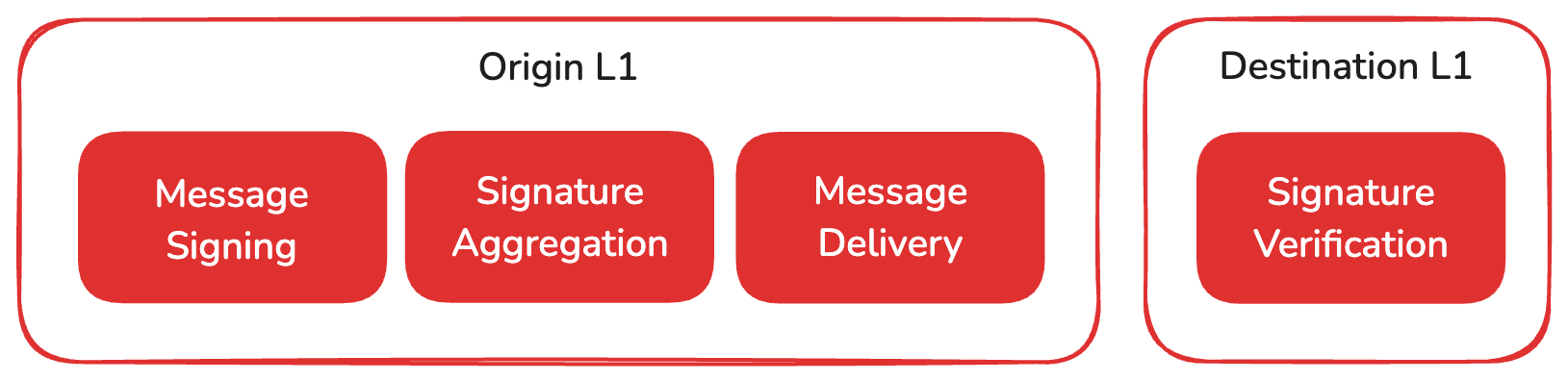
### Signing Messages on the Origin Lux L1[](#signing-messages-on-the-origin-lux-l1 "Direct link to heading")
ICM is a low-level messaging protocol. Any type of data encoded in an array of bytes can be included in the message sent to another Lux L1. ICM uses the [BLS signature scheme](https://crypto.stanford.edu/~dabo/pubs/papers/BLSmultisig.html), which allows message recipients to verify the authenticity of these messages. Therefore, every validator on the Lux network holds a BLS key pair, consisting of a private key for signing messages and a public key that others can use to verify the signature.
### Signature Aggregation on the Origin Lux L1[](#signature-aggregation-on-the-origin-lux-l1 "Direct link to heading")
If the validator set of an Lux L1 is very large, this would result in the Lux L1's validators sending many signatures between them. One of the powerful features of BLS is the ability to aggregate many signatures of different signers in a single multi-signature. Therefore, validators of one Lux L1 can now individually sign a message and these signatures are then aggregated into a short multi-signature that can be quickly verified.
### Delivery of Messages to the Destination Lux L1[](#delivery-of-messages-to-the-destination-lux-l1 "Direct link to heading")
The messages do not pass through a central protocol or trusted entity, and there is no record of messages sent between Lux L1s on the primary network. This avoids a bottleneck in Lux L1-to-Lux L1 communication, and non-public Lux L1s can communicate privately.
It is up to the Lux L1s and their users to determine how they want to transport data from the validators of the origin Lux L1 to the validators of the destination Lux L1 and what guarantees they want to provide for the transport.
### Verification of Messages in the Destination Lux L1[](#verification-of-messages-in-the-destination-lux-l1 "Direct link to heading")
When an Lux L1 wants to process another Lux L1's message, it will look up both BLS Public Keys and stake of the origin Lux L1. The authenticity of the message can be verified using these public keys and the signature.
The combined weight of the validators that must be part of the BLS multi-signature to be considered valid can be set according to the individual requirements of each Lux L1-to-Lux L1 communication. Lux L1 A may accept messages from Lux L1 B that are signed by at least 70% of stake. Messages from Lux L1 C are only accepted if they have been signed by validators that account for 90% of the stake.
Since both the public keys and stake weights of all validators are recorded on the primary network's P-chain, they are readily accessible to any virtual machine run by the validators. Therefore, the Lux L1s do not need to communicate with each other about changes in their respective sets of validators, but can simply rely on the latest information on the Platform-Chain. Therefore, ICM introduces no additional trust assumption other than that the validators of the origin Lux L1 are participating honestly.
Reference Implementation[](#reference-implementation "Direct link to heading")
-------------------------------------------------------------------------------
A Proof-of-Concept VM called [XSVM](https://github.com/luxfi/xsvm) was created to demonstrate the power of ICM. XSVM enables simple ICM transfers between any two Lux L1s if run out-of-the-box.
# cli info (/docs/lux-l1s/deploy-a-lux-l1/cli_structure)
---
title: cli info
description: cli flags and stuff
---
## lux blockchain
The blockchain command suite provides a collection of tools for developing
and deploying Blockchains.
To get started, use the blockchain create command wizard to walk through the
configuration of your very first Blockchain. Then, go ahead and deploy it
with the blockchain deploy command. You can use the rest of the commands to
manage your Blockchain configurations and live deployments.
**Usage:**
```bash
lux blockchain [subcommand] [flags]
```
**Subcommands:**
- [`addValidator`](#lux-blockchain-addvalidator): The blockchain addValidator command adds a node as a validator to
an L1 of the user provided deployed network. If the network is proof of
authority, the owner of the validator manager contract must sign the
transaction. If the network is proof of stake, the node must stake the L1's
staking token. Both processes will issue a RegisterL1ValidatorTx on the Platform-Chain.
This command currently only works on Blockchains deployed to either the Testnet
Testnet or Mainnet.
- [`changeOwner`](#lux-blockchain-changeowner): The blockchain changeOwner changes the owner of the subnet of the deployed Blockchain.
- [`changeWeight`](#lux-blockchain-changeweight): The blockchain changeWeight command changes the weight of a Subnet Validator.
The Subnet has to be a Proof of Authority Subnet-Only Validator Subnet.
- [`configure`](#lux-blockchain-configure): LuxGo nodes support several different configuration files. Subnets have their own
Subnet config which applies to all chains/VMs in the Subnet. Each chain within the Subnet
can have its own chain config. A chain can also have special requirements for the LuxGo node
configuration itself. This command allows you to set all those files.
- [`create`](#lux-blockchain-create): The blockchain create command builds a new genesis file to configure your Blockchain.
By default, the command runs an interactive wizard. It walks you through
all the steps you need to create your first Blockchain.
The tool supports deploying Subnet-EVM, and custom VMs. You
can create a custom, user-generated genesis with a custom VM by providing
the path to your genesis and VM binaries with the --genesis and --vm flags.
By default, running the command with a blockchainName that already exists
causes the command to fail. If you'd like to overwrite an existing
configuration, pass the -f flag.
- [`delete`](#lux-blockchain-delete): The blockchain delete command deletes an existing blockchain configuration.
- [`deploy`](#lux-blockchain-deploy): The blockchain deploy command deploys your Blockchain configuration locally, to Testnet Testnet, or to Mainnet.
At the end of the call, the command prints the RPC URL you can use to interact with the Subnet.
Lux-CLI only supports deploying an individual Blockchain once per network. Subsequent
attempts to deploy the same Blockchain to the same network (local, Testnet, Mainnet) aren't
allowed. If you'd like to redeploy a Blockchain locally for testing, you must first call
lux network clean to reset all deployed chain state. Subsequent local deploys
redeploy the chain with fresh state. You can deploy the same Blockchain to multiple networks,
so you can take your locally tested Subnet and deploy it on Testnet or Mainnet.
- [`describe`](#lux-blockchain-describe): The blockchain describe command prints the details of a Blockchain configuration to the console.
By default, the command prints a summary of the configuration. By providing the --genesis
flag, the command instead prints out the raw genesis file.
- [`export`](#lux-blockchain-export): The blockchain export command write the details of an existing Blockchain deploy to a file.
The command prompts for an output path. You can also provide one with
the --output flag.
- [`import`](#lux-blockchain-import): Import blockchain configurations into lux-cli.
This command suite supports importing from a file created on another computer,
or importing from blockchains running public networks
(e.g. created manually or with the deprecated subnet-cli)
- [`join`](#lux-blockchain-join): The subnet join command configures your validator node to begin validating a new Blockchain.
To complete this process, you must have access to the machine running your validator. If the
CLI is running on the same machine as your validator, it can generate or update your node's
config file automatically. Alternatively, the command can print the necessary instructions
to update your node manually. To complete the validation process, the Subnet's admins must add
the NodeID of your validator to the Subnet's allow list by calling addValidator with your
NodeID.
After you update your validator's config, you need to restart your validator manually. If
you provide the --luxgo-config flag, this command attempts to edit the config file
at that path.
This command currently only supports Blockchains deployed on the Testnet Testnet and Mainnet.
- [`list`](#lux-blockchain-list): The blockchain list command prints the names of all created Blockchain configurations. Without any flags,
it prints some general, static information about the Blockchain. With the --deployed flag, the command
shows additional information including the VMID, BlockchainID and SubnetID.
- [`publish`](#lux-blockchain-publish): The blockchain publish command publishes the Blockchain's VM to a repository.
- [`removeValidator`](#lux-blockchain-removevalidator): The blockchain removeValidator command stops a whitelisted, subnet network validator from
validating your deployed Blockchain.
To remove the validator from the Subnet's allow list, provide the validator's unique NodeID. You can bypass
these prompts by providing the values with flags.
- [`stats`](#lux-blockchain-stats): The blockchain stats command prints validator statistics for the given Blockchain.
- [`upgrade`](#lux-blockchain-upgrade): The blockchain upgrade command suite provides a collection of tools for
updating your developmental and deployed Blockchains.
- [`validators`](#lux-blockchain-validators): The blockchain validators command lists the validators of a blockchain's subnet and provides
several statistics about them.
- [`vmid`](#lux-blockchain-vmid): The blockchain vmid command prints the virtual machine ID (VMID) for the given Blockchain.
**Flags:**
```bash
-h, --help help for blockchain
--config string config file (default is $HOME/.lux-cli/config.json)
--log-level string log level for the application (default "ERROR")
--skip-update-check skip check for new versions
```
### addValidator
The blockchain addValidator command adds a node as a validator to
an L1 of the user provided deployed network. If the network is proof of
authority, the owner of the validator manager contract must sign the
transaction. If the network is proof of stake, the node must stake the L1's
staking token. Both processes will issue a RegisterL1ValidatorTx on the Platform-Chain.
This command currently only works on Blockchains deployed to either the Testnet
Testnet or Mainnet.
**Usage:**
```bash
lux blockchain addValidator [subcommand] [flags]
```
**Flags:**
```bash
--aggregator-allow-private-peers allow the signature aggregator to connect to peers with private IP (default true)
--aggregator-extra-endpoints strings endpoints for extra nodes that are needed in signature aggregation
--aggregator-log-level string log level to use with signature aggregator (default "Off")
--balance uint set the LUX balance of the validator that will be used for continuous fee on Platform-Chain
--blockchain-genesis-key use genesis allocated key to pay fees for completing the validator's registration (blockchain gas token)
--blockchain-key string CLI stored key to use to pay fees for completing the validator's registration (blockchain gas token)
--blockchain-private-key string private key to use to pay fees for completing the validator's registration (blockchain gas token)
--bls-proof-of-possession string set the BLS proof of possession of the validator to add
--bls-public-key string set the BLS public key of the validator to add
--cluster string operate on the given cluster
--create-local-validator create additional local validator and add it to existing running local node
--default-duration (for Subnets, not L1s) set duration so as to validate until primary validator ends its period
--default-start-time (for Subnets, not L1s) use default start time for subnet validator (5 minutes later for testnet & mainnet, 30 seconds later for devnet)
--default-validator-params (for Subnets, not L1s) use default weight/start/duration params for subnet validator
--delegation-fee uint16 (PoS only) delegation fee (in bips) (default 100)
--devnet operate on a devnet network
--disable-owner string Platform-Chain address that will able to disable the validator with a Platform-Chain transaction
--endpoint string use the given endpoint for network operations
-e, --ewoq use ewoq key [testnet/devnet only]
-f, --testnet testnet operate on testnet (alias to testnet
-h, --help help for addValidator
-k, --key string select the key to use [testnet/devnet only]
-g, --ledger use ledger instead of key (always true on mainnet, defaults to false on testnet/devnet)
--ledger-addrs strings use the given ledger addresses
-l, --local operate on a local network
-m, --mainnet operate on mainnet
--node-endpoint string gather node id/bls from publicly available luxgo apis on the given endpoint
--node-id string node-id of the validator to add
--output-tx-path string (for Subnets, not L1s) file path of the add validator tx
--partial-sync set primary network partial sync for new validators (default true)
--remaining-balance-owner string Platform-Chain address that will receive any leftover LUX from the validator when it is removed from Subnet
--rpc string connect to validator manager at the given rpc endpoint
--stake-amount uint (PoS only) amount of tokens to stake
--staking-period duration how long this validator will be staking
--start-time string (for Subnets, not L1s) UTC start time when this validator starts validating, in 'YYYY-MM-DD HH:MM:SS' format
--subnet-auth-keys strings (for Subnets, not L1s) control keys that will be used to authenticate add validator tx
-t, --testnet testnet operate on testnet (alias to testnet)
--wait-for-tx-acceptance (for Subnets, not L1s) just issue the add validator tx, without waiting for its acceptance (default true)
--weight uint set the staking weight of the validator to add (default 20)
--config string config file (default is $HOME/.lux-cli/config.json)
--log-level string log level for the application (default "ERROR")
--skip-update-check skip check for new versions
```
### changeOwner
The blockchain changeOwner changes the owner of the subnet of the deployed Blockchain.
**Usage:**
```bash
lux blockchain changeOwner [subcommand] [flags]
```
**Flags:**
```bash
--cluster string operate on the given cluster
--control-keys strings addresses that may make subnet changes
--devnet operate on a devnet network
--endpoint string use the given endpoint for network operations
-e, --ewoq use ewoq key [testnet/devnet]
-f, --testnet testnet operate on testnet (alias to testnet
-h, --help help for changeOwner
-k, --key string select the key to use [testnet/devnet]
-g, --ledger use ledger instead of key (always true on mainnet, defaults to false on testnet/devnet)
--ledger-addrs strings use the given ledger addresses
-l, --local operate on a local network
-m, --mainnet operate on mainnet
--output-tx-path string file path of the transfer subnet ownership tx
-s, --same-control-key use the fee-paying key as control key
--subnet-auth-keys strings control keys that will be used to authenticate transfer subnet ownership tx
-t, --testnet testnet operate on testnet (alias to testnet)
--threshold uint32 required number of control key signatures to make subnet changes
--config string config file (default is $HOME/.lux-cli/config.json)
--log-level string log level for the application (default "ERROR")
--skip-update-check skip check for new versions
```
### changeWeight
The blockchain changeWeight command changes the weight of a Subnet Validator.
The Subnet has to be a Proof of Authority Subnet-Only Validator Subnet.
**Usage:**
```bash
lux blockchain changeWeight [subcommand] [flags]
```
**Flags:**
```bash
--cluster string operate on the given cluster
--devnet operate on a devnet network
--endpoint string use the given endpoint for network operations
-e, --ewoq use ewoq key [testnet/devnet only]
-f, --testnet testnet operate on testnet (alias to testnet
-h, --help help for changeWeight
-k, --key string select the key to use [testnet/devnet only]
-g, --ledger use ledger instead of key (always true on mainnet, defaults to false on testnet/devnet)
--ledger-addrs strings use the given ledger addresses
-l, --local operate on a local network
-m, --mainnet operate on mainnet
--node-id string node-id of the validator
-t, --testnet testnet operate on testnet (alias to testnet)
--weight uint set the new staking weight of the validator (default 20)
--config string config file (default is $HOME/.lux-cli/config.json)
--log-level string log level for the application (default "ERROR")
--skip-update-check skip check for new versions
```
### configure
LuxGo nodes support several different configuration files. Subnets have their own
Subnet config which applies to all chains/VMs in the Subnet. Each chain within the Subnet
can have its own chain config. A chain can also have special requirements for the LuxGo node
configuration itself. This command allows you to set all those files.
**Usage:**
```bash
lux blockchain configure [subcommand] [flags]
```
**Flags:**
```bash
--chain-config string path to the chain configuration
-h, --help help for configure
--node-config string path to luxgo node configuration
--per-node-chain-config string path to per node chain configuration for local network
--subnet-config string path to the subnet configuration
--config string config file (default is $HOME/.lux-cli/config.json)
--log-level string log level for the application (default "ERROR")
--skip-update-check skip check for new versions
```
### create
The blockchain create command builds a new genesis file to configure your Blockchain.
By default, the command runs an interactive wizard. It walks you through
all the steps you need to create your first Blockchain.
The tool supports deploying Subnet-EVM, and custom VMs. You
can create a custom, user-generated genesis with a custom VM by providing
the path to your genesis and VM binaries with the --genesis and --vm flags.
By default, running the command with a blockchainName that already exists
causes the command to fail. If you'd like to overwrite an existing
configuration, pass the -f flag.
**Usage:**
```bash
lux blockchain create [subcommand] [flags]
```
**Flags:**
```bash
--custom use a custom VM template
--custom-vm-branch string custom vm branch or commit
--custom-vm-build-script string custom vm build-script
--custom-vm-path string file path of custom vm to use
--custom-vm-repo-url string custom vm repository url
--debug enable blockchain debugging (default true)
--evm use the Subnet-EVM as the base template
--evm-chain-id uint chain ID to use with Subnet-EVM
--evm-defaults deprecation notice: use '--production-defaults'
--evm-token string token symbol to use with Subnet-EVM
--external-gas-token use a gas token from another blockchain
-f, --force overwrite the existing configuration if one exists
--from-github-repo generate custom VM binary from github repository
--genesis string file path of genesis to use
-h, --help help for create
--icm interoperate with other blockchains using ICM
--icm-registry-at-genesis setup ICM registry smart contract on genesis [experimental]
--latest use latest Subnet-EVM released version, takes precedence over --vm-version
--pre-release use latest Subnet-EVM pre-released version, takes precedence over --vm-version
--production-defaults use default production settings for your blockchain
--proof-of-authority use proof of authority(PoA) for validator management
--proof-of-stake use proof of stake(PoS) for validator management
--proxy-contract-owner string EVM address that controls ProxyAdmin for TransparentProxy of ValidatorManager contract
--reward-basis-points uint (PoS only) reward basis points for PoS Reward Calculator (default 100)
--sovereign set to false if creating non-sovereign blockchain (default true)
--teleporter interoperate with other blockchains using ICM
--test-defaults use default test settings for your blockchain
--validator-manager-owner string EVM address that controls Validator Manager Owner
--vm string file path of custom vm to use. alias to custom-vm-path
--vm-version string version of Subnet-EVM template to use
--warp generate a vm with warp support (needed for ICM) (default true)
--config string config file (default is $HOME/.lux-cli/config.json)
--log-level string log level for the application (default "ERROR")
--skip-update-check skip check for new versions
```
### delete
The blockchain delete command deletes an existing blockchain configuration.
**Usage:**
```bash
lux blockchain delete [subcommand] [flags]
```
**Flags:**
```bash
-h, --help help for delete
--config string config file (default is $HOME/.lux-cli/config.json)
--log-level string log level for the application (default "ERROR")
--skip-update-check skip check for new versions
```
### deploy
The blockchain deploy command deploys your Blockchain configuration locally, to Testnet Testnet, or to Mainnet.
At the end of the call, the command prints the RPC URL you can use to interact with the Subnet.
Lux-CLI only supports deploying an individual Blockchain once per network. Subsequent
attempts to deploy the same Blockchain to the same network (local, Testnet, Mainnet) aren't
allowed. If you'd like to redeploy a Blockchain locally for testing, you must first call
lux network clean to reset all deployed chain state. Subsequent local deploys
redeploy the chain with fresh state. You can deploy the same Blockchain to multiple networks,
so you can take your locally tested Subnet and deploy it on Testnet or Mainnet.
**Usage:**
```bash
lux blockchain deploy [subcommand] [flags]
```
**Flags:**
```bash
--aggregator-allow-private-peers allow the signature aggregator to connect to peers with private IP (default true)
--aggregator-extra-endpoints strings endpoints for extra nodes that are needed in signature aggregation
--aggregator-log-level string log level to use with signature aggregator (default "Off")
--luxgo-path string use this luxgo binary path
--luxgo-version string use this version of luxgo (ex: v1.17.12) (default "latest-prerelease")
--balance float set the LUX balance of each bootstrap validator that will be used for continuous fee on Platform-Chain (default 0.1)
--blockchain-genesis-key use genesis allocated key to fund validator manager initialization
--blockchain-key string CLI stored key to use to fund validator manager initialization
--blockchain-private-key string private key to use to fund validator manager initialization
--bootstrap-endpoints strings take validator node info from the given endpoints
--bootstrap-filepath string JSON file path that provides details about bootstrap validators, leave Node-ID and BLS values empty if using --generate-node-id=true
--cchain-funding-key string key to be used to fund relayer account on cchain
--cchain-icm-key string key to be used to pay for ICM deploys on LUExchange-Chain
--change-owner-address string address that will receive change if node is no longer L1 validator
--cluster string operate on the given cluster
--control-keys strings addresses that may make subnet changes
--convert-only avoid node track, restart and poa manager setup
--devnet operate on a devnet network
--endpoint string use the given endpoint for network operations
-e, --ewoq use ewoq key [testnet/devnet deploy only]
-f, --testnet testnet operate on testnet (alias to testnet
--generate-node-id whether to create new node id for bootstrap validators (Node-ID and BLS values in bootstrap JSON file will be overridden if --bootstrap-filepath flag is used)
-h, --help help for deploy
--icm-key string key to be used to pay for ICM deploys (default "cli-teleporter-deployer")
--icm-version string ICM version to deploy (default "latest")
-k, --key string select the key to use [testnet/devnet deploy only]
-g, --ledger use ledger instead of key (always true on mainnet, defaults to false on testnet/devnet)
--ledger-addrs strings use the given ledger addresses
-l, --local operate on a local network
-m, --mainnet operate on mainnet
--mainnet-chain-id uint32 use different ChainID for mainnet deployment
--noicm skip automatic ICM deploy
--num-bootstrap-validators int (only if --generate-node-id is true) number of bootstrap validators to set up in sovereign L1 validator)
--num-local-nodes int number of nodes to be created on local machine
--num-nodes uint32 number of nodes to be created on local network deploy (default 2)
--output-tx-path string file path of the blockchain creation tx
--partial-sync set primary network partial sync for new validators (default true)
--pos-maximum-stake-amount uint maximum stake amount (default 1000)
--pos-maximum-stake-multiplier uint8 maximum stake multiplier (default 1)
--pos-minimum-delegation-fee uint16 minimum delegation fee (default 1)
--pos-minimum-stake-amount uint minimum stake amount (default 1)
--pos-minimum-stake-duration uint minimum stake duration (default 100)
--pos-weight-to-value-factor uint weight to value factor (default 1)
--relay-cchain relay LUExchange-Chain as source and destination (default true)
--relayer-allow-private-ips allow relayer to connec to private ips (default true)
--relayer-amount float automatically fund relayer fee payments with the given amount
--relayer-key string key to be used by default both for rewards and to pay fees
--relayer-log-level string log level to be used for relayer logs (default "info")
--relayer-path string relayer binary to use
--relayer-version string relayer version to deploy (default "latest-prerelease")
-s, --same-control-key use the fee-paying key as control key
--skip-icm-deploy skip automatic ICM deploy
--skip-local-teleporter skip automatic ICM deploy on local networks [to be deprecated]
--skip-relayer skip relayer deploy
--skip-teleporter-deploy skip automatic ICM deploy
--subnet-auth-keys strings control keys that will be used to authenticate chain creation
-u, --subnet-id string do not create a subnet, deploy the blockchain into the given subnet id
--subnet-only only create a subnet
--teleporter-messenger-contract-address-path string path to an ICM Messenger contract address file
--teleporter-messenger-deployer-address-path string path to an ICM Messenger deployer address file
--teleporter-messenger-deployer-tx-path string path to an ICM Messenger deployer tx file
--teleporter-registry-bytecode-path string path to an ICM Registry bytecode file
--teleporter-version string ICM version to deploy (default "latest")
-t, --testnet testnet operate on testnet (alias to testnet)
--threshold uint32 required number of control key signatures to make subnet changes
--use-local-machine use local machine as a blockchain validator
--config string config file (default is $HOME/.lux-cli/config.json)
--log-level string log level for the application (default "ERROR")
--skip-update-check skip check for new versions
```
### describe
The blockchain describe command prints the details of a Blockchain configuration to the console.
By default, the command prints a summary of the configuration. By providing the --genesis
flag, the command instead prints out the raw genesis file.
**Usage:**
```bash
lux blockchain describe [subcommand] [flags]
```
**Flags:**
```bash
-g, --genesis Print the genesis to the console directly instead of the summary
-h, --help help for describe
--config string config file (default is $HOME/.lux-cli/config.json)
--log-level string log level for the application (default "ERROR")
--skip-update-check skip check for new versions
```
### export
The blockchain export command write the details of an existing Blockchain deploy to a file.
The command prompts for an output path. You can also provide one with
the --output flag.
**Usage:**
```bash
lux blockchain export [subcommand] [flags]
```
**Flags:**
```bash
--custom-vm-branch string custom vm branch
--custom-vm-build-script string custom vm build-script
--custom-vm-repo-url string custom vm repository url
-h, --help help for export
-o, --output string write the export data to the provided file path
--config string config file (default is $HOME/.lux-cli/config.json)
--log-level string log level for the application (default "ERROR")
--skip-update-check skip check for new versions
```
### import
Import blockchain configurations into lux-cli.
This command suite supports importing from a file created on another computer,
or importing from blockchains running public networks
(e.g. created manually or with the deprecated subnet-cli)
**Usage:**
```bash
lux blockchain import [subcommand] [flags]
```
**Subcommands:**
- [`file`](#lux-blockchain-import-file): The blockchain import command will import a blockchain configuration from a file or a git repository.
To import from a file, you can optionally provide the path as a command-line argument.
Alternatively, running the command without any arguments triggers an interactive wizard.
To import from a repository, go through the wizard. By default, an imported Blockchain doesn't
overwrite an existing Blockchain with the same name. To allow overwrites, provide the --force
flag.
- [`public`](#lux-blockchain-import-public): The blockchain import public command imports a Blockchain configuration from a running network.
By default, an imported Blockchain
doesn't overwrite an existing Blockchain with the same name. To allow overwrites, provide the --force
flag.
**Flags:**
```bash
-h, --help help for import
--config string config file (default is $HOME/.lux-cli/config.json)
--log-level string log level for the application (default "ERROR")
--skip-update-check skip check for new versions
```
#### import file
The blockchain import command will import a blockchain configuration from a file or a git repository.
To import from a file, you can optionally provide the path as a command-line argument.
Alternatively, running the command without any arguments triggers an interactive wizard.
To import from a repository, go through the wizard. By default, an imported Blockchain doesn't
overwrite an existing Blockchain with the same name. To allow overwrites, provide the --force
flag.
**Usage:**
```bash
lux blockchain import file [subcommand] [flags]
```
**Flags:**
```bash
--branch string the repo branch to use if downloading a new repo
-f, --force overwrite the existing configuration if one exists
-h, --help help for file
--repo string the repo to import (ex: luxfi/lux-plugins-core) or url to download the repo from
--subnet string the subnet configuration to import from the provided repo
--config string config file (default is $HOME/.lux-cli/config.json)
--log-level string log level for the application (default "ERROR")
--skip-update-check skip check for new versions
```
#### import public
The blockchain import public command imports a Blockchain configuration from a running network.
By default, an imported Blockchain
doesn't overwrite an existing Blockchain with the same name. To allow overwrites, provide the --force
flag.
**Usage:**
```bash
lux blockchain import public [subcommand] [flags]
```
**Flags:**
```bash
--blockchain-id string the blockchain ID
--cluster string operate on the given cluster
--custom use a custom VM template
--devnet operate on a devnet network
--endpoint string use the given endpoint for network operations
--evm import a subnet-evm
--force overwrite the existing configuration if one exists
-f, --testnet testnet operate on testnet (alias to testnet
-h, --help help for public
-l, --local operate on a local network
-m, --mainnet operate on mainnet
--node-url string [optional] URL of an already running subnet validator
-t, --testnet testnet operate on testnet (alias to testnet)
--config string config file (default is $HOME/.lux-cli/config.json)
--log-level string log level for the application (default "ERROR")
--skip-update-check skip check for new versions
```
### join
The subnet join command configures your validator node to begin validating a new Blockchain.
To complete this process, you must have access to the machine running your validator. If the
CLI is running on the same machine as your validator, it can generate or update your node's
config file automatically. Alternatively, the command can print the necessary instructions
to update your node manually. To complete the validation process, the Subnet's admins must add
the NodeID of your validator to the Subnet's allow list by calling addValidator with your
NodeID.
After you update your validator's config, you need to restart your validator manually. If
you provide the --luxgo-config flag, this command attempts to edit the config file
at that path.
This command currently only supports Blockchains deployed on the Testnet Testnet and Mainnet.
**Usage:**
```bash
lux blockchain join [subcommand] [flags]
```
**Flags:**
```bash
--luxgo-config string file path of the luxgo config file
--cluster string operate on the given cluster
--data-dir string path of luxgo's data dir directory
--devnet operate on a devnet network
--endpoint string use the given endpoint for network operations
--force-write if true, skip to prompt to overwrite the config file
-f, --testnet testnet operate on testnet (alias to testnet
-h, --help help for join
-k, --key string select the key to use [testnet only]
-g, --ledger use ledger instead of key (always true on mainnet, defaults to false on testnet)
--ledger-addrs strings use the given ledger addresses
-l, --local operate on a local network
-m, --mainnet operate on mainnet
--node-id string set the NodeID of the validator to check
--plugin-dir string file path of luxgo's plugin directory
--print if true, print the manual config without prompting
--stake-amount uint amount of tokens to stake on validator
--staking-period duration how long validator validates for after start time
--start-time string start time that validator starts validating
-t, --testnet testnet operate on testnet (alias to testnet)
--config string config file (default is $HOME/.lux-cli/config.json)
--log-level string log level for the application (default "ERROR")
--skip-update-check skip check for new versions
```
### list
The blockchain list command prints the names of all created Blockchain configurations. Without any flags,
it prints some general, static information about the Blockchain. With the --deployed flag, the command
shows additional information including the VMID, BlockchainID and SubnetID.
**Usage:**
```bash
lux blockchain list [subcommand] [flags]
```
**Flags:**
```bash
--deployed show additional deploy information
-h, --help help for list
--config string config file (default is $HOME/.lux-cli/config.json)
--log-level string log level for the application (default "ERROR")
--skip-update-check skip check for new versions
```
### publish
The blockchain publish command publishes the Blockchain's VM to a repository.
**Usage:**
```bash
lux blockchain publish [subcommand] [flags]
```
**Flags:**
```bash
--alias string We publish to a remote repo, but identify the repo locally under a user-provided alias (e.g. myrepo).
--force If true, ignores if the subnet has been published in the past, and attempts a forced publish.
-h, --help help for publish
--no-repo-path string Do not let the tool manage file publishing, but have it only generate the files and put them in the location given by this flag.
--repo-url string The URL of the repo where we are publishing
--subnet-file-path string Path to the Subnet description file. If not given, a prompting sequence will be initiated.
--vm-file-path string Path to the VM description file. If not given, a prompting sequence will be initiated.
--config string config file (default is $HOME/.lux-cli/config.json)
--log-level string log level for the application (default "ERROR")
--skip-update-check skip check for new versions
```
### removeValidator
The blockchain removeValidator command stops a whitelisted, subnet network validator from
validating your deployed Blockchain.
To remove the validator from the Subnet's allow list, provide the validator's unique NodeID. You can bypass
these prompts by providing the values with flags.
**Usage:**
```bash
lux blockchain removeValidator [subcommand] [flags]
```
**Flags:**
```bash
--aggregator-allow-private-peers allow the signature aggregator to connect to peers with private IP (default true)
--aggregator-extra-endpoints strings endpoints for extra nodes that are needed in signature aggregation
--aggregator-log-level string log level to use with signature aggregator (default "Off")
--blockchain-genesis-key use genesis allocated key to pay fees for completing the validator's removal (blockchain gas token)
--blockchain-key string CLI stored key to use to pay fees for completing the validator's removal (blockchain gas token)
--blockchain-private-key string private key to use to pay fees for completing the validator's removal (blockchain gas token)
--cluster string operate on the given cluster
--devnet operate on a devnet network
--endpoint string use the given endpoint for network operations
--force force validator removal even if it's not getting rewarded
-f, --testnet testnet operate on testnet (alias to testnet
-h, --help help for removeValidator
-k, --key string select the key to use [testnet deploy only]
-g, --ledger use ledger instead of key (always true on mainnet, defaults to false on testnet)
--ledger-addrs strings use the given ledger addresses
-l, --local operate on a local network
-m, --mainnet operate on mainnet
--node-endpoint string remove validator that responds to the given endpoint
--node-id string node-id of the validator
--output-tx-path string (for non-SOV blockchain only) file path of the removeValidator tx
--rpc string connect to validator manager at the given rpc endpoint
--subnet-auth-keys strings (for non-SOV blockchain only) control keys that will be used to authenticate the removeValidator tx
-t, --testnet testnet operate on testnet (alias to testnet)
--uptime uint validator's uptime in seconds. If not provided, it will be automatically calculated
--config string config file (default is $HOME/.lux-cli/config.json)
--log-level string log level for the application (default "ERROR")
--skip-update-check skip check for new versions
```
### stats
The blockchain stats command prints validator statistics for the given Blockchain.
**Usage:**
```bash
lux blockchain stats [subcommand] [flags]
```
**Flags:**
```bash
--cluster string operate on the given cluster
--devnet operate on a devnet network
--endpoint string use the given endpoint for network operations
-f, --testnet testnet operate on testnet (alias to testnet
-h, --help help for stats
-l, --local operate on a local network
-m, --mainnet operate on mainnet
-t, --testnet testnet operate on testnet (alias to testnet)
--config string config file (default is $HOME/.lux-cli/config.json)
--log-level string log level for the application (default "ERROR")
--skip-update-check skip check for new versions
```
### upgrade
The blockchain upgrade command suite provides a collection of tools for
updating your developmental and deployed Blockchains.
**Usage:**
```bash
lux blockchain upgrade [subcommand] [flags]
```
**Subcommands:**
- [`apply`](#lux-blockchain-upgrade-apply): Apply generated upgrade bytes to running Blockchain nodes to trigger a network upgrade.
For public networks (Testnet Testnet or Mainnet), to complete this process,
you must have access to the machine running your validator.
If the CLI is running on the same machine as your validator, it can manipulate your node's
configuration automatically. Alternatively, the command can print the necessary instructions
to upgrade your node manually.
After you update your validator's configuration, you need to restart your validator manually.
If you provide the --luxgo-chain-config-dir flag, this command attempts to write the upgrade file at that path.
Refer to https://docs.lux.network/nodes/maintain/chain-config-flags#subnet-chain-configs for related documentation.
- [`export`](#lux-blockchain-upgrade-export): Export the upgrade bytes file to a location of choice on disk
- [`generate`](#lux-blockchain-upgrade-generate): The blockchain upgrade generate command builds a new upgrade.json file to customize your Blockchain. It
guides the user through the process using an interactive wizard.
- [`import`](#lux-blockchain-upgrade-import): Import the upgrade bytes file into the local environment
- [`print`](#lux-blockchain-upgrade-print): Print the upgrade.json file content
- [`vm`](#lux-blockchain-upgrade-vm): The blockchain upgrade vm command enables the user to upgrade their Blockchain's VM binary. The command
can upgrade both local Blockchains and publicly deployed Blockchains on Testnet and Mainnet.
The command walks the user through an interactive wizard. The user can skip the wizard by providing
command line flags.
**Flags:**
```bash
-h, --help help for upgrade
--config string config file (default is $HOME/.lux-cli/config.json)
--log-level string log level for the application (default "ERROR")
--skip-update-check skip check for new versions
```
#### upgrade apply
Apply generated upgrade bytes to running Blockchain nodes to trigger a network upgrade.
For public networks (Testnet Testnet or Mainnet), to complete this process,
you must have access to the machine running your validator.
If the CLI is running on the same machine as your validator, it can manipulate your node's
configuration automatically. Alternatively, the command can print the necessary instructions
to upgrade your node manually.
After you update your validator's configuration, you need to restart your validator manually.
If you provide the --luxgo-chain-config-dir flag, this command attempts to write the upgrade file at that path.
Refer to https://docs.lux.network/nodes/maintain/chain-config-flags#subnet-chain-configs for related documentation.
**Usage:**
```bash
lux blockchain upgrade apply [subcommand] [flags]
```
**Flags:**
```bash
--luxgo-chain-config-dir string luxgo's chain config file directory (default "/Users/owen.wahlgren/.luxgo/chains")
--config create upgrade config for future subnet deployments (same as generate)
--force If true, don't prompt for confirmation of timestamps in the past
--testnet testnet apply upgrade existing testnet deployment (alias for `testnet`)
-h, --help help for apply
--local local apply upgrade existing local deployment
--mainnet mainnet apply upgrade existing mainnet deployment
--print if true, print the manual config without prompting (for public networks only)
--testnet testnet apply upgrade existing testnet deployment (alias for `testnet`)
--log-level string log level for the application (default "ERROR")
--skip-update-check skip check for new versions
```
#### upgrade export
Export the upgrade bytes file to a location of choice on disk
**Usage:**
```bash
lux blockchain upgrade export [subcommand] [flags]
```
**Flags:**
```bash
--force If true, overwrite a possibly existing file without prompting
-h, --help help for export
--upgrade-filepath string Export upgrade bytes file to location of choice on disk
--config string config file (default is $HOME/.lux-cli/config.json)
--log-level string log level for the application (default "ERROR")
--skip-update-check skip check for new versions
```
#### upgrade generate
The blockchain upgrade generate command builds a new upgrade.json file to customize your Blockchain. It
guides the user through the process using an interactive wizard.
**Usage:**
```bash
lux blockchain upgrade generate [subcommand] [flags]
```
**Flags:**
```bash
-h, --help help for generate
--config string config file (default is $HOME/.lux-cli/config.json)
--log-level string log level for the application (default "ERROR")
--skip-update-check skip check for new versions
```
#### upgrade import
Import the upgrade bytes file into the local environment
**Usage:**
```bash
lux blockchain upgrade import [subcommand] [flags]
```
**Flags:**
```bash
-h, --help help for import
--upgrade-filepath string Import upgrade bytes file into local environment
--config string config file (default is $HOME/.lux-cli/config.json)
--log-level string log level for the application (default "ERROR")
--skip-update-check skip check for new versions
```
#### upgrade print
Print the upgrade.json file content
**Usage:**
```bash
lux blockchain upgrade print [subcommand] [flags]
```
**Flags:**
```bash
-h, --help help for print
--config string config file (default is $HOME/.lux-cli/config.json)
--log-level string log level for the application (default "ERROR")
--skip-update-check skip check for new versions
```
#### upgrade vm
The blockchain upgrade vm command enables the user to upgrade their Blockchain's VM binary. The command
can upgrade both local Blockchains and publicly deployed Blockchains on Testnet and Mainnet.
The command walks the user through an interactive wizard. The user can skip the wizard by providing
command line flags.
**Usage:**
```bash
lux blockchain upgrade vm [subcommand] [flags]
```
**Flags:**
```bash
--binary string Upgrade to custom binary
--config upgrade config for future subnet deployments
--testnet testnet upgrade existing testnet deployment (alias for `testnet`)
-h, --help help for vm
--latest upgrade to latest version
--local local upgrade existing local deployment
--mainnet mainnet upgrade existing mainnet deployment
--plugin-dir string plugin directory to automatically upgrade VM
--print print instructions for upgrading
--testnet testnet upgrade existing testnet deployment (alias for `testnet`)
--version string Upgrade to custom version
--log-level string log level for the application (default "ERROR")
--skip-update-check skip check for new versions
```
### validators
The blockchain validators command lists the validators of a blockchain's subnet and provides
several statistics about them.
**Usage:**
```bash
lux blockchain validators [subcommand] [flags]
```
**Flags:**
```bash
--cluster string operate on the given cluster
--devnet operate on a devnet network
--endpoint string use the given endpoint for network operations
-f, --testnet testnet operate on testnet (alias to testnet
-h, --help help for validators
-l, --local operate on a local network
-m, --mainnet operate on mainnet
-t, --testnet testnet operate on testnet (alias to testnet)
--config string config file (default is $HOME/.lux-cli/config.json)
--log-level string log level for the application (default "ERROR")
--skip-update-check skip check for new versions
```
### vmid
The blockchain vmid command prints the virtual machine ID (VMID) for the given Blockchain.
**Usage:**
```bash
lux blockchain vmid [subcommand] [flags]
```
**Flags:**
```bash
-h, --help help for vmid
--config string config file (default is $HOME/.lux-cli/config.json)
--log-level string log level for the application (default "ERROR")
--skip-update-check skip check for new versions
```
## lux config
Customize configuration for Lux-CLI
**Usage:**
```bash
lux config [subcommand] [flags]
```
**Subcommands:**
- [`authorize-cloud-access`](#lux-config-authorize-cloud-access): set preferences to authorize access to cloud resources
- [`metrics`](#lux-config-metrics): set user metrics collection preferences
- [`migrate`](#lux-config-migrate): migrate command migrates old ~/.lux-cli.json and ~/.lux-cli/config to /.lux-cli/config.json..
- [`snapshotsAutoSave`](#lux-config-snapshotsautosave): set user preference between auto saving local network snapshots or not
- [`update`](#lux-config-update): set user preference between update check or not
**Flags:**
```bash
-h, --help help for config
--config string config file (default is $HOME/.lux-cli/config.json)
--log-level string log level for the application (default "ERROR")
--skip-update-check skip check for new versions
```
### authorize-cloud-access
set preferences to authorize access to cloud resources
**Usage:**
```bash
lux config authorize-cloud-access [subcommand] [flags]
```
**Flags:**
```bash
-h, --help help for authorize-cloud-access
--config string config file (default is $HOME/.lux-cli/config.json)
--log-level string log level for the application (default "ERROR")
--skip-update-check skip check for new versions
```
### metrics
set user metrics collection preferences
**Usage:**
```bash
lux config metrics [subcommand] [flags]
```
**Flags:**
```bash
-h, --help help for metrics
--config string config file (default is $HOME/.lux-cli/config.json)
--log-level string log level for the application (default "ERROR")
--skip-update-check skip check for new versions
```
### migrate
migrate command migrates old ~/.lux-cli.json and ~/.lux-cli/config to /.lux-cli/config.json..
**Usage:**
```bash
lux config migrate [subcommand] [flags]
```
**Flags:**
```bash
-h, --help help for migrate
--config string config file (default is $HOME/.lux-cli/config.json)
--log-level string log level for the application (default "ERROR")
--skip-update-check skip check for new versions
```
### snapshotsAutoSave
set user preference between auto saving local network snapshots or not
**Usage:**
```bash
lux config snapshotsAutoSave [subcommand] [flags]
```
**Flags:**
```bash
-h, --help help for snapshotsAutoSave
--config string config file (default is $HOME/.lux-cli/config.json)
--log-level string log level for the application (default "ERROR")
--skip-update-check skip check for new versions
```
### update
set user preference between update check or not
**Usage:**
```bash
lux config update [subcommand] [flags]
```
**Flags:**
```bash
-h, --help help for update
--config string config file (default is $HOME/.lux-cli/config.json)
--log-level string log level for the application (default "ERROR")
--skip-update-check skip check for new versions
```
## lux contract
The contract command suite provides a collection of tools for deploying
and interacting with smart contracts.
**Usage:**
```bash
lux contract [subcommand] [flags]
```
**Subcommands:**
- [`deploy`](#lux-contract-deploy): The contract command suite provides a collection of tools for deploying
smart contracts.
- [`initValidatorManager`](#lux-contract-initvalidatormanager): Initializes Proof of Authority(PoA) or Proof of Stake(PoS)Validator Manager contract on a Blockchain and sets up initial validator set on the Blockchain. For more info on Validator Manager, please head to https://github.com/luxfi/icm-contracts/tree/main/contracts/validator-manager
**Flags:**
```bash
-h, --help help for contract
--config string config file (default is $HOME/.lux-cli/config.json)
--log-level string log level for the application (default "ERROR")
--skip-update-check skip check for new versions
```
### deploy
The contract command suite provides a collection of tools for deploying
smart contracts.
**Usage:**
```bash
lux contract deploy [subcommand] [flags]
```
**Subcommands:**
- [`erc20`](#lux-contract-deploy-erc20): Deploy an ERC20 token into a given Network and Blockchain
**Flags:**
```bash
-h, --help help for deploy
--config string config file (default is $HOME/.lux-cli/config.json)
--log-level string log level for the application (default "ERROR")
--skip-update-check skip check for new versions
```
#### deploy erc20
Deploy an ERC20 token into a given Network and Blockchain
**Usage:**
```bash
lux contract deploy erc20 [subcommand] [flags]
```
**Flags:**
```bash
--blockchain string deploy the ERC20 contract into the given CLI blockchain
--blockchain-id string deploy the ERC20 contract into the given blockchain ID/Alias
--c-chain deploy the ERC20 contract into LUExchange-Chain
--cluster string operate on the given cluster
--devnet operate on a devnet network
--endpoint string use the given endpoint for network operations
-f, --testnet testnet operate on testnet (alias to testnet
--funded string set the funded address
--genesis-key use genesis allocated key as contract deployer
-h, --help help for erc20
--key string CLI stored key to use as contract deployer
-l, --local operate on a local network
--private-key string private key to use as contract deployer
--rpc string deploy the contract into the given rpc endpoint
--supply uint set the token supply
--symbol string set the token symbol
-t, --testnet testnet operate on testnet (alias to testnet)
--config string config file (default is $HOME/.lux-cli/config.json)
--log-level string log level for the application (default "ERROR")
--skip-update-check skip check for new versions
```
### initValidatorManager
Initializes Proof of Authority(PoA) or Proof of Stake(PoS)Validator Manager contract on a Blockchain and sets up initial validator set on the Blockchain. For more info on Validator Manager, please head to https://github.com/luxfi/icm-contracts/tree/main/contracts/validator-manager
**Usage:**
```bash
lux contract initValidatorManager [subcommand] [flags]
```
**Flags:**
```bash
--aggregator-allow-private-peers allow the signature aggregator to connect to peers with private IP (default true)
--aggregator-extra-endpoints strings endpoints for extra nodes that are needed in signature aggregation
--aggregator-log-level string log level to use with signature aggregator (default "Off")
--cluster string operate on the given cluster
--devnet operate on a devnet network
--endpoint string use the given endpoint for network operations
-f, --testnet testnet operate on testnet (alias to testnet
--genesis-key use genesis allocated key as contract deployer
-h, --help help for initValidatorManager
--key string CLI stored key to use as contract deployer
-l, --local operate on a local network
-m, --mainnet operate on mainnet
--pos-maximum-stake-amount uint (PoS only) maximum stake amount (default 1000)
--pos-maximum-stake-multiplier uint8 (PoS only )maximum stake multiplier (default 1)
--pos-minimum-delegation-fee uint16 (PoS only) minimum delegation fee (default 1)
--pos-minimum-stake-amount uint (PoS only) minimum stake amount (default 1)
--pos-minimum-stake-duration uint (PoS only) minimum stake duration (default 100)
--pos-reward-calculator-address string (PoS only) initialize the ValidatorManager with reward calculator address
--pos-weight-to-value-factor uint (PoS only) weight to value factor (default 1)
--private-key string private key to use as contract deployer
--rpc string deploy the contract into the given rpc endpoint
-t, --testnet testnet operate on testnet (alias to testnet)
--config string config file (default is $HOME/.lux-cli/config.json)
--log-level string log level for the application (default "ERROR")
--skip-update-check skip check for new versions
```
## lux help
Help provides help for any command in the application.
Simply type lux help [path to command] for full details.
**Usage:**
```bash
lux help [subcommand] [flags]
```
**Flags:**
```bash
-h, --help help for help
--config string config file (default is $HOME/.lux-cli/config.json)
--log-level string log level for the application (default "ERROR")
--skip-update-check skip check for new versions
```
## lux icm
The messenger command suite provides a collection of tools for interacting
with ICM messenger contracts.
**Usage:**
```bash
lux icm [subcommand] [flags]
```
**Subcommands:**
- [`deploy`](#lux-icm-deploy): Deploys ICM Messenger and Registry into a given L1.
- [`sendMsg`](#lux-icm-sendmsg): Sends and wait reception for a ICM msg between two subnets.
**Flags:**
```bash
-h, --help help for icm
--config string config file (default is $HOME/.lux-cli/config.json)
--log-level string log level for the application (default "ERROR")
--skip-update-check skip check for new versions
```
### deploy
Deploys ICM Messenger and Registry into a given L1.
**Usage:**
```bash
lux icm deploy [subcommand] [flags]
```
**Flags:**
```bash
--blockchain string deploy ICM into the given CLI blockchain
--blockchain-id string deploy ICM into the given blockchain ID/Alias
--c-chain deploy ICM into LUExchange-Chain
--cchain-key string key to be used to pay fees to deploy ICM to LUExchange-Chain
--cluster string operate on the given cluster
--deploy-messenger deploy ICM Messenger (default true)
--deploy-registry deploy ICM Registry (default true)
--devnet operate on a devnet network
--endpoint string use the given endpoint for network operations
--force-registry-deploy deploy ICM Registry even if Messenger has already been deployed
-f, --testnet testnet operate on testnet (alias to testnet
--genesis-key use genesis allocated key to fund ICM deploy
-h, --help help for deploy
--include-cchain deploy ICM also to LUExchange-Chain
--key string CLI stored key to use to fund ICM deploy
-l, --local operate on a local network
--messenger-contract-address-path string path to a messenger contract address file
--messenger-deployer-address-path string path to a messenger deployer address file
--messenger-deployer-tx-path string path to a messenger deployer tx file
--private-key string private key to use to fund ICM deploy
--registry-bytecode-path string path to a registry bytecode file
--rpc-url string use the given RPC URL to connect to the subnet
-t, --testnet testnet operate on testnet (alias to testnet)
--version string version to deploy (default "latest")
--config string config file (default is $HOME/.lux-cli/config.json)
--log-level string log level for the application (default "ERROR")
--skip-update-check skip check for new versions
```
### sendMsg
Sends and wait reception for a ICM msg between two subnets.
**Usage:**
```bash
lux icm sendMsg [subcommand] [flags]
```
**Flags:**
```bash
--cluster string operate on the given cluster
--dest-rpc string use the given destination blockchain rpc endpoint
--destination-address string deliver the message to the given contract destination address
--devnet operate on a devnet network
--endpoint string use the given endpoint for network operations
-f, --testnet testnet operate on testnet (alias to testnet
--genesis-key use genesis allocated key as message originator and to pay source blockchain fees
-h, --help help for sendMsg
--hex-encoded given message is hex encoded
--key string CLI stored key to use as message originator and to pay source blockchain fees
-l, --local operate on a local network
--private-key string private key to use as message originator and to pay source blockchain fees
--source-rpc string use the given source blockchain rpc endpoint
-t, --testnet testnet operate on testnet (alias to testnet)
--config string config file (default is $HOME/.lux-cli/config.json)
--log-level string log level for the application (default "ERROR")
--skip-update-check skip check for new versions
```
## lux ictt
The ictt command suite provides tools to deploy and manage Interchain Token Transferrers.
**Usage:**
```bash
lux ictt [subcommand] [flags]
```
**Subcommands:**
- [`deploy`](#lux-ictt-deploy): Deploys a Token Transferrer into a given Network and Subnets
**Flags:**
```bash
-h, --help help for ictt
--config string config file (default is $HOME/.lux-cli/config.json)
--log-level string log level for the application (default "ERROR")
--skip-update-check skip check for new versions
```
### deploy
Deploys a Token Transferrer into a given Network and Subnets
**Usage:**
```bash
lux ictt deploy [subcommand] [flags]
```
**Flags:**
```bash
--c-chain-home set the Transferrer's Home Chain into LUExchange-Chain
--c-chain-remote set the Transferrer's Remote Chain into LUExchange-Chain
--cluster string operate on the given cluster
--deploy-erc20-home string deploy a Transferrer Home for the given Chain's ERC20 Token
--deploy-native-home deploy a Transferrer Home for the Chain's Native Token
--deploy-native-remote deploy a Transferrer Remote for the Chain's Native Token
--devnet operate on a devnet network
--endpoint string use the given endpoint for network operations
-f, --testnet testnet operate on testnet (alias to testnet
-h, --help help for deploy
--home-blockchain string set the Transferrer's Home Chain into the given CLI blockchain
--home-genesis-key use genesis allocated key to deploy Transferrer Home
--home-key string CLI stored key to use to deploy Transferrer Home
--home-private-key string private key to use to deploy Transferrer Home
--home-rpc string use the given RPC URL to connect to the home blockchain
-l, --local operate on a local network
--remote-blockchain string set the Transferrer's Remote Chain into the given CLI blockchain
--remote-genesis-key use genesis allocated key to deploy Transferrer Remote
--remote-key string CLI stored key to use to deploy Transferrer Remote
--remote-private-key string private key to use to deploy Transferrer Remote
--remote-rpc string use the given RPC URL to connect to the remote blockchain
--remote-token-decimals uint8 use the given number of token decimals for the Transferrer Remote [defaults to token home's decimals (18 for a new wrapped native home token)]
--remove-minter-admin remove the native minter precompile admin found on remote blockchain genesis
-t, --testnet testnet operate on testnet (alias to testnet)
--use-home string use the given Transferrer's Home Address
--version string tag/branch/commit of Lux Interchain Token Transfer (ICTT) to be used (defaults to main branch)
--config string config file (default is $HOME/.lux-cli/config.json)
--log-level string log level for the application (default "ERROR")
--skip-update-check skip check for new versions
```
## lux interchain
The interchain command suite provides a collection of tools to
set and manage interoperability between blockchains.
**Usage:**
```bash
lux interchain [subcommand] [flags]
```
**Subcommands:**
- [`messenger`](#lux-interchain-messenger): The messenger command suite provides a collection of tools for interacting
with ICM messenger contracts.
- [`relayer`](#lux-interchain-relayer): The relayer command suite provides a collection of tools for deploying
and configuring an ICM relayers.
- [`tokenTransferrer`](#lux-interchain-tokentransferrer): The tokenTransfer command suite provides tools to deploy and manage Token Transferrers.
**Flags:**
```bash
-h, --help help for interchain
--config string config file (default is $HOME/.lux-cli/config.json)
--log-level string log level for the application (default "ERROR")
--skip-update-check skip check for new versions
```
### messenger
The messenger command suite provides a collection of tools for interacting
with ICM messenger contracts.
**Usage:**
```bash
lux interchain messenger [subcommand] [flags]
```
**Subcommands:**
- [`deploy`](#lux-interchain-messenger-deploy): Deploys ICM Messenger and Registry into a given L1.
- [`sendMsg`](#lux-interchain-messenger-sendmsg): Sends and wait reception for a ICM msg between two subnets.
**Flags:**
```bash
-h, --help help for messenger
--config string config file (default is $HOME/.lux-cli/config.json)
--log-level string log level for the application (default "ERROR")
--skip-update-check skip check for new versions
```
#### messenger deploy
Deploys ICM Messenger and Registry into a given L1.
**Usage:**
```bash
lux interchain messenger deploy [subcommand] [flags]
```
**Flags:**
```bash
--blockchain string deploy ICM into the given CLI blockchain
--blockchain-id string deploy ICM into the given blockchain ID/Alias
--c-chain deploy ICM into LUExchange-Chain
--cchain-key string key to be used to pay fees to deploy ICM to LUExchange-Chain
--cluster string operate on the given cluster
--deploy-messenger deploy ICM Messenger (default true)
--deploy-registry deploy ICM Registry (default true)
--devnet operate on a devnet network
--endpoint string use the given endpoint for network operations
--force-registry-deploy deploy ICM Registry even if Messenger has already been deployed
-f, --testnet testnet operate on testnet (alias to testnet
--genesis-key use genesis allocated key to fund ICM deploy
-h, --help help for deploy
--include-cchain deploy ICM also to LUExchange-Chain
--key string CLI stored key to use to fund ICM deploy
-l, --local operate on a local network
--messenger-contract-address-path string path to a messenger contract address file
--messenger-deployer-address-path string path to a messenger deployer address file
--messenger-deployer-tx-path string path to a messenger deployer tx file
--private-key string private key to use to fund ICM deploy
--registry-bytecode-path string path to a registry bytecode file
--rpc-url string use the given RPC URL to connect to the subnet
-t, --testnet testnet operate on testnet (alias to testnet)
--version string version to deploy (default "latest")
--config string config file (default is $HOME/.lux-cli/config.json)
--log-level string log level for the application (default "ERROR")
--skip-update-check skip check for new versions
```
#### messenger sendMsg
Sends and wait reception for a ICM msg between two subnets.
**Usage:**
```bash
lux interchain messenger sendMsg [subcommand] [flags]
```
**Flags:**
```bash
--cluster string operate on the given cluster
--dest-rpc string use the given destination blockchain rpc endpoint
--destination-address string deliver the message to the given contract destination address
--devnet operate on a devnet network
--endpoint string use the given endpoint for network operations
-f, --testnet testnet operate on testnet (alias to testnet
--genesis-key use genesis allocated key as message originator and to pay source blockchain fees
-h, --help help for sendMsg
--hex-encoded given message is hex encoded
--key string CLI stored key to use as message originator and to pay source blockchain fees
-l, --local operate on a local network
--private-key string private key to use as message originator and to pay source blockchain fees
--source-rpc string use the given source blockchain rpc endpoint
-t, --testnet testnet operate on testnet (alias to testnet)
--config string config file (default is $HOME/.lux-cli/config.json)
--log-level string log level for the application (default "ERROR")
--skip-update-check skip check for new versions
```
### relayer
The relayer command suite provides a collection of tools for deploying
and configuring an ICM relayers.
**Usage:**
```bash
lux interchain relayer [subcommand] [flags]
```
**Subcommands:**
- [`deploy`](#lux-interchain-relayer-deploy): Deploys an ICM Relayer for the given Network.
- [`logs`](#lux-interchain-relayer-logs): Shows pretty formatted AWM relayer logs
- [`start`](#lux-interchain-relayer-start): Starts AWM relayer on the specified network (Currently only for local network).
- [`stop`](#lux-interchain-relayer-stop): Stops AWM relayer on the specified network (Currently only for local network, cluster).
**Flags:**
```bash
-h, --help help for relayer
--config string config file (default is $HOME/.lux-cli/config.json)
--log-level string log level for the application (default "ERROR")
--skip-update-check skip check for new versions
```
#### relayer deploy
Deploys an ICM Relayer for the given Network.
**Usage:**
```bash
lux interchain relayer deploy [subcommand] [flags]
```
**Flags:**
```bash
--allow-private-ips allow relayer to connec to private ips (default true)
--amount float automatically fund l1s fee payments with the given amount
--bin-path string use the given relayer binary
--blockchain-funding-key string key to be used to fund relayer account on all l1s
--blockchains strings blockchains to relay as source and destination
--cchain relay LUExchange-Chain as source and destination
--cchain-amount float automatically fund cchain fee payments with the given amount
--cchain-funding-key string key to be used to fund relayer account on cchain
--cluster string operate on the given cluster
--devnet operate on a devnet network
--endpoint string use the given endpoint for network operations
-f, --testnet testnet operate on testnet (alias to testnet
-h, --help help for deploy
--key string key to be used by default both for rewards and to pay fees
-l, --local operate on a local network
--log-level string log level to use for relayer logs
-t, --testnet testnet operate on testnet (alias to testnet)
--version string version to deploy (default "latest-prerelease")
--config string config file (default is $HOME/.lux-cli/config.json)
--skip-update-check skip check for new versions
```
#### relayer logs
Shows pretty formatted AWM relayer logs
**Usage:**
```bash
lux interchain relayer logs [subcommand] [flags]
```
**Flags:**
```bash
--endpoint string use the given endpoint for network operations
--first uint output first N log lines
-f, --testnet testnet operate on testnet (alias to testnet
-h, --help help for logs
--last uint output last N log lines
-l, --local operate on a local network
--raw raw logs output
-t, --testnet testnet operate on testnet (alias to testnet)
--config string config file (default is $HOME/.lux-cli/config.json)
--log-level string log level for the application (default "ERROR")
--skip-update-check skip check for new versions
```
#### relayer start
Starts AWM relayer on the specified network (Currently only for local network).
**Usage:**
```bash
lux interchain relayer start [subcommand] [flags]
```
**Flags:**
```bash
--bin-path string use the given relayer binary
--cluster string operate on the given cluster
--endpoint string use the given endpoint for network operations
-f, --testnet testnet operate on testnet (alias to testnet
-h, --help help for start
-l, --local operate on a local network
-t, --testnet testnet operate on testnet (alias to testnet)
--version string version to use (default "latest-prerelease")
--config string config file (default is $HOME/.lux-cli/config.json)
--log-level string log level for the application (default "ERROR")
--skip-update-check skip check for new versions
```
#### relayer stop
Stops AWM relayer on the specified network (Currently only for local network, cluster).
**Usage:**
```bash
lux interchain relayer stop [subcommand] [flags]
```
**Flags:**
```bash
--cluster string operate on the given cluster
--endpoint string use the given endpoint for network operations
-f, --testnet testnet operate on testnet (alias to testnet
-h, --help help for stop
-l, --local operate on a local network
-t, --testnet testnet operate on testnet (alias to testnet)
--config string config file (default is $HOME/.lux-cli/config.json)
--log-level string log level for the application (default "ERROR")
--skip-update-check skip check for new versions
```
### tokenTransferrer
The tokenTransfer command suite provides tools to deploy and manage Token Transferrers.
**Usage:**
```bash
lux interchain tokenTransferrer [subcommand] [flags]
```
**Subcommands:**
- [`deploy`](#lux-interchain-tokentransferrer-deploy): Deploys a Token Transferrer into a given Network and Subnets
**Flags:**
```bash
-h, --help help for tokenTransferrer
--config string config file (default is $HOME/.lux-cli/config.json)
--log-level string log level for the application (default "ERROR")
--skip-update-check skip check for new versions
```
#### tokenTransferrer deploy
Deploys a Token Transferrer into a given Network and Subnets
**Usage:**
```bash
lux interchain tokenTransferrer deploy [subcommand] [flags]
```
**Flags:**
```bash
--c-chain-home set the Transferrer's Home Chain into LUExchange-Chain
--c-chain-remote set the Transferrer's Remote Chain into LUExchange-Chain
--cluster string operate on the given cluster
--deploy-erc20-home string deploy a Transferrer Home for the given Chain's ERC20 Token
--deploy-native-home deploy a Transferrer Home for the Chain's Native Token
--deploy-native-remote deploy a Transferrer Remote for the Chain's Native Token
--devnet operate on a devnet network
--endpoint string use the given endpoint for network operations
-f, --testnet testnet operate on testnet (alias to testnet
-h, --help help for deploy
--home-blockchain string set the Transferrer's Home Chain into the given CLI blockchain
--home-genesis-key use genesis allocated key to deploy Transferrer Home
--home-key string CLI stored key to use to deploy Transferrer Home
--home-private-key string private key to use to deploy Transferrer Home
--home-rpc string use the given RPC URL to connect to the home blockchain
-l, --local operate on a local network
--remote-blockchain string set the Transferrer's Remote Chain into the given CLI blockchain
--remote-genesis-key use genesis allocated key to deploy Transferrer Remote
--remote-key string CLI stored key to use to deploy Transferrer Remote
--remote-private-key string private key to use to deploy Transferrer Remote
--remote-rpc string use the given RPC URL to connect to the remote blockchain
--remote-token-decimals uint8 use the given number of token decimals for the Transferrer Remote [defaults to token home's decimals (18 for a new wrapped native home token)]
--remove-minter-admin remove the native minter precompile admin found on remote blockchain genesis
-t, --testnet testnet operate on testnet (alias to testnet)
--use-home string use the given Transferrer's Home Address
--version string tag/branch/commit of Lux Interchain Token Transfer (ICTT) to be used (defaults to main branch)
--config string config file (default is $HOME/.lux-cli/config.json)
--log-level string log level for the application (default "ERROR")
--skip-update-check skip check for new versions
```
## lux key
The key command suite provides a collection of tools for creating and managing
signing keys. You can use these keys to deploy Subnets to the Testnet Testnet,
but these keys are NOT suitable to use in production environments. DO NOT use
these keys on Mainnet.
To get started, use the key create command.
**Usage:**
```bash
lux key [subcommand] [flags]
```
**Subcommands:**
- [`create`](#lux-key-create): The key create command generates a new private key to use for creating and controlling
test Subnets. Keys generated by this command are NOT cryptographically secure enough to
use in production environments. DO NOT use these keys on Mainnet.
The command works by generating a secp256 key and storing it with the provided keyName. You
can use this key in other commands by providing this keyName.
If you'd like to import an existing key instead of generating one from scratch, provide the
--file flag.
- [`delete`](#lux-key-delete): The key delete command deletes an existing signing key.
To delete a key, provide the keyName. The command prompts for confirmation
before deleting the key. To skip the confirmation, provide the --force flag.
- [`export`](#lux-key-export): The key export command exports a created signing key. You can use an exported key in other
applications or import it into another instance of Lux-CLI.
By default, the tool writes the hex encoded key to stdout. If you provide the --output
flag, the command writes the key to a file of your choosing.
- [`list`](#lux-key-list): The key list command prints information for all stored signing
keys or for the ledger addresses associated to certain indices.
- [`transfer`](#lux-key-transfer): The key transfer command allows to transfer funds between stored keys or ledger addresses.
**Flags:**
```bash
-h, --help help for key
--config string config file (default is $HOME/.lux-cli/config.json)
--log-level string log level for the application (default "ERROR")
--skip-update-check skip check for new versions
```
### create
The key create command generates a new private key to use for creating and controlling
test Subnets. Keys generated by this command are NOT cryptographically secure enough to
use in production environments. DO NOT use these keys on Mainnet.
The command works by generating a secp256 key and storing it with the provided keyName. You
can use this key in other commands by providing this keyName.
If you'd like to import an existing key instead of generating one from scratch, provide the
--file flag.
**Usage:**
```bash
lux key create [subcommand] [flags]
```
**Flags:**
```bash
--file string import the key from an existing key file
-f, --force overwrite an existing key with the same name
-h, --help help for create
--skip-balances do not query public network balances for an imported key
--config string config file (default is $HOME/.lux-cli/config.json)
--log-level string log level for the application (default "ERROR")
--skip-update-check skip check for new versions
```
### delete
The key delete command deletes an existing signing key.
To delete a key, provide the keyName. The command prompts for confirmation
before deleting the key. To skip the confirmation, provide the --force flag.
**Usage:**
```bash
lux key delete [subcommand] [flags]
```
**Flags:**
```bash
-f, --force delete the key without confirmation
-h, --help help for delete
--config string config file (default is $HOME/.lux-cli/config.json)
--log-level string log level for the application (default "ERROR")
--skip-update-check skip check for new versions
```
### export
The key export command exports a created signing key. You can use an exported key in other
applications or import it into another instance of Lux-CLI.
By default, the tool writes the hex encoded key to stdout. If you provide the --output
flag, the command writes the key to a file of your choosing.
**Usage:**
```bash
lux key export [subcommand] [flags]
```
**Flags:**
```bash
-h, --help help for export
-o, --output string write the key to the provided file path
--config string config file (default is $HOME/.lux-cli/config.json)
--log-level string log level for the application (default "ERROR")
--skip-update-check skip check for new versions
```
### list
The key list command prints information for all stored signing
keys or for the ledger addresses associated to certain indices.
**Usage:**
```bash
lux key list [subcommand] [flags]
```
**Flags:**
```bash
-a, --all-networks list all network addresses
--blockchains strings blockchains to show information about (p=p-chain, x=x-chain, c=c-chain, and blockchain names) (default p,x,c)
-c, --cchain list LUExchange-Chain addresses (default true)
--cluster string operate on the given cluster
--devnet operate on a devnet network
--endpoint string use the given endpoint for network operations
-f, --testnet testnet operate on testnet (alias to testnet
-h, --help help for list
--keys strings list addresses for the given keys
-g, --ledger uints list ledger addresses for the given indices (default [])
-l, --local operate on a local network
-m, --mainnet operate on mainnet
--pchain list Platform-Chain addresses (default true)
--subnets strings subnets to show information about (p=p-chain, x=x-chain, c=c-chain, and subnet names) (default p,x,c)
-t, --testnet testnet operate on testnet (alias to testnet)
--tokens strings provide balance information for the given token contract addresses (Evm only) (default [Native])
--use-gwei use gwei for EVM balances
-n, --use-nano-lux use nano Lux for balances
--xchain list Exchange-Chain addresses (default true)
--config string config file (default is $HOME/.lux-cli/config.json)
--log-level string log level for the application (default "ERROR")
--skip-update-check skip check for new versions
```
### transfer
The key transfer command allows to transfer funds between stored keys or ledger addresses.
**Usage:**
```bash
lux key transfer [subcommand] [flags]
```
**Flags:**
```bash
-o, --amount float amount to send or receive (LUX or TOKEN units)
--c-chain-receiver receive at LUExchange-Chain
--c-chain-sender send from LUExchange-Chain
--cluster string operate on the given cluster
-a, --destination-addr string destination address
--destination-key string key associated to a destination address
--destination-subnet string subnet where the funds will be sent (token transferrer experimental)
--destination-transferrer-address string token transferrer address at the destination subnet (token transferrer experimental)
--devnet operate on a devnet network
--endpoint string use the given endpoint for network operations
-f, --testnet testnet operate on testnet (alias to testnet
-h, --help help for transfer
-k, --key string key associated to the sender or receiver address
-i, --ledger uint32 ledger index associated to the sender or receiver address (default 32768)
-l, --local operate on a local network
-m, --mainnet operate on mainnet
--origin-subnet string subnet where the funds belong (token transferrer experimental)
--origin-transferrer-address string token transferrer address at the origin subnet (token transferrer experimental)
--p-chain-receiver receive at Platform-Chain
--p-chain-sender send from Platform-Chain
--receiver-blockchain string receive at the given CLI blockchain
--receiver-blockchain-id string receive at the given blockchain ID/Alias
--sender-blockchain string send from the given CLI blockchain
--sender-blockchain-id string send from the given blockchain ID/Alias
-t, --testnet testnet operate on testnet (alias to testnet)
--x-chain-receiver receive at Exchange-Chain
--x-chain-sender send from Exchange-Chain
--config string config file (default is $HOME/.lux-cli/config.json)
--log-level string log level for the application (default "ERROR")
--skip-update-check skip check for new versions
```
## lux network
The network command suite provides a collection of tools for managing local Subnet
deployments.
When you deploy a Subnet locally, it runs on a local, multi-node Lux network. The
subnet deploy command starts this network in the background. This command suite allows you
to shutdown, restart, and clear that network.
This network currently supports multiple, concurrently deployed Subnets.
**Usage:**
```bash
lux network [subcommand] [flags]
```
**Subcommands:**
- [`clean`](#lux-network-clean): The network clean command shuts down your local, multi-node network. All deployed Subnets
shutdown and delete their state. You can restart the network by deploying a new Subnet
configuration.
- [`start`](#lux-network-start): The network start command starts a local, multi-node Lux network on your machine.
By default, the command loads the default snapshot. If you provide the --snapshot-name
flag, the network loads that snapshot instead. The command fails if the local network is
already running.
- [`status`](#lux-network-status): The network status command prints whether or not a local Lux
network is running and some basic stats about the network.
- [`stop`](#lux-network-stop): The network stop command shuts down your local, multi-node network.
All deployed Subnets shutdown gracefully and save their state. If you provide the
--snapshot-name flag, the network saves its state under this named snapshot. You can
reload this snapshot with network start --snapshot-name `snapshotName`. Otherwise, the
network saves to the default snapshot, overwriting any existing state. You can reload the
default snapshot with network start.
**Flags:**
```bash
-h, --help help for network
--config string config file (default is $HOME/.lux-cli/config.json)
--log-level string log level for the application (default "ERROR")
--skip-update-check skip check for new versions
```
### clean
The network clean command shuts down your local, multi-node network. All deployed Subnets
shutdown and delete their state. You can restart the network by deploying a new Subnet
configuration.
**Usage:**
```bash
lux network clean [subcommand] [flags]
```
**Flags:**
```bash
--hard Also clean downloaded luxgo and plugin binaries
-h, --help help for clean
--config string config file (default is $HOME/.lux-cli/config.json)
--log-level string log level for the application (default "ERROR")
--skip-update-check skip check for new versions
```
### start
The network start command starts a local, multi-node Lux network on your machine.
By default, the command loads the default snapshot. If you provide the --snapshot-name
flag, the network loads that snapshot instead. The command fails if the local network is
already running.
**Usage:**
```bash
lux network start [subcommand] [flags]
```
**Flags:**
```bash
--luxgo-path string use this luxgo binary path
--luxgo-version string use this version of luxgo (ex: v1.17.12) (default "latest-prerelease")
-h, --help help for start
--num-nodes uint32 number of nodes to be created on local network (default 2)
--relayer-path string use this relayer binary path
--relayer-version string use this relayer version (default "latest-prerelease")
--snapshot-name string name of snapshot to use to start the network from (default "default-1654102509")
--config string config file (default is $HOME/.lux-cli/config.json)
--log-level string log level for the application (default "ERROR")
--skip-update-check skip check for new versions
```
### status
The network status command prints whether or not a local Lux
network is running and some basic stats about the network.
**Usage:**
```bash
lux network status [subcommand] [flags]
```
**Flags:**
```bash
-h, --help help for status
--config string config file (default is $HOME/.lux-cli/config.json)
--log-level string log level for the application (default "ERROR")
--skip-update-check skip check for new versions
```
### stop
The network stop command shuts down your local, multi-node network.
All deployed Subnets shutdown gracefully and save their state. If you provide the
--snapshot-name flag, the network saves its state under this named snapshot. You can
reload this snapshot with network start --snapshot-name `snapshotName`. Otherwise, the
network saves to the default snapshot, overwriting any existing state. You can reload the
default snapshot with network start.
**Usage:**
```bash
lux network stop [subcommand] [flags]
```
**Flags:**
```bash
--dont-save do not save snapshot, just stop the network
-h, --help help for stop
--snapshot-name string name of snapshot to use to save network state into (default "default-1654102509")
--config string config file (default is $HOME/.lux-cli/config.json)
--log-level string log level for the application (default "ERROR")
--skip-update-check skip check for new versions
```
## lux node
The node command suite provides a collection of tools for creating and maintaining
validators on Lux Network.
To get started, use the node create command wizard to walk through the
configuration to make your node a primary validator on Lux public network. You can use the
rest of the commands to maintain your node and make your node a Subnet Validator.
**Usage:**
```bash
lux node [subcommand] [flags]
```
**Subcommands:**
- [`addDashboard`](#lux-node-adddashboard): (ALPHA Warning) This command is currently in experimental mode.
The node addDashboard command adds custom dashboard to the Grafana monitoring dashboard for the
cluster.
- [`create`](#lux-node-create): (ALPHA Warning) This command is currently in experimental mode.
The node create command sets up a validator on a cloud server of your choice.
The validator will be validating the Lux Primary Network and Subnet
of your choice. By default, the command runs an interactive wizard. It
walks you through all the steps you need to set up a validator.
Once this command is completed, you will have to wait for the validator
to finish bootstrapping on the primary network before running further
commands on it, e.g. validating a Subnet. You can check the bootstrapping
status by running lux node status
The created node will be part of group of validators called `clusterName`
and users can call node commands with `clusterName` so that the command
will apply to all nodes in the cluster
- [`destroy`](#lux-node-destroy): (ALPHA Warning) This command is currently in experimental mode.
The node destroy command terminates all running nodes in cloud server and deletes all storage disks.
If there is a static IP address attached, it will be released.
- [`devnet`](#lux-node-devnet): (ALPHA Warning) This command is currently in experimental mode.
The node devnet command suite provides a collection of commands related to devnets.
You can check the updated status by calling lux node status `clusterName`
- [`export`](#lux-node-export): (ALPHA Warning) This command is currently in experimental mode.
The node export command exports cluster configuration and its nodes config to a text file.
If no file is specified, the configuration is printed to the stdout.
Use --include-secrets to include keys in the export. In this case please keep the file secure as it contains sensitive information.
Exported cluster configuration without secrets can be imported by another user using node import command.
- [`import`](#lux-node-import): (ALPHA Warning) This command is currently in experimental mode.
The node import command imports cluster configuration and its nodes configuration from a text file
created from the node export command.
Prior to calling this command, call node whitelist command to have your SSH public key and IP whitelisted by
the cluster owner. This will enable you to use lux-cli commands to manage the imported cluster.
Please note, that this imported cluster will be considered as EXTERNAL by lux-cli, so some commands
affecting cloud nodes like node create or node destroy will be not applicable to it.
- [`list`](#lux-node-list): (ALPHA Warning) This command is currently in experimental mode.
The node list command lists all clusters together with their nodes.
- [`loadtest`](#lux-node-loadtest): (ALPHA Warning) This command is currently in experimental mode.
The node loadtest command suite starts and stops a load test for an existing devnet cluster.
- [`local`](#lux-node-local): (ALPHA Warning) This command is currently in experimental mode.
The node local command suite provides a collection of commands related to local nodes
- [`refresh-ips`](#lux-node-refresh-ips): (ALPHA Warning) This command is currently in experimental mode.
The node refresh-ips command obtains the current IP for all nodes with dynamic IPs in the cluster,
and updates the local node information used by CLI commands.
- [`resize`](#lux-node-resize): (ALPHA Warning) This command is currently in experimental mode.
The node resize command can change the amount of CPU, memory and disk space available for the cluster nodes.
- [`scp`](#lux-node-scp): (ALPHA Warning) This command is currently in experimental mode.
The node scp command securely copies files to and from nodes. Remote source or destionation can be specified using the following format:
[clusterName|nodeID|instanceID|IP]:/path/to/file. Regular expressions are supported for the source files like /tmp/*.txt.
File transfer to the nodes are parallelized. IF source or destination is cluster, the other should be a local file path.
If both destinations are remote, they must be nodes for the same cluster and not clusters themselves.
For example:
$ lux node scp [cluster1|node1]:/tmp/file.txt /tmp/file.txt
$ lux node scp /tmp/file.txt [cluster1|NodeID-XXXX]:/tmp/file.txt
$ lux node scp node1:/tmp/file.txt NodeID-XXXX:/tmp/file.txt
- [`ssh`](#lux-node-ssh): (ALPHA Warning) This command is currently in experimental mode.
The node ssh command execute a given command [cmd] using ssh on all nodes in the cluster if ClusterName is given.
If no command is given, just prints the ssh command to be used to connect to each node in the cluster.
For provided NodeID or InstanceID or IP, the command [cmd] will be executed on that node.
If no [cmd] is provided for the node, it will open ssh shell there.
- [`status`](#lux-node-status): (ALPHA Warning) This command is currently in experimental mode.
The node status command gets the bootstrap status of all nodes in a cluster with the Primary Network.
If no cluster is given, defaults to node list behaviour.
To get the bootstrap status of a node with a Blockchain, use --blockchain flag
- [`sync`](#lux-node-sync): (ALPHA Warning) This command is currently in experimental mode.
The node sync command enables all nodes in a cluster to be bootstrapped to a Blockchain.
You can check the blockchain bootstrap status by calling lux node status `clusterName` --blockchain `blockchainName`
- [`update`](#lux-node-update): (ALPHA Warning) This command is currently in experimental mode.
The node update command suite provides a collection of commands for nodes to update
their luxgo or VM config.
You can check the status after update by calling lux node status
- [`upgrade`](#lux-node-upgrade): (ALPHA Warning) This command is currently in experimental mode.
The node update command suite provides a collection of commands for nodes to update
their luxgo or VM version.
You can check the status after upgrade by calling lux node status
- [`validate`](#lux-node-validate): (ALPHA Warning) This command is currently in experimental mode.
The node validate command suite provides a collection of commands for nodes to join
the Primary Network and Subnets as validators.
If any of the commands is run before the nodes are bootstrapped on the Primary Network, the command
will fail. You can check the bootstrap status by calling lux node status `clusterName`
- [`whitelist`](#lux-node-whitelist): (ALPHA Warning) The whitelist command suite provides a collection of tools for granting access to the cluster.
Command adds IP if --ip params provided to cloud security access rules allowing it to access all nodes in the cluster via ssh or http.
It also command adds SSH public key to all nodes in the cluster if --ssh params is there.
If no params provided it detects current user IP automaticaly and whitelists it
**Flags:**
```bash
-h, --help help for node
--config string config file (default is $HOME/.lux-cli/config.json)
--log-level string log level for the application (default "ERROR")
--skip-update-check skip check for new versions
```
### addDashboard
(ALPHA Warning) This command is currently in experimental mode.
The node addDashboard command adds custom dashboard to the Grafana monitoring dashboard for the
cluster.
**Usage:**
```bash
lux node addDashboard [subcommand] [flags]
```
**Flags:**
```bash
--add-grafana-dashboard string path to additional grafana dashboard json file
-h, --help help for addDashboard
--subnet string subnet that the dasbhoard is intended for (if any)
--config string config file (default is $HOME/.lux-cli/config.json)
--log-level string log level for the application (default "ERROR")
--skip-update-check skip check for new versions
```
### create
(ALPHA Warning) This command is currently in experimental mode.
The node create command sets up a validator on a cloud server of your choice.
The validator will be validating the Lux Primary Network and Subnet
of your choice. By default, the command runs an interactive wizard. It
walks you through all the steps you need to set up a validator.
Once this command is completed, you will have to wait for the validator
to finish bootstrapping on the primary network before running further
commands on it, e.g. validating a Subnet. You can check the bootstrapping
status by running lux node status
The created node will be part of group of validators called `clusterName`
and users can call node commands with `clusterName` so that the command
will apply to all nodes in the cluster
**Usage:**
```bash
lux node create [subcommand] [flags]
```
**Flags:**
```bash
--add-grafana-dashboard string path to additional grafana dashboard json file
--alternative-key-pair-name string key pair name to use if default one generates conflicts
--authorize-access authorize CLI to create cloud resources
--auto-replace-keypair automatically replaces key pair to access node if previous key pair is not found
--luxgo-version-from-subnet string install latest luxgo version, that is compatible with the given subnet, on node/s
--aws create node/s in AWS cloud
--aws-profile string aws profile to use (default "default")
--aws-volume-iops int AWS iops (for gp3, io1, and io2 volume types only) (default 3000)
--aws-volume-size int AWS volume size in GB (default 1000)
--aws-volume-throughput int AWS throughput in MiB/s (for gp3 volume type only) (default 125)
--aws-volume-type string AWS volume type (default "gp3")
--bootstrap-ids stringArray nodeIDs of bootstrap nodes
--bootstrap-ips stringArray IP:port pairs of bootstrap nodes
--cluster string operate on the given cluster
--custom-luxgo-version string install given luxgo version on node/s
--devnet operate on a devnet network
--enable-monitoring set up Prometheus monitoring for created nodes. This option creates a separate monitoring cloud instance and incures additional cost
--endpoint string use the given endpoint for network operations
-f, --testnet testnet operate on testnet (alias to testnet
--gcp create node/s in GCP cloud
--gcp-credentials string use given GCP credentials
--gcp-project string use given GCP project
--genesis string path to genesis file
--grafana-pkg string use grafana pkg instead of apt repo(by default), for example https://dl.grafana.com/oss/release/grafana_10.4.1_amd64.deb
-h, --help help for create
--latest-luxgo-pre-release-version install latest luxgo pre-release version on node/s
--latest-luxgo-version install latest luxgo release version on node/s
-m, --mainnet operate on mainnet
--node-type string cloud instance type. Use 'default' to use recommended default instance type
--num-apis ints number of API nodes(nodes without stake) to create in the new Devnet
--num-validators ints number of nodes to create per region(s). Use comma to separate multiple numbers for each region in the same order as --region flag
--partial-sync primary network partial sync (default true)
--public-http-port allow public access to luxgo HTTP port
--region strings create node(s) in given region(s). Use comma to separate multiple regions
--ssh-agent-identity string use given ssh identity(only for ssh agent). If not set, default will be used
-t, --testnet testnet operate on testnet (alias to testnet)
--upgrade string path to upgrade file
--use-ssh-agent use ssh agent(ex: Yubikey) for ssh auth
--use-static-ip attach static Public IP on cloud servers (default true)
--config string config file (default is $HOME/.lux-cli/config.json)
--log-level string log level for the application (default "ERROR")
--skip-update-check skip check for new versions
```
### destroy
(ALPHA Warning) This command is currently in experimental mode.
The node destroy command terminates all running nodes in cloud server and deletes all storage disks.
If there is a static IP address attached, it will be released.
**Usage:**
```bash
lux node destroy [subcommand] [flags]
```
**Flags:**
```bash
--all destroy all existing clusters created by Lux CLI
--authorize-access authorize CLI to release cloud resources
-y, --authorize-all authorize all CLI requests
--authorize-remove authorize CLI to remove all local files related to cloud nodes
--aws-profile string aws profile to use (default "default")
-h, --help help for destroy
--config string config file (default is $HOME/.lux-cli/config.json)
--log-level string log level for the application (default "ERROR")
--skip-update-check skip check for new versions
```
### devnet
(ALPHA Warning) This command is currently in experimental mode.
The node devnet command suite provides a collection of commands related to devnets.
You can check the updated status by calling lux node status `clusterName`
**Usage:**
```bash
lux node devnet [subcommand] [flags]
```
**Subcommands:**
- [`deploy`](#lux-node-devnet-deploy): (ALPHA Warning) This command is currently in experimental mode.
The node devnet deploy command deploys a subnet into a devnet cluster, creating subnet and blockchain txs for it.
It saves the deploy info both locally and remotely.
- [`wiz`](#lux-node-devnet-wiz): (ALPHA Warning) This command is currently in experimental mode.
The node wiz command creates a devnet and deploys, sync and validate a subnet into it. It creates the subnet if so needed.
**Flags:**
```bash
-h, --help help for devnet
--config string config file (default is $HOME/.lux-cli/config.json)
--log-level string log level for the application (default "ERROR")
--skip-update-check skip check for new versions
```
#### devnet deploy
(ALPHA Warning) This command is currently in experimental mode.
The node devnet deploy command deploys a subnet into a devnet cluster, creating subnet and blockchain txs for it.
It saves the deploy info both locally and remotely.
**Usage:**
```bash
lux node devnet deploy [subcommand] [flags]
```
**Flags:**
```bash
-h, --help help for deploy
--no-checks do not check for healthy status or rpc compatibility of nodes against subnet
--subnet-aliases strings additional subnet aliases to be used for RPC calls in addition to subnet blockchain name
--subnet-only only create a subnet
--config string config file (default is $HOME/.lux-cli/config.json)
--log-level string log level for the application (default "ERROR")
--skip-update-check skip check for new versions
```
#### devnet wiz
(ALPHA Warning) This command is currently in experimental mode.
The node wiz command creates a devnet and deploys, sync and validate a subnet into it. It creates the subnet if so needed.
**Usage:**
```bash
lux node devnet wiz [subcommand] [flags]
```
**Flags:**
```bash
--add-grafana-dashboard string path to additional grafana dashboard json file
--alternative-key-pair-name string key pair name to use if default one generates conflicts
--authorize-access authorize CLI to create cloud resources
--auto-replace-keypair automatically replaces key pair to access node if previous key pair is not found
--aws create node/s in AWS cloud
--aws-profile string aws profile to use (default "default")
--aws-volume-iops int AWS iops (for gp3, io1, and io2 volume types only) (default 3000)
--aws-volume-size int AWS volume size in GB (default 1000)
--aws-volume-throughput int AWS throughput in MiB/s (for gp3 volume type only) (default 125)
--aws-volume-type string AWS volume type (default "gp3")
--chain-config string path to the chain configuration for subnet
--custom-luxgo-version string install given luxgo version on node/s
--custom-subnet use a custom VM as the subnet virtual machine
--custom-vm-branch string custom vm branch or commit
--custom-vm-build-script string custom vm build-script
--custom-vm-repo-url string custom vm repository url
--default-validator-params use default weight/start/duration params for subnet validator
--deploy-icm-messenger deploy Interchain Messenger (default true)
--deploy-icm-registry deploy Interchain Registry (default true)
--deploy-teleporter-messenger deploy Interchain Messenger (default true)
--deploy-teleporter-registry deploy Interchain Registry (default true)
--enable-monitoring set up Prometheus monitoring for created nodes. Please note that this option creates a separate monitoring instance and incures additional cost
--evm-chain-id uint chain ID to use with Subnet-EVM
--evm-defaults use default production settings with Subnet-EVM
--evm-production-defaults use default production settings for your blockchain
--evm-subnet use Subnet-EVM as the subnet virtual machine
--evm-test-defaults use default test settings for your blockchain
--evm-token string token name to use with Subnet-EVM
--evm-version string version of Subnet-EVM to use
--force-subnet-create overwrite the existing subnet configuration if one exists
--gcp create node/s in GCP cloud
--gcp-credentials string use given GCP credentials
--gcp-project string use given GCP project
--grafana-pkg string use grafana pkg instead of apt repo(by default), for example https://dl.grafana.com/oss/release/grafana_10.4.1_amd64.deb
-h, --help help for wiz
--icm generate an icm-ready vm
--icm-messenger-contract-address-path string path to an icm messenger contract address file
--icm-messenger-deployer-address-path string path to an icm messenger deployer address file
--icm-messenger-deployer-tx-path string path to an icm messenger deployer tx file
--icm-registry-bytecode-path string path to an icm registry bytecode file
--icm-version string icm version to deploy (default "latest")
--latest-luxgo-pre-release-version install latest luxgo pre-release version on node/s
--latest-luxgo-version install latest luxgo release version on node/s
--latest-evm-version use latest Subnet-EVM released version
--latest-pre-released-evm-version use latest Subnet-EVM pre-released version
--node-config string path to luxgo node configuration for subnet
--node-type string cloud instance type. Use 'default' to use recommended default instance type
--num-apis ints number of API nodes(nodes without stake) to create in the new Devnet
--num-validators ints number of nodes to create per region(s). Use comma to separate multiple numbers for each region in the same order as --region flag
--public-http-port allow public access to luxgo HTTP port
--region strings create node/s in given region(s). Use comma to separate multiple regions
--relayer run AWM relayer when deploying the vm
--ssh-agent-identity string use given ssh identity(only for ssh agent). If not set, default will be used.
--subnet-aliases strings additional subnet aliases to be used for RPC calls in addition to subnet blockchain name
--subnet-config string path to the subnet configuration for subnet
--subnet-genesis string file path of the subnet genesis
--teleporter generate an icm-ready vm
--teleporter-messenger-contract-address-path string path to an icm messenger contract address file
--teleporter-messenger-deployer-address-path string path to an icm messenger deployer address file
--teleporter-messenger-deployer-tx-path string path to an icm messenger deployer tx file
--teleporter-registry-bytecode-path string path to an icm registry bytecode file
--teleporter-version string icm version to deploy (default "latest")
--use-ssh-agent use ssh agent for ssh
--use-static-ip attach static Public IP on cloud servers (default true)
--validators strings deploy subnet into given comma separated list of validators. defaults to all cluster nodes
--config string config file (default is $HOME/.lux-cli/config.json)
--log-level string log level for the application (default "ERROR")
--skip-update-check skip check for new versions
```
### export
(ALPHA Warning) This command is currently in experimental mode.
The node export command exports cluster configuration and its nodes config to a text file.
If no file is specified, the configuration is printed to the stdout.
Use --include-secrets to include keys in the export. In this case please keep the file secure as it contains sensitive information.
Exported cluster configuration without secrets can be imported by another user using node import command.
**Usage:**
```bash
lux node export [subcommand] [flags]
```
**Flags:**
```bash
--file string specify the file to export the cluster configuration to
--force overwrite the file if it exists
-h, --help help for export
--include-secrets include keys in the export
--config string config file (default is $HOME/.lux-cli/config.json)
--log-level string log level for the application (default "ERROR")
--skip-update-check skip check for new versions
```
### import
(ALPHA Warning) This command is currently in experimental mode.
The node import command imports cluster configuration and its nodes configuration from a text file
created from the node export command.
Prior to calling this command, call node whitelist command to have your SSH public key and IP whitelisted by
the cluster owner. This will enable you to use lux-cli commands to manage the imported cluster.
Please note, that this imported cluster will be considered as EXTERNAL by lux-cli, so some commands
affecting cloud nodes like node create or node destroy will be not applicable to it.
**Usage:**
```bash
lux node import [subcommand] [flags]
```
**Flags:**
```bash
--file string specify the file to export the cluster configuration to
-h, --help help for import
--config string config file (default is $HOME/.lux-cli/config.json)
--log-level string log level for the application (default "ERROR")
--skip-update-check skip check for new versions
```
### list
(ALPHA Warning) This command is currently in experimental mode.
The node list command lists all clusters together with their nodes.
**Usage:**
```bash
lux node list [subcommand] [flags]
```
**Flags:**
```bash
-h, --help help for list
--config string config file (default is $HOME/.lux-cli/config.json)
--log-level string log level for the application (default "ERROR")
--skip-update-check skip check for new versions
```
### loadtest
(ALPHA Warning) This command is currently in experimental mode.
The node loadtest command suite starts and stops a load test for an existing devnet cluster.
**Usage:**
```bash
lux node loadtest [subcommand] [flags]
```
**Subcommands:**
- [`start`](#lux-node-loadtest-start): (ALPHA Warning) This command is currently in experimental mode.
The node loadtest command starts load testing for an existing devnet cluster. If the cluster does
not have an existing load test host, the command creates a separate cloud server and builds the load
test binary based on the provided load test Git Repo URL and load test binary build command.
The command will then run the load test binary based on the provided load test run command.
- [`stop`](#lux-node-loadtest-stop): (ALPHA Warning) This command is currently in experimental mode.
The node loadtest stop command stops load testing for an existing devnet cluster and terminates the
separate cloud server created to host the load test.
**Flags:**
```bash
-h, --help help for loadtest
--config string config file (default is $HOME/.lux-cli/config.json)
--log-level string log level for the application (default "ERROR")
--skip-update-check skip check for new versions
```
#### loadtest start
(ALPHA Warning) This command is currently in experimental mode.
The node loadtest command starts load testing for an existing devnet cluster. If the cluster does
not have an existing load test host, the command creates a separate cloud server and builds the load
test binary based on the provided load test Git Repo URL and load test binary build command.
The command will then run the load test binary based on the provided load test run command.
**Usage:**
```bash
lux node loadtest start [subcommand] [flags]
```
**Flags:**
```bash
--authorize-access authorize CLI to create cloud resources
--aws create loadtest node in AWS cloud
--aws-profile string aws profile to use (default "default")
--gcp create loadtest in GCP cloud
-h, --help help for start
--load-test-branch string load test branch or commit
--load-test-build-cmd string command to build load test binary
--load-test-cmd string command to run load test
--load-test-repo string load test repo url to use
--node-type string cloud instance type for loadtest script
--region string create load test node in a given region
--ssh-agent-identity string use given ssh identity(only for ssh agent). If not set, default will be used
--use-ssh-agent use ssh agent(ex: Yubikey) for ssh auth
--config string config file (default is $HOME/.lux-cli/config.json)
--log-level string log level for the application (default "ERROR")
--skip-update-check skip check for new versions
```
#### loadtest stop
(ALPHA Warning) This command is currently in experimental mode.
The node loadtest stop command stops load testing for an existing devnet cluster and terminates the
separate cloud server created to host the load test.
**Usage:**
```bash
lux node loadtest stop [subcommand] [flags]
```
**Flags:**
```bash
-h, --help help for stop
--load-test strings stop specified load test node(s). Use comma to separate multiple load test instance names
--config string config file (default is $HOME/.lux-cli/config.json)
--log-level string log level for the application (default "ERROR")
--skip-update-check skip check for new versions
```
### local
(ALPHA Warning) This command is currently in experimental mode.
The node local command suite provides a collection of commands related to local nodes
**Usage:**
```bash
lux node local [subcommand] [flags]
```
**Subcommands:**
- [`destroy`](#lux-node-local-destroy): Cleanup local node.
- [`start`](#lux-node-local-start): (ALPHA Warning) This command is currently in experimental mode.
The node local start command sets up a validator on a local server.
The validator will be validating the Lux Primary Network and Subnet
of your choice. By default, the command runs an interactive wizard. It
walks you through all the steps you need to set up a validator.
Once this command is completed, you will have to wait for the validator
to finish bootstrapping on the primary network before running further
commands on it, e.g. validating a Subnet. You can check the bootstrapping
status by running lux node status local
- [`status`](#lux-node-local-status): Get status of local node.
- [`stop`](#lux-node-local-stop): Stop local node.
- [`track`](#lux-node-local-track): (ALPHA Warning) make the local node at the cluster to track given blockchain
**Flags:**
```bash
-h, --help help for local
--config string config file (default is $HOME/.lux-cli/config.json)
--log-level string log level for the application (default "ERROR")
--skip-update-check skip check for new versions
```
#### local destroy
Cleanup local node.
**Usage:**
```bash
lux node local destroy [subcommand] [flags]
```
**Flags:**
```bash
-h, --help help for destroy
--config string config file (default is $HOME/.lux-cli/config.json)
--log-level string log level for the application (default "ERROR")
--skip-update-check skip check for new versions
```
#### local start
(ALPHA Warning) This command is currently in experimental mode.
The node local start command sets up a validator on a local server.
The validator will be validating the Lux Primary Network and Subnet
of your choice. By default, the command runs an interactive wizard. It
walks you through all the steps you need to set up a validator.
Once this command is completed, you will have to wait for the validator
to finish bootstrapping on the primary network before running further
commands on it, e.g. validating a Subnet. You can check the bootstrapping
status by running lux node status local
**Usage:**
```bash
lux node local start [subcommand] [flags]
```
**Flags:**
```bash
--luxgo-path string use this luxgo binary path
--bootstrap-id stringArray nodeIDs of bootstrap nodes
--bootstrap-ip stringArray IP:port pairs of bootstrap nodes
--cluster string operate on the given cluster
--custom-luxgo-version string install given luxgo version on node/s
--devnet operate on a devnet network
--endpoint string use the given endpoint for network operations
-f, --testnet testnet operate on testnet (alias to testnet
--genesis string path to genesis file
-h, --help help for start
--latest-luxgo-pre-release-version install latest luxgo pre-release version on node/s (default true)
--latest-luxgo-version install latest luxgo release version on node/s
-l, --local operate on a local network
-m, --mainnet operate on mainnet
--node-config string path to common luxgo config settings for all nodes
--num-nodes uint32 number of nodes to start (default 1)
--partial-sync primary network partial sync (default true)
--staking-cert-key-path string path to provided staking cert key for node
--staking-signer-key-path string path to provided staking signer key for node
--staking-tls-key-path string path to provided staking tls key for node
-t, --testnet testnet operate on testnet (alias to testnet)
--upgrade string path to upgrade file
--config string config file (default is $HOME/.lux-cli/config.json)
--log-level string log level for the application (default "ERROR")
--skip-update-check skip check for new versions
```
#### local status
Get status of local node.
**Usage:**
```bash
lux node local status [subcommand] [flags]
```
**Flags:**
```bash
--blockchain string specify the blockchain the node is syncing with
-h, --help help for status
--subnet string specify the blockchain the node is syncing with
--config string config file (default is $HOME/.lux-cli/config.json)
--log-level string log level for the application (default "ERROR")
--skip-update-check skip check for new versions
```
#### local stop
Stop local node.
**Usage:**
```bash
lux node local stop [subcommand] [flags]
```
**Flags:**
```bash
-h, --help help for stop
--config string config file (default is $HOME/.lux-cli/config.json)
--log-level string log level for the application (default "ERROR")
--skip-update-check skip check for new versions
```
#### local track
(ALPHA Warning) make the local node at the cluster to track given blockchain
**Usage:**
```bash
lux node local track [subcommand] [flags]
```
**Flags:**
```bash
--luxgo-path string use this luxgo binary path
--custom-luxgo-version string install given luxgo version on node/s
-h, --help help for track
--latest-luxgo-pre-release-version install latest luxgo pre-release version on node/s (default true)
--latest-luxgo-version install latest luxgo release version on node/s
--config string config file (default is $HOME/.lux-cli/config.json)
--log-level string log level for the application (default "ERROR")
--skip-update-check skip check for new versions
```
### refresh-ips
(ALPHA Warning) This command is currently in experimental mode.
The node refresh-ips command obtains the current IP for all nodes with dynamic IPs in the cluster,
and updates the local node information used by CLI commands.
**Usage:**
```bash
lux node refresh-ips [subcommand] [flags]
```
**Flags:**
```bash
--aws-profile string aws profile to use (default "default")
-h, --help help for refresh-ips
--config string config file (default is $HOME/.lux-cli/config.json)
--log-level string log level for the application (default "ERROR")
--skip-update-check skip check for new versions
```
### resize
(ALPHA Warning) This command is currently in experimental mode.
The node resize command can change the amount of CPU, memory and disk space available for the cluster nodes.
**Usage:**
```bash
lux node resize [subcommand] [flags]
```
**Flags:**
```bash
--aws-profile string aws profile to use (default "default")
--disk-size string Disk size to resize in Gb (e.g. 1000Gb)
-h, --help help for resize
--node-type string Node type to resize (e.g. t3.2xlarge)
--config string config file (default is $HOME/.lux-cli/config.json)
--log-level string log level for the application (default "ERROR")
--skip-update-check skip check for new versions
```
### scp
(ALPHA Warning) This command is currently in experimental mode.
The node scp command securely copies files to and from nodes. Remote source or destionation can be specified using the following format:
[clusterName|nodeID|instanceID|IP]:/path/to/file. Regular expressions are supported for the source files like /tmp/*.txt.
File transfer to the nodes are parallelized. IF source or destination is cluster, the other should be a local file path.
If both destinations are remote, they must be nodes for the same cluster and not clusters themselves.
For example:
$ lux node scp [cluster1|node1]:/tmp/file.txt /tmp/file.txt
$ lux node scp /tmp/file.txt [cluster1|NodeID-XXXX]:/tmp/file.txt
$ lux node scp node1:/tmp/file.txt NodeID-XXXX:/tmp/file.txt
**Usage:**
```bash
lux node scp [subcommand] [flags]
```
**Flags:**
```bash
--compress use compression for ssh
-h, --help help for scp
--recursive copy directories recursively
--with-loadtest include loadtest node for scp cluster operations
--with-monitor include monitoring node for scp cluster operations
--config string config file (default is $HOME/.lux-cli/config.json)
--log-level string log level for the application (default "ERROR")
--skip-update-check skip check for new versions
```
### ssh
(ALPHA Warning) This command is currently in experimental mode.
The node ssh command execute a given command [cmd] using ssh on all nodes in the cluster if ClusterName is given.
If no command is given, just prints the ssh command to be used to connect to each node in the cluster.
For provided NodeID or InstanceID or IP, the command [cmd] will be executed on that node.
If no [cmd] is provided for the node, it will open ssh shell there.
**Usage:**
```bash
lux node ssh [subcommand] [flags]
```
**Flags:**
```bash
-h, --help help for ssh
--parallel run ssh command on all nodes in parallel
--with-loadtest include loadtest node for ssh cluster operations
--with-monitor include monitoring node for ssh cluster operations
--config string config file (default is $HOME/.lux-cli/config.json)
--log-level string log level for the application (default "ERROR")
--skip-update-check skip check for new versions
```
### status
(ALPHA Warning) This command is currently in experimental mode.
The node status command gets the bootstrap status of all nodes in a cluster with the Primary Network.
If no cluster is given, defaults to node list behaviour.
To get the bootstrap status of a node with a Blockchain, use --blockchain flag
**Usage:**
```bash
lux node status [subcommand] [flags]
```
**Flags:**
```bash
--blockchain string specify the blockchain the node is syncing with
-h, --help help for status
--subnet string specify the blockchain the node is syncing with
--config string config file (default is $HOME/.lux-cli/config.json)
--log-level string log level for the application (default "ERROR")
--skip-update-check skip check for new versions
```
### sync
(ALPHA Warning) This command is currently in experimental mode.
The node sync command enables all nodes in a cluster to be bootstrapped to a Blockchain.
You can check the blockchain bootstrap status by calling lux node status `clusterName` --blockchain `blockchainName`
**Usage:**
```bash
lux node sync [subcommand] [flags]
```
**Flags:**
```bash
-h, --help help for sync
--no-checks do not check for bootstrapped/healthy status or rpc compatibility of nodes against subnet
--subnet-aliases strings subnet alias to be used for RPC calls. defaults to subnet blockchain ID
--validators strings sync subnet into given comma separated list of validators. defaults to all cluster nodes
--config string config file (default is $HOME/.lux-cli/config.json)
--log-level string log level for the application (default "ERROR")
--skip-update-check skip check for new versions
```
### update
(ALPHA Warning) This command is currently in experimental mode.
The node update command suite provides a collection of commands for nodes to update
their luxgo or VM config.
You can check the status after update by calling lux node status
**Usage:**
```bash
lux node update [subcommand] [flags]
```
**Subcommands:**
- [`subnet`](#lux-node-update-subnet): (ALPHA Warning) This command is currently in experimental mode.
The node update subnet command updates all nodes in a cluster with latest Subnet configuration and VM for custom VM.
You can check the updated subnet bootstrap status by calling lux node status `clusterName` --subnet `subnetName`
**Flags:**
```bash
-h, --help help for update
--config string config file (default is $HOME/.lux-cli/config.json)
--log-level string log level for the application (default "ERROR")
--skip-update-check skip check for new versions
```
#### update subnet
(ALPHA Warning) This command is currently in experimental mode.
The node update subnet command updates all nodes in a cluster with latest Subnet configuration and VM for custom VM.
You can check the updated subnet bootstrap status by calling lux node status `clusterName` --subnet `subnetName`
**Usage:**
```bash
lux node update subnet [subcommand] [flags]
```
**Flags:**
```bash
-h, --help help for subnet
--config string config file (default is $HOME/.lux-cli/config.json)
--log-level string log level for the application (default "ERROR")
--skip-update-check skip check for new versions
```
### upgrade
(ALPHA Warning) This command is currently in experimental mode.
The node update command suite provides a collection of commands for nodes to update
their luxgo or VM version.
You can check the status after upgrade by calling lux node status
**Usage:**
```bash
lux node upgrade [subcommand] [flags]
```
**Flags:**
```bash
-h, --help help for upgrade
--config string config file (default is $HOME/.lux-cli/config.json)
--log-level string log level for the application (default "ERROR")
--skip-update-check skip check for new versions
```
### validate
(ALPHA Warning) This command is currently in experimental mode.
The node validate command suite provides a collection of commands for nodes to join
the Primary Network and Subnets as validators.
If any of the commands is run before the nodes are bootstrapped on the Primary Network, the command
will fail. You can check the bootstrap status by calling lux node status `clusterName`
**Usage:**
```bash
lux node validate [subcommand] [flags]
```
**Subcommands:**
- [`primary`](#lux-node-validate-primary): (ALPHA Warning) This command is currently in experimental mode.
The node validate primary command enables all nodes in a cluster to be validators of Primary
Network.
- [`subnet`](#lux-node-validate-subnet): (ALPHA Warning) This command is currently in experimental mode.
The node validate subnet command enables all nodes in a cluster to be validators of a Subnet.
If the command is run before the nodes are Primary Network validators, the command will first
make the nodes Primary Network validators before making them Subnet validators.
If The command is run before the nodes are bootstrapped on the Primary Network, the command will fail.
You can check the bootstrap status by calling lux node status `clusterName`
If The command is run before the nodes are synced to the subnet, the command will fail.
You can check the subnet sync status by calling lux node status `clusterName` --subnet `subnetName`
**Flags:**
```bash
-h, --help help for validate
--config string config file (default is $HOME/.lux-cli/config.json)
--log-level string log level for the application (default "ERROR")
--skip-update-check skip check for new versions
```
#### validate primary
(ALPHA Warning) This command is currently in experimental mode.
The node validate primary command enables all nodes in a cluster to be validators of Primary
Network.
**Usage:**
```bash
lux node validate primary [subcommand] [flags]
```
**Flags:**
```bash
-e, --ewoq use ewoq key [testnet/devnet only]
-h, --help help for primary
-k, --key string select the key to use [testnet only]
-g, --ledger use ledger instead of key (always true on mainnet, defaults to false on testnet/devnet)
--ledger-addrs strings use the given ledger addresses
--stake-amount uint how many LUX to stake in the validator
--staking-period duration how long validator validates for after start time
--start-time string UTC start time when this validator starts validating, in 'YYYY-MM-DD HH:MM:SS' format
--config string config file (default is $HOME/.lux-cli/config.json)
--log-level string log level for the application (default "ERROR")
--skip-update-check skip check for new versions
```
#### validate subnet
(ALPHA Warning) This command is currently in experimental mode.
The node validate subnet command enables all nodes in a cluster to be validators of a Subnet.
If the command is run before the nodes are Primary Network validators, the command will first
make the nodes Primary Network validators before making them Subnet validators.
If The command is run before the nodes are bootstrapped on the Primary Network, the command will fail.
You can check the bootstrap status by calling lux node status `clusterName`
If The command is run before the nodes are synced to the subnet, the command will fail.
You can check the subnet sync status by calling lux node status `clusterName` --subnet `subnetName`
**Usage:**
```bash
lux node validate subnet [subcommand] [flags]
```
**Flags:**
```bash
--default-validator-params use default weight/start/duration params for subnet validator
-e, --ewoq use ewoq key [testnet/devnet only]
-h, --help help for subnet
-k, --key string select the key to use [testnet/devnet only]
-g, --ledger use ledger instead of key (always true on mainnet, defaults to false on testnet/devnet)
--ledger-addrs strings use the given ledger addresses
--no-checks do not check for bootstrapped status or healthy status
--no-validation-checks do not check if subnet is already synced or validated (default true)
--stake-amount uint how many LUX to stake in the validator
--staking-period duration how long validator validates for after start time
--start-time string UTC start time when this validator starts validating, in 'YYYY-MM-DD HH:MM:SS' format
--validators strings validate subnet for the given comma separated list of validators. defaults to all cluster nodes
--config string config file (default is $HOME/.lux-cli/config.json)
--log-level string log level for the application (default "ERROR")
--skip-update-check skip check for new versions
```
### whitelist
(ALPHA Warning) The whitelist command suite provides a collection of tools for granting access to the cluster.
Command adds IP if --ip params provided to cloud security access rules allowing it to access all nodes in the cluster via ssh or http.
It also command adds SSH public key to all nodes in the cluster if --ssh params is there.
If no params provided it detects current user IP automaticaly and whitelists it
**Usage:**
```bash
lux node whitelist [subcommand] [flags]
```
**Flags:**
```bash
-y, --current-ip whitelist current host ip
-h, --help help for whitelist
--ip string ip address to whitelist
--ssh string ssh public key to whitelist
--config string config file (default is $HOME/.lux-cli/config.json)
--log-level string log level for the application (default "ERROR")
--skip-update-check skip check for new versions
```
## lux primary
The primary command suite provides a collection of tools for interacting with the
Primary Network
**Usage:**
```bash
lux primary [subcommand] [flags]
```
**Subcommands:**
- [`addValidator`](#lux-primary-addvalidator): The primary addValidator command adds a node as a validator
in the Primary Network
- [`describe`](#lux-primary-describe): The subnet describe command prints details of the primary network configuration to the console.
**Flags:**
```bash
-h, --help help for primary
--config string config file (default is $HOME/.lux-cli/config.json)
--log-level string log level for the application (default "ERROR")
--skip-update-check skip check for new versions
```
### addValidator
The primary addValidator command adds a node as a validator
in the Primary Network
**Usage:**
```bash
lux primary addValidator [subcommand] [flags]
```
**Flags:**
```bash
--cluster string operate on the given cluster
--delegation-fee uint32 set the delegation fee (20 000 is equivalent to 2%)
--devnet operate on a devnet network
--endpoint string use the given endpoint for network operations
-f, --testnet testnet operate on testnet (alias to testnet
-h, --help help for addValidator
-k, --key string select the key to use [testnet only]
-g, --ledger use ledger instead of key (always true on mainnet, defaults to false on testnet)
--ledger-addrs strings use the given ledger addresses
-m, --mainnet operate on mainnet
--nodeID string set the NodeID of the validator to add
--proof-of-possession string set the BLS proof of possession of the validator to add
--public-key string set the BLS public key of the validator to add
--staking-period duration how long this validator will be staking
--start-time string UTC start time when this validator starts validating, in 'YYYY-MM-DD HH:MM:SS' format
-t, --testnet testnet operate on testnet (alias to testnet)
--weight uint set the staking weight of the validator to add
--config string config file (default is $HOME/.lux-cli/config.json)
--log-level string log level for the application (default "ERROR")
--skip-update-check skip check for new versions
```
### describe
The subnet describe command prints details of the primary network configuration to the console.
**Usage:**
```bash
lux primary describe [subcommand] [flags]
```
**Flags:**
```bash
--cluster string operate on the given cluster
-h, --help help for describe
-l, --local operate on a local network
--config string config file (default is $HOME/.lux-cli/config.json)
--log-level string log level for the application (default "ERROR")
--skip-update-check skip check for new versions
```
## lux subnet
The subnet command suite provides a collection of tools for developing
and deploying Blockchains.
To get started, use the subnet create command wizard to walk through the
configuration of your very first Blockchain. Then, go ahead and deploy it
with the subnet deploy command. You can use the rest of the commands to
manage your Blockchain configurations and live deployments.
Deprecation notice: use 'lux blockchain'
**Usage:**
```bash
lux subnet [subcommand] [flags]
```
**Subcommands:**
- [`addValidator`](#lux-subnet-addvalidator): The blockchain addValidator command adds a node as a validator to
an L1 of the user provided deployed network. If the network is proof of
authority, the owner of the validator manager contract must sign the
transaction. If the network is proof of stake, the node must stake the L1's
staking token. Both processes will issue a RegisterL1ValidatorTx on the Platform-Chain.
This command currently only works on Blockchains deployed to either the Testnet
Testnet or Mainnet.
- [`changeOwner`](#lux-subnet-changeowner): The blockchain changeOwner changes the owner of the subnet of the deployed Blockchain.
- [`changeWeight`](#lux-subnet-changeweight): The blockchain changeWeight command changes the weight of a Subnet Validator.
The Subnet has to be a Proof of Authority Subnet-Only Validator Subnet.
- [`configure`](#lux-subnet-configure): LuxGo nodes support several different configuration files. Subnets have their own
Subnet config which applies to all chains/VMs in the Subnet. Each chain within the Subnet
can have its own chain config. A chain can also have special requirements for the LuxGo node
configuration itself. This command allows you to set all those files.
- [`create`](#lux-subnet-create): The blockchain create command builds a new genesis file to configure your Blockchain.
By default, the command runs an interactive wizard. It walks you through
all the steps you need to create your first Blockchain.
The tool supports deploying Subnet-EVM, and custom VMs. You
can create a custom, user-generated genesis with a custom VM by providing
the path to your genesis and VM binaries with the --genesis and --vm flags.
By default, running the command with a blockchainName that already exists
causes the command to fail. If you'd like to overwrite an existing
configuration, pass the -f flag.
- [`delete`](#lux-subnet-delete): The blockchain delete command deletes an existing blockchain configuration.
- [`deploy`](#lux-subnet-deploy): The blockchain deploy command deploys your Blockchain configuration locally, to Testnet Testnet, or to Mainnet.
At the end of the call, the command prints the RPC URL you can use to interact with the Subnet.
Lux-CLI only supports deploying an individual Blockchain once per network. Subsequent
attempts to deploy the same Blockchain to the same network (local, Testnet, Mainnet) aren't
allowed. If you'd like to redeploy a Blockchain locally for testing, you must first call
lux network clean to reset all deployed chain state. Subsequent local deploys
redeploy the chain with fresh state. You can deploy the same Blockchain to multiple networks,
so you can take your locally tested Subnet and deploy it on Testnet or Mainnet.
- [`describe`](#lux-subnet-describe): The blockchain describe command prints the details of a Blockchain configuration to the console.
By default, the command prints a summary of the configuration. By providing the --genesis
flag, the command instead prints out the raw genesis file.
- [`export`](#lux-subnet-export): The blockchain export command write the details of an existing Blockchain deploy to a file.
The command prompts for an output path. You can also provide one with
the --output flag.
- [`import`](#lux-subnet-import): Import blockchain configurations into lux-cli.
This command suite supports importing from a file created on another computer,
or importing from blockchains running public networks
(e.g. created manually or with the deprecated subnet-cli)
- [`join`](#lux-subnet-join): The subnet join command configures your validator node to begin validating a new Blockchain.
To complete this process, you must have access to the machine running your validator. If the
CLI is running on the same machine as your validator, it can generate or update your node's
config file automatically. Alternatively, the command can print the necessary instructions
to update your node manually. To complete the validation process, the Subnet's admins must add
the NodeID of your validator to the Subnet's allow list by calling addValidator with your
NodeID.
After you update your validator's config, you need to restart your validator manually. If
you provide the --luxgo-config flag, this command attempts to edit the config file
at that path.
This command currently only supports Blockchains deployed on the Testnet Testnet and Mainnet.
- [`list`](#lux-subnet-list): The blockchain list command prints the names of all created Blockchain configurations. Without any flags,
it prints some general, static information about the Blockchain. With the --deployed flag, the command
shows additional information including the VMID, BlockchainID and SubnetID.
- [`publish`](#lux-subnet-publish): The blockchain publish command publishes the Blockchain's VM to a repository.
- [`removeValidator`](#lux-subnet-removevalidator): The blockchain removeValidator command stops a whitelisted, subnet network validator from
validating your deployed Blockchain.
To remove the validator from the Subnet's allow list, provide the validator's unique NodeID. You can bypass
these prompts by providing the values with flags.
- [`stats`](#lux-subnet-stats): The blockchain stats command prints validator statistics for the given Blockchain.
- [`upgrade`](#lux-subnet-upgrade): The blockchain upgrade command suite provides a collection of tools for
updating your developmental and deployed Blockchains.
- [`validators`](#lux-subnet-validators): The blockchain validators command lists the validators of a blockchain's subnet and provides
several statistics about them.
- [`vmid`](#lux-subnet-vmid): The blockchain vmid command prints the virtual machine ID (VMID) for the given Blockchain.
**Flags:**
```bash
-h, --help help for subnet
--config string config file (default is $HOME/.lux-cli/config.json)
--log-level string log level for the application (default "ERROR")
--skip-update-check skip check for new versions
```
### addValidator
The blockchain addValidator command adds a node as a validator to
an L1 of the user provided deployed network. If the network is proof of
authority, the owner of the validator manager contract must sign the
transaction. If the network is proof of stake, the node must stake the L1's
staking token. Both processes will issue a RegisterL1ValidatorTx on the Platform-Chain.
This command currently only works on Blockchains deployed to either the Testnet
Testnet or Mainnet.
**Usage:**
```bash
lux subnet addValidator [subcommand] [flags]
```
**Flags:**
```bash
--aggregator-allow-private-peers allow the signature aggregator to connect to peers with private IP (default true)
--aggregator-extra-endpoints strings endpoints for extra nodes that are needed in signature aggregation
--aggregator-log-level string log level to use with signature aggregator (default "Off")
--balance uint set the LUX balance of the validator that will be used for continuous fee on Platform-Chain
--blockchain-genesis-key use genesis allocated key to pay fees for completing the validator's registration (blockchain gas token)
--blockchain-key string CLI stored key to use to pay fees for completing the validator's registration (blockchain gas token)
--blockchain-private-key string private key to use to pay fees for completing the validator's registration (blockchain gas token)
--bls-proof-of-possession string set the BLS proof of possession of the validator to add
--bls-public-key string set the BLS public key of the validator to add
--cluster string operate on the given cluster
--create-local-validator create additional local validator and add it to existing running local node
--default-duration (for Subnets, not L1s) set duration so as to validate until primary validator ends its period
--default-start-time (for Subnets, not L1s) use default start time for subnet validator (5 minutes later for testnet & mainnet, 30 seconds later for devnet)
--default-validator-params (for Subnets, not L1s) use default weight/start/duration params for subnet validator
--delegation-fee uint16 (PoS only) delegation fee (in bips) (default 100)
--devnet operate on a devnet network
--disable-owner string Platform-Chain address that will able to disable the validator with a Platform-Chain transaction
--endpoint string use the given endpoint for network operations
-e, --ewoq use ewoq key [testnet/devnet only]
-f, --testnet testnet operate on testnet (alias to testnet
-h, --help help for addValidator
-k, --key string select the key to use [testnet/devnet only]
-g, --ledger use ledger instead of key (always true on mainnet, defaults to false on testnet/devnet)
--ledger-addrs strings use the given ledger addresses
-l, --local operate on a local network
-m, --mainnet operate on mainnet
--node-endpoint string gather node id/bls from publicly available luxgo apis on the given endpoint
--node-id string node-id of the validator to add
--output-tx-path string (for Subnets, not L1s) file path of the add validator tx
--partial-sync set primary network partial sync for new validators (default true)
--remaining-balance-owner string Platform-Chain address that will receive any leftover LUX from the validator when it is removed from Subnet
--rpc string connect to validator manager at the given rpc endpoint
--stake-amount uint (PoS only) amount of tokens to stake
--staking-period duration how long this validator will be staking
--start-time string (for Subnets, not L1s) UTC start time when this validator starts validating, in 'YYYY-MM-DD HH:MM:SS' format
--subnet-auth-keys strings (for Subnets, not L1s) control keys that will be used to authenticate add validator tx
-t, --testnet testnet operate on testnet (alias to testnet)
--wait-for-tx-acceptance (for Subnets, not L1s) just issue the add validator tx, without waiting for its acceptance (default true)
--weight uint set the staking weight of the validator to add (default 20)
--config string config file (default is $HOME/.lux-cli/config.json)
--log-level string log level for the application (default "ERROR")
--skip-update-check skip check for new versions
```
### changeOwner
The blockchain changeOwner changes the owner of the subnet of the deployed Blockchain.
**Usage:**
```bash
lux subnet changeOwner [subcommand] [flags]
```
**Flags:**
```bash
--cluster string operate on the given cluster
--control-keys strings addresses that may make subnet changes
--devnet operate on a devnet network
--endpoint string use the given endpoint for network operations
-e, --ewoq use ewoq key [testnet/devnet]
-f, --testnet testnet operate on testnet (alias to testnet
-h, --help help for changeOwner
-k, --key string select the key to use [testnet/devnet]
-g, --ledger use ledger instead of key (always true on mainnet, defaults to false on testnet/devnet)
--ledger-addrs strings use the given ledger addresses
-l, --local operate on a local network
-m, --mainnet operate on mainnet
--output-tx-path string file path of the transfer subnet ownership tx
-s, --same-control-key use the fee-paying key as control key
--subnet-auth-keys strings control keys that will be used to authenticate transfer subnet ownership tx
-t, --testnet testnet operate on testnet (alias to testnet)
--threshold uint32 required number of control key signatures to make subnet changes
--config string config file (default is $HOME/.lux-cli/config.json)
--log-level string log level for the application (default "ERROR")
--skip-update-check skip check for new versions
```
### changeWeight
The blockchain changeWeight command changes the weight of a Subnet Validator.
The Subnet has to be a Proof of Authority Subnet-Only Validator Subnet.
**Usage:**
```bash
lux subnet changeWeight [subcommand] [flags]
```
**Flags:**
```bash
--cluster string operate on the given cluster
--devnet operate on a devnet network
--endpoint string use the given endpoint for network operations
-e, --ewoq use ewoq key [testnet/devnet only]
-f, --testnet testnet operate on testnet (alias to testnet
-h, --help help for changeWeight
-k, --key string select the key to use [testnet/devnet only]
-g, --ledger use ledger instead of key (always true on mainnet, defaults to false on testnet/devnet)
--ledger-addrs strings use the given ledger addresses
-l, --local operate on a local network
-m, --mainnet operate on mainnet
--node-id string node-id of the validator
-t, --testnet testnet operate on testnet (alias to testnet)
--weight uint set the new staking weight of the validator (default 20)
--config string config file (default is $HOME/.lux-cli/config.json)
--log-level string log level for the application (default "ERROR")
--skip-update-check skip check for new versions
```
### configure
LuxGo nodes support several different configuration files. Subnets have their own
Subnet config which applies to all chains/VMs in the Subnet. Each chain within the Subnet
can have its own chain config. A chain can also have special requirements for the LuxGo node
configuration itself. This command allows you to set all those files.
**Usage:**
```bash
lux subnet configure [subcommand] [flags]
```
**Flags:**
```bash
--chain-config string path to the chain configuration
-h, --help help for configure
--node-config string path to luxgo node configuration
--per-node-chain-config string path to per node chain configuration for local network
--subnet-config string path to the subnet configuration
--config string config file (default is $HOME/.lux-cli/config.json)
--log-level string log level for the application (default "ERROR")
--skip-update-check skip check for new versions
```
### create
The blockchain create command builds a new genesis file to configure your Blockchain.
By default, the command runs an interactive wizard. It walks you through
all the steps you need to create your first Blockchain.
The tool supports deploying Subnet-EVM, and custom VMs. You
can create a custom, user-generated genesis with a custom VM by providing
the path to your genesis and VM binaries with the --genesis and --vm flags.
By default, running the command with a blockchainName that already exists
causes the command to fail. If you'd like to overwrite an existing
configuration, pass the -f flag.
**Usage:**
```bash
lux subnet create [subcommand] [flags]
```
**Flags:**
```bash
--custom use a custom VM template
--custom-vm-branch string custom vm branch or commit
--custom-vm-build-script string custom vm build-script
--custom-vm-path string file path of custom vm to use
--custom-vm-repo-url string custom vm repository url
--debug enable blockchain debugging (default true)
--evm use the Subnet-EVM as the base template
--evm-chain-id uint chain ID to use with Subnet-EVM
--evm-defaults deprecation notice: use '--production-defaults'
--evm-token string token symbol to use with Subnet-EVM
--external-gas-token use a gas token from another blockchain
-f, --force overwrite the existing configuration if one exists
--from-github-repo generate custom VM binary from github repository
--genesis string file path of genesis to use
-h, --help help for create
--icm interoperate with other blockchains using ICM
--icm-registry-at-genesis setup ICM registry smart contract on genesis [experimental]
--latest use latest Subnet-EVM released version, takes precedence over --vm-version
--pre-release use latest Subnet-EVM pre-released version, takes precedence over --vm-version
--production-defaults use default production settings for your blockchain
--proof-of-authority use proof of authority(PoA) for validator management
--proof-of-stake use proof of stake(PoS) for validator management
--proxy-contract-owner string EVM address that controls ProxyAdmin for TransparentProxy of ValidatorManager contract
--reward-basis-points uint (PoS only) reward basis points for PoS Reward Calculator (default 100)
--sovereign set to false if creating non-sovereign blockchain (default true)
--teleporter interoperate with other blockchains using ICM
--test-defaults use default test settings for your blockchain
--validator-manager-owner string EVM address that controls Validator Manager Owner
--vm string file path of custom vm to use. alias to custom-vm-path
--vm-version string version of Subnet-EVM template to use
--warp generate a vm with warp support (needed for ICM) (default true)
--config string config file (default is $HOME/.lux-cli/config.json)
--log-level string log level for the application (default "ERROR")
--skip-update-check skip check for new versions
```
### delete
The blockchain delete command deletes an existing blockchain configuration.
**Usage:**
```bash
lux subnet delete [subcommand] [flags]
```
**Flags:**
```bash
-h, --help help for delete
--config string config file (default is $HOME/.lux-cli/config.json)
--log-level string log level for the application (default "ERROR")
--skip-update-check skip check for new versions
```
### deploy
The blockchain deploy command deploys your Blockchain configuration locally, to Testnet Testnet, or to Mainnet.
At the end of the call, the command prints the RPC URL you can use to interact with the Subnet.
Lux-CLI only supports deploying an individual Blockchain once per network. Subsequent
attempts to deploy the same Blockchain to the same network (local, Testnet, Mainnet) aren't
allowed. If you'd like to redeploy a Blockchain locally for testing, you must first call
lux network clean to reset all deployed chain state. Subsequent local deploys
redeploy the chain with fresh state. You can deploy the same Blockchain to multiple networks,
so you can take your locally tested Subnet and deploy it on Testnet or Mainnet.
**Usage:**
```bash
lux subnet deploy [subcommand] [flags]
```
**Flags:**
```bash
--aggregator-allow-private-peers allow the signature aggregator to connect to peers with private IP (default true)
--aggregator-extra-endpoints strings endpoints for extra nodes that are needed in signature aggregation
--aggregator-log-level string log level to use with signature aggregator (default "Off")
--luxgo-path string use this luxgo binary path
--luxgo-version string use this version of luxgo (ex: v1.17.12) (default "latest-prerelease")
--balance float set the LUX balance of each bootstrap validator that will be used for continuous fee on Platform-Chain (default 0.1)
--blockchain-genesis-key use genesis allocated key to fund validator manager initialization
--blockchain-key string CLI stored key to use to fund validator manager initialization
--blockchain-private-key string private key to use to fund validator manager initialization
--bootstrap-endpoints strings take validator node info from the given endpoints
--bootstrap-filepath string JSON file path that provides details about bootstrap validators, leave Node-ID and BLS values empty if using --generate-node-id=true
--cchain-funding-key string key to be used to fund relayer account on cchain
--cchain-icm-key string key to be used to pay for ICM deploys on LUExchange-Chain
--change-owner-address string address that will receive change if node is no longer L1 validator
--cluster string operate on the given cluster
--control-keys strings addresses that may make subnet changes
--convert-only avoid node track, restart and poa manager setup
--devnet operate on a devnet network
--endpoint string use the given endpoint for network operations
-e, --ewoq use ewoq key [testnet/devnet deploy only]
-f, --testnet testnet operate on testnet (alias to testnet
--generate-node-id whether to create new node id for bootstrap validators (Node-ID and BLS values in bootstrap JSON file will be overridden if --bootstrap-filepath flag is used)
-h, --help help for deploy
--icm-key string key to be used to pay for ICM deploys (default "cli-teleporter-deployer")
--icm-version string ICM version to deploy (default "latest")
-k, --key string select the key to use [testnet/devnet deploy only]
-g, --ledger use ledger instead of key (always true on mainnet, defaults to false on testnet/devnet)
--ledger-addrs strings use the given ledger addresses
-l, --local operate on a local network
-m, --mainnet operate on mainnet
--mainnet-chain-id uint32 use different ChainID for mainnet deployment
--noicm skip automatic ICM deploy
--num-bootstrap-validators int (only if --generate-node-id is true) number of bootstrap validators to set up in sovereign L1 validator)
--num-local-nodes int number of nodes to be created on local machine
--num-nodes uint32 number of nodes to be created on local network deploy (default 2)
--output-tx-path string file path of the blockchain creation tx
--partial-sync set primary network partial sync for new validators (default true)
--pos-maximum-stake-amount uint maximum stake amount (default 1000)
--pos-maximum-stake-multiplier uint8 maximum stake multiplier (default 1)
--pos-minimum-delegation-fee uint16 minimum delegation fee (default 1)
--pos-minimum-stake-amount uint minimum stake amount (default 1)
--pos-minimum-stake-duration uint minimum stake duration (default 100)
--pos-weight-to-value-factor uint weight to value factor (default 1)
--relay-cchain relay LUExchange-Chain as source and destination (default true)
--relayer-allow-private-ips allow relayer to connec to private ips (default true)
--relayer-amount float automatically fund relayer fee payments with the given amount
--relayer-key string key to be used by default both for rewards and to pay fees
--relayer-log-level string log level to be used for relayer logs (default "info")
--relayer-path string relayer binary to use
--relayer-version string relayer version to deploy (default "latest-prerelease")
-s, --same-control-key use the fee-paying key as control key
--skip-icm-deploy skip automatic ICM deploy
--skip-local-teleporter skip automatic ICM deploy on local networks [to be deprecated]
--skip-relayer skip relayer deploy
--skip-teleporter-deploy skip automatic ICM deploy
--subnet-auth-keys strings control keys that will be used to authenticate chain creation
-u, --subnet-id string do not create a subnet, deploy the blockchain into the given subnet id
--subnet-only only create a subnet
--teleporter-messenger-contract-address-path string path to an ICM Messenger contract address file
--teleporter-messenger-deployer-address-path string path to an ICM Messenger deployer address file
--teleporter-messenger-deployer-tx-path string path to an ICM Messenger deployer tx file
--teleporter-registry-bytecode-path string path to an ICM Registry bytecode file
--teleporter-version string ICM version to deploy (default "latest")
-t, --testnet testnet operate on testnet (alias to testnet)
--threshold uint32 required number of control key signatures to make subnet changes
--use-local-machine use local machine as a blockchain validator
--config string config file (default is $HOME/.lux-cli/config.json)
--log-level string log level for the application (default "ERROR")
--skip-update-check skip check for new versions
```
### describe
The blockchain describe command prints the details of a Blockchain configuration to the console.
By default, the command prints a summary of the configuration. By providing the --genesis
flag, the command instead prints out the raw genesis file.
**Usage:**
```bash
lux subnet describe [subcommand] [flags]
```
**Flags:**
```bash
-g, --genesis Print the genesis to the console directly instead of the summary
-h, --help help for describe
--config string config file (default is $HOME/.lux-cli/config.json)
--log-level string log level for the application (default "ERROR")
--skip-update-check skip check for new versions
```
### export
The blockchain export command write the details of an existing Blockchain deploy to a file.
The command prompts for an output path. You can also provide one with
the --output flag.
**Usage:**
```bash
lux subnet export [subcommand] [flags]
```
**Flags:**
```bash
--custom-vm-branch string custom vm branch
--custom-vm-build-script string custom vm build-script
--custom-vm-repo-url string custom vm repository url
-h, --help help for export
-o, --output string write the export data to the provided file path
--config string config file (default is $HOME/.lux-cli/config.json)
--log-level string log level for the application (default "ERROR")
--skip-update-check skip check for new versions
```
### import
Import blockchain configurations into lux-cli.
This command suite supports importing from a file created on another computer,
or importing from blockchains running public networks
(e.g. created manually or with the deprecated subnet-cli)
**Usage:**
```bash
lux subnet import [subcommand] [flags]
```
**Subcommands:**
- [`file`](#lux-subnet-import-file): The blockchain import command will import a blockchain configuration from a file or a git repository.
To import from a file, you can optionally provide the path as a command-line argument.
Alternatively, running the command without any arguments triggers an interactive wizard.
To import from a repository, go through the wizard. By default, an imported Blockchain doesn't
overwrite an existing Blockchain with the same name. To allow overwrites, provide the --force
flag.
- [`public`](#lux-subnet-import-public): The blockchain import public command imports a Blockchain configuration from a running network.
By default, an imported Blockchain
doesn't overwrite an existing Blockchain with the same name. To allow overwrites, provide the --force
flag.
**Flags:**
```bash
-h, --help help for import
--config string config file (default is $HOME/.lux-cli/config.json)
--log-level string log level for the application (default "ERROR")
--skip-update-check skip check for new versions
```
#### import file
The blockchain import command will import a blockchain configuration from a file or a git repository.
To import from a file, you can optionally provide the path as a command-line argument.
Alternatively, running the command without any arguments triggers an interactive wizard.
To import from a repository, go through the wizard. By default, an imported Blockchain doesn't
overwrite an existing Blockchain with the same name. To allow overwrites, provide the --force
flag.
**Usage:**
```bash
lux subnet import file [subcommand] [flags]
```
**Flags:**
```bash
--branch string the repo branch to use if downloading a new repo
-f, --force overwrite the existing configuration if one exists
-h, --help help for file
--repo string the repo to import (ex: luxfi/lux-plugins-core) or url to download the repo from
--subnet string the subnet configuration to import from the provided repo
--config string config file (default is $HOME/.lux-cli/config.json)
--log-level string log level for the application (default "ERROR")
--skip-update-check skip check for new versions
```
#### import public
The blockchain import public command imports a Blockchain configuration from a running network.
By default, an imported Blockchain
doesn't overwrite an existing Blockchain with the same name. To allow overwrites, provide the --force
flag.
**Usage:**
```bash
lux subnet import public [subcommand] [flags]
```
**Flags:**
```bash
--blockchain-id string the blockchain ID
--cluster string operate on the given cluster
--custom use a custom VM template
--devnet operate on a devnet network
--endpoint string use the given endpoint for network operations
--evm import a subnet-evm
--force overwrite the existing configuration if one exists
-f, --testnet testnet operate on testnet (alias to testnet
-h, --help help for public
-l, --local operate on a local network
-m, --mainnet operate on mainnet
--node-url string [optional] URL of an already running subnet validator
-t, --testnet testnet operate on testnet (alias to testnet)
--config string config file (default is $HOME/.lux-cli/config.json)
--log-level string log level for the application (default "ERROR")
--skip-update-check skip check for new versions
```
### join
The subnet join command configures your validator node to begin validating a new Blockchain.
To complete this process, you must have access to the machine running your validator. If the
CLI is running on the same machine as your validator, it can generate or update your node's
config file automatically. Alternatively, the command can print the necessary instructions
to update your node manually. To complete the validation process, the Subnet's admins must add
the NodeID of your validator to the Subnet's allow list by calling addValidator with your
NodeID.
After you update your validator's config, you need to restart your validator manually. If
you provide the --luxgo-config flag, this command attempts to edit the config file
at that path.
This command currently only supports Blockchains deployed on the Testnet Testnet and Mainnet.
**Usage:**
```bash
lux subnet join [subcommand] [flags]
```
**Flags:**
```bash
--luxgo-config string file path of the luxgo config file
--cluster string operate on the given cluster
--data-dir string path of luxgo's data dir directory
--devnet operate on a devnet network
--endpoint string use the given endpoint for network operations
--force-write if true, skip to prompt to overwrite the config file
-f, --testnet testnet operate on testnet (alias to testnet
-h, --help help for join
-k, --key string select the key to use [testnet only]
-g, --ledger use ledger instead of key (always true on mainnet, defaults to false on testnet)
--ledger-addrs strings use the given ledger addresses
-l, --local operate on a local network
-m, --mainnet operate on mainnet
--node-id string set the NodeID of the validator to check
--plugin-dir string file path of luxgo's plugin directory
--print if true, print the manual config without prompting
--stake-amount uint amount of tokens to stake on validator
--staking-period duration how long validator validates for after start time
--start-time string start time that validator starts validating
-t, --testnet testnet operate on testnet (alias to testnet)
--config string config file (default is $HOME/.lux-cli/config.json)
--log-level string log level for the application (default "ERROR")
--skip-update-check skip check for new versions
```
### list
The blockchain list command prints the names of all created Blockchain configurations. Without any flags,
it prints some general, static information about the Blockchain. With the --deployed flag, the command
shows additional information including the VMID, BlockchainID and SubnetID.
**Usage:**
```bash
lux subnet list [subcommand] [flags]
```
**Flags:**
```bash
--deployed show additional deploy information
-h, --help help for list
--config string config file (default is $HOME/.lux-cli/config.json)
--log-level string log level for the application (default "ERROR")
--skip-update-check skip check for new versions
```
### publish
The blockchain publish command publishes the Blockchain's VM to a repository.
**Usage:**
```bash
lux subnet publish [subcommand] [flags]
```
**Flags:**
```bash
--alias string We publish to a remote repo, but identify the repo locally under a user-provided alias (e.g. myrepo).
--force If true, ignores if the subnet has been published in the past, and attempts a forced publish.
-h, --help help for publish
--no-repo-path string Do not let the tool manage file publishing, but have it only generate the files and put them in the location given by this flag.
--repo-url string The URL of the repo where we are publishing
--subnet-file-path string Path to the Subnet description file. If not given, a prompting sequence will be initiated.
--vm-file-path string Path to the VM description file. If not given, a prompting sequence will be initiated.
--config string config file (default is $HOME/.lux-cli/config.json)
--log-level string log level for the application (default "ERROR")
--skip-update-check skip check for new versions
```
### removeValidator
The blockchain removeValidator command stops a whitelisted, subnet network validator from
validating your deployed Blockchain.
To remove the validator from the Subnet's allow list, provide the validator's unique NodeID. You can bypass
these prompts by providing the values with flags.
**Usage:**
```bash
lux subnet removeValidator [subcommand] [flags]
```
**Flags:**
```bash
--aggregator-allow-private-peers allow the signature aggregator to connect to peers with private IP (default true)
--aggregator-extra-endpoints strings endpoints for extra nodes that are needed in signature aggregation
--aggregator-log-level string log level to use with signature aggregator (default "Off")
--blockchain-genesis-key use genesis allocated key to pay fees for completing the validator's removal (blockchain gas token)
--blockchain-key string CLI stored key to use to pay fees for completing the validator's removal (blockchain gas token)
--blockchain-private-key string private key to use to pay fees for completing the validator's removal (blockchain gas token)
--cluster string operate on the given cluster
--devnet operate on a devnet network
--endpoint string use the given endpoint for network operations
--force force validator removal even if it's not getting rewarded
-f, --testnet testnet operate on testnet (alias to testnet
-h, --help help for removeValidator
-k, --key string select the key to use [testnet deploy only]
-g, --ledger use ledger instead of key (always true on mainnet, defaults to false on testnet)
--ledger-addrs strings use the given ledger addresses
-l, --local operate on a local network
-m, --mainnet operate on mainnet
--node-endpoint string remove validator that responds to the given endpoint
--node-id string node-id of the validator
--output-tx-path string (for non-SOV blockchain only) file path of the removeValidator tx
--rpc string connect to validator manager at the given rpc endpoint
--subnet-auth-keys strings (for non-SOV blockchain only) control keys that will be used to authenticate the removeValidator tx
-t, --testnet testnet operate on testnet (alias to testnet)
--uptime uint validator's uptime in seconds. If not provided, it will be automatically calculated
--config string config file (default is $HOME/.lux-cli/config.json)
--log-level string log level for the application (default "ERROR")
--skip-update-check skip check for new versions
```
### stats
The blockchain stats command prints validator statistics for the given Blockchain.
**Usage:**
```bash
lux subnet stats [subcommand] [flags]
```
**Flags:**
```bash
--cluster string operate on the given cluster
--devnet operate on a devnet network
--endpoint string use the given endpoint for network operations
-f, --testnet testnet operate on testnet (alias to testnet
-h, --help help for stats
-l, --local operate on a local network
-m, --mainnet operate on mainnet
-t, --testnet testnet operate on testnet (alias to testnet)
--config string config file (default is $HOME/.lux-cli/config.json)
--log-level string log level for the application (default "ERROR")
--skip-update-check skip check for new versions
```
### upgrade
The blockchain upgrade command suite provides a collection of tools for
updating your developmental and deployed Blockchains.
**Usage:**
```bash
lux subnet upgrade [subcommand] [flags]
```
**Subcommands:**
- [`apply`](#lux-subnet-upgrade-apply): Apply generated upgrade bytes to running Blockchain nodes to trigger a network upgrade.
For public networks (Testnet Testnet or Mainnet), to complete this process,
you must have access to the machine running your validator.
If the CLI is running on the same machine as your validator, it can manipulate your node's
configuration automatically. Alternatively, the command can print the necessary instructions
to upgrade your node manually.
After you update your validator's configuration, you need to restart your validator manually.
If you provide the --luxgo-chain-config-dir flag, this command attempts to write the upgrade file at that path.
Refer to https://docs.lux.network/nodes/maintain/chain-config-flags#subnet-chain-configs for related documentation.
- [`export`](#lux-subnet-upgrade-export): Export the upgrade bytes file to a location of choice on disk
- [`generate`](#lux-subnet-upgrade-generate): The blockchain upgrade generate command builds a new upgrade.json file to customize your Blockchain. It
guides the user through the process using an interactive wizard.
- [`import`](#lux-subnet-upgrade-import): Import the upgrade bytes file into the local environment
- [`print`](#lux-subnet-upgrade-print): Print the upgrade.json file content
- [`vm`](#lux-subnet-upgrade-vm): The blockchain upgrade vm command enables the user to upgrade their Blockchain's VM binary. The command
can upgrade both local Blockchains and publicly deployed Blockchains on Testnet and Mainnet.
The command walks the user through an interactive wizard. The user can skip the wizard by providing
command line flags.
**Flags:**
```bash
-h, --help help for upgrade
--config string config file (default is $HOME/.lux-cli/config.json)
--log-level string log level for the application (default "ERROR")
--skip-update-check skip check for new versions
```
#### upgrade apply
Apply generated upgrade bytes to running Blockchain nodes to trigger a network upgrade.
For public networks (Testnet Testnet or Mainnet), to complete this process,
you must have access to the machine running your validator.
If the CLI is running on the same machine as your validator, it can manipulate your node's
configuration automatically. Alternatively, the command can print the necessary instructions
to upgrade your node manually.
After you update your validator's configuration, you need to restart your validator manually.
If you provide the --luxgo-chain-config-dir flag, this command attempts to write the upgrade file at that path.
Refer to https://docs.lux.network/nodes/maintain/chain-config-flags#subnet-chain-configs for related documentation.
**Usage:**
```bash
lux subnet upgrade apply [subcommand] [flags]
```
**Flags:**
```bash
--luxgo-chain-config-dir string luxgo's chain config file directory (default "/Users/owen.wahlgren/.luxgo/chains")
--config create upgrade config for future subnet deployments (same as generate)
--force If true, don't prompt for confirmation of timestamps in the past
--testnet testnet apply upgrade existing testnet deployment (alias for `testnet`)
-h, --help help for apply
--local local apply upgrade existing local deployment
--mainnet mainnet apply upgrade existing mainnet deployment
--print if true, print the manual config without prompting (for public networks only)
--testnet testnet apply upgrade existing testnet deployment (alias for `testnet`)
--log-level string log level for the application (default "ERROR")
--skip-update-check skip check for new versions
```
#### upgrade export
Export the upgrade bytes file to a location of choice on disk
**Usage:**
```bash
lux subnet upgrade export [subcommand] [flags]
```
**Flags:**
```bash
--force If true, overwrite a possibly existing file without prompting
-h, --help help for export
--upgrade-filepath string Export upgrade bytes file to location of choice on disk
--config string config file (default is $HOME/.lux-cli/config.json)
--log-level string log level for the application (default "ERROR")
--skip-update-check skip check for new versions
```
#### upgrade generate
The blockchain upgrade generate command builds a new upgrade.json file to customize your Blockchain. It
guides the user through the process using an interactive wizard.
**Usage:**
```bash
lux subnet upgrade generate [subcommand] [flags]
```
**Flags:**
```bash
-h, --help help for generate
--config string config file (default is $HOME/.lux-cli/config.json)
--log-level string log level for the application (default "ERROR")
--skip-update-check skip check for new versions
```
#### upgrade import
Import the upgrade bytes file into the local environment
**Usage:**
```bash
lux subnet upgrade import [subcommand] [flags]
```
**Flags:**
```bash
-h, --help help for import
--upgrade-filepath string Import upgrade bytes file into local environment
--config string config file (default is $HOME/.lux-cli/config.json)
--log-level string log level for the application (default "ERROR")
--skip-update-check skip check for new versions
```
#### upgrade print
Print the upgrade.json file content
**Usage:**
```bash
lux subnet upgrade print [subcommand] [flags]
```
**Flags:**
```bash
-h, --help help for print
--config string config file (default is $HOME/.lux-cli/config.json)
--log-level string log level for the application (default "ERROR")
--skip-update-check skip check for new versions
```
#### upgrade vm
The blockchain upgrade vm command enables the user to upgrade their Blockchain's VM binary. The command
can upgrade both local Blockchains and publicly deployed Blockchains on Testnet and Mainnet.
The command walks the user through an interactive wizard. The user can skip the wizard by providing
command line flags.
**Usage:**
```bash
lux subnet upgrade vm [subcommand] [flags]
```
**Flags:**
```bash
--binary string Upgrade to custom binary
--config upgrade config for future subnet deployments
--testnet testnet upgrade existing testnet deployment (alias for `testnet`)
-h, --help help for vm
--latest upgrade to latest version
--local local upgrade existing local deployment
--mainnet mainnet upgrade existing mainnet deployment
--plugin-dir string plugin directory to automatically upgrade VM
--print print instructions for upgrading
--testnet testnet upgrade existing testnet deployment (alias for `testnet`)
--version string Upgrade to custom version
--log-level string log level for the application (default "ERROR")
--skip-update-check skip check for new versions
```
### validators
The blockchain validators command lists the validators of a blockchain's subnet and provides
several statistics about them.
**Usage:**
```bash
lux subnet validators [subcommand] [flags]
```
**Flags:**
```bash
--cluster string operate on the given cluster
--devnet operate on a devnet network
--endpoint string use the given endpoint for network operations
-f, --testnet testnet operate on testnet (alias to testnet
-h, --help help for validators
-l, --local operate on a local network
-m, --mainnet operate on mainnet
-t, --testnet testnet operate on testnet (alias to testnet)
--config string config file (default is $HOME/.lux-cli/config.json)
--log-level string log level for the application (default "ERROR")
--skip-update-check skip check for new versions
```
### vmid
The blockchain vmid command prints the virtual machine ID (VMID) for the given Blockchain.
**Usage:**
```bash
lux subnet vmid [subcommand] [flags]
```
**Flags:**
```bash
-h, --help help for vmid
--config string config file (default is $HOME/.lux-cli/config.json)
--log-level string log level for the application (default "ERROR")
--skip-update-check skip check for new versions
```
## lux teleporter
The messenger command suite provides a collection of tools for interacting
with ICM messenger contracts.
**Usage:**
```bash
lux teleporter [subcommand] [flags]
```
**Subcommands:**
- [`deploy`](#lux-teleporter-deploy): Deploys ICM Messenger and Registry into a given L1.
- [`sendMsg`](#lux-teleporter-sendmsg): Sends and wait reception for a ICM msg between two subnets.
**Flags:**
```bash
-h, --help help for teleporter
--config string config file (default is $HOME/.lux-cli/config.json)
--log-level string log level for the application (default "ERROR")
--skip-update-check skip check for new versions
```
### deploy
Deploys ICM Messenger and Registry into a given L1.
**Usage:**
```bash
lux teleporter deploy [subcommand] [flags]
```
**Flags:**
```bash
--blockchain string deploy ICM into the given CLI blockchain
--blockchain-id string deploy ICM into the given blockchain ID/Alias
--c-chain deploy ICM into LUExchange-Chain
--cchain-key string key to be used to pay fees to deploy ICM to LUExchange-Chain
--cluster string operate on the given cluster
--deploy-messenger deploy ICM Messenger (default true)
--deploy-registry deploy ICM Registry (default true)
--devnet operate on a devnet network
--endpoint string use the given endpoint for network operations
--force-registry-deploy deploy ICM Registry even if Messenger has already been deployed
-f, --testnet testnet operate on testnet (alias to testnet
--genesis-key use genesis allocated key to fund ICM deploy
-h, --help help for deploy
--include-cchain deploy ICM also to LUExchange-Chain
--key string CLI stored key to use to fund ICM deploy
-l, --local operate on a local network
--messenger-contract-address-path string path to a messenger contract address file
--messenger-deployer-address-path string path to a messenger deployer address file
--messenger-deployer-tx-path string path to a messenger deployer tx file
--private-key string private key to use to fund ICM deploy
--registry-bytecode-path string path to a registry bytecode file
--rpc-url string use the given RPC URL to connect to the subnet
-t, --testnet testnet operate on testnet (alias to testnet)
--version string version to deploy (default "latest")
--config string config file (default is $HOME/.lux-cli/config.json)
--log-level string log level for the application (default "ERROR")
--skip-update-check skip check for new versions
```
### sendMsg
Sends and wait reception for a ICM msg between two subnets.
**Usage:**
```bash
lux teleporter sendMsg [subcommand] [flags]
```
**Flags:**
```bash
--cluster string operate on the given cluster
--dest-rpc string use the given destination blockchain rpc endpoint
--destination-address string deliver the message to the given contract destination address
--devnet operate on a devnet network
--endpoint string use the given endpoint for network operations
-f, --testnet testnet operate on testnet (alias to testnet
--genesis-key use genesis allocated key as message originator and to pay source blockchain fees
-h, --help help for sendMsg
--hex-encoded given message is hex encoded
--key string CLI stored key to use as message originator and to pay source blockchain fees
-l, --local operate on a local network
--private-key string private key to use as message originator and to pay source blockchain fees
--source-rpc string use the given source blockchain rpc endpoint
-t, --testnet testnet operate on testnet (alias to testnet)
--config string config file (default is $HOME/.lux-cli/config.json)
--log-level string log level for the application (default "ERROR")
--skip-update-check skip check for new versions
```
## lux transaction
The transaction command suite provides all of the utilities required to sign multisig transactions.
**Usage:**
```bash
lux transaction [subcommand] [flags]
```
**Subcommands:**
- [`commit`](#lux-transaction-commit): The transaction commit command commits a transaction by submitting it to the Platform-Chain.
- [`sign`](#lux-transaction-sign): The transaction sign command signs a multisig transaction.
**Flags:**
```bash
-h, --help help for transaction
--config string config file (default is $HOME/.lux-cli/config.json)
--log-level string log level for the application (default "ERROR")
--skip-update-check skip check for new versions
```
### commit
The transaction commit command commits a transaction by submitting it to the Platform-Chain.
**Usage:**
```bash
lux transaction commit [subcommand] [flags]
```
**Flags:**
```bash
-h, --help help for commit
--input-tx-filepath string Path to the transaction signed by all signatories
--config string config file (default is $HOME/.lux-cli/config.json)
--log-level string log level for the application (default "ERROR")
--skip-update-check skip check for new versions
```
### sign
The transaction sign command signs a multisig transaction.
**Usage:**
```bash
lux transaction sign [subcommand] [flags]
```
**Flags:**
```bash
-h, --help help for sign
--input-tx-filepath string Path to the transaction file for signing
-k, --key string select the key to use [testnet only]
-g, --ledger use ledger instead of key (always true on mainnet, defaults to false on testnet)
--ledger-addrs strings use the given ledger addresses
--config string config file (default is $HOME/.lux-cli/config.json)
--log-level string log level for the application (default "ERROR")
--skip-update-check skip check for new versions
```
## lux update
Check if an update is available, and prompt the user to install it
**Usage:**
```bash
lux update [subcommand] [flags]
```
**Flags:**
```bash
-c, --confirm Assume yes for installation
-h, --help help for update
-v, --version version for update
--config string config file (default is $HOME/.lux-cli/config.json)
--log-level string log level for the application (default "ERROR")
--skip-update-check skip check for new versions
```
## lux validator
The validator command suite provides a collection of tools for managing validator
balance on Platform-Chain.
Validator's balance is used to pay for continuous fee to the Platform-Chain. When this Balance reaches 0,
the validator will be considered inactive and will no longer participate in validating the L1
**Usage:**
```bash
lux validator [subcommand] [flags]
```
**Subcommands:**
- [`getBalance`](#lux-validator-getbalance): This command gets the remaining validator Platform-Chain balance that is available to pay
Platform-Chain continuous fee
- [`increaseBalance`](#lux-validator-increasebalance): This command increases the validator Platform-Chain balance
- [`list`](#lux-validator-list): This command gets a list of the validators of the L1
**Flags:**
```bash
-h, --help help for validator
--config string config file (default is $HOME/.lux-cli/config.json)
--log-level string log level for the application (default "ERROR")
--skip-update-check skip check for new versions
```
### getBalance
This command gets the remaining validator Platform-Chain balance that is available to pay
Platform-Chain continuous fee
**Usage:**
```bash
lux validator getBalance [subcommand] [flags]
```
**Flags:**
```bash
--cluster string operate on the given cluster
--devnet operate on a devnet network
--endpoint string use the given endpoint for network operations
-f, --testnet testnet operate on testnet (alias to testnet
-h, --help help for getBalance
--l1 string name of L1
-l, --local operate on a local network
-m, --mainnet operate on mainnet
--node-id string node ID of the validator
-t, --testnet testnet operate on testnet (alias to testnet)
--validation-id string validation ID of the validator
--config string config file (default is $HOME/.lux-cli/config.json)
--log-level string log level for the application (default "ERROR")
--skip-update-check skip check for new versions
```
### increaseBalance
This command increases the validator Platform-Chain balance
**Usage:**
```bash
lux validator increaseBalance [subcommand] [flags]
```
**Flags:**
```bash
--balance float amount of LUX to increase validator's balance by
--cluster string operate on the given cluster
--devnet operate on a devnet network
--endpoint string use the given endpoint for network operations
-f, --testnet testnet operate on testnet (alias to testnet
-h, --help help for increaseBalance
-k, --key string select the key to use [testnet/devnet deploy only]
--l1 string name of L1 (to increase balance of bootstrap validators only)
-l, --local operate on a local network
-m, --mainnet operate on mainnet
--node-id string node ID of the validator
-t, --testnet testnet operate on testnet (alias to testnet)
--validation-id string validationIDStr of the validator
--config string config file (default is $HOME/.lux-cli/config.json)
--log-level string log level for the application (default "ERROR")
--skip-update-check skip check for new versions
```
### list
This command gets a list of the validators of the L1
**Usage:**
```bash
lux validator list [subcommand] [flags]
```
**Flags:**
```bash
--cluster string operate on the given cluster
--devnet operate on a devnet network
--endpoint string use the given endpoint for network operations
-f, --testnet testnet operate on testnet (alias to testnet
-h, --help help for list
-l, --local operate on a local network
-m, --mainnet operate on mainnet
-t, --testnet testnet operate on testnet (alias to testnet)
--config string config file (default is $HOME/.lux-cli/config.json)
--log-level string log level for the application (default "ERROR")
--skip-update-check skip check for new versions
```
# Deploy a Smart Contract (/docs/lux-l1s/add-utility/deploy-smart-contract)
---
title: Deploy a Smart Contract
description: Deploy a smart contract on your Lux L1.
---
{/*
EVM Version Warning - TEMPORARY
Remove this section when Lux adds Pectra support (after SAE implementation)
Last reviewed: December 2025
*/}
Lux LUExchange-Chain and Subnet-EVM currently support the **Cancun** EVM version and do not yet support newer hardforks like **Pectra**. Since Solidity v0.8.30 changed its default target to Pectra, you must explicitly configure your compiler to target `cancun`.
**In Remix:** Open the Solidity Compiler panel → expand Advanced Configurations → set EVM Version to **cancun**.
For **Hardhat** or **Foundry** configurations, see the [contract verification guide](/docs/primary-network/verify-contract/hardhat).
This tutorial assumes that:
- [an Lux L1 and EVM blockchain](/docs/tooling/lux-cli/create-deploy-lux-l1s/deploy-on-testnet-testnet) has been created
- Your Node is currently validating your target Lux L1
- Your wallet has a balance of the Lux L1 Native Token(Specified under _alloc_ in your [Genesis File](/docs/lux-l1s/evm-configuration/customize-lux-l1#genesis)).
Step 1: Setting up Core[](#step-1-setting-up-core "Direct link to heading")
----------------------------------------------------------------------------
### **EVM Lux L1 Settings**: [(EVM Core Tutorial)](/docs/tooling/lux-cli/create-deploy-lux-l1s/deploy-on-testnet-testnet#connect-with-core)[](#evm-lux-l1-settings-evm-core-tutorial "Direct link to heading")
- **`Network Name`**: Custom Subnet-EVM
- **`New RPC URL`**: http://NodeIPAddress:9650/ext/bc/BlockchainID/rpc (Note: the port number should match your local setting which can be different from 9650.)
- **`ChainID`**: Subnet-EVM ChainID
- **`Symbol`**: Subnet-EVM Token Symbol
- **`Explorer`**: N/A
You should see a balance of your Lux L1's Native Token in Core.
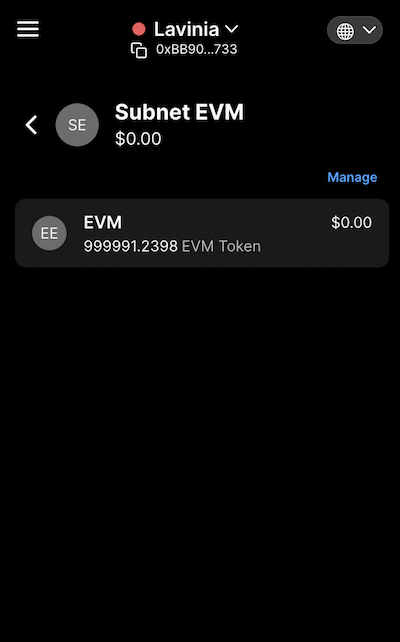
Step 2: Connect Core and Deploy a Smart Contract[](#step-2-connect-core-and-deploy-a-smart-contract "Direct link to heading")
------------------------------------------------------------------------------------------------------------------------------
### Using Remix[](#using-remix "Direct link to heading")
Open [Remix](https://remix.ethereum.org/) -> Select Solidity.
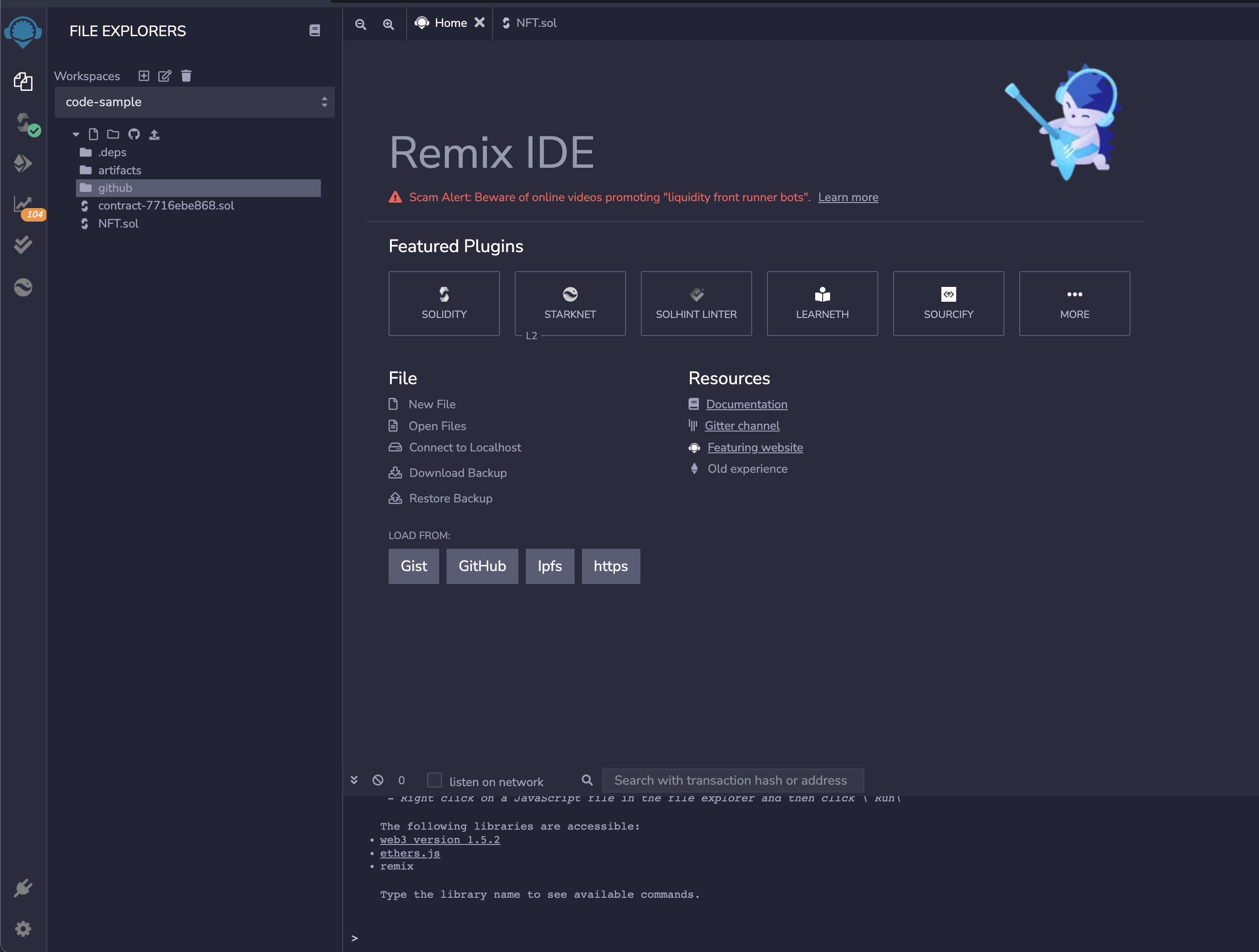
Create the smart contracts that we want to compile and deploy using Remix file explorer
### Using GitHub[](#using-github "Direct link to heading")
In Remix Home _Click_ the GitHub button.
Paste the [link to the Smart Contract](https://github.com/luxfi/lux-smart-contract-quickstart/blob/main/contracts/NFT.sol) into the popup and _Click_ import.
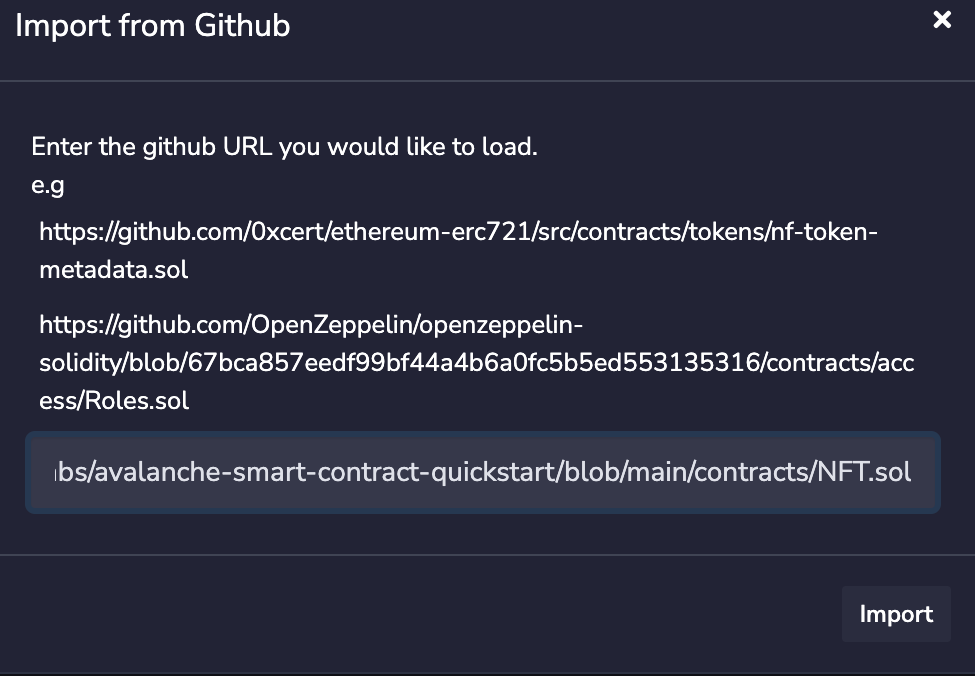
For this example, we will deploy an ERC721 contract from the [Lux Smart Contract Quickstart Repository](https://github.com/luxfi/lux-smart-contract-quickstart).
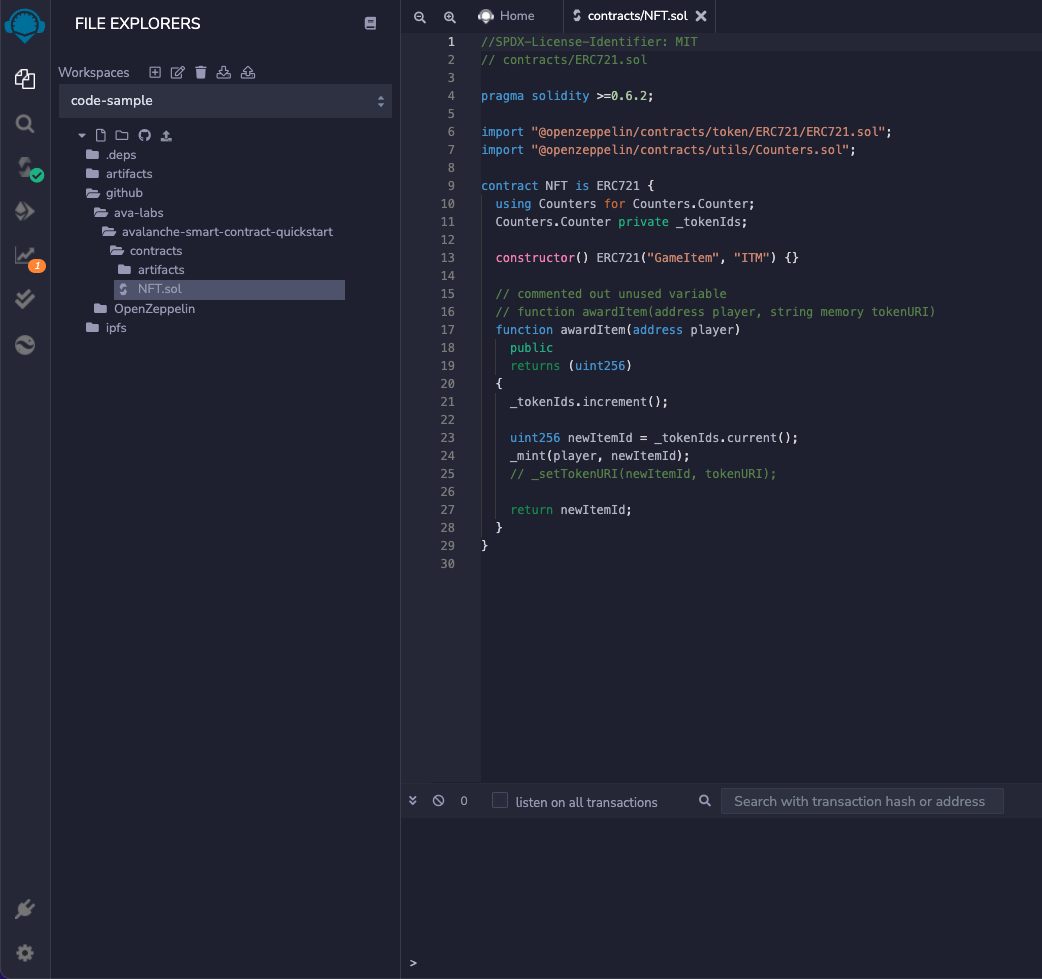
Navigate to Deploy Tab -> Open the "ENVIRONMENT" drop-down and select Injected Web3 (make sure Core is loaded).
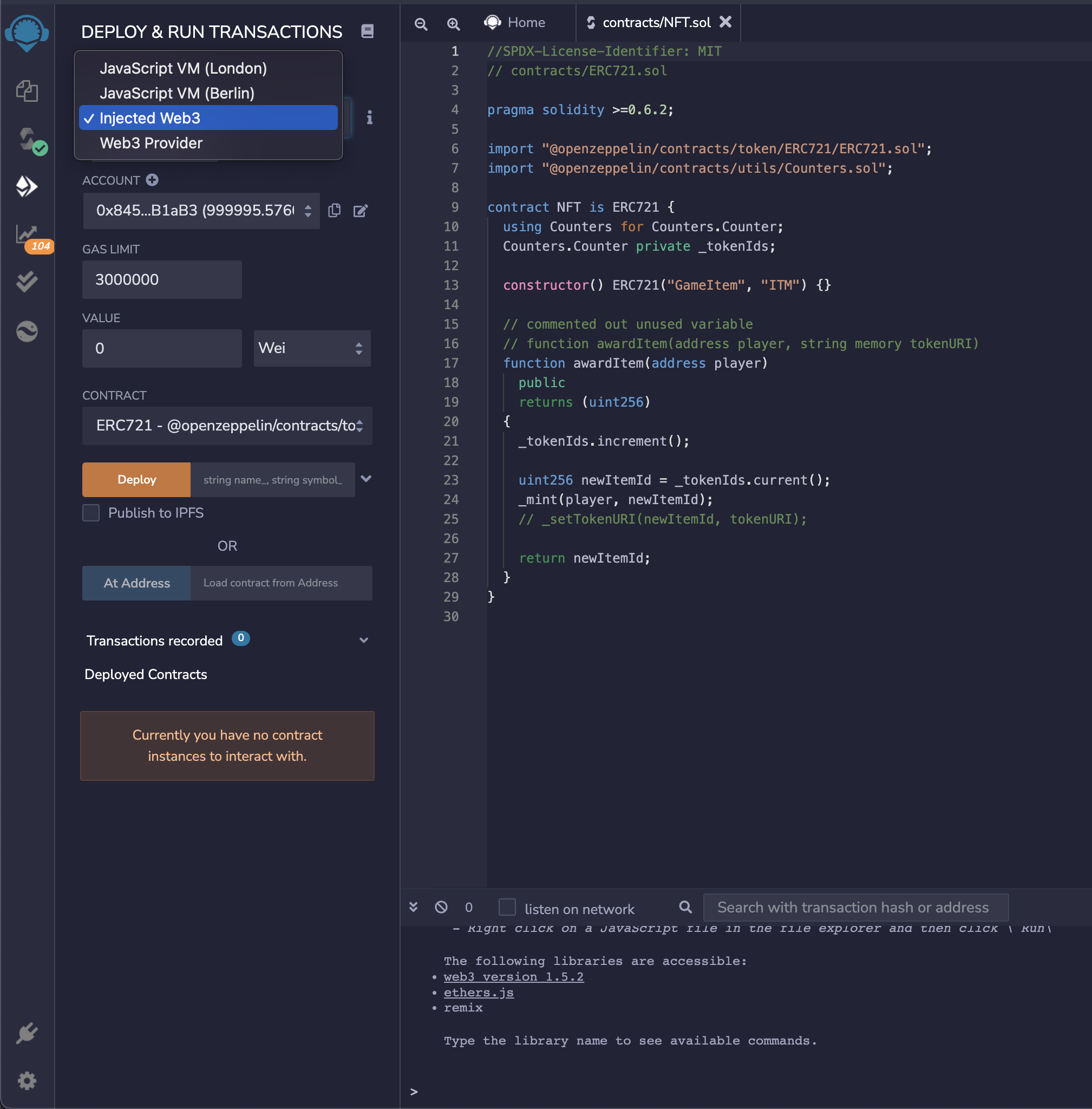
Once we injected the web3-> Go back to the compiler, and compile the selected contract -> Navigate to Deploy Tab.
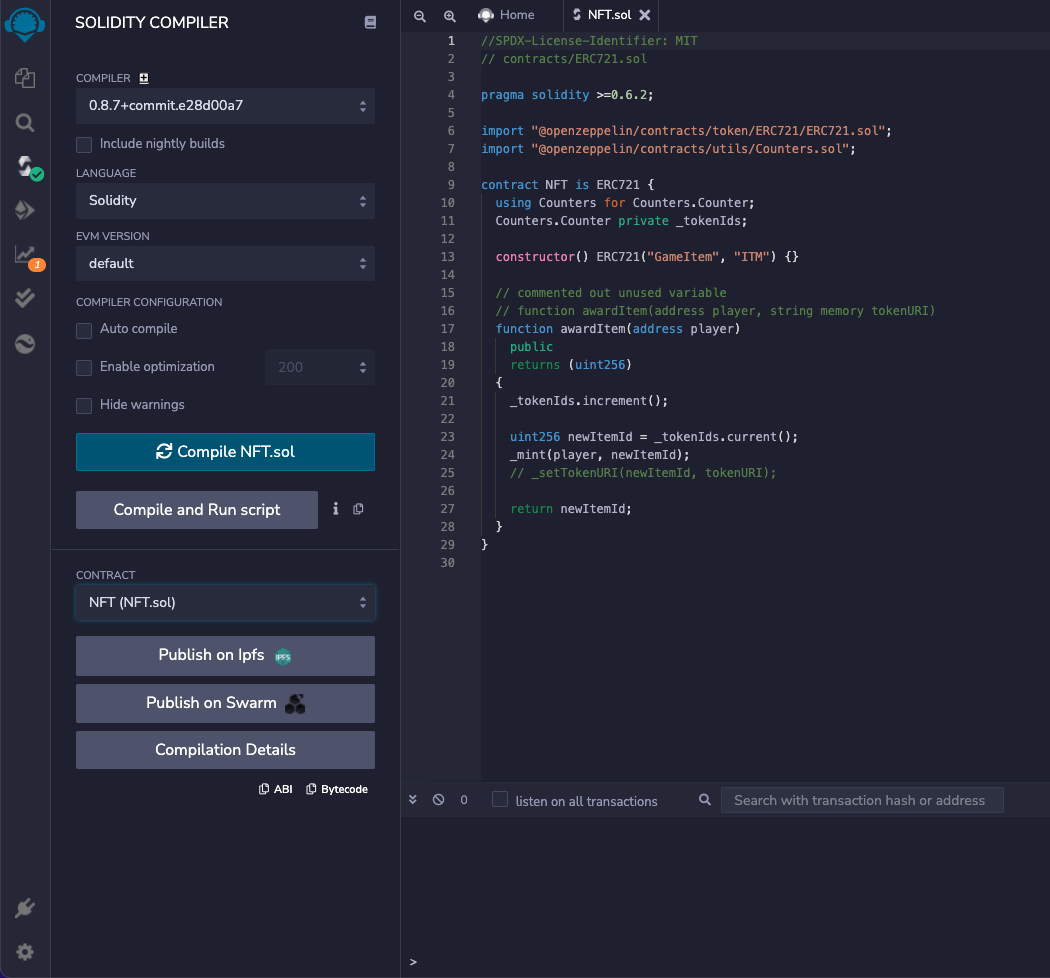
Now, the smart contract is compiled, Core is injected, and we are ready to deploy our ERC721. Click "Deploy."
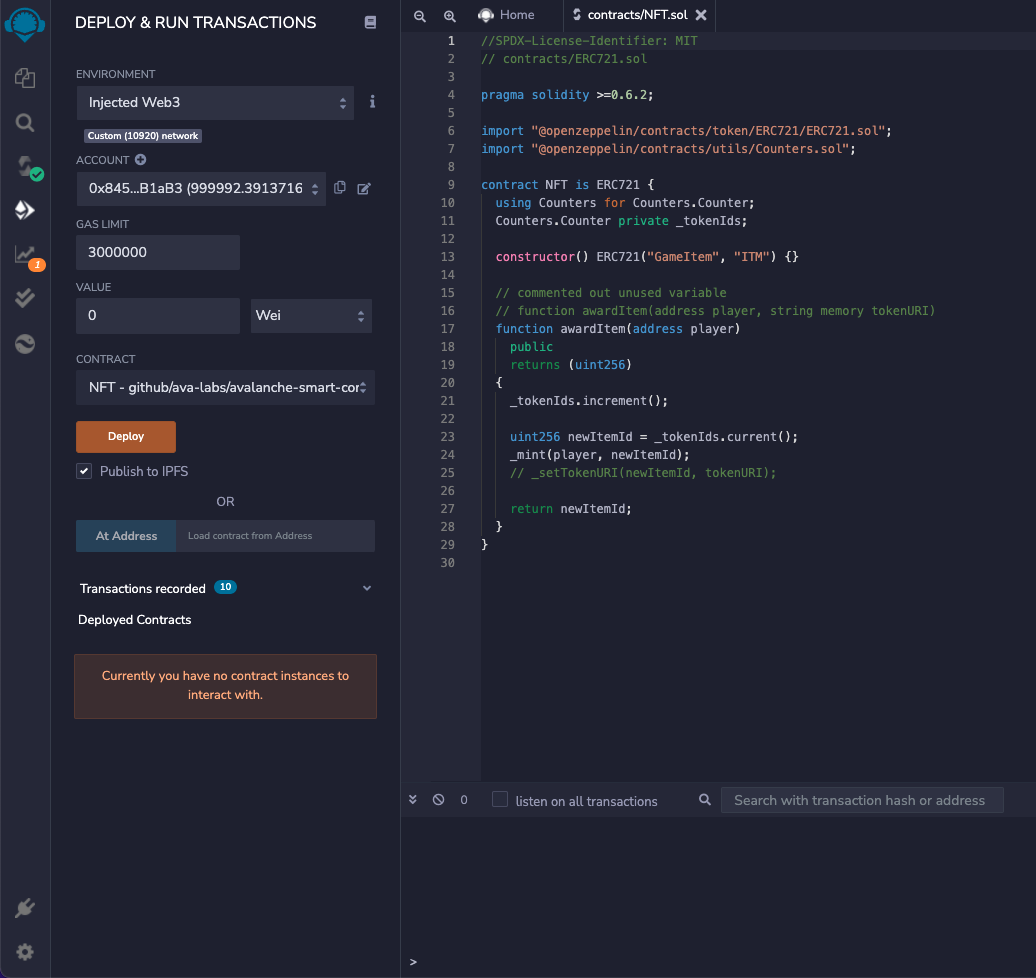
Confirm the transaction on the Core pop up.
Our contract is successfully deployed!
Now, we can expand it by selecting it from the "Deployed Contracts" tab and test it out.
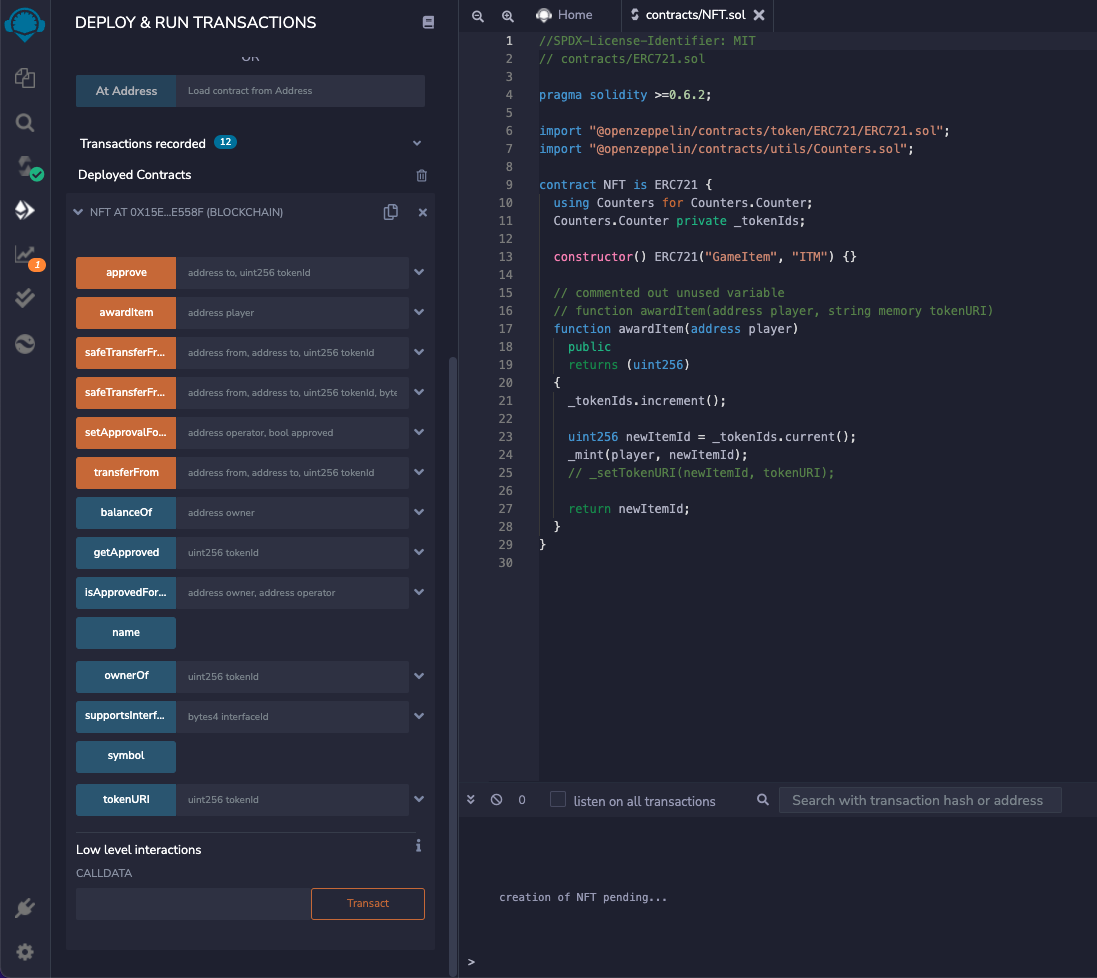
The contract ABI and Bytecode are available on the compiler tab.
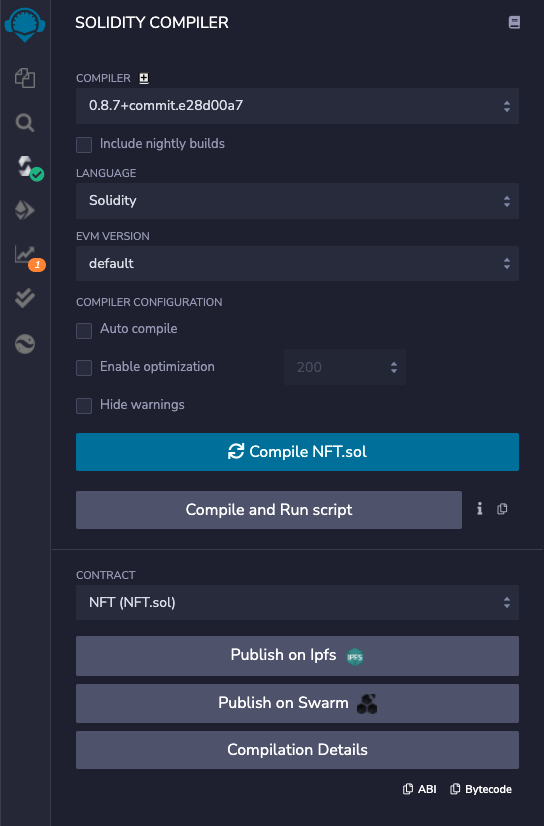
If you had any difficulties following this tutorial or simply want to discuss Lux with us, you can join our community at [Discord](https://chat.avalabs.org/)!
You can use Subnet-EVM just like you use LUExchange-Chain and EVM tools. Only differences are `chainID` and RPC URL. For example you can deploy your contracts with [Hardhat](https://hardhat.org/getting-started) by changing `url` and `chainId` in the `hardhat.config.ts`.
# Add a Testnet Faucet (/docs/lux-l1s/add-utility/testnet-faucet)
---
title: Add a Testnet Faucet
description: This guide will help you add a testnet faucet to your Lux L1.
---
There are thousands of networks and chains in the blockchain space, each with its capabilities and use-cases. Each network requires native coins to do any transaction on them, which can have a monetary value as well. These coins can be collected through centralized exchanges, token sales, etc in exchange for some monetary assets like USD.
But we cannot risk our funds on the network or on any applications hosted on that network, without testing them first. So, these networks often have test networks or testnets, where the native coins do not have any monetary value, and thus can be obtained freely through faucets.
These testnets are often the testbeds for any new native feature of the network itself, or any dapp or [Lux L1](/docs/lux-l1s) that is going live on the main network (Mainnet). For example, [Testnet](/docs/primary-network) network is the Testnet for Lux's Mainnet.
Besides Testnet Testnet, the [Lux Faucet](https://core.app/tools/testnet-faucet/?lux-l1=c&token=c) can be used to get free test tokens on testnet Lux L1s like:
- [WAGMI Testnet](https://core.app/tools/testnet-faucet/?lux-l1=wagmi)
- [DeFI Kingdoms Testnet](https://core.app/tools/testnet-faucet/?lux-l1=dfk)
- [Beam Testnet](https://core.app/tools/testnet-faucet/?lux-l1=beam&token=beam) and many more.
You can use this [repository](https://github.com/luxfi/lux-faucet) to deploy your faucet or just make a PR with the [configurations](https://github.com/luxfi/lux-faucet/blob/main/config.json) of the Lux L1. This faucet comes with many features like multiple chain support, custom rate-limiting per Lux L1, CAPTCHA verification, and concurrent transaction handling.
Summary[](#summary "Direct link to heading")
---------------------------------------------
A [Faucet](https://core.app/tools/testnet-faucet/) powered by Lux for Testnet Network and other Lux L1s. You can -
- Request test coins for the supported Lux L1s
- Integrate your EVM Lux L1 with the faucet by making a PR with the [chain configurations](https://github.com/luxfi/lux-faucet/blob/main/config.json)
- Fork the [repository](https://github.com/luxfi/lux-faucet) to deploy your faucet for any EVM chain
Adding a New Lux L1[](#adding-a-new-lux-l1 "Direct link to heading")
---------------------------------------------------------------------
You can also integrate a new Lux L1 on the live [faucet](https://core.app/tools/testnet-faucet/) with just a few lines of configuration parameters. All you have to do is make a PR on the [Lux Faucet](https://github.com/luxfi/lux-faucet) git repository with the Lux L1's information. The following parameters are required.
```json
{
"ID": string,
"NAME": string,
"TOKEN": string,
"RPC": string,
"CHAINID": number,
"EXPLORER": string,
"IMAGE": string,
"MAX_PRIORITY_FEE": string,
"MAX_FEE": string,
"DRIP_AMOUNT": number,
"RATELIMIT": {
"MAX_LIMIT": number,
"WINDOW_SIZE": number
}
}
```
- `ID` - Each Lux L1 chain should have a unique and relatable ID.
- `NAME` - Name of the Lux L1 chain that will appear on the site.
- `RPC` - A valid RPC URL for accessing the chain.
- `CHAINID` - ChainID of the chain
- `EXPLORER` - Base URL of standard explorer's site.
- `IMAGE` - URL of the icon of the chain that will be shown in the dropdown.
- `MAX_PRIORITY_FEE` - Maximum tip per faucet drop in **wei** or **10\-18** unit (for EIP1559 supported chains)
- `MAX_FEE` - Maximum fee that can be paid for a faucet drop in **wei** or **10\-18** unit
- `DRIP_AMOUNT` - Amount of coins to send per request in **gwei** or **10\-9** unit
- `RECALIBRATE` _(optional)_ - Number of seconds after which the nonce and balance will recalibrate
- `RATELIMIT` - Number of times (MAX\_LIMIT) to allow per user within the WINDOW\_SIZE (in minutes)
Add the configuration in the array of `evmchains` inside the [config.json](https://github.com/luxfi/lux-faucet/blob/main/config.json) file and make a PR.
Building and Deploying a Faucet[](#building-and-deploying-a-faucet "Direct link to heading")
---------------------------------------------------------------------------------------------
You can also deploy and build your faucet by using the [Lux Faucet](https://github.com/luxfi/lux-faucet) repository.
### Requirements[](#requirements "Direct link to heading")
- [Node](https://nodejs.org/en) >= 17.0 and [npm](https://www.npmjs.com/) >= 8.0
- [Google's reCAPTCHA](https://www.google.com/recaptcha/intro/v3.html) v3 keys
- [Docker](https://www.docker.com/get-started/)
### Installation[](#installation "Direct link to heading")
Clone this repository at your preferred location.
```bash
git clone https://github.com/luxfi/lux-faucet
```
The repository cloning method used is HTTPS, but SSH can be used too:
`git clone git@github.com:luxfi/lux-faucet.git`
You can find more about SSH and how to use it [here](https://docs.github.com/en/authentication/connecting-to-github-with-ssh/about-ssh).
### Client-Side Configurations[](#client-side-configurations "Direct link to heading")
We need to configure our application with the server API endpoints and CAPTCHA site keys. All the client-side configurations are there in the `client/src/config.json` file. Since there are no secrets on the client-side, we do not need any environment variables. Update the config files according to your need.
```json
{
"banner": "/banner.png",
"apiBaseEndpointProduction": "/api/",
"apiBaseEndpointDevelopment": "http://localhost:8000/api/",
"apiTimeout": 10000,
"CAPTCHA": {
"siteKey": "6LcNScYfAAAAAJH8fauA-okTZrmAxYqfF9gOmujf",
"action": "faucetdrip"
}
}
```
Put the Google's reCAPTCHA site-key without which the faucet client can't send the necessary CAPTCHA response to the server. This key is not a secret and could be public.
In the above file, there are 2 base endpoints for the faucet server `apiBaseEndpointProduction` and `apiBaseEndpointDevelopment`.
In production mode, the client-side will be served as static content over the server's endpoint, and hence we do not have to provide the server's IP address or domain.
The URL path should be valid, where the server's APIs are hosted. If the endpoints for API have a leading `/v1/api` and the server is running on localhost at port 3000, then you should use `http://localhost:3000/v1/api` or `/v1/api/` depending on whether it is production or development.
### Server-Side Configurations[](#server-side-configurations "Direct link to heading")
On the server-side, we need to configure 2 files - `.env` for secret keys and `config.json` for chain and API rate limiting configurations.
#### Setup Environment Variables[](#setup-environment-variables "Direct link to heading")
Setup the environment variable with your private key and reCAPTCHA secret. Make a `.env` file in your preferred location with the following credentials, as this file will not be committed to the repository. The faucet server can handle multiple EVM chains, and therefore requires private keys for addresses with funds on each of the chains.
If you have funds on the same address on every chain, then you can specify them with the single variable`PK`. But if you have funds on different addresses on different chains, then you can provide each of the private keys against the ID of the chain, as shown below.
```bash
C="C chain private key"
WAGMI="Wagmi chain private key"
PK="Sender Private Key with Funds in it"
CAPTCHA_SECRET="Google reCAPTCHA Secret"
```
`PK` will act as a fallback private key, in case, the key for any chain is not provided.
#### Setup EVM Chain Configurations[](#setup-evm-chain-configurations "Direct link to heading")
You can create a faucet server for any EVM chain by making changes in the `config.json` file. Add your chain configuration as shown below in the `evmchains` object. Configuration for Testnet's LUExchange-Chain and WAGMI chain is shown below for example.
```json
"evmchains": [
{
"ID": "C",
"NAME": "Testnet (LUExchange-Chain)",
"TOKEN": "LUX",
"RPC": "https://api.lux-test.network/ext/C/rpc",
"CHAINID": 43113,
"EXPLORER": "https://testnet.snowtrace.io",
"IMAGE": "/luxred.png",
"MAX_PRIORITY_FEE": "2000000000",
"MAX_FEE": "100000000000",
"DRIP_AMOUNT": 2000000000,
"RECALIBRATE": 30,
"RATELIMIT": {
"MAX_LIMIT": 1,
"WINDOW_SIZE": 1440
}
},
{
"ID": "WAGMI",
"NAME": "WAGMI Testnet",
"TOKEN": "WGM",
"RPC": "https://subnets.lux.network/wagmi/wagmi-chain-testnet/rpc",
"CHAINID": 11111,
"EXPLORER": "https://subnets.lux.network/wagmi/wagmi-chain-testnet/explorer",
"IMAGE": "/wagmi.png",
"MAX_PRIORITY_FEE": "2000000000",
"MAX_FEE": "100000000000",
"DRIP_AMOUNT": 2000000000,
"RATELIMIT": {
"MAX_LIMIT": 1,
"WINDOW_SIZE": 1440
}
}
]
```
In the above configuration drip amount is in `nLUX` or `gwei`, whereas fees are in `wei`. For example, with the above configurations, the faucet will send `1 LUX` with maximum fees per gas being `100 nLUX` and priority fee as `2 nLUX`.
The rate limiter for LUExchange-Chain will only accept 1 request in 60 minutes for a particular API and 2 requests in 60 minutes for the WAGMI chain. Though it will skip any failed requests so that users can request tokens again, even if there is some internal error in the application. On the other hand, the global rate limiter will allow 15 requests per minute on every API. This time failed requests will also get counted so that no one can abuse the APIs.
### API Endpoints[](#api-endpoints "Direct link to heading")
This server will expose the following APIs
#### Health API[](#health-api "Direct link to heading")
The `/health` API will always return a response with a `200` status code. This endpoint can be used to know the health of the server.
```bash
curl http://localhost:8000/health
```
Response
#### Get Faucet Address[](#get-faucet-address "Direct link to heading")
This API will be used for fetching the faucet address.
```bash
curl http://localhost:8000/api/faucetAddress?chain=C
```
It will give the following response:
```bash
0x3EA53fA26b41885cB9149B62f0b7c0BAf76C78D4
```
#### Get Faucet Balance[](#get-faucet-balance "Direct link to heading")
This API will be used for fetching the faucet address.
```bash
curl http://localhost:8000/api/getBalance?chain=C
```
#### Send Token[](#send-token "Direct link to heading")
This API endpoint will handle token requests from users. It will return the transaction hash as a receipt of the faucet drip.
```bash
curl -d '{
"address": "0x3EA53fA26b41885cB9149B62f0b7c0BAf76C78D4"
"chain": "C"
}' -H 'Content-Type: application/json' http://localhost:8000/api/sendToken
```
Send token API requires a CAPTCHA response token that is generated using the CAPTCHA site key on the client-side.
Since we can't generate and pass this token while making a curl request, we have to disable the CAPTCHA verification for testing purposes. You can find the steps to disable it in the next sections. The response is shown below
```json
{
"message": "Transaction successful on Lux C Chain!",
"txHash": "0x3d1f1c3facf59c5cd7d6937b3b727d047a1e664f52834daf20b0555e89fc8317"
}
```
### Rate Limiters[](#rate-limiters-important "Direct link to heading")
The rate limiters are applied on the global (all endpoints) as well as on the `/api/sendToken` API. These can be configured from the `config.json` file. Rate limiting parameters for chains are passed in the chain configuration as shown above.
```json
"GLOBAL_RL": {
"ID": "GLOBAL",
"RATELIMIT": {
"REVERSE_PROXIES": 4,
"MAX_LIMIT": 40,
"WINDOW_SIZE": 1,
"PATH": "/",
"SKIP_FAILED_REQUESTS": false
}
}
```
There could be multiple proxies between the server and the client. The server will see the IP address of the adjacent proxy connected with the server, and this may not be the client's actual IP.
The IPs of all the proxies that the request has hopped through are stuffed inside the header **x-forwarded-for** array. But the proxies in between can easily manipulate these headers to bypass rate limiters. So, we cannot trust all the proxies and hence all the IPs inside the header.
The proxies that are set up by the owner of the server (reverse-proxies) are the trusted proxies on which we can rely and know that they have stuffed the actual IP of the callers in between. Any proxy that is not set up by the server, should be considered an untrusted proxy. So, we can jump to the IP address added by the last proxy that we trust. The number of jumps that we want can be configured in the `config.json` file inside the `GLOBAL_RL` object.
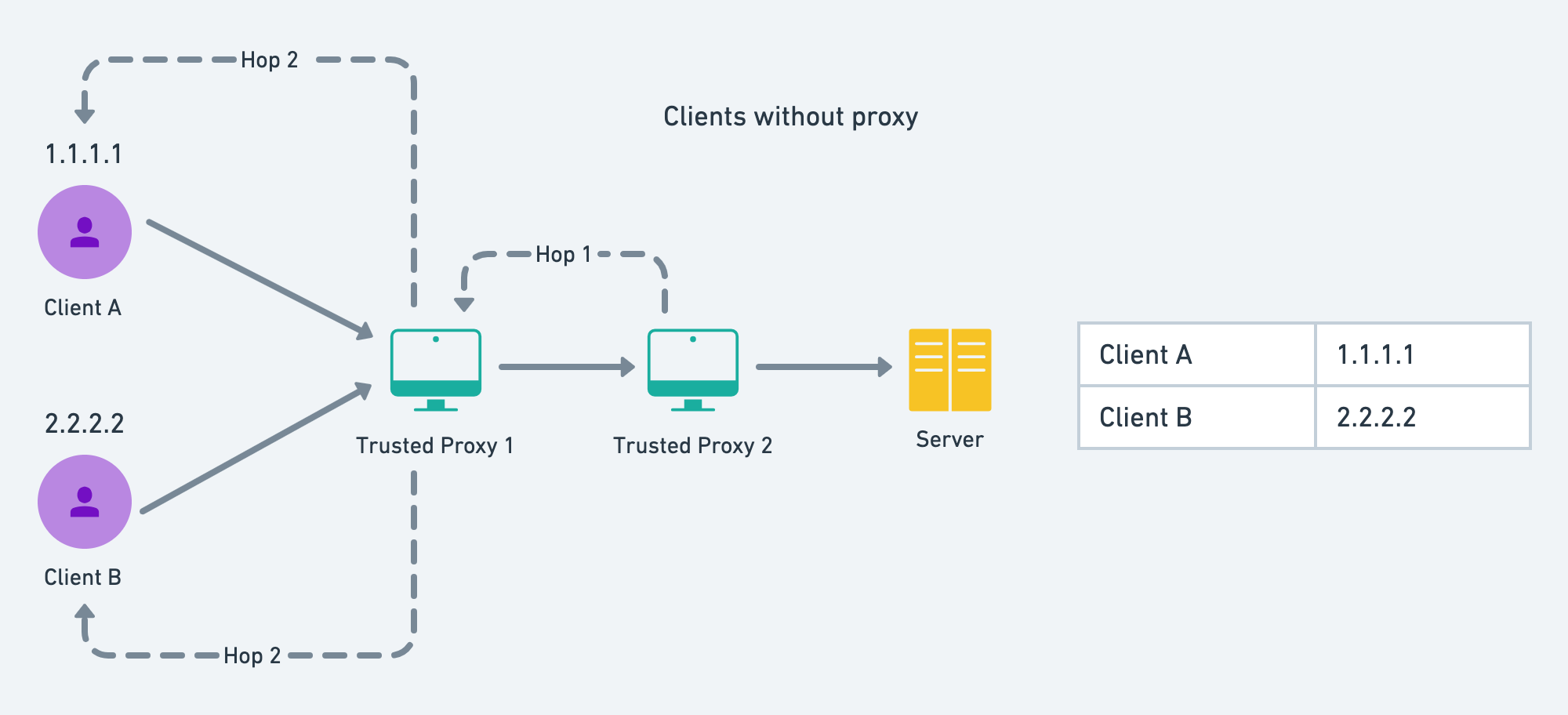
#### Clients Behind Same Proxy[](#clients-behind-same-proxy "Direct link to heading")
Consider the below diagram. The server is set up with 2 reverse proxies. If the client is behind proxies, then we cannot get the client's actual IP, and instead will consider the proxy's IP as the client's IP. And if some other client is behind the same proxy, then those clients will be considered as a single entity and might get rate-limited faster.
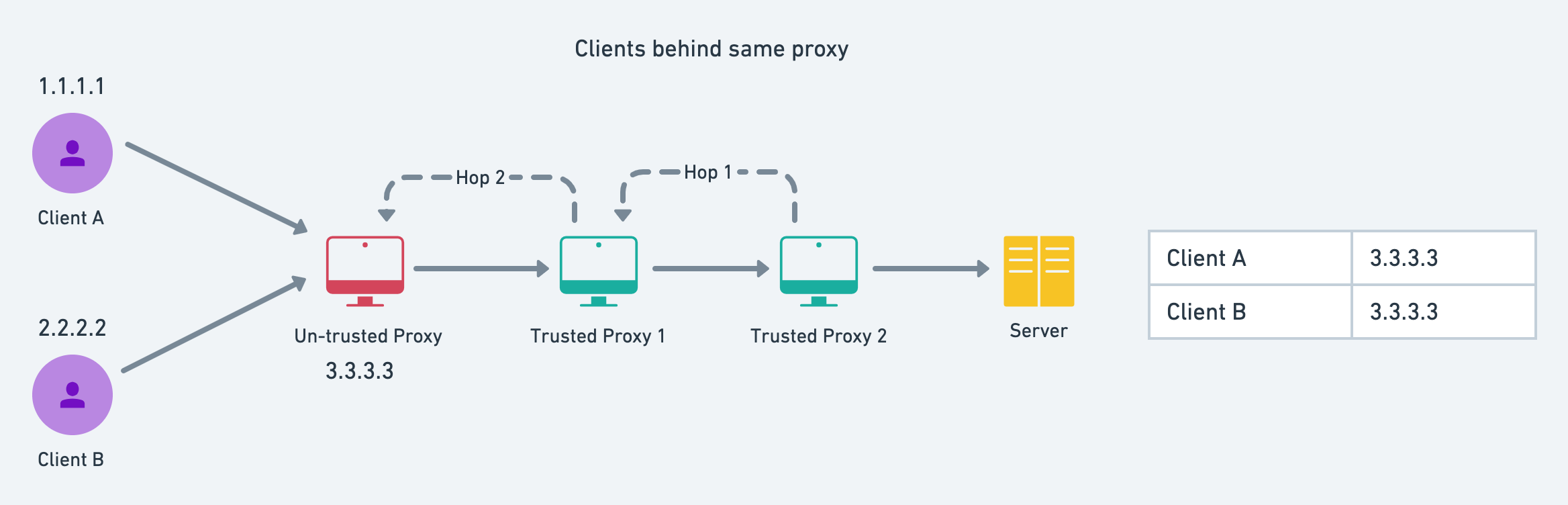
Therefore it is advised to the users, to avoid using any proxy for accessing applications that have critical rate limits, like this faucet.
#### Wrong Number of Reverse Proxies[](#wrong-number-of-reverse-proxies "Direct link to heading")
So, if you want to deploy this faucet, and have some reverse proxies in between, then you should configure this inside the `GLOBAL_RL` key of the `config.json` file. If this is not configured properly, then the users might get rate-limited very frequently, since the server-side proxy's IP addresses are being viewed as the client's IP. You can verify this in the code [here](https://github.com/luxfi/lux-faucet/blob/23eb300635b64130bc9ce10d9e894f0a0b3d81ea/middlewares/rateLimiter.ts#L25).
```json
"GLOBAL_RL": {
"ID": "GLOBAL",
"RATELIMIT": {
"REVERSE_PROXIES": 4,
...
}
}
```
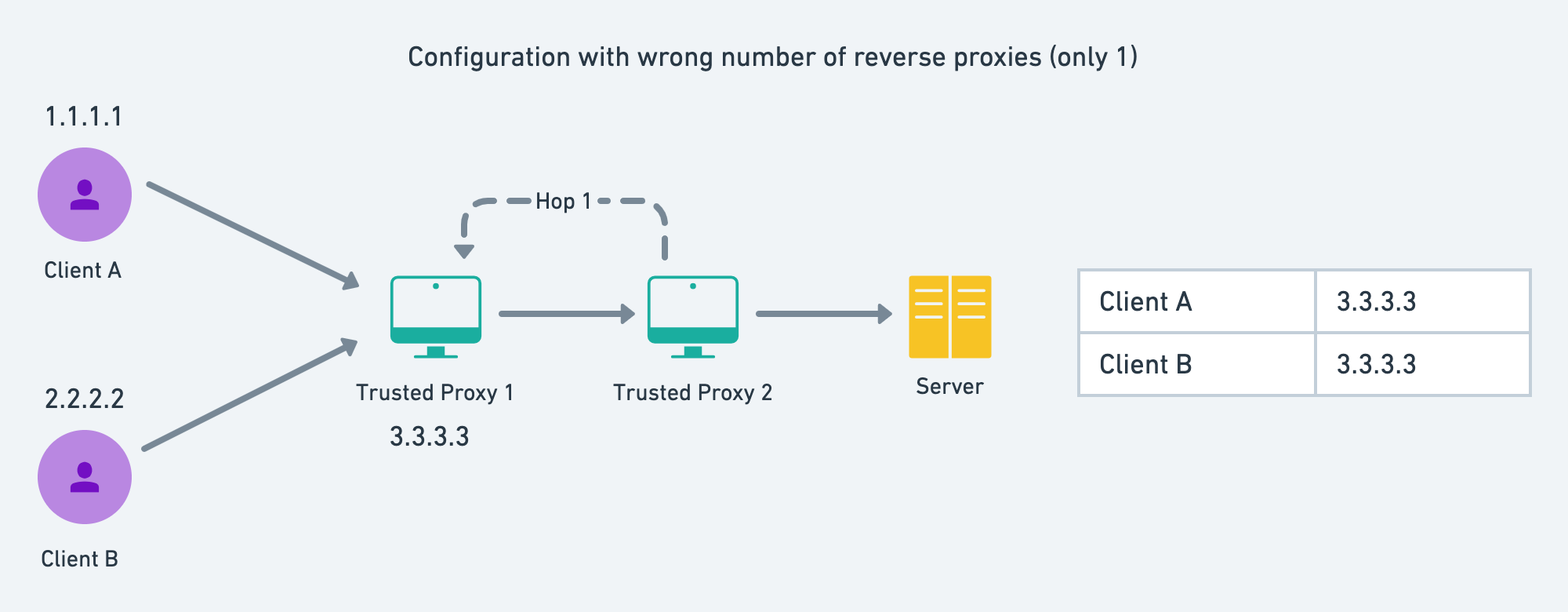
It is also quite common to have Cloudflare as the last reverse proxy or the exposed server. Cloudflare provides a header **cf-connecting-ip** which is the IP of the client that requested the faucet and hence Cloudflare. We are using this as default.
### CAPTCHA Verification[](#captcha-verification "Direct link to heading")
CAPTCHA is required to prove the user is a human and not a bot. For this purpose, we will use [Google's reCAPTCHA](https://www.google.com/recaptcha/intro/v3.html). The server-side will require `CAPTCHA_SECRET` that should not be exposed. You can set the threshold score to pass the CAPTCHA test by the users [here](https://github.com/luxfi/lux-faucet/blob/23eb300635b64130bc9ce10d9e894f0a0b3d81ea/middlewares/verifyCaptcha.ts#L20).
You can disable these CAPTCHA verifications and rate limiters for testing the purpose, by tweaking in the `server.ts` file.
### Disabling Rate Limiters[](#disabling-rate-limiters "Direct link to heading")
Comment or remove these two lines from the `server.ts` file
```ts title="server.ts"
new RateLimiter(app, [GLOBAL_RL]);
new RateLimiter(app, evmchains);
```
### Disabling CAPTCHA Verification[](#disabling-captcha-verification "Direct link to heading")
Remove the `captcha.middleware` from `sendToken` API.
### Starting the Faucet[](#starting-the-faucet "Direct link to heading")
Follow the below commands to start your local faucet.
#### Installing Dependencies[](#installing-dependencies "Direct link to heading")
This will concurrently install dependencies for both client and server.
If ports have a default configuration, then the client will start at port 3000 and the server will start at port 8000 while in development mode.
#### Starting in Development Mode[](#starting-in-development-mode "Direct link to heading")
This will concurrently start the server and client in development mode.
#### Building for Production[](#building-for-production "Direct link to heading")
The following command will build server and client at `build/` and `build/client` directories.
#### Starting in Production Mode[](#starting-in-production-mode "Direct link to heading")
This command should only be run after successfully building the client and server-side code.
### Setting up with Docker[](#setting-up-with-docker "Direct link to heading")
Follow the steps to run this application in a Docker container.
#### Build Docker Image[](#build-docker-image "Direct link to heading")
Docker images can be served as the built versions of our application, that can be used to deploy on Docker container.
```bash
docker build . -t faucet-image
```
#### Starting Application inside Docker Container[](#starting-application-inside-docker-container "Direct link to heading")
Now we can create any number of containers using the above `faucet` image. We also have to supply the `.env` file or the environment variables with the secret keys to create the container. Once the container is created, these variables and configurations will be persisted and can be easily started or stopped with a single command.
```bash
docker run -p 3000:8000 --name faucet-container --env-file ../.env faucet-image
```
The server will run on port 8000, and our Docker will also expose this port for the outer world to interact. We have exposed this port in the `Dockerfile`. But we cannot directly interact with the container port, so we had to bind this container port to our host port. For the host port, we have chosen 3000. This flag `-p 3000:8000` achieves the same.
This will start our faucet application in a Docker container at port 3000 (port 8000 on the container). You can interact with the application by visiting \[http://localhost:3000\] in your browser.
#### Stopping the Container[](#stopping-the-container "Direct link to heading")
You can easily stop the container using the following command
```bash
docker stop faucet-container
```
#### Restarting the Container[](#restarting-the-container "Direct link to heading")
To restart the container, use the following command
```bash
docker start faucet-container
```
Using the Faucet[](#using-the-faucet "Direct link to heading")
---------------------------------------------------------------
Using the faucet is quite straightforward, but for the sake of completeness, let's go through the steps, to collect your first test coins.
### Visit Lux Faucet Site[](#visit-lux-faucet-site "Direct link to heading")
Go to [https://core.app/tools/testnet-faucet/](https://core.app/tools/testnet-faucet/). You will see various network parameters like network name, faucet balance, drop amount, drop limit, faucet address, etc.
### Select Network[](#select-network "Direct link to heading")
You can use the dropdown to select the network of your choice and get some free coins (each network may have a different drop amount).
### Put Address and Request Coins[](#put-address-and-request-coins "Direct link to heading")
If you already have an LUX balance greater than zero on Mainnet, paste your LUExchange-Chain address there, and request test tokens. Otherwise, please request a faucet coupon on [Guild](https://guild.xyz/lux). Admins and mods on the official [Discord](https://discord.com/invite/RwXY7P6) can provide testnet LUX if developers are unable to obtain it from the other two options.
Within a second, you will get a **transaction hash** for the processed transaction. The hash would be a hyperlink to Lux L1's explorer. You can see the transaction status, by clicking on that hyperlink.
### More Interactions[](#more-interactions "Direct link to heading")
This is not just it. Using the buttons shown below, you can go to the Lux L1 explorer or add the Lux L1 to your browser wallet extensions like Core or MetaMask with a single click.
### Probable Errors and Troubleshooting[](#probable-errors-and-troubleshooting "Direct link to heading")
Errors are not expected, but if you are facing some of the errors shown, then you could try troubleshooting as shown below. If none of the troubleshooting works, reach us through [Discord](https://discord.com/channels/578992315641626624/).
1. **Too many requests. Please try again after X minutes**: This is a rate-limiting message. Every Lux L1 can set its drop limits. The above message suggests that you have reached your drop limit, that is the number of times you could request coins within the window of X minutes. You should try requesting after X minutes. If you are facing this problem, even when you are requesting for the first time in the window, you may be behind some proxy, Wi-Fi, or VPN service that is also being used by some other user.
2. **CAPTCHA verification failed! Try refreshing**: We are using v3 of [Google's reCAPTCHA](https://developers.google.com/recaptcha/docs/v3). This version uses scores between 0 and 1 to rate the interaction of humans with the site, with 0 being the most suspicious one. You do not have to solve any puzzle or mark the **I am not a Robot** checkbox. The score will be automatically calculated. We want our users to score at least 0.3 to use the faucet. This is configurable, and we will update the threshold after having broader data. But if you are facing this issue, then you can try refreshing your page, disabling ad-blockers, or switching off any VPN. You can follow this [guide](https://2captcha.com/blog/google-doesnt-accept-recaptcha-answers) to get rid of this issue.
3. **Internal RPC error! Please try after sometime**: This is an internal error in the Lux L1's node, on which we are making an RPC for sending transactions. A regular check will update the RPC's health status every 30 seconds (default) or whatever is set in the configuration. This may happen only in rare scenarios and you cannot do much about it, rather than waiting.
4. **Timeout of 10000ms exceeded**: There could be many reasons for this message. It could be an internal server error, or the request didn't receive by the server, slow internet, etc. You could try again after some time, and if the problem persists, then you should raise this issue on our [Discord](https://discord.com/channels/578992315641626624/) server.
5. **Couldn't see any transaction status on explorer**: The transaction hash that you get for each drop is pre-computed using the expected nonce, amount, and receiver's address. Though transactions on Lux are near-instant, the explorer may take time to index those transactions. You should wait for a few more seconds, before raising any issue or reaching out to us.
# Background and Requirements (/docs/lux-l1s/custom-precompiles/background-requirements)
---
title: Background and Requirements
description: Learn about the background and requirements for customizing Ethereum Virtual Machine.
---
This is a brief overview of what this tutorial will cover.
- Write a Solidity interface
- Generate the precompile template
- Implement the precompile functions in Golang
- Write and run tests
Stateful precompiles are [alpha software](https://en.wikipedia.org/wiki/Software_release_life_cycle#Alpha). Build at your own risk.
In this tutorial, we used a branch based on Subnet-EVM version `v0.5.2`. You can find the branch [here](https://github.com/luxfi/subnet-evm/tree/helloworld-official-tutorial-v2). The code in this branch is the same as Subnet-EVM except for the `precompile/contracts/helloworld` directory. The directory contains the code for the `HelloWorld` precompile. We will be using this precompile as an example to learn how to write a stateful precompile. The code in this branch can become outdated. You should always use the latest version of Subnet-EVM when you develop your own precompile.
## Precompile-EVM
Subnet-EVM precompiles can be registered from an external repo. This allows developer to build their precompiles without maintaining a fork of Subnet-EVM. The precompiles are then registered in the Subnet-EVM at build time.
The difference between using Subnet-EVM and Precompile-EVM is that with Subnet-EVM you can change EVM internals to interact with your precompiles. Such as changing fee structure, adding new opcodes, changing how to build a block, etc. With Precompile-EVM you can only add new stateful precompiles that can interact with the StateDB. Precompiles built with Precompile-EVM are still very powerful because it can directly access to the state and modify it.
There is a template repo for how to build a precompile with this way called [Precompile-EVM](https://github.com/luxfi/precompile-evm). Both Subnet-EVM and Precompile-EVM share similar directory structures and common codes.
You can reference the Precompile-EVM PR that adds Hello World precompile [here](https://github.com/luxfi/precompile-evm/pull/12).
## Requirements
This tutorial assumes familiarity with Golang and JavaScript.
Additionally, users should be deeply familiar with the EVM in order to understand its invariants since adding a Stateful Precompile modifies the EVM itself.
Here are some recommended resources to learn the ins and outs of the EVM:
- [The Ethereum Virtual Machine](https://github.com/ethereumbook/ethereumbook/blob/develop/13evm.asciidoc)
- [Precompiles in Solidity](https://medium.com/@rbkhmrcr/precompiles-solidity-e5d29bd428c4)
- [Deconstructing a Smart Contract](https://blog.openzeppelin.com/deconstructing-a-solidity-contract-part-i-introduction-832efd2d7737/)
- [Layout of State Variables in Storage](https://docs.soliditylang.org/en/v0.8.10/internals/layout_in_storage.html)
- [Layout in Memory](https://docs.soliditylang.org/en/v0.8.10/internals/layout_in_memory.html)
- [Layout of Call Data](https://docs.soliditylang.org/en/v0.8.10/internals/layout_in_calldata.html)
- [Contract ABI Specification](https://docs.soliditylang.org/en/v0.8.10/abi-spec.html)
- [Customizing the EVM with Stateful Precompiles](https://medium.com/luxlux/customizing-the-evm-with-stateful-precompiles-f44a34f39efd)
Please install the following before getting started.
First, install the latest version of Go. Follow the instructions [here](https://go.dev/doc/install). You can verify by running `go version`.
Set the `$GOPATH` environment variable properly for Go to look for Go Workspaces. Please read [this](https://go.dev/doc/gopath_code) for details. You can verify by running `echo $GOPATH`.
See [here](https://github.com/golang/go/wiki/SettingGOPATH) for instructions on setting the GOPATH based on system configurations.
As a few things will be installed into `$GOPATH/bin`, please make sure that `$GOPATH/bin` is in your `$PATH`, otherwise, you may get an error running the commands below. To do that, run the command: `export PATH=$PATH:$GOROOT/bin:$GOPATH/bin`
Download the following prerequisites into your `$GOPATH`:
- Git Clone the repository (Subnet-EVM or Precompile-EVM)
- Git Clone [LuxGo](https://github.com/luxfi/luxgo) repository
- Install [Lux Network Runner](/docs/tooling/lux-cli)
- Install [solc](https://github.com/ethereum/solc-js#usage-on-the-command-line)
- Install [Node.js and NPM](https://nodejs.org/en/download) For easy copy paste, use the below commands:
```bash
cd $GOPATH
mkdir -p src/github.com/luxfi
cd src/github.com/luxfi
```
Clone the repository:
```bash
git clone git@github.com:luxfi/subnet-evm.git
```
Then run the following commands:
```bash
git clone git@github.com:luxfi/luxgo.git
curl -sSfL https://raw.githubusercontent.com/luxfi/lux-network-runner/main/scripts/install.sh | sh -s
npm install -g solc
```
```bash
git clone git@github.com:luxfi/precompile-evm.git
```
Alternatively you can use it as a template repo from github.
Then run the following commands:
```bash
git clone git@github.com:luxfi/luxgo.git
curl -sSfL https://raw.githubusercontent.com/luxfi/lux-network-runner/main/scripts/install.sh | sh -s
npm install -g solc
```
## Complete Code
You can inspect example pull request for the complete code.
[Subnet-EVM Hello World Pull Request](https://github.com/luxfi/subnet-evm/pull/565/)
[Precompile-EVM Hello World Pull Request](https://github.com/luxfi/precompile-evm/pull/12/)
For a full-fledged example, you can also check out the [Reward Manager Precompile](https://github.com/luxfi/subnet-evm/blob/helloworld-official-tutorial-v2/precompile/contracts/rewardmanager/).
# Generating Your Precompile (/docs/lux-l1s/custom-precompiles/create-precompile)
---
title: Generating Your Precompile
description: In this section, we will go over the process for automatically generating the template code which you can configure accordingly for your stateful precompile.
---
First, we must create the Solidity interface that we want our precompile to implement. This will be the HelloWorld Interface. It will have two simple functions, `sayHello()`, `setGreeting()` and an event `GreetingChanged`. These two functions will demonstrate the getting and setting respectively of a value stored in the precompile's state space.
The `sayHello()` function is a `view` function, meaning it does not modify the state of the precompile and returns a string result. The `setGreeting()` function is a state changer function, meaning it modifies the state of the precompile. The `HelloWorld` interface inherits `IAllowList` interface to use the allow list functionality.
For this tutorial, we will be working in a new branch in Subnet-EVM/Precompile-EVM repo.
```bash
cd $GOPATH/src/github.com/luxfi/subnet-evm
```
We will start off in this directory `./contracts/`:
```bash
cd contracts/
```
Create a new file called `IHelloWorld.sol` and copy and paste the below code:
```solidity title="contracts/IHelloWorld.sol"
// (c) 2022-2023, Lux Network, Inc. All rights reserved.
// See the file LICENSE for licensing terms.
// SPDX-License-Identifier: MIT
pragma solidity >=0.8.0;
import "./IAllowList.sol";
interface IHelloWorld is IAllowList {
event GreetingChanged(
address indexed sender,
string oldGreeting,
string newGreeting
);
// sayHello returns the stored greeting string
function sayHello() external view returns (string calldata result);
// setGreeting stores the greeting string
function setGreeting(string calldata response) external;
}
```
Now we have an interface that our precompile can implement! Let's create an [ABI](https://docs.soliditylang.org/en/v0.8.13/abi-spec.html#contract-abi-specification) of our Solidity interface.
In the same directory, let's run:
```bash
solc --abi ./contracts/interfaces/IHelloWorld.sol -o ./abis
```
This generates the ABI code under `./abis/contracts_interfaces_IHelloWorld_sol_IHelloWorld.abi`.
```
[
{
"anonymous": false,
"inputs": [
{
"indexed": true,
"internalType": "address",
"name": "sender",
"type": "address"
},
{
"indexed": false,
"internalType": "string",
"name": "oldGreeting",
"type": "string"
},
{
"indexed": false,
"internalType": "string",
"name": "newGreeting",
"type": "string"
}
],
"name": "GreetingChanged",
"type": "event"
},
{
"anonymous": false,
"inputs": [
{
"indexed": true,
"internalType": "uint256",
"name": "role",
"type": "uint256"
},
{
"indexed": true,
"internalType": "address",
"name": "account",
"type": "address"
},
{
"indexed": true,
"internalType": "address",
"name": "sender",
"type": "address"
},
{
"indexed": false,
"internalType": "uint256",
"name": "oldRole",
"type": "uint256"
}
],
"name": "RoleSet",
"type": "event"
},
{
"inputs": [
{ "internalType": "address", "name": "addr", "type": "address" }
],
"name": "readAllowList",
"outputs": [
{ "internalType": "uint256", "name": "role", "type": "uint256" }
],
"stateMutability": "view",
"type": "function"
},
{
"inputs": [],
"name": "sayHello",
"outputs": [
{ "internalType": "string", "name": "result", "type": "string" }
],
"stateMutability": "view",
"type": "function"
},
{
"inputs": [
{ "internalType": "address", "name": "addr", "type": "address" }
],
"name": "setAdmin",
"outputs": [],
"stateMutability": "nonpayable",
"type": "function"
},
{
"inputs": [
{ "internalType": "address", "name": "addr", "type": "address" }
],
"name": "setEnabled",
"outputs": [],
"stateMutability": "nonpayable",
"type": "function"
},
{
"inputs": [
{ "internalType": "string", "name": "response", "type": "string" }
],
"name": "setGreeting",
"outputs": [],
"stateMutability": "nonpayable",
"type": "function"
},
{
"inputs": [
{ "internalType": "address", "name": "addr", "type": "address" }
],
"name": "setManager",
"outputs": [],
"stateMutability": "nonpayable",
"type": "function"
},
{
"inputs": [
{ "internalType": "address", "name": "addr", "type": "address" }
],
"name": "setNone",
"outputs": [],
"stateMutability": "nonpayable",
"type": "function"
}
]
```
As you can see the ABI also contains the `IAllowList` interface functions. This is because the `IHelloWorld` interface inherits from the `IAllowList` interface.
Note: The ABI must have named outputs in order to generate the precompile template.
Now that we have an ABI for the precompile gen tool to interact with, we can run the following command to generate our HelloWorld precompile files!
Let's go back to the root of the repository and run the PrecompileGen script helper:
```bash
cd ..
```
Both of these Subnet-EVM and Precompile-EVM have the same `generate_precompile.sh` script. The one in Precompile-EVM installs the script from Subnet-EVM and runs it.
```bash
./scripts/generate_precompile.sh --help
# output
Using branch: precompile-tutorial
NAME:
precompilegen - subnet-evm precompile generator tool
USAGE:
main [global options] command [command options] [arguments...]
VERSION:
1.10.26-stable
COMMANDS:
help, h Shows a list of commands or help for one command
GLOBAL OPTIONS:
--abi value
Path to the contract ABI json to generate, - for STDIN
--out value
Output folder for the generated precompile files, - for STDOUT (default =
./precompile/contracts/{pkg}). Test files won't be generated if STDOUT is used
--pkg value
Go package name to generate the precompile into (default = {type})
--type value
Struct name for the precompile (default = {abi file name})
MISC
--help, -h (default: false)
show help
--version, -v (default: false)
print the version
COPYRIGHT:
Copyright 2013-2022 The go-ethereum Authors
```
Now let's generate the precompile template files!
```bash
cd $GOPATH/src/github.com/luxfi/precompile-evm
```
We will start off in this directory `./contracts/`:
```bash
cd contracts/
```
For Precompile-EVM interfaces and other contracts in Subnet-EVM can be accessible through `@luxfi/subnet-evm-contracts` package. This is already added to the `package.json` file. You can install it by running `npm install`. In order to import `IAllowList` interface, you can use the following import statement:
```solidity
import "@luxfi/subnet-evm-contracts/contracts/interfaces/IAllowList.sol";
```
The full file looks like this:
```solidity
// SPDX-License-Identifier: MIT
pragma solidity >=0.8.0;
import "@luxfi/subnet-evm-contracts/contracts/interfaces/IAllowList.sol";
interface IHelloWorld is IAllowList {
event GreetingChanged(
address indexed sender,
string oldGreeting,
string newGreeting
);
// sayHello returns the stored greeting string
function sayHello() external view returns (string calldata result);
// setGreeting stores the greeting string
function setGreeting(string calldata response) external;
}
```
Now we have an interface that our precompile can implement! Let's create an ABI of our Solidity interface.
In Precompile-EVM we import contracts from `@luxfi/subnet-evm-contracts` package. In order to generate the ABI in Precompile-EVM we need to include the `node_modules` folder to find imported contracts with following flags:
- `--abi`: ABI specification of the contracts.
- `--base-path path`: Use the given path as the root of the source tree instead of the root of the filesystem.
- `--include-path path`: Make an additional source directory available to the default import callback. Use this option if you want to import contracts whose location is not fixed in relation to your main source tree; for example third-party libraries installed using a package manager. Can be used multiple times. Can only be used if base path has a non-empty value.
- `--output-dir path`: If given, creates one file per output component and contract/file at the specified directory.
- `--overwrite`: Overwrite existing files (used together with` --output-dir`).
```bash
solc --abi ./contracts/interfaces/IHelloWorld.sol -o ./abis --base-path . --include-path ./node_modules
```
This generates the ABI code under `./abis/contracts_interfaces_IHelloWorld_sol_IHelloWorld.abi`.
```
[
{
"anonymous": false,
"inputs": [
{
"indexed": true,
"internalType": "address",
"name": "sender",
"type": "address"
},
{
"indexed": false,
"internalType": "string",
"name": "oldGreeting",
"type": "string"
},
{
"indexed": false,
"internalType": "string",
"name": "newGreeting",
"type": "string"
}
],
"name": "GreetingChanged",
"type": "event"
},
{
"anonymous": false,
"inputs": [
{
"indexed": true,
"internalType": "uint256",
"name": "role",
"type": "uint256"
},
{
"indexed": true,
"internalType": "address",
"name": "account",
"type": "address"
},
{
"indexed": true,
"internalType": "address",
"name": "sender",
"type": "address"
},
{
"indexed": false,
"internalType": "uint256",
"name": "oldRole",
"type": "uint256"
}
],
"name": "RoleSet",
"type": "event"
},
{
"inputs": [
{ "internalType": "address", "name": "addr", "type": "address" }
],
"name": "readAllowList",
"outputs": [
{ "internalType": "uint256", "name": "role", "type": "uint256" }
],
"stateMutability": "view",
"type": "function"
},
{
"inputs": [],
"name": "sayHello",
"outputs": [
{ "internalType": "string", "name": "result", "type": "string" }
],
"stateMutability": "view",
"type": "function"
},
{
"inputs": [
{ "internalType": "address", "name": "addr", "type": "address" }
],
"name": "setAdmin",
"outputs": [],
"stateMutability": "nonpayable",
"type": "function"
},
{
"inputs": [
{ "internalType": "address", "name": "addr", "type": "address" }
],
"name": "setEnabled",
"outputs": [],
"stateMutability": "nonpayable",
"type": "function"
},
{
"inputs": [
{ "internalType": "string", "name": "response", "type": "string" }
],
"name": "setGreeting",
"outputs": [],
"stateMutability": "nonpayable",
"type": "function"
},
{
"inputs": [
{ "internalType": "address", "name": "addr", "type": "address" }
],
"name": "setManager",
"outputs": [],
"stateMutability": "nonpayable",
"type": "function"
},
{
"inputs": [
{ "internalType": "address", "name": "addr", "type": "address" }
],
"name": "setNone",
"outputs": [],
"stateMutability": "nonpayable",
"type": "function"
}
]
```
As you can see the ABI also contains the `IAllowList` interface functions. This is because the `IHelloWorld` interface inherits from the `IAllowList` interface.
Note: The ABI must have named outputs in order to generate the precompile template.
Now that we have an ABI for the precompile gen tool to interact with, we can run the following command to generate our HelloWorld precompile files!
Let's go back to the root of the repository and run the PrecompileGen script helper:
```bash
cd ..
```
Both of these Subnet-EVM and Precompile-EVM have the same generate_precompile.sh script. The one in Precompile-EVM installs the script from Subnet-EVM and runs it.
```bash
./scripts/generate_precompile.sh --help
# output
Using branch: precompile-tutorial
NAME:
precompilegen - subnet-evm precompile generator tool
USAGE:
main [global options] command [command options] [arguments...]
VERSION:
1.10.26-stable
COMMANDS:
help, h Shows a list of commands or help for one command
GLOBAL OPTIONS:
--abi value
Path to the contract ABI json to generate, - for STDIN
--out value
Output folder for the generated precompile files, - for STDOUT (default =
./precompile/contracts/{pkg}). Test files won't be generated if STDOUT is used
--pkg value
Go package name to generate the precompile into (default = {type})
--type value
Struct name for the precompile (default = {abi file name})
MISC
--help, -h (default: false)
show help
--version, -v (default: false)
print the version
COPYRIGHT:
Copyright 2013-2022 The go-ethereum Authors
```
Now let's generate the precompile template files!
In Subnet-EVM precompile implementations reside under the `./precompile/contracts` directory. Let's generate our precompile template in the `./precompile/contracts/helloworld` directory, where `helloworld` is the name of the Go package we want to generate the precompile into.
```bash
./scripts/generate_precompile.sh --abi ./contracts/abis/contracts_interfaces_IHelloWorld_sol_IHelloWorld.abi --type HelloWorld --pkg helloworld
```
This generates a precompile template files `contract.go`, `contract.abi`, `config.go`, `module.go`, `event.go` and `README.md` files. `README.md` explains general guidelines for precompile development. You should carefully read this file before modifying the precompile template.
```
There are some must-be-done changes waiting in the generated file. Each area requiring you to add your code is marked with CUSTOM CODE to make them easy to find and modify.
Additionally there are other files you need to edit to activate your precompile.
These areas are highlighted with comments "ADD YOUR PRECOMPILE HERE".
For testing take a look at other precompile tests in contract_test.go and config_test.go in other precompile folders.
General guidelines for precompile development:
1- Set a suitable config key in generated module.go. E.g: "yourPrecompileConfig"
2- Read the comment and set a suitable contract address in generated module.go. E.g:
ContractAddress = common.HexToAddress("ASUITABLEHEXADDRESS")
3- It is recommended to only modify code in the highlighted areas marked with "CUSTOM CODE STARTS HERE". Typically, custom codes are required in only those areas.
Modifying code outside of these areas should be done with caution and with a deep understanding of how these changes may impact the EVM.
4- If you have any event defined in your precompile, review the generated event.go file and set your event gas costs. You should also emit your event in your function in the contract.go file.
5- Set gas costs in generated contract.go
6- Force import your precompile package in precompile/registry/registry.go
7- Add your config unit tests under generated package config_test.go
8- Add your contract unit tests under generated package contract_test.go
9- Additionally you can add a full-fledged VM test for your precompile under plugin/vm/vm_test.go. See existing precompile tests for examples.
10- Add your solidity interface and test contract to contracts/contracts
11- Write solidity contract tests for your precompile in contracts/contracts/test
12- Write TypeScript DS-Test counterparts for your solidity tests in contracts/test
13- Create your genesis with your precompile enabled in tests/precompile/genesis/
14- Create e2e test for your solidity test in tests/precompile/solidity/suites.go
15- Run your e2e precompile Solidity tests with './scripts/run_ginkgo.sh`
```
Let's follow these steps and create our HelloWorld precompile.
For Precompile-EVM we don't need to put files under a deep directory structure. We can just generate the precompile template under its own directory via `--out ./helloworld` flag.
```bash
./scripts/generate_precompile.sh --abi ./contracts/abis/contracts_interfaces_IHelloWorld_sol_IHelloWorld.abi --type HelloWorld --pkg helloworld --out ./helloworld
```
This generates a precompile template files `contract.go`, `contract.abi`, `config.go`, `module.go`, `event.go` and `README.md` files. `README.md` explains general guidelines for precompile development. You should carefully read this file before modifying the precompile template.
```
There are some must-be-done changes waiting in the generated file. Each area requiring you to add your code is marked with CUSTOM CODE to make them easy to find and modify.
Additionally there are other files you need to edit to activate your precompile.
These areas are highlighted with comments "ADD YOUR PRECOMPILE HERE".
For testing take a look at other precompile tests in contract_test.go and config_test.go in other precompile folders.
General guidelines for precompile development:
1- Set a suitable config key in generated module.go. E.g: "yourPrecompileConfig"
2- Read the comment and set a suitable contract address in generated module.go. E.g:
ContractAddress = common.HexToAddress("ASUITABLEHEXADDRESS")
3- It is recommended to only modify code in the highlighted areas marked with "CUSTOM CODE STARTS HERE". Typically, custom codes are required in only those areas.
Modifying code outside of these areas should be done with caution and with a deep understanding of how these changes may impact the EVM.
4- If you have any event defined in your precompile, review the generated event.go file and set your event gas costs. You should also emit your event in your function in the contract.go file.
5- Set gas costs in generated contract.go
6- Force import your precompile package in precompile/registry/registry.go
7- Add your config unit tests under generated package config_test.go
8- Add your contract unit tests under generated package contract_test.go
9- Additionally you can add a full-fledged VM test for your precompile under plugin/vm/vm_test.go. See existing precompile tests for examples.
10- Add your solidity interface and test contract to contracts/contracts
11- Write solidity contract tests for your precompile in contracts/contracts/test
12- Write TypeScript DS-Test counterparts for your solidity tests in contracts/test
13- Create your genesis with your precompile enabled in tests/precompile/genesis/
14- Create e2e test for your solidity test in tests/precompile/solidity/suites.go
15- Run your e2e precompile Solidity tests with './scripts/run_ginkgo.sh`
```
Let's follow these steps and create our HelloWorld precompile!
# Defining Your Precompile (/docs/lux-l1s/custom-precompiles/defining-precompile)
---
title: Defining Your Precompile
description: Now that we have autogenerated the template code required for our precompile, let's actually write the logic for the precompile itself.
---
## Setting Config Key
Let's jump to `helloworld/module.go` file first. This file contains the module definition for our precompile. You can see the `ConfigKey` is set to some default value of `helloWorldConfig`. This key should be unique to the precompile.
This config key determines which JSON key to use when reading the precompile's config from the JSON upgrade/genesis file. In this case, the config key is `helloWorldConfig` and the JSON config should look like this:
```json
{
"helloWorldConfig": {
"blockTimestamp": 0
...
}
}
```
## Setting Contract Address
In the `helloworld/module.go` you can see the `ContractAddress` is set to some default value. This should be changed to a suitable address for your precompile. The address should be unique to the precompile. There is a registry of precompile addresses under [`precompile/registry/registry.go`](https://github.com/luxfi/subnet-evm/blob/helloworld-official-tutorial-v2/precompile/registry/registry.go).
A list of addresses is specified in the comments under this file. Modify the default value to be the next user available stateful precompile address. For forks of Subnet-EVM or Precompile-EVM, users should start at `0x0300000000000000000000000000000000000000` to ensure that their own modifications do not conflict with stateful precompiles that may be added to Subnet-EVM in the future. You should pick an address that is not already taken.
```go title="helloworld/module.go"
// This list is kept just for reference. The actual addresses defined in respective packages of precompiles.
// Note: it is important that none of these addresses conflict with each other or any other precompiles
// in core/vm/contracts.go.
// The first stateful precompiles were added in coreth to support nativeAssetCall and nativeAssetBalance. New stateful precompiles
// originating in coreth will continue at this prefix, so we reserve this range in subnet-evm so that they can be migrated into
// subnet-evm without issue.
// These start at the address: 0x0100000000000000000000000000000000000000 and will increment by 1.
// Optional precompiles implemented in subnet-evm start at 0x0200000000000000000000000000000000000000 and will increment by 1
// from here to reduce the risk of conflicts.
// For forks of subnet-evm, users should start at 0x0300000000000000000000000000000000000000 to ensure
// that their own modifications do not conflict with stateful precompiles that may be added to subnet-evm
// in the future.
// ContractDeployerAllowListAddress = common.HexToAddress("0x0200000000000000000000000000000000000000")
// ContractNativeMinterAddress = common.HexToAddress("0x0200000000000000000000000000000000000001")
// TxAllowListAddress = common.HexToAddress("0x0200000000000000000000000000000000000002")
// FeeManagerAddress = common.HexToAddress("0x0200000000000000000000000000000000000003")
// RewardManagerAddress = common.HexToAddress("0x0200000000000000000000000000000000000004")
// HelloWorldAddress = common.HexToAddress("0x0300000000000000000000000000000000000000")
// ADD YOUR PRECOMPILE HERE
// {YourPrecompile}Address = common.HexToAddress("0x03000000000000000000000000000000000000??")
```
Don't forget to update the actual variable `ContractAddress` in `module.go` to the address you chose. It should look like this:
```go title="helloworld/module.go"
// ContractAddress is the defined address of the precompile contract.
// This should be unique across all precompile contracts.
// See params/precompile_modules.go for registered precompile contracts and more information.
var ContractAddress = common.HexToAddress("0x0300000000000000000000000000000000000000")
```
Now when Subnet-EVM sees the `helloworld.ContractAddress` as input when executing [`CALL`](https://github.com/luxfi/subnet-evm/blob/helloworld-official-tutorial-v2/core/vm/evm.go#L251), [`CALLCODE`](https://github.com/luxfi/subnet-evm/blob/helloworld-official-tutorial-v2/core/vm/evm.go#L341), [`DELEGATECALL`](https://github.com/luxfi/subnet-evm/blob/helloworld-official-tutorial-v2/core/vm/evm.go#L392), [`STATICCALL`](https://github.com/luxfi/subnet-evm/blob/helloworld-official-tutorial-v2/core/vm/evm.go#L435), it can run the precompile if the precompile is enabled.
## Adding Custom Code
Search (`CTRL F`) throughout the file with `CUSTOM CODE STARTS HERE` to find the areas in the precompile package that you need to modify. You should start with the reference imports code block.
### Module File
The module file contains fundamental information about the precompile. This includes the key for the precompile, the address of the precompile, and a configurator. This file is located at [`./precompile/helloworld/module.go`](https://github.com/luxfi/subnet-evm/blob/helloworld-official-tutorial-v2/precompile/contracts/helloworld/module.go) for Subnet-EVM and [./helloworld/module.go](https://github.com/luxfi/precompile-evm/blob/hello-world-example/helloworld/module.go) for Precompile-EVM.
This file defines the module for the precompile. The module is used to register the precompile to the precompile registry. The precompile registry is used to read configs and enable the precompile. Registration is done in the `init()` function of the module file. `MakeConfig()` is used to create a new instance for the precompile config. This will be used in custom Unmarshal/Marshal logic. You don't need to override these functions.
#### Configure()
Module file contains a `configurator` which implements the `contract.Configurator` interface. This interface includes a `Configure()` function used to configure the precompile and set the initial state of the precompile. This function is called when the precompile is enabled. This is typically used to read from a given config in upgrade/genesis JSON and sets the initial state of the precompile accordingly. This function also calls `AllowListConfig.Configure()` to invoke AllowList configuration as the last step. You should keep it as it is if you want to use AllowList. You can modify this function for your custom logic. You can circle back to this function later after you have finalized the implementation of the precompile config.
### Config File
The config file contains the config for the precompile. This file is located at [`./precompile/helloworld/config.go`](https://github.com/luxfi/subnet-evm/blob/helloworld-official-tutorial-v2/precompile/contracts/helloworld/config.go) for Subnet-EVM and [./helloworld/config.go](https://github.com/luxfi/precompile-evm/blob/hello-world-example/helloworld/config.go) for Precompile-EVM. This file contains the `Config` struct, which implements `precompileconfig.Config` interface. It has some embedded structs like `precompileconfig.Upgrade`. `Upgrade` is used to enable upgrades for the precompile. It contains the `BlockTimestamp` and `Disable` to enable/disable upgrades. `BlockTimestamp` is the timestamp of the block when the upgrade will be activated. `Disable` is used to disable the upgrade. If you use `AllowList` for the precompile, there is also `allowlist.AllowListConfig` embedded in the `Config` struct. `AllowListConfig` is used to specify initial roles for specified addresses. If you have any custom fields in your precompile config, you can add them here. These custom fields will be read from upgrade/genesis JSON and set in the precompile config.
```go title="precompile/helloworld/config.go"
// Config implements the precompileconfig.Config interface and
// adds specific configuration for HelloWorld.
type Config struct {
allowlist.AllowListConfig
precompileconfig.Upgrade
}
```
#### Verify()
`Verify()` is called on startup and an error is treated as fatal. Generated code contains a call to `AllowListConfig.Verify()` to verify the `AllowListConfig`. You can leave that as is and start adding your own custom verify code after that.
We can leave this function as is right now because there is no invalid custom configuration for the `Config`.
```go title="precompile/helloworld/config.go"
// Verify tries to verify Config and returns an error accordingly.
func (c *Config) Verify() error {
// Verify AllowList first
if err := c.AllowListConfig.Verify(); err != nil {
return err
}
// CUSTOM CODE STARTS HERE
// Add your own custom verify code for Config here
// and return an error accordingly
return nil
}
```
#### Equal()
Next, we see is `Equal()`. This function determines if two precompile configs are equal. This is used to determine if the precompile needs to be upgraded. There is some default code that is generated for checking `Upgrade` and `AllowListConfig` equality.
```go title="precompile/helloworld/config.go"
// Equal returns true if [s] is a [*Config] and it has been configured identical to [c].
func (c *Config) Equal(s precompileconfig.Config) bool {
// typecast before comparison
other, ok := (s).(*Config)
if !ok {
return false
}
// CUSTOM CODE STARTS HERE
// modify this boolean accordingly with your custom Config, to check if [other] and the current [c] are equal
// if Config contains only Upgrade and AllowListConfig you can skip modifying it.
equals := c.Upgrade.Equal(&other.Upgrade) && c.AllowListConfig.Equal(&other.AllowListConfig)
return equals
}
```
We can leave this function as is since we check `Upgrade` and `AllowListConfig` for equality which are the only fields that `Config` struct has.
### Modify Configure()
We can now circle back to `Configure()` in `module.go` as we finished implementing `Config` struct. This function configures the `state` with the initial configuration at`blockTimestamp` when the precompile is enabled.
In the HelloWorld example, we want to set up a default key-value mapping in the state where the key is `storageKey` and the value is `Hello World!`. The `StateDB` allows us to store a key-value mapping of 32-byte hashes. The below code snippet can be copied and pasted to overwrite the default `Configure()` code.
```go title="precompile/helloworld/module.go"
const defaultGreeting = "Hello World!"
// Configure configures [state] with the given [cfg] precompileconfig.
// This function is called by the EVM once per precompile contract activation.
// You can use this function to set up your precompile contract's initial state,
// by using the [cfg] config and [state] stateDB.
func (*configurator) Configure(chainConfig contract.ChainConfig, cfg precompileconfig.Config, state contract.StateDB, _ contract.BlockContext) error {
config, ok := cfg.(*Config)
if !ok {
return fmt.Errorf("incorrect config %T: %v", config, config)
}
// CUSTOM CODE STARTS HERE
// This will be called in the first block where HelloWorld stateful precompile is enabled.
// 1) If BlockTimestamp is nil, this will not be called
// 2) If BlockTimestamp is 0, this will be called while setting up the genesis block
// 3) If BlockTimestamp is 1000, this will be called while processing the first block
// whose timestamp is >= 1000
//
// Set the initial value under [common.BytesToHash([]byte("storageKey")] to "Hello World!"
StoreGreeting(state, defaultGreeting)
// AllowList is activated for this precompile. Configuring allowlist addresses here.
return config.AllowListConfig.Configure(state, ContractAddress)
}
```
### Event File
The event file contains the events that the precompile can emit. This file is located at [`./precompile/helloworld/event.go`](https://github.com/luxfi/subnet-evm/blob/helloworld-official-tutorial-v2/precompile/contracts/helloworld/event.go) for Subnet-EVM and [./helloworld/event.go](https://github.com/luxfi/precompile-evm/blob/hello-world-example/helloworld/event.go) for Precompile-EVM. The file begins with a comment about events and how they can be emitted:
```go title="precompile/helloworld/event.go"
/* NOTE: Events can only be emitted in state-changing functions. So you cannot use events in read-only (view) functions.
Events are generally emitted at the end of a state-changing function with AddLog method of the StateDB. The AddLog method takes 4 arguments:
1. Address of the contract that emitted the event.
2. Topic hashes of the event.
3. Encoded non-indexed data of the event.
4. Block number at which the event was emitted.
The first argument is the address of the contract that emitted the event.
Topics can be at most 4 elements, the first topic is the hash of the event signature and the rest are the indexed event arguments. There can be at most 3 indexed arguments.
Topics cannot be fully unpacked into their original values since they're 32-bytes hashes.
The non-indexed arguments are encoded using the ABI encoding scheme. The non-indexed arguments can be unpacked into their original values.
Before packing the event, you need to calculate the gas cost of the event. The gas cost of an event is the base gas cost + the gas cost of the topics + the gas cost of the non-indexed data.
See Get{EvetName}EventGasCost functions for more details.
You can use the following code to emit an event in your state-changing precompile functions (generated packer might be different):*/
topics, data, err := PackMyEvent(
topic1,
topic2,
data1,
data2,
)
if err != nil {
return nil, remainingGas, err
}
accessibleState.GetStateDB().AddLog(&types.Log{
Address: ContractAddress,
Topics: topics,
Data: data,
BlockNumber: accessibleState.GetBlockContext().Number().Uint64(),
})
```
```go title="precompile/helloworld/event.go"
/* NOTE: Events can only be emitted in state-changing functions. So you cannot use events in read-only (view) functions.
Events are generally emitted at the end of a state-changing function with AddLog method of the StateDB. The AddLog method takes 4 arguments:
1. Address of the contract that emitted the event.
2. Topic hashes of the event.
3. Encoded non-indexed data of the event.
4. Block number at which the event was emitted.
The first argument is the address of the contract that emitted the event.
Topics can be at most 4 elements, the first topic is the hash of the event signature and the rest are the indexed event arguments. There can be at most 3 indexed arguments.
Topics cannot be fully unpacked into their original values since they're 32-bytes hashes.
The non-indexed arguments are encoded using the ABI encoding scheme. The non-indexed arguments can be unpacked into their original values.
Before packing the event, you need to calculate the gas cost of the event. The gas cost of an event is the base gas cost + the gas cost of the topics + the gas cost of the non-indexed data.
See Get{EvetName}EventGasCost functions for more details.
You can use the following code to emit an event in your state-changing precompile functions (generated packer might be different):*/
topics, data, err := PackMyEvent(
topic1,
topic2,
data1,
data2,
)
if err != nil {
return nil, remainingGas, err
}
accessibleState.GetStateDB().AddLog(
ContractAddress,
topics,
data,
accessibleState.GetBlockContext().Number().Uint64(),
)
```
In this file you should set your event's gas cost and implement the `Get{EventName}EventGasCost` function. This function should take the data you want to emit and calculate the gas cost. In this example we defined our event as follow, and plan to emit it in the `setGreeting` function:
```go
event GreetingChanged(address indexed sender, string oldGreeting, string newGreeting);
```
We used arbitrary strings as non-indexed event data, remind that each emitted event is stored on chain, thus charging right amount is critical. We calculated gas cost according to the length of the string to make sure we're charging right amount of gas. If you're sure that you're dealing with a fixed length data, you can use a fixed gas cost for your event. We will show how events can be emitted under the Contract File section.
### Contract File
The contract file contains the functions of the precompile contract that will be called by the EVM. The file is located at [`./precompile/helloworld/contract.go`](https://github.com/luxfi/subnet-evm/blob/helloworld-official-tutorial-v2/precompile/contracts/helloworld/contract.go) for Subnet-EVM and [./helloworld/contract.go](https://github.com/luxfi/precompile-evm/blob/hello-world-example/helloworld/contract.go) for Precompile-EVM. Since we use `IAllowList` interface there will be auto-generated code for `AllowList` functions like below:
```go title="precompile/helloworld/contract.go"
// GetHelloWorldAllowListStatus returns the role of [address] for the HelloWorld list.
func GetHelloWorldAllowListStatus(stateDB contract.StateDB, address common.Address) allowlist.Role {
return allowlist.GetAllowListStatus(stateDB, ContractAddress, address)
}
// SetHelloWorldAllowListStatus sets the permissions of [address] to [role] for the
// HelloWorld list. Assumes [role] has already been verified as valid.
// This stores the [role] in the contract storage with address [ContractAddress]
// and [address] hash. It means that any reusage of the [address] key for different value
// conflicts with the same slot [role] is stored.
// Precompile implementations must use a different key than [address] for their storage.
func SetHelloWorldAllowListStatus(stateDB contract.StateDB, address common.Address, role allowlist.Role) {
allowlist.SetAllowListRole(stateDB, ContractAddress, address, role)
}
```
These will be helpful to use AllowList precompile helper in our functions.
#### Packers and Unpackers
There are also auto-generated Packers and Unpackers for the ABI. These will be used in `sayHello` and `setGreeting` functions to comfort the ABI. These functions are auto-generated and will be used in necessary places accordingly. You don't need to worry about how to deal with them, but it's good to know what they are.
Note: There were few changes to precompile packers with Durango. In this example we assumed that the HelloWorld precompile contract has been deployed before Durango. We need to activate this condition only after Durango. If this is a new precompile and never deployed before Durango, you can activate it immediately by removing the if condition.
Each input to a precompile contract function has it's own `Unpacker` function as follows (if deployed before Durango):
```go title="precompile/helloworld/contract.go"
// UnpackSetGreetingInput attempts to unpack [input] into the string type argument
// assumes that [input] does not include selector (omits first 4 func signature bytes)
// if [useStrictMode] is true, it will return an error if the length of [input] is not [common.HashLength]
func UnpackSetGreetingInput(input []byte, useStrictMode bool) (string, error) {
// Initially we had this check to ensure that the input was the correct length.
// However solidity does not always pack the input to the correct length, and allows
// for extra padding bytes to be added to the end of the input. Therefore, we have removed
// this check with the Durango. We still need to keep this check for backwards compatibility.
if useStrictMode && len(input) > common.HashLength {
return "", ErrInputExceedsLimit
}
res, err := HelloWorldABI.UnpackInput("setGreeting", input, useStrictMode)
if err != nil {
return "", err
}
unpacked := *abi.ConvertType(res[0], new(string)).(*string)
return unpacked, nil
}
```
If this is a new precompile that will be deployed after Durango, you can skip strict mode handling and use false:
```go title="precompile/helloworld/contract.go"
func UnpackSetGreetingInput(input []byte) (string, error) {
res, err := HelloWorldABI.UnpackInput("setGreeting", input, false)
if err != nil {
return "", err
}
unpacked := *abi.ConvertType(res[0], new(string)).(*string)
return unpacked, nil
}
```
The ABI is a binary format and the input to the precompile contract function is a byte array. The `Unpacker` function converts this input to a more easy-to-use format so that we can use it in our function.
Similarly, there is a `Packer` function for each output of a precompile contract function as follows:
```go title="precompile/helloworld/contract.go"
// PackSayHelloOutput attempts to pack given result of type string
// to conform the ABI outputs.
func PackSayHelloOutput(result string) ([]byte, error) {
return HelloWorldABI.PackOutput("sayHello", result)
}
```
This function converts the output of the function to a byte array that conforms to the ABI and can be returned to the EVM as a result.
#### Modify sayHello()
The next place to modify is in our `sayHello()` function. In a previous step, we created the `IHelloWorld.sol` interface with two functions `sayHello()` and `setGreeting()`. We finally get to implement them here. If any contract calls these functions from the interface, the below function gets executed. This function is a simple getter function.
In `Configure()` we set up a mapping with the key as `storageKey` and the value as `Hello World!`. In this function, we will be returning whatever value is at `storageKey`. The below code snippet can be copied and pasted to overwrite the default `setGreeting` code.
First, we add a helper function to get the greeting value from the stateDB, this will be helpful when we test our contract. We will use the `storageKeyHash` to store the value in the Contract's reserved storage in the stateDB.
```go title="precompile/helloworld/contract.go"
var (
// storageKeyHash is the hash of the storage key "storageKey" in the contract storage.
// This is used to store the value of the greeting in the contract storage.
// It is important to use a unique key here to avoid conflicts with other storage keys
// like addresses, AllowList, etc.
storageKeyHash = common.BytesToHash([]byte("storageKey"))
)
// GetGreeting returns the value of the storage key "storageKey" in the contract storage,
// with leading zeroes trimmed.
// This function is mostly used for tests.
func GetGreeting(stateDB contract.StateDB) string {
// Get the value set at recipient
value := stateDB.GetState(ContractAddress, storageKeyHash)
return string(common.TrimLeftZeroes(value.Bytes()))
}
```
Now we can modify the `sayHello` function to return the stored value.
```go title="precompile/helloworld/contract.go"
func sayHello(accessibleState contract.AccessibleState, caller common.Address, addr common.Address, input []byte, suppliedGas uint64, readOnly bool) (ret []byte, remainingGas uint64, err error) {
if remainingGas, err = contract.DeductGas(suppliedGas, SayHelloGasCost); err != nil {
return nil, 0, err
}
// CUSTOM CODE STARTS HERE
// Get the current state
currentState := accessibleState.GetStateDB()
// Get the value set at recipient
value := GetGreeting(currentState)
packedOutput, err := PackSayHelloOutput(value)
if err != nil {
return nil, remainingGas, err
}
// Return the packed output and the remaining gas
return packedOutput, remainingGas, nil
}
```
#### Modify setGreeting()
`setGreeting()` function is a simple setter function. It takes in `input` and we will set that as the value in the state mapping with the key as `storageKey`. It also checks if the VM running the precompile is in read-only mode. If it is, it returns an error. At the end of a successful execution, it will emit `GreetingChanged` event.
There is also a generated `AllowList` code in that function. This generated code checks if the caller address is eligible to perform this state-changing operation. If not, it returns an error.
Let's add the helper function to set the greeting value in the stateDB, this will be helpful when we test our contract.
```go title="precompile/helloworld/contract.go"
// StoreGreeting sets the value of the storage key "storageKey" in the contract storage.
func StoreGreeting(stateDB contract.StateDB, input string) {
inputPadded := common.LeftPadBytes([]byte(input), common.HashLength)
inputHash := common.BytesToHash(inputPadded)
stateDB.SetState(ContractAddress, storageKeyHash, inputHash)
}
```
The below code snippet can be copied and pasted to overwrite the default `setGreeting()` code.
```go title="precompile/helloworld/contract.go"
func setGreeting(accessibleState contract.AccessibleState, caller common.Address, addr common.Address, input []byte, suppliedGas uint64, readOnly bool) (ret []byte, remainingGas uint64, err error) {
if remainingGas, err = contract.DeductGas(suppliedGas, SetGreetingGasCost); err != nil {
return nil, 0, err
}
if readOnly {
return nil, remainingGas, vmerrs.ErrWriteProtection
}
// do not use strict mode after Durango
useStrictMode := !contract.IsDurangoActivated(accessibleState)
// attempts to unpack [input] into the arguments to the SetGreetingInput.
// Assumes that [input] does not include selector
// You can use unpacked [inputStruct] variable in your code
inputStruct, err := UnpackSetGreetingInput(input, useStrictMode)
if err != nil {
return nil, remainingGas, err
}
// Allow list is enabled and SetGreeting is a state-changer function.
// This part of the code restricts the function to be called only by enabled/admin addresses in the allow list.
// You can modify/delete this code if you don't want this function to be restricted by the allow list.
stateDB := accessibleState.GetStateDB()
// Verify that the caller is in the allow list and therefore has the right to call this function.
callerStatus := allowlist.GetAllowListStatus(stateDB, ContractAddress, caller)
if !callerStatus.IsEnabled() {
return nil, remainingGas, fmt.Errorf("%w: %s", ErrCannotSetGreeting, caller)
}
// allow list code ends here.
// CUSTOM CODE STARTS HERE
// With Durango, you can emit an event in your state-changing precompile functions.
// Note: If you have been using the precompile before Durango, you should activate it only after Durango.
// Activating this code before Durango will result in a consensus failure.
// If this is a new precompile and never deployed before Durango, you can activate it immediately by removing
// the if condition.
// We will first read the old greeting. So we should charge the gas for reading the storage.
if remainingGas, err = contract.DeductGas(remainingGas, contract.ReadGasCostPerSlot); err != nil {
return nil, 0, err
}
oldGreeting := GetGreeting(stateDB)
eventData := GreetingChangedEventData{
OldGreeting: oldGreeting,
NewGreeting: inputStruct,
}
topics, data, err := PackGreetingChangedEvent(caller, eventData)
if err != nil {
return nil, remainingGas, err
}
// Charge the gas for emitting the event.
eventGasCost := GetGreetingChangedEventGasCost(eventData)
if remainingGas, err = contract.DeductGas(remainingGas, eventGasCost); err != nil {
return nil, 0, err
}
// Emit the event
stateDB.AddLog(&types.Log{
Address: ContractAddress,
Topics: topics,
Data: data,
BlockNumber: accessibleState.GetBlockContext().Number().Uint64(),
})
// setGreeting is the execution function
// "SetGreeting(name string)" and sets the storageKey
// in the string returned by hello world
StoreGreeting(stateDB, inputStruct)
// This function does not return an output, leave this one as is
packedOutput := []byte{}
// Return the packed output and the remaining gas
return packedOutput, remainingGas, nil
}
```
```go title="precompile/helloworld/contract.go"
func setGreeting(accessibleState contract.AccessibleState, caller common.Address, addr common.Address, input []byte, suppliedGas uint64, readOnly bool) (ret []byte, remainingGas uint64, err error) {
if remainingGas, err = contract.DeductGas(suppliedGas, SetGreetingGasCost); err != nil {
return nil, 0, err
}
if readOnly {
return nil, remainingGas, vmerrs.ErrWriteProtection
}
// do not use strict mode after Durango
useStrictMode := !contract.IsDurangoActivated(accessibleState)
// attempts to unpack [input] into the arguments to the SetGreetingInput.
// Assumes that [input] does not include selector
// You can use unpacked [inputStruct] variable in your code
inputStruct, err := UnpackSetGreetingInput(input, useStrictMode)
if err != nil {
return nil, remainingGas, err
}
// Allow list is enabled and SetGreeting is a state-changer function.
// This part of the code restricts the function to be called only by enabled/admin addresses in the allow list.
// You can modify/delete this code if you don't want this function to be restricted by the allow list.
stateDB := accessibleState.GetStateDB()
// Verify that the caller is in the allow list and therefore has the right to call this function.
callerStatus := allowlist.GetAllowListStatus(stateDB, ContractAddress, caller)
if !callerStatus.IsEnabled() {
return nil, remainingGas, fmt.Errorf("%w: %s", ErrCannotSetGreeting, caller)
}
// allow list code ends here.
// CUSTOM CODE STARTS HERE
// With Durango, you can emit an event in your state-changing precompile functions.
// Note: If you have been using the precompile before Durango, you should activate it only after Durango.
// Activating this code before Durango will result in a consensus failure.
// If this is a new precompile and never deployed before Durango, you can activate it immediately by removing
// the if condition.
// We will first read the old greeting. So we should charge the gas for reading the storage.
if remainingGas, err = contract.DeductGas(remainingGas, contract.ReadGasCostPerSlot); err != nil {
return nil, 0, err
}
oldGreeting := GetGreeting(stateDB)
eventData := GreetingChangedEventData{
OldGreeting: oldGreeting,
NewGreeting: inputStruct,
}
topics, data, err := PackGreetingChangedEvent(caller, eventData)
if err != nil {
return nil, remainingGas, err
}
// Charge the gas for emitting the event.
eventGasCost := GetGreetingChangedEventGasCost(eventData)
if remainingGas, err = contract.DeductGas(remainingGas, eventGasCost); err != nil {
return nil, 0, err
}
// Emit the event
stateDB.AddLog(&types.Log{
Address: ContractAddress,
Topics: topics,
Data: data,
BlockNumber: accessibleState.GetBlockContext().Number().Uint64(),
})
// setGreeting is the execution function
// "SetGreeting(name string)" and sets the storageKey
// in the string returned by hello world
StoreGreeting(stateDB, inputStruct)
// This function does not return an output, leave this one as is
packedOutput := []byte{}
// Return the packed output and the remaining gas
return packedOutput, remainingGas, nil
}
```
Precompile events introduced with Durango. In this example we assumed that the `HelloWorld` precompile contract has been deployed before Durango.
If this is a new precompile and it will be deployed after Durango, you can activate it immediately by removing the Durango if condition (`contract.IsDurangoActivated(accessibleState)`).
### Setting Gas Costs
Setting gas costs for functions is very important and should be done carefully. If the gas costs are set too low, then functions can be abused and can cause DoS attacks. If the gas costs are set too high, then the contract will be too expensive to run.
Subnet-EVM has some predefined gas costs for write and read operations in [`precompile/contract/utils.go`](https://github.com/luxfi/subnet-evm/blob/helloworld-official-tutorial-v2/precompile/contract/utils.go#L19-L20). In order to provide a baseline for gas costs, we have set the following gas costs.
```go title="precompile/contract/utils.go"
// Gas costs for stateful precompiles
const (
WriteGasCostPerSlot = 20_000
ReadGasCostPerSlot = 5_000
)
```
- `WriteGasCostPerSlot` is the cost of one write such as modifying a state storage slot.
- `ReadGasCostPerSlot` is the cost of reading a state storage slot.
This should be in your gas cost estimations based on how many times the precompile function does a read or a write. For example, if the precompile modifies the state slot of its precompile address twice then the gas cost for that function would be `40_000`. However, if the precompile does additional operations and requires more computational power, then you should increase the gas costs accordingly.
On top of these gas costs, we also have to account for the gas costs of AllowList gas costs. These are the gas costs of reading and writing permissions for addresses in AllowList. These are defined under Subnet-EVM's [`precompile/allowlist/allowlist.go`](https://github.com/luxfi/subnet-evm/blob/helloworld-official-tutorial-v2/precompile/allowlist/allowlist.go#L28-L29).
By default, these are added to the default gas costs of the state-change functions (SetGreeting) of the precompile. Meaning that these functions will cost an additional `ReadAllowListGasCost` in order to read permissions from the storage. If you don't plan to read permissions from the storage then you can omit these.
Now going back to our `/helloworld/contract.go`, we can modify our precompile function gas costs. Please search (`CTRL F`) `SET A GAS COST HERE` to locate the default gas cost code.
```go title="helloworld/contract.go"
SayHelloGasCost uint64 = 0 // SET A GAS COST HERE
SetGreetingGasCost uint64 = 0 + allowlist.ReadAllowListGasCost // SET A GAS COST HERE
```
We get and set our greeting with `sayHello()` and `setGreeting()` in one slot respectively so we can define the gas costs as follows. We also read permissions from the AllowList in `setGreeting()` so we keep `allowlist.ReadAllowListGasCost`.
```go title="helloworld/contract.go"
SayHelloGasCost uint64 = contract.ReadGasCostPerSlot
SetGreetingGasCost uint64 = contract.WriteGasCostPerSlot + allowlist.ReadAllowListGasCost
```
## Registering Your Precompile
We should register our precompile package to the Subnet-EVM to be discovered by other packages. Our `Module` file contains an `init()` function that registers our precompile. `init()` is called when the package is imported. We should register our precompile in a common package so that it can be imported by other packages.
For Subnet-EVM we have a precompile registry under [`/precompile/registry/registry.go`](https://github.com/luxfi/subnet-evm/blob/helloworld-official-tutorial-v2/precompile/registry/registry.go). This registry force-imports precompiles from other packages, for example:
```go title="precompile/registry/registry.go"
// Force imports of each precompile to ensure each precompile's init function runs and registers itself
// with the registry.
import (
_ "github.com/luxfi/subnet-evm/precompile/contracts/deployerallowlist"
_ "github.com/luxfi/subnet-evm/precompile/contracts/nativeminter"
_ "github.com/luxfi/subnet-evm/precompile/contracts/txallowlist"
_ "github.com/luxfi/subnet-evm/precompile/contracts/feemanager"
_ "github.com/luxfi/subnet-evm/precompile/contracts/rewardmanager"
_ "github.com/luxfi/subnet-evm/precompile/contracts/helloworld"
// ADD YOUR PRECOMPILE HERE
// _ "github.com/luxfi/subnet-evm/precompile/contracts/yourprecompile"
)
```
The registry itself also force-imported by the [\`/plugin/evm/vm.go](https://github.com/luxfi/subnet-evm/blob/helloworld-official-tutorial-v2/plugin/evm/vm.go#L50). This ensures that the registry is imported and the precompiles are registered.
For Precompile-EVM there is a `plugin/main.go` file in Precompile-EVM that orchestrates this precompile registration.
```go title="plugin/main.go"
// (c) 2019-2023, Lux Network, Inc. All rights reserved.
// See the file LICENSE for licensing terms.
package main
import (
"fmt"
"github.com/luxfi/luxgo/version"
"github.com/luxfi/subnet-evm/plugin/evm"
"github.com/luxfi/subnet-evm/plugin/runner"
// Each precompile generated by the precompilegen tool has a self-registering init function
// that registers the precompile with the subnet-evm. Importing the precompile package here
// will cause the precompile to be registered with the subnet-evm.
_ "github.com/luxfi/precompile-evm/helloworld"
// ADD YOUR PRECOMPILE HERE
//_ "github.com/luxfi/precompile-evm/{yourprecompilepkg}"
)
```
# Writing Test Cases (/docs/lux-l1s/custom-precompiles/defining-test-cases)
---
title: Writing Test Cases
description: In this section, we will go over the different ways we can write test cases for our stateful precompile.
---
## Adding Config Tests
Precompile generation tool generates skeletons for unit tests as well. Generated config tests will be under [`./precompile/contracts/helloworld/config_test.go`](https://github.com/luxfi/subnet-evm/blob/helloworld-official-tutorial-v2/precompile/contracts/helloworld/config_test.go) for Subnet-EVM and [`./helloworld/config_test.go`](https://github.com/luxfi/precompile-evm/blob/hello-world-example/helloworld/config_test.go) for Precompile-EVM. There are mainly two functions we need to test: `Verify` and `Equal`. `Verify` checks if the precompile is configured correctly. `Equal` checks if the precompile is equal to another precompile. Generated `Verify` tests contain a valid case.
You can add more invalid cases depending on your implementation. `Equal` tests generate some invalid cases to test different timestamps, types, and AllowList cases. You can check each `config_test.go` files for other precompiles under the Subnet-EVM's [`./precompile/contracts`](https://github.com/luxfi/subnet-evm/blob/helloworld-official-tutorial-v2/precompile/contracts/) directory for more examples.
## Adding Contract Tests
The tool also generates contract tests to make sure our precompile is working correctly. Generated tests include cases to test allow list capabilities, gas costs, and calling functions in read-only mode. You can check other `contract_test.go` files in the `/precompile/contracts`. Hello World contract tests will be under [`./precompile/contracts/helloworld/contract_test.go`](https://github.com/luxfi/subnet-evm/blob/helloworld-official-tutorial-v2/precompile/contracts/helloworld/contract_test.go) for Subnet-EVM and [`./helloworld/contract_test.go`](https://github.com/luxfi/precompile-evm/blob/hello-world-example/helloworld/contract_test.go) for Precompile-EVM.
We will also add more test to cover functionalities of `sayHello()` and `setGreeting()`. Contract tests are defined in a standard structure that each test can customize to their needs. The test structure is as follows:
```go
// PrecompileTest is a test case for a precompile
type PrecompileTest struct {
// Caller is the address of the precompile caller
Caller common.Address
// Input the raw input bytes to the precompile
Input []byte
// InputFn is a function that returns the raw input bytes to the precompile
// If specified, Input will be ignored.
InputFn func(t *testing.T) []byte
// SuppliedGas is the amount of gas supplied to the precompile
SuppliedGas uint64
// ReadOnly is whether the precompile should be called in read only
// mode. If true, the precompile should not modify the state.
ReadOnly bool
// Config is the config to use for the precompile
// It should be the same precompile config that is used in the
// precompile's configurator.
// If nil, Configure will not be called.
Config precompileconfig.Config
// BeforeHook is called before the precompile is called.
BeforeHook func(t *testing.T, state contract.StateDB)
// AfterHook is called after the precompile is called.
AfterHook func(t *testing.T, state contract.StateDB)
// ExpectedRes is the expected raw byte result returned by the precompile
ExpectedRes []byte
// ExpectedErr is the expected error returned by the precompile
ExpectedErr string
// BlockNumber is the block number to use for the precompile's block context
BlockNumber int64
}
```
Each test can populate the fields of the `PrecompileTest` struct to customize the test. This test uses an AllowList helper function `allowlist.RunPrecompileWithAllowListTests(t, Module, state.NewTestStateDB, tests)` which can run all specified tests plus AllowList test suites. If you don't plan to use AllowList, you can directly run them as follows:
```go
for name, test := range tests {
t.Run(name, func(t *testing.T) {
test.Run(t, module, newStateDB(t))
})
}
```
## Adding VM Tests (Optional)
This is only applicable for direct Subnet-EVM forks as test files are not directly exported in Golang. If you use Precompile-EVM you can skip this step.
VM tests are tests that run the precompile by calling it through the Subnet-EVM. These are the most comprehensive tests that we can run. If your precompile modifies how the Subnet-EVM works, for example changing blockchain rules, you should add a VM test. For example, you can take a look at the `TestRewardManagerPrecompileSetRewardAddress` function in [here](https://github.com/luxfi/subnet-evm/blob/helloworld-official-tutorial-v2/plugin/evm/vm_test.go#L2772).
For this Hello World example, we don't modify any Subnet-EVM rules, so we don't need to add any VM tests.
## Adding Solidity Test Contracts
Let's add our test contract to `./contracts/contracts`. This smart contract lets us interact with our precompile! We cast the `HelloWorld` precompile address to the `IHelloWorld` interface. In doing so, `helloWorld` is now a contract of type `IHelloWorld` and when we call any functions on that contract, we will be redirected to the HelloWorld precompile address.
The below code snippet can be copied and pasted into a new file called `ExampleHelloWorld.sol`:
```go
//SPDX-License-Identifier: MIT
pragma solidity ^0.8.0;
import "./IHelloWorld.sol";
// ExampleHelloWorld shows how the HelloWorld precompile can be used in a smart contract.
contract ExampleHelloWorld {
address constant HELLO_WORLD_ADDRESS =
0x0300000000000000000000000000000000000000;
IHelloWorld helloWorld = IHelloWorld(HELLO_WORLD_ADDRESS);
function sayHello() public view returns (string memory) {
return helloWorld.sayHello();
}
function setGreeting(string calldata greeting) public {
helloWorld.setGreeting(greeting);
}
}
```
Hello World Precompile is a different contract than ExampleHelloWorld and has a different address. Since the precompile uses AllowList for a permissioned access, any call to the precompile including from ExampleHelloWorld will be denied unless the caller is added to the AllowList.
Please note that this contract is simply a wrapper and is calling the precompile functions. The reason why we add another example smart contract is to have a simpler stateless tests.
For the test contract we write our test in `./contracts/test/ExampleHelloWorldTest.sol`.
```solidity
//SPDX-License-Identifier: MIT
pragma solidity ^0.8.0;
import "../ExampleHelloWorld.sol";
import "../interfaces/IHelloWorld.sol";
import "./AllowListTest.sol";
contract ExampleHelloWorldTest is AllowListTest {
IHelloWorld helloWorld = IHelloWorld(HELLO_WORLD_ADDRESS);
function step_getDefaultHelloWorld() public {
ExampleHelloWorld example = new ExampleHelloWorld();
address exampleAddress = address(example);
assertRole(helloWorld.readAllowList(exampleAddress), AllowList.Role.None);
assertEq(example.sayHello(), "Hello World!");
}
function step_doesNotSetGreetingBeforeEnabled() public {
ExampleHelloWorld example = new ExampleHelloWorld();
address exampleAddress = address(example);
assertRole(helloWorld.readAllowList(exampleAddress), AllowList.Role.None);
try example.setGreeting("testing") {
assertTrue(false, "setGreeting should fail");
} catch {}
}
function step_setAndGetGreeting() public {
ExampleHelloWorld example = new ExampleHelloWorld();
address exampleAddress = address(example);
assertRole(helloWorld.readAllowList(exampleAddress), AllowList.Role.None);
helloWorld.setEnabled(exampleAddress);
assertRole(
helloWorld.readAllowList(exampleAddress),
AllowList.Role.Enabled
);
string memory greeting = "testgreeting";
example.setGreeting(greeting);
assertEq(example.sayHello(), greeting);
}
}
```
For Precompile-EVM, you should import AllowListTest with `@luxfi/subnet-evm-contracts` NPM package:
```solidity
//SPDX-License-Identifier: MIT
pragma solidity ^0.8.0;
import "../ExampleHelloWorld.sol";
import "../interfaces/IHelloWorld.sol";
import "@luxfi/subnet-evm-contracts/contracts/test/AllowListTest.sol";
contract ExampleHelloWorldTest is AllowListTest {
IHelloWorld helloWorld = IHelloWorld(HELLO_WORLD_ADDRESS);
function step_getDefaultHelloWorld() public {
ExampleHelloWorld example = new ExampleHelloWorld();
address exampleAddress = address(example);
assertRole(helloWorld.readAllowList(exampleAddress), AllowList.Role.None);
assertEq(example.sayHello(), "Hello World!");
}
function step_doesNotSetGreetingBeforeEnabled() public {
ExampleHelloWorld example = new ExampleHelloWorld();
address exampleAddress = address(example);
assertRole(helloWorld.readAllowList(exampleAddress), AllowList.Role.None);
try example.setGreeting("testing") {
assertTrue(false, "setGreeting should fail");
} catch {}
}
function step_setAndGetGreeting() public {
ExampleHelloWorld example = new ExampleHelloWorld();
address exampleAddress = address(example);
assertRole(helloWorld.readAllowList(exampleAddress), AllowList.Role.None);
helloWorld.setEnabled(exampleAddress);
assertRole(
helloWorld.readAllowList(exampleAddress),
AllowList.Role.Enabled
);
string memory greeting = "testgreeting";
example.setGreeting(greeting);
assertEq(example.sayHello(), greeting);
}
}
```
## Adding DS-Test Case
We can now trigger this test contract via `hardhat` tests. The test script uses Subnet-EVM's `test` framework test in `./contracts/test`. You can find more information about the test framework [here](https://github.com/luxfi/subnet-evm/blob/helloworld-official-tutorial-v2/contracts/test/utils.ts). We also can test the events emitted by the precompile. The test script looks like this:
The test script looks like this:
```go
// (c) 2019-2022, Lux Network, Inc. All rights reserved.
// See the file LICENSE for licensing terms.
import { expect } from "chai";
import { SignerWithAddress } from "@nomiclabs/hardhat-ethers/signers";
import { Contract } from "ethers";
import { ethers } from "hardhat";
import { test } from "./utils";
// make sure this is always an admin for hello world precompile
const ADMIN_ADDRESS = "0x8db97C7cEcE249c2b98bDC0226Cc4C2A57BF52FC";
const HELLO_WORLD_ADDRESS = "0x0300000000000000000000000000000000000000";
describe("ExampleHelloWorldTest", function () {
this.timeout("30s");
beforeEach("Setup DS-Test contract", async function () {
const signer = await ethers.getSigner(ADMIN_ADDRESS);
const helloWorldPromise = ethers.getContractAt(
"IHelloWorld",
HELLO_WORLD_ADDRESS,
signer
);
return ethers
.getContractFactory("ExampleHelloWorldTest", { signer })
.then((factory) => factory.deploy())
.then((contract) => {
this.testContract = contract;
return contract.deployed().then(() => contract);
})
.then(() => Promise.all([helloWorldPromise]))
.then(([helloWorld]) => helloWorld.setAdmin(this.testContract.address))
.then((tx) => tx.wait());
});
test("should gets default hello world", ["step_getDefaultHelloWorld"]);
test(
"should not set greeting before enabled",
"step_doesNotSetGreetingBeforeEnabled"
);
test(
"should set and get greeting with enabled account",
"step_setAndGetGreeting"
);
});
describe("IHelloWorld events", function () {
let owner: SignerWithAddress;
let contract: Contract;
let defaultGreeting = "Hello, World!";
before(async function () {
owner = await ethers.getSigner(ADMIN_ADDRESS);
contract = await ethers.getContractAt(
"IHelloWorld",
HELLO_WORLD_ADDRESS,
owner
);
// reset greeting
let tx = await contract.setGreeting(defaultGreeting);
await tx.wait();
});
it("should emit GreetingChanged event", async function () {
let newGreeting = "helloprecompile";
await expect(contract.setGreeting(newGreeting))
.to.emit(contract, "GreetingChanged")
.withArgs(
owner.address,
// old greeting
defaultGreeting,
// new greeting
newGreeting
);
});
});
```
The test script looks like this:
```go
// (c) 2019-2022, Lux Network, Inc. All rights reserved.
// See the file LICENSE for licensing terms.
import { expect } from "chai";
import { SignerWithAddress } from "@nomiclabs/hardhat-ethers/signers";
import { Contract } from "ethers";
import { ethers } from "hardhat";
import { test } from "@luxfi/subnet-evm-contracts";
// make sure this is always an admin for hello world precompile
const ADMIN_ADDRESS = "0x8db97C7cEcE249c2b98bDC0226Cc4C2A57BF52FC";
const HELLO_WORLD_ADDRESS = "0x0300000000000000000000000000000000000000";
describe("ExampleHelloWorldTest", function () {
this.timeout("30s");
beforeEach("Setup DS-Test contract", async function () {
const signer = await ethers.getSigner(ADMIN_ADDRESS);
const helloWorldPromise = ethers.getContractAt(
"IHelloWorld",
HELLO_WORLD_ADDRESS,
signer
);
return ethers
.getContractFactory("ExampleHelloWorldTest", { signer })
.then((factory) => factory.deploy())
.then((contract) => {
this.testContract = contract;
return contract.deployed().then(() => contract);
})
.then(() => Promise.all([helloWorldPromise]))
.then(([helloWorld]) => helloWorld.setAdmin(this.testContract.address))
.then((tx) => tx.wait());
});
test("should gets default hello world", ["step_getDefaultHelloWorld"]);
test(
"should not set greeting before enabled",
"step_doesNotSetGreetingBeforeEnabled"
);
test(
"should set and get greeting with enabled account",
"step_setAndGetGreeting"
);
});
describe("IHelloWorld events", function () {
let owner: SignerWithAddress;
let contract: Contract;
let defaultGreeting = "Hello, World!";
before(async function () {
owner = await ethers.getSigner(ADMIN_ADDRESS);
contract = await ethers.getContractAt(
"IHelloWorld",
HELLO_WORLD_ADDRESS,
owner
);
// reset greeting
let tx = await contract.setGreeting(defaultGreeting);
await tx.wait();
});
it("should emit GreetingChanged event", async function () {
let newGreeting = "helloprecompile";
await expect(contract.setGreeting(newGreeting))
.to.emit(contract, "GreetingChanged")
.withArgs(
owner.address,
// old greeting
defaultGreeting,
// new greeting
newGreeting
);
});
});
```
# Executing Test Cases (/docs/lux-l1s/custom-precompiles/executing-test-cases)
---
title: Executing Test Cases
description: In this section, we will go over how to be able to execute the test cases you wrote in the last section.
---
## Adding the Test Genesis File
To run our e2e contract tests, we will need to create an Lux L1 that has the `Hello World` precompile activated, so we will copy and paste the below genesis file into: `/tests/precompile/genesis/hello_world.json`.
Note: it's important that this has the same name as the HardHat test file we created previously.
```json
{
"config": {
"chainId": 99999,
"homesteadBlock": 0,
"eip150Block": 0,
"eip150Hash": "0x2086799aeebeae135c246c65021c82b4e15a2c451340993aacfd2751886514f0",
"eip155Block": 0,
"eip158Block": 0,
"byzantiumBlock": 0,
"constantinopleBlock": 0,
"petersburgBlock": 0,
"istanbulBlock": 0,
"muirGlacierBlock": 0,
"feeConfig": {
"gasLimit": 20000000,
"minBaseFee": 1000000000,
"targetGas": 100000000,
"baseFeeChangeDenominator": 48,
"minBlockGasCost": 0,
"maxBlockGasCost": 10000000,
"targetBlockRate": 2,
"blockGasCostStep": 500000
},
"helloWorldConfig": {
"blockTimestamp": 0,
"adminAddresses": ["0x8db97C7cEcE249c2b98bDC0226Cc4C2A57BF52FC"]
}
},
"alloc": {
"8db97C7cEcE249c2b98bDC0226Cc4C2A57BF52FC": {
"balance": "0x52B7D2DCC80CD2E4000000"
},
"0x0Fa8EA536Be85F32724D57A37758761B86416123": {
"balance": "0x52B7D2DCC80CD2E4000000"
}
},
"nonce": "0x0",
"timestamp": "0x66321C34",
"extraData": "0x00",
"gasLimit": "0x1312D00",
"difficulty": "0x0",
"mixHash": "0x0000000000000000000000000000000000000000000000000000000000000000",
"coinbase": "0x0000000000000000000000000000000000000000",
"number": "0x0",
"gasUsed": "0x0",
"parentHash": "0x0000000000000000000000000000000000000000000000000000000000000000"
}
```
Adding this to our genesis enables our HelloWorld precompile at the genesis block (0th block), with `0x8db97C7cEcE249c2b98bDC0226Cc4C2A57BF52FC` as the admin address.
```json
{
"helloWorldConfig": {
"blockTimestamp": 0,
"adminAddresses": ["0x8db97C7cEcE249c2b98bDC0226Cc4C2A57BF52FC"]
}
}
```
## Declaring the HardHat E2E Test
Now that we have declared the HardHat test and corresponding `genesis.json` file. The last step to running the e2e test is to declare the new test in `/tests/precompile/solidity/suites.go`.
At the bottom of the file you will see the following code commented out:
```go title="suites.go"
// ADD YOUR PRECOMPILE HERE
/*
ginkgo.It("your precompile", ginkgo.Label("Precompile"), ginkgo.Label("YourPrecompile"), func() {
ctx, cancel := context.WithTimeout(context.Background(), time.Minute)
defer cancel()
// Specify the name shared by the genesis file in ./tests/precompile/genesis/{your_precompile}.json
// and the test file in ./contracts/tests/{your_precompile}.ts
blockchainID := subnetsSuite.GetBlockchainID("{your_precompile}")
runDefaultHardhatTests(ctx, blockchainID, "{your_precompile}")
*/
```
`runDefaultHardhatTests` will run the default Hardhat test command and use the default genesis path. If you want to use a different test command and genesis path than the defaults, you can use the `utils.CreateSubnet` and `utils.RunTestCMD`. See how they were used with default params [here](https://github.com/luxfi/subnet-evm/blob/helloworld-official-tutorial-v2/tests/utils/subnet.go#L113)
You should copy and paste the ginkgo `It` node and update from `{your_precompile}` to `hello_world`. The string passed in to `utils.RunDefaultHardhatTests(ctx, "your_precompile")` will be used to find both the HardHat test file to execute and the genesis file, which is why you need to use the same name for both.
After modifying the `It` node, it should look like the following (you can copy and paste this directly if you prefer):
```go
ginkgo.It("hello world", ginkgo.Label("Precompile"), ginkgo.Label("HelloWorld"), func() {
ctx, cancel := context.WithTimeout(context.Background(), time.Minute)
defer cancel()
blockchainID := subnetsSuite.GetBlockchainID("hello_world")
runDefaultHardhatTests(ctx, blockchainID, "hello_world")
})
```
Now that we've set up the new ginkgo test, we can run the ginkgo test that we want by using the `GINKGO_LABEL_FILTER`. This environment variable is passed as a flag to Ginkgo in `./scripts/run_ginkgo.sh` and restricts what tests will run to only the tests with a matching label.
## Running E2E Tests
Before we start testing, we will need to build the LuxGo binary and the custom Subnet-EVM binary.
Precompile-EVM bundles Subnet-EVM and runs it under the hood in the [`plugins/main.go`](https://github.com/luxfi/precompile-evm/blob/hello-world-example/plugin/main.go#L24). Meaning that Precompile-EVM binary works the same way as Subnet-EVM binary. Precompile-EVM repo has also same scripts and the build process as Subnet-EVM. Following steps also apply to Precompile-EVM.
You should have cloned [LuxGo](https://github.com/luxfi/luxgo) within your `$GOPATH` in the [Background and Requirements](/docs/lux-l1s/custom-precompiles/background-requirements) section, so you can build LuxGo with the following command:
```bash
cd $GOPATH/src/github.com/luxfi/luxgo
./scripts/build.sh
```
Once you've built LuxGo, you can confirm that it was successful by printing the version:
```bash
./build/luxgo --version
```
This should print something like the following (if you are running LuxGo v1.9.7):
```bash
luxgo/1.11.0 [database=v1.4.5, rpcchainvm=33, commit=c60f7d2dd10c87f57382885b59d6fb2c763eded7, go=1.21.7]
```
This path will be used later as the environment variable `LUXGO_EXEC_PATH` in the network runner.
Please note that the RPCChainVM version of LuxGo and Subnet-EVM must match.
Once we've built LuxGo, we can navigate back to the repo and build the binary:
```bash
cd $GOPATH/src/github.com/luxfi/subnet-evm
./scripts/build.sh
```
This will build the Subnet-EVM binary and place it in LuxGo's `build/plugins` directory by default at the file path: `$GOPATH/src/github.com/luxfi/luxgo/build/plugins/srEXiWaHuhNyGwPUi444Tu47ZEDwxTWrbQiuD7FmgSAQ6X7Dy`
To confirm that the Subnet-EVM binary is compatible with LuxGo, you can run the same version command and confirm the RPCChainVM version matches:
```bash
$GOPATH/src/github.com/luxfi/luxgo/build/plugins/srEXiWaHuhNyGwPUi444Tu47ZEDwxTWrbQiuD7FmgSAQ6X7Dy --version
```
This should give similar output:
```bash
Subnet-EVM/v0.6.1 [LuxGo=v1.11.1, rpcchainvm=33]
```
```bash
cd $GOPATH/src/github.com/luxfi/precompile-evm
./scripts/build.sh
```
This will build the Precompile-EVM binary and place it in LuxGo's `build/plugins` directory by default at the file path: `$GOPATH/src/github.com/luxfi/luxgo/build/plugins/srEXiWaHuhNyGwPUi444Tu47ZEDwxTWrbQiuD7FmgSAQ6X7Dy`
To confirm that the Precompile-EVM binary is compatible with LuxGo, you can run the same version command and confirm the RPCChainVM version matches:
```bash
$GOPATH/src/github.com/luxfi/luxgo/build/plugins/srEXiWaHuhNyGwPUi444Tu47ZEDwxTWrbQiuD7FmgSAQ6X7Dy --version
```
This should give similar output:
```bash
Precompile-EVM/v0.2.0 Subnet-EVM/v0.6.1 [LuxGo=v1.11.1, rpcchainvm=33]
```
If the RPCChainVM Protocol version printed out does not match the one used in LuxGo then Subnet-EVM will not be able to talk to LuxGo and the blockchain will not start. You can find the compatibility table for LuxGo and Subnet-EVM [here](https://github.com/luxfi/subnet-evm#luxgo-compatibility).
The `build/plugins` directory will later be used as the `LUXGO_PLUGIN_PATH`.
### Running Ginkgo Tests
To run ONLY the HelloWorld precompile test, run the command:
```bash
cd $GOPATH/src/github.com/luxfi/subnet-evm
```
```bash
cd $GOPATH/src/github.com/luxfi/precompile-evm
```
use `GINKGO_LABEL_FILTER` env var to filter the test:
```bash
GINKGO_LABEL_FILTER=HelloWorld ./scripts/run_ginkgo.sh
```
You will first see the node starting up in the `BeforeSuite` section of the precompile test:
```bash
GINKGO_LABEL_FILTER=HelloWorld ./scripts/run_ginkgo.sh
# output
Using branch: hello-world-tutorial-walkthrough
building precompile.test
# github.com/luxfi/subnet-evm/tests/precompile.test
ld: warning: could not create compact unwind for _blst_sha256_block_data_order: does not use RBP or RSP based frame
Compiled precompile.test
# github.com/luxfi/subnet-evm/tests/load.test
ld: warning: could not create compact unwind for _blst_sha256_block_data_order: does not use RBP or RSP based frame
Compiled load.test
Running Suite: subnet-evm precompile ginkgo test suite - /Users/avalabs/go/src/github.com/luxfi/subnet-evm
===================================================================================================================
Random Seed: 1674833631
Will run 1 of 7 specs
------------------------------
[BeforeSuite]
/Users/avalabs/go/src/github.com/luxfi/subnet-evm/tests/precompile/precompile_test.go:31
> Enter [BeforeSuite] TOP-LEVEL - /Users/avalabs/go/src/github.com/luxfi/subnet-evm/tests/precompile/precompile_test.go:31 @ 01/27/23 10:33:51.001
INFO [01-27|10:33:51.002] Starting LuxGo node wd=/Users/avalabs/go/src/github.com/luxfi/subnet-evm
INFO [01-27|10:33:51.002] Executing cmd="./scripts/run.sh "
[streaming output] Using branch: hello-world-tutorial-walkthrough
...
[BeforeSuite] PASSED [15.002 seconds]
```
After the `BeforeSuite` completes successfully, it will skip all but the `HelloWorld` labeled precompile test:
```bash
S [SKIPPED]
[Precompiles]
/Users/avalabs/go/src/github.com/luxfi/subnet-evm/tests/precompile/solidity/suites.go:26
contract native minter [Precompile, ContractNativeMinter]
/Users/avalabs/go/src/github.com/luxfi/subnet-evm/tests/precompile/solidity/suites.go:29
------------------------------
S [SKIPPED]
[Precompiles]
/Users/avalabs/go/src/github.com/luxfi/subnet-evm/tests/precompile/solidity/suites.go:26
tx allow list [Precompile, TxAllowList]
/Users/avalabs/go/src/github.com/luxfi/subnet-evm/tests/precompile/solidity/suites.go:36
------------------------------
...
Combined output:
Compiling 2 files with 0.8.0
Compilation finished successfully
ExampleHelloWorldTest
✓ should gets default hello world (4057ms)
✓ should not set greeting before enabled (4067ms)
✓ should set and get greeting with enabled account (4074ms)
3 passing (33s)
< Exit [It] hello world - /Users/avalabs/go/src/github.com/luxfi/subnet-evm/tests/precompile/solidity/suites.go:64 @ 01/27/23 10:34:17.484 (11.48s)
• [11.480 seconds]
------------------------------
```
Finally, you will see the load test being skipped as well:
```bash
Running Suite: subnet-evm small load simulator test suite - /Users/avalabs/go/src/github.com/luxfi/subnet-evm
======================================================================================================================
Random Seed: 1674833658
Will run 0 of 1 specs
S [SKIPPED]
[Load Simulator]
/Users/avalabs/go/src/github.com/luxfi/subnet-evm/tests/load/load_test.go:49
basic subnet load test [load]
/Users/avalabs/go/src/github.com/luxfi/subnet-evm/tests/load/load_test.go:50
------------------------------
Ran 0 of 1 Specs in 0.000 seconds
SUCCESS! -- 0 Passed | 0 Failed | 0 Pending | 1 Skipped
PASS
```
Looks like the tests are passing!
If your tests failed, please retrace your steps. Most likely the error is that the precompile was not enabled and some code is missing. Try running `npm install` in the contracts directory to ensure that hardhat and other packages are installed.
You may also use the [official tutorial implementation](https://github.com/luxfi/subnet-evm/tree/helloworld-official-tutorial-v2) to double-check your work as well.
# Custom Precompiles (/docs/lux-l1s/custom-precompiles)
---
title: Custom Precompiles
description: In this tutorial, we are going to walk through how we can generate a stateful precompile from scratch. Before we start, let's brush up on what a precompile is, what a stateful precompile is, and why this is extremely useful.
---
## Background
### Precompiled Contracts
Ethereum uses precompiles to efficiently implement cryptographic primitives within the EVM instead of re-implementing the same primitives in Solidity. The following precompiles are currently included: ecrecover, sha256, blake2f, ripemd-160, Bn256Add, Bn256Mul, Bn256Pairing, the identity function, and modular exponentiation.
We can see these [precompile](https://github.com/ethereum/go-ethereum/blob/v1.11.1/core/vm/contracts.go#L82) mappings from address to function here in the Ethereum VM:
```go
// PrecompiledContractsBerlin contains the default set of pre-compiled Ethereum
// contracts used in the Berlin release.
var PrecompiledContractsBerlin = map[common.Address]PrecompiledContract{
common.BytesToAddress([]byte{1}): &ecrecover{},
common.BytesToAddress([]byte{2}): &sha256hash{},
common.BytesToAddress([]byte{3}): &ripemd160hash{},
common.BytesToAddress([]byte{4}): &dataCopy{},
common.BytesToAddress([]byte{5}): &bigModExp{eip2565: true},
common.BytesToAddress([]byte{6}): &bn256AddIstanbul{},
common.BytesToAddress([]byte{7}): &bn256ScalarMulIstanbul{},
common.BytesToAddress([]byte{8}): &bn256PairingIstanbul{},
common.BytesToAddress([]byte{9}): &blake2F{},
}
```
These precompile addresses start from `0x0000000000000000000000000000000000000001` and increment by 1.
A [precompile](https://github.com/luxfi/subnet-evm/blob/helloworld-official-tutorial-v2/core/vm/contracts.go#L54-L57) follows this interface:
```go
// PrecompiledContract is the basic interface for native Go contracts. The implementation
// requires a deterministic gas count based on the input size of the Run method of the
// contract.
type PrecompiledContract interface {
RequiredGas(input []byte) uint64 // RequiredPrice calculates the contract gas use
Run(input []byte) ([]byte, error) // Run runs the precompiled contract
}
```
Here is an example of the [sha256 precompile](https://github.com/luxfi/subnet-evm/blob/helloworld-official-tutorial-v2/core/vm/contracts.go#L237-L250) function.
```go
type sha256hash struct{}
// RequiredGas returns the gas required to execute the pre-compiled contract.
//
// This method does not require any overflow checking as the input size gas costs
// required for anything significant is so high it's impossible to pay for.
func (c *sha256hash) RequiredGas(input []byte) uint64 {
return uint64(len(input)+31)/32*params.Sha256PerWordGas + params.Sha256BaseGas
}
func (c *sha256hash) Run(input []byte) ([]byte, error) {
h := sha256.Sum256(input)
return h[:], nil
}
```
The CALL opcode (CALL, STATICCALL, DELEGATECALL, and CALLCODE) allows us to invoke this precompile.
The function signature of CALL in the EVM is as follows:
```go
Call(
caller ContractRef,
addr common.Address,
input []byte,
gas uint64,
value *big.Int,
)(ret []byte, leftOverGas uint64, err error)
```
Precompiles are a shortcut to execute a function implemented by the EVM itself, rather than an actual contract. A precompile is associated with a fixed address defined in the EVM. There is no byte code associated with that address.
When a precompile is called, the EVM checks if the input address is a precompile address, and if so it executes the precompile. Otherwise, it loads the smart contract at the input address and runs it on the EVM interpreter with the specified input data.
### Stateful Precompiled Contracts
A stateful precompile builds on a precompile in that it adds state access. Stateful precompiles are not available in the default EVM, and are specific to Lux EVMs such as [Coreth](https://github.com/luxfi/luxgo/tree/master/graft/coreth) and [Subnet-EVM](https://github.com/luxfi/subnet-evm).
A stateful precompile follows this [interface](https://github.com/luxfi/subnet-evm/blob/helloworld-official-tutorial-v2/precompile/contract/interfaces.go#L17-L20):
```go
// StatefulPrecompiledContract is the interface for executing a precompiled contract
type StatefulPrecompiledContract interface {
// Run executes the precompiled contract.
Run(accessibleState PrecompileAccessibleState,
caller common.Address,
addr common.Address,
input []byte,
suppliedGas uint64,
readOnly bool)
(ret []byte, remainingGas uint64, err error)
}
```
A stateful precompile injects state access through the `PrecompileAccessibleState` interface to provide access to the EVM state including the ability to modify balances and read/write storage.
This way we can provide even more customization of the EVM through Stateful Precompiles than we can with the original precompile interface!
### AllowList
The AllowList enables a precompile to enforce permissions on addresses. The AllowList is not a contract itself, but a helper structure to provide a control mechanism for wrapping contracts. It provides an `AllowListConfig` to the precompile so that it can take an initial configuration from genesis/upgrade. It also provides functions to set/read the permissions. In this tutorial, we used `IAllowList` interface to provide permission control to the `HelloWorld` precompile. `IAllowList` is defined in Subnet-EVM under [`./contracts/contracts/interfaces/IAllowList.sol`](https://github.com/luxfi/subnet-evm/blob/helloworld-official-tutorial-v2/contracts/contracts/interfaces/IAllowList.sol). The interface is as follows:
```go
//SPDX-License-Identifier: MIT
pragma solidity ^0.8.0;
interface IAllowList {
event RoleSet(
uint256 indexed role,
address indexed account,
address indexed sender,
uint256 oldRole
);
// Set [addr] to have the admin role over the precompile contract.
function setAdmin(address addr) external;
// Set [addr] to be enabled on the precompile contract.
function setEnabled(address addr) external;
// Set [addr] to have the manager role over the precompile contract.
function setManager(address addr) external;
// Set [addr] to have no role for the precompile contract.
function setNone(address addr) external;
// Read the status of [addr].
function readAllowList(address addr) external view returns (uint256 role);
}
```
You can find more information about the AllowList interface [here](/docs/lux-l1s/evm-configuration/customize-lux-l1#allowlist-interface).
# Deploying Your Precompile (/docs/lux-l1s/custom-precompiles/precompile-deployment)
---
title: Deploying Your Precompile
description: Now that we have defined our precompile, let's deploy it to a local network.
---
We made it! Everything works in our Ginkgo tests, and now we want to spin up a local network with the Hello World precompile activated.
Start the server in a terminal in a new tab using lux-network-runner. Please check out [this link](/docs/tooling/lux-cli) for more information on Lux Network Runner, how to download it, and how to use it. The server will be in "listening" mode waiting for API calls.
We will start the server from the Subnet-EVM directory so that we can use a relative file path to the genesis JSON file:
```bash
cd $GOPATH/src/github.com/luxfi/subnet-evm
```
```bash
cd $GOPATH/src/github.com/luxfi/precompile-evm
```
Then run ANR:
```bash
lux-network-runner server \
--log-level debug \
--port=":8080" \
--grpc-gateway-port=":8081"
```
Since we already compiled LuxGo and Subnet-EVM/Precompile-EVM in a previous step, we should have the LuxGo and Subnet-EVM binaries ready to go.
We can now set the following paths. `LUXGO_EXEC_PATH` points to the latest LuxGo binary we have just built. `LUXGO_PLUGIN_PATH` points to the plugins path which should have the Subnet-EVM binary we have just built:
```bash
export LUXGO_EXEC_PATH="${GOPATH}/src/github.com/luxfi/luxgo/build/luxgo"
export LUXGO_PLUGIN_PATH="${HOME}/.luxgo/plugins"
```
The following command will "issue requests" to the server we just spun up. We can use lux-network-runner to spin up some nodes that run the latest version of Subnet-EVM:
```bash
lux-network-runner control start \
--log-level debug \
--endpoint="0.0.0.0:8080" \
--number-of-nodes=5 \
--luxgo-path ${LUXGO_EXEC_PATH} \
--plugin-dir ${LUXGO_PLUGIN_PATH} \
--blockchain-specs '[{"vm_name": "subnetevm", "genesis": "./tests/precompile/genesis/hello_world.json"}]'
```
We can look at the server terminal tab and see it booting up the local network. If the network startup is successful then you should see something like this:
```bash
[blockchain RPC for "srEXiWaHuhNyGwPUi444Tu47ZEDwxTWrbQiuD7FmgSAQ6X7Dy"] "http://127.0.0.1:9650/ext/bc/2jDWMrF9yKK8gZfJaaaSfACKeMasiNgHmuZip5mWxUfhKaYoEU"
[blockchain RPC for "srEXiWaHuhNyGwPUi444Tu47ZEDwxTWrbQiuD7FmgSAQ6X7Dy"] "http://127.0.0.1:9652/ext/bc/2jDWMrF9yKK8gZfJaaaSfACKeMasiNgHmuZip5mWxUfhKaYoEU"
[blockchain RPC for "srEXiWaHuhNyGwPUi444Tu47ZEDwxTWrbQiuD7FmgSAQ6X7Dy"] "http://127.0.0.1:9654/ext/bc/2jDWMrF9yKK8gZfJaaaSfACKeMasiNgHmuZip5mWxUfhKaYoEU"
[blockchain RPC for "srEXiWaHuhNyGwPUi444Tu47ZEDwxTWrbQiuD7FmgSAQ6X7Dy"] "http://127.0.0.1:9656/ext/bc/2jDWMrF9yKK8gZfJaaaSfACKeMasiNgHmuZip5mWxUfhKaYoEU"
[blockchain RPC for "srEXiWaHuhNyGwPUi444Tu47ZEDwxTWrbQiuD7FmgSAQ6X7Dy"] "http://127.0.0.1:9658/ext/bc/2jDWMrF9yKK8gZfJaaaSfACKeMasiNgHmuZip5mWxUfhKaYoEU"
```
This shows the extension to the API server on LuxGo that's specific to the Subnet-EVM Blockchain instance. To interact with it, you will want to append the `/rpc` extension, which will supply the standard Ethereum API calls.
For example, you can use the RPC URL: `http://127.0.0.1:9650/ext/bc/2jDWMrF9yKK8gZfJaaaSfACKeMasiNgHmuZip5mWxUfhKaYoEU/rpc`
## Maintenance
You should always keep your fork up to date with the latest changes in the official Subnet-EVM repo. If you have forked the Subnet-EVM repo, there could be conflicts and you may need to manually resolve them.
If you used Precompile-EVM, you can update your repo by bumping Subnet-EVM versions in [`go.mod`](https://github.com/luxfi/precompile-evm/blob/hello-world-example/go.mod#L7) and [`version.sh`](https://github.com/luxfi/precompile-evm/blob/hello-world-example/scripts/versions.sh#L4)
## Conclusion
We have now created a stateful precompile from scratch with the precompile generation tool. We hope you had fun and learned a little more about the Subnet-EVM. Now that you have created a simple stateful precompile, we urge you to create one of your own.
If you have an idea for a stateful precompile that may be useful to the community, feel free to create a fork of [Subnet-EVM](https://github.com/luxfi/subnet-evm) and create a pull request.
# Post-Quantum Cryptography Precompiles (/docs/lux-l1s/pq-precompiles)
---
title: Post-Quantum Cryptography Precompiles
description: Native precompile contracts for post-quantum and threshold cryptographic operations on the Lux EVM.
---
## Overview
The Lux EVM includes native precompile contracts for post-quantum and threshold cryptographic operations. These precompiles are available on any Lux L1/L2 chain, including the Lux Mainnet, Testnet, and white-label chains.
Unlike the [AllowList-based precompiles](/docs/lux-l1s/precompiles/allowlist-interface) which manage access control for chain configuration, PQ precompiles provide cryptographic primitives that any contract or EOA can call. They do not require activation in the genesis file -- they are built into the Lux EVM itself.
## Precompile Addresses
| Precompile | Address | Purpose |
|------------|---------|---------|
| SR25519 Verify | `0x0a00000000000000000000000000000000000001` | Substrate Schnorrkel signature verification |
| Ed25519 Verify | `0x0200000000000000000000000000000000000005` | EdDSA signature verification |
| secp256r1 Verify | `0x0200000000000000000000000000000000000004` | NIST P-256 curve verification (WebAuthn/Passkeys) |
| FROST Verify | `0x0800000000000000000000000000000000000002` | Threshold Schnorr signatures (FROST protocol) |
| CGGMP21 Verify | `0x0800000000000000000000000000000000000003` | Threshold ECDSA (secp256k1, CGGMP21 protocol) |
| ML-DSA Verify | `0x0200000000000000000000000000000000000006` | FIPS 204 post-quantum digital signatures |
| SLH-DSA Verify | `0x0600000000000000000000000000000000000001` | FIPS 205 hash-based PQ signatures |
| ML-KEM Config | `0x0200000000000000000000000000000000000007` | FIPS 203 post-quantum key encapsulation |
| Ringtail Threshold | `0x020000000000000000000000000000000000000B` | Post-quantum threshold signatures (Ring-LWE) |
| Blake3 Hash | `0x0500000000000000000000000000000000000004` | Fast cryptographic hashing |
| DEX | `0x0000000000000000000000000000000000009010` | Native on-chain DEX trading |
| Router | `0x0000000000000000000000000000000000009012` | DEX routing |
## Categories
The precompiles are organized into four categories:
- [**Signature Verification**](/docs/lux-l1s/pq-precompiles/signature-verification) -- Classical and post-quantum signature schemes (SR25519, Ed25519, secp256r1, ML-DSA, SLH-DSA)
- [**Threshold Signatures**](/docs/lux-l1s/pq-precompiles/threshold-signatures) -- Multi-party computation protocols (FROST, CGGMP21, Ringtail)
- [**Key Encapsulation**](/docs/lux-l1s/pq-precompiles/key-encapsulation) -- Post-quantum key exchange (ML-KEM)
- [**Utilities**](/docs/lux-l1s/pq-precompiles/utilities) -- Hashing and on-chain DEX (Blake3, DEX, Router)
## Supported Chains
All PQ precompiles are available on:
- **Lux Mainnet** (Chain ID: 96369)
- **Lux Testnet** (Chain ID: 96368)
- **Any Lux L1/L2** -- including white-label chains (e.g., Liquidity Chain ID: 8675309)
## Quick Start
Verify an ML-DSA (FIPS 204) post-quantum signature using viem:
```ts
import { createPublicClient, http, encodePacked } from 'viem'
import { lux } from 'viem/chains'
const client = createPublicClient({
chain: lux,
transport: http(),
})
// ML-DSA Verify precompile
const ML_DSA_ADDRESS = '0x0200000000000000000000000000000000000006'
const result = await client.call({
to: ML_DSA_ADDRESS,
data: encodePacked(
['bytes', 'bytes', 'bytes'],
[message, publicKey, signature]
),
})
const isValid = result.data === '0x01'
```
Or with ethers.js:
```ts
import { ethers } from 'ethers'
const provider = new ethers.JsonRpcProvider('https://api.lux.network/ext/bc/C/rpc')
const ML_DSA_ADDRESS = '0x0200000000000000000000000000000000000006'
const result = await provider.call({
to: ML_DSA_ADDRESS,
data: ethers.solidityPacked(
['bytes', 'bytes', 'bytes'],
[message, publicKey, signature]
),
})
const isValid = result === '0x01'
```
All verification precompiles return `0x01` for a valid signature and `0x00` for an invalid one. A revert indicates malformed input (wrong key size, truncated signature, etc.).
## Why On-Chain PQ Cryptography?
Post-quantum cryptography protects against attacks from quantum computers. NIST finalized three post-quantum standards in 2024:
- **FIPS 203 (ML-KEM)** -- Key encapsulation based on Module-LWE
- **FIPS 204 (ML-DSA)** -- Digital signatures based on Module-LWE (formerly Dilithium)
- **FIPS 205 (SLH-DSA)** -- Hash-based digital signatures (formerly SPHINCS+)
By providing these as EVM precompiles, Lux enables smart contracts to verify post-quantum signatures natively, without the prohibitive gas costs of implementing lattice-based or hash-based cryptography in Solidity. This is critical for:
- **Bridge security** -- Verifying PQ-signed messages from external chains
- **Account abstraction** -- Supporting PQ key pairs as wallet signers
- **Threshold custody** -- Multi-party signing with quantum-resistant keys (Ringtail)
- **WebAuthn/Passkeys** -- Native secp256r1 verification for browser-based wallets
# Key Encapsulation (/docs/lux-l1s/pq-precompiles/key-encapsulation)
---
title: Key Encapsulation
description: ML-KEM (FIPS 203) post-quantum key encapsulation precompile for the Lux EVM.
---
## Overview
ML-KEM (Module-Lattice-Based Key Encapsulation Mechanism), standardized as FIPS 203 in August 2024, provides post-quantum secure key exchange. The Lux EVM includes a precompile for on-chain ML-KEM operations, enabling smart contracts to participate in quantum-resistant key agreement protocols.
## ML-KEM Config
| Property | Value |
|----------|-------|
| **Address** | `0x0200000000000000000000000000000000000007` |
| **Operations** | Encapsulate, Decapsulate (view) |
| **Supported Levels** | ML-KEM-512, ML-KEM-768, ML-KEM-1024 |
| **Gas Cost** | 8,000 (encapsulate), 10,000 (decapsulate) |
Unlike the signature verification precompiles which simply return valid/invalid, ML-KEM is a key encapsulation mechanism: it produces a shared secret and a ciphertext. The precompile supports both the encapsulation and decapsulation operations.
### Parameter Sets
| Parameter Set | Security Level | Public Key | Ciphertext | Shared Secret |
|---------------|---------------|------------|------------|---------------|
| ML-KEM-512 | NIST Level 1 (128-bit) | 800 bytes | 768 bytes | 32 bytes |
| ML-KEM-768 | NIST Level 3 (192-bit) | 1,184 bytes | 1,088 bytes | 32 bytes |
| ML-KEM-1024 | NIST Level 5 (256-bit) | 1,568 bytes | 1,568 bytes | 32 bytes |
## Operations
### Encapsulate
Given a public key, produce a shared secret and ciphertext. The ciphertext can be sent to the key holder, who decapsulates it to recover the same shared secret.
**Input format**: `0x01 || public_key`
**Output**: `shared_secret (32 bytes) || ciphertext`
```ts
import { createPublicClient, http, encodePacked } from 'viem'
import { lux } from 'viem/chains'
const client = createPublicClient({
chain: lux,
transport: http(),
})
const ML_KEM_ADDRESS = '0x0200000000000000000000000000000000000007'
// Encapsulate: produce shared secret + ciphertext
const result = await client.call({
to: ML_KEM_ADDRESS,
data: encodePacked(
['uint8', 'bytes'],
[0x01, recipientPublicKey] // 0x01 = encapsulate operation
),
})
// result.data contains: shared_secret (32 bytes) || ciphertext
const sharedSecret = result.data.slice(0, 66) // 0x + 64 hex chars = 32 bytes
const ciphertext = result.data.slice(66)
```
### Decapsulate
Given a secret key and ciphertext, recover the shared secret.
**Input format**: `0x02 || secret_key || ciphertext`
**Output**: `shared_secret (32 bytes)`
Decapsulation requires the secret key, which should never be stored on-chain. The decapsulate operation is intended for use in off-chain computation (e.g., via `eth_call`) or within privacy-preserving enclaves. Submitting a secret key in an on-chain transaction exposes it publicly.
## Use Cases
### Encrypted On-Chain Messaging
Smart contracts can establish shared secrets between parties for encrypted communication channels, with the key exchange itself being quantum-resistant:
```solidity
// SPDX-License-Identifier: MIT
pragma solidity ^0.8.24;
contract QuantumSafeChannel {
address constant ML_KEM = 0x0200000000000000000000000000000000000007;
// Recipient registers their ML-KEM public key
mapping(address => bytes) public publicKeys;
event CiphertextPublished(address indexed sender, address indexed recipient, bytes ciphertext);
function registerPublicKey(bytes calldata mlKemPublicKey) external {
publicKeys[msg.sender] = mlKemPublicKey;
}
function initiateChannel(address recipient) external returns (bytes memory ciphertext) {
bytes memory recipientKey = publicKeys[recipient];
require(recipientKey.length > 0, "Recipient not registered");
// Encapsulate to produce shared secret + ciphertext
(bool success, bytes memory result) = ML_KEM.staticcall(
abi.encodePacked(uint8(0x01), recipientKey)
);
require(success, "Encapsulation failed");
// Shared secret (first 32 bytes) stays in contract state or is used ephemerally
// Ciphertext is published for the recipient to decapsulate off-chain
ciphertext = new bytes(result.length - 32);
for (uint i = 0; i < ciphertext.length; i++) {
ciphertext[i] = result[i + 32];
}
emit CiphertextPublished(msg.sender, recipient, ciphertext);
}
}
```
### Hybrid Key Exchange
Combine ML-KEM with classical ECDH for defense-in-depth. The final shared secret is derived from both key exchanges, so an attacker must break both to compromise the channel:
```ts
import { keccak256, encodePacked } from 'viem'
// Classical ECDH shared secret (from secp256k1)
const classicalSecret = deriveECDHSecret(myPrivateKey, theirPublicKey)
// Post-quantum ML-KEM shared secret (from precompile)
const pqResult = await client.call({
to: ML_KEM_ADDRESS,
data: encodePacked(['uint8', 'bytes'], [0x01, theirMLKEMPublicKey]),
})
const pqSecret = pqResult.data.slice(0, 66)
// Hybrid shared secret: hash both together
const hybridSecret = keccak256(
encodePacked(['bytes', 'bytes'], [classicalSecret, pqSecret])
)
```
### Future-Proof Token Bridges
Bridge protocols can use ML-KEM to establish quantum-resistant encrypted channels between validator nodes, ensuring that bridge messages remain confidential even if captured traffic is later decrypted by a quantum computer ("harvest now, decrypt later" attacks).
# Signature Verification (/docs/lux-l1s/pq-precompiles/signature-verification)
---
title: Signature Verification
description: Precompiles for verifying classical and post-quantum digital signatures on the Lux EVM.
---
## Overview
The Lux EVM provides precompiles for verifying signatures from five different schemes, ranging from classical elliptic curve cryptography to NIST post-quantum standards. All verification precompiles accept a message, public key, and signature as input, and return `0x01` (valid) or `0x00` (invalid).
## SR25519 Verify
Verifies Schnorrkel/Ristretto signatures used by the Substrate ecosystem (Polkadot, Kusama).
| Property | Value |
|----------|-------|
| **Address** | `0x0a00000000000000000000000000000000000001` |
| **Input** | `message \|\| public_key (32 bytes) \|\| signature (64 bytes)` |
| **Output** | `0x01` (valid) or `0x00` (invalid) |
| **Gas Cost** | 3,000 |
SR25519 uses Ristretto255 (a prime-order group constructed over Curve25519) with a Schnorr-like signing scheme. This precompile enables Lux contracts to verify signatures originating from Substrate-based chains, useful for cross-chain bridges and interoperability.
```solidity
// SPDX-License-Identifier: MIT
pragma solidity ^0.8.24;
contract SR25519Verifier {
address constant SR25519 = 0x0a00000000000000000000000000000000000001;
function verify(
bytes memory message,
bytes32 publicKey,
bytes memory signature
) external view returns (bool) {
(bool success, bytes memory result) = SR25519.staticcall(
abi.encodePacked(message, publicKey, signature)
);
return success && result.length > 0 && uint8(result[0]) == 1;
}
}
```
## Ed25519 Verify
Verifies EdDSA signatures on the Edwards25519 curve, used by Solana, Cardano, TON, and many other protocols.
| Property | Value |
|----------|-------|
| **Address** | `0x0200000000000000000000000000000000000005` |
| **Input** | `message \|\| public_key (32 bytes) \|\| signature (64 bytes)` |
| **Output** | `0x01` (valid) or `0x00` (invalid) |
| **Gas Cost** | 3,000 |
Ed25519 is widely adopted for its performance and security properties. The precompile enables verification of signatures from Ed25519-based chains without the high gas cost of pure-Solidity implementations.
```solidity
// SPDX-License-Identifier: MIT
pragma solidity ^0.8.24;
contract Ed25519Verifier {
address constant ED25519 = 0x0200000000000000000000000000000000000005;
function verify(
bytes memory message,
bytes32 publicKey,
bytes memory signature
) external view returns (bool) {
(bool success, bytes memory result) = ED25519.staticcall(
abi.encodePacked(message, publicKey, signature)
);
return success && result.length > 0 && uint8(result[0]) == 1;
}
}
```
## secp256r1 Verify (P-256)
Verifies ECDSA signatures on the NIST P-256 curve, used by WebAuthn, Apple Passkeys, Android Keystore, and most TLS implementations.
| Property | Value |
|----------|-------|
| **Address** | `0x0200000000000000000000000000000000000004` |
| **Input** | `message_hash (32 bytes) \|\| r (32 bytes) \|\| s (32 bytes) \|\| x (32 bytes) \|\| y (32 bytes)` |
| **Output** | `0x01` (valid) or `0x00` (invalid) |
| **Gas Cost** | 3,450 |
This precompile is essential for account abstraction wallets that use WebAuthn/Passkeys as signers. Users can sign transactions with their device biometrics (Face ID, fingerprint) and the contract verifies the P-256 signature natively.
```solidity
// SPDX-License-Identifier: MIT
pragma solidity ^0.8.24;
contract PasskeyVerifier {
address constant SECP256R1 = 0x0200000000000000000000000000000000000004;
function verifyPasskey(
bytes32 messageHash,
bytes32 r,
bytes32 s,
bytes32 pubKeyX,
bytes32 pubKeyY
) external view returns (bool) {
(bool success, bytes memory result) = SECP256R1.staticcall(
abi.encodePacked(messageHash, r, s, pubKeyX, pubKeyY)
);
return success && result.length > 0 && uint8(result[0]) == 1;
}
}
```
The secp256r1 precompile is also available as [RIP-7212](https://github.com/ethereum/RIPs/blob/master/RIPS/rip-7212.md) on other EVM chains. The Lux implementation is ABI-compatible with RIP-7212.
## ML-DSA Verify (FIPS 204)
Verifies post-quantum digital signatures based on the Module Learning With Errors (Module-LWE) problem. ML-DSA (formerly known as CRYSTALS-Dilithium) was standardized by NIST as FIPS 204 in August 2024.
| Property | Value |
|----------|-------|
| **Address** | `0x0200000000000000000000000000000000000006` |
| **Input** | `message \|\| public_key \|\| signature` |
| **Output** | `0x01` (valid) or `0x00` (invalid) |
| **Supported Levels** | ML-DSA-44, ML-DSA-65, ML-DSA-87 |
| **Gas Cost** | 10,000 (ML-DSA-44), 15,000 (ML-DSA-65), 20,000 (ML-DSA-87) |
The security level is inferred from the public key size:
| Parameter Set | Security Level | Public Key | Signature |
|---------------|---------------|------------|-----------|
| ML-DSA-44 | NIST Level 2 (128-bit) | 1,312 bytes | 2,420 bytes |
| ML-DSA-65 | NIST Level 3 (192-bit) | 1,952 bytes | 3,293 bytes |
| ML-DSA-87 | NIST Level 5 (256-bit) | 2,592 bytes | 4,595 bytes |
```ts
import { createPublicClient, http, encodePacked, toHex } from 'viem'
import { lux } from 'viem/chains'
const client = createPublicClient({
chain: lux,
transport: http(),
})
const ML_DSA_ADDRESS = '0x0200000000000000000000000000000000000006'
// Verify an ML-DSA-65 signature (security level inferred from key size)
const result = await client.call({
to: ML_DSA_ADDRESS,
data: encodePacked(
['bytes', 'bytes', 'bytes'],
[message, publicKey, signature] // publicKey is 1952 bytes -> ML-DSA-65
),
})
console.log('Valid:', result.data === '0x01')
```
ML-DSA signatures and public keys are significantly larger than classical ECDSA. An ML-DSA-65 signature is 3,293 bytes vs 65 bytes for secp256k1. Plan calldata costs accordingly.
## SLH-DSA Verify (FIPS 205)
Verifies stateless hash-based post-quantum signatures. SLH-DSA (formerly known as SPHINCS+) was standardized by NIST as FIPS 205. It relies only on hash function security, making it the most conservative post-quantum choice.
| Property | Value |
|----------|-------|
| **Address** | `0x0600000000000000000000000000000000000001` |
| **Input** | `message \|\| public_key \|\| signature` |
| **Output** | `0x01` (valid) or `0x00` (invalid) |
| **Supported Variants** | SLH-DSA-128s, SLH-DSA-128f, SLH-DSA-192s, SLH-DSA-192f, SLH-DSA-256s, SLH-DSA-256f |
| **Gas Cost** | 50,000 -- 200,000 (varies by parameter set) |
The "s" (small) variants produce smaller signatures but are slower to verify. The "f" (fast) variants are faster to verify but produce larger signatures.
| Parameter Set | Security | Public Key | Signature (small) | Signature (fast) |
|---------------|----------|------------|-------------------|------------------|
| SLH-DSA-128 | NIST Level 1 | 32 bytes | 7,856 bytes | 17,088 bytes |
| SLH-DSA-192 | NIST Level 3 | 48 bytes | 16,224 bytes | 35,664 bytes |
| SLH-DSA-256 | NIST Level 5 | 64 bytes | 29,792 bytes | 49,856 bytes |
```solidity
// SPDX-License-Identifier: MIT
pragma solidity ^0.8.24;
contract SLHDSAVerifier {
address constant SLH_DSA = 0x0600000000000000000000000000000000000001;
function verify(
bytes memory message,
bytes memory publicKey,
bytes memory signature
) external view returns (bool) {
(bool success, bytes memory result) = SLH_DSA.staticcall(
abi.encodePacked(message, publicKey, signature)
);
return success && result.length > 0 && uint8(result[0]) == 1;
}
}
```
SLH-DSA is the most conservative post-quantum scheme because it relies solely on hash functions, which are well-understood and resistant to both classical and quantum attacks. Use SLH-DSA when maximum long-term security is more important than performance or signature size.
## Gas Cost Comparison
| Precompile | Gas Cost | Key Size | Signature Size |
|------------|----------|----------|----------------|
| ecrecover (secp256k1) | 3,000 | 64 bytes | 65 bytes |
| SR25519 | 3,000 | 32 bytes | 64 bytes |
| Ed25519 | 3,000 | 32 bytes | 64 bytes |
| secp256r1 | 3,450 | 64 bytes | 64 bytes |
| ML-DSA-44 | 10,000 | 1,312 bytes | 2,420 bytes |
| ML-DSA-65 | 15,000 | 1,952 bytes | 3,293 bytes |
| ML-DSA-87 | 20,000 | 2,592 bytes | 4,595 bytes |
| SLH-DSA-128s | 50,000 | 32 bytes | 7,856 bytes |
| SLH-DSA-256f | 200,000 | 64 bytes | 49,856 bytes |
For comparison, implementing Ed25519 verification in pure Solidity costs approximately 500,000 gas. The precompiles reduce this by 100x or more.
# Threshold Signatures (/docs/lux-l1s/pq-precompiles/threshold-signatures)
---
title: Threshold Signatures
description: Precompiles for verifying threshold signatures from FROST, CGGMP21, and Ringtail protocols on the Lux EVM.
---
## Overview
Threshold signature schemes allow a group of `n` parties to jointly produce a signature such that any `t` of them (the threshold) can sign, but fewer than `t` cannot. The Lux EVM provides precompiles for verifying three threshold signature protocols:
- **FROST** -- Threshold Schnorr signatures (Ed25519 and secp256k1)
- **CGGMP21** -- Threshold ECDSA on secp256k1
- **Ringtail** -- Post-quantum threshold signatures based on Ring-LWE
These precompiles verify the final aggregated signature. The multi-party key generation and signing ceremonies happen off-chain (e.g., via [Lux MPC](/docs/lux-l1s/pq-precompiles/threshold-signatures#use-with-lux-mpc)).
## FROST Verify
Verifies threshold Schnorr signatures produced by the FROST (Flexible Round-Optimized Schnorr Threshold) protocol.
| Property | Value |
|----------|-------|
| **Address** | `0x0800000000000000000000000000000000000002` |
| **Input** | `message \|\| group_public_key (32 bytes) \|\| signature (64 bytes)` |
| **Output** | `0x01` (valid) or `0x00` (invalid) |
| **Gas Cost** | 3,500 |
FROST produces standard Schnorr signatures that are indistinguishable from single-signer Schnorr signatures. The verifier does not need to know the threshold parameters -- it verifies against the group public key exactly like a normal Schnorr verification.
```solidity
// SPDX-License-Identifier: MIT
pragma solidity ^0.8.24;
contract FROSTVerifier {
address constant FROST = 0x0800000000000000000000000000000000000002;
/// @notice Verify a FROST threshold Schnorr signature
/// @param message The signed message
/// @param groupPublicKey The group public key (aggregated from key shares)
/// @param signature The aggregated FROST signature (R || s, 64 bytes)
function verify(
bytes memory message,
bytes32 groupPublicKey,
bytes memory signature
) external view returns (bool) {
(bool success, bytes memory result) = FROST.staticcall(
abi.encodePacked(message, groupPublicKey, signature)
);
return success && result.length > 0 && uint8(result[0]) == 1;
}
}
```
### FROST Use Cases
- **Multi-sig wallets** -- 2-of-3 or 3-of-5 custody without on-chain multi-sig overhead
- **DAO treasury** -- Threshold control of funds with a single on-chain signature
- **Cross-chain bridges** -- Validator committees sign attestations using FROST, verified on-chain
## CGGMP21 Verify
Verifies threshold ECDSA signatures produced by the CGGMP21 protocol (Canetti-Gennaro-Goldfeder-Makriyannis-Peled, 2021).
| Property | Value |
|----------|-------|
| **Address** | `0x0800000000000000000000000000000000000003` |
| **Input** | `message_hash (32 bytes) \|\| public_key (64 bytes) \|\| signature (64 bytes)` |
| **Output** | `0x01` (valid) or `0x00` (invalid) |
| **Gas Cost** | 4,000 |
CGGMP21 produces standard ECDSA signatures on secp256k1, making them compatible with existing Ethereum infrastructure. The output signature is indistinguishable from a normal `ecrecover`-compatible signature.
```solidity
// SPDX-License-Identifier: MIT
pragma solidity ^0.8.24;
contract CGGMP21Verifier {
address constant CGGMP21 = 0x0800000000000000000000000000000000000003;
/// @notice Verify a CGGMP21 threshold ECDSA signature
/// @param messageHash The keccak256 hash of the signed message
/// @param publicKey The group public key (uncompressed, 64 bytes: x || y)
/// @param signature The aggregated ECDSA signature (r || s, 64 bytes)
function verify(
bytes32 messageHash,
bytes memory publicKey,
bytes memory signature
) external view returns (bool) {
(bool success, bytes memory result) = CGGMP21.staticcall(
abi.encodePacked(messageHash, publicKey, signature)
);
return success && result.length > 0 && uint8(result[0]) == 1;
}
}
```
Since CGGMP21 produces standard secp256k1 ECDSA signatures, you can also verify them using the built-in `ecrecover` precompile. The CGGMP21 precompile is provided for explicit verification against the full group public key (not just the derived address).
### CGGMP21 Use Cases
- **Institutional custody** -- MPC wallets where multiple parties hold key shares (e.g., customer + exchange + backup)
- **Settlement signing** -- Lux MPC uses CGGMP21 for threshold-signed settlement transactions with HSM co-signing
- **Backward compatibility** -- Produce Ethereum-compatible signatures from threshold key shares
## Ringtail Threshold Verify
Verifies post-quantum threshold signatures based on Ring Learning With Errors (Ring-LWE). Ringtail combines the quantum resistance of lattice-based cryptography with the distributed trust of threshold signatures.
| Property | Value |
|----------|-------|
| **Address** | `0x020000000000000000000000000000000000000B` |
| **Input** | `message \|\| group_public_key \|\| signature \|\| threshold_params` |
| **Output** | `0x01` (valid) or `0x00` (invalid) |
| **Gas Cost** | 25,000 |
Unlike FROST and CGGMP21 where the aggregated signature is indistinguishable from a single-signer signature, Ringtail signatures include threshold metadata that the verifier uses. The `threshold_params` field encodes `t` (threshold) and `n` (total parties).
```solidity
// SPDX-License-Identifier: MIT
pragma solidity ^0.8.24;
contract RingtailVerifier {
address constant RINGTAIL = 0x020000000000000000000000000000000000000B;
/// @notice Verify a Ringtail post-quantum threshold signature
/// @param message The signed message
/// @param groupPublicKey The group public key
/// @param signature The aggregated Ringtail signature
/// @param thresholdParams Encoded threshold parameters (t, n)
function verify(
bytes memory message,
bytes memory groupPublicKey,
bytes memory signature,
bytes memory thresholdParams
) external view returns (bool) {
(bool success, bytes memory result) = RINGTAIL.staticcall(
abi.encodePacked(message, groupPublicKey, signature, thresholdParams)
);
return success && result.length > 0 && uint8(result[0]) == 1;
}
}
```
### Ringtail Use Cases
- **Quantum-safe custody** -- Post-quantum multi-party wallets for long-term asset protection
- **PQ bridge validators** -- Bridge committee signatures that remain secure against quantum computers
- **Hybrid signing** -- Use Ringtail alongside FROST/CGGMP21 for defense-in-depth
## Use with Lux MPC
[Lux MPC](https://github.com/luxfi/mpc) provides the off-chain infrastructure for threshold key generation and signing. The MPC service handles:
1. **Distributed Key Generation (DKG)** -- Generates key shares for `n` parties with threshold `t`
2. **Signing Rounds** -- Coordinates multi-party signing via secure channels (Hanzo PubSub)
3. **HSM Co-signing** -- Optional hardware security module co-signing for settlement intents
The on-chain precompiles complete the picture by enabling smart contracts to verify the resulting threshold signatures.
```
Off-chain (Lux MPC) On-chain (Lux EVM)
┌──────────────────┐ ┌──────────────────┐
│ Key Generation │ │ │
│ (DKG) │ │ Smart Contract │
│ ↓ │ │ ↓ │
│ Signing Round │──signature──│ FROST / CGGMP21 │
│ (t-of-n) │ │ / Ringtail │
│ ↓ │ │ Precompile │
│ HSM Co-sign │ │ ↓ │
│ (optional) │ │ Valid / Invalid │
└──────────────────┘ └──────────────────┘
```
## Comparison
| Property | FROST | CGGMP21 | Ringtail |
|----------|-------|---------|----------|
| Curve/Primitive | Schnorr (Ed25519/secp256k1) | ECDSA (secp256k1) | Ring-LWE |
| Quantum Resistant | No | No | Yes |
| Signature Size | 64 bytes | 64 bytes | ~2,500 bytes |
| Gas Cost | 3,500 | 4,000 | 25,000 |
| EVM Compatible | Schnorr verify | ecrecover compatible | Precompile only |
| Rounds (signing) | 2 | 4-6 | 3 |
| Key Resharing | Yes | Yes | Yes |
# Utilities (/docs/lux-l1s/pq-precompiles/utilities)
---
title: Utilities
description: Blake3 hashing and native DEX precompiles on the Lux EVM.
---
## Overview
In addition to cryptographic signature and key encapsulation precompiles, the Lux EVM provides utility precompiles for high-performance hashing and native on-chain trading.
## Blake3 Hash
A precompile for the Blake3 cryptographic hash function. Blake3 is significantly faster than keccak256 and SHA-256 while providing equivalent security.
| Property | Value |
|----------|-------|
| **Address** | `0x0500000000000000000000000000000000000004` |
| **Input** | Arbitrary-length data to hash |
| **Output** | 32-byte Blake3 digest |
| **Gas Cost** | 30 + 6 per 64-byte block |
### Why Blake3?
- **Speed** -- Blake3 is ~5x faster than keccak256 in software, making it cheaper for large inputs
- **Tree hashing** -- Blake3 supports incremental and parallel hashing natively
- **Standardization** -- Used by many modern cryptographic protocols and file systems
```solidity
// SPDX-License-Identifier: MIT
pragma solidity ^0.8.24;
contract Blake3Hasher {
address constant BLAKE3 = 0x0500000000000000000000000000000000000004;
function hash(bytes memory data) external view returns (bytes32) {
(bool success, bytes memory result) = BLAKE3.staticcall(data);
require(success, "Blake3 hash failed");
return bytes32(result);
}
}
```
### Gas Comparison for Hashing
| Function | Gas (32 bytes) | Gas (1 KB) | Gas (32 KB) |
|----------|---------------|------------|-------------|
| keccak256 | 36 | 294 | 9,030 |
| SHA-256 (precompile) | 72 | 420 | 12,204 |
| Blake3 (precompile) | 33 | 126 | 3,102 |
For contracts that hash large amounts of data (Merkle trees, data availability proofs), Blake3 provides significant gas savings.
```ts
import { createPublicClient, http, toHex } from 'viem'
import { lux } from 'viem/chains'
const client = createPublicClient({
chain: lux,
transport: http(),
})
const BLAKE3_ADDRESS = '0x0500000000000000000000000000000000000004'
const result = await client.call({
to: BLAKE3_ADDRESS,
data: toHex(new TextEncoder().encode('Hello, post-quantum world')),
})
console.log('Blake3 hash:', result.data)
```
## DEX Precompile
A native on-chain decentralized exchange built into the Lux EVM. The DEX precompile provides atomic token swaps without requiring external smart contract deployments.
| Property | Value |
|----------|-------|
| **Address** | `0x0000000000000000000000000000000000009010` |
| **Operations** | Create pool, add/remove liquidity, swap |
| **Gas Cost** | Varies by operation |
### Operations
The DEX precompile uses function selectors encoded in the first 4 bytes of calldata:
| Selector | Function | Description |
|----------|----------|-------------|
| `0x01` | `createPool` | Create a new trading pair |
| `0x02` | `addLiquidity` | Add liquidity to a pool |
| `0x03` | `removeLiquidity` | Remove liquidity from a pool |
| `0x04` | `swap` | Execute a token swap |
| `0x05` | `getQuote` | Get a swap quote (view) |
| `0x06` | `getPool` | Get pool info (view) |
```solidity
// SPDX-License-Identifier: MIT
pragma solidity ^0.8.24;
interface ILuxDEX {
function createPool(address tokenA, address tokenB, uint24 fee) external returns (address pool);
function addLiquidity(address pool, uint256 amountA, uint256 amountB, uint256 minLP) external returns (uint256 lpTokens);
function removeLiquidity(address pool, uint256 lpTokens, uint256 minA, uint256 minB) external returns (uint256 amountA, uint256 amountB);
function swap(address pool, address tokenIn, uint256 amountIn, uint256 minAmountOut) external returns (uint256 amountOut);
function getQuote(address pool, address tokenIn, uint256 amountIn) external view returns (uint256 amountOut);
function getPool(address tokenA, address tokenB, uint24 fee) external view returns (address pool);
}
contract DEXExample {
ILuxDEX constant DEX = ILuxDEX(0x0000000000000000000000000000000000009010);
function swapTokens(
address pool,
address tokenIn,
uint256 amountIn,
uint256 minOut
) external returns (uint256) {
return DEX.swap(pool, tokenIn, amountIn, minOut);
}
}
```
## Router Precompile
The Router precompile provides multi-hop swap routing across DEX pools, finding optimal paths for token swaps.
| Property | Value |
|----------|-------|
| **Address** | `0x0000000000000000000000000000000000009012` |
| **Operations** | Multi-hop swap, route discovery |
| **Gas Cost** | Varies by path length |
### Operations
| Selector | Function | Description |
|----------|----------|-------------|
| `0x01` | `swapExactIn` | Swap exact input amount through a path |
| `0x02` | `swapExactOut` | Swap to get exact output amount |
| `0x03` | `findBestPath` | Find optimal swap path (view) |
```solidity
// SPDX-License-Identifier: MIT
pragma solidity ^0.8.24;
interface ILuxRouter {
function swapExactIn(
address[] calldata path,
uint24[] calldata fees,
uint256 amountIn,
uint256 minAmountOut,
address recipient,
uint256 deadline
) external returns (uint256 amountOut);
function swapExactOut(
address[] calldata path,
uint24[] calldata fees,
uint256 amountOut,
uint256 maxAmountIn,
address recipient,
uint256 deadline
) external returns (uint256 amountIn);
function findBestPath(
address tokenIn,
address tokenOut,
uint256 amountIn
) external view returns (address[] memory path, uint24[] memory fees, uint256 amountOut);
}
contract RouterExample {
ILuxRouter constant ROUTER = ILuxRouter(0x0000000000000000000000000000000000009012);
function swapWithBestRoute(
address tokenIn,
address tokenOut,
uint256 amountIn,
uint256 minAmountOut
) external returns (uint256) {
// Find the best path
(address[] memory path, uint24[] memory fees, ) = ROUTER.findBestPath(
tokenIn, tokenOut, amountIn
);
// Execute the swap
return ROUTER.swapExactIn(
path, fees, amountIn, minAmountOut, msg.sender, block.timestamp + 300
);
}
}
```
The DEX and Router precompiles are distinct from external DEX deployments (like Uniswap forks). Being precompiles, they execute at native speed with lower gas costs than equivalent Solidity implementations. However, they share the same pool state, so liquidity added via the precompile is accessible via the Router and vice versa.
# Customize an Lux L1 (/docs/lux-l1s/evm-configuration/customize-avalanche-l1)
---
title: Customize an Lux L1
description: Learn how to customize your EVM-powered Lux L1.
---
All Lux L1s can be customized by utilizing [`L1s Configs`](#lux-l1-configs).
an Lux L1 can have one or more blockchains. For example, the Primary Network, which is an Lux L1, a special one nonetheless, has 3 blockchains. Each chain can be further customized using chain specific configuration file. See [here](/docs/nodes/configure/configs-flags) for detailed explanation.
An Lux L1 created by or forked from [Subnet-EVM](https://github.com/luxfi/subnet-evm) can be customized by utilizing one or more of the following methods:
- [Genesis](#genesis)
- [Precompile](#precompiles)
- [Upgrade Configs](#network-upgrades-enabledisable-precompiles)
- [Chain Configs](#luxgo-chain-configs)
Lux L1 Configs[](#lux-l1-configs "Direct link to heading")
-----------------------------------------------------------
an Lux L1 can customized by setting parameters for the following:
- [Validator-only communication to create a private Lux L1](/docs/nodes/configure/lux-l1-configs#validatoronly-bool)
- [Consensus](/docs/nodes/configure/lux-l1-configs#consensus-parameters)
- [Gossip](/docs/nodes/configure/lux-l1-configs#gossip-configs)
See [here](/docs/nodes/configure/lux-l1-configs) for more info.
Genesis[](#genesis "Direct link to heading")
---------------------------------------------
Each blockchain has some genesis state when it's created. Each Virtual Machine defines the format and semantics of its genesis data.
The default genesis Subnet-EVM provided below has some well defined parameters:
```json
{
"config": {
"chainId": 43214,
"homesteadBlock": 0,
"eip150Block": 0,
"eip150Hash": "0x2086799aeebeae135c246c65021c82b4e15a2c451340993aacfd2751886514f0",
"eip155Block": 0,
"eip158Block": 0,
"byzantiumBlock": 0,
"constantinopleBlock": 0,
"petersburgBlock": 0,
"istanbulBlock": 0,
"muirGlacierBlock": 0,
"feeConfig": {
"gasLimit": 15000000,
"minBaseFee": 25000000000,
"targetGas": 15000000,
"baseFeeChangeDenominator": 36,
"minBlockGasCost": 0,
"maxBlockGasCost": 1000000,
"targetBlockRate": 2,
"blockGasCostStep": 200000
},
"allowFeeRecipients": false
},
"alloc": {
"8db97C7cEcE249c2b98bDC0226Cc4C2A57BF52FC": {
"balance": "0x295BE96E64066972000000"
}
},
"nonce": "0x0",
"timestamp": "0x0",
"extraData": "0x00",
"gasLimit": "0xe4e1c0",
"difficulty": "0x0",
"mixHash": "0x0000000000000000000000000000000000000000000000000000000000000000",
"coinbase": "0x0000000000000000000000000000000000000000",
"number": "0x0",
"gasUsed": "0x0",
"parentHash": "0x0000000000000000000000000000000000000000000000000000000000000000"
}
```
### Chain Config[](#chain-config "Direct link to heading")
`chainID`: Denotes the ChainID of to be created chain. Must be picked carefully since a conflict with other chains can cause issues. One suggestion is to check with [chainlist.org](https://chainlist.org/) to avoid ID collision, reserve and publish your ChainID properly.
You can use `eth_getChainConfig` RPC call to get the current chain config. See [here](/docs/rpcs/subnet-evm#eth_getchainconfig) for more info.
#### Hard Forks[](#hard-forks "Direct link to heading")
`homesteadBlock`, `eip150Block`, `eip150Hash`, `eip155Block`, `byzantiumBlock`, `constantinopleBlock`, `petersburgBlock`, `istanbulBlock`, `muirGlacierBlock` are EVM hard fork activation times. Changing these may cause issues, so treat them carefully.
#### Fee Config[](#fee-config "Direct link to heading")
`gasLimit`: Sets the max amount of gas consumed per block. This restriction puts a cap on the amount of computation that can be done in a single block, which in turn sets a limit on the maximum gas usage allowed for a single transaction. For reference, LUExchange-Chain value is set to `15,000,000`.
`targetBlockRate`: Sets the target rate of block production in seconds. A target of 2 will target producing a block every 2 seconds. If the network starts producing blocks at a faster rate, it indicates that more blocks than anticipated are being issued to the network, resulting in an increase in base fees. For C-chain this value is set to `2`.
`minBaseFee`: Sets a lower bound on the EIP-1559 base fee of a block. Since the block's base fee sets the minimum gas price for any transaction included in that block, this effectively sets a minimum gas price for any transaction.
`targetGas`: Specifies the targeted amount of gas (including block gas cost) to consume within a rolling 10-seconds window. When the dynamic fee algorithm observes that network activity is above/below the `targetGas`, it increases/decreases the base fee proportionally to how far above/below the target actual network activity is. If the network starts producing blocks with gas cost higher than this, base fees are increased accordingly.
`baseFeeChangeDenominator`: Divides the difference between actual and target utilization to determine how much to increase/decrease the base fee. A larger denominator indicates a slower changing, stickier base fee, while a lower denominator allows the base fee to adjust more quickly. For reference, the C-chain value is set to `36`. This value sets the base fee to increase or decrease by a factor of `1/36` of the parent block's base fee.
`minBlockGasCost`: Sets the minimum amount of gas to charge for the production of a block. This value is set to `0` in LUExchange-Chain.
`maxBlockGasCost`: Sets the maximum amount of gas to charge for the production of a block.
`blockGasCostStep`: Determines how much to increase/decrease the block gas cost depending on the amount of time elapsed since the previous block.
If the block is produced at the target rate, the block gas cost will stay the same as the block gas cost for the parent block.
If it is produced faster/slower, the block gas cost will be increased/decreased by the step value for each second faster/slower than the target block rate accordingly.
If the `blockGasCostStep` is set to a very large number, it effectively requires block production to go no faster than the `targetBlockRate`. For example, if a block is produced two seconds faster than the target block rate, the block gas cost will increase by `2 * blockGasCostStep`.
#### Custom Fee Recipients[](#custom-fee-recipients "Direct link to heading")
See section [Setting a Custom Fee Recipient](#setting-a-custom-fee-recipient)
### Alloc[](#alloc "Direct link to heading")
The fields `nonce`, `timestamp`, `extraData`, `gasLimit`, `difficulty`, `mixHash`, `coinbase`, `number`, `gasUsed`, `parentHash` defines the genesis block header. The field `gasLimit` should be set to match the `gasLimit` set in the `feeConfig`. You do not need to change any of the other genesis header fields.
`nonce`, `mixHash` and `difficulty` are remnant parameters from Proof of Work systems. For Lux, these don't play any relevant role, so you should just leave them as their default values:
`nonce`: The result of the mining process iteration is this value. It can be any value in the genesis block. Default value is `0x0`.
`mixHash`: The combination of `nonce` and `mixHash` allows to verify that the Block has really been cryptographically mined, thus, from this aspect, is valid. Default value is `0x0000000000000000000000000000000000000000000000000000000000000000`.
`difficulty`: The difficulty level applied during the nonce discovering process of this block. Default value is `0x0`.
`timestamp`: The timestamp of the creation of the genesis block. This is commonly set to `0x0`.
`extraData`: Optional extra data that can be included in the genesis block. This is commonly set to `0x`.
`gasLimit`: The total amount of gas that can be used in a single block. It should be set to the same value as in the [fee config](#fee-config). The value `e4e1c0` is hexadecimal and is equal to `15,000,000`.
`coinbase`: Refers to the address of the block producers. This also means it represents the recipient of the block reward. It is usually set to `0x0000000000000000000000000000000000000000` for the genesis block. To allow fee recipients in Subnet-EVM, refer to [this section.](#setting-a-custom-fee-recipient)
`parentHash`: This is the Keccak 256-bit hash of the entire parent block's header. It is usually set to `0x0000000000000000000000000000000000000000000000000000000000000000` for the genesis block.
`gasUsed`: This is the amount of gas used by the genesis block. It is usually set to `0x0`.
`number`: This is the number of the genesis block. This required to be `0x0` for the genesis. Otherwise it will error.
### Genesis Examples[](#genesis-examples "Direct link to heading")
Another example of a genesis file can be found in the [networks folder](https://github.com/luxfi/public-chain-assets/blob/1951594346dcc91682bdd8929bcf8c1bf6a04c33/chains/11111/genesis.json). Please remove `airdropHash` and `airdropAmount` fields if you want to start with it.
Here are a few examples on how a genesis file is used: [scripts/run.sh](https://github.com/luxfi/subnet-evm/blob/master/scripts/run.sh#L99)
### Setting the Genesis Allocation[](#setting-the-genesis-allocation "Direct link to heading")
Alloc defines addresses and their initial balances. This should be changed accordingly for each chain. If you don't provide any genesis allocation, you won't be able to interact with your new chain (all transactions require a fee to be paid from the sender's balance).
The `alloc` field expects key-value pairs. Keys of each entry must be a valid `address`. The `balance` field in the value can be either a `hexadecimal` or `number` to indicate initial balance of the address. The default value contains `8db97C7cEcE249c2b98bDC0226Cc4C2A57BF52FC` with `50000000000000000000000000` balance in it. Default:
```json
"alloc": {
"8db97C7cEcE249c2b98bDC0226Cc4C2A57BF52FC": {
"balance": "0x295BE96E64066972000000"
}
}
```
To specify a different genesis allocation, populate the `alloc` field in the genesis JSON as follows:
```json
"alloc": {
"8db97C7cEcE249c2b98bDC0226Cc4C2A57BF52FC": {
"balance": "0x52B7D2DCC80CD2E4000000"
},
"Ab5801a7D398351b8bE11C439e05C5B3259aeC9B": {
"balance": "0xa796504b1cb5a7c0000"
}
},
```
The keys in the allocation are [hex](https://en.wikipedia.org/wiki/Hexadecimal) addresses **without the canonical `0x` prefix**. The balances are denominated in Wei ([10^18 Wei = 1 Whole Unit of Native Token](https://eth-converter.com/)) and expressed as hex strings **with the canonical `0x` prefix**. You can use [this converter](https://www.rapidtables.com/convert/number/hex-to-decimal.html) to translate between decimal and hex numbers.
The above example yields the following genesis allocations (denominated in whole units of the native token, that is 1 LUX/1 WAGMI):
```bash
0x8db97C7cEcE249c2b98bDC0226Cc4C2A57BF52FC: 100000000 (0x52B7D2DCC80CD2E4000000=100000000000000000000000000 Wei)
0xAb5801a7D398351b8bE11C439e05C5B3259aeC9B: 49463 (0xa796504b1cb5a7c0000=49463000000000000000000 Wei)
```
### Setting a Custom Fee Recipient[](#setting-a-custom-fee-recipient "Direct link to heading")
By default, all fees are burned (sent to the black hole address with `"allowFeeRecipients": false`). However, it is possible to enable block producers to set a fee recipient (who will get compensated for blocks they produce).
To enable this feature, you'll need to add the following to your genesis file (under the `"config"` key):
```json
{
"config": {
"allowFeeRecipients": true
}
}
```
#### Fee Recipient Address[](#fee-recipient-address "Direct link to heading")
With `allowFeeRecipients` enabled, your validators can specify their addresses to collect fees. They need to update their EVM [chain config](#luxgo-chain-configs) with the following to specify where the fee should be sent to.
```json
{
"feeRecipient": ""
}
```
If `allowFeeRecipients` feature is enabled on the Lux L1, but a validator doesn't specify a "feeRecipient", the fees will be burned in blocks it produces.
This mechanism can be also activated as a precompile. See [Changing Fee Reward Mechanisms](#changing-fee-reward-mechanisms) section for more details.
Precompiles[](#precompiles "Direct link to heading")
-----------------------------------------------------
Subnet-EVM can provide custom functionalities with precompiled contracts. These precompiled contracts can be activated through `ChainConfig` (in genesis or as an upgrade).
### AllowList Interface[](#allowlist-interface "Direct link to heading")
The `AllowList` interface is used by precompiles to check if a given address is allowed to use a precompiled contract. `AllowList` consist of three roles, `Admin`, `Manager` and `Enabled`. `Admin` can add/remove other `Admin` and `Enabled` addresses. `Manager` is introduced with Durango upgrade and can add/remove `Enabled` addresses, without the ability to add/remove `Admin` or `Manager` addresses. `Enabled` addresses can use the precompiled contract, but cannot modify other roles.
`AllowList` adds `adminAddresses`, `managerAddresses`, `enabledAddresses` fields to precompile contract configurations. For instance fee manager precompile contract configuration looks like this:
```json
{
"feeManagerConfig": {
"blockTimestamp": 0,
"adminAddresses": [],
"managerAddresses": [],
"enabledAddresses": [],
}
}
```
`AllowList` configuration affects only the related precompile. For instance, the admin address in `feeManagerConfig` does not affect admin addresses in other activated precompiles.
The `AllowList` solidity interface is defined as follows, and can be found in [IAllowList.sol](https://github.com/luxfi/subnet-evm/blob/helloworld-official-tutorial-v2/contracts/contracts/interfaces/IAllowList.sol):
```solidity
//SPDX-License-Identifier: MIT
pragma solidity ^0.8.0;
interface IAllowList {
event RoleSet(
uint256 indexed role,
address indexed account,
address indexed sender,
uint256 oldRole
);
// Set [addr] to have the admin role over the precompile contract.
function setAdmin(address addr) external;
// Set [addr] to be enabled on the precompile contract.
function setEnabled(address addr) external;
// Set [addr] to have the manager role over the precompile contract.
function setManager(address addr) external;
// Set [addr] to have no role for the precompile contract.
function setNone(address addr) external;
// Read the status of [addr].
function readAllowList(address addr) external view returns (uint256 role);
}
```
`readAllowList(addr)` will return a uint256 with a value of 0, 1, or 2, corresponding to the roles `None`, `Enabled`, and `Admin` respectively.
`RoleSet` is an event that is emitted when a role is set for an address. It includes the role, the modified address, the sender as indexed parameters and the old role as non-indexed parameter. Events in precompiles are activated after Durango upgrade.
Note: `AllowList` is not an actual contract but just an interface. It's not callable by itself. This is used by other precompiles. Check other precompile sections to see how this works.
### Restricting Smart Contract Deployers[](#restricting-smart-contract-deployers "Direct link to heading")
If you'd like to restrict who has the ability to deploy contracts on your Lux L1, you can provide an `AllowList` configuration in your genesis or upgrade file:
```json
{
"contractDeployerAllowListConfig": {
"blockTimestamp": 0,
"adminAddresses": ["0x8db97C7cEcE249c2b98bDC0226Cc4C2A57BF52FC"]
}
}
```
In this example, `0x8db97C7cEcE249c2b98bDC0226Cc4C2A57BF52FC` is named as the `Admin` of the `ContractDeployerAllowList`. This enables it to add other `Admin` or to add `Enabled` addresses. Both `Admin` and `Enabled` can deploy contracts. To provide a great UX with factory contracts, the `tx.Origin` is checked for being a valid deployer instead of the caller of `CREATE`. This means that factory contracts will still be able to create new contracts as long as the sender of the original transaction is an allow listed deployer.
The `Stateful Precompile` contract powering the `ContractDeployerAllowList` adheres to the [AllowList Solidity interface](#allowlist-interface) at `0x0200000000000000000000000000000000000000` (you can load this interface and interact directly in Remix):
- If you attempt to add a `Enabled` and you are not an `Admin`, you will see something like: 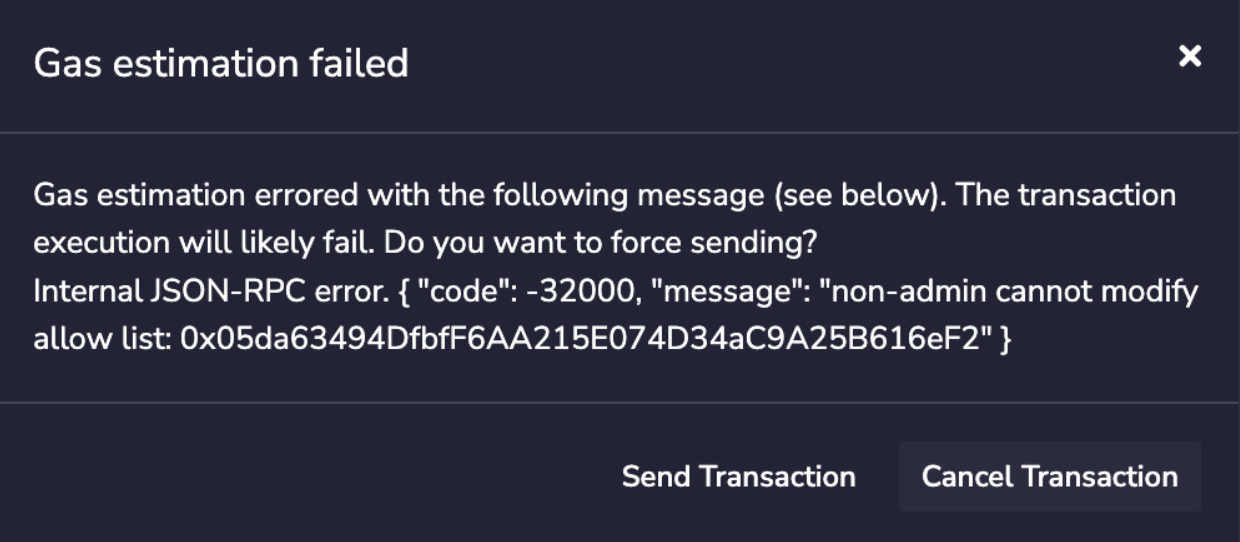
- If you attempt to deploy a contract but you are not an `Admin` not a `Enabled`, you will see something like: 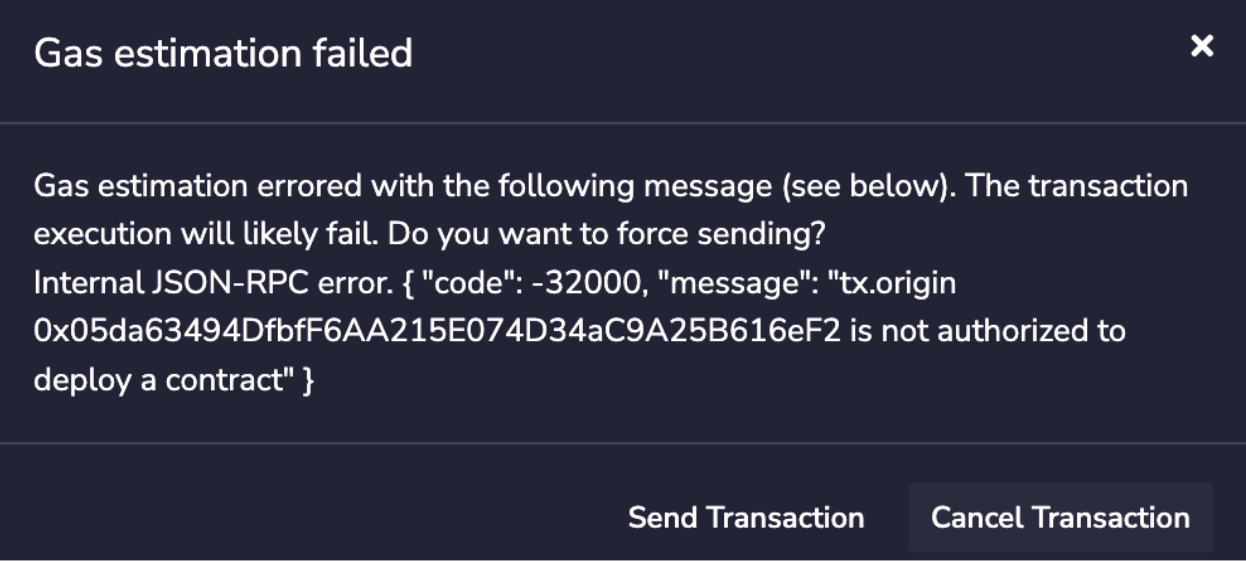
- If you call `readAllowList(addr)` then you can read the current role of `addr`, which will return a uint256 with a value of 0, 1, or 2, corresponding to the roles `None`, `Enabled`, and `Admin` respectively.
If you remove all of the admins from the allow list, it will no longer be possible to update the allow list without modifying the Subnet-EVM to schedule a network upgrade.
#### Initial Contract Allow List Configuration[](#initial-contract-allow-list-configuration "Direct link to heading")
It's possible to enable this precompile with an initial configuration to activate its effect on activation timestamp. This provides a way to enable the precompile without an admin address to manage the deployer list. With this, you can define a list of addresses that are allowed to deploy contracts. Since there will be no admin address to manage the deployer list, it can only be modified through a network upgrade.
To use initial configuration, you need to specify addresses in `enabledAddresses` field in your genesis or upgrade file:
```json
{
"contractDeployerAllowListConfig": {
"blockTimestamp": 0,
"enabledAddresses": ["0x8db97C7cEcE249c2b98bDC0226Cc4C2A57BF52FC"]
}
}
```
This will allow only `0x8db97C7cEcE249c2b98bDC0226Cc4C2A57BF52FC` to deploy contracts. For further information about precompile initial configurations see [Initial Precompile Configurations](#initial-precompile-configurations).
### Restricting Who Can Submit Transactions[](#restricting-who-can-submit-transactions "Direct link to heading")
Similar to restricting contract deployers, this precompile restricts which addresses may submit transactions on chain. Like the previous section, you can activate the precompile by including an `AllowList` configuration in your genesis file:
```json
{
"config": {
"txAllowListConfig": {
"blockTimestamp": 0,
"adminAddresses": ["0x8db97C7cEcE249c2b98bDC0226Cc4C2A57BF52FC"]
}
}
}
```
In this example, `0x8db97C7cEcE249c2b98bDC0226Cc4C2A57BF52FC` is named as the `Admin` of the `TransactionAllowList`. This enables them to add other `Admins` or to add `Allowed`. `Admins`, `Manager` and `Enabled` can submit transactions to the chain.
The `Stateful Precompile` contract powering the `TxAllowList` adheres to the [AllowList Solidity interface](#allowlist-interface) at `0x0200000000000000000000000000000000000002` (you can load this interface and interact directly in Remix):
- If you attempt to add an `Enabled` and you are not an `Admin`, you will see something like: 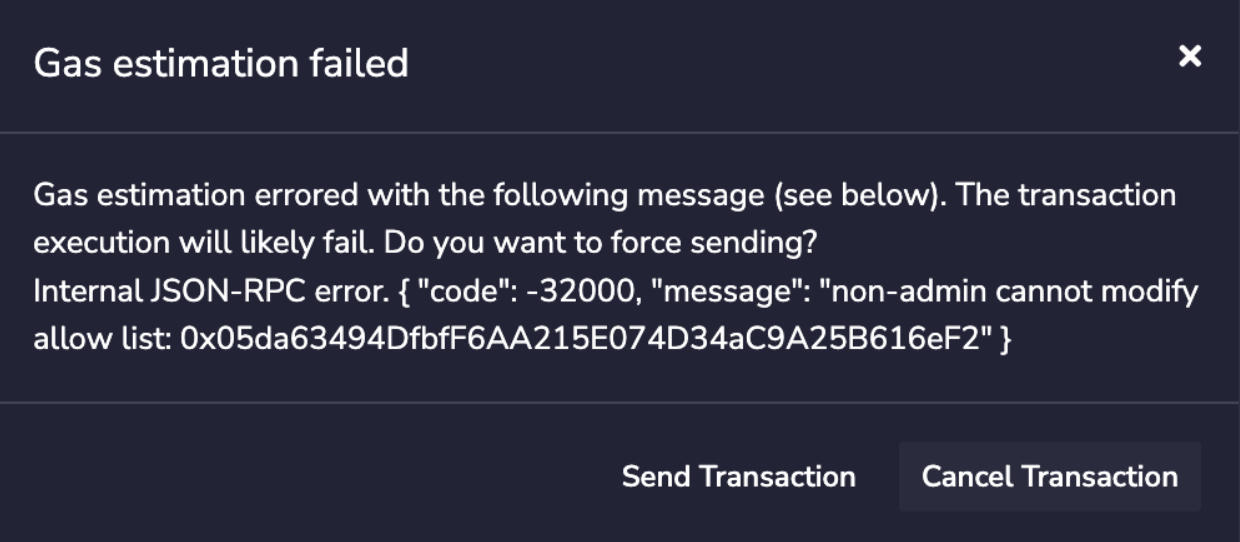
- If you attempt to submit a transaction but you are not an `Admin`, `Manager` or not `Enabled`, you will see something like: `cannot issue transaction from non-allow listed address`
- If you call `readAllowList(addr)` then you can read the current role of `addr`, which will return a `uint256` with a value of 0, 1, 2 or 3 corresponding to the roles `None`, `Allowed`, `Admin` and `Manager` respectively.
If you remove all of the admins and managers from the allow list, it will no longer be possible to update the allow list without modifying the Subnet-EVM to schedule a network upgrade.
#### Initial TX Allow List Configuration[](#initial-tx-allow-list-configuration "Direct link to heading")
It's possible to enable this precompile with an initial configuration to activate its effect on activation timestamp. This provides a way to enable the precompile without an admin address to manage the TX allow list. With this, you can define a list of addresses that are allowed to submit transactions.
Since there will be no admin address to manage the TX list, it can only be modified through a network upgrade. To use initial configuration, you need to specify addresses in `enabledAddresses` field in your genesis or upgrade file:
```json
{
"txAllowListConfig": {
"blockTimestamp": 0,
"enabledAddresses": ["0x8db97C7cEcE249c2b98bDC0226Cc4C2A57BF52FC"]
}
}
```
This will allow only `0x8db97C7cEcE249c2b98bDC0226Cc4C2A57BF52FC` to submit transactions. For further information about precompile initial configurations see [Initial Precompile Configurations](#initial-precompile-configurations).
### Minting Native Coins[](#minting-native-coins "Direct link to heading")
You can mint native(gas) coins with a precompiled contract. In order to activate this feature, you can provide `nativeMinterConfig` in genesis:
```json
{
"config": {
"contractNativeMinterConfig": {
"blockTimestamp": 0,
"adminAddresses": ["0x8db97C7cEcE249c2b98bDC0226Cc4C2A57BF52FC"]
}
}
}
```
`adminAddresses` denotes admin accounts who can add other `Admin`, `Manager` or `Enabled` accounts. `Admin`, `Manager` and `Enabled` are both eligible to mint native coins for other addresses. `ContractNativeMinter` uses same methods as in `ContractDeployerAllowList`.
The `Stateful Precompile` contract powering the `ContractNativeMinter` adheres to the following Solidity interface at `0x0200000000000000000000000000000000000001` (you can load this interface and interact directly in Remix):
```solidity
// (c) 2022-2023, Lux Network, Inc. All rights reserved.
// See the file LICENSE for licensing terms.
pragma solidity ^0.8.0;
import "./IAllowList.sol";
interface INativeMinter is IAllowList {
event NativeCoinMinted(
address indexed sender,
address indexed recipient,
uint256 amount
);
// Mint [amount] number of native coins and send to [addr]
function mintNativeCoin(address addr, uint256 amount) external;
}
```
`mintNativeCoin` takes an address and amount of native coins to be minted. The amount denotes the amount in minimum denomination of native coins (10^18). For example, if you want to mint 1 native coin (in LUX), you need to pass 1 \* 10^18 as the amount. A `NativeCoinMinted` event is emitted with the sender, recipient and amount when a native coin is minted.
Note that this uses `IAllowList` interface directly, meaning that it uses the same `AllowList` interface functions like `readAllowList` and `setAdmin`, `setManager`, `setEnabled`, `setNone`. For more information see [AllowList Solidity interface](#allowlist-interface).
EVM does not prevent overflows when storing the address balance. Overflows in balance opcodes are handled by setting the balance to maximum. However the same won't apply for API calls. If you try to mint more than the maximum balance, API calls will return the overflowed hex-balance. This can break external tooling. Make sure the total supply of native coins is always less than 2^256-1.
#### Initial Native Minter Configuration[](#initial-native-minter-configuration "Direct link to heading")
It's possible to enable this precompile with an initial configuration to activate its effect on activation timestamp. This provides a way to enable the precompile without an admin address to mint native coins. With this, you can define a list of addresses that will receive an initial mint of the native coin when this precompile activates. This can be useful for networks that require a one-time mint without specifying any admin addresses. To use initial configuration, you need to specify a map of addresses with their corresponding mint amounts in `initialMint` field in your genesis or upgrade file:
```json
{
"contractNativeMinterConfig": {
"blockTimestamp": 0,
"initialMint": {
"0x8db97C7cEcE249c2b98bDC0226Cc4C2A57BF52FC": "1000000000000000000",
"0x10037Fb06Ec4aB8c870a92AE3f00cD58e5D484b3": "0xde0b6b3a7640000"
}
}
}
```
In the amount field you can specify either decimal or hex string. This will mint 1000000000000000000 (equivalent of 1 Native Coin denominated as 10^18) to both addresses. Note that these are both in string format. "0xde0b6b3a7640000" hex is equivalent to 1000000000000000000. For further information about precompile initial configurations see [Initial Precompile Configurations](#initial-precompile-configurations).
### Configuring Dynamic Fees[](#configuring-dynamic-fees "Direct link to heading")
You can configure the parameters of the dynamic fee algorithm on chain using the `FeeConfigManager`. In order to activate this feature, you will need to provide the `FeeConfigManager` in the genesis:
```json
{
"config": {
"feeManagerConfig": {
"blockTimestamp": 0,
"adminAddresses": ["0x8db97C7cEcE249c2b98bDC0226Cc4C2A57BF52FC"]
}
}
}
```
The precompile implements the `FeeManager` interface which includes the same `AllowList` interface used by ContractNativeMinter, TxAllowList, etc. For an example of the `AllowList` interface, see the [TxAllowList](#allowlist-interface) above.
The `Stateful Precompile` contract powering the `FeeConfigManager` adheres to the following Solidity interface at `0x0200000000000000000000000000000000000003` (you can load this interface and interact directly in Remix). It can be also found in [IFeeManager.sol](https://github.com/luxfi/subnet-evm/blob/5faabfeaa021a64c2616380ed2d6ec0a96c8f96d/contract-examples/contracts/IFeeManager.sol):
```solidity
//SPDX-License-Identifier: MIT
pragma solidity ^0.8.0;
import "./IAllowList.sol";
interface IFeeManager is IAllowList {
struct FeeConfig {
uint256 gasLimit;
uint256 targetBlockRate;
uint256 minBaseFee;
uint256 targetGas;
uint256 baseFeeChangeDenominator;
uint256 minBlockGasCost;
uint256 maxBlockGasCost;
uint256 blockGasCostStep;
}
event FeeConfigChanged(
address indexed sender,
FeeConfig oldFeeConfig,
FeeConfig newFeeConfig
);
// Set fee config fields to contract storage
function setFeeConfig(
uint256 gasLimit,
uint256 targetBlockRate,
uint256 minBaseFee,
uint256 targetGas,
uint256 baseFeeChangeDenominator,
uint256 minBlockGasCost,
uint256 maxBlockGasCost,
uint256 blockGasCostStep
) external;
// Get fee config from the contract storage
function getFeeConfig()
external
view
returns (
uint256 gasLimit,
uint256 targetBlockRate,
uint256 minBaseFee,
uint256 targetGas,
uint256 baseFeeChangeDenominator,
uint256 minBlockGasCost,
uint256 maxBlockGasCost,
uint256 blockGasCostStep
);
// Get the last block number changed the fee config from the contract storage
function getFeeConfigLastChangedAt()
external
view
returns (uint256 blockNumber);
}
```
FeeConfigManager precompile uses `IAllowList` interface directly, meaning that it uses the same `AllowList` interface functions like `readAllowList` and `setAdmin`, `setManager`, `setEnabled`, `setNone`. For more information see [AllowList Solidity interface](#allowlist-interface).
In addition to the `AllowList` interface, the FeeConfigManager adds the following capabilities:
- `getFeeConfig`: retrieves the current dynamic fee config
- `getFeeConfigLastChangedAt`: retrieves the timestamp of the last block where the fee config was updated
- `setFeeConfig`: sets the dynamic fee config on chain (see [here](#fee-config) for details on the fee config parameters). This function can only be called by an `Admin`, `Manager` or `Enabled` address.
- `FeeConfigChanged`: an event that is emitted when the fee config is updated. Topics include the sender, the old fee config, and the new fee config.
You can also get the fee configuration at a block with the `eth_feeConfig` RPC method. For more information see [here](/docs/rpcs/subnet-evm#eth_feeconfig).
#### Initial Fee Config Configuration[](#initial-fee-config-configuration "Direct link to heading")
It's possible to enable this precompile with an initial configuration to activate its effect on activation timestamp. This provides a way to define your fee structure to take effect at the activation.
To use the initial configuration, you need to specify the fee config in `initialFeeConfig` field in your genesis or upgrade file:
```json
{
"feeManagerConfig": {
"blockTimestamp": 0,
"initialFeeConfig": {
"gasLimit": 20000000,
"targetBlockRate": 2,
"minBaseFee": 1000000000,
"targetGas": 100000000,
"baseFeeChangeDenominator": 48,
"minBlockGasCost": 0,
"maxBlockGasCost": 10000000,
"blockGasCostStep": 500000
}
}
}
```
This will set the fee config to the values specified in the `initialFeeConfig` field. For further information about precompile initial configurations see [Initial Precompile Configurations](#initial-precompile-configurations).
### Lux Warp Messaging[](#lux-warp-messaging "Direct link to heading")
Currently Warp Precompile can only be activated in Mainnet after Durango occurs. Durango in Mainnet is set at 11 AM ET (4 PM UTC) on Wednesday, March 6th, 2024. If you plan to use Warp messaging in your own Subnet-EVM chain in Mainnet you should upgrade to LuxGo 1.11.11 or later and coordinate your precompile upgrade. Warp Config's "blockTimestamp" must be set after `1709740800`, Durango date (11 AM ET (4 PM UTC) on Wednesday, March 6th, 2024).
Contract Examples[](#contract-examples "Direct link to heading")
-----------------------------------------------------------------
Subnet-EVM contains example contracts for precompiles under `/contracts`. It's a hardhat project with tests and tasks. For more information see [contract examples README](https://github.com/luxfi/subnet-evm/tree/master/contracts#subnet-evm-contracts).
Network Upgrades: Enable/Disable Precompiles[](#network-upgrades-enabledisable-precompiles "Direct link to heading")
---------------------------------------------------------------------------------------------------------------------
Performing a network upgrade requires coordinating the upgrade network-wide. A network upgrade changes the rule set used to process and verify blocks, such that any node that upgrades incorrectly or fails to upgrade by the time that upgrade goes into effect may become out of sync with the rest of the network.
Any mistakes in configuring network upgrades or coordinating them on validators may cause the network to halt and recovering may be difficult.
In addition to specifying the configuration for each of the above precompiles in the genesis chain config, they can be individually enabled or disabled at a given timestamp as a network upgrade. Disabling a precompile disables calling the precompile and destructs its storage so it can be enabled at a later timestamp with a new configuration if desired.
These upgrades must be specified in a file named `upgrade.json` placed in the same directory where [`config.json`](#luxgo-chain-configs) resides: `{chain-config-dir}/{blockchainID}/upgrade.json`. For example, `WAGMI Subnet` upgrade should be placed in `~/.luxgo/configs/chains/2ebCneCbwthjQ1rYT41nhd7M76Hc6YmosMAQrTFhBq8qeqh6tt/upgrade.json`.
The content of the `upgrade.json` should be formatted according to the following:
```json
{
"precompileUpgrades": [
{
"[PRECOMPILE_NAME]": {
"blockTimestamp": "[ACTIVATION_TIMESTAMP]", // unix timestamp precompile should activate at
"[PARAMETER]": "[VALUE]" // precompile specific configuration options, eg. "adminAddresses"
}
}
]
}
```
An invalid `blockTimestamp` in an upgrade file results the update failing. The `blockTimestamp` value should be set to a valid Unix timestamp value which is in the _future_ relative to the _head of the chain_. If the node encounters a `blockTimestamp` which is in the past, it will fail on startup.
To disable a precompile, the following format should be used:
```json
{
"precompileUpgrades": [
{
"": {
"blockTimestamp": "[DEACTIVATION_TIMESTAMP]", // unix timestamp the precompile should deactivate at
"disable": true
}
}
]
}
```
Each item in `precompileUpgrades` must specify exactly one precompile to enable or disable and the block timestamps must be in increasing order. Once an upgrade has been activated (a block after the specified timestamp has been accepted), it must always be present in `upgrade.json` exactly as it was configured at the time of activation (otherwise the node will refuse to start).
Enabling and disabling a precompile is a network upgrade and should always be done with caution.
For safety, you should always treat `precompileUpgrades` as append-only.
As a last resort measure, it is possible to abort or reconfigure a precompile upgrade that has not been activated since the chain is still processing blocks using the prior rule set.
If aborting an upgrade becomes necessary, you can remove the precompile upgrade from `upgrade.json` from the end of the list of upgrades. As long as the blockchain has not accepted a block with a timestamp past that upgrade's timestamp, it will abort the upgrade for that node.
### Example[](#example "Direct link to heading")
```json
{
"precompileUpgrades": [
{
"feeManagerConfig": {
"blockTimestamp": 1668950000,
"adminAddresses": ["0x8db97C7cEcE249c2b98bDC0226Cc4C2A57BF52FC"]
}
},
{
"txAllowListConfig": {
"blockTimestamp": 1668960000,
"adminAddresses": ["0x8db97C7cEcE249c2b98bDC0226Cc4C2A57BF52FC"]
}
},
{
"feeManagerConfig": {
"blockTimestamp": 1668970000,
"disable": true
}
}
]
}
```
This example enables the `feeManagerConfig` at the first block with timestamp >= `1668950000`, enables `txAllowListConfig` at the first block with timestamp >= `1668960000`, and disables `feeManagerConfig` at the first block with timestamp >= `1668970000`.
When a precompile disable takes effect (that is, after its `blockTimestamp` has passed), its storage will be wiped. If you want to reenable it, you will need to treat it as a new configuration.
After you have created the `upgrade.json` and placed it in the chain config directory, you need to restart the node for the upgrade file to be loaded (again, make sure you don't restart all Lux L1 validators at once!). On node restart, it will print out the configuration of the chain, where you can double-check that the upgrade has loaded correctly. In our example:
```bash
INFO [08-15|15:09:36.772] <2ebCneCbwthjQ1rYT41nhd7M76Hc6YmosMAQrTFhBq8qeqh6tt Chain>
github.com/luxfi/subnet-evm/eth/backend.go:155: Initialised chain configuration
config=“{ChainID: 11111 Homestead: 0 EIP150: 0 EIP155: 0 EIP158: 0 Byzantium: 0
Constantinople: 0 Petersburg: 0 Istanbul: 0, Muir Glacier: 0, Subnet EVM: 0, FeeConfig:
{\“gasLimit\“:20000000,\“targetBlockRate\“:2,\“minBaseFee\“:1000000000,\“targetGas\
“:100000000,\“baseFeeChangeDenominator\“:48,\“minBlockGasCost\“:0,\“maxBlockGasCost\
“:10000000,\“blockGasCostStep\“:500000}, AllowFeeRecipients: false, NetworkUpgrades: {\
“subnetEVMTimestamp\“:0}, PrecompileUpgrade: {}, UpgradeConfig: {\"precompileUpgrades\":[{\"feeManagerConfig\":{\"adminAddresses\":[\"0x8db97c7cece249c2b98bdc0226cc4c2a57bf52fc\"],\"enabledAddresses\":null,\"blockTimestamp\":1668950000}},{\"txAllowListConfig\":{\"adminAddresses\":[\"0x8db97c7cece249c2b98bdc0226cc4c2a57bf52fc\"],\"enabledAddresses\":null,\"blockTimestamp\":1668960000}},{\"feeManagerConfig\":{\"adminAddresses\":null,\"enabledAddresses\":null,\"blockTimestamp\":1668970000,\"disable\":true}}]}, Engine: Dummy Consensus Engine}"
```
Notice that `precompileUpgrades` entry correctly reflects the changes. You can also check the activated precompiles at a timestamp with the [`eth_getActivePrecompilesAt`](/docs/rpcs/subnet-evm#eth_getactiveprecompilesat) RPC method. The [`eth_getChainConfig`](/docs/rpcs/subnet-evm#eth_getchainconfig) RPC method will also return the configured upgrades in the response.
That's it, your Lux L1 is all set and the desired upgrades will be activated at the indicated timestamp!
### Initial Precompile Configurations[](#initial-precompile-configurations "Direct link to heading")
Precompiles can be managed by some privileged addresses to change their configurations and activate their effects. For example, the `feeManagerConfig` precompile can have `adminAddresses` which can change the fee structure of the network.
```json
{
"precompileUpgrades": [
{
"feeManagerConfig": {
"blockTimestamp": 1668950000,
"adminAddresses": ["0x8db97C7cEcE249c2b98bDC0226Cc4C2A57BF52FC"]
}
}
]
}
```
In this example, only the address `0x8db97C7cEcE249c2b98bDC0226Cc4C2A57BF52FC` is allowed to change the fee structure of the network. The admin address has to call the precompile in order to activate its effect; that is it needs to send a transaction with a new fee config to perform the update. This is a very powerful feature, but it also gives a large amount of power to the admin address. If the address `0x8db97C7cEcE249c2b98bDC0226Cc4C2A57BF52FC` is compromised, the network is compromised.
With the initial configurations, precompiles can immediately activate their effect on the activation timestamp. With this way admin addresses can be omitted from the precompile configuration. For example, the `feeManagerConfig` precompile can have `initialFeeConfig` to setup the fee configuration on the activation:
```json
{
"precompileUpgrades": [
{
"feeManagerConfig": {
"blockTimestamp": 1668950000,
"initialFeeConfig": {
"gasLimit": 20000000,
"targetBlockRate": 2,
"minBaseFee": 1000000000,
"targetGas": 100000000,
"baseFeeChangeDenominator": 48,
"minBlockGasCost": 0,
"maxBlockGasCost": 10000000,
"blockGasCostStep": 500000
}
}
}
]
}
```
Notice that there is no `adminAddresses` field in the configuration. This means that there will be no admin addresses to manage the fee structure with this precompile. The precompile will simply update the fee configuration to the specified fee config when it activates on the `blockTimestamp` `1668950000`.
It's still possible to add `adminAddresses` or `enabledAddresses` along with these initial configurations. In this case, the precompile will be activated with the initial configuration, and admin/enabled addresses can access to the precompiled contract normally.
If you want to change the precompile initial configuration, you will need to first disable it then activate the precompile again with the new configuration.
See every precompile initial configuration in their relevant `Initial Configuration` sections under [Precompiles](#precompiles).
LuxGo Chain Configs[](#luxgo-chain-configs "Direct link to heading")
---------------------------------------------------------------------------------
As described in [this doc](/docs/nodes/configure/configs-flags#lux-l1-chain-configs), each blockchain of Lux L1s can have its own custom configuration. If an Lux L1's ChainID is `2ebCneCbwthjQ1rYT41nhd7M76Hc6YmosMAQrTFhBq8qeqh6tt`, the config file for this chain is located at `{chain-config-dir}/2ebCneCbwthjQ1rYT41nhd7M76Hc6YmosMAQrTFhBq8qeqh6tt/config.json`.
For blockchains created by or forked from Subnet-EVM, most [LUExchange-Chain configs](/docs/nodes/chain-configs/primary-network/c-chain) are applicable except [Lux Specific APIs](/docs/nodes/chain-configs/primary-network/c-chain#enabling-lux-specific-apis).
### Priority Regossip[](#priority-regossip "Direct link to heading")
A transaction is "regossiped" when the node does not find the transaction in a block after `priority-regossip-frequency` (defaults to `1m`). By default, up to 16 transactions (max 1 per address) are regossiped to validators per minute.
Operators can use "priority regossip" to more aggressively "regossip" transactions for a set of important addresses (like bridge relayers). To do so, you'll need to update your [chain config](/docs/nodes/configure/configs-flags#lux-l1-chain-configs) with the following:
```json
{
"priority-regossip-addresses": [""]
}
```
By default, up to 32 transactions from priority addresses (max 16 per address) are regossipped to validators per second. You can override these defaults with the following config:
```json
{
"priority-regossip-frequency": "1s",
"priority-regossip-max-txs": 32,
"priority-regossip-addresses": [""],
"priority-regossip-txs-per-address": 16
}
```
### Fee Recipient[](#fee-recipient "Direct link to heading")
This works together with [`allowFeeRecipients`](#setting-a-custom-fee-recipient) and [RewardManager precompile](/docs/lux-l1s/precompiles/reward-manager) to specify where the fees should be sent to.
With `allowFeeRecipients` enabled, validators can specify their addresses to collect fees.
```json
{
"feeRecipient": ""
}
```
If `allowFeeRecipients` or `RewardManager` precompile is enabled on the Lux L1, but a validator doesn't specify a "feeRecipient", the fees will be burned in blocks it produces.
### Archival Node Configuration[](#archival-node-configuration "Direct link to heading")
Running an archival node that retains all historical state data requires specific configuration settings. Incorrect configuration can lead to historical data being pruned despite attempts to run in archival mode. Here are the key settings to configure:
#### Disabling Pruning
To retain all historical state, you must disable pruning. For EVM chains (like LUExchange-Chain or Subnet-EVM chains), add the following to your chain's `config.json`:
```json
{
"pruning-enabled": false
}
```
#### State Sync Considerations
State sync allows nodes to quickly sync by downloading recent state without processing all historical blocks. This can lead to missing historical data. For archival nodes, either disable state sync or ensure you start from genesis:
```json
{
"state-sync-enabled": false
}
```
#### Transaction History Settings
To maintain access to all historical transactions, you might need to configure these additional settings:
```json
{
"transaction-history": 0
}
```
#### Database Considerations
Important: An already synced database cannot be fully converted to an archival node retroactively. The cleanest and most reliable way to set up an archival node is to start from scratch with the proper configuration.
When switching between database types (e.g., from LevelDB to PebbleDB), historical data does not carry over. If you need to change the database type for your archival node, you must start a fresh sync from genesis.
For information about all available configuration options and directory structures, see the [LuxGo Config Flags documentation](https://build.lux.network/docs/nodes/configure/configs-flags).
Network Upgrades: State Upgrades[](#network-upgrades-state-upgrades "Direct link to heading")
----------------------------------------------------------------------------------------------
Subnet-EVM allows the network operators to specify a modification to state that will take place at the beginning of the first block with a timestamp greater than or equal to the one specified in the configuration.
This provides a last resort path to updating non-upgradeable contracts via a network upgrade (for example, to fix issues when you are running your own blockchain).
This should only be used as a last resort alternative to forking `subnet-evm` and specifying the network upgrade in code.
Using a network upgrade to modify state is not part of normal operations of the EVM. You should ensure the modifications do not invalidate any of the assumptions of deployed contracts or cause incompatibilities with downstream infrastructure such as block explorers.
The timestamps for upgrades in `stateUpgrades` must be in increasing order. `stateUpgrades` can be specified along with `precompileUpgrades` or by itself.
The following three state modifications are supported:
- `balanceChange`: adds a specified amount to the balance of a given account. This amount can be specified as hex or decimal and must be positive.
- `storage`: modifies the specified storage slots to the specified values. Keys and values must be 32 bytes specified in hex, with a `0x` prefix.
- `code`: modifies the code stored in the specified account. The code must _only_ be the runtime portion of a code. The code must start with a `0x` prefix.
If modifying the code, _only_ the runtime portion of the bytecode should be provided in `upgrades.json`. Do not use the bytecode that would be used for deploying a new contract, as this includes the constructor code as well. Refer to your compiler's documentation for information on how to find the runtime portion of the contract you wish to modify.
The `upgrades.json` file shown below describes a network upgrade that will make the following state modifications at the first block after (or at) `March 8, 2023 1:30:00 AM GMT`:
- Sets the code for the account at `0x71562b71999873DB5b286dF957af199Ec94617F7`,
- And adds `100` wei to the balance of the account at `0xb794f5ea0ba39494ce839613fffba74279579268`,
- Sets the storage slot `0x1234` to the value `0x6666` for the account at `0xb794f5ea0ba39494ce839613fffba74279579268`.
```json
{
"stateUpgrades": [
{
"blockTimestamp": 1678239000,
"accounts": {
"0x71562b71999873DB5b286dF957af199Ec94617F7": {
"code": "0x6080604052348015600f57600080fd5b506004361060285760003560e01c80632e64cec114602d575b600080fd5b60336047565b604051603e91906067565b60405180910390f35b60008054905090565b6000819050919050565b6061816050565b82525050565b6000602082019050607a6000830184605a565b9291505056fea26469706673582212209421042a1fdabcfa2486fb80942da62c28e61fc8362a3f348c4a96a92bccc63c64736f6c63430008120033"
},
"0xb794f5ea0ba39494ce839613fffba74279579268": {
"balanceChange": "0x64",
"storage": {
"0x0000000000000000000000000000000000000000000000000000000000001234": "0x0000000000000000000000000000000000000000000000000000000000006666"
}
}
}
}
]
}
```
Network Upgrades: Rescheduling Mandatory Network Upgrades[](#network-upgrades-rescheduling-mandatory-network-upgrades "Direct link to heading")
------------------------------------------------------------------------------------------------------------------------------------------------
A typical case when a network misses any mandatory activation would result in a network that is not able to operate. This is because validators/nodes running the old version would process transactions differently than nodes running the new version and end up different state. This would result in a fork in the network and new nodes would not be able to sync with the network. Normally this puts the chain in a halt and requires a hard fork to fix the issue. Starting with Subnet-EVM v0.6.3, you can reschedule mandatory activations like Durango via upgrade configs (upgrade.json in chain directory). This is a very advanced operation and should be done only if your network cannot operate going forward. The reschedule operation should be coordinated with your entire network nodes. Network upgrade overrides can be defined in the `upgrade.json` as follows:
```json
{
"networkUpgradeOverrides": {
"{networkUpgrade1}": timestamp1,
"{networkUpgrade2}": timestamp2,
}
}
```
The `timestamp` should be a Unix timestamp in seconds.
For instance, if you missed the Durango activation in Testnet (February 13th, 2024, 16:00 UTC) or Mainnet (March 6th, 2024, 16:00 UTC) and having issues in your network, you can reschedule the Durango activation via upgrades. In order to do this, you need to prepare a new upgrade.json including following:
```json
{
"networkUpgradeOverrides": {
"durangoTimestamp": 1712419200
}
}
```
This reschedules the Durango activation to 2024-11-06 16:00:00 UTC (one month later than the actual activation). After preparing the upgrade.json, you need to update the chain directory with the new upgrade.json and restart your nodes. You should see logs similar to the following:
```bash
INFO [03-22|14:04:48.284] github.com/luxfi/subnet-evm/plugin/evm/vm.go:367: Applying network upgrade overrides overrides="{\"durangoTimestamp\":1712419200}"
...
INFO [03-22|14:04:48.288] github.com/luxfi/subnet-evm/core/blockchain.go:335: Lux Upgrades (timestamp based):
INFO [03-22|14:04:48.288] github.com/luxfi/subnet-evm/core/blockchain.go:335: - SubnetEVM Timestamp: @0 (https://github.com/luxfi/luxgo/releases/tag/v1.10.0)
INFO [03-22|14:04:48.288] github.com/luxfi/subnet-evm/core/blockchain.go:335: - Durango Timestamp: @1712419200 (https://github.com/luxfi/luxgo/releases/tag/v1.11.0)
...
```
This means your node is lock and loaded for the new Durango activation. After the new timestamp is reached, your node will activate Durango and start processing transactions with the new Durango features.
Nodes running non-compatible version (running pre-Durango version after Durango activation), should be updated to most recent version of Subnet-EVM (v0.6.3+) and must have the new upgrade.json to reschedule the Durango activation. Running a new version without the rescheduling upgrade.json might create a fork in the network.
All of network nodes, even ones correctly upgraded to Durango and running the correct version since Durango activation, should be restarted with the new upgrade.json to reschedule the Durango activation. This is a network-wide operation and should be coordinated with all network nodes.
# Introduction (/docs/lux-l1s/evm-configuration/evm-l1-customization)
---
title: Introduction
description: Learn how to customize the Ethereum Virtual Machine with EVM and Precompiles.
root: true
---
Welcome to the EVM configuration guide. This documentation explores how to extend and customize your Lux L1 using **EVM** and **precompiles**. Building upon the Validator Manager capabilities we discussed in the previous section, we'll now dive into other powerful customization features available in EVM.
## Overview of EVM
EVM is Lux's customized version of the Ethereum Virtual Machine, tailored to run on Lux L1s. It allows developers to deploy Solidity smart contracts with enhanced capabilities, benefiting from Lux's high throughput and low latency. EVM enables more flexibility and performance optimizations compared to the standard EVM.
Beyond the Validator Manager functionality we've covered, EVM provides additional configuration options through precompiles, allowing you to extend your L1's capabilities even further.
## Genesis Configuration
Each blockchain has some genesis state when it's created. Each Virtual Machine defines the format and semantics of its genesis data. The genesis configuration is crucial for setting up your Lux L1's initial state and behavior.
### Chain Configuration
The chain configuration section in your genesis file defines fundamental parameters of your blockchain:
```json
{
"config": {
"chainId": 43214,
"homesteadBlock": 0,
"eip150Block": 0,
"eip150Hash": "0x2086799aeebeae135c246c65021c82b4e15a2c451340993aacfd2751886514f0",
"eip155Block": 0,
"eip158Block": 0,
"byzantiumBlock": 0,
"constantinopleBlock": 0,
"petersburgBlock": 0,
"istanbulBlock": 0,
"muirGlacierBlock": 0
}
}
```
#### Chain ID
`chainID`: Denotes the ChainID of to be created chain. Must be picked carefully since a conflict with other chains can cause issues. One suggestion is to check with [chainlist.org](https://chainlist.org/) to avoid ID collision, reserve and publish your ChainID properly.
You can use `eth_getChainConfig` RPC call to get the current chain config. See [here](/docs/rpcs/subnet-evm#eth_getchainconfig) for more info.
#### Hard Forks
The following parameters define EVM hard fork activation times. These should be handled with care as changes may cause compatibility issues:
- `homesteadBlock`
- `eip150Block`
- `eip150Hash`
- `eip155Block`
- `byzantiumBlock`
- `constantinopleBlock`
- `petersburgBlock`
- `istanbulBlock`
- `muirGlacierBlock`
### Genesis Block Header
The genesis block header is defined by several parameters that set the initial state of your blockchain:
```json
{
"nonce": "0x0",
"timestamp": "0x0",
"extraData": "0x00",
"difficulty": "0x0",
"mixHash": "0x0000000000000000000000000000000000000000000000000000000000000000",
"coinbase": "0x0000000000000000000000000000000000000000",
"number": "0x0",
"gasUsed": "0x0",
"parentHash": "0x0000000000000000000000000000000000000000000000000000000000000000"
}
```
These parameters have specific roles:
- `nonce`, `mixHash`, `difficulty`: These are remnants from Proof of Work systems. For Lux, they don't play any relevant role and should be left as their default values.
- `timestamp`: The creation timestamp of the genesis block (commonly set to `0x0`).
- `extraData`: Optional extra data field (commonly set to `0x`).
- `coinbase`: The address of block producers (usually set to zero address for genesis).
- `parentHash`: The hash of the parent block (set to zero hash for genesis).
- `gasUsed`: Amount of gas used by the genesis block (usually `0x0`).
- `number`: The block number (must be `0x0` for genesis).
## Precompiles
Precompiles are specialized smart contracts that execute native Go code within the EVM context. They act as a bridge between Solidity and lower-level functionalities, allowing for performance optimizations and access to features not available in Solidity alone.
### Default Precompiles in EVM
EVM comes with a set of default precompiles that extend the EVM's functionality:
- **[AllowList Interface](/docs/lux-l1s/precompiles/allowlist-interface)**: Interface that manages access control by allowing or restricting specific addresses, inherited by all precompiles.
- **[Deployer AllowList](/docs/lux-l1s/precompiles/deployer-allowlist)**: Restricts which addresses can deploy smart contracts.
- **[Transaction AllowList](/docs/lux-l1s/precompiles/transaction-allowlist)**: Controls which addresses can submit transactions.
- **[Native Minter](/docs/lux-l1s/precompiles/native-minter)**: Manages the minting and burning of native tokens.
- **[Fee Manager](/docs/lux-l1s/precompiles/fee-manager)**: Controls gas fee parameters and fee markets.
- **[Reward Manager](/docs/lux-l1s/precompiles/reward-manager)**: Handles the distribution of staking rewards to validators.
- **[Warp Messenger](/docs/lux-l1s/precompiles/warp-messenger)**: Enables cross-chain communication between Lux L1s.
### Precompile Addresses and Configuration
If a precompile is enabled within the `genesis.json` using the respective `ConfigKey`, you can interact with the precompile using Foundry or other tools such as Remix.
Below are the addresses and `ConfigKey` values of default precompiles available in EVM. The address and `ConfigKey` [are defined in the `module.go` of each precompile contract](https://github.com/luxfi/subnet-evm/tree/master/precompile/contracts).
| Precompile | ConfigKey | Address |
| ---------------------- | --------------------------------- | -------------------------------------------- |
| [Deployer AllowList](/docs/lux-l1s/precompiles/deployer-allowlist) | `contractDeployerAllowListConfig` | `0x0200000000000000000000000000000000000000` |
| [Native Minter](/docs/lux-l1s/precompiles/native-minter) | `contractNativeMinterConfig` | `0x0200000000000000000000000000000000000001` |
| [Transaction AllowList](/docs/lux-l1s/precompiles/transaction-allowlist) | `txAllowListConfig` | `0x0200000000000000000000000000000000000002` |
| [Fee Manager](/docs/lux-l1s/precompiles/fee-manager) | `feeManagerConfig` | `0x0200000000000000000000000000000000000003` |
| [Reward Manager](/docs/lux-l1s/precompiles/reward-manager) | `rewardManagerConfig` | `0x0200000000000000000000000000000000000004` |
| [Warp Messenger](/docs/lux-l1s/precompiles/warp-messenger) | `warpConfig` | `0x0200000000000000000000000000000000000005` |
#### Example Interaction
For example, if `contractDeployerAllowListConfig` is enabled in the `genesis.json`:
```json title="genesis.json"
"contractDeployerAllowListConfig": {
"adminAddresses": [ // Addresses that can manage (add/remove) enabled addresses. They are also enabled themselves for contract deployment.
"0x4f9e12d407b18ad1e96e4f139ef1c144f4058a4e",
"0x4b9e5977a46307dd93674762f9ddbe94fb054def"
],
"blockTimestamp": 0,
"enabledAddresses": [
"0x09c6fa19dd5d41ec6d0f4ca6f923ec3d941cc569" // Addresses that can only deploy contracts
]
},
```
We can then add an `Enabled` address to the Deployer AllowList by interacting with the `IAllowList` interface at `0x0200000000000000000000000000000000000000`:
```bash
cast send 0x0200000000000000000000000000000000000000 setEnabled(address addr) --rpc-url $MY_L1_RPC --private-key $ADMIN_PRIVATE_KEY
```
# Complex Golang VM (/docs/lux-l1s/golang-vms/complex-golang-vm)
---
title: Complex Golang VM
description: In this tutorial, we'll walk through how to build a virtual machine by referencing the BlobVM.
---
The [BlobVM](https://github.com/luxfi/blobvm) is a virtual machine that can be used to implement a decentralized key-value store. A blob (shorthand for "binary large object") is an arbitrary piece of data.
BlobVM stores a key-value pair by breaking it apart into multiple chunks stored with their hashes as their keys in the blockchain. A root key-value pair has references to these chunks for lookups. By default, the maximum chunk size is set to 200 KiB.
## Components
A VM defines how a blockchain should be built. A block is populated with a set of transactions which mutate the state of the blockchain when executed. When a block with a set of transactions is applied to a given state, a state transition occurs by executing all of the transactions in the block in-order and applying it to the previous block of the blockchain. By executing a series of blocks chronologically, anyone can verify and reconstruct the state of the blockchain at an arbitrary point in time.
The BlobVM repository has a few components to handle the lifecycle of tasks from a transaction being issued to a block being accepted across the network:
- **Transaction**: A state transition
- **Mempool**: Stores pending transactions that haven't been finalized yet
- **Network**: Propagates transactions from the mempool other nodes in the network
- **Block**: Defines the block format, how to verify it, and how it should be accepted or rejected across the network
- **Block Builder**: Builds blocks by including transactions from the mempool
- **Virtual Machine**: Application-level logic. Implements the VM interface needed to interact with Lux consensus and defines the blueprint for the blockchain.
- **Service**: Exposes APIs so users can interact with the VM
- **Factory**: Used to initialize the VM
## Lifecycle of a Transaction
A VM will often times expose a set of APIs so users can interact with the it. In the blockchain, blocks can contain a set of transactions which mutate the blockchain's state. Let's dive into the lifecycle of a transaction from its issuance to its finalization on the blockchain.
- A user makes an API request to `service.IssueRawTx` to issue their transaction. This API will deserialize the user's transaction and forward it to the VM
- The transaction is submitted to the VM which is then added to the VM's mempool
- The VM asynchronously periodically gossips new transactions in its mempool to other nodes in the network so they can learn about them
- The VM sends the Lux consensus engine a message to indicate that it has transactions in the mempool that are ready to be built into a block
- The VM proposes the block with to consensus
- Consensus verifies that the block is valid and well-formed
- Consensus gets the network to vote on whether the block should be accepted or rejected. If a block is rejected, its transactions are reclaimed by the mempool so they can be included in a future block. If a block is accepted, it's finalized by writing it to the blockchain.
## Coding the Virtual Machine
We'll dive into a few of the packages that are in the The BlobVM repository to learn more about how they work:
1. [`vm`](https://github.com/luxfi/blobvm/tree/master/vm)
- `block_builder.go`
- `chain_vm.go`
- `network.go`
- `service.go`
- `vm.go`
2. [`chain`](https://github.com/luxfi/blobvm/tree/master/chain)
- `unsigned_tx.go`
- `base_tx.go`
- `transfer_tx.go`
- `set_tx.go`
- `tx.go`
- `block.go`
- `mempool.go`
- `storage.go`
- `builder.go`
3. [`mempool`](https://github.com/luxfi/blobvm/tree/master/mempool)
- `mempool.go`
### Transactions
The state the blockchain can only be mutated by getting the network to accept a signed transaction. A signed transaction contains the transaction to be executed alongside the signature of the issuer. The signature is required to cryptographically verify the sender's identity. A VM can define an arbitrary amount of unique transactions types to support different operations on the blockchain. The BlobVM implements two different transactions types:
- [TransferTx](https://github.com/luxfi/blobvm/blob/master/chain/transfer_tx.go) - Transfers coins between accounts.
- [SetTx](https://github.com/luxfi/blobvm/blob/master/chain/set_tx.go) - Stores a key-value pair on the blockchain.
#### UnsignedTransaction
All transactions in the BlobVM implement the common [`UnsignedTransaction`](https://github.com/luxfi/blobvm/blob/master/chain/unsigned_tx.go) interface, which exposes shared functionality for all transaction types.
```go
type UnsignedTransaction interface {
Copy() UnsignedTransaction
GetBlockID() ids.ID
GetMagic() uint64
GetPrice() uint64
SetBlockID(ids.ID)
SetMagic(uint64)
SetPrice(uint64)
FeeUnits(*Genesis) uint64 // number of units to mine tx
LoadUnits(*Genesis) uint64 // units that should impact fee rate
ExecuteBase(*Genesis) error
Execute(*TransactionContext) error
TypedData() *tdata.TypedData
Activity() *Activity
}
```
#### BaseTx
Common functionality and metadata for transaction types are implemented by [`BaseTx`](https://github.com/luxfi/blobvm/blob/master/chain/base_tx.go).
- [`SetBlockID`](https://github.com/luxfi/blobvm/blob/master/chain/base_tx.go#L26) sets the transaction's block ID.
- [`GetBlockID`](https://github.com/luxfi/blobvm/blob/master/chain/base_tx.go#L22) returns the transaction's block ID.
- [`SetMagic`](https://github.com/luxfi/blobvm/blob/master/chain/base_tx.go#L34) sets the magic number. The magic number is used to differentiate chains to prevent replay attacks
- [`GetMagic`](https://github.com/luxfi/blobvm/blob/master/chain/base_tx.go#L30) returns the magic number. Magic number is defined in genesis.
- [`SetPrice`](https://github.com/luxfi/blobvm/blob/master/chain/base_tx.go#L42) sets the price per fee unit for this transaction.
- [`GetPrice`](https://github.com/luxfi/blobvm/blob/master/chain/base_tx.go#L38) returns the price for this transaction.
- [`FeeUnits`](https://github.com/luxfi/blobvm/blob/master/chain/base_tx.go#L59) returns the fee units this transaction will consume.
- [`LoadUnits`](https://github.com/luxfi/blobvm/blob/master/chain/base_tx.go#L63) identical to `FeeUnits`
- [`ExecuteBase`](https://github.com/luxfi/blobvm/blob/master/chain/base_tx.go#L46) executes common validation checks across different transaction types. This validates the transaction contains a valid block ID, magic number, and gas price as defined by genesis.
#### TransferTx
[`TransferTx`](https://github.com/luxfi/blobvm/blob/master/chain/transfer_tx.go#L16) supports the transfer of tokens from one account to another.
```go
type TransferTx struct {
*BaseTx `serialize:"true" json:"baseTx"`
// To is the recipient of the [Units].
To common.Address `serialize:"true" json:"to"`
// Units are transferred to [To].
Units uint64 `serialize:"true" json:"units"`
}
```
`TransferTx` embeds `BaseTx` to avoid re-implementing common operations with other transactions, but implements its own [`Execute`](https://github.com/luxfi/blobvm/blob/master/chain/transfer_tx.go#L26) to support token transfers.
This performs a few checks to ensure that the transfer is valid before transferring the tokens between the two accounts.
```go
func (t *TransferTx) Execute(c *TransactionContext) error {
// Must transfer to someone
if bytes.Equal(t.To[:], zeroAddress[:]) {
return ErrNonActionable
}
// This prevents someone from transferring to themselves.
if bytes.Equal(t.To[:], c.Sender[:]) {
return ErrNonActionable
}
if t.Units == 0 {
return ErrNonActionable
}
if _, err := ModifyBalance(c.Database, c.Sender, false, t.Units); err != nil {
return err
}
if _, err := ModifyBalance(c.Database, t.To, true, t.Units); err != nil {
return err
}
return nil
}
```
#### SetTx
`SetTx` is used to assign a value to a key.
```go
type SetTx struct {
*BaseTx `serialize:"true" json:"baseTx"`
Value []byte `serialize:"true" json:"value"`
}
```
`SetTx` implements its own [`FeeUnits`](https://github.com/luxfi/blobvm/blob/master/chain/set_tx.go#L48) method to compensate the network according to the size of the blob being stored.
```go
func (s *SetTx) FeeUnits(g *Genesis) uint64 {
// We don't subtract by 1 here because we want to charge extra for any
// value-based interaction (even if it is small or a delete).
return s.BaseTx.FeeUnits(g) + valueUnits(g, uint64(len(s.Value)))
}
```
`SetTx`'s [`Execute`](https://github.com/luxfi/blobvm/blob/master/chain/set_tx.go#L21) method performs a few safety checks to validate that the blob meets the size constraints enforced by genesis and doesn't overwrite an existing key before writing it to the blockchain.
```go
func (s *SetTx) Execute(t *TransactionContext) error {
g := t.Genesis
switch {
case len(s.Value) == 0:
return ErrValueEmpty
case uint64(len(s.Value)) > g.MaxValueSize:
return ErrValueTooBig
}
k := ValueHash(s.Value)
// Do not allow duplicate value setting
_, exists, err := GetValueMeta(t.Database, k)
if err != nil {
return err
}
if exists {
return ErrKeyExists
}
return PutKey(t.Database, k, &ValueMeta{
Size: uint64(len(s.Value)),
TxID: t.TxID,
Created: t.BlockTime,
})
}
```
#### Signed Transaction
The unsigned transactions mentioned previously can't be issued to the network without first being signed. BlobVM implements signed transactions by embedding the unsigned transaction alongside its signature in [`Transaction`](https://github.com/luxfi/blobvm/blob/master/chain/tx.go). In BlobVM, a signature is defined as the [ECDSA signature](https://en.wikipedia.org/wiki/Elliptic_Curve_Digital_Signature_Algorithm) of the issuer's private key of the [KECCAK256](https://keccak.team/keccak.html) hash of the unsigned transaction's data ([digest hash](https://eips.ethereum.org/EIPS/eip-712)).
```go
type Transaction struct {
UnsignedTransaction `serialize:"true" json:"unsignedTransaction"`
Signature []byte `serialize:"true" json:"signature"`
digestHash []byte
bytes []byte
id ids.ID
size uint64
sender common.Address
}
```
The `Transaction` type wraps any unsigned transaction. When a `Transaction` is executed, it calls the `Execute` method of the underlying embedded `UnsignedTx` and performs the following sanity checks:
1. The underlying `UnsignedTx` must meet the requirements set by genesis. This includes checks to make sure that the transaction contains the correct magic number and meets the minimum gas price as defined by genesis
2. The transaction's block ID must be a recently accepted block
3. The transaction must not be a recently issued transaction
4. The issuer of the transaction must have enough gas
5. The transaction's gas price must be meet the next expected block's minimum gas price
6. The transaction must execute without error
If the transaction is successfully verified, it's submitted as a pending write to the blockchain.
```go
func (t *Transaction) Execute(g *Genesis, db database.Database, blk *StatelessBlock, context *Context) error {
if err := t.UnsignedTransaction.ExecuteBase(g); err != nil {
return err
}
if !context.RecentBlockIDs.Contains(t.GetBlockID()) {
// Hash must be recent to be any good
// Should not happen because of mempool cleanup
return ErrInvalidBlockID
}
if context.RecentTxIDs.Contains(t.ID()) {
// Tx hash must not be recently executed (otherwise could be replayed)
//
// NOTE: We only need to keep cached tx hashes around as long as the
// block hash referenced in the tx is valid
return ErrDuplicateTx
}
// Ensure sender has balance
if _, err := ModifyBalance(db, t.sender, false, t.FeeUnits(g)*t.GetPrice()); err != nil {
return err
}
if t.GetPrice() < context.NextPrice {
return ErrInsufficientPrice
}
if err := t.UnsignedTransaction.Execute(&TransactionContext{
Genesis: g,
Database: db,
BlockTime: uint64(blk.Tmstmp),
TxID: t.id,
Sender: t.sender,
}); err != nil {
return err
}
if err := SetTransaction(db, t); err != nil {
return err
}
return nil
}
```
##### Example
Let's walk through an example on how to issue a `SetTx` transaction to the BlobVM to write a key-value pair.
1. Create the unsigned transaction for `SetTx`
```go
utx := &chain.SetTx{
BaseTx: &chain.BaseTx{},
Value: []byte("data"),
}
utx.SetBlockID(lastAcceptedID)
utx.SetMagic(genesis.Magic)
utx.SetPrice(price + blockCost/utx.FeeUnits(genesis))
```
2. Calculate the [digest hash](https://github.com/luxfi/blobvm/blob/master/chain/tx.go#L41) for the transaction.
```go
digest, err := chain.DigestHash(utx)
```
3. [Sign](https://github.com/luxfi/blobvm/blob/master/chain/crypto.go#L17) the digest hash with the issuer's private key.
```go
signature, err := chain.Sign(digest, privateKey)
```
4. Create and initialize the new signed transaction.
```go
tx := chain.NewTx(utx, sig)
if err := tx.Init(g); err != nil {
return ids.Empty, 0, err
}
```
5. Issue the request with the client
```
txID, err = cli.IssueRawTx(ctx, tx.Bytes())
```
### Mempool
#### Overview
The [mempool](https://github.com/luxfi/blobvm/blob/master/mempool/mempool.go) is a buffer of volatile memory that stores pending transactions. Transactions are stored in the mempool whenever a node learns about a new transaction either through gossip with other nodes or through an API call issued by a user.
The mempool is implemented as a min-max [heap](https://en.wikipedia.org/wiki/Heap_data_structure) ordered by each transaction's gas price. The mempool is created during the [initialization](https://github.com/luxfi/blobvm/blob/master/vm/vm.go#L93) of VM.
```go
vm.mempool = mempool.New(vm.genesis, vm.config.MempoolSize)
```
Whenever a transaction is submitted to VM, it first gets initialized, verified, and executed locally. If the transaction looks valid, then it's added to the [mempool](https://github.com/luxfi/blobvm/blob/master/vm/vm.go#L414).
#### Add Method
When a transaction is added to the mempool, [`Add`](https://github.com/luxfi/blobvm/blob/master/mempool/mempool.go#L43) is called. This performs the following:
- Checks if the transaction being added already exists in the mempool or not
- The transaction is added to the min-max heap
- If the mempool's heap size is larger than the maximum configured value, then the lowest paying transaction is evicted
- The transaction is added to the list of transactions that are able to be gossiped to other peers
- A notification is sent through the in the `mempool.Pending` channel to indicate that the consensus engine should build a new block
### Block Builder
#### Overview
The [`TimeBuilder`](https://github.com/luxfi/blobvm/blob/master/vm/block_builder.go) implementation for `BlockBuilder` acts as an intermediary notification service between the mempool and the consensus engine. It serves the following functions:
- Periodically gossips new transactions to other nodes in the network
- Periodically notifies the consensus engine that new transactions from the mempool are ready to be built into blocks
`TimeBuilder` and can exist in 3 states:
- `dontBuild` - There are no transactions in the mempool that are ready to be included in a block
- `building` - The consensus engine has been notified that it should build a block and there are currently transactions in the mempool that are eligible to be included into a block
- `mayBuild` - There are transactions in the mempool that are eligible to be included into a block, but the consensus engine has not been notified yet
#### Gossip Method
The [`Gossip`](https://github.com/luxfi/blobvm/blob/master/vm/block_builder.go#L183) method initiates the gossip of new transactions from the mempool at periodically as defined by `vm.config.GossipInterval`.
#### Build Method
The [`Build`](https://github.com/luxfi/blobvm/blob/master/vm/block_builder.go#L166) method consumes transactions from the mempool and signals the consensus engine when it's ready to build a block.
If the mempool signals the `TimeBuilder` that it has available transactions, `TimeBuilder` will signal consensus that the VM is ready to build a block by sending the consensus engine a `common.PendingTxs` message.
When the consensus engine receives the `common.PendingTxs` message it calls the VM's `BuildBlock` method. The VM will then build a block from eligible transactions in the mempool.
If there are still remaining transactions in the mempool after a block is built, then the `TimeBuilder` is put into the `mayBuild` state to indicate that there are still transactions that are eligible to be built into block, but the consensus engine isn't aware of it yet.
### Network
[Network](https://github.com/luxfi/blobvm/blob/master/vm/network.go) handles the workflow of gossiping transactions from a node's mempool to other nodes in the network.
#### GossipNewTxs Method
`GossipNewTxs` sends a list of transactions to other nodes in the network. `TimeBuilder` calls the network's `GossipNewTxs` function to gossip new transactions in the mempool.
```go
func (n *PushNetwork) GossipNewTxs(newTxs []*chain.Transaction) error {
txs := []*chain.Transaction{}
// Gossip at most the target units of a block at once
for _, tx := range newTxs {
if _, exists := n.gossipedTxs.Get(tx.ID()); exists {
log.Debug("already gossiped, skipping", "txId", tx.ID())
continue
}
n.gossipedTxs.Put(tx.ID(), nil)
txs = append(txs, tx)
}
return n.sendTxs(txs)
}
```
Recently gossiped transactions are maintained in a cache to avoid DDoSing a node from repeated gossip failures.
Other nodes in the network will receive the gossiped transactions through their `AppGossip` handler. Once a gossip message is received, it's deserialized and the new transactions are submitted to the VM.
```go
func (vm *VM) AppGossip(nodeID ids.NodeID, msg []byte) error {
txs := make([]*chain.Transaction, 0)
if _, err := chain.Unmarshal(msg, &txs); err != nil {
return nil
}
// submit incoming gossip
log.Debug("AppGossip transactions are being submitted", "txs", len(txs))
if errs := vm.Submit(txs...); len(errs) > 0 {
for _, err := range errs {
}
}
return nil
}
```
### Block
Blocks go through a lifecycle of being proposed by a validator, verified, and decided by consensus. Upon acceptance, a block will be committed and will be finalized on the blockchain.
BlobVM implements two types of blocks, `StatefulBlock` and `StatelessBlock`.
#### StatefulBlock
A [`StatefulBlock`](https://github.com/luxfi/blobvm/blob/master/chain/block.go#L27) contains strictly the metadata about the block that needs to be written to the database.
```go
type StatefulBlock struct {
Prnt ids.ID `serialize:"true" json:"parent"`
Tmstmp int64 `serialize:"true" json:"timestamp"`
Hght uint64 `serialize:"true" json:"height"`
Price uint64 `serialize:"true" json:"price"`
Cost uint64 `serialize:"true" json:"cost"`
AccessProof common.Hash `serialize:"true" json:"accessProof"`
Txs []*Transaction `serialize:"true" json:"txs"`
}
```
#### StatelessBlock
[StatelessBlock](https://github.com/luxfi/blobvm/blob/master/chain/block.go#L40) is a superset of `StatefulBlock` and additionally contains fields that are needed to support block-level operations like verification and acceptance throughout its lifecycle in the VM.
```go
type StatelessBlock struct {
*StatefulBlock `serialize:"true" json:"block"`
id ids.ID
st choices.Status
t time.Time
bytes []byte
vm VM
children []*StatelessBlock
onAcceptDB *versiondb.Database
}
```
Let's have a look at the fields of StatelessBlock:
- `StatefulBlock`: The metadata about the block that will be written to the database upon acceptance
- `bytes`: The serialized form of the `StatefulBlock`.
- `id`: The Keccak256 hash of `bytes`.
- `st`: The status of the block in consensus (i.e `Processing`, `Accepted`, or `Rejected`)
- `children`: The children of this block
- `onAcceptDB`: The database this block should be written to upon acceptance.
When the consensus engine tries to build a block by calling the VM's `BuildBlock`, the VM calls the [`block.NewBlock`](https://github.com/luxfi/blobvm/blob/master/chain/block.go#L53) function to get a new block that is a child of the currently preferred block.
```go
func NewBlock(vm VM, parent block.Block, tmstp int64, context *Context) *StatelessBlock {
return &StatelessBlock{
StatefulBlock: &StatefulBlock{
Tmstmp: tmstp,
Prnt: parent.ID(),
Hght: parent.Height() + 1,
Price: context.NextPrice,
Cost: context.NextCost,
},
vm: vm,
st: choices.Processing,
}
}
```
Some `StatelessBlock` fields like the block ID, byte representation, and timestamp aren't populated immediately. These are set during the `StatelessBlock`'s [`init`](https://github.com/luxfi/blobvm/blob/master/chain/block.go#L113) method, which initializes these fields once the block has been populated with transactions.
```go
func (b *StatelessBlock) init() error {
bytes, err := Marshal(b.StatefulBlock)
if err != nil {
return err
}
b.bytes = bytes
id, err := ids.ToID(crypto.Keccak256(b.bytes))
if err != nil {
return err
}
b.id = id
b.t = time.Unix(b.StatefulBlock.Tmstmp, 0)
g := b.vm.Genesis()
for _, tx := range b.StatefulBlock.Txs {
if err := tx.Init(g); err != nil {
return err
}
}
return nil
}
```
To build the block, the VM will try to remove as many of the highest-paying transactions from the mempool to include them in the new block until the maximum block fee set by genesis is reached.
A block once built, can exist in two states:
1. Rejected: The block was not accepted by consensus. In this case, the mempool will reclaim the rejected block's transactions so they can be included in a future block.
2. Accepted: The block was accepted by consensus. In this case, we write the block to the blockchain by committing it to the database.
When the consensus engine receives the built block, it calls the block's [`Verify`](https://github.com/luxfi/blobvm/blob/master/chain/block.go#L228) method to validate that the block is well-formed. In BlobVM, the following constraints are placed on valid blocks:
1. A block must contain at least one transaction and the block's timestamp must be within 10s into the future.
```go
if len(b.Txs) == 0 {
return nil, nil, ErrNoTxs
}
if b.Timestamp().Unix() >= time.Now().Add(futureBound).Unix() {
return nil, nil, ErrTimestampTooLate
}
```
2. The sum of the gas units consumed by the transactions in the block must not exceed the gas limit defined by genesis.
```go
blockSize := uint64(0)
for _, tx := range b.Txs {
blockSize += tx.LoadUnits(g)
if blockSize > g.MaxBlockSize {
return nil, nil, ErrBlockTooBig
}
}
```
3. The parent block of the proposed block must exist and have an earlier timestamp.
```go
parent, err := b.vm.GetStatelessBlock(b.Prnt)
if err != nil {
log.Debug("could not get parent", "id", b.Prnt)
return nil, nil, err
}
if b.Timestamp().Unix() < parent.Timestamp().Unix() {
return nil, nil, ErrTimestampTooEarly
}
```
4. The target block price and minimum gas price must meet the minimum enforced by the VM.
```go
context, err := b.vm.ExecutionContext(b.Tmstmp, parent)
if err != nil {
return nil, nil, err
}
if b.Cost != context.NextCost {
return nil, nil, ErrInvalidCost
}
if b.Price != context.NextPrice {
return nil, nil, ErrInvalidPrice
}
```
After the results of consensus are complete, the block is either accepted by committing the block to the database or rejected by returning the block's transactions into the mempool.
```go
// implements "block.Block.choices.Decidable"
func (b *StatelessBlock) Accept() error {
if err := b.onAcceptDB.Commit(); err != nil {
return err
}
for _, child := range b.children {
if err := child.onAcceptDB.SetDatabase(b.vm.State()); err != nil {
return err
}
}
b.st = choices.Accepted
b.vm.Accepted(b)
return nil
}
// implements "block.Block.choices.Decidable"
func (b *StatelessBlock) Reject() error {
b.st = choices.Rejected
b.vm.Rejected(b)
return nil
}
```
### API
[Service](https://github.com/luxfi/blobvm/blob/master/vm/public_service.go) implements an API server so users can interact with the VM. The VM implements the interface method [`CreateHandlers`](https://github.com/luxfi/blobvm/blob/master/vm/vm.go#L267) that exposes the VM's RPC API.
```go
func (vm *VM) CreateHandlers() (map[string]*common.HTTPHandler, error) {
apis := map[string]*common.HTTPHandler{}
public, err := newHandler(Name, &PublicService{vm: vm})
if err != nil {
return nil, err
}
apis[PublicEndpoint] = public
return apis, nil
}
```
One API that's exposed is [`IssueRawTx`](https://github.com/luxfi/blobvm/blob/master/vm/public_service.go#L63) to allow users to issue transactions to the BlobVM. It accepts an `IssueRawTxArgs` that contains the transaction the user wants to issue and forwards it to the VM.
```go
func (svc *PublicService) IssueRawTx(_ *http.Request, args *IssueRawTxArgs, reply *IssueRawTxReply) error {
tx := new(chain.Transaction)
if _, err := chain.Unmarshal(args.Tx, tx); err != nil {
return err
}
// otherwise, unexported tx.id field is empty
if err := tx.Init(svc.vm.genesis); err != nil {
return err
}
reply.TxID = tx.ID()
errs := svc.vm.Submit(tx)
if len(errs) == 0 {
return nil
}
if len(errs) == 1 {
return errs[0]
}
return fmt.Errorf("%v", errs)
}
```
### Virtual Machine
We have learned about all the components used in the BlobVM. Most of these components are referenced in the `vm.go` file, which acts as the entry point for the consensus engine as well as users interacting with the blockchain.
For example, the engine calls `vm.BuildBlock()`, that in turn calls `chain.BuildBlock()`. Another example is when a user issues a raw transaction through service APIs, the `vm.Submit()` method is called.
Let's look at some of the important methods of `vm.go` that must be implemented:
#### Initialize Method
[Initialize](https://github.com/luxfi/blobvm/blob/master/vm/vm.go#L93) is invoked by `luxgo` when creating the blockchain. `luxgo` passes some parameters to the implementing VM.
- `ctx` - Metadata about the VM's execution
- `dbManager` - The database that the VM can write to
- `genesisBytes` - The serialized representation of the genesis state of this VM
- `upgradeBytes` - The serialized representation of network upgrades
- `configBytes` - The serialized VM-specific [configuration](https://github.com/luxfi/blobvm/blob/master/vm/config.go#L10)
- `toEngine` - The channel used to send messages to the consensus engine
- `fxs` - Feature extensions that attach to this VM
- `appSender` - Used to send messages to other nodes in the network
BlobVM upon initialization persists these fields in its own state to use them throughout the lifetime of its execution.
```go
// implements "block.ChainVM.common.VM"
func (vm *VM) Initialize(
ctx *snow.Context,
dbManager manager.Manager,
genesisBytes []byte,
upgradeBytes []byte,
configBytes []byte,
toEngine chan<- common.Message,
_ []*common.Fx,
appSender common.AppSender,
) error {
log.Info("initializing blobvm", "version", version.Version)
// Load config
vm.config.SetDefaults()
if len(configBytes) > 0 {
if err := ejson.Unmarshal(configBytes, &vm.config); err != nil {
return fmt.Errorf("failed to unmarshal config %s: %w", string(configBytes), err)
}
}
vm.ctx = ctx
vm.db = dbManager.Current().Database
vm.activityCache = make([]*chain.Activity, vm.config.ActivityCacheSize)
// Init channels before initializing other structs
vm.stop = make(chan struct{})
vm.builderStop = make(chan struct{})
vm.doneBuild = make(chan struct{})
vm.doneGossip = make(chan struct{})
vm.appSender = appSender
vm.network = vm.NewPushNetwork()
vm.blocks = &cache.LRU{Size: blocksLRUSize}
vm.verifiedBlocks = make(map[ids.ID]*chain.StatelessBlock)
vm.toEngine = toEngine
vm.builder = vm.NewTimeBuilder()
// Try to load last accepted
has, err := chain.HasLastAccepted(vm.db)
if err != nil {
log.Error("could not determine if have last accepted")
return err
}
// Parse genesis data
vm.genesis = new(chain.Genesis)
if err := ejson.Unmarshal(genesisBytes, vm.genesis); err != nil {
log.Error("could not unmarshal genesis bytes")
return err
}
if err := vm.genesis.Verify(); err != nil {
log.Error("genesis is invalid")
return err
}
targetUnitsPerSecond := vm.genesis.TargetBlockSize / uint64(vm.genesis.TargetBlockRate)
vm.targetRangeUnits = targetUnitsPerSecond * uint64(vm.genesis.LookbackWindow)
log.Debug("loaded genesis", "genesis", string(genesisBytes), "target range units", vm.targetRangeUnits)
vm.mempool = mempool.New(vm.genesis, vm.config.MempoolSize)
if has { //nolint:nestif
blkID, err := chain.GetLastAccepted(vm.db)
if err != nil {
log.Error("could not get last accepted", "err", err)
return err
}
blk, err := vm.GetStatelessBlock(blkID)
if err != nil {
log.Error("could not load last accepted", "err", err)
return err
}
vm.preferred, vm.lastAccepted = blkID, blk
log.Info("initialized blobvm from last accepted", "block", blkID)
} else {
genesisBlk, err := chain.ParseStatefulBlock(
vm.genesis.StatefulBlock(),
nil,
choices.Accepted,
vm,
)
if err != nil {
log.Error("unable to init genesis block", "err", err)
return err
}
// Set Balances
if err := vm.genesis.Load(vm.db, vm.AirdropData); err != nil {
log.Error("could not set genesis allocation", "err", err)
return err
}
if err := chain.SetLastAccepted(vm.db, genesisBlk); err != nil {
log.Error("could not set genesis as last accepted", "err", err)
return err
}
gBlkID := genesisBlk.ID()
vm.preferred, vm.lastAccepted = gBlkID, genesisBlk
log.Info("initialized blobvm from genesis", "block", gBlkID)
}
vm.AirdropData = nil
}
```
After initializing its own state, BlobVM also starts asynchronous workers to build blocks and gossip transactions to the rest of the network.
```
{
go vm.builder.Build()
go vm.builder.Gossip()
return nil
}
```
#### GetBlock Method
[`GetBlock`](https://github.com/luxfi/blobvm/blob/master/vm/vm.go#L318) returns the block with the provided ID. GetBlock will attempt to fetch the given block from the database, and return an non-nil error if it wasn't able to get it.
```go
func (vm *VM) GetBlock(id ids.ID) (block.Block, error) {
b, err := vm.GetStatelessBlock(id)
if err != nil {
log.Warn("failed to get block", "err", err)
}
return b, err
}
```
#### ParseBlock Method
[`ParseBlock`](https://github.com/luxfi/blobvm/blob/master/vm/vm.go#L373) deserializes a block.
```go
func (vm *VM) ParseBlock(source []byte) (block.Block, error) {
newBlk, err := chain.ParseBlock(
source,
choices.Processing,
vm,
)
if err != nil {
log.Error("could not parse block", "err", err)
return nil, err
}
log.Debug("parsed block", "id", newBlk.ID())
// If we have seen this block before, return it with the most
// up-to-date info
if oldBlk, err := vm.GetBlock(newBlk.ID()); err == nil {
log.Debug("returning previously parsed block", "id", oldBlk.ID())
return oldBlk, nil
}
return newBlk, nil
}
```
#### BuildBlock Method
Lux consensus calls [`BuildBlock`](https://github.com/luxfi/blobvm/blob/master/vm/vm.go#L397) when it receives a notification from the VM that it has pending transactions that are ready to be issued into a block.
```go
func (vm *VM) BuildBlock() (block.Block, error) {
log.Debug("BuildBlock triggered")
blk, err := chain.BuildBlock(vm, vm.preferred)
vm.builder.HandleGenerateBlock()
if err != nil {
log.Debug("BuildBlock failed", "error", err)
return nil, err
}
sblk, ok := blk.(*chain.StatelessBlock)
if !ok {
return nil, fmt.Errorf("unexpected block.Block %T, expected *StatelessBlock", blk)
}
log.Debug("BuildBlock success", "blkID", blk.ID(), "txs", len(sblk.Txs))
return blk, nil
}
```
#### SetPreference Method
[`SetPreference`](https://github.com/luxfi/blobvm/blob/master/vm/vm.go#L457) sets the block ID preferred by this node. A node votes to accept or reject a block based on its current preference in consensus.
```go
func (vm *VM) SetPreference(id ids.ID) error {
log.Debug("set preference", "id", id)
vm.preferred = id
return nil
}
```
#### LastAccepted Method
[LastAccepted](https://github.com/luxfi/blobvm/blob/master/vm/vm.go#L465) returns the block ID of the block that was most recently accepted by this node.
```go
func (vm *VM) LastAccepted() (ids.ID, error) {
return vm.lastAccepted.ID(), nil
}
```
### CLI
BlobVM implements a generic key-value store, but support to read and write arbitrary files into the BlobVM blockchain is implemented in the `blob-cli`
To write a file, BlobVM breaks apart an arbitrarily large file into many small chunks. Each chunk is submitted to the VM in a `SetTx`. A root key is generated which contains all of the hashes of the chunks.
```go
func Upload(
ctx context.Context, cli client.Client, priv *ecdsa.PrivateKey,
f io.Reader, chunkSize int,
) (common.Hash, error) {
hashes := []common.Hash{}
chunk := make([]byte, chunkSize)
shouldExit := false
opts := []client.OpOption{client.WithPollTx()}
totalCost := uint64(0)
uploaded := map[common.Hash]struct{}{}
for !shouldExit {
read, err := f.Read(chunk)
if errors.Is(err, io.EOF) || read == 0 {
break
}
if err != nil {
return common.Hash{}, fmt.Errorf("%w: read error", err)
}
if read < chunkSize {
shouldExit = true
chunk = chunk[:read]
// Use small file optimization
if len(hashes) == 0 {
break
}
}
k := chain.ValueHash(chunk)
if _, ok := uploaded[k]; ok {
color.Yellow("already uploaded k=%s, skipping", k)
} else if exists, _, _, err := cli.Resolve(ctx, k); err == nil && exists {
color.Yellow("already on-chain k=%s, skipping", k)
uploaded[k] = struct{}{}
} else {
tx := &chain.SetTx{
BaseTx: &chain.BaseTx{},
Value: chunk,
}
txID, cost, err := client.SignIssueRawTx(ctx, cli, tx, priv, opts...)
if err != nil {
return common.Hash{}, err
}
totalCost += cost
color.Yellow("uploaded k=%s txID=%s cost=%d totalCost=%d", k, txID, cost, totalCost)
uploaded[k] = struct{}{}
}
hashes = append(hashes, k)
}
r := &Root{}
if len(hashes) == 0 {
if len(chunk) == 0 {
return common.Hash{}, ErrEmpty
}
r.Contents = chunk
} else {
r.Children = hashes
}
rb, err := json.Marshal(r)
if err != nil {
return common.Hash{}, err
}
rk := chain.ValueHash(rb)
tx := &chain.SetTx{
BaseTx: &chain.BaseTx{},
Value: rb,
}
txID, cost, err := client.SignIssueRawTx(ctx, cli, tx, priv, opts...)
if err != nil {
return common.Hash{}, err
}
totalCost += cost
color.Yellow("uploaded root=%v txID=%s cost=%d totalCost=%d", rk, txID, cost, totalCost)
return rk, nil
}
```
#### Example 1
```bash
blob-cli set-file ~/Downloads/computer.gif -> 6fe5a52f52b34fb1e07ba90bad47811c645176d0d49ef0c7a7b4b22013f676c8
```
Given the root hash, a file can be looked up by deserializing all of its children chunk values and reconstructing the original file.
```go
// TODO: make multi-threaded
func Download(ctx context.Context, cli client.Client, root common.Hash, f io.Writer) error {
exists, rb, _, err := cli.Resolve(ctx, root)
if err != nil {
return err
}
if !exists {
return fmt.Errorf("%w:%v", ErrMissing, root)
}
var r Root
if err := json.Unmarshal(rb, &r); err != nil {
return err
}
// Use small file optimization
if contentLen := len(r.Contents); contentLen > 0 {
if _, err := f.Write(r.Contents); err != nil {
return err
}
color.Yellow("downloaded root=%v size=%fKB", root, float64(contentLen)/units.KiB)
return nil
}
if len(r.Children) == 0 {
return ErrEmpty
}
amountDownloaded := 0
for _, h := range r.Children {
exists, b, _, err := cli.Resolve(ctx, h)
if err != nil {
return err
}
if !exists {
return fmt.Errorf("%w:%s", ErrMissing, h)
}
if _, err := f.Write(b); err != nil {
return err
}
size := len(b)
color.Yellow("downloaded chunk=%v size=%fKB", h, float64(size)/units.KiB)
amountDownloaded += size
}
color.Yellow("download complete root=%v size=%fMB", root, float64(amountDownloaded)/units.MiB)
return nil
}
```
#### Example 2
```bash
blob-cli resolve-file 6fe5a52f52b34fb1e07ba90bad47811c645176d0d49ef0c7a7b4b22013f676c8 computer_copy.gif
```
## Conclusion
This documentation covers concepts about Virtual Machine by walking through a VM that implements a decentralized key-value store.
You can learn more about the BlobVM by referencing the [README](https://github.com/luxfi/blobvm/blob/master/README.md) in the GitHub repository.
# Simple Golang VM (/docs/lux-l1s/golang-vms/simple-golang-vm)
---
title: Simple Golang VM
description: In this tutorial, we will learn how to build a virtual machine by referencing the TimestampVM.
---
In this tutorial, we'll create a very simple VM called the [TimestampVM](https://github.com/luxfi/timestampvm/tree/v1.2.1). Each block in the TimestampVM's blockchain contains a strictly increasing timestamp when the block was created and a 32-byte payload of data.
Such a server is useful because it can be used to prove a piece of data existed at the time the block was created. Suppose you have a book manuscript, and you want to be able to prove in the future that the manuscript exists today. You can add a block to the blockchain where the block's payload is a hash of your manuscript. In the future, you can prove that the manuscript existed today by showing that the block has the hash of your manuscript in its payload (this follows from the fact that finding the pre-image of a hash is impossible).
## TimestampVM Implementation
Now we know the interface our VM must implement and the libraries we can use to build a VM.
Let's write our VM, which implements `block.ChainVM` and whose blocks implement `block.Block`. You can also follow the code in the [TimestampVM repository](https://github.com/luxfi/timestampvm/tree/main).
### Codec
`Codec` is required to encode/decode the block into byte representation. TimestampVM uses the default codec and manager.
```go title="timestampvm/codec.go"
const (
// CodecVersion is the current default codec version
CodecVersion = 0
)
// Codecs do serialization and deserialization
var (
Codec codec.Manager
)
func init() {
// Create default codec and manager
c := linearcodec.NewDefault()
Codec = codec.NewDefaultManager()
// Register codec to manager with CodecVersion
if err := Codec.RegisterCodec(CodecVersion, c); err != nil {
panic(err)
}
}
```
### State
The `State` interface defines the database layer and connections. Each VM should define their own database methods. `State` embeds the `BlockState` which defines block-related state operations.
```go title="timestampvm/state.go"
var (
// These are prefixes for db keys.
// It's important to set different prefixes for each separate database objects.
singletonStatePrefix = []byte("singleton")
blockStatePrefix = []byte("block")
_ State = &state{}
)
// State is a wrapper around lux.SingleTonState and BlockState
// State also exposes a few methods needed for managing database commits and close.
type State interface {
// SingletonState is defined in luxgo,
// it is used to understand if db is initialized already.
lux.SingletonState
BlockState
Commit() error
Close() error
}
type state struct {
lux.SingletonState
BlockState
baseDB *versiondb.Database
}
func NewState(db database.Database, vm *VM) State {
// create a new baseDB
baseDB := versiondb.New(db)
// create a prefixed "blockDB" from baseDB
blockDB := prefixdb.New(blockStatePrefix, baseDB)
// create a prefixed "singletonDB" from baseDB
singletonDB := prefixdb.New(singletonStatePrefix, baseDB)
// return state with created sub state components
return &state{
BlockState: NewBlockState(blockDB, vm),
SingletonState: lux.NewSingletonState(singletonDB),
baseDB: baseDB,
}
}
// Commit commits pending operations to baseDB
func (s *state) Commit() error {
return s.baseDB.Commit()
}
// Close closes the underlying base database
func (s *state) Close() error {
return s.baseDB.Close()
}
```
#### Block State
This interface and implementation provides storage functions to VM to store and retrieve blocks.
```go title="timestampvm/block_state.go"
const (
lastAcceptedByte byte = iota
)
const (
// maximum block capacity of the cache
blockCacheSize = 8192
)
// persists lastAccepted block IDs with this key
var lastAcceptedKey = []byte{lastAcceptedByte}
var _ BlockState = &blockState{}
// BlockState defines methods to manage state with Blocks and LastAcceptedIDs.
type BlockState interface {
GetBlock(blkID ids.ID) (*Block, error)
PutBlock(blk *Block) error
GetLastAccepted() (ids.ID, error)
SetLastAccepted(ids.ID) error
}
// blockState implements BlocksState interface with database and cache.
type blockState struct {
// cache to store blocks
blkCache cache.Cacher
// block database
blockDB database.Database
lastAccepted ids.ID
// vm reference
vm *VM
}
// blkWrapper wraps the actual blk bytes and status to persist them together
type blkWrapper struct {
Blk []byte `serialize:"true"`
Status choices.Status `serialize:"true"`
}
// NewBlockState returns BlockState with a new cache and given db
func NewBlockState(db database.Database, vm *VM) BlockState {
return &blockState{
blkCache: &cache.LRU{Size: blockCacheSize},
blockDB: db,
vm: vm,
}
}
// GetBlock gets Block from either cache or database
func (s *blockState) GetBlock(blkID ids.ID) (*Block, error) {
// Check if cache has this blkID
if blkIntf, cached := s.blkCache.Get(blkID); cached {
// there is a key but value is nil, so return an error
if blkIntf == nil {
return nil, database.ErrNotFound
}
// We found it return the block in cache
return blkIntf.(*Block), nil
}
// get block bytes from db with the blkID key
wrappedBytes, err := s.blockDB.Get(blkID[:])
if err != nil {
// we could not find it in the db, let's cache this blkID with nil value
// so next time we try to fetch the same key we can return error
// without hitting the database
if err == database.ErrNotFound {
s.blkCache.Put(blkID, nil)
}
// could not find the block, return error
return nil, err
}
// first decode/unmarshal the block wrapper so we can have status and block bytes
blkw := blkWrapper{}
if _, err := Codec.Unmarshal(wrappedBytes, &blkw); err != nil {
return nil, err
}
// now decode/unmarshal the actual block bytes to block
blk := &Block{}
if _, err := Codec.Unmarshal(blkw.Blk, blk); err != nil {
return nil, err
}
// initialize block with block bytes, status and vm
blk.Initialize(blkw.Blk, blkw.Status, s.vm)
// put block into cache
s.blkCache.Put(blkID, blk)
return blk, nil
}
// PutBlock puts block into both database and cache
func (s *blockState) PutBlock(blk *Block) error {
// create block wrapper with block bytes and status
blkw := blkWrapper{
Blk: blk.Bytes(),
Status: blk.Status(),
}
// encode block wrapper to its byte representation
wrappedBytes, err := Codec.Marshal(CodecVersion, &blkw)
if err != nil {
return err
}
blkID := blk.ID()
// put actual block to cache, so we can directly fetch it from cache
s.blkCache.Put(blkID, blk)
// put wrapped block bytes into database
return s.blockDB.Put(blkID[:], wrappedBytes)
}
// DeleteBlock deletes block from both cache and database
func (s *blockState) DeleteBlock(blkID ids.ID) error {
s.blkCache.Put(blkID, nil)
return s.blockDB.Delete(blkID[:])
}
// GetLastAccepted returns last accepted block ID
func (s *blockState) GetLastAccepted() (ids.ID, error) {
// check if we already have lastAccepted ID in state memory
if s.lastAccepted != ids.Empty {
return s.lastAccepted, nil
}
// get lastAccepted bytes from database with the fixed lastAcceptedKey
lastAcceptedBytes, err := s.blockDB.Get(lastAcceptedKey)
if err != nil {
return ids.ID{}, err
}
// parse bytes to ID
lastAccepted, err := ids.ToID(lastAcceptedBytes)
if err != nil {
return ids.ID{}, err
}
// put lastAccepted ID into memory
s.lastAccepted = lastAccepted
return lastAccepted, nil
}
// SetLastAccepted persists lastAccepted ID into both cache and database
func (s *blockState) SetLastAccepted(lastAccepted ids.ID) error {
// if the ID in memory and the given memory are same don't do anything
if s.lastAccepted == lastAccepted {
return nil
}
// put lastAccepted ID to memory
s.lastAccepted = lastAccepted
// persist lastAccepted ID to database with fixed lastAcceptedKey
return s.blockDB.Put(lastAcceptedKey, lastAccepted[:])
}
```
### Block
Let's look at our block implementation. The type declaration is:
```go title="timestampvm/block.go"
// Block is a block on the chain.
// Each block contains:
// 1) ParentID
// 2) Height
// 3) Timestamp
// 4) A piece of data (a string)
type Block struct {
PrntID ids.ID `serialize:"true" json:"parentID"` // parent's ID
Hght uint64 `serialize:"true" json:"height"` // This block's height. The genesis block is at height 0.
Tmstmp int64 `serialize:"true" json:"timestamp"` // Time this block was proposed at
Dt [dataLen]byte `serialize:"true" json:"data"` // Arbitrary data
id ids.ID // hold this block's ID
bytes []byte // this block's encoded bytes
status choices.Status // block's status
vm *VM // the underlying VM reference, mostly used for state
}
```
The `serialize:"true"` tag indicates that the field should be included in the byte representation of the block used when persisting the block or sending it to other nodes.
#### Verify
This method verifies that a block is valid and stores it in the memory. It is important to store the verified block in the memory and return them in the `vm.GetBlock` method.
```go title="timestampvm/block.go"
// Verify returns nil iff this block is valid.
// To be valid, it must be that:
// b.parent.Timestamp < b.Timestamp <= [local time] + 1 hour
func (b *Block) Verify() error {
// Get [b]'s parent
parentID := b.Parent()
parent, err := b.vm.getBlock(parentID)
if err != nil {
return errDatabaseGet
}
// Ensure [b]'s height comes right after its parent's height
if expectedHeight := parent.Height() + 1; expectedHeight != b.Hght {
return fmt.Errorf(
"expected block to have height %d, but found %d",
expectedHeight,
b.Hght,
)
}
// Ensure [b]'s timestamp is after its parent's timestamp.
if b.Timestamp().Unix() < parent.Timestamp().Unix() {
return errTimestampTooEarly
}
// Ensure [b]'s timestamp is not more than an hour
// ahead of this node's time
if b.Timestamp().Unix() >= time.Now().Add(time.Hour).Unix() {
return errTimestampTooLate
}
// Put that block to verified blocks in memory
b.vm.verifiedBlocks[b.ID()] = b
return nil
}
```
#### Accept
`Accept` is called by the consensus to indicate this block is accepted.
```go title="timestampvm/block.go"
// Accept sets this block's status to Accepted and sets lastAccepted to this
// block's ID and saves this info to b.vm.DB
func (b *Block) Accept() error {
b.SetStatus(choices.Accepted) // Change state of this block
blkID := b.ID()
// Persist data
if err := b.vm.state.PutBlock(b); err != nil {
return err
}
// Set last accepted ID to this block ID
if err := b.vm.state.SetLastAccepted(blkID); err != nil {
return err
}
// Delete this block from verified blocks as it's accepted
delete(b.vm.verifiedBlocks, b.ID())
// Commit changes to database
return b.vm.state.Commit()
}
```
#### Reject
`Reject` is called by the consensus to indicate this block is rejected.
```go title="timestampvm/block.go"
// Reject sets this block's status to Rejected and saves the status in state
// Recall that b.vm.DB.Commit() must be called to persist to the DB
func (b *Block) Reject() error {
b.SetStatus(choices.Rejected) // Change state of this block
if err := b.vm.state.PutBlock(b); err != nil {
return err
}
// Delete this block from verified blocks as it's rejected
delete(b.vm.verifiedBlocks, b.ID())
// Commit changes to database
return b.vm.state.Commit()
}
```
#### Block Field Methods
These methods are required by the `block.Block` interface.
```go title="timestampvm/block.go"
// ID returns the ID of this block
func (b *Block) ID() ids.ID { return b.id }
// ParentID returns [b]'s parent's ID
func (b *Block) Parent() ids.ID { return b.PrntID }
// Height returns this block's height. The genesis block has height 0.
func (b *Block) Height() uint64 { return b.Hght }
// Timestamp returns this block's time. The genesis block has time 0.
func (b *Block) Timestamp() time.Time { return time.Unix(b.Tmstmp, 0) }
// Status returns the status of this block
func (b *Block) Status() choices.Status { return b.status }
// Bytes returns the byte repr. of this block
func (b *Block) Bytes() []byte { return b.bytes }
```
#### Helper Functions
These methods are convenience methods for blocks, they're not a part of the block interface.
```go
// Initialize sets [b.bytes] to [bytes], [b.id] to hash([b.bytes]),
// [b.status] to [status] and [b.vm] to [vm]
func (b *Block) Initialize(bytes []byte, status choices.Status, vm *VM) {
b.bytes = bytes
b.id = hashing.ComputeHash256Array(b.bytes)
b.status = status
b.vm = vm
}
// SetStatus sets the status of this block
func (b *Block) SetStatus(status choices.Status) { b.status = status }
```
### Virtual Machine
Now, let's look at our timestamp VM implementation, which implements the `block.ChainVM` interface. The declaration is:
```go title="timestampvm/vm.go"
// This Virtual Machine defines a blockchain that acts as a timestamp server
// Each block contains data (a payload) and the timestamp when it was created
const (
dataLen = 32
Name = "timestampvm"
)
// VM implements the block.ChainVM interface
// Each block in this chain contains a Unix timestamp
// and a piece of data (a string)
type VM struct {
// The context of this vm
ctx *snow.Context
dbManager manager.Manager
// State of this VM
state State
// ID of the preferred block
preferred ids.ID
// channel to send messages to the consensus engine
toEngine chan<- common.Message
// Proposed pieces of data that haven't been put into a block and proposed yet
mempool [][dataLen]byte
// Block ID --> Block
// Each element is a block that passed verification but
// hasn't yet been accepted/rejected
verifiedBlocks map[ids.ID]*Block
}
```
#### Initialize
This method is called when a new instance of VM is initialized. Genesis block is created under this method.
```go title="timestampvm/vm.go"
// Initialize this vm
// [ctx] is this vm's context
// [dbManager] is the manager of this vm's database
// [toEngine] is used to notify the consensus engine that new blocks are
// ready to be added to consensus
// The data in the genesis block is [genesisData]
func (vm *VM) Initialize(
ctx *snow.Context,
dbManager manager.Manager,
genesisData []byte,
upgradeData []byte,
configData []byte,
toEngine chan<- common.Message,
_ []*common.Fx,
_ common.AppSender,
) error {
version, err := vm.Version()
if err != nil {
log.Error("error initializing Timestamp VM: %v", err)
return err
}
log.Info("Initializing Timestamp VM", "Version", version)
vm.dbManager = dbManager
vm.ctx = ctx
vm.toEngine = toEngine
vm.verifiedBlocks = make(map[ids.ID]*Block)
// Create new state
vm.state = NewState(vm.dbManager.Current().Database, vm)
// Initialize genesis
if err := vm.initGenesis(genesisData); err != nil {
return err
}
// Get last accepted
lastAccepted, err := vm.state.GetLastAccepted()
if err != nil {
return err
}
ctx.Log.Info("initializing last accepted block as %s", lastAccepted)
// Build off the most recently accepted block
return vm.SetPreference(lastAccepted)
}
```
#### `initGenesis`
`initGenesis` is a helper method which initializes the genesis block from given bytes and puts into the state.
```go title="timestampvm/vm.go"
// Initializes Genesis if required
func (vm *VM) initGenesis(genesisData []byte) error {
stateInitialized, err := vm.state.IsInitialized()
if err != nil {
return err
}
// if state is already initialized, skip init genesis.
if stateInitialized {
return nil
}
if len(genesisData) > dataLen {
return errBadGenesisBytes
}
// genesisData is a byte slice but each block contains an byte array
// Take the first [dataLen] bytes from genesisData and put them in an array
var genesisDataArr [dataLen]byte
copy(genesisDataArr[:], genesisData)
// Create the genesis block
// Timestamp of genesis block is 0. It has no parent.
genesisBlock, err := vm.NewBlock(ids.Empty, 0, genesisDataArr, time.Unix(0, 0))
if err != nil {
log.Error("error while creating genesis block: %v", err)
return err
}
// Put genesis block to state
if err := vm.state.PutBlock(genesisBlock); err != nil {
log.Error("error while saving genesis block: %v", err)
return err
}
// Accept the genesis block
// Sets [vm.lastAccepted] and [vm.preferred]
if err := genesisBlock.Accept(); err != nil {
return fmt.Errorf("error accepting genesis block: %w", err)
}
// Mark this vm's state as initialized, so we can skip initGenesis in further restarts
if err := vm.state.SetInitialized(); err != nil {
return fmt.Errorf("error while setting db to initialized: %w", err)
}
// Flush VM's database to underlying db
return vm.state.Commit()
}
```
#### CreateHandlers
Registered handlers defined in `Service`. See [below](/docs/lux-l1s/golang-vms/simple-golang-vm#api) for more on APIs.
```go title="timestampvm/vm.go"
// CreateHandlers returns a map where:
// Keys: The path extension for this blockchain's API (empty in this case)
// Values: The handler for the API
// In this case, our blockchain has only one API, which we name timestamp,
// and it has no path extension, so the API endpoint:
// [Node IP]/ext/bc/[this blockchain's ID]
// See API section in documentation for more information
func (vm *VM) CreateHandlers() (map[string]*common.HTTPHandler, error) {
server := rpc.NewServer()
server.RegisterCodec(json.NewCodec(), "application/json")
server.RegisterCodec(json.NewCodec(), "application/json;charset=UTF-8")
// Name is "timestampvm"
if err := server.RegisterService(&Service{vm: vm}, Name); err != nil {
return nil, err
}
return map[string]*common.HTTPHandler{
"": {
Handler: server,
},
}, nil
}
```
#### CreateStaticHandlers
Registers static handlers defined in `StaticService`. See [below](/docs/lux-l1s/golang-vms/simple-golang-vm#static-api) for more on static APIs.
```go title="timestampvm/vm.go"
// CreateStaticHandlers returns a map where:
// Keys: The path extension for this VM's static API
// Values: The handler for that static API
func (vm *VM) CreateStaticHandlers() (map[string]*common.HTTPHandler, error) {
server := rpc.NewServer()
server.RegisterCodec(json.NewCodec(), "application/json")
server.RegisterCodec(json.NewCodec(), "application/json;charset=UTF-8")
if err := server.RegisterService(&StaticService{}, Name); err != nil {
return nil, err
}
return map[string]*common.HTTPHandler{
"": {
LockOptions: common.NoLock,
Handler: server,
},
}, nil
}
```
#### BuildBock
`BuildBlock` builds a new block and returns it. This is mainly requested by the consensus engine.
```go title="timestampvm/vm.go"
// BuildBlock returns a block that this vm wants to add to consensus
func (vm *VM) BuildBlock() (block.Block, error) {
if len(vm.mempool) == 0 { // There is no block to be built
return nil, errNoPendingBlocks
}
// Get the value to put in the new block
value := vm.mempool[0]
vm.mempool = vm.mempool[1:]
// Notify consensus engine that there are more pending data for blocks
// (if that is the case) when done building this block
if len(vm.mempool) > 0 {
defer vm.NotifyBlockReady()
}
// Gets Preferred Block
preferredBlock, err := vm.getBlock(vm.preferred)
if err != nil {
return nil, fmt.Errorf("couldn't get preferred block: %w", err)
}
preferredHeight := preferredBlock.Height()
// Build the block with preferred height
newBlock, err := vm.NewBlock(vm.preferred, preferredHeight+1, value, time.Now())
if err != nil {
return nil, fmt.Errorf("couldn't build block: %w", err)
}
// Verifies block
if err := newBlock.Verify(); err != nil {
return nil, err
}
return newBlock, nil
}
```
#### NotifyBlockReady
`NotifyBlockReady` is a helper method that can send messages to the consensus engine through `toEngine` channel.
```go title="timestampvm/vm.go"
// NotifyBlockReady tells the consensus engine that a new block
// is ready to be created
func (vm *VM) NotifyBlockReady() {
select {
case vm.toEngine <- common.PendingTxs:
default:
vm.ctx.Log.Debug("dropping message to consensus engine")
}
}
```
#### GetBlock
`GetBlock` returns the block with the given block ID.
```go title="timestampvm/vm.go"
// GetBlock implements the block.ChainVM interface
func (vm *VM) GetBlock(blkID ids.ID) (block.Block, error) { return vm.getBlock(blkID) }
func (vm *VM) getBlock(blkID ids.ID) (*Block, error) {
// If block is in memory, return it.
if blk, exists := vm.verifiedBlocks[blkID]; exists {
return blk, nil
}
return vm.state.GetBlock(blkID)
}
```
#### `proposeBlock`
This method adds a piece of data to the mempool and notifies the consensus layer of the blockchain that a new block is ready to be built and voted on. This is called by API method `ProposeBlock`, which we'll see later.
```go title="timestampvm/vm.go"
// proposeBlock appends [data] to [p.mempool].
// Then it notifies the consensus engine
// that a new block is ready to be added to consensus
// (namely, a block with data [data])
func (vm *VM) proposeBlock(data [dataLen]byte) {
vm.mempool = append(vm.mempool, data)
vm.NotifyBlockReady()
}
```
#### ParseBlock
Parse a block from its byte representation.
```go title="timestampvm/vm.go"
// ParseBlock parses [bytes] to a block.Block
// This function is used by the vm's state to unmarshal blocks saved in state
// and by the consensus layer when it receives the byte representation of a block
// from another node
func (vm *VM) ParseBlock(bytes []byte) (block.Block, error) {
// A new empty block
block := &Block{}
// Unmarshal the byte repr. of the block into our empty block
_, err := Codec.Unmarshal(bytes, block)
if err != nil {
return nil, err
}
// Initialize the block
block.Initialize(bytes, choices.Processing, vm)
if blk, err := vm.getBlock(block.ID()); err == nil {
// If we have seen this block before, return it with the most up-to-date
// info
return blk, nil
}
// Return the block
return block, nil
}
```
#### NewBlock
`NewBlock` creates a new block with given block parameters.
```go title="timestampvm/vm.go"
// NewBlock returns a new Block where:
// - the block's parent is [parentID]
// - the block's data is [data]
// - the block's timestamp is [timestamp]
func (vm *VM) NewBlock(parentID ids.ID, height uint64, data [dataLen]byte, timestamp time.Time) (*Block, error) {
block := &Block{
PrntID: parentID,
Hght: height,
Tmstmp: timestamp.Unix(),
Dt: data,
}
// Get the byte representation of the block
blockBytes, err := Codec.Marshal(CodecVersion, block)
if err != nil {
return nil, err
}
// Initialize the block by providing it with its byte representation
// and a reference to this VM
block.Initialize(blockBytes, choices.Processing, vm)
return block, nil
}
```
#### SetPreference
`SetPreference` implements the `block.ChainVM`. It sets the preferred block ID.
```go title="timestampvm/vm.go"
// SetPreference sets the block with ID [ID] as the preferred block
func (vm *VM) SetPreference(id ids.ID) error {
vm.preferred = id
return nil
}
```
#### Other Functions
These functions needs to be implemented for `block.ChainVM`. Most of them are just blank functions returning `nil`.
```go title="timestampvm/vm.go"
// Bootstrapped marks this VM as bootstrapped
func (vm *VM) Bootstrapped() error { return nil }
// Bootstrapping marks this VM as bootstrapping
func (vm *VM) Bootstrapping() error { return nil }
// Returns this VM's version
func (vm *VM) Version() (string, error) {
return Version.String(), nil
}
func (vm *VM) Connected(id ids.ShortID, nodeVersion version.Application) error {
return nil // noop
}
func (vm *VM) Disconnected(id ids.ShortID) error {
return nil // noop
}
// This VM doesn't (currently) have any app-specific messages
func (vm *VM) AppGossip(nodeID ids.ShortID, msg []byte) error {
return nil
}
// This VM doesn't (currently) have any app-specific messages
func (vm *VM) AppRequest(nodeID ids.ShortID, requestID uint32, time time.Time, request []byte) error {
return nil
}
// This VM doesn't (currently) have any app-specific messages
func (vm *VM) AppResponse(nodeID ids.ShortID, requestID uint32, response []byte) error {
return nil
}
// This VM doesn't (currently) have any app-specific messages
func (vm *VM) AppRequestFailed(nodeID ids.ShortID, requestID uint32) error {
return nil
}
// Health implements the common.VM interface
func (vm *VM) HealthCheck() (interface{}, error) { return nil, nil }
```
### Factory
VMs should implement the `Factory` interface. `New` method in the interface returns a new VM instance.
```go title="timestampvm/factory.go"
var _ vms.Factory = &Factory{}
// Factory ...
type Factory struct{}
// New ...
func (f *Factory) New(*snow.Context) (interface{}, error) { return &VM{}, nil }
```
### Static API
A VM may have a static API, which allows clients to call methods that do not query or update the state of a particular blockchain, but rather apply to the VM as a whole. This is analogous to static methods in computer programming. LuxGo uses [Gorilla's RPC library](https://www.gorillatoolkit.org/pkg/rpc) to implement HTTP APIs. `StaticService` implements the static API for our VM.
```go title="timestampvm/static_service.go"
// StaticService defines the static API for the timestamp vm
type StaticService struct{}
```
#### Encode
For each API method, there is:
- A struct that defines the method's arguments
- A struct that defines the method's return values
- A method that implements the API method, and is parameterized on the above 2 structs
This API method encodes a string to its byte representation using a given encoding scheme. It can be used to encode data that is then put in a block and proposed as the next block for this chain.
```go title="timestampvm/static_service.go"
// EncodeArgs are arguments for Encode
type EncodeArgs struct {
Data string `json:"data"`
Encoding formatting.Encoding `json:"encoding"`
Length int32 `json:"length"`
}
// EncodeReply is the reply from Encoder
type EncodeReply struct {
Bytes string `json:"bytes"`
Encoding formatting.Encoding `json:"encoding"`
}
// Encoder returns the encoded data
func (ss *StaticService) Encode(_ *http.Request, args *EncodeArgs, reply *EncodeReply) error {
if len(args.Data) == 0 {
return fmt.Errorf("argument Data cannot be empty")
}
var argBytes []byte
if args.Length > 0 {
argBytes = make([]byte, args.Length)
copy(argBytes, args.Data)
} else {
argBytes = []byte(args.Data)
}
bytes, err := formatting.EncodeWithChecksum(args.Encoding, argBytes)
if err != nil {
return fmt.Errorf("couldn't encode data as string: %s", err)
}
reply.Bytes = bytes
reply.Encoding = args.Encoding
return nil
}
```
#### Decode
This API method is the inverse of `Encode`.
```go title="timestampvm/static_service.go"
// DecoderArgs are arguments for Decode
type DecoderArgs struct {
Bytes string `json:"bytes"`
Encoding formatting.Encoding `json:"encoding"`
}
// DecoderReply is the reply from Decoder
type DecoderReply struct {
Data string `json:"data"`
Encoding formatting.Encoding `json:"encoding"`
}
// Decoder returns the Decoded data
func (ss *StaticService) Decode(_ *http.Request, args *DecoderArgs, reply *DecoderReply) error {
bytes, err := formatting.Decode(args.Encoding, args.Bytes)
if err != nil {
return fmt.Errorf("couldn't Decode data as string: %s", err)
}
reply.Data = string(bytes)
reply.Encoding = args.Encoding
return nil
}
```
### API
A VM may also have a non-static HTTP API, which allows clients to query and update the blockchain's state. `Service`'s declaration is:
```go title="timestampvm/service.go"
// Service is the API service for this VM
type Service struct{ vm *VM }
```
Note that this struct has a reference to the VM, so it can query and update state.
This VM's API has two methods. One allows a client to get a block by its ID. The other allows a client to propose the next block of this blockchain. The blockchain ID in the endpoint changes, since every blockchain has an unique ID.
#### `timestampvm.getBlock`
Get a block by its ID. If no ID is provided, get the latest block.
##### `getBlock` Signature
```
timestampvm.getBlock({id: string}) ->
{
id: string,
data: string,
timestamp: int,
parentID: string
}
```
- `id` is the ID of the block being retrieved. If omitted from arguments, gets the latest block
- `data` is the base 58 (with checksum) representation of the block's 32 byte payload
- `timestamp` is the Unix timestamp when this block was created
- `parentID` is the block's parent
##### `getBlock` Example Call
```bash
curl -X POST --data '{
"jsonrpc": "2.0",
"method": "timestampvm.getBlock",
"params":{
"id":"xqQV1jDnCXDxhfnNT7tDBcXeoH2jC3Hh7Pyv4GXE1z1hfup5K"
},
"id": 1
}' -H 'content-type:application/json;' 127.0.0.1:9650/ext/bc/sw813hGSWH8pdU9uzaYy9fCtYFfY7AjDd2c9rm64SbApnvjmk
```
##### `getBlock` Example Response
```json
{
"jsonrpc": "2.0",
"result": {
"timestamp": "1581717416",
"data": "11111111111111111111111111111111LpoYY",
"id": "xqQV1jDnCXDxhfnNT7tDBcXeoH2jC3Hh7Pyv4GXE1z1hfup5K",
"parentID": "22XLgiM5dfCwTY9iZnVk8ZPuPe3aSrdVr5Dfrbxd3ejpJd7oef"
},
"id": 1
}
```
##### `getBlock` Implementation
```go title="timestampvm/service.go"
// GetBlockArgs are the arguments to GetBlock
type GetBlockArgs struct {
// ID of the block we're getting.
// If left blank, gets the latest block
ID *ids.ID `json:"id"`
}
// GetBlockReply is the reply from GetBlock
type GetBlockReply struct {
Timestamp json.Uint64 `json:"timestamp"` // Timestamp of most recent block
Data string `json:"data"` // Data in the most recent block. Base 58 repr. of 5 bytes.
ID ids.ID `json:"id"` // String repr. of ID of the most recent block
ParentID ids.ID `json:"parentID"` // String repr. of ID of the most recent block's parent
}
// GetBlock gets the block whose ID is [args.ID]
// If [args.ID] is empty, get the latest block
func (s *Service) GetBlock(_ *http.Request, args *GetBlockArgs, reply *GetBlockReply) error {
// If an ID is given, parse its string representation to an ids.ID
// If no ID is given, ID becomes the ID of last accepted block
var (
id ids.ID
err error
)
if args.ID == nil {
id, err = s.vm.state.GetLastAccepted()
if err != nil {
return errCannotGetLastAccepted
}
} else {
id = *args.ID
}
// Get the block from the database
block, err := s.vm.getBlock(id)
if err != nil {
return errNoSuchBlock
}
// Fill out the response with the block's data
reply.ID = block.ID()
reply.Timestamp = json.Uint64(block.Timestamp().Unix())
reply.ParentID = block.Parent()
data := block.Data()
reply.Data, err = formatting.EncodeWithChecksum(formatting.CB58, data[:])
return err
}
```
#### `timestampvm.proposeBlock`
Propose the next block on this blockchain.
##### `proposeBlock` Signature
```go
timestampvm.proposeBlock({data: string}) -> {success: bool}
```
- `data` is the base 58 (with checksum) representation of the proposed block's 32 byte payload.
##### `proposeBlock` Example Call
```bash
curl -X POST --data '{
"jsonrpc": "2.0",
"method": "timestampvm.proposeBlock",
"params":{
"data":"SkB92YpWm4Q2iPnLGCuDPZPgUQMxajqQQuz91oi3xD984f8r"
},
"id": 1
}' -H 'content-type:application/json;' 127.0.0.1:9650/ext/bc/sw813hGSWH8pdU9uzaYy9fCtYFfY7AjDd2c9rm64SbApnvjmk
```
###### `proposeBlock` Example Response
```json
{
"jsonrpc": "2.0",
"result": {
"Success": true
},
"id": 1
}
```
##### `proposeBlock` Implementation
```go title="timestampvm/service.go"
// ProposeBlockArgs are the arguments to ProposeValue
type ProposeBlockArgs struct {
// Data for the new block. Must be base 58 encoding (with checksum) of 32 bytes.
Data string
}
// ProposeBlockReply is the reply from function ProposeBlock
type ProposeBlockReply struct{
// True if the operation was successful
Success bool
}
// ProposeBlock is an API method to propose a new block whose data is [args].Data.
// [args].Data must be a string repr. of a 32 byte array
func (s *Service) ProposeBlock(_ *http.Request, args *ProposeBlockArgs, reply *ProposeBlockReply) error {
bytes, err := formatting.Decode(formatting.CB58, args.Data)
if err != nil || len(bytes) != dataLen {
return errBadData
}
var data [dataLen]byte // The data as an array of bytes
copy(data[:], bytes[:dataLen]) // Copy the bytes in dataSlice to data
s.vm.proposeBlock(data)
reply.Success = true
return nil
}
```
### Plugin
In order to make this VM compatible with `go-plugin`, we need to define a `main` package and method, which serves our VM over gRPC so that LuxGo can call its methods. `main.go`'s contents are:
```go title="main/main.go"
func main() {
log.Root().SetHandler(log.LvlFilterHandler(log.LvlDebug, log.StreamHandler(os.Stderr, log.TerminalFormat())))
plugin.Serve(&plugin.ServeConfig{
HandshakeConfig: rpcchainvm.Handshake,
Plugins: map[string]plugin.Plugin{
"vm": rpcchainvm.New(×tampvm.VM{}),
},
// A non-nil value here enables gRPC serving for this plugin...
GRPCServer: plugin.DefaultGRPCServer,
})
}
```
Now LuxGo's `rpcchainvm` can connect to this plugin and calls its methods.
### Executable Binary
This VM has a [build script](https://github.com/luxfi/timestampvm/blob/v1.2.1/scripts/build.sh) that builds an executable of this VM (when invoked, it runs the `main` method from above.)
The path to the executable, as well as its name, can be provided to the build script via arguments. For example:
```bash
./scripts/build.sh ../luxgo/build/plugins timestampvm
```
If no argument is given, the path defaults to a binary named with default VM ID: `$GOPATH/src/github.com/luxfi/luxgo/build/plugins/tGas3T58KzdjLHhBDMnH2TvrddhqTji5iZAMZ3RXs2NLpSnhH`
This name `tGas3T58KzdjLHhBDMnH2TvrddhqTji5iZAMZ3RXs2NLpSnhH` is the CB58 encoded 32 byte identifier for the VM. For the timestampvm, this is the string "timestamp" zero-extended in a 32 byte array and encoded in CB58.
### VM Aliases
Each VM has a predefined, static ID. For instance, the default ID of the TimestampVM is: `tGas3T58KzdjLHhBDMnH2TvrddhqTji5iZAMZ3RXs2NLpSnhH`.
It's possible to give an alias for these IDs. For example, we can alias `TimestampVM` by creating a JSON file at `~/.luxgo/configs/vms/aliases.json` with:
The name of the VM binary is also its static ID and should not be changed manually. Changing the name of the VM binary will result in LuxGo failing to start the VM. To reference a VM by another name, define a VM alias as described below.
```json
{
"tGas3T58KzdjLHhBDMnH2TvrddhqTji5iZAMZ3RXs2NLpSnhH": [
"timestampvm",
"timestamp"
]
}
```
### Installing a VM
LuxGo searches for and registers plugins under the `plugins` [directory](/docs/nodes/configure/configs-flags#--plugin-dir-string).
To install the virtual machine onto your node, you need to move the built virtual machine binary under this directory. Virtual machine executable names must be either a full virtual machine ID (encoded in CB58), or a VM alias.
Copy the binary into the plugins directory.
```bash
cp -n $GOPATH/src/github.com/luxfi/luxgo/build/plugins/
```
#### Node Is Not Running
If your node isn't running yet, you can install all virtual machines under your `plugin` directory by starting the node.
#### Node Is Already Running
Load the binary with the `loadVMs` API.
```bash
curl -sX POST --data '{
"jsonrpc":"2.0",
"id" :1,
"method" :"admin.loadVMs",
"params" :{}
}' -H 'content-type:application/json;' 127.0.0.1:9650/ext/admin
```
Confirm the response of `loadVMs` contains the newly installed virtual machine `tGas3T58KzdjLHhBDMnH2TvrddhqTji5iZAMZ3RXs2NLpSnhH`. You'll see this virtual machine as well as any others that weren't already installed previously in the response.
```json
{
"jsonrpc": "2.0",
"result": {
"newVMs": {
"tGas3T58KzdjLHhBDMnH2TvrddhqTji5iZAMZ3RXs2NLpSnhH": [
"timestampvm",
"timestamp"
],
"spdxUxVJQbX85MGxMHbKw1sHxMnSqJ3QBzDyDYEP3h6TLuxqQ": []
}
},
"id": 1
}
```
Now, this VM's static API can be accessed at endpoints `/ext/vm/timestampvm` and `/ext/vm/timestamp`. For more details about VM configs, see [here](/docs/nodes/configure/configs-flags#virtual-machine-vm-configs).
In this tutorial, we used the VM's ID as the executable name to simplify the process. However, LuxGo would also accept `timestampvm` or `timestamp` since those are registered aliases in previous step.
## Wrapping Up
That's it! That's the entire implementation of a VM which defines a blockchain-based timestamp server.
In this tutorial, we learned:
- The `block.ChainVM` interface, which all VMs that define a linear chain must implement
- The `block.Block` interface, which all blocks that are part of a linear chain must implement
- The `rpcchainvm` type, which allows blockchains to run in their own processes.
- An actual implementation of `block.ChainVM` and `block.Block`.
# AllowList Interface (/docs/lux-l1s/precompiles/allowlist-interface)
---
title: AllowList Interface
description: The AllowList interface is used by many default precompiles to permission access to the features they provide.
---
## Overview
The AllowList is a security feature used by precompiles to manage which addresses have permission to interact with certain contract functionalities. It provides a consistent role-based permission system inherited by all precompiles that use it.
| Property | Value |
|----------|-------|
| **Address** | Inherited by each precompile |
| **ConfigKey** | N/A (Interface only) |
## Role-Based Permissions
The AllowList implements a consistent role-based permission system:
| Role | Value | Description | Permissions |
|------|-------|-------------|-------------|
| Admin | 2 | Can manage all roles | Can add/remove any role (Admin, Manager, Enabled) |
| Manager | 3 | Can manage enabled addresses | Can add/remove only Enabled addresses |
| Enabled | 1 | Basic permissions | Can use the precompile's functionality |
| None | 0 | No permissions | Cannot use the precompile or manage permissions |
Each precompile that uses the AllowList interface follows this permission structure, though the specific actions allowed for "Enabled" addresses vary depending on the precompile's purpose. For example:
- In the Contract Deployer AllowList, "Enabled" addresses can deploy contracts
- In the Transaction AllowList, "Enabled" addresses can submit transactions
- In the Native Minter, "Enabled" addresses can mint tokens
## Interface
The AllowList interface is defined as follows:
```solidity
//SPDX-License-Identifier: MIT
pragma solidity ^0.8.24;
interface IAllowList {
event RoleSet(uint256 indexed role, address indexed account, address indexed sender, uint256 oldRole);
// Set [addr] to have the admin role over the precompile contract.
function setAdmin(address addr) external;
// Set [addr] to be enabled on the precompile contract.
function setEnabled(address addr) external;
// Set [addr] to have the manager role over the precompile contract.
function setManager(address addr) external;
// Set [addr] to have no role for the precompile contract.
function setNone(address addr) external;
// Read the status of [addr].
function readAllowList(address addr) external view returns (uint256 role);
}
```
## Implementation
The AllowList interface is implemented by multiple precompiles in the Subnet-EVM. You can find the core implementation in the [subnet-evm repository](https://github.com/luxfi/subnet-evm/blob/master/precompile/allowlist/allowlist.go).
## Precompiles Using AllowList
Several precompiles in Subnet-EVM use the AllowList interface:
- [Deployer AllowList](/docs/lux-l1s/precompiles/deployer-allowlist)
- [Transaction AllowList](/docs/lux-l1s/precompiles/transaction-allowlist)
- [Native Minter](/docs/lux-l1s/precompiles/native-minter)
- [Fee Manager](/docs/lux-l1s/precompiles/fee-manager)
- [Reward Manager](/docs/lux-l1s/precompiles/reward-manager)
# Deployer AllowList (/docs/lux-l1s/precompiles/deployer-allowlist)
---
title: Deployer AllowList
description: Control which addresses can deploy smart contracts on your Lux L1 blockchain.
---
## Overview
The Contract Deployer Allowlist allows you to maintain a controlled environment where only authorized addresses can deploy new smart contracts. This is particularly useful for:
- Maintaining a curated ecosystem of verified contracts
- Preventing malicious contract deployments
- Implementing KYC/AML requirements for contract deployers
| Property | Value |
|----------|-------|
| **Address** | `0x0200000000000000000000000000000000000000` |
| **ConfigKey** | `contractDeployerAllowListConfig` |
## Configuration
You can activate this precompile in your genesis file:
```json
{
"config": {
"contractDeployerAllowListConfig": {
"blockTimestamp": 0,
"adminAddresses": ["0x8db97C7cEcE249c2b98bDC0226Cc4C2A57BF52FC"]
}
}
}
```
By enabling this feature, you can define which addresses are allowed to deploy smart contracts and manage these permissions over time.
## Interface
The Contract Deployer Allowlist implements the [AllowList interface](/docs/lux-l1s/precompiles/allowlist-interface):
```solidity
//SPDX-License-Identifier: MIT
pragma solidity ^0.8.24;
interface IAllowList {
event RoleSet(uint256 indexed role, address indexed account, address indexed sender, uint256 oldRole);
// Set [addr] to have the admin role over the precompile contract.
function setAdmin(address addr) external;
// Set [addr] to be enabled on the precompile contract.
function setEnabled(address addr) external;
// Set [addr] to have the manager role over the precompile contract.
function setManager(address addr) external;
// Set [addr] to have no role for the precompile contract.
function setNone(address addr) external;
// Read the status of [addr].
function readAllowList(address addr) external view returns (uint256 role);
}
```
## Permissions Management
The Deployer Allowlist uses the [AllowList interface](/docs/lux-l1s/precompiles/allowlist-interface) to manage permissions. This provides a consistent way to:
- Assign and revoke deployment permissions
- Manage admin and manager roles
- Control who can deploy contracts
For detailed information about the role-based permission system and available functions, see the [AllowList interface documentation](/docs/lux-l1s/precompiles/allowlist-interface).
## Best Practices
1. **Initial Setup**: Always configure at least one admin address in the genesis file to ensure you can manage permissions after deployment.
2. **Role Management**:
- Use Admin roles sparingly and secure their private keys
- Assign Manager roles to trusted entities who need to manage user access
- Regularly audit the list of enabled addresses
3. **Security Considerations**:
- Keep private keys of admin addresses secure
- Implement a multi-sig wallet as an admin for additional security
- Maintain an off-chain record of role assignments
4. **Monitoring**:
- Monitor the `RoleSet` events to track permission changes
- Regularly audit the enabled addresses list
- Keep documentation of why each address was granted permissions
## Implementation
You can find the implementation in the [subnet-evm repository](https://github.com/luxfi/subnet-evm/blob/master/precompile/contracts/deployerallowlist/contract.go).
## Interacting with the Precompile
For information on how to interact with this precompile, see:
- [Interacting with Precompiles](/docs/lux-l1s/precompiles/interacting-with-precompiles)
- [Deployer Allowlist Console](/console/l1-access-restrictions/deployer-allowlist)
# Fee Manager (/docs/lux-l1s/precompiles/fee-manager)
---
title: Fee Manager
description: Configure dynamic fee parameters and gas costs for your Lux L1 blockchain.
---
## Overview
The Fee Manager allows you to configure the parameters of the dynamic fee algorithm on-chain. This gives you control over:
- Gas limits and target block rates
- Base fee parameters
- Block gas cost parameters
| Property | Value |
|----------|-------|
| **Address** | `0x0200000000000000000000000000000000000003` |
| **ConfigKey** | `feeManagerConfig` |
## Configuration
You can activate this precompile in your genesis file:
```json
{
"config": {
"feeManagerConfig": {
"blockTimestamp": 0,
"adminAddresses": ["0x8db97C7cEcE249c2b98bDC0226Cc4C2A57BF52FC"],
"initialFeeConfig": {
"gasLimit": 20000000,
"targetBlockRate": 2,
"minBaseFee": 1000000000,
"targetGas": 100000000,
"baseFeeChangeDenominator": 48,
"minBlockGasCost": 0,
"maxBlockGasCost": 10000000,
"blockGasCostStep": 500000
}
}
}
}
```
The following parameters were deprecated by the Granite upgrade:
- `targetBlockRate`
- `minBlockGasCost`
- `maxBlockGasCost`
- `blockGasCostStep`
## Fee Parameters
The Fee Manager allows configuration of the following parameters:
| Parameter | Description | Recommended Range |
|-----------|-------------|------------------|
| gasLimit | Maximum gas allowed per block | 8M - 100M |
| targetBlockRate | Target time between blocks (seconds) | 2 - 10 |
| minBaseFee | Minimum base fee (in wei) | 25 - 500 gwei |
| targetGas | Target gas spending over the last 10 seconds | 5M - 50M |
| baseFeeChangeDenominator | Controls how quickly base fee changes | 8 - 1000 |
| minBlockGasCost | Minimum gas cost for a block | 0 - 1B |
| maxBlockGasCost | Maximum gas cost for a block | > minBlockGasCost |
| blockGasCostStep | How quickly block gas cost changes | < 5M |
## Interface
```solidity
interface IFeeManager {
struct FeeConfig {
uint256 gasLimit;
uint256 targetBlockRate;
uint256 minBaseFee;
uint256 targetGas;
uint256 baseFeeChangeDenominator;
uint256 minBlockGasCost;
uint256 maxBlockGasCost;
uint256 blockGasCostStep;
}
event FeeConfigChanged(address indexed sender, FeeConfig oldFeeConfig, FeeConfig newFeeConfig);
function setFeeConfig(
uint256 gasLimit,
uint256 targetBlockRate,
uint256 minBaseFee,
uint256 targetGas,
uint256 baseFeeChangeDenominator,
uint256 minBlockGasCost,
uint256 maxBlockGasCost,
uint256 blockGasCostStep
) external;
function getFeeConfig() external view returns (
uint256 gasLimit,
uint256 targetBlockRate,
uint256 minBaseFee,
uint256 targetGas,
uint256 baseFeeChangeDenominator,
uint256 minBlockGasCost,
uint256 maxBlockGasCost,
uint256 blockGasCostStep
);
function getFeeConfigLastChangedAt() external view returns (uint256 blockNumber);
}
```
## Access Control and Additional Features
The FeeManager precompile uses the [AllowList interface](/docs/lux-l1s/precompiles/allowlist-interface) to restrict access to its functionality.
In addition to the AllowList interface, the FeeManager adds the following capabilities:
- `getFeeConfig`: retrieves the current dynamic fee config
- `getFeeConfigLastChangedAt`: retrieves the timestamp of the last block where the fee config was updated
- `setFeeConfig`: sets the dynamic fee config on chain. This function can only be called by an Admin, Manager or Enabled address.
- `FeeConfigChanged`: an event that is emitted when the fee config is updated. Topics include the sender, the old fee config, and the new fee config.
You can also get the fee configuration at a block with the `eth_feeConfig` RPC method. For more information see [here](/docs/rpcs/subnet-evm#eth_feeconfig).
## Best Practices
1. **Fee Configuration**:
- Test fee changes on testnet first
- Monitor network congestion and adjust accordingly
- Document rationale for fee parameter changes
- Announce changes to validators in advance
2. **Security Considerations**:
- Use multi-sig for admin addresses
- Monitor events for unauthorized changes
- Have a plan for fee parameter adjustments
- Keep backup of previous configurations
## Implementation
You can find the Fee Manager implementation in the [subnet-evm repository](https://github.com/luxfi/subnet-evm/blob/master/precompile/contracts/feemanager/contract.go).
## Interacting with the Precompile
For information on how to interact with this precompile, see:
- [Interacting with Precompiles](/docs/lux-l1s/precompiles/interacting-with-precompiles)
- [Fee Manager Console](/console/l1-tokenomics/fee-manager)
# Interacting with Precompiles (/docs/lux-l1s/precompiles/interacting-with-precompiles)
---
title: Interacting with Precompiles
description: Learn how to interact with Lux L1 precompiles using the Lux Build Developer Console or Remix IDE.
---
This guide shows you how to interact with precompiled contracts on your Lux L1. For standard precompile implementations, we recommend using the **Lux Build Developer Console** for the best experience. For custom implementations or advanced use cases, you can use **Remix IDE** with browser wallets.
## Recommended: Using Lux Build Developer Console
The Lux Build provides dedicated tools for interacting with standard Lux L1 precompiles. These tools offer:
- ✅ **User-friendly interface** - No need to manually enter contract addresses or ABIs
- ✅ **Built-in validation** - Prevents common configuration mistakes
- ✅ **Connected to your Builder account** - Track your L1s and configurations
- ✅ **Visual feedback** - See changes reflected in real-time
### Available Console Tools
| Precompile | Console Tool |
|------------|--------------|
| Fee Manager | [Fee Manager Console](/console/l1-tokenomics/fee-manager) |
| Reward Manager | [Reward Manager Console](/console/l1-tokenomics/reward-manager) |
| Native Minter | [Native Minter Console](/console/l1-tokenomics/native-minter) |
| Contract Deployer Allowlist | [Deployer Allowlist Console](/console/l1-access-restrictions/deployer-allowlist) |
| Transaction Allowlist | [Transactor Allowlist Console](/console/l1-access-restrictions/transactor-allowlist) |
### How to Use Console Tools
1. **Navigate** to the appropriate console tool from the table above
2. **Connect** your wallet (Core or MetaMask)
3. **Switch** to your L1 network in your wallet
4. The tool will automatically detect your permissions
5. **Configure** using the visual interface:
- For Fee Manager: Adjust gas limits, base fees, and target rates
- For Native Minter: Mint tokens to specific addresses
- For Allowlists: Add or remove addresses with specific roles
- For Reward Manager: Configure fee distribution settings
6. **Review** the transaction details
7. **Submit** and approve in your wallet
**Why use the Developer Console?**
Using the Lux Build console tools allows us to:
- Provide better support for your L1
- Track feature usage to improve the platform
- Build your profile in our builders/developers database
- Offer personalized recommendations and resources
### Example Workflows
**Configuring Transaction Fees:**
1. Go to [Fee Manager Console](/console/l1-tokenomics/fee-manager)
2. Connect wallet and switch to your L1
3. Adjust fee parameters using sliders and inputs
4. See real-time preview of how changes affect gas costs
5. Submit transaction to update fees
**Minting Native Tokens:**
1. Go to [Native Minter Console](/console/l1-tokenomics/native-minter)
2. Connect with an admin/manager address
3. Enter recipient address and amount
4. Review the minting transaction
5. Approve to mint tokens instantly
**Managing Permissions:**
1. Go to [Deployer Allowlist](/console/l1-access-restrictions/deployer-allowlist) or [Transactor Allowlist](/console/l1-access-restrictions/transactor-allowlist)
2. Connect with an admin address
3. Add addresses with desired roles (Admin, Manager, Enabled)
4. Remove addresses by changing their role to "None"
5. View current allowlist status
## Alternative: Using Remix IDE
For custom precompile implementations or if you prefer a code-based approach, you can use Remix IDE to interact with precompiles directly.
### When to Use Remix
Use Remix when:
- You have a **custom precompile** implementation (non-standard addresses or interfaces)
- You need to interact with precompiles **programmatically**
- You're **debugging** contract interactions
- The Builder Console doesn't support your specific use case
### Prerequisites
- Access to an Lux L1 where you have admin/manager rights for a precompile
- [Core Browser Extension](https://core.app) or MetaMask
- Private key for an admin/manager address on your L1
- Your L1's RPC URL and Chain ID
## Setup Your Wallet
### Using Core
1. Install the [Core Browser Extension](https://core.app)
2. Import or create the account with admin/manager privileges
3. Enable **Testnet Mode** (if using testnet):
- Open Core extension
- Click hamburger menu → **Advanced**
- Toggle **Testnet Mode** on
4. Add your L1 network:
- Click the networks dropdown
- Select **Manage Networks**
- Click **Add Network** and enter:
- **Network Name**: Your L1 name
- **RPC URL**: Your L1's RPC endpoint
- **Chain ID**: Your L1's chain ID
- **Symbol**: Your native token symbol
- **Explorer**: (Optional) Your L1's explorer URL
5. Switch to your L1 network in the dropdown
### Using MetaMask
1. Install MetaMask browser extension
2. Import the account with admin/manager privileges
3. Add your L1 network:
- Click the networks dropdown
- Click **Add Network** → **Add a network manually**
- Enter your L1's network details
- Click **Save**
## Connect Remix to Your L1
1. Open [Remix IDE](https://remix.ethereum.org/) in your browser
2. In the left sidebar, click the **Deploy & run transactions** icon
3. In the **Environment** dropdown, select **Injected Provider - MetaMask** (or Core)
4. Approve the connection request in your wallet extension
5. Verify the connection shows your L1's network (e.g., "Custom (11111) network")
## Load Precompile Interfaces
You need to load the Solidity interfaces for the precompiles you want to interact with.
### Available Precompile Interfaces
From the Remix home screen, use **load from GitHub** to import:
**Required for all precompiles:**
- [IAllowList.sol](https://github.com/luxfi/subnet-evm/blob/master/contracts/contracts/interfaces/IAllowList.sol)
**Specific precompile interfaces:**
- [IFeeManager.sol](https://github.com/luxfi/subnet-evm/blob/master/contracts/contracts/interfaces/IFeeManager.sol) - For fee configuration
- [INativeMinter.sol](https://github.com/luxfi/subnet-evm/blob/master/contracts/contracts/interfaces/INativeMinter.sol) - For minting native tokens
- [IAllowList.sol](https://github.com/luxfi/subnet-evm/blob/master/contracts/contracts/interfaces/IAllowList.sol) - For transaction/deployer allowlists
- [IRewardManager.sol](https://github.com/luxfi/subnet-evm/blob/master/contracts/contracts/interfaces/IRewardManager.sol) - For block rewards
### Compile the Interface
1. In Remix, click the **Solidity Compiler** icon in the left sidebar
2. Select the precompile interface file (e.g., `IFeeManager.sol`)
3. Click **Compile**
## Interact with Precompiles
### Connect to Deployed Precompile
Each precompile is deployed at a fixed address on your L1:
| Precompile | Address |
|------------|---------|
| NativeMinter | `0x0200000000000000000000000000000000000001` |
| ContractDeployerAllowList | `0x0200000000000000000000000000000000000000` |
| FeeManager | `0x0200000000000000000000000000000000000003` |
| RewardManager | `0x0200000000000000000000000000000000000004` |
| TransactionAllowList | `0x0200000000000000000000000000000000000002` |
1. In Remix, click **Deploy & run transactions**
2. In the **Contract** dropdown, select your compiled interface
3. Paste the precompile address in the **At Address** field
4. Click **At Address**
The precompile contract will appear in the **Deployed Contracts** section.
## Example: Using Fee Manager
### Read Current Fee Configuration
Anyone can read the current fee configuration (no special permissions required):
1. Expand the FeeManager contract in **Deployed Contracts**
2. Click **getFeeConfig**
3. View the current fee parameters:
- `gasLimit`: Maximum gas per block
- `targetBlockRate`: Target time between blocks (seconds)
- `minBaseFee`: Minimum base fee (wei)
- `targetGas`: Target gas per second
- `baseFeeChangeDenominator`: Rate of base fee adjustment
- `minBlockGasCost`: Minimum gas cost for a block
- `maxBlockGasCost`: Maximum gas cost for a block
- `blockGasCostStep`: Increment for block gas cost
### Update Fee Configuration
Only admin addresses can update the fee configuration:
1. Ensure you're connected with the admin address in your wallet
2. Expand **setFeeConfig** in the FeeManager contract
3. Fill in the new fee parameters:
```
gasLimit: 8000000
targetBlockRate: 2
minBaseFee: 25000000000
targetGas: 15000000
baseFeeChangeDenominator: 36
minBlockGasCost: 0
maxBlockGasCost: 1000000
blockGasCostStep: 200000
```
4. Click **transact**
5. Approve the transaction in your wallet
6. Wait for transaction confirmation
The new fee configuration takes effect immediately after the transaction is accepted.
## Example: Using Native Minter
### Mint Native Tokens
Only admin, manager, or enabled addresses can mint native tokens:
1. Expand the NativeMinter contract in **Deployed Contracts**
2. Click on **mintNativeCoin**
3. Fill in the parameters:
- `addr`: Recipient address (e.g., `0xB78cbAa319ffBD899951AA30D4320f5818938310`)
- `amount`: Amount to mint in wei (e.g., `1000000000000000000` for 1 token)
4. Click **transact**
5. Approve the transaction in your wallet
The minted tokens are added directly to the recipient's balance by the EVM (no sender transaction).
### Check Minting Permissions
Anyone can check who has minting permissions:
1. Click **readAllowList** with an address parameter
2. Returns:
- `0`: No permission
- `1`: Enabled (can mint)
- `2`: Manager (can mint and manage enabled addresses)
- `3`: Admin (full control)
## Example: Managing Allow Lists
### Add Address to Allow List
Admins can add addresses to transaction or deployer allow lists:
1. Expand the AllowList contract
2. Use **setAdmin**, **setManager**, or **setEnabled**:
```
addr: 0x1234...5678
```
3. Click **transact**
4. Approve in wallet
### Remove Address from Allow List
1. Use **setNone** with the address:
```
addr: 0x1234...5678
```
2. Click **transact**
### Check Address Status
1. Click **readAllowList**:
```
addr: 0x1234...5678
```
2. Returns permission level (0-3)
## Best Practices
### Security
- **Never share private keys** for admin addresses
- **Use hardware wallets** for admin accounts when possible
- **Test on testnet first** before making changes on mainnet
- **Use multi-sig contracts** for critical admin operations
- **Document all changes** and announce them to validators
### Network Upgrades
When enabling precompiles via network upgrades:
1. **Announce upgrades** well in advance on social media and Discord
2. **Coordinate with validators** to ensure they update their nodes
3. **Use upgrade.json** to schedule precompile activation (see [Precompile Upgrades](/docs/lux-l1s/upgrade/precompile-upgrades))
4. **Test the upgrade** on a testnet first
5. **Monitor** the network after activation
### Troubleshooting
**Connection Issues:**
- Verify your wallet is connected to the correct network
- Check that the RPC URL is accessible
- Ensure you have native tokens for gas fees
**Transaction Failures:**
- Confirm you're using an admin/manager address
- Check that the precompile is enabled on your L1
- Verify parameter formats (addresses must be checksummed)
- Ensure sufficient gas limit
**Precompile Not Found:**
- Verify the precompile address is correct
- Confirm the precompile is activated in your genesis or upgrade.json
- Check that you're on the correct network
## Additional Resources
### Lux Build Console Tools
- [Fee Manager Console](/console/l1-tokenomics/fee-manager) - Configure transaction fees
- [Reward Manager Console](/console/l1-tokenomics/reward-manager) - Manage fee distribution
- [Native Minter Console](/console/l1-tokenomics/native-minter) - Mint native tokens
- [Deployer Allowlist Console](/console/l1-access-restrictions/deployer-allowlist) - Control contract deployment
- [Transactor Allowlist Console](/console/l1-access-restrictions/transactor-allowlist) - Control transaction submission
### Documentation
- [Precompile Configuration](/docs/lux-l1s/evm-configuration/evm-l1-customization) - Overview of precompiles
- [Fee Manager](/docs/lux-l1s/precompiles/fee-manager) - Fee Manager details
- [Reward Manager](/docs/lux-l1s/precompiles/reward-manager) - Reward Manager details
- [Native Minter](/docs/lux-l1s/precompiles/native-minter) - Native Minter details
- [Deployer AllowList](/docs/lux-l1s/precompiles/deployer-allowlist) - Deployer Allowlist details
- [Transaction AllowList](/docs/lux-l1s/precompiles/transaction-allowlist) - Transaction Allowlist details
- [Warp Messenger](/docs/lux-l1s/precompiles/warp-messenger) - Warp Messenger details
- [Precompile Upgrades](/docs/lux-l1s/upgrade/precompile-upgrades) - Network upgrade process
- [AllowList Interface](/docs/lux-l1s/precompiles/allowlist-interface) - Role-based access control
- [Subnet-EVM Contracts](https://github.com/luxfi/subnet-evm/tree/master/contracts/contracts/interfaces) - Precompile interfaces
## Conclusion
For standard Lux L1 precompiles, **we strongly recommend using the [Lux Build Developer Console tools](/console)** for the best experience. These tools provide:
- ✅ Guided workflows with validation
- ✅ No need to manage contract addresses or ABIs manually
- ✅ Integration with your Lux Build account
- ✅ Support from the Lux Build team
For custom implementations or advanced scenarios, the Remix IDE approach provides flexibility to interact with any contract at any address. This is useful for:
- Custom precompile implementations
- Testing and debugging
- Programmatic interactions
- Non-standard use cases
Whichever method you choose, always test on testnet first and follow security best practices when managing admin keys.
# Native Minter (/docs/lux-l1s/precompiles/native-minter)
---
title: Native Minter
description: Manage the minting and burning of native tokens on your Lux L1 blockchain.
---
## Overview
The Native Minter precompile allows authorized addresses to mint additional tokens after network launch. This is useful for:
- Implementing programmatic token emission schedules
- Providing validator rewards
- Supporting ecosystem growth initiatives
- Implementing monetary policy
| Property | Value |
|----------|-------|
| **Address** | `0x0200000000000000000000000000000000000001` |
| **ConfigKey** | `contractNativeMinterConfig` |
## Configuration
You can activate this precompile in your genesis file:
```json
{
"config": {
"contractNativeMinterConfig": {
"blockTimestamp": 0,
"adminAddresses": ["0x8db97C7cEcE249c2b98bDC0226Cc4C2A57BF52FC"]
}
}
}
```
## Interface
```solidity
//SPDX-License-Identifier: MIT
pragma solidity ^0.8.24;
interface INativeMinter {
event NativeCoinMinted(address indexed sender, address indexed recipient, uint256 amount);
// Mint [amount] number of native coins and send to [addr]
function mintNativeCoin(address addr, uint256 amount) external;
// IAllowList
event RoleSet(uint256 indexed role, address indexed account, address indexed sender, uint256 oldRole);
// Set [addr] to have the admin role over the precompile contract.
function setAdmin(address addr) external;
// Set [addr] to be enabled on the precompile contract.
function setEnabled(address addr) external;
// Set [addr] to have the manager role over the precompile contract.
function setManager(address addr) external;
// Set [addr] to have no role for the precompile contract.
function setNone(address addr) external;
// Read the status of [addr].
function readAllowList(address addr) external view returns (uint256 role);
}
```
The Native Minter precompile uses the [AllowList interface](/docs/lux-l1s/precompiles/allowlist-interface) to restrict access to its functionality.
## Best Practices
1. **Minting Policy**:
- Define clear minting guidelines
- Use multi-sig for admin control
- Implement transparent emission schedules
- Monitor total supply changes
2. **Supply Management**:
- Balance minting with burning mechanisms
- Consider implementing supply caps
- Monitor token velocity and distribution
- Plan for long-term sustainability
3. **Security Considerations**:
- Use multi-sig wallets for admin addresses
- Implement time-locks for large mints
- Regular audits of minting activity
- Monitor for unusual minting patterns
4. **Validator Incentives**:
- Design sustainable reward mechanisms
- Balance inflation with network security
- Consider validator stake requirements
- Plan for long-term validator participation
## Example Implementations
### Programmatic Emission Schedule
```solidity
contract EmissionSchedule {
INativeMinter public constant NATIVE_MINTER = INativeMinter(0x0200000000000000000000000000000000000001);
uint256 public constant EMISSION_RATE = 1000 * 1e18; // 1000 tokens per day
uint256 public constant EMISSION_DURATION = 365 days;
uint256 public immutable startTime;
constructor() {
startTime = block.timestamp;
}
function mintDailyEmission() external {
require(block.timestamp < startTime + EMISSION_DURATION, "Emission ended");
NATIVE_MINTER.mintNativeCoin(address(this), EMISSION_RATE);
// Distribution logic here
}
}
```
### Validator Reward Contract
```solidity
contract ValidatorRewards {
INativeMinter public constant NATIVE_MINTER = INativeMinter(0x0200000000000000000000000000000000000001);
uint256 public constant REWARD_RATE = 10 * 1e18; // 10 tokens per block
function distributeRewards(address[] calldata validators) external {
uint256 reward = REWARD_RATE / validators.length;
for (uint i = 0; i < validators.length; i++) {
NATIVE_MINTER.mintNativeCoin(validators[i], reward);
}
}
}
```
## Implementation
You can find the Native Minter implementation in the [subnet-evm repository](https://github.com/luxfi/subnet-evm/blob/master/precompile/contracts/nativeminter/contract.go).
## Interacting with the Precompile
For information on how to interact with this precompile, see:
- [Interacting with Precompiles](/docs/lux-l1s/precompiles/interacting-with-precompiles)
- [Native Minter Console](/console/l1-tokenomics/native-minter)
# Reward Manager (/docs/lux-l1s/precompiles/reward-manager)
---
title: Reward Manager
description: Control how transaction fees are distributed or burned on your Lux L1 blockchain.
---
## Overview
The Reward Manager allows you to control how transaction fees are handled in your network. You can:
- Send fees to a specific address (e.g., treasury)
- Allow validators to collect fees
- Burn fees entirely
| Property | Value |
|----------|-------|
| **Address** | `0x0200000000000000000000000000000000000004` |
| **ConfigKey** | `rewardManagerConfig` |
## Configuration
You can activate this precompile in your genesis file:
```json
{
"config": {
"rewardManagerConfig": {
"blockTimestamp": 0,
"adminAddresses": ["0x8db97C7cEcE249c2b98bDC0226Cc4C2A57BF52FC"],
"initialRewardConfig": {
// Choose one of:
"allowFeeRecipients": true, // Allow validators to collect fees
"rewardAddress": "0x...", // Send fees to specific address
// Empty config = burn fees
}
}
}
}
```
## Reward Mechanisms
The Reward Manager supports three mutually exclusive mechanisms:
1. **Validator Fee Collection** (`allowFeeRecipients`)
- Validators can specify their own fee recipient addresses
- Fees go to the block producer's chosen address
- Good for incentivizing network participation
2. **Fixed Reward Address** (`rewardAddress`)
- All fees go to a single specified address
- Can be a contract or EOA
- Useful for treasury or DAO-controlled fee collection
3. **Fee Burning** (default)
- All transaction fees are burned
- Reduces total token supply over time
- Similar to Ethereum's EIP-1559
## Interface
```solidity
interface IRewardManager {
event RewardAddressChanged(
address indexed sender,
address indexed oldRewardAddress,
address indexed newRewardAddress
);
event FeeRecipientsAllowed(address indexed sender);
event RewardsDisabled(address indexed sender);
function setRewardAddress(address addr) external;
function allowFeeRecipients() external;
function disableRewards() external;
function currentRewardAddress() external view returns (address rewardAddress);
function areFeeRecipientsAllowed() external view returns (bool isAllowed);
}
```
The Reward Manager precompile uses the [AllowList interface](/docs/lux-l1s/precompiles/allowlist-interface) to restrict access to its functionality.
## Best Practices
1. **Reward Management**:
- Choose reward mechanism based on network goals
- Consider using a multi-sig or DAO as reward address
- Monitor fee collection and distribution
- Keep documentation of fee policy changes
2. **Security Considerations**:
- Use multi-sig for admin addresses
- Test reward changes on testnet first
- Monitor events for unauthorized changes
- Have a plan for reward parameter adjustments
## Implementation
You can find the Reward Manager implementation in the [subnet-evm repository](https://github.com/luxfi/subnet-evm/blob/master/precompile/contracts/rewardmanager/contract.go).
## Interacting with the Precompile
For information on how to interact with this precompile, see:
- [Interacting with Precompiles](/docs/lux-l1s/precompiles/interacting-with-precompiles)
- [Reward Manager Console](/console/l1-tokenomics/reward-manager)
# Transaction AllowList (/docs/lux-l1s/precompiles/transaction-allowlist)
---
title: Transaction AllowList
description: Control which addresses can submit transactions on your Lux L1 blockchain.
---
## Overview
The Transaction Allowlist enables you to control which addresses can submit transactions to your network. This is essential for:
- Creating fully permissioned networks
- Implementing KYC/AML requirements for users
- Controlling network access during testing or initial deployment
| Property | Value |
|----------|-------|
| **Address** | `0x0200000000000000000000000000000000000002` |
| **ConfigKey** | `txAllowListConfig` |
## Configuration
You can activate this precompile in your genesis file:
```json
{
"config": {
"txAllowListConfig": {
"blockTimestamp": 0,
"adminAddresses": ["0x8db97C7cEcE249c2b98bDC0226Cc4C2A57BF52FC"]
}
}
}
```
By enabling this feature, you can define which addresses are allowed to submit transactions and manage these permissions over time.
## Interface
The Transaction Allowlist implements the [AllowList interface](/docs/lux-l1s/precompiles/allowlist-interface):
```solidity
//SPDX-License-Identifier: MIT
pragma solidity ^0.8.24;
interface IAllowList {
event RoleSet(uint256 indexed role, address indexed account, address indexed sender, uint256 oldRole);
// Set [addr] to have the admin role over the precompile contract.
function setAdmin(address addr) external;
// Set [addr] to be enabled on the precompile contract.
function setEnabled(address addr) external;
// Set [addr] to have the manager role over the precompile contract.
function setManager(address addr) external;
// Set [addr] to have no role for the precompile contract.
function setNone(address addr) external;
// Read the status of [addr].
function readAllowList(address addr) external view returns (uint256 role);
}
```
## Permissions Management
The Transaction Allowlist uses the [AllowList interface](/docs/lux-l1s/precompiles/allowlist-interface) to manage permissions. This provides a consistent way to:
- Assign and revoke transaction permissions
- Manage admin and manager roles
- Control who can submit transactions
For detailed information about the role-based permission system and available functions, see the [AllowList interface documentation](/docs/lux-l1s/precompiles/allowlist-interface).
## Best Practices
1. **Initial Setup**: Always configure at least one admin address in the genesis file to ensure you can manage permissions after deployment.
2. **Role Management**:
- Use Admin roles sparingly and secure their private keys
- Assign Manager roles to trusted entities who need to manage user access
- Regularly audit the list of enabled addresses
3. **Security Considerations**:
- Keep private keys of admin addresses secure
- Implement a multi-sig wallet as an admin for additional security
- Maintain an off-chain record of role assignments
4. **Monitoring**:
- Monitor the `RoleSet` events to track permission changes
- Regularly audit the enabled addresses list
- Keep documentation of why each address was granted permissions
## Implementation
You can find the implementation in the [subnet-evm repository](https://github.com/luxfi/subnet-evm/blob/master/precompile/contracts/txallowlist/contract.go).
## Interacting with the Precompile
For information on how to interact with this precompile, see:
- [Interacting with Precompiles](/docs/lux-l1s/precompiles/interacting-with-precompiles)
- [Transactor Allowlist Console](/console/l1-access-restrictions/transactor-allowlist)
# Warp Messenger (/docs/lux-l1s/precompiles/warp-messenger)
---
title: Warp Messenger
description: Enable cross-chain communication between Lux L1s using Lux Warp Messaging.
edit_url: https://github.com/luxfi/subnet-evm/1ab7114c339f866b65cc02dfd586b2ed9041dd0b/precompile/contracts/warp/README.md
---
## Overview
Lux Warp Messaging offers a basic primitive to enable Cross-L1 communication on the Lux Network. It is intended to allow communication between arbitrary Custom Virtual Machines (including, but not limited to Subnet-EVM and Coreth).
| Property | Value |
|----------|-------|
| **Address** | `0x0200000000000000000000000000000000000005` |
| **ConfigKey** | `warpConfig` |
## How does Lux Warp Messaging Work?
Lux Warp Messaging uses BLS Multi-Signatures with Public-Key Aggregation where every Lux validator registers a public key alongside its NodeID on the Lux Platform-Chain.
Every node tracking an Lux L1 has read access to the Lux Platform-Chain. This provides weighted sets of BLS Public Keys that correspond to the validator sets of each L1 on the Lux Network. Lux Warp Messaging provides a basic primitive for signing and verifying messages between L1s: the receiving network can verify whether an aggregation of signatures from a set of source L1 validators represents a threshold of stake large enough for the receiving network to process the message.
For more details on Lux Warp Messaging, see the LuxGo [Warp README](https://docs.lux.network/build/cross-chain/awm/deep-dive).
## Configuration
The Warp Messenger precompile is enabled by default on all Lux L1s and does not require explicit configuration in the genesis file. However, you can configure it if needed:
```json
{
"config": {
"warpConfig": {
"blockTimestamp": 0,
"quorumNumerator": 67
}
}
}
```
### Configuration Parameters
- `blockTimestamp`: The timestamp when the precompile should be activated (0 for genesis)
- `quorumNumerator`: The percentage of stake weight required to verify a message (default: 67, meaning 67%)
Unlike other precompiles, Warp Messenger does not use the AllowList interface - it is available to all addresses by default.
## Interface
The Warp Messenger precompile provides the following Solidity interface:
```solidity
//SPDX-License-Identifier: MIT
pragma solidity ^0.8.24;
interface IWarpMessenger {
event SendWarpMessage(address indexed sender, bytes32 indexed messageID, bytes message);
// sendWarpMessage emits a request for the subnet to sign a Warp message with the provided payload
// The message emitted in the log is the unsigned Warp message
function sendWarpMessage(bytes calldata payload) external returns (bytes32 messageID);
// getVerifiedWarpMessage returns the verified Warp message if it exists, otherwise returns (WarpMessage, false)
function getVerifiedWarpMessage(uint32 index) external view returns (WarpMessage memory message, bool valid);
// getBlockchainID returns the blockchainID of the current chain
function getBlockchainID() external view returns (bytes32 blockchainID);
}
struct WarpMessage {
bytes32 sourceChainID;
address originSenderAddress;
bytes payload;
}
```
## Flow of Sending / Receiving a Warp Message within the EVM
The Lux Warp Precompile enables this flow to send a message from blockchain A to blockchain B:
1. Call the Warp Precompile `sendWarpMessage` function with the arguments for the `UnsignedMessage`
2. Warp Precompile emits an event / log containing the `UnsignedMessage` specified by the caller of `sendWarpMessage`
3. Network accepts the block containing the `UnsignedMessage` in the log, so that validators are willing to sign the message
4. An off-chain relayer queries the validators for their signatures of the message and aggregates the signatures to create a `SignedMessage`
5. The off-chain relayer encodes the `SignedMessage` as the [predicate](#predicate-encoding) in the AccessList of a transaction to deliver on blockchain B
6. The transaction is delivered on blockchain B, the signature is verified prior to executing the block, and the message is accessible via the Warp Precompile's `getVerifiedWarpMessage` during the execution of that transaction
## Warp Precompile Functions
The Warp Precompile is broken down into three functions defined in the Solidity interface file [here](https://github.com/luxfi/subnet-evm/blob/1ab7114c339f866b65cc02dfd586b2ed9041dd0b/contracts/contracts/interfaces/IWarpMessenger.sol).
### sendWarpMessage
`sendWarpMessage` is used to send a verifiable message. Calling this function results in sending a message with the following contents:
- `SourceChainID` - blockchainID of the sourceChain on the Lux Platform-Chain
- `SourceAddress` - `msg.sender` encoded as a 32 byte value that calls `sendWarpMessage`
- `Payload` - `payload` argument specified in the call to `sendWarpMessage` emitted as the unindexed data of the resulting log
Calling this function will issue a `SendWarpMessage` event from the Warp Precompile. Since the EVM limits the number of topics to 4 including the EventID, this message includes only the topics that would be expected to help filter messages emitted from the Warp Precompile the most.
Specifically, the `payload` is not emitted as a topic because each topic must be encoded as a hash. Therefore, we opt to take advantage of each possible topic to maximize the possible filtering for emitted Warp Messages.
Additionally, the `SourceChainID` is excluded because anyone parsing the chain can be expected to already know the blockchainID. Therefore, the `SendWarpMessage` event includes the indexable attributes:
- `sender`
- The `messageID` of the unsigned message (sha256 of the unsigned message)
The actual `message` is the entire [Lux Warp Unsigned Message](https://github.com/luxfi/luxgo/blob/master/vms/platformvm/warp/unsigned_message.go#L14) including an [AddressedCall](https://github.com/luxfi/luxgo/tree/master/vms/platformvm/warp/payload#readme). The unsigned message is emitted as the unindexed data in the log.
### getVerifiedMessage
`getVerifiedMessage` is used to read the contents of the delivered Lux Warp Message into the expected format.
It returns the message if present and a boolean indicating if a message is present.
To use this function, the transaction must include the signed Lux Warp Message encoded in the [predicate](#predicate-encoding) of the transaction. Prior to executing a block, the VM iterates through transactions and pre-verifies all predicates. If a transaction's predicate is invalid, then it is considered invalid to include in the block and dropped.
This leads to the following advantages:
1. The EVM execution does not need to verify the Warp Message at runtime (no signature verification or external calls to the Platform-Chain)
2. The EVM can deterministically re-execute and re-verify blocks assuming the predicate was verified by the network (e.g., in bootstrapping)
This pre-verification is performed using the ProposerVM Block header during [block verification](https://github.com/luxfi/subnet-evm/blob/1ab7114c339f866b65cc02dfd586b2ed9041dd0b/plugin/evm/block.go#L220) and [block building](https://github.com/luxfi/subnet-evm/blob/1ab7114c339f866b65cc02dfd586b2ed9041dd0b/miner/worker.go#L200).
### getBlockchainID
`getBlockchainID` returns the blockchainID of the blockchain that the VM is running on.
This is different from the conventional Ethereum ChainID registered to [ChainList](https://chainlist.org/).
The `blockchainID` in Lux refers to the txID that created the blockchain on the Lux Platform-Chain ([docs](https://docs.lux.network/specs/platform-transaction-serialization#unsigned-create-chain-tx)).
## Predicate Encoding
Lux Warp Messages are encoded as a signed Lux [Warp Message](https://github.com/luxfi/luxgo/blob/master/vms/platformvm/warp/message.go) where the [UnsignedMessage](https://github.com/luxfi/luxgo/blob/master/vms/platformvm/warp/unsigned_message.go)'s payload includes an [AddressedPayload](https://github.com/luxfi/luxgo/blob/master/vms/platformvm/warp/payload/payload.go).
Since the predicate is encoded into the [Transaction Access List](https://eips.ethereum.org/EIPS/eip-2930), it is packed into 32 byte hashes intended to declare storage slots that should be pre-warmed into the cache prior to transaction execution.
Therefore, we use the [Predicate Utils](https://github.com/luxfi/subnet-evm/blob/master/predicate/Predicate.md) package to encode the actual byte slice of size N into the access list.
## Performance Optimization: Primary Network to Lux L1
The Primary Network has a large validator set compared to most Subnets and L1s, which makes Warp signature collection and verification from the entire Primary Network validator set costly. All Subnets and L1s track at least one blockchain of the Primary Network, so we can instead optimize this by using the validator set of the receiving L1 instead of the Primary Network for certain Warp messages.
### Subnets
Recall that Lux Subnet validators must also validate the Primary Network, so it tracks all of the blockchains in the Primary Network (X, C, and Platform-Chains).
When an Lux Subnet receives a message from a blockchain on the Primary Network, we use the validator set of the receiving Subnet instead of the entire network when validating the message.
Sending messages from the X, C, or Platform-Chain remains unchanged.
However, when the Subnet receives the message, it changes the semantics to the following:
1. Read the `SourceChainID` of the signed message
2. Look up the `SubnetID` that validates `SourceChainID`. In this case it will be the Primary Network's `SubnetID`
3. Look up the validator set of the Subnet (instead of the Primary Network) and the registered BLS Public Keys of the Subnet validators at the Platform-Chain height specified by the ProposerVM header
4. Continue Warp Message verification using the validator set of the Subnet instead of the Primary Network
This means that Primary Network to Subnet communication only requires a threshold of stake on the receiving Subnet to sign the message instead of a threshold of stake for the entire Primary Network.
Since the security of the Subnet is provided by trust in its validator set, requiring a threshold of stake from the receiving Subnet's validator set instead of the whole Primary Network does not meaningfully change the security of the receiving L1.
Note: this special case is ONLY applied during Warp Message verification. The message sent by the Primary Network will still contain the blockchainID of the Primary Network chain that sent the message as the sourceChainID and signatures will be served by querying the source chain directly.
### L1s
Lux L1s are only required to sync the Platform-Chain, but are not required to validate the Primary Network. Therefore, **for L1s, this optimization only applies to Warp messages sent by the Platform-Chain.** The rest of the description of this optimization in the above section applies to L1s.
Note that **in order to properly verify messages from the LUExchange-Chain and Exchange-Chain, the Warp precompile must be configured with `requirePrimaryNetworkSigners` set to `true`**. Otherwise, we will attempt to verify the message signature against the receiving L1's validator set, which is not required to track the LUExchange-Chain or Exchange-Chain, and therefore will not in general be able to produce a valid Warp message.
## Design Considerations
### Re-Processing Historical Blocks
Lux Warp Messaging depends on the Lux Platform-Chain state at the Platform-Chain height specified by the ProposerVM block header.
Verifying a message requires looking up the validator set of the source L1 on the Platform-Chain. To support this, Lux Warp Messaging uses the ProposerVM header, which includes the Platform-Chain height it was issued at as the canonical point to lookup the source L1's validator set.
This means verifying the Warp Message and therefore the state transition on a block depends on state that is external to the blockchain itself: the Platform-Chain.
The Lux Platform-Chain tracks only its current state and reverse diff layers (reversing the changes from past blocks) in order to re-calculate the validator set at a historical height. This means calculating a very old validator set that is used to verify a Warp Message in an old block may become prohibitively expensive.
Therefore, we need a heuristic to ensure that the network can correctly re-process old blocks (note: re-processing old blocks is a requirement to perform bootstrapping and is used in some VMs to serve or verify historical data).
As a result, we require that the block itself provides a deterministic hint which determines which Lux Warp Messages were considered valid/invalid during the block's execution. This ensures that we can always re-process blocks and use the hint to decide whether an Lux Warp Message should be treated as valid/invalid even after the Platform-Chain state that was used at the original execution time may no longer support fast lookups.
To provide that hint, we've explored two designs:
1. Include a predicate in the transaction to ensure any referenced message is valid
2. Append the results of checking whether a Warp Message is valid/invalid to the block data itself
The current implementation uses option (1).
The original reason for this was that the notion of predicates for precompiles was designed with Shared Memory in mind. In the case of shared memory, there is no canonical "Platform-Chain height" in the block which determines whether or not Lux Warp Messages are valid.
Instead, the VM interprets a shared memory import operation as valid as soon as the UTXO is available in shared memory. This means that if it were up to the block producer to staple the valid/invalid results of whether or not an attempted atomic operation should be treated as valid, a byzantine block producer could arbitrarily report that such atomic operations were invalid and cause a griefing attack to burn the gas of users that attempted to perform an import.
Therefore, a transaction specified predicate is required to implement the shared memory precompile to prevent such a griefing attack.
In contrast, Lux Warp Messages are validated within the context of an exact Platform-Chain height. Therefore, if a block producer attempted to lie about the validity of such a message, the network would interpret that block as invalid.
### Guarantees Offered by Warp Precompile vs. Built on Top
#### Guarantees Offered by Warp Precompile
The Warp Precompile was designed with the intention of minimizing the trusted computing base for the VM as much as possible. Therefore, it makes several tradeoffs which encourage users to use protocols built ON TOP of the Warp Precompile itself as opposed to directly using the Warp Precompile.
The Warp Precompile itself provides ONLY the following ability:
- Emit a verifiable message from (Address A, Blockchain A) to (Address B, Blockchain B) that can be verified by the destination chain
#### Explicitly Not Provided / Built on Top
The Warp Precompile itself does not provide any guarantees of:
- Eventual message delivery (may require re-send on blockchain A and additional assumptions about off-chain relayers and chain progress)
- Ordering of messages (requires ordering provided a layer above)
- Replay protection (requires replay protection provided a layer above)
# Considerations (/docs/lux-l1s/upgrade/considerations)
---
title: Considerations
description: Learn about some of the key considerations while upgrading your Lux L1.
---
In the course of Lux L1 operation, you will inevitably need to upgrade or change some part of the software stack that is running your Lux L1. If nothing else, you will have to upgrade the LuxGo node client. Same goes for the VM plugin binary that is used to run the blockchain on your Lux L1, which is most likely the [Subnet-EVM](https://github.com/luxfi/subnet-evm), the Lux L1 implementation of the Ethereum virtual machine.
Node and VM upgrades usually don't change the way your Lux L1 functions, instead they keep your Lux L1 in sync with the rest of the network, bringing security, performance and feature upgrades. Most upgrades are optional, but all of them are recommended, and you should make optional upgrades part of your routine Lux L1 maintenance. Some upgrades will be mandatory, and those will be clearly communicated as such ahead of time, you need to pay special attention to those.
Besides the upgrades due to new releases, you also may want to change the configuration of the VM, to alter the way Lux L1 runs, for various business or operational needs. These upgrades are solely the purview of your team, and you have complete control over the timing of their roll out. Any such change represents a **network upgrade** and needs to be carefully planned and executed.
Network Upgrades Permanently Change the Rules of Your Lux L1. Procedural mistakes or a botched upgrade can halt your Lux L1 or lead to data loss!
When performing an Lux L1 upgrade, every single validator on the Lux L1 will need to perform the identical upgrade.
If you are coordinating a network upgrade, you must schedule advance notice to every Lux L1 validator so that they have time to perform the upgrade prior to activation. Make sure you have direct line of communication to all your validators!
This tutorial will guide you through the process of doing various Lux L1 upgrades and changes. We will point out things to watch out for and precautions you need to be mindful about.
General Upgrade Considerations[](#general-upgrade-considerations "Direct link to heading")
-------------------------------------------------------------------------------------------
When operating an Lux L1, you should always keep in mind that Proof of Stake networks like Lux can only make progress if sufficient amount of validating nodes are connected and processing transactions. Each validator on an Lux L1 is assigned a certain `weight`, which is a numerical value representing the significance of the node in consensus decisions. On the Primary Network, weight is equal to the amount of LUX staked on the node. On Lux L1s, weight is currently assigned by the Lux L1 owners when they issue the transaction adding a validator to the Lux L1.
Lux L1s can operate normally only if validators representing 80% or more of the cumulative validator weight is connected. If the amount of connected stake falls close to or below 80%, Lux L1 performance (time to finality) will suffer, and ultimately the Lux L1 will halt (stop processing transactions).
You as an Lux L1 operator need to ensure that whatever you do, at least 80% of the validators' cumulative weight is connected and working at all times.
It is mandatory that the cumulative weight of all validators in the Lux L1 must be at least the value of [`snow-sample-size`](/docs/nodes/configure/configs-flags#--snow-sample-size-int) (default 20). For example, if there is only one validator in the Lux L1, its weight must be at least `snow-sample-size` . Hence, when assigning weight to the nodes, always use values greater than 20. Recall that a validator's weight can't be changed while it is validating, so take care to use an appropriate value.
Upgrading Lux L1 Validator Nodes[](#upgrading-lux-l1-validator-nodes "Direct link to heading")
-----------------------------------------------------------------------------------------------
LuxGo, the node client that is running the Lux validators is under constant and rapid development. New versions come out often (roughly every two weeks), bringing added capabilities, performance improvements or security fixes. Updates are usually optional, but from time to time (much less frequently than regular updates) there will be an update that includes a mandatory network upgrade. Those upgrades are **MANDATORY** for every node running the Lux L1. Any node that does not perform the update before the activation timestamp will immediately stop working when the upgrade activates.
That's why having a node upgrade strategy is absolutely vital, and you should always update to the latest LuxGo client immediately when it is made available.
For a general guide on upgrading LuxGo check out [this tutorial](/docs/nodes/maintain/upgrade). When upgrading Lux L1 nodes and keeping in mind the previous section, make sure to stagger node upgrades and start a new upgrade only once the previous node has successfully upgraded. Use the [Health API](/docs/rpcs/other/health-rpc#healthhealth) to check that `healthy` value in the response is `true` on the upgraded node, and on other Lux L1 validators check that [platform.getCurrentValidators()](/docs/rpcs/p-chain#platformgetcurrentvalidators) has `true` in `connected` attribute for the upgraded node's `nodeID`. Once those two conditions are satisfied, node is confirmed to be online and validating the Lux L1 and you can start upgrading another node.
Continue the upgrade cycle until all the Lux L1 nodes are upgraded.
Upgrading Lux L1 VM Plugin Binaries[](#upgrading-lux-l1-vm-plugin-binaries "Direct link to heading")
-----------------------------------------------------------------------------------------------------
Besides the LuxGo client itself, new versions get released for the VM binaries that run the blockchains on the Lux L1. On most Lux L1s, that is the [Subnet-EVM](https://github.com/luxfi/subnet-evm), so this tutorial will go through the steps for updating the `subnet-evm` binary. The update process will be similar for updating any VM plugin binary.
All the considerations for doing staggered node upgrades as discussed in previous section are valid for VM upgrades as well.
In the future, VM upgrades will be handled by the [Lux-CLI tool](https://github.com/luxfi/lux-cli), but for now we need to do it manually.
Go to the [releases page](https://github.com/luxfi/subnet-evm/releases) of the Subnet-EVM repository. Locate the latest version, and copy link that corresponds to the OS and architecture of the machine the node is running on (`darwin` = Mac, `amd64` = Intel/AMD processor, `arm64` = Arm processor). Log into the machine where the node is running and download the archive, using `wget` and the link to the archive, like this:
```bash
wget https://github.com/luxfi/subnet-evm/releases/download/v0.2.9/subnet-evm_0.2.9_linux_amd64.tar.gz
```
This will download the archive to the machine. Unpack it like this (use the correct filename, of course):
```bash
tar xvf subnet-evm_0.2.9_linux_amd64.tar.gz
```
This will unpack and place the contents of the archive in the current directory, file `subnet-evm` is the plugin binary. You need to stop the node now (if the node is running as a service, use `sudo systemctl stop luxgo` command). You need to place that file into the plugins directory where the LuxGo binary is located. If the node is installed using the install script, the path will be `~/lux-node/plugins` Instead of the `subnet-evm` filename, VM binary needs to be named as the VM ID of the chain on the Lux L1. For example, for the [WAGMI Lux L1](/docs/lux-l1s/wagmi-lux-l1) that VM ID is `srEXiWaHuhNyGwPUi444Tu47ZEDwxTWrbQiuD7FmgSAQ6X7Dy`. So, the command to copy the new plugin binary would look like:
```bash
cp subnet-evm ~/lux-node/plugins/srEXiWaHuhNyGwPUi444Tu47ZEDwxTWrbQiuD7FmgSAQ6X7Dy
```
Make sure you use the correct VM ID, otherwise, your VM will not get updated and your Lux L1 may halt.
After you do that, you can start the node back up (if running as service do `sudo systemctl start luxgo`). You can monitor the log output on the node to check that everything is OK, or you can use the [info.getNodeVersion()](/docs/rpcs/other/info-rpc#infogetnodeversion) API to check the versions. Example output would look like:
```json
{
"jsonrpc": "2.0",
"result": {
"version": "lux/1.7.18",
"databaseVersion": "v1.4.5",
"gitCommit": "b6d5827f1a87e26da649f932ad649a4ea0e429c4",
"vmVersions": {
"xvm": "v1.7.18",
"evm": "v0.8.15",
"platform": "v1.7.18",
"sqja3uK17MJxfC7AN8nGadBw9JK5BcrsNwNynsqP5Gih8M5Bm": "v0.0.7",
"srEXiWaHuhNyGwPUi444Tu47ZEDwxTWrbQiuD7FmgSAQ6X7Dy": "v0.2.9"
}
},
"id": 1
}
```
Note that entry next to the VM ID we upgraded correctly says `v0.2.9`. You have successfully upgraded the VM!
Refer to the previous section on how to make sure node is healthy and connected before moving on to upgrading the next Lux L1 validator.
If you don't get the expected result, you can stop the `LuxGo`, examine and follow closely step-by-step of the above. You are free to remove files under `~/lux-node/plugins`, however, you should keep in mind that removing files is to remove an existing VM binary. You must put the correct VM plugin in place before you restart LuxGo.
Network Upgrades[](#network-upgrades "Direct link to heading")
---------------------------------------------------------------
Sometimes you need to do a network upgrade to change the configured rules in the genesis under which the Chain operates. In regular EVM, network upgrades are a pretty involved process that includes deploying the new EVM binary, coordinating the timed upgrade and deploying changes to the nodes. But since [Subnet-EVM v0.2.8](https://github.com/luxfi/subnet-evm/releases/tag/v0.2.8), we introduced the long awaited feature to perform network upgrades by just using a few lines of JSON. Upgrades can consist of enabling/disabling particular precompiles, or changing their parameters. Currently available precompiles allow you to:
- Restrict Smart Contract Deployers
- Restrict Who Can Submit Transactions
- Mint Native Coins
- Configure Dynamic Fees
Please refer to [Customize an Lux L1](/docs/lux-l1s/evm-configuration/customize-lux-l1#network-upgrades-enabledisable-precompiles) for a detailed discussion of possible precompile upgrade parameters.
Summary[](#summary "Direct link to heading")
---------------------------------------------
Vital part of Lux L1 maintenance is performing timely upgrades at all levels of the software stack running your Lux L1. We hope this tutorial will give you enough information and context to allow you to do those upgrades with confidence and ease. If you have additional questions or any issues, please reach out to us on [Discord](https://chat.avalabs.org/).
# Precompile Upgrades (/docs/lux-l1s/upgrade/precompile-upgrades)
---
title: Precompile Upgrades
description: Learn how to enable, disable, and configure precompiles in your Subnet-EVM.
---
# Precompile Upgrades
Performing a network upgrade requires coordinating the upgrade network-wide. A network upgrade changes the rule set used to process and verify blocks, such that any node that upgrades incorrectly or fails to upgrade by the time that upgrade goes into effect may become out of sync with the rest of the network.
Any mistakes in configuring network upgrades or coordinating them on validators may cause the network to halt and recovering may be difficult.
Subnet-EVM precompiles can be individually enabled or disabled at a given timestamp as a network upgrade. When disabling a precompile, it disables calling the precompile and destructs its storage, allowing it to be enabled later with a new configuration if desired.
## Configuration File
These upgrades must be specified in a file named `upgrade.json` placed in the same directory where `config.json` resides: `{chain-config-dir}/{blockchainID}/upgrade.json`. For example, `WAGMI Subnet` upgrade should be placed in `~/.luxgo/configs/chains/2ebCneCbwthjQ1rYT41nhd7M76Hc6YmosMAQrTFhBq8qeqh6tt/upgrade.json`.
The content of the `upgrade.json` should be formatted according to the following:
```json
{
"precompileUpgrades": [
{
"[PRECOMPILE_NAME]": {
"blockTimestamp": "[ACTIVATION_TIMESTAMP]", // unix timestamp precompile should activate at
"[PARAMETER]": "[VALUE]" // precompile specific configuration options, eg. "adminAddresses"
}
}
]
}
```
An invalid `blockTimestamp` in an upgrade file results the update failing. The `blockTimestamp` value should be set to a valid Unix timestamp value which is in the _future_ relative to the _head of the chain_. If the node encounters a `blockTimestamp` which is in the past, it will fail on startup.
## Disabling Precompiles
To disable a precompile, use the following format:
```json
{
"precompileUpgrades": [
{
"": {
"blockTimestamp": "[DEACTIVATION_TIMESTAMP]", // unix timestamp the precompile should deactivate at
"disable": true
}
}
]
}
```
Each item in `precompileUpgrades` must specify exactly one precompile to enable or disable and the block timestamps must be in increasing order. Once an upgrade has been activated (a block after the specified timestamp has been accepted), it must always be present in `upgrade.json` exactly as it was configured at the time of activation (otherwise the node will refuse to start).
For safety, you should always treat `precompileUpgrades` as append-only.
As a last resort measure, it is possible to abort or reconfigure a precompile upgrade that has not been activated since the chain is still processing blocks using the prior rule set.
If aborting an upgrade becomes necessary, you can remove the precompile upgrade from `upgrade.json` from the end of the list of upgrades. As long as the blockchain has not accepted a block with a timestamp past that upgrade's timestamp, it will abort the upgrade for that node.
## Example Configuration
Here's a complete example that demonstrates enabling and disabling precompiles:
```json
{
"precompileUpgrades": [
{
"feeManagerConfig": {
"blockTimestamp": 1668950000,
"adminAddresses": ["0x8db97C7cEcE249c2b98bDC0226Cc4C2A57BF52FC"]
}
},
{
"txAllowListConfig": {
"blockTimestamp": 1668960000,
"adminAddresses": ["0x8db97C7cEcE249c2b98bDC0226Cc4C2A57BF52FC"]
}
},
{
"feeManagerConfig": {
"blockTimestamp": 1668970000,
"disable": true
}
}
]
}
```
This example:
1. Enables the `feeManagerConfig` at timestamp `1668950000`
2. Enables `txAllowListConfig` at timestamp `1668960000`
3. Disables `feeManagerConfig` at timestamp `1668970000`
## Initial Precompile Configurations
Precompiles can be managed by privileged addresses to change their configurations and activate their effects. For example, the `feeManagerConfig` precompile can have `adminAddresses` which can change the fee structure of the network:
```json
{
"precompileUpgrades": [
{
"feeManagerConfig": {
"blockTimestamp": 1668950000,
"adminAddresses": ["0x8db97C7cEcE249c2b98bDC0226Cc4C2A57BF52FC"]
}
}
]
}
```
In this example, only the specified address can change the network's fee structure. The admin must call the precompile to activate changes by sending a transaction with a new fee config.
### Initial Configurations Without Admin
Precompiles can also activate their effect immediately at the activation timestamp without admin addresses. For example:
```json
{
"precompileUpgrades": [
{
"feeManagerConfig": {
"blockTimestamp": 1668950000,
"initialFeeConfig": {
"gasLimit": 20000000,
"targetBlockRate": 2,
"minBaseFee": 1000000000,
"targetGas": 100000000,
"baseFeeChangeDenominator": 48,
"minBlockGasCost": 0,
"maxBlockGasCost": 10000000,
"blockGasCostStep": 500000
}
}
}
]
}
```
It's still possible to add `adminAddresses` or `enabledAddresses` along with these initial configurations. In this case, the precompile will be activated with the initial configuration, and admin/enabled addresses can access to the precompiled contract normally.
If you want to change the precompile initial configuration, you will need to first disable it then activate the precompile again with the new configuration.
## Verifying Upgrades
After creating or modifying `upgrade.json`, restart your node to load the changes. The node will print the chain configuration on startup, allowing you to verify the upgrade configuration:
```bash
INFO [08-15|15:09:36.772] <2ebCneCbwthjQ1rYT41nhd7M76Hc6YmosMAQrTFhBq8qeqh6tt Chain>
github.com/luxfi/subnet-evm/eth/backend.go:155: Initialised chain configuration
config="{ChainID: 11111 Homestead: 0 EIP150: 0 EIP155: 0 EIP158: 0 Byzantium: 0
Constantinople: 0 Petersburg: 0 Istanbul: 0, Muir Glacier: 0, Subnet EVM: 0, FeeConfig:
{\"gasLimit\":20000000,\"targetBlockRate\":2,\"minBaseFee\":1000000000,\"targetGas\
":100000000,\"baseFeeChangeDenominator\":48,\"minBlockGasCost\":0,\"maxBlockGasCost\
":10000000,\"blockGasCostStep\":500000}, AllowFeeRecipients: false, NetworkUpgrades: {\
"subnetEVMTimestamp\":0}, PrecompileUpgrade: {}, UpgradeConfig: {\"precompileUpgrades\":[{\"feeManagerConfig\":{\"adminAddresses\":[\"0x8db97c7cece249c2b98bdc0226cc4c2a57bf52fc\"],\"enabledAddresses\":null,\"blockTimestamp\":1668950000}},{\"txAllowListConfig\":{\"adminAddresses\":[\"0x8db97c7cece249c2b98bdc0226cc4c2a57bf52fc\"],\"enabledAddresses\":null,\"blockTimestamp\":1668960000}},{\"feeManagerConfig\":{\"adminAddresses\":null,\"enabledAddresses\":null,\"blockTimestamp\":1668970000,\"disable\":true}}]}, Engine: Dummy Consensus Engine}"
```
You can also verify precompile configurations using:
- [`eth_getActiveRulesAt`](/docs/rpcs/subnet-evm#eth_getactiverulesat) RPC method to check activated precompiles at a timestamp
- [`eth_getChainConfig`](/docs/rpcs/subnet-evm#eth_getchainconfig) RPC method to view the complete configuration including upgrades
# Installing Your VM (/docs/lux-l1s/rust-vms/installing-vm)
---
title: Installing Your VM
description: Learn how to install your VM on your node.
---
LuxGo searches for and registers VM plugins under the `plugins` [directory](/docs/nodes/configure/configs-flags#--plugin-dir-string).
To install the virtual machine onto your node, you need to move the built virtual machine binary under this directory. Virtual machine executable names must be either a full virtual machine ID (encoded in CB58), or a VM alias.
Copy the binary into the plugins directory.
```bash
cp -n $GOPATH/src/github.com/luxfi/luxgo/build/plugins/
```
## Node Is Not Running
If your node isn't running yet, you can install all virtual machines under your `plugin` directory by starting the node.
## Node Is Already Running
Load the binary with the `loadVMs` API.
```bash
curl -sX POST --data '{
"jsonrpc":"2.0",
"id" :1,
"method" :"admin.loadVMs",
"params" :{}
}' -H 'content-type:application/json;' 127.0.0.1:9650/ext/admin
```
Confirm the response of `loadVMs` contains the newly installed virtual machine `tGas3T58KzdjcJ32c6GpePhtqo9rrHJ1oR9wFBtCcMgaosthX`. You'll see this virtual machine as well as any others that weren't already installed previously in the response.
```json
{
"jsonrpc": "2.0",
"result": {
"newVMs": {
"tGas3T58KzdjcJ32c6GpePhtqo9rrHJ1oR9wFBtCcMgaosthX": [
"timestampvm-rs",
"timestamp-rs"
],
"spdxUxVJQbX85MGxMHbKw1sHxMnSqJ3QBzDyDYEP3h6TLuxqQ": []
}
},
"id": 1
}
```
Now, this VM's static API can be accessed at endpoints `/ext/vm/timestampvm-rs` and `/ext/vm/timestamp-rs`. For more details about VM configs, see [here](/docs/nodes/configure/configs-flags#virtual-machine-vm-configs).
In this tutorial, we used the VM's ID as the executable name to simplify the process. However, LuxGo would also accept `timestampvm-rs` or `timestamp-rs` since those are registered aliases in previous step.
# Introduction to Lux-RS (/docs/lux-l1s/rust-vms/intro-avalanche-rs)
---
title: Introduction to Lux-RS
description: Learn how to write a simple virtual machine in Rust using Lux-RS.
---
Since Rust is a language which we can write and implement Proto interfaces, this implies that we can also use Rust to write VMs which can then be deployed on Lux.
However, rather than build Rust-based from the ground-up, we can utilize Lux-RS, a developer toolkit comprised of powerful building blocks and primitive types which allow us to focus exclusively on the business logic of our VM rather than working on low-level logic.
## Structure of Lux-RS
Although Lux-RS is currently primarily used to build Rust-based VMs, Lux-RS actually consists of three different frameworks; as per the [GitHub](https://github.com/luxfi/lux-rs) description of the Lux-RS repository, the three frameworks are as follows:
- Core: framework for core networking components for a P2P Lux node
- Lux-Consensus: a Rust implementation of the novel Lux consensus protocol
- Lux-Types: implements foundational types used in Lux and provides an SDK for building Rust-based VMs
As the above might make it obvious, the Lux-Types crate is the main framework that one would use to build Rust-based VMs.
## Documentation
For the most up-to-date information regarding the Avalache-Types library, please refer to the associated [crates.io](https://crates.io/crates/lux-types) page for the Lux-Types crate.
# Setting Up Your Environment (/docs/lux-l1s/rust-vms/setting-up-environment)
---
title: Setting Up Your Environment
description: Learn how to set up your environment to build a Rust VM.
---
In this section, we will focus on getting set up with the Rust environment necessary to build with the `lux-types` crates (recall that `lux-types` contains the SDK we want to use to build our Rust VM).
## Installing Rust
First and foremost, we will need to have Rust installed locally. If you do not have Rust installed, you can install `rustup` (the tool that manages your Rust installation) [here](https://www.rust-lang.org/tools/install).
## Adding `lux-types` to Your Project
Once you have Rust installed and are ready to build, you will want to add the Lux-Types crate to your project. Below is a baseline example of how you can do this:
```toml title="Cargo.toml"
[dependencies]
lux-types = "0.1.4"
```
However, if you want to use the [TimestampVM](https://github.com/luxfi/timestampvm-rs) as a reference for your project, a more appropriate import would be the following:
```toml title="Cargo.toml"
[dependencies]
lux-types = { version = "0.1.4", features = ["subnet", "codec_base64"] }
```
# APIs (/docs/lux-l1s/timestamp-vm/apis)
---
title: APIs
description: Learn how to interact with TimestampVM.
---
Throughout this case study, we have been focusing of the functionality of the TimestampVM. However, one thing we haven't discussed is how external users can interact with an instance of TimestampVM.
Without a way for users to interact with TimestampVM, the blockchain itself will be stagnant. In this section, we will go over the two types of APIs used in TimestampVM:
- Static APIs
- Chain APIs
## Precursor: Static and Instance Methods
When understanding the static and chain APIs used in TimestampVM, a good way to think about these APIs is to compare them to static and instance methods in object-oriented programming. That is,
- **Static Methods**: functions which belong to the class itself, and not any instance of the class
- **Instance Methods**: functions which belong to the instance of a class
## Static APIs
We can think of the static APIs in TimestampVM as functions which call the VM and are not associated with any specific instance of the TimestampVM. Within TimestampVM, we have just one static API function - the ping function:
```rust title="timestampvm/src/api/static_handlers.rs"
/// Defines static handler RPCs for this VM.
#[rpc]
pub trait Rpc {
#[rpc(name = "ping", alias("timestampvm.ping"))]
fn ping(&self) -> BoxFuture>;
}
```
## Chain APIs
In contrast to the static API, the chain API of TimestampVM is much more rich in the sense that we have functions with read from and write to an instance of TimestampVM. In this case, we have four functions defined in the chain API:
- `ping`: when called, this function pings an instance of TimestampVM
- `propose_Block`: write function which passes a block to TimestampVM for consideration to be appended to the blockchain
- `last_accepted`: read function which returns the last accepted block (that is, the block at the tip of the blockchain)
- `get_block`: read function which fetches the requested block
We can see the functions included in the chain API here:
```rust title="timestampvm/src/api/chain_handlers.rs"
/// Defines RPCs specific to the chain.
#[rpc]
pub trait Rpc {
/// Pings th e VM.
#[rpc(name = "ping", alias("timestampvm.ping"))]
fn ping(&self) -> BoxFuture>;
/// Proposes th e arbitrary data.
#[rpc(name = "proposeBlock", alias("timestampvm.proposeBlock"))]
fn propose_block(&self,args:ProposeBlockArgs)->BoxFuture>;
/// Fetches th e last accepted block.
#[rpc(name="lastAccepted",alias("timestampvm.lastAccepted"))]
fn last_accepted(&self)->BoxFuture>;
/// Fetches th e block.
#[rpc(name="getBlock",alias("timestampvm.getBlock"))]
fn get_block(&self,args:GetBlockArgs)->BoxFutur e >;
}
```
# Blocks (/docs/lux-l1s/timestamp-vm/blocks)
---
title: Blocks
descscription: Learn about the Block data structure in TimestampVM.
---
In this section, we will examine the Block data structure. In contrast to the design choice of the TimestampVM state (which was mostly in control of the implementers), blocks in TimestampVM must adhere to the ChainVM Block Interface.
## ChainVM.Block Interface
TimestampVM is designed to be used in tandem with the chain consensus engine. In particular, this relationship is defined by the usage of blocks - TimestampVM will produce blocks which the chain consensus engine will use and eventually mark as accepted or rejected. Therefore, the chain consensus engine requires for all blocks to have the following interface:
```go
type Block interface {
choices.Decidable
// Parent returns the ID of this block's parent.
Parent() ids.ID
// Verify that the state transition this block would make if accepted is
// valid. If the state transition is invalid, a non-nil error should be
// returned.
//
// It is guaranteed that the Parent has been successfully verified.
//
// If nil is returned, it is guaranteed that either Accept or Reject will be
// called on this block, unless the VM is shut down.
Verify(context.Context) error
// Bytes returns the binary representation of this block.
//
// This is used for sending blocks to peers. The bytes should be able to be
// parsed into the same block on another node.
Bytes() []byte
// Height returns the height of this block in the chain.
Height() uint64
// Time this block was proposed at. This value should be consistent across
// all nodes. If this block hasn't been successfully verified, any value can
// be returned. If this block is the last accepted block, the timestamp must
// be returned correctly. Otherwise, accepted blocks can return any value.
Timestamp() time.Time
}
```
## Implementing the Block Data Structure
With the above in mind, we now examine the block data structure:
```rust
/// Represents a block, specific to `Vm` (crate::vm::Vm).
#[serde_as]
#[derive(Serialize, Deserialize, Clone, Derivative, Default)]
#[derivative(Debug, PartialEq, Eq)]
pub struct Block {
/// The block Id of the parent block.
parent_id: ids::Id,
/// This block's height.
/// The height of the genesis block is 0.
height: u64,
/// Unix second when this block was proposed.
timestamp: u64,
/// Arbitrary data.
#[serde_as(as = "Hex0xBytes")]
data: Vec,
/// Current block status.
#[serde(skip)]
status: choices::status::Status,
/// This block's encoded bytes.
#[serde(skip)]
bytes: Vec,
/// Generated block Id.
#[serde(skip)]
id: ids::Id,
/// Reference to the Vm state manager for blocks.
#[derivative(Debug = "ignore", PartialEq = "ignore")]
#[serde(skip)]
state: state::State,
}
```
Notice above that many of the fields of the `Block` struct store the information required to implement the `block.Block` interface we saw previously. Tying the concept of Blocks back to the VM State, notice the last field `state` within the `Block` struct. This is where the `Block` struct stores a copy of the `State` struct from the previous section (and since each field of the `State` struct is wrapped in an `Arc` pointer, this implies that `Block` is really just storing a reference to both the `db` and `verified_blocks` data structures).
## `Block` Functions
In this section, we examine some of the functions associated with the `Block` struct:
### `verify`
This function verifies that a block is valid and stores it in memory. Note that a verified block does not mean that it has been accepted - rather, a verified block is eligible to be accepted.
```rust
/// Verifies [`Block`](Block) properties (e.g., heights),
/// and once verified, records it to the `State` (crate::state::State).
/// # Errors
/// Can fail if the parent block can't be retrieved.
pub async fn verify(&mut self) -> io::Result<()> {
if self.height == 0 && self.parent_id == ids::Id::empty() {
log::debug!(
"block {} has an empty parent Id since it's a genesis block -- skipping verify",
self.id
);
self.state.add_verified(&self.clone()).await;
return Ok(());
}
// if already exists in database, it means it's already accepted
// thus no need to verify once more
if self.state.get_block(&self.id).await.is_ok() {
log::debug!("block {} already verified", self.id);
return Ok(());
}
let prnt_blk = self.state.get_block(&self.parent_id).await?;
// ensure the height of the block is immediately following its parent
if prnt_blk.height != self.height - 1 {
return Err(Error::new(
ErrorKind::InvalidData,
format!(
"parent block height {} != current block height {} - 1",
prnt_blk.height, self.height
),
));
}
// ensure block timestamp is after its parent
if prnt_blk.timestamp > self.timestamp {
return Err(Error::new(
ErrorKind::InvalidData,
format!(
"parent block timestamp {} > current block timestamp {}",
prnt_blk.timestamp, self.timestamp
),
));
}
let one_hour_from_now = Utc::now() + Duration::hours(1);
let one_hour_from_now = one_hour_from_now
.timestamp()
.try_into()
.expect("failed to convert timestamp from i64 to u64");
// ensure block timestamp is no more than an hour ahead of this nodes time
if self.timestamp >= one_hour_from_now {
return Err(Error::new(
ErrorKind::InvalidData,
format!(
"block timestamp {} is more than 1 hour ahead of local time",
self.timestamp
),
));
}
// add newly verified block to memory
self.state.add_verified(&self.clone()).await;
Ok(())
}
```
### `reject`
When called by the chain consensus engine, this tells the VM that the particular block has been rejected.
```rust
/// Mark this [`Block`](Block) rejected and updates `State` (crate::state::State) accordingly.
/// # Errors
/// Returns an error if the state can't be updated.
pub async fn reject(&mut self) -> io::Result<()> {
self.set_status(choices::status::Status::Rejected);
// only decided blocks are persistent -- no reorg
self.state.write_block(&self.clone()).await?;
self.state.remove_verified(&self.id()).await;
Ok(())
}
```
### `accept`
When called by the chain consensus engine, this tells the VM that the particular block has been rejected.
```rust
/// Mark this [`Block`](Block) accepted and updates `State` (crate::state::State) accordingly.
/// # Errors
/// Returns an error if the state can't be updated.
pub async fn accept(&mut self) -> io::Result<()> {
self.set_status(choices::status::Status::Accepted);
// only decided blocks are persistent -- no reorg
self.state.write_block(&self.clone()).await?;
self.state.set_last_accepted_block(&self.id()).await?;
self.state.remove_verified(&self.id()).await;
Ok(())
}
```
# Architecture of TimestampVM (/docs/lux-l1s/timestamp-vm/defining-vm-itself)
---
title: Architecture of TimestampVM
description: After examining several of the data structures and functionalities that TimestampVM relies on, it is time that we examine the architecture of the TimestampVM itself. In addition, we will look at some data structures that TimestampVM utilizes.
---
## Aside: ChainVM
In addition to blocks having to adhere to the `block.Block` interface, VMs which interact with the chain consensus engine must also implement the `ChainVM` interface. In the context of a Rust-based VM, this means that we must satisfy the `ChainVM` trait in `lux-types`:
```rust title="lux-types/src/subnet/rpc/chain/block.rs"
/// ref.
#[tonic::async_trait]
pub trait ChainVm: CommonVm + BatchedChainVm + Getter + Parser {
type Block: block::Block;
/// Attempt to create a new block from ChainVm data
/// Returns either a block or an error
async fn build_block(&self) -> Result<::Block>;
/// Issues a transaction to the chain
async fn issue_tx(&self) -> Result<::Block>;
/// Notify the Vm of the currently preferred block.
async fn set_preference(&self, id: Id) -> Result<()>;
/// Returns ID of last accepted block.
async fn last_accepted(&self) -> Result;
}
```
## Defining TimestampVM
Below is definition of VM struct which represents TimestampVM:
```rust title="timestampvm/src/vm/mod.rs"
pub struct Vm {
/// Maintains Vm-specific states.
pub state: Arc>,
pub app_sender: Option,
/// A queue not yet proposed into a block.
pub mempool: Arc>>>,
}
```
We see following three fields:
- `state`: represents state of VM. Note different than earlier seen State structure.
- `app_sender`: channel for receiving and sending requests by our VM
- `mempool`: where proposed blocks are kept before being processed.
We now examine the `state` data structure mentioned earlier:
```rust title="timestampvm/src/vm/mod.rs"
/// Represents VM-specific states.
/// Defined separately for interior mutability in [`Vm`](vm).
/// Protected with 'Arc' and 'RwLock'.
pub struct State {
pub ctx : Option>,
pub version : Version,
pub genesis : Genesis,
// Persistent Vm state representation
pub state : Option,
// Preferred block Id
pub preferred : ids::Id,
// Channel for messages to chain consensus engine
pub bootstrapped : bool,
}
```
Relationship between State and state - contains alongside other fields relevant to chain consensus algorithm.
# Introduction (/docs/lux-l1s/timestamp-vm/introduction)
---
title: Introduction
description: Learn about the TimestampVM Virtual Machine.
---
To really get an understanding of how one can use the `lux-types` library to build a Rust-based VM, we will look at [TimeStampVM](https://github.com/luxfi/timestampvm-rs/tree/main), a basic VM which utilizes the `lux-types` library.
## Idea of TimestampVM
In contrast to complex VMs like the EVM which provide a general-purpose computing environment, TimestampVM is _much, much_ simpler. In fact, we can describe the goal of TimestampVM in two bullet points:
- To store the timestamp when each block was appended to the blockchain
- To store arbitrary payloads of data (within each block)
Even though the above seems quite simple, this still requires us to define and build out an architecture to support such functionalities. In this case study, we will look at the following pieces of the architecture that define TimestampVM:
- State
- Blocks
- API
- The VM itself
# State (/docs/lux-l1s/timestamp-vm/state)
---
title: State
description: Learn about the state within the context of TimestampVM.
---
Blockchains can be defined as follows:
> A linked-list where each list element consists of a block
Implementations of blockchains, while adhering to the functionality above from a white-box perspective, are defined much more like databases than regular linked lists themselves. In fact, this is what TimestampVM utilizes! By utilizing a general database, TimestampVM is able to store blocks (and thus, store its blockchain) while also being able to store additional data such as pending blocks.
## State Definition
Below is the definition of the `State` struct which is used to maintain the state of the TimestampVM:
```rust
/// Manages block and chain states for this Vm, both in-memory and persistent.
#[derive(Clone)]
pub struct State {
pub db: Arc>>,
/// Maps block Id to Block.
/// Each element is verified but not yet accepted/rejected (e.g., preferred).
pub verified_blocks: Arc>>,
}
```
`State` in this context acts like the database of TimestampVM. Within `State`, we are managing two different data structures:
- `db`: a byte-based mapping which maps bytes to bytes. This is where finalized (that is, accepted blocks are stored)
- `verified_blocks`: a hashmap which maps block numbers to their respective blocks. This is where all verified, but pending blocks are stored
While one could have guessed the functionalities of `db` and `verified_blocks` from their respective types `subnet::rpc::database::Database + Send + Sync` and `HashMap`, it is not immediately clear why we are wrapping these fields with Read/Write locks and Arc pointers. However, as we'll see soon when we examine the Block data structure, blocks need access to the VM state so they can add themselves to state. This is due to the `SetPrefernce` function of ChainVM interface, which states:
> `Set Preference`
>
> The VM implements the function SetPreference(blkID ids.ID) to allow the consensus engine to notify the VM which block is currently preferred to be accepted. The VM should use this information to set the head of its blockchain. Most importantly, when the consensus engine calls BuildBlock, the VM should be sure to build on top of the block that is the most recently set preference.
>
> Note: SetPreference will always be called with a block that has no verified children.
Therefore, when building a Rust-based VM (or a VM in any supported language), the VM itself is only responsible for tracking the ID of the most recent finalized block; blocks bear the responsibility of storing themselves in VM state. As a result, we will need to wrap the `db` and `verified_blocks` fields with the following:
- An `Arc` pointer so that whenever we clone the `State` structure, the cloned versions of `db` and `verified_blocks` are still pointing to the same data structures in memory. This allows for multiple Blocks to share the same `db` and `verified_blocks`
- A read/write lock (that is, `RwLock`) so that we safely utilize concurrency in our VM
## `State` Functions
Below are the functions associated with the `State` struct:
```rust title="timestampvm/src/state/mod.rs"
impl State {
/// Persists the last accepted block Id to state.
/// # Errors
/// Fails if the db can't be updated
pub async fn set_last_accepted_block(&self, blk_id: &ids::Id) -> io::Result<()> {
let mut db = self.db.write().await;
db.put(LAST_ACCEPTED_BLOCK_KEY, &blk_id.to_vec())
.await
.map_err(|e| {
Error::new(
ErrorKind::Other,
format!("failed to put last accepted block: {e:?}"),
)
})
}
/// Returns "true" if there's a last accepted block found.
/// # Errors
/// Fails if the db can't be read
pub async fn has_last_accepted_block(&self) -> io::Result {
let db = self.db.read().await;
match db.has(LAST_ACCEPTED_BLOCK_KEY).await {
Ok(found) => Ok(found),
Err(e) => Err(Error::new(
ErrorKind::Other,
format!("failed to load last accepted block: {e}"),
)),
}
}
/// Returns the last accepted block Id from state.
/// # Errors
/// Can fail if the db can't be read
pub async fn get_last_accepted_block_id(&self) -> io::Result {
let db = self.db.read().await;
match db.get(LAST_ACCEPTED_BLOCK_KEY).await {
Ok(d) => Ok(ids::Id::from_slice(&d)),
Err(e) => {
if subnet::rpc::errors::is_not_found(&e) {
return Ok(ids::Id::empty());
}
Err(e)
}
}
}
/// Adds a block to "`verified_blocks`".
pub async fn add_verified(&mut self, block: &Block) {
let blk_id = block.id();
log::info!("verified added {blk_id}");
let mut verified_blocks = self.verified_blocks.write().await;
verified_blocks.insert(blk_id, block.clone());
}
/// Removes a block from "`verified_blocks`".
pub async fn remove_verified(&mut self, blk_id: &ids::Id) {
let mut verified_blocks = self.verified_blocks.write().await;
verified_blocks.remove(blk_id);
}
/// Returns "true" if the block Id has been already verified.
pub async fn has_verified(&self, blk_id: &ids::Id) -> bool {
let verified_blocks = self.verified_blocks.read().await;
verified_blocks.contains_key(blk_id)
}
/// Writes a block to the state storage.
/// # Errors
/// Can fail if the block fails to serialize or if the db can't be updated
pub async fn write_block(&mut self, block: &Block) -> io::Result<()> {
let blk_id = block.id();
let blk_bytes = block.to_vec()?;
let mut db = self.db.write().await;
let blk_status = BlockWithStatus {
block_bytes: blk_bytes,
status: block.status(),
};
let blk_status_bytes = blk_status.encode()?;
db.put(&block_with_status_key(&blk_id), &blk_status_bytes)
.await
.map_err(|e| Error::new(ErrorKind::Other, format!("failed to put block: {e:?}")))
}
/// Reads a block from the state storage using the `block_with_status_key`.
/// # Errors
/// Can fail if the block is not found in the state storage, or if the block fails to deserialize
pub async fn get_block(&self, blk_id: &ids::Id) -> io::Result {
// check if the block exists in memory as previously verified.
let verified_blocks = self.verified_blocks.read().await;
if let Some(b) = verified_blocks.get(blk_id) {
return Ok(b.clone());
}
let db = self.db.read().await;
let blk_status_bytes = db.get(&block_with_status_key(blk_id)).await?;
let blk_status = BlockWithStatus::from_slice(blk_status_bytes)?;
let mut blk = Block::from_slice(&blk_status.block_bytes)?;
blk.set_status(blk_status.status);
Ok(blk)
}
}
```
The functions above are called will be called by both blocks and the VM itself.
# Consensus Protocols (/docs/nodes/architecture/consensus)
---
title: Consensus Protocols
description: Deep dive into Lux's Snow* family of consensus protocols including Snowball, Snowman, and Lux consensus.
---
Lux uses a novel family of consensus protocols collectively known as the **Snow* protocols**. These protocols achieve consensus through repeated random sampling, providing probabilistic safety guarantees with sub-second finality.
## Consensus Overview
Traditional consensus protocols (like PBFT) require all-to-all communication, limiting scalability. Lux's approach is fundamentally different:
| Property | Traditional (PBFT) | Lux Snow* |
|----------|-------------------|-----------------|
| **Communication** | All-to-all (O(n²)) | Random sampling (O(k log n)) |
| **Finality** | Deterministic | Probabilistic (tunable) |
| **Scalability** | ~100 nodes | Thousands of nodes |
| **Latency** | Seconds | Sub-second |
The Snow* protocols are named after their "snowball" effect - once a preference starts forming, it quickly luxs to a decision.
## The Snow* Protocol Family
### Snowball: Binary Consensus
Snowball is the foundational protocol for deciding between two conflicting options:
>S1: Query preference?
V->>S2: Query preference?
V->>S3: Query preference?
S1-->>V: A
S2-->>V: A
S3-->>V: B
Note over V: Supermajority 2/3 for A
Note over V: Increment confidence for A
loop Until confidence threshold
V->>S1: Query preference?
Note over V: Continue sampling
end
Note over V: Decision Accept A
`} />
**Key Parameters:**
- **k (sample size)**: Number of validators to query (default `20`)
- **αₚ (preference threshold)**: Votes needed to switch preference (default `15`)
- **α꜀ (confidence threshold)**: Votes needed to increase confidence (default `15`)
- **β (finalization threshold)**: Consecutive successful rounds (default `20`)
- **Concurrent polls**: Parallel polls while processing (default `4`)
- **Optimal processing**: Soft cap on in-flight items (default `10`)
### Snowman: Linear Chain Consensus
Snowman extends Snowball to decide on a linear sequence of blocks. It's used by:
- **Platform-Chain** (Platform Chain)
- **LUExchange-Chain** (Contract Chain)
- **Exchange-Chain** (Exchange Chain) - linearized in the Cortina upgrade (April 2023)
- **Most Lux L1s**
[View source on GitHub](https://github.com/luxfi/luxgo/blob/master/snow/consensus/snowman/consensus.go)
```go title="snow/consensus/snowman/consensus.go"
type Consensus interface {
// Initialize with last accepted block
Initialize(
ctx *snow.ConsensusContext,
params snowball.Parameters,
lastAcceptedID ids.ID,
lastAcceptedHeight uint64,
lastAcceptedTime time.Time,
) error
// Tracking & liveness
NumProcessing() int
Processing(ids.ID) bool
IsPreferred(ids.ID) bool
// Add a new block to consensus
Add(Block) error
// Get the preferred blocks
Preference() ids.ID
PreferenceAtHeight(height uint64) (ids.ID, bool)
// Get the last accepted block
LastAccepted() (ids.ID, uint64)
// Record poll results from network sampling
RecordPoll(context.Context, bag.Bag[ids.ID]) error
// Lightweight ancestry lookup
GetParent(id ids.ID) (ids.ID, bool)
}
```
**Block Lifecycle in Snowman:**
Processing: ParseBlock
Processing --> Processing: Verify
Processing --> Accepted: Accept
Processing --> Rejected: Reject
Accepted --> [*]
Rejected --> [*]
`} />
### Lux DAG Consensus (Historical)
The Lux DAG consensus engine is **no longer used on the Primary Network**. The Exchange-Chain was linearized in the **Cortina upgrade** (April 2023 on Mainnet) and now uses Snowman consensus. The DAG engine code remains in the codebase for historical compatibility only.
Historically, Lux consensus operated on a Directed Acyclic Graph (DAG) of transactions, where non-conflicting transactions could be processed in parallel:
```
┌───┐
│ G │ Genesis
└─┬─┘
┌──┴──┐
┌─┴─┐ ┌─┴─┐
│ A │ │ B │ Vertices could have
└─┬─┘ └─┬─┘ multiple parents
│ ╲╱ │
│ ╱╲ │
┌─┴─┐ ┌─┴─┐
│ C │ │ D │
└───┘ └───┘
```
The linearization was implemented via the `LinearizableVMWithEngine` interface, which allows a DAG-based VM to transition to linear block production after a designated "stop vertex."
## Consensus Engine Architecture
The consensus engine sits between the VM and the network:
E
E <--> S
S <--> Network
B --> E
`} />
### Engine States
The consensus engine progresses through several states ([`snow/state.go`](https://github.com/luxfi/luxgo/blob/master/snow/state.go)):
```go
type State uint8
const (
Initializing State = iota // 0
StateSyncing // 1
Bootstrapping // 2
NormalOp // 3
)
```
| State | Description |
|-------|-------------|
| **Initializing** | Initial setup before sync begins |
| **StateSyncing** | Fast catch-up using state summaries |
| **Bootstrapping** | Catching up with network state via block replay |
| **NormalOp** | Participating in consensus |
### The Snowman Engine
[View source on GitHub](https://github.com/luxfi/luxgo/blob/master/snow/engine/snowman/engine.go)
```go title="snow/engine/snowman/engine.go"
type Engine struct {
Config
// Consensus instance
Consensus smcon.Consensus
// VM interface
VM block.ChainVM
// Network communication
Sender common.Sender
// Block management
pending map[ids.ID]block.Block
blocked map[ids.ID][]block.Block
}
```
**Engine Responsibilities:**
1. **Block fetching**: Request missing blocks from peers
2. **Block verification**: Validate blocks via the VM
3. **Consensus voting**: Query peers and record votes
4. **Block finalization**: Accept or reject blocks based on consensus
## Block Processing Flow
### 1. Receiving a Block
```go
func (e *Engine) Put(ctx context.Context, nodeID ids.NodeID, requestID uint32, blkBytes []byte) error {
// Parse the block
blk, err := e.VM.ParseBlock(ctx, blkBytes)
// Verify ancestry exists
if !e.hasAncestry(blk) {
// Request missing ancestors
e.requestAncestors(blk.Parent())
return nil
}
// Issue to consensus
return e.issue(ctx, blk)
}
```
### 2. Issuing to Consensus
```go
func (e *Engine) issue(ctx context.Context, blk block.Block) error {
// Verify the block
if err := blk.Verify(ctx); err != nil {
return err
}
// Add to consensus
if err := e.Consensus.Add(blk); err != nil {
return err
}
// Start voting
e.sendQuery(ctx, blk.ID())
return nil
}
```
### 3. Recording Votes
```go
func (e *Engine) Chits(ctx context.Context, nodeID ids.NodeID, requestID uint32, preferredID ids.ID, ...) error {
// Collect votes in a bag
votes := bag.Of(preferredID)
// When enough votes collected, record the poll
if e.polls.Finished() {
return e.Consensus.RecordPoll(ctx, e.polls.Result())
}
return nil
}
```
## Snowman++ (ProposerVM)
Snowman++ adds **soft proposer windows** on top of Snowman to pace block production. It is implemented by wrapping a ChainVM in the [ProposerVM](https://github.com/luxfi/luxgo/tree/master/vms/proposervm) and is enabled on the Platform-Chain and LUExchange-Chain.
```go title="vms/proposervm/vm.go"
// ProposerVM wraps a ChainVM to add proposer selection
type VM struct {
inner block.ChainVM
// Proposer selection
windower Windower
}
```
**How it works:**
1. Validators are sampled (by stake) to form a proposer list for the next block.
2. Each proposer gets a 5s window; up to 6 windows are scheduled from the parent timestamp.
3. Within their window, only the designated proposer can build a valid block.
4. After the final window, any validator may propose, which preserves liveness if proposers are offline.
**Benefits:**
- **Predictable pacing**: Prevents multiple validators from racing the same height.
- **Stake-weighted fairness**: Windows are derived from the subnet validator set.
- **Graceful fallback**: Production opens to everyone after the final window.
## Consensus Parameters
Consensus parameters live in [`snow/consensus/snowball/parameters.go`](https://github.com/luxfi/luxgo/blob/master/snow/consensus/snowball/parameters.go):
```go
type Parameters struct {
// Sample size for each poll
K int `json:"k"`
// Switch preference threshold
AlphaPreference int `json:"alphaPreference"`
// Increase confidence threshold
AlphaConfidence int `json:"alphaConfidence"`
// Finalization threshold
Beta int `json:"beta"`
// Concurrent polls
ConcurrentRepolls int `json:"concurrentRepolls"`
// Congestion control
OptimalProcessing int `json:"optimalProcessing"`
MaxOutstandingItems int `json:"maxOutstandingItems"`
MaxItemProcessingTime time.Duration `json:"maxItemProcessingTime"`
}
```
| Parameter | Default | Description |
|-----------|---------|-------------|
| **K** | 20 | Validators sampled per round |
| **AlphaPreference** | 15 | Votes needed to change preference |
| **AlphaConfidence** | 15 | Votes needed to increase confidence |
| **Beta** | 20 | Consecutive successful polls to finalize |
| **ConcurrentRepolls** | 4 | Parallel polls while processing |
| **OptimalProcessing** | 10 | Soft target for in-flight vertices/blocks |
| **MaxOutstandingItems** | 256 | Health threshold for queued items |
| **MaxItemProcessingTime** | 30s | Health threshold for a single item |
These parameters are network-wide and cannot be changed for individual nodes. Modifying them would cause consensus failures.
## Security Properties
### Probabilistic Safety
The probability of a safety violation (accepting conflicting blocks) is:
$$P(\text{safety violation}) < \left(1 - \frac{\alpha_{confidence}}{k}\right)^\beta$$
With default parameters: $P < \left(1 - \frac{15}{20}\right)^{20} \approx 10^{-12}$
### Liveness
Lux guarantees liveness as long as:
- More than `α/k` (75%) of stake is honest
- Network is eventually synchronous
## Next Steps
Learn how VMs implement block building and verification
Understand how consensus messages are transmitted
# Core Components (/docs/nodes/architecture/core-components)
---
title: Core Components
description: Deep dive into LuxGo's package structure, startup flow, and how components interact.
---
This page provides a detailed overview of LuxGo's internal architecture, including the main packages, startup sequence, and how components communicate.
## Package Structure
LuxGo is organized into well-defined packages, each responsible for specific functionality (top-level folders only):
```
luxgo/
├── main/ # CLI entry point
├── app/ # Process lifecycle (signals, shutdown)
├── config/ # Flags/env/config parsing
├── node/ # Node wiring and initialization
├── chains/ # Chain manager and handlers
├── snow/ # Consensus protocols and engines
├── vms/ # Built-in VMs, proposerVM, rpcchainvm
├── network/ # P2P stack
├── message/ # Message codecs
├── database/ # LevelDB/Pebble/memdb backends
├── graft/ # Grafted Coreth (LUExchange-Chain EVM)
├── subnets/ # Subnet configs and validator utilities
├── staking/ # TLS/BLS staking keys and POP
├── upgrade/ # Network upgrade rules
├── trace/ # OpenTelemetry tracing helpers
├── utils/ # Common utilities
└── genesis/ # Genesis configuration and samples
```
## Startup Flow
When you run LuxGo, the following initialization sequence occurs:
>Config: Parse flags & config
Config-->>Main: NodeConfig
Main->>App: New(nodeConfig)
App->>Node: Initialize components
Node->>Node: Init database
Node->>Node: Init networking
Node->>Node: Init API server
Node->>Node: Register VMs
Node->>Node: Start chain manager
Main->>App: Run()
App->>Node: Dispatch (event loop)
`} />
### 1. Configuration Parsing
[View source on GitHub](https://github.com/luxfi/luxgo/blob/master/main/main.go)
```go title="main/main.go"
func main() {
evm.RegisterAllLibEVMExtras()
// Build configuration from flags/env/config file
fs := config.BuildFlagSet()
v, err := config.BuildViper(fs, os.Args[1:])
if errors.Is(err, pflag.ErrHelp) {
os.Exit(0)
}
if v.GetBool(config.VersionJSONKey) && v.GetBool(config.VersionKey) {
fmt.Println("can't print both JSON and human readable versions")
os.Exit(1)
}
if v.GetBool(config.VersionJSONKey) {
versions := version.GetVersions()
jsonBytes, err := json.MarshalIndent(versions, "", " ")
if err != nil {
fmt.Printf("couldn't marshal versions: %s\n", err)
os.Exit(1)
}
fmt.Println(string(jsonBytes))
os.Exit(0)
}
if v.GetBool(config.VersionKey) {
fmt.Println(version.GetVersions().String())
os.Exit(0)
}
nodeConfig, err := config.GetNodeConfig(v)
if term.IsTerminal(int(os.Stdout.Fd())) {
fmt.Println(app.Header)
}
nodeApp, err := app.New(nodeConfig)
exitCode := app.Run(nodeApp)
os.Exit(exitCode)
}
```
The configuration system supports:
- **Command-line flags**: `--network-id=testnet`, `--http-port=9650`
- **Config file**: Pass `--config-file=/path/to/file`. The installer writes `~/.luxgo/configs/node.json`; source builds do not create a default file.
- **Environment variables**: Prefixed with `AVAGO_`
### 2. Node Initialization
The `Node` struct in [`node/node.go`](https://github.com/luxfi/luxgo/blob/master/node/node.go) orchestrates all components:
```go title="node/node.go"
type Node struct {
Log logging.Logger
ID ids.NodeID
Config *node.Config
// Networking & routing
Net network.Network
chainRouter router.Router
msgCreator message.Creator
// Storage & shared state
DB database.Database
sharedMemory *atomic.Memory
// VM/chain orchestration
VMAliaser ids.Aliaser
VMManager vms.Manager
VMRegistry registry.VMRegistry
chainManager chains.Manager
// APIs and services
APIServer server.Server
health health.Health
resourceManager resource.Manager
}
```
### 3. Component Initialization Order
Components are initialized in a specific order to satisfy dependencies:
| Order | Component | Purpose |
|-------|-----------|---------|
| 1 | **Identity & logging** | Staking certs/POP, VM aliases, log factories |
| 2 | **Metrics** | Prometheus registries + `/ext/metrics` |
| 3 | **APIs** | HTTP server + metrics API (health/info/admin added later) |
| 4 | **Database & shared memory** | Open LevelDB/PebbleDB/memdb and atomic memory |
| 5 | **Message codec** | `message.Creator` shared by network/engines |
| 6 | **Validators & resources** | Validator manager, CPU/disk targeters, resource manager |
| 7 | **Networking** | Listener, NAT/port mapping, throttlers, IP updater |
| 8 | **Health & aliases** | Health API, default VM/API/chain aliases |
| 9 | **Chain manager & VM registry** | Chain manager, register PlatformVM/XVM/EVM + plugins |
| 10 | **Indexer & profiler** | Optional index API and continuous profiler |
| 11 | **Chains** | Start PlatformVM, then other chains/bootstrap |
## The Node Struct
The `Node` struct is the central coordinator. Here are its key responsibilities:
### VM Management
```go
// Register built-in VMs
n.VMManager.RegisterFactory(ctx, constants.PlatformVMID, &platformvm.Factory{})
n.VMManager.RegisterFactory(ctx, constants.AVMID, &xvm.Factory{})
n.VMManager.RegisterFactory(ctx, constants.EVMID, &coreth.Factory{})
```
### Chain Creation
When a new chain needs to be created (e.g., during Platform-Chain bootstrap):
```go
type ChainParameters struct {
ID ids.ID // Chain ID
SubnetID ids.ID // Subnet that validates this chain
GenesisData []byte // Genesis state
VMID ids.ID // Which VM to run
FxIDs []ids.ID // Feature extensions
CustomBeacons validators.Manager // Optional: bootstrap peers for Platform-Chain
}
```
### API Registration
Each VM can register its own API endpoints:
```go
// VM implements CreateHandlers
func (vm *VM) CreateHandlers(ctx context.Context) (map[string]http.Handler, error) {
return map[string]http.Handler{
"/rpc": vm.rpcHandler,
"/ws": vm.wsHandler,
}, nil
}
```
## Chain Manager
The Chain Manager ([`chains/manager.go`](https://github.com/luxfi/luxgo/blob/master/chains/manager.go)) is responsible for:
1. **Creating chains** when requested by the Platform-Chain
2. **Managing chain lifecycle** (start, stop, restart)
3. **Handling bootstrapping** and state sync
4. **Routing messages** between chains and the network
```go title="chains/manager.go"
type Manager interface {
// Queue a chain to be created after Platform-Chain bootstraps
QueueChainCreation(ChainParameters)
// Check if a chain has finished bootstrapping
IsBootstrapped(ids.ID) bool
// Resolve chain aliases
Lookup(string) (ids.ID, error)
// Start the chain creation process
StartChainCreator(platformChain ChainParameters) error
}
```
### Chain Bootstrapping
When a chain starts, it progresses through several states to catch up with the network:
Initializing
Initializing --> StateSyncing: State sync enabled
Initializing --> Bootstrapping: State sync disabled
StateSyncing --> Bootstrapping: State summaries applied
Bootstrapping --> NormalOp: Bootstrap complete
NormalOp --> [*]
`} />
## Database Layer
LuxGo supports multiple database backends:
### Database Backends
| Backend | Description |
|---------|-------------|
| **LevelDB** | Default, widely tested |
| **PebbleDB** | Modern alternative, better performance |
| **memdb** | In-memory (non-persistent), useful for fast testing |
### Database Organization
Data is organized using prefix databases:
```go
// Each component gets its own namespace
vmDB := prefixdb.New(VMDBPrefix, db)
chainDB := prefixdb.New(chainID[:], vmDB)
```
This allows:
- **Isolation**: Each VM and chain has isolated storage
- **Metrics**: Per-database metrics via `meterdb`
- **Cleanup**: Easy removal of chain data
## Message Flow
Here's how a transaction flows through the system:
>API: Submit transaction
API->>VM: IssueTx(tx)
VM->>VM: Validate tx
VM->>Engine: Notify pending txs
Engine->>VM: BuildBlock()
VM-->>Engine: New block
Engine->>Network: Broadcast block
Network->>Engine: Receive votes
Engine->>VM: Accept/Reject block
VM-->>API: Confirmation
API-->>Client: Response
`} />
## Health Checks
LuxGo exposes health checks at `/ext/health`:
```go
type Checker interface {
// HealthCheck returns nil if healthy
HealthCheck(context.Context) (interface{}, error)
}
```
Components that implement health checks:
- **Network**: Peer connectivity
- **Chains**: Bootstrap status
- **Database**: I/O health
- **Consensus**: Liveness
## Metrics
Prometheus metrics are exposed at `/ext/metrics`:
```go
// Example metrics namespaces
const (
networkNamespace = "lux_network"
dbNamespace = "lux_db"
consensusNS = "lux_snowman"
)
```
Key metrics include:
- `lux_network_peers`: Connected peer count
- `lux_db_*`: Database operations
- `lux_snowman_*`: Consensus metrics
- `lux_api_*`: API request metrics
## Next Steps
Learn how Snowman and Lux consensus work
Understand VM architecture and interfaces
# LuxGo Architecture (/docs/nodes/architecture)
---
title: LuxGo Architecture
description: Understand the internal architecture and components of LuxGo, the official Lux node implementation.
---
LuxGo is the official Go implementation of an Lux node. It powers the Primary Network (P/C/X) and any Lux L1s you launch, delivering high throughput and sub-second probabilistic finality.
**Source Code**: [github.com/luxfi/luxgo](https://github.com/luxfi/luxgo)
## What is LuxGo?
LuxGo is a full-node implementation that:
- **Validates transactions** across the Primary Network (Platform-Chain, LUExchange-Chain, Exchange-Chain)
- **Participates in consensus** using Lux's Snow* family of protocols
- **Serves API requests** for wallets, dApps, and other clients
- **Supports Lux L1s** (blockchains validated by Subnets) for custom networks
LuxGo is written in Go and is designed to be modular, allowing developers to build custom Virtual Machines (VMs) that define their own blockchain logic.
## Execution at a glance
- **Networking**: Custom P2P stack with mutual TLS (staking certs), throttling, peer scoring, and chain-aware gossip.
- **Consensus engines**: Snowman/Snowman++ for all Primary Network chains (P/C/X post-Cortina). The legacy Lux DAG engine exists but is unused.
- **VMs**: PlatformVM (Platform-Chain), Coreth (LUExchange-Chain), XVM (Exchange-Chain), plus pluggable/`rpcchainvm` VMs for custom L1s.
- **Chain manager**: Boots P/C/X, creates new chains on request, routes consensus messages.
- **APIs**: HTTP/WS via `/ext/*`, with health/metrics, admin/info, and per-chain RPCs.
- **Storage**: LevelDB (default) or PebbleDB, shared atomic UTXO memory for cross-chain transfers, optional indexer.
## Core Components
| Component | Description |
|-----------|-------------|
| **Network Layer** | P2P networking for peer discovery, message routing, and validator communication |
| **Chain Manager** | Orchestrates blockchain lifecycle, bootstrapping, and state synchronization |
| **Consensus Engines** | Snowman/Snowman++ for all Primary Network chains and most L1s |
| **Virtual Machines** | PlatformVM, Coreth, XVM, and custom VMs (native Go or `rpcchainvm`) |
| **API Server** | HTTP/HTTPS endpoints for interacting with the node |
| **Database** | Persistent storage using LevelDB (default) or PebbleDB; shared atomic memory |
## Primary Network Chains
LuxGo validates three chains on the Primary Network:
Manages validators, staking, L1 chains, and chain creation. Uses PlatformVM (Snowman++).
EVM-compatible chain for smart contracts. Uses Coreth (grafted go-ethereum) with Snowman++.
High-throughput asset transfers using UTXO model. Uses XVM with Snowman (linearized in Cortina).
## Key Design Principles
### Modularity
LuxGo separates concerns into distinct layers:
- **Consensus** is decoupled from application logic
- **VMs** are pluggable and can be developed independently
- **Networking** is abstracted from chain-specific operations
### Extensibility
- Custom VMs can be loaded as plugins (native) or via `rpcchainvm` (any language)
- Lux L1s can run any VM that implements the required interface
- Chain configurations and upgrades can be customized per-network/chain
### Performance
- Sub-second finality through probabilistic consensus
- Parallel transaction processing across independent chains
- State sync and Snowman++ proposer windows to reduce contention and bootstrap faster
## Next Steps
Deep dive into LuxGo's package structure and component interactions
Learn how Snowman and Lux consensus work under the hood
Understand how VMs define blockchain behavior and how to build custom VMs
Explore the P2P protocol and peer management system
# Networking Layer (/docs/nodes/architecture/networking)
---
title: Networking Layer
description: Understanding LuxGo's P2P networking, peer management, and message protocols.
---
LuxGo uses a custom peer-to-peer (P2P) networking layer designed for high-throughput consensus messaging. This page covers the network architecture, peer management, and message protocols.
## Network Overview
PM
PM <--> NM
NM <--> Router
Router --> PC & CC & XC
`} />
## Network Interface
The core network interface ([`network/network.go`](https://github.com/luxfi/luxgo/blob/master/network/network.go)) handles all P2P operations:
```go title="network/network.go"
type Network interface {
// Message sending (from consensus)
sender.ExternalSender
// Health monitoring
health.Checker
// Peer management
peer.Network
// Lifecycle
StartClose()
Dispatch() error
// Manual peer tracking
ManuallyTrack(nodeID ids.NodeID, ip netip.AddrPort)
// Peer information
PeerInfo(nodeIDs []ids.NodeID) []peer.Info
// Uptime tracking
NodeUptime() (UptimeResult, error)
}
```
## Peer Discovery
LuxGo discovers peers through multiple mechanisms:
### Bootstrap Nodes
Initial connections to known bootstrap nodes are configured per-network (sampled from genesis) and can be overridden with `--bootstrap-ips`/`--bootstrap-ids`. See `config/config.go:getBootstrapConfig`.
### Peer Exchange
Nodes share known peers with each other:
>B: Connect
A->>B: PeerList request
B-->>A: Node C, Node D, ...
A->>C: Connect discovered
`} />
### IP Tracking
The network maintains IP information for reconnection:
```go title="network/ip_tracker.go"
type ipTracker struct {
// Known peer IPs
mostRecentTrackedIPs map[ids.NodeID]*ips.ClaimedIPPort
// Bloom filter for efficient gossip
bloom *bloom.ReadFilter
}
```
## Connection Lifecycle
### Establishing Connections
>B: TCP Connect
A->>B: Mutual TLS with staking cert
A->>B: Handshake (network ID, POP, subnets)
B-->>A: Handshake + PeerList
A-->>B: PeerList (optional pull)
Note over A,B: Connection Established
`} />
### TLS Authentication
All connections use mutual TLS with staking certificates:
```go
// Each node has a staking keypair
type Node struct {
StakingTLSSigner crypto.Signer
StakingTLSCert *staking.Certificate
ID ids.NodeID // Derived from certificate
}
```
**Node ID Derivation:**
```go
// NodeID is derived from the staking certificate
nodeID := ids.NodeIDFromCert(stakingCert)
```
### Peer States
Connecting: Dial
Connecting --> Upgrading: TCP Connected
Upgrading --> Handshaking: TLS Complete
Handshaking --> Connected: Handshake + PeerList
Connected --> Disconnected: Error or Timeout
Disconnected --> Connecting: Reconnect
Disconnected --> [*]: Manual Remove
`} />
## Message Protocol
### Message Types
Messages are defined using Protocol Buffers ([`proto/p2p/p2p.proto`](https://github.com/luxfi/luxgo/blob/master/proto/p2p/p2p.proto)):
```protobuf title="proto/p2p/p2p.proto"
message Message {
reserved 1;
oneof message {
// Optional compression for supported message types
bytes compressed_zstd = 2;
// Handshake & peering
Ping ping = 11;
Pong pong = 12;
Handshake handshake = 13;
GetPeerList get_peer_list = 35;
PeerList peer_list = 14;
// State sync
GetStateSummaryFrontier get_state_summary_frontier = 15;
StateSummaryFrontier state_summary_frontier = 16;
GetAcceptedStateSummary get_accepted_state_summary = 17;
AcceptedStateSummary accepted_state_summary = 18;
// Bootstrapping
GetAcceptedFrontier get_accepted_frontier = 19;
AcceptedFrontier accepted_frontier = 20;
GetAccepted get_accepted = 21;
Accepted accepted = 22;
GetAncestors get_ancestors = 23;
Ancestors ancestors = 24;
// Consensus
Get get = 25;
Put put = 26;
PushQuery push_query = 27;
PullQuery pull_query = 28;
Chits chits = 29;
// Application-level
AppRequest app_request = 30;
AppResponse app_response = 31;
AppGossip app_gossip = 32;
AppError app_error = 34;
// Streaming
Simplex simplex = 36;
}
}
```
### Consensus Messages
| Message | Purpose |
|---------|---------|
| `PushQuery` | Send block and request vote |
| `PullQuery` | Request vote without sending block |
| `Chits` | Vote response with preferences |
| `Get` | Request a specific block |
| `Put` | Send a requested block |
| `GetAcceptedFrontier` / `AcceptedFrontier` | Bootstrap frontier exchange |
| `GetAccepted` / `Accepted` | Request/return accepted containers for heights |
| `GetAncestors` / `Ancestors` | Fetch a container and its ancestors |
| `GetStateSummaryFrontier` / `StateSummaryFrontier` | State sync frontier |
| `GetAcceptedStateSummary` / `AcceptedStateSummary` | State summaries at heights |
### Application Messages
VMs send custom messages through the `common.AppSender` provided at initialization:
```go
type AppSender interface {
SendAppRequest(ctx context.Context, nodeIDs set.Set[ids.NodeID],
requestID uint32, appRequestBytes []byte) error
SendAppResponse(ctx context.Context, nodeID ids.NodeID,
requestID uint32, appResponseBytes []byte) error
SendAppError(ctx context.Context, nodeID ids.NodeID,
requestID uint32, errorCode int32, errorMessage string) error
SendAppGossip(ctx context.Context, config common.SendConfig,
appGossipBytes []byte) error
}
```
Inbound app traffic is delivered to the VM's `AppRequest`/`AppResponse`/`AppGossip` handlers via `common.AppHandler`.
## Message Routing
The router ([`snow/networking/router`](https://github.com/luxfi/luxgo/tree/master/snow/networking/router)) directs messages to appropriate handlers:
```go title="snow/networking/router/router.go"
type Router interface {
// Route messages to chains
HandleInbound(ctx context.Context, msg message.InboundMessage)
// Register chain handlers
AddChain(ctx context.Context, chain handler.Handler) error
// Health checking
health.Checker
}
```
### Chain Message Handler
```go title="snow/networking/handler/handler.go"
type Handler interface {
// Consensus messages
HandleMsg(ctx context.Context, msg Message) error
// Lifecycle
Start(ctx context.Context, recoverPanic bool)
Stop(ctx context.Context)
}
```
## Throttling & Rate Limiting
### Inbound Throttling
Protects nodes from message floods ([`network/throttling`](https://github.com/luxfi/luxgo/tree/master/network/throttling)):
```go title="network/throttling/inbound_msg_throttler.go"
type InboundMsgThrottler interface {
// Check if message should be allowed
Acquire(msg message.InboundMessage, nodeID ids.NodeID) ReleaseFunc
// Release acquired resources
ReleaseFunc func()
}
```
**Throttling Dimensions:**
- **Bandwidth**: Bytes per second per peer
- **Message count**: Messages per second
- **CPU time**: Processing time limits
### Outbound Throttling
Prevents overwhelming peers:
```go title="network/throttling/outbound_msg_throttler.go"
type OutboundMsgThrottler interface {
// Acquire permission to send
Acquire(msg message.OutboundMessage, nodeID ids.NodeID) ReleaseFunc
}
```
### Connection Throttling
Limits connection attempts:
```go
type InboundConnUpgradeThrottler interface {
// Check if connection upgrade should proceed
ShouldUpgrade(ip netip.AddrPort) bool
}
```
## Peer Scoring
Nodes track peer behavior for connection prioritization:
```go
type PeerInfo struct {
IP netip.AddrPort
PublicIP netip.AddrPort
ID ids.NodeID
Version string
LastSent time.Time
LastReceived time.Time
ObservedUptime uint32
TrackedSubnets []ids.ID
}
```
### Benchlisting
Misbehaving peers are temporarily blacklisted ([`snow/networking/benchlist`](https://github.com/luxfi/luxgo/tree/master/snow/networking/benchlist)):
```go title="snow/networking/benchlist/benchlist.go"
type Benchlist interface {
// Add peer to benchlist
RegisterFailure(validatorID ids.NodeID)
// Check if peer is benched
IsBenched(validatorID ids.NodeID) bool
}
```
**Benchlist Triggers:**
- Repeated query timeouts
- Invalid message responses
- Resource exhaustion
## Health Monitoring
Network health is exposed via the health API:
```go
type UptimeResult struct {
// Percent of stake that sees us as meeting uptime requirement
RewardingStakePercentage float64
// Weighted average of observed uptimes
WeightedAveragePercentage float64
}
```
### Health Metrics
```go
const (
ConnectedPeersKey = "connectedPeers"
TimeSinceLastMsgReceivedKey = "timeSinceLastMsgReceived"
TimeSinceLastMsgSentKey = "timeSinceLastMsgSent"
SendFailRateKey = "sendFailRate"
)
```
**Example Health Response:**
```json
{
"healthy": true,
"checks": {
"network": {
"message": {
"connectedPeers": 45,
"timeSinceLastMsgReceived": "1.2s",
"timeSinceLastMsgSent": "0.8s",
"sendFailRate": 0.001
}
}
}
}
```
## Network Configuration
Key configuration options:
```go title="config/config.go"
type NetworkConfig struct {
// Connection limits
MaxInboundConnections int
MaxOutboundConnections int
// Timeouts
PingFrequency time.Duration
PongTimeout time.Duration
ReadHandshake time.Duration
// Throttling
InboundThrottlerAtLargeAllocSize uint64
InboundThrottlerVdrAllocSize uint64
OutboundThrottlerAtLargeAllocSize uint64
// Peer management
PeerListGossipFrequency time.Duration
PeerListPullGossipFreq time.Duration
}
```
### Command Line Flags
```bash
# Connection settings
--network-max-reconnect-delay=1m
--network-initial-reconnect-delay=1s
--network-peer-list-gossip-frequency=1m
# Throttling
--network-inbound-throttler-at-large-alloc-size=6291456
--network-outbound-throttler-at-large-alloc-size=6291456
```
## Subnet Networking
Validators can participate in multiple subnets:
```go
type SubnetTracker interface {
// Track additional subnet
TrackedSubnets() set.Set[ids.ID]
}
```
**Subnet-Specific Peers:**
- Handshake carries tracked subnet IDs (and `all_subnets` flag)
- Nodes connect preferentially to same-subnet validators
- Gossip is scoped to relevant subnets
- Cross-subnet communication uses explicit routing
## Debugging Network Issues
### Common Issues
| Symptom | Possible Cause | Solution |
|---------|---------------|----------|
| No peers | Firewall blocking 9651 | Open port 9651 |
| High latency | Geographic distance | Add regional bootstrappers |
| Disconnections | Rate limiting | Increase throttle limits |
| Benchmark failures | Peer misbehavior | Check peer logs |
### Useful Endpoints
```bash
# Get connected peers
curl -X POST --data '{
"jsonrpc":"2.0",
"id" :1,
"method" :"info.peers"
}' -H 'content-type:application/json;' localhost:9650/ext/info
# Get network health
curl localhost:9650/ext/health
```
## Next Steps
Set up and configure your own LuxGo node
Full reference for network configuration options
# Virtual Machines (/docs/nodes/architecture/virtual-machines)
---
title: Virtual Machines
description: Understand how Virtual Machines (VMs) define blockchain behavior in LuxGo, including the VM interface and built-in VMs.
---
A Virtual Machine (VM) defines the application-level logic of a blockchain. In LuxGo, VMs are decoupled from consensus, allowing developers to create custom blockchain behavior while reusing the battle-tested consensus layer.
## What is a Virtual Machine?
Think of a VM as the "personality" of a blockchain:
| Aspect | What the VM Defines |
|--------|---------------------|
| **State** | What data the blockchain stores |
| **Transactions** | Valid operations and their effects |
| **Blocks** | How transactions are packaged |
| **APIs** | How users interact with the chain |
| **Validation** | Rules for accepting blocks |
VMs are reusable. Multiple blockchains can run the same VM, each with independent state. This is similar to how a class can have multiple instances in object-oriented programming.
## VM Architecture
|BuildBlock, Verify, Accept| VMI
VMI --> BM
VMI --> TXP
VMI --> API
BM --> ST
ST --> DB
User -->|RPC| API
API -->|Submit TX| TXP
`} />
## Core VM Interface
Every VM must implement the [`ChainVM`](https://github.com/luxfi/luxgo/blob/master/snow/engine/snowman/block/vm.go) interface for linear chain consensus:
```go title="snow/engine/snowman/block/vm.go"
type ChainVM interface {
common.VM
// Block building
BuildBlock(ctx context.Context) (block.Block, error)
// Block retrieval
GetBlock(ctx context.Context, blkID ids.ID) (block.Block, error)
ParseBlock(ctx context.Context, blockBytes []byte) (block.Block, error)
// Consensus integration
SetPreference(ctx context.Context, blkID ids.ID) error
LastAccepted(ctx context.Context) (ids.ID, error)
// Optional: height-indexed access
GetBlockIDAtHeight(ctx context.Context, height uint64) (ids.ID, error)
}
```
### Base VM Interface
The foundation interface that all VMs implement ([source](https://github.com/luxfi/luxgo/blob/master/snow/engine/common/vm.go)):
```go title="snow/engine/common/vm.go"
type VM interface {
common.AppHandler // AppRequest/AppResponse/AppGossip hooks
health.Checker // Exposed via /ext/health
validators.Connector // Called on peer connect/disconnect
// Lifecycle
Initialize(ctx context.Context, chainCtx *snow.Context,
db database.Database, genesisBytes []byte,
upgradeBytes []byte, configBytes []byte,
fxs []*common.Fx, appSender common.AppSender) error
SetState(ctx context.Context, state snow.State) error
Shutdown(ctx context.Context) error
// Info
Version(ctx context.Context) (string, error)
// APIs
CreateHandlers(ctx context.Context) (map[string]http.Handler, error)
NewHTTPHandler(ctx context.Context) (http.Handler, error)
// Engine notifications (PendingTxs, etc.)
WaitForEvent(ctx context.Context) (common.Message, error)
}
```
## Block Interface
Blocks are the fundamental unit of consensus ([source](https://github.com/luxfi/luxgo/blob/master/snow/consensus/snowman/block.go)):
```go title="snow/consensus/snowman/block.go"
type Block interface {
// ID(), Accept(), Reject(), Status() come from snow.Decidable
snow.Decidable
// Identity
Parent() ids.ID
Height() uint64
Timestamp() time.Time
Bytes() []byte
// Validation
Verify(context.Context) error
}
```
### Block Lifecycle
Received: ParseBlock
Received --> Pending: Waiting for ancestors
Pending --> Processing: Ancestors verified
Processing --> Verified: Verify succeeds
Processing --> Invalid: Verify fails
Verified --> Accepted: Accept
Verified --> Rejected: Reject
Invalid --> [*]: Discarded
Accepted --> [*]: Committed to state
Rejected --> [*]: Discarded
`} />
### Block Status
```go
type Status int
const (
Unknown Status = iota
Processing
Rejected
Accepted
)
```
## Built-in Virtual Machines
### Platform VM (Platform-Chain)
The Platform VM ([`vms/platformvm`](https://github.com/luxfi/luxgo/tree/master/vms/platformvm)) manages the Lux network itself:
```go title="vms/platformvm/vm.go"
type VM struct {
// State management
state state.State
atomicUTXOs atomic.SharedMemory
// Block building
Builder blockbuilder.Builder
Network network.Network
// Validators
Validators validators.Manager
}
```
**Responsibilities:**
- **Validator Management**: Add/remove validators, track stake
- **Subnet Creation**: Create new validator sets
- **Chain Creation**: Launch new blockchains
- **Staking**: Manage delegation and rewards
- **Warp Messaging**: Sign cross-chain messages
**Key Transaction Types:**
| Transaction | Purpose | Era |
|-------------|---------|-----|
| `AddValidatorTx` | Add a Primary Network validator | Apricot |
| `AddDelegatorTx` | Delegate stake to a validator | Apricot |
| `CreateSubnetTx` | Create a new subnet | Apricot |
| `CreateChainTx` | Launch a blockchain on a subnet | Apricot |
| `ImportTx` / `ExportTx` | Cross-chain asset transfers | Apricot |
| `AddPermissionlessValidatorTx` | Add validator to permissionless subnet | Banff |
| `AddPermissionlessDelegatorTx` | Delegate to permissionless validator | Banff |
| `TransformSubnetTx` | Convert subnet to permissionless | Banff |
| `TransferSubnetOwnershipTx` | Transfer subnet ownership | Durango |
| `ConvertSubnetToL1Tx` | Convert subnet to Lux L1 | Etna |
| `RegisterL1ValidatorTx` | Register validator on L1 | Etna |
| `SetL1ValidatorWeightTx` | Set L1 validator weight | Etna |
| `IncreaseL1ValidatorBalanceTx` | Add balance to L1 validator | Etna |
| `DisableL1ValidatorTx` | Disable an L1 validator | Etna |
The **Etna upgrade** introduced 5 new transaction types for managing Lux L1s. These enable converting subnets to sovereign L1s with their own validator management.
### XVM (Exchange-Chain)
The XVM ([`vms/xvm`](https://github.com/luxfi/luxgo/tree/master/vms/xvm)) handles asset creation and transfers using the UTXO model:
The Exchange-Chain was linearized in the **Cortina upgrade** (April 2023). It now uses Snowman consensus like the Platform-Chain and LUExchange-Chain, rather than the legacy Lux DAG consensus. The XVM implements the `LinearizableVMWithEngine` interface to support this transition.
```go title="vms/xvm/vm.go"
type VM struct {
// Asset management
fxs []*Fx
state state.State
// UTXO handling
utxoSet atomic.SharedMemory
}
```
**Features:**
- **Multi-Asset Support**: Native LUX and custom assets
- **UTXO Model**: Bitcoin-style transaction inputs/outputs
- **Snowman Consensus**: Linear chain consensus (linearized from DAG in Cortina upgrade)
- **Feature Extensions (Fxs)**: Pluggable transaction types
- `secp256k1fx`: Standard signatures
- `nftfx`: Non-fungible tokens
- `propertyfx`: Property ownership
**Transaction Types:**
| Transaction | Purpose |
|-------------|---------|
| `CreateAssetTx` | Create a new asset |
| `OperationTx` | Mint/burn assets |
| `BaseTx` | Transfer assets |
| `ImportTx` | Import from other chains |
| `ExportTx` | Export to other chains |
### Coreth (LUExchange-Chain)
Coreth is the EVM implementation for the LUExchange-Chain:
Coreth is **grafted** into the LuxGo repository at `graft/coreth/`. The standalone [`luxfi/coreth`](https://github.com/luxfi/coreth) repository has been archived and is now read-only. All active development occurs within the LuxGo monorepo.
**Features:**
- Full Ethereum Virtual Machine compatibility
- Supports Solidity smart contracts
- Web3 JSON-RPC API (`eth`, `personal`, `txpool`, `debug` namespaces)
- EIP-1559 dynamic fees
- Atomic transactions with other Lux chains (via shared memory)
- Support for Ethereum upgrades through Cancun
### ProposerVM (Snowman++)
The ProposerVM ([`vms/proposervm`](https://github.com/luxfi/luxgo/tree/master/vms/proposervm)) wraps other VMs to add Snowman++ proposer windows:
```go title="vms/proposervm/vm.go"
type VM struct {
// Wrapped VM
ChainVM block.ChainVM
// Proposer selection
windower proposer.Windower
// Block timing
MinBlockDelay time.Duration
}
```
**How it Works:**
1. Stake-weighted proposers are sampled for each height.
2. Each proposer has a 5s slot (up to 6 slots) counted from the parent timestamp.
3. Only the active proposer can build during its slot; after the final slot any validator may build.
4. The wrapper enforces proposer signatures/timestamps before issuing to consensus.
Snowman++ is enabled on all Primary Network chains (Platform-Chain, LUExchange-Chain, Exchange-Chain) to pace block production without sacrificing liveness.
## Custom VMs
You can build custom VMs that run on Lux L1s. There are two approaches:
### 1. Native Go VM
Implement the `ChainVM` interface directly in Go:
```go
type MyVM struct {
db database.Database
state *MyState
builder *BlockBuilder
pending <-chan struct{}
}
func (vm *MyVM) Initialize(ctx context.Context, ...) error {
// Set up database and state
vm.db = db
vm.state = NewState(db)
vm.pending = vm.builder.Subscribe() // emits when there are pending txs
return nil
}
func (vm *MyVM) WaitForEvent(ctx context.Context) (common.Message, error) {
select {
case <-ctx.Done():
return 0, ctx.Err()
case <-vm.pending:
return common.PendingTxs, nil
}
}
func (vm *MyVM) BuildBlock(ctx context.Context) (block.Block, error) {
// Collect pending transactions
txs := vm.builder.GetPendingTxs()
// Create new block
return NewBlock(vm.state.LastAccepted(), txs), nil
}
```
### 2. RPC VM (Any Language)
Use the [`rpcchainvm`](https://github.com/luxfi/luxgo/tree/master/vms/rpcchainvm) interface to build VMs in any language:
|gRPC| Server
Server --> Logic
`} />
**Benefits:**
- Write VMs in Rust, TypeScript, etc.
- Process isolation
- Independent deployment
**Protocol:**
```go
// gRPC service definition
service VM {
rpc Initialize(InitializeRequest) returns (InitializeResponse);
rpc BuildBlock(BuildBlockRequest) returns (BuildBlockResponse);
rpc ParseBlock(ParseBlockRequest) returns (ParseBlockResponse);
rpc GetBlock(GetBlockRequest) returns (GetBlockResponse);
// ... more methods
}
```
## VM Registration
VMs are registered with the node at startup:
```go title="node/node.go"
func (n *Node) initVMs() error {
// Built-in VMs
n.VMManager.RegisterFactory(ctx, constants.PlatformVMID,
&platformvm.Factory{})
n.VMManager.RegisterFactory(ctx, constants.AVMID,
&xvm.Factory{})
n.VMManager.RegisterFactory(ctx, constants.EVMID,
&coreth.Factory{})
// Plugin VMs are discovered from the plugins directory
// (default: ~/.luxgo/plugins/)
}
```
**Plugin Discovery:**
1. VMs are placed in `~/.luxgo/plugins/`
2. Filename is the VM ID (e.g., `srEXiWaHuhNyGwPUi444Tu47ZEDwxTWrbQiuD7FmgSAQ6X7Dy`)
3. Node discovers and loads plugins at startup
## VM Configuration
Each chain can have custom VM configuration:
```json title="~/.luxgo/configs/chains/{chainID}/config.json"
{
"pruning-enabled": true,
"state-sync-enabled": true,
"eth-apis": ["eth", "eth-filter", "net", "web3"]
}
```
**Chain-Specific Configs:**
- Stored in `~/.luxgo/configs/chains/{chainID}/`
- `config.json`: VM configuration
- `upgrade.json`: Upgrade coordination
## Best Practices
### State Management
```go
// Use versioned database for atomic commits
func (vm *VM) Accept(ctx context.Context, blk *Block) error {
batch := vm.db.NewBatch()
defer batch.Reset()
// Apply state changes
for _, tx := range blk.Txs {
if err := vm.state.Apply(batch, tx); err != nil {
return err
}
}
// Commit atomically
return batch.Write()
}
```
### Block Building
```go
// Drive block production: return PendingTxs when mempool has work
func (vm *VM) WaitForEvent(ctx context.Context) (common.Message, error) {
select {
case <-ctx.Done():
return 0, ctx.Err()
case <-vm.pending:
return common.PendingTxs, nil
}
}
```
### API Design
```go
func (vm *VM) CreateHandlers(ctx context.Context) (map[string]http.Handler, error) {
return map[string]http.Handler{
"/rpc": vm.newJSONRPCHandler(),
"/ws": vm.newWebSocketHandler(),
"/health": vm.newHealthHandler(),
}, nil
}
```
## Next Steps
Learn how VMs communicate over the network
Start building your own Virtual Machine
# Backup and Restore (/docs/nodes/maintain/backup-restore)
---
title: Backup and Restore
---
Once you have your node up and running, it's time to prepare for disaster recovery. Should your machine ever have a catastrophic failure due to either hardware or software issues, or even a case of natural disaster, it's best to be prepared for such a situation by making a backup.
When running, a complete node installation along with the database can grow to be multiple gigabytes in size. Having to back up and restore such a large volume of data can be expensive, complicated and time-consuming. Luckily, there is a better way.
Instead of having to back up and restore everything, we need to back up only what is essential, that is, those files that cannot be reconstructed because they are unique to your node. For LuxGo node, unique files are those that identify your node on the network, in other words, files that define your NodeID.
Even if your node is a validator on the network and has multiple delegations on it, you don't need to worry about backing up anything else, because the validation and delegation transactions are also stored on the blockchain and will be restored during bootstrapping, along with the rest of the blockchain data.
The installation itself can be easily recreated by installing the node on a new machine, and all the remaining gigabytes of blockchain data can be easily recreated by the process of bootstrapping, which copies the data over from other network peers. However, if you would like to speed up the process, see the [Database Backup and Restore section](#database)
NodeID[](#nodeid "Direct link to heading")
-------------------------------------------
If more than one running nodes share the same NodeID, the communications from other nodes in the Lux network to this NodeID will be random to one of these nodes. If this NodeID is of a validator, it will dramatically impact the uptime calculation of the validator which will very likely disqualify the validator from receiving the staking rewards. Please make sure only one node with the same NodeID run at one time.
NodeID is a unique identifier that differentiates your node from all the other peers on the network. It's a string formatted like `NodeID-5mb46qkSBj81k9g9e4VFjGGSbaaSLFRzD`. You can look up the technical background of how the NodeID is constructed [here](/docs/rpcs/other/standards/cryptographic-primitives#tls-addresses). In essence, NodeID is defined by two files:
- `staker.crt`
- `staker.key`
NodePOP is this node's BLS key and proof of possession. Nodes must register a BLS key to act as a validator on the Primary Network. Your node's POP is logged on startup and is accessible over this endpoint.
- `publicKey` is the 48 byte hex representation of the BLS key.
- `proofOfPossession` is the 96 byte hex representation of the BLS signature.
NodePOP is defined by the `signer.key` file.
For enhanced security, you can use [CubeSigner remote signing](/docs/nodes/maintain/cube-signer-sidecar) instead of storing BLS keys locally. CubeSigner stores keys in hardware-backed enclaves and eliminates the need to back up `signer.key` files.
In the default installation, they can be found in the working directory, specifically in `~/.luxgo/staking/`. All we need to do to recreate the node on another machine is to run a new installation with those same three files.
If `staker.key` and `staker.crt` are removed from a node, which is restarted afterwards, they will be recreated and a new node ID will be assigned.
If the `signer.key` is regenerated, the node will lose its previous BLS identity, which includes its public key and proof of possession. This change means that the node's former identity on the network will no longer be recognized, affecting its ability to participate in the consensus mechanism as before. Consequently, the node may lose its established reputation and any associated staking rewards.
If you have users defined in the keystore of your node, then you need to back up and restore those as well. [Keystore API](/docs/rpcs/other) has methods that can be used to export and import user keys. Note that Keystore API is used by developers only and not intended for use in production nodes. If you don't know what a keystore API is and have not used it, you don't need to worry about it.
### Backup[](#backup "Direct link to heading")
To back up your node, we need to store `staker.crt` and `staker.key` files somewhere safe and private, preferably to a different computer, to your private To back up your node, we need to store `staker.crt`, `staker.key` and `signer.key` files somewhere safe and private, preferably to a different computer.
If someone gets a hold of your staker files, they still cannot get to your funds, as they are controlled by the wallet private keys, not by the node. But, they could re-create your node somewhere else, and depending on the circumstances make you lose the staking rewards. So make sure your staker files are secure.
If someone gains access to your `signer.key`, they could potentially sign transactions on behalf of your node, which might disrupt the operations and integrity of your node on the network.
Let's get the files off the machine running the node.
#### From Local Node[](#from-local-node "Direct link to heading")
If you're running the node locally, on your desktop computer, just navigate to where the files are and copy them somewhere safe.
On a default Linux installation, the path to them will be `/home/USERNAME/.luxgo/staking/`, where `USERNAME` needs to be replaced with the actual username running the node. Select and copy the files from there to a backup location. You don't need to stop the node to do that.
#### From Remote Node Using `scp`[](#from-remote-node-using-scp "Direct link to heading")
`scp` is a 'secure copy' command line program, available built-in on Linux and MacOS computers. There is also a Windows version, `pscp`, as part of the [PuTTY](https://www.chiark.greenend.org.uk/~sgtatham/putty/latest.html) package. If using `pscp`, in the following commands replace each usage of `scp` with `pscp -scp`.
To copy the files from the node, you will need to be able to remotely log into the machine. You can use account password, but the secure and recommended way is to use the SSH keys. The procedure for acquiring and setting up SSH keys is highly dependent on your cloud provider and machine configuration. You can refer to our [Amazon Web Services](/docs/nodes/run-a-node/on-third-party-services/amazon-web-services) and [Microsoft Azure](/docs/nodes/run-a-node/on-third-party-services/microsoft-azure) setup guides for those providers. Other providers will have similar procedures.
When you have means of remote login into the machine, you can copy the files over with the following command:
```bash
scp -r ubuntu@PUBLICIP:/home/ubuntu/.luxgo/staking ~/lux_backup
```
This assumes the username on the machine is `ubuntu`, replace with correct username in both places if it is different. Also, replace `PUBLICIP` with the actual public IP of the machine. If `scp` doesn't automatically use your downloaded SSH key, you can point to it manually:
```bash
scp -i /path/to/the/key.pem -r ubuntu@PUBLICIP:/home/ubuntu/.luxgo/staking ~/lux_backup
```
Once executed, this command will create `lux_backup` directory and place those three files in it. You need to store them somewhere safe.
### Restore[](#restore "Direct link to heading")
To restore your node from a backup, we need to do the reverse: restore `staker.key`, `staker.crt` and `signer.key` from the backup to the working directory of the new node.
First, we need to do the usual [installation](/docs/nodes/run-a-node/using-install-script/installing-lux-go) of the node. This will create a new NodeID, a new BLS key and a new BLS signature, which we need to replace. When the node is installed correctly, log into the machine where the node is running and stop it:
```bash
sudo systemctl stop luxgo
```
We're ready to restore the node.
#### To Local Node[](#to-local-node "Direct link to heading")
If you're running the node locally, just copy the `staker.key`, `staker.crt` and `signer.key` files from the backup location into the working directory, which on the default Linux installation will be `/home/USERNAME/.luxgo/staking/`. Replace `USERNAME` with the actual username used to run the node.
#### To Remote Node Using `scp`[](#to-remote-node-using-scp "Direct link to heading")
Again, the process is just the reverse operation. Using `scp` we need to copy the `staker.key`, `staker.crt` and `signer.key` files from the backup location into the remote working directory. Assuming the backed up files are located in the directory where the above backup procedure placed them:
```bash
scp ~/lux_backup/{staker.*,signer.key} ubuntu@PUBLICIP:/home/ubuntu/.luxgo/staking
```
Or if you need to specify the path to the SSH key:
```bash
scp -i /path/to/the/key.pem ~/lux_backup/{staker.*,signer.key} ubuntu@PUBLICIP:/home/ubuntu/.luxgo/staking
```
And again, replace `ubuntu` with correct username if different, and `PUBLICIP` with the actual public IP of the machine running the node, as well as the path to the SSH key if used.
#### Restart the Node and Verify[](#restart-the-node-and-verify "Direct link to heading")
Once the files have been replaced, log into the machine and start the node using:
```bash
sudo systemctl start luxgo
```
You can now check that the node is restored with the correct NodeID and NodePOP by issuing the [getNodeID](/docs/rpcs/other/info-rpc#infogetnodeid) API call in the same console you ran the previous command:
```bash
curl -X POST --data '{
"jsonrpc":"2.0",
"id" :1,
"method" :"info.getNodeID"
}' -H 'content-type:application/json;' 127.0.0.1:9650/ext/info
```
You should see your original NodeID and NodePOP (BLS key and BLS signature). Restore process is done.
Database[](#database "Direct link to heading")
-----------------------------------------------
Normally, when starting a new node, you can just bootstrap from scratch. However, there are situations when you may prefer to reuse an existing database (ex: preserve keystore records, reduce sync time).
This tutorial will walk you through compressing your node's DB and moving it to another computer using `zip` and `scp`.
### Database Backup[](#database-backup "Direct link to heading")
First, make sure to stop LuxGo, run:
```bash
sudo systemctl stop luxgo
```
You must stop the Lux node before you back up the database otherwise data could become corrupted.
Once the node is stopped, you can `zip` the database directory to reduce the size of the backup and speed up the transfer using `scp`:
```bash
zip -r lux_db_backup.zip .luxgo/db
```
_Note: It may take > 30 minutes to zip the node's DB._
Next, you can transfer the backup to another machine:
```bash
scp -r ubuntu@PUBLICIP:/home/ubuntu/lux_db_backup.zip ~/lux_db_backup.zip
```
This assumes the username on the machine is `ubuntu`, replace with correct username in both places if it is different. Also, replace `PUBLICIP` with the actual public IP of the machine. If `scp` doesn't automatically use your downloaded SSH key, you can point to it manually:
```bash
scp -i /path/to/the/key.pem -r ubuntu@PUBLICIP:/home/ubuntu/lux_db_backup.zip ~/lux_db_backup.zip
```
Once executed, this command will create `lux_db_backup.zip` directory in you home directory.
### Database Restore[](#database-restore "Direct link to heading")
_This tutorial assumes you have already completed "Database Backup" and have a backup at ~/lux\_db\_backup.zip._
First, we need to do the usual [installation](/docs/nodes/run-a-node/using-install-script/installing-lux-go) of the node. When the node is installed correctly, log into the machine where the node is running and stop it:
```bash
sudo systemctl stop luxgo
```
You must stop the Lux node before you restore the database otherwise data could become corrupted.
We're ready to restore the database. First, let's move the DB on the existing node (you can remove this old DB later if the restore was successful):
```bash
mv .luxgo/db .luxgo/db-old
```
Next, we'll unzip the backup we moved from another node (this will place the unzipped files in `~/.luxgo/db` when the command is run in the home directory):
```bash
unzip lux_db_backup.zip
```
After the database has been restored on a new node, use this command to start the node:
```bash
sudo systemctl start luxgo
```
Node should now be running from the database on the new instance. To check that everything is in order and that node is not bootstrapping from scratch (which would indicate a problem), use:
```bash
sudo journalctl -u luxgo -f
```
The node should be catching up to the network and fetching a small number of blocks before resuming normal operation (all the ones produced from the time when the node was stopped before the backup).
Once the backup has been restored and is working as expected, the zip can be deleted:
```bash
rm lux_db_backup.zip
```
### Database Direct Copy[](#database-direct-copy "Direct link to heading")
You may be in a situation where you don't have enough disk space to create the archive containing the whole database, so you cannot complete the backup process as described previously.
In that case, you can still migrate your database to a new computer, by using a different approach: `direct copy`. Instead of creating the archive, moving the archive and unpacking it, we can do all of that on the fly.
To do so, you will need `ssh` access from the destination machine (where you want the database to end up) to the source machine (where the database currently is). Setting up `ssh` is the same as explained for `scp` earlier in the document.
Same as shown previously, you need to stop the node (on both machines):
```bash
sudo systemctl stop luxgo
```
You must stop the Lux node before you back up the database otherwise data could become corrupted.
Then, on the destination machine, change to a directory where you would like to the put the database files, enter the following command:
```bash
ssh -i /path/to/the/key.pem ubuntu@PUBLICIP 'tar czf - .luxgo/db' | tar xvzf - -C .
```
Make sure to replace the correct path to the key, and correct IP of the source machine. This will compress the database, but instead of writing it to a file it will pipe it over `ssh` directly to destination machine, where it will be decompressed and written to disk. The process can take a long time, make sure it completes before continuing.
After copying is done, all you need to do now is move the database to the correct location on the destination machine. Assuming there is a default LuxGo node installation, we remove the old database and replace it with the new one:
```bash
rm -rf ~/.luxgo/db
mv db ~/.luxgo/db
```
You can now start the node on the destination machine:
```bash
sudo systemctl start luxgo
```
Node should now be running from the copied database. To check that everything is in order and that node is not bootstrapping from scratch (which would indicate a problem), use:
```bash
sudo journalctl -u luxgo -f
```
The node should be catching up to the network and fetching a small number of blocks before resuming normal operation (all the ones produced from the time when the node was stopped before the backup).
Summary[](#summary "Direct link to heading")
---------------------------------------------
Essential part of securing your node is the backup that enables full and painless restoration of your node. Following this tutorial you can rest easy knowing that should you ever find yourself in a situation where you need to restore your node from scratch, you can easily and quickly do so.
If you have any problems following this tutorial, comments you want to share with us or just want to chat, you can reach us on our [Discord](https://chat.avalabs.org/) server.
# CubeSigner Remote BLS Signing (/docs/nodes/maintain/cube-signer-sidecar)
---
title: CubeSigner Remote BLS Signing
description: Learn how to use CubeSigner for secure hardware-backed BLS key management with LuxGo validators.
---
The CubeSigner sidecar enables LuxGo validators to use hardware-backed remote signing for BLS keys instead of storing them locally. This guide walks you through setting up and configuring the CubeSigner sidecar for enhanced security.
## Introduction
By default, LuxGo nodes store their BLS signing keys locally in a `signer.key` file. While functional, this approach has security limitations:
- Keys stored on disk are vulnerable to theft or compromise
- Lost or corrupted keys mean permanent loss of validator identity and staking rewards
- No protection against unauthorized signing operations
The CubeSigner sidecar solves these problems by delegating all BLS signing operations to [CubeSigner](https://cubist.dev/), a hardware-backed key management platform. Your BLS keys remain in secure AWS Nitro Enclaves and never touch local storage.
### Benefits
- **Hardware Security**: Keys stored in AWS Nitro Enclaves, never exposed in memory
- **Anti-Slashing Protection**: Built-in safeguards prevent double signing
- **High Availability**: 99.99% uptime with millisecond latency
- **Policy Enforcement**: Control what operations can be signed at the platform level
- **Disaster Recovery**: Keys remain safe even if validator node is compromised
## Prerequisites
Before you begin, ensure you have:
- **LuxGo v1.13.4 or later**: The `--staking-rpc-signer-endpoint` flag was added in the Fortuna.4 release
- **Cubist Account**: Sign up at [cubist.dev](https://cubist.dev/) for CubeSigner access
- **CubeSigner CLI**: Install the `cs` command-line tool ([installation guide](https://docs.cubist.dev/))
- **Shell Access**: Ability to configure and restart your LuxGo node
The CubeSigner sidecar is an advanced configuration for production validators. Make sure you understand the setup process before implementing on mainnet.
## Architecture Overview
The CubeSigner sidecar acts as a gRPC proxy between LuxGo and the CubeSigner API:
```
LuxGo Node
↓
gRPC Request (localhost:50051)
↓
CubeSigner Sidecar
↓
HTTPS Request
↓
CubeSigner API (AWS Nitro Enclaves)
↓
BLS Signature
↓
Returns to LuxGo
```
The sidecar implements LuxGo's `signer.proto` gRPC interface, translating node signing requests into CubeSigner API calls. All cryptographic operations happen inside CubeSigner's secure enclaves.
## Step 1: Set Up CubeSigner
### Create a Role
First, create a CubeSigner role for your BLS signing operations:
```bash
cs role create --role-name lux-bls-signer
```
This command returns a role ID. Save this ID, as you'll need it in subsequent steps.
### Generate a BLS Key
Create a new BLS key for Lux ICM (Interchain Messaging):
```bash
cs keys create --key-type=bls-ava-icm
```
CubeSigner uses the key type `bls-ava-icm` specifically for Lux BLS signing operations. This ensures the correct signing algorithm is used.
The command outputs a key ID in the format `Key#BlsAvaIcm_0x...`. Copy this key ID.
### Configure Signing Policy
Set the policy to allow raw BLS blob signing:
```bash
cs key set-policy --key-id --policy '"AllowRawBlobSigning"'
```
Replace `` with the key ID from the previous step.
The `AllowRawBlobSigning` policy is required for LuxGo to sign messages. Without this policy, signing requests will be rejected.
### Associate Key with Role
Link your BLS key to the role you created:
```bash
cs role add-key --role-id --key-id
```
### Generate Authentication Token
Create a token file that the sidecar will use to authenticate with CubeSigner:
```bash
cs token create --role-id > token.json
```
This creates a JSON file containing authentication credentials. Keep this file secure.
The `token.json` file grants access to your BLS signing key. Store it securely with restricted file permissions (`chmod 600 token.json`) and never commit it to version control. The sidecar refreshes this file automatically, so it must remain writable by the process.
## Step 2: Run the Sidecar
You can run the CubeSigner sidecar using Docker or as a standalone binary.
### Using Docker
Pull and run the official Docker image:
```bash
docker run -d \
--name cube-signer-sidecar \
-p 50051:50051 \
-v $(pwd)/token.json:/token.json \
-e SIGNER_ENDPOINT=https://gamma.signer.cubist.dev \
-e KEY_ID=Key#BlsAvaIcm_0x... \
-e TOKEN_FILE_PATH=/token.json \
avaplatform/cube-signer-sidecar:0.0.0-rc9 start
```
Replace the `KEY_ID` value with your actual key ID from Step 1.
Check [Docker Hub](https://hub.docker.com/r/avaplatform/cube-signer-sidecar/tags) for the latest available image tag. The `:latest` tag will be available once a stable release is published.
Do not mount `token.json` as read-only; the sidecar writes refreshed session data back to this file. The default bind mount is read/write, which is required.
The default CubeSigner endpoint for production is `https://gamma.signer.cubist.dev`. For testnet or development, CubeSigner may provide alternative endpoints.
### Running Locally
If you prefer to build from source:
```bash
# Clone the repository
git clone https://github.com/luxfi/cube-signer-sidecar.git
cd cube-signer-sidecar
# Build the binary
go build -o cube-signer-sidecar main/main.go
# Run the sidecar
export SIGNER_ENDPOINT=https://gamma.signer.cubist.dev
export KEY_ID=Key#BlsAvaIcm_0x...
export TOKEN_FILE_PATH=./token.json
./cube-signer-sidecar start
```
### Configuration Options
The sidecar supports configuration via command-line flags, environment variables, or a JSON config file:
| Option | Environment Variable | Required | Default | Description |
|--------|---------------------|----------|---------|-------------|
| `--token-file-path` | `TOKEN_FILE_PATH` | Yes | - | Path to the token JSON file |
| `--signer-endpoint` | `SIGNER_ENDPOINT` | Yes | - | CubeSigner API endpoint URL |
| `--key-id` | `KEY_ID` | Yes | - | BLS key identifier |
| `--port` | `PORT` | No | 50051 | gRPC server listening port |
| `--config-file` | `CONFIG_FILE` | No | - | Path to JSON configuration file |
**Example JSON Configuration:**
```json
{
"token-file-path": "/path/to/token.json",
"signer-endpoint": "https://gamma.signer.cubist.dev",
"key-id": "Key#BlsAvaIcm_0x...",
"port": 50051
}
```
Use with:
```bash
./cube-signer-sidecar start --config-file config.json
```
## Step 3: Configure LuxGo
Once the sidecar is running, configure LuxGo to use it for BLS signing.
### Add the Signer Endpoint Flag
Update your LuxGo startup command to include the `--staking-rpc-signer-endpoint` flag:
```bash
luxgo \
--staking-rpc-signer-endpoint=127.0.0.1:50051 \
[other flags...]
```
If your sidecar is running on a different machine, replace `127.0.0.1` with the appropriate IP address. Ensure network connectivity and firewall rules allow gRPC traffic on port 50051.
### Using a Configuration File
Alternatively, add the setting to your LuxGo configuration JSON:
```json
{
"staking-rpc-signer-endpoint": "127.0.0.1:50051"
}
```
### Using Systemd
If you run LuxGo as a systemd service, edit the service file:
```bash
sudo systemctl edit luxgo
```
Add the flag to the `ExecStart` line or add an environment variable:
```ini
[Service]
Environment="LUXGO_STAKING_RPC_SIGNER_ENDPOINT=127.0.0.1:50051"
```
Then restart the service:
```bash
sudo systemctl daemon-reload
sudo systemctl restart luxgo
```
## Verifying the Setup
After starting both the sidecar and LuxGo, verify the configuration is working correctly.
### Check Sidecar Logs
If running via Docker:
```bash
docker logs cube-signer-sidecar
```
You should see log messages indicating the gRPC server is running and receiving requests from LuxGo.
### Verify Node BLS Key
Call the LuxGo Info API to confirm your node is using the CubeSigner BLS key:
```bash
curl -X POST --data '{
"jsonrpc":"2.0",
"id" :1,
"method" :"info.getNodeID"
}' -H 'content-type:application/json;' 127.0.0.1:9650/ext/info
```
The response should include your NodeID and NodePOP (BLS public key and proof of possession):
```json
{
"jsonrpc": "2.0",
"result": {
"nodeID": "NodeID-...",
"nodePOP": {
"publicKey": "0x...",
"proofOfPossession": "0x..."
}
},
"id": 1
}
```
The `publicKey` value should match the BLS key you created in CubeSigner.
### Monitor Node Logs
Check LuxGo logs to ensure there are no signing errors:
```bash
sudo journalctl -u luxgo -f
```
Look for successful connection messages to the RPC signer endpoint. Any signing failures will appear as errors in these logs.
## Security Considerations
When using the CubeSigner sidecar, follow these security best practices:
### Token Management
- **Restrict File Permissions**: Set `token.json` to read-only for the user running the sidecar:
```bash
chmod 600 token.json
chown luxgo:luxgo token.json
```
- **Never Commit Tokens**: Add `token.json` to `.gitignore` to prevent accidental commits
- **Rotate Regularly**: Generate new tokens periodically and update your configuration
- **Monitor Usage**: Check CubeSigner logs for unauthorized signing attempts
### Network Security
- **Isolate the Sidecar**: Run the sidecar on the same machine as LuxGo or on a private network
- **Firewall Rules**: Restrict access to port 50051 to only the LuxGo process
- **TLS for Remote Connections**: The sidecar serves plaintext gRPC only; if you need TLS, place it behind a terminating reverse proxy or tunnel traffic over a private/secure network.
### Key Management
- **One Key Per Validator**: Each validator node should have its own unique BLS key
- **Backup Policies**: Document your CubeSigner role and key IDs for disaster recovery
- **Test First**: Always test the configuration on a testnet validator before deploying to mainnet
If someone gains access to your `token.json` file, they can sign messages on behalf of your validator. Treat this file with the same security as you would a private key.
## Troubleshooting
### Connection Refused Errors
**Problem**: LuxGo logs show "connection refused" when trying to reach the sidecar.
**Solution**:
- Verify the sidecar is running: `docker ps` or check the process
- Confirm the sidecar is listening on the correct port: `netstat -tlnp | grep 50051`
- Check firewall rules allow connections on port 50051
### Invalid Token Errors
**Problem**: Sidecar logs show authentication failures or invalid token errors.
**Solution**:
- Verify `token.json` contains valid JSON
- Ensure the token hasn't expired (tokens have a limited lifetime)
- Regenerate the token with `cs token create` and restart the sidecar
### Key Not Found Errors
**Problem**: Sidecar reports the key ID doesn't exist or isn't accessible.
**Solution**:
- Double-check the `KEY_ID` matches exactly what `cs keys create` returned
- Verify the key is associated with the role: `cs role keys --role-id `
- Ensure the key has the `AllowRawBlobSigning` policy set
### Signing Policy Errors
**Problem**: Signing requests are rejected with policy errors.
**Solution**:
- Confirm the key policy allows raw blob signing:
```bash
cs key set-policy --key-id --policy '"AllowRawBlobSigning"'
```
- Restart the sidecar after policy changes
### LuxGo Won't Start
**Problem**: LuxGo fails to start after adding the `--staking-rpc-signer-endpoint` flag.
**Solution**:
- Verify you're running LuxGo v1.13.4 or later: `luxgo --version`
- Remove any existing `signer.key` file (it conflicts with remote signing)
- Check the sidecar is reachable before starting LuxGo
## Migration from Local BLS Keys
If you're migrating an existing validator from local `signer.key` to CubeSigner, you have two options:
### Option 1: New BLS Key (Recommended for Testnet)
Generate a new BLS key in CubeSigner and update your validator registration. This is the cleanest approach but requires re-registering your validator.
### Option 2: Import Existing Key (Production Validators)
Importing existing BLS keys into CubeSigner requires coordination with the CubeSigner team. This is typically only done for production validators with active stake. Contact [CubeSigner support](https://cubist.dev/contact) for assistance.
## Alternative: Local BLS Key Backup
If CubeSigner's remote signing doesn't fit your needs, consider traditional backup approaches for local BLS keys. See the [Backup and Restore](/docs/nodes/maintain/backup-restore) guide for instructions on backing up your `signer.key` file.
Traditional backups are simpler but lack the security benefits of hardware-backed signing.
## Next Steps
- [Monitor your node](/docs/nodes/maintain/monitoring) to ensure signing operations are working correctly
- [Upgrade LuxGo](/docs/nodes/maintain/upgrade) when new versions are released
- [Learn about Lux L1 validators](/docs/lux-l1s) if you're validating additional Subnets
## Resources
- [CubeSigner Documentation](https://docs.cubist.dev/)
- [CubeSigner for Validators](https://cubist.dev/cubesigner-hardware-backed-remote-signing-for-validator-infrastructure)
- [cube-signer-sidecar GitHub Repository](https://github.com/luxfi/cube-signer-sidecar)
- [LuxGo Release Notes (v1.13.4)](https://github.com/luxfi/luxgo/releases/tag/v1.13.4)
# Enroll in Lux Notify (/docs/nodes/maintain/enroll-in-avalanche-notify)
---
title: Enroll in Lux Notify
---
To receive email alerts if a validator becomes unresponsive or out-of-date, sign up with the Lux Notify tool: [http://notify.lux.network](http://notify.lux.network/).
Lux Notify is an active monitoring system that checks a validator's responsiveness each minute.
An email alert is sent if a validator is down for 5 consecutive checks and when a validator recovers (is responsive for 5 checks in a row).
} >
When signing up for email alerts, consider using a new, alias, or auto-forwarding email address to protect your privacy. Otherwise, it will be possible to link your NodeID to your email.
This tool is currently in BETA and validator alerts may erroneously be triggered, not triggered, or delayed. The best way to maximize the likelihood of earning staking rewards is to run redundant monitoring/alerting.
# Monitoring (/docs/nodes/maintain/monitoring)
---
title: Monitoring
description: Learn how to monitor an LuxGo node.
---
This tutorial demonstrates how to set up infrastructure to monitor an instance of [LuxGo](https://github.com/luxfi/luxgo). We will use:
- [Prometheus](https://prometheus.io/) to gather and store data
- [`node_exporter`](https://github.com/prometheus/node_exporter) to get information about the machine,
- LuxGo's [Metrics API](/docs/api-reference/metrics-api) to get information about the node
- [Grafana](https://grafana.com/) to visualize data on a dashboard.
- A set of pre-made [Lux dashboards](https://github.com/luxfi/lux-monitoring/tree/main/grafana/dashboards)
## Prerequisites:
- A running LuxGo node
- Shell access to the machine running the node
- Administrator privileges on the machine
This tutorial assumes you have Ubuntu 20.04 running on your node. Other Linux flavors that use `systemd` for running services and `apt-get` for package management might work but have not been tested. Community member has reported it works on Debian 10, might work on other Debian releases as well.
### Caveat: Security
The system as described here **should not** be opened to the public internet. Neither Prometheus nor Grafana as shown here is hardened against unauthorized access. Make sure that both of them are accessible only over a secured proxy, local network, or VPN. Setting that up is beyond the scope of this tutorial, but exercise caution. Bad security practices could lead to attackers gaining control over your node! It is your responsibility to follow proper security practices.
Monitoring Installer Script[](#monitoring-installer-script "Direct link to heading")
-------------------------------------------------------------------------------------
In order to make node monitoring easier to install, we have made a script that does most of the work for you. To download and run the script, log into the machine the node runs on with a user that has administrator privileges and enter the following command:
```bash
wget -nd -m https://raw.githubusercontent.com/luxfi/lux-monitoring/main/grafana/monitoring-installer.sh ;\
chmod 755 monitoring-installer.sh;
```
This will download the script and make it executable.
Script itself is run multiple times with different arguments, each installing a different tool or part of the environment. To make sure it downloaded and set up correctly, begin by running:
```bash
./monitoring-installer.sh --help
```
It should display:
```bash
Usage: ./monitoring-installer.sh [--1|--2|--3|--4|--5|--help]
Options:
--help Shows this message
--1 Step 1: Installs Prometheus
--2 Step 2: Installs Grafana
--3 Step 3: Installs node_exporter
--4 Step 4: Installs LuxGo Grafana dashboards
--5 Step 5: (Optional) Installs additional dashboards
Run without any options, script will download and install latest version of LuxGo dashboards.
```
Let's get to it.
Step 1: Set up Prometheus [](#step-1-set-up-prometheus- "Direct link to heading")
----------------------------------------------------------------------------------
Run the script to execute the first step:
```bash
./monitoring-installer.sh --1
```
It should produce output something like this:
```bash
LuxGo monitoring installer
--------------------------------
STEP 1: Installing Prometheus
Checking environment...
Found arm64 architecture...
Prometheus install archive found:
https://github.com/prometheus/prometheus/releases/download/v2.31.0/prometheus-2.31.0.linux-arm64.tar.gz
Attempting to download:
https://github.com/prometheus/prometheus/releases/download/v2.31.0/prometheus-2.31.0.linux-arm64.tar.gz
prometheus.tar.gz 100%[=========================================================================================>] 65.11M 123MB/s in 0.5s
2021-11-05 14:16:11 URL:https://github-releases.githubusercontent.com/6838921/a215b0e7-df1f-402b-9541-a3ec9d431f76?X-Amz-Algorithm=AWS4-HMAC-SHA256&X-Amz-Credential=AKIAIWNJYAX4CSVEH53A%2F20211105%2Fus-east-1%2Fs3%2Faws4_request&X-Amz-Date=20211105T141610Z&X-Amz-Expires=300&X-Amz-Signature=72a8ae4c6b5cea962bb9cad242cb4478082594b484d6a519de58b8241b319d94&X-Amz-SignedHeaders=host&actor_id=0&key_id=0&repo_id=6838921&response-content-disposition=attachment%3B%20filename%3Dprometheus-2.31.0.linux-arm64.tar.gz&response-content-type=application%2Foctet-stream [68274531/68274531] -> "prometheus.tar.gz" [1]
...
```
You may be prompted to confirm additional package installs, do that if asked. Script run should end with instructions on how to check that Prometheus installed correctly. Let's do that, run:
```bash
sudo systemctl status prometheus
```
It should output something like:
```bash
● prometheus.service - Prometheus
Loaded: loaded (/etc/systemd/system/prometheus.service; enabled; vendor preset: enabled)
Active: active (running) since Fri 2021-11-12 11:38:32 UTC; 17min ago
Docs: https://prometheus.io/docs/introduction/overview/
Main PID: 548 (prometheus)
Tasks: 10 (limit: 9300)
Memory: 95.6M
CGroup: /system.slice/prometheus.service
└─548 /usr/local/bin/prometheus --config.file=/etc/prometheus/prometheus.yml --storage.tsdb.path=/var/lib/prometheus --web.console.templates=/etc/prometheus/con>
Nov 12 11:38:33 ip-172-31-36-200 prometheus[548]: ts=2021-11-12T11:38:33.644Z caller=head.go:590 level=info component=tsdb msg="WAL segment loaded" segment=81 maxSegment=84
Nov 12 11:38:33 ip-172-31-36-200 prometheus[548]: ts=2021-11-12T11:38:33.773Z caller=head.go:590 level=info component=tsdb msg="WAL segment loaded" segment=82 maxSegment=84
```
Note the `active (running)` status (press `q` to exit). You can also check Prometheus web interface, available on `http://your-node-host-ip:9090/`
You may need to do `sudo ufw allow 9090/tcp` if the firewall is on, and/or adjust the security settings to allow connections to port 9090 if the node is running on a cloud instance. For AWS, you can look it up [here](/docs/nodes/run-a-node/on-third-party-services/amazon-web-services#create-a-security-group). If on public internet, make sure to only allow your IP to connect!
If everything is OK, let's move on.
Step 2: Install Grafana [](#step-2-install-grafana- "Direct link to heading")
------------------------------------------------------------------------------
Run the script to execute the second step:
```bash
./monitoring-installer.sh --2
```
It should produce output something like this:
```bash
LuxGo monitoring installer
--------------------------------
STEP 2: Installing Grafana
OK
deb https://packages.grafana.com/oss/deb stable main
Hit:1 http://us-east-2.ec2.ports.ubuntu.com/ubuntu-ports focal InRelease
Get:2 http://us-east-2.ec2.ports.ubuntu.com/ubuntu-ports focal-updates InRelease [114 kB]
Get:3 http://us-east-2.ec2.ports.ubuntu.com/ubuntu-ports focal-backports InRelease [101 kB]
Hit:4 http://ppa.launchpad.net/longsleep/golang-backports/ubuntu focal InRelease
Get:5 http://ports.ubuntu.com/ubuntu-ports focal-security InRelease [114 kB]
Get:6 https://packages.grafana.com/oss/deb stable InRelease [12.1 kB]
...
```
To make sure it's running properly:
```bash
sudo systemctl status grafana-server
```
which should again show Grafana as `active`. Grafana should now be available at `http://your-node-host-ip:3000/` from your browser. Log in with username: admin, password: admin, and you will be prompted to set up a new, secure password. Do that.
You may need to do `sudo ufw allow 3000/tcp` if the firewall is on, and/or adjust the cloud instance settings to allow connections to port 3000. If on public internet, make sure to only allow your IP to connect!
Prometheus and Grafana are now installed, we're ready for the next step.
Step 3: Set up `node_exporter` [](#step-3-set-up-node_exporter- "Direct link to heading")
------------------------------------------------------------------------------------------
In addition to metrics from LuxGo, let's set up monitoring of the machine itself, so we can check CPU, memory, network and disk usage and be aware of any anomalies. For that, we will use `node_exporter`, a Prometheus plugin.
Run the script to execute the third step:
```bash
./monitoring-installer.sh --3
```
The output should look something like this:
```bash
LuxGo monitoring installer
--------------------------------
STEP 3: Installing node_exporter
Checking environment...
Found arm64 architecture...
Downloading archive...
https://github.com/prometheus/node_exporter/releases/download/v1.2.2/node_exporter-1.2.2.linux-arm64.tar.gz
node_exporter.tar.gz 100%[=========================================================================================>] 7.91M --.-KB/s in 0.1s
2021-11-05 14:57:25 URL:https://github-releases.githubusercontent.com/9524057/6dc22304-a1f5-419b-b296-906f6dd168dc?X-Amz-Algorithm=AWS4-HMAC-SHA256&X-Amz-Credential=AKIAIWNJYAX4CSVEH53A%2F20211105%2Fus-east-1%2Fs3%2Faws4_request&X-Amz-Date=20211105T145725Z&X-Amz-Expires=300&X-Amz-Signature=3890e09e58ea9d4180684d9286c9e791b96b0c411d8f8a494f77e99f260bdcbb&X-Amz-SignedHeaders=host&actor_id=0&key_id=0&repo_id=9524057&response-content-disposition=attachment%3B%20filename%3Dnode_exporter-1.2.2.linux-arm64.tar.gz&response-content-type=application%2Foctet-stream [8296266/8296266] -> "node_exporter.tar.gz" [1]
node_exporter-1.2.2.linux-arm64/LICENSE
```
Again, we check that the service is running correctly:
```bash
sudo systemctl status node_exporter
```
If the service is running, Prometheus, Grafana and `node_exporter` should all work together now. To check, in your browser visit Prometheus web interface on `http://your-node-host-ip:9090/targets`. You should see three targets enabled:
- Prometheus
- LuxGo
- `luxgo-machine`
Make sure that all of them have `State` as `UP`.
If you run your LuxGo node with TLS enabled on your API port, you will need to manually edit the `/etc/prometheus/prometheus.yml` file and change the `luxgo` job to look like this:
```yml
- job_name: "luxgo"
metrics_path: "/ext/metrics"
scheme: "https"
tls_config:
insecure_skip_verify: true
static_configs:
- targets: ["localhost:9650"]
```
Mind the spacing (leading spaces too)! You will need admin privileges to do that (use `sudo`). Restart Prometheus service afterwards with `sudo systemctl restart prometheus`.
All that's left to do now is to provision the data source and install the actual dashboards that will show us the data.
Step 4: Dashboards [](#step-4-dashboards- "Direct link to heading")
--------------------------------------------------------------------
Run the script to install the dashboards:
```bash
./monitoring-installer.sh --4
```
It will produce output something like this:
```bash
LuxGo monitoring installer
--------------------------------
Downloading...
Last-modified header missing -- time-stamps turned off.
2021-11-05 14:57:47 URL:https://raw.githubusercontent.com/luxfi/lux-monitoring/master/grafana/dashboards/c_chain.json [50282/50282] -> "c_chain.json" [1]
FINISHED --2021-11-05 14:57:47--
Total wall clock time: 0.2s
Downloaded: 1 files, 49K in 0s (132 MB/s)
Last-modified header missing -- time-stamps turned off.
...
```
This will download the latest versions of the dashboards from GitHub and provision Grafana to load them, as well as defining Prometheus as a data source. It may take up to 30 seconds for the dashboards to show up. In your browser, go to: `http://your-node-host-ip:3000/dashboards`. You should see 7 Lux dashboards:
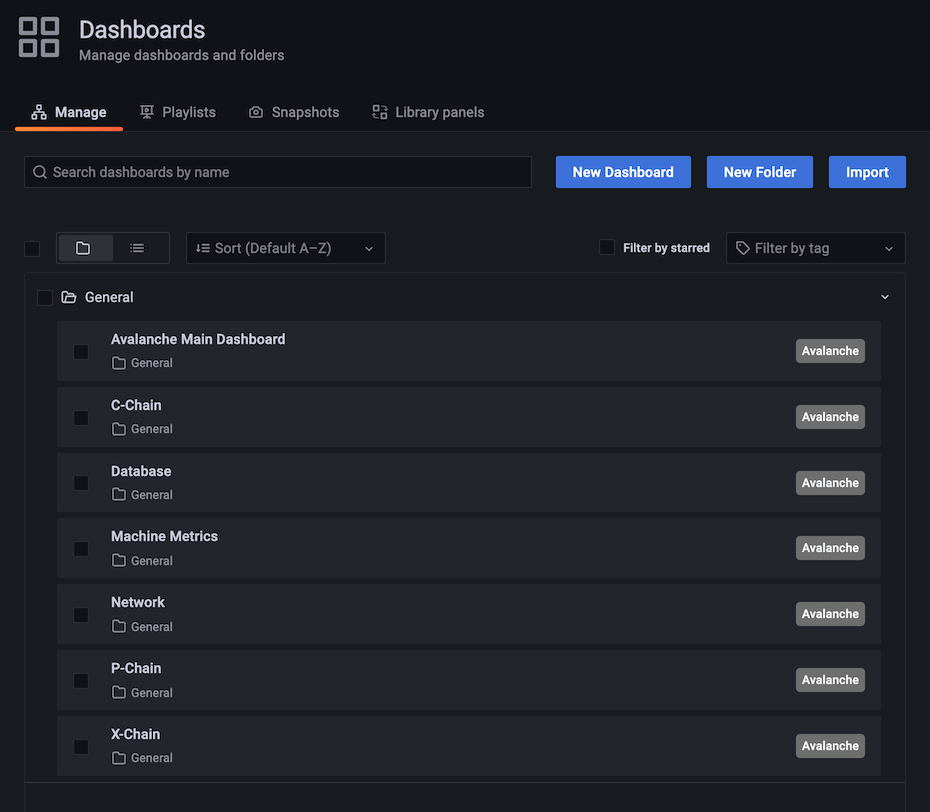
Select 'Lux Main Dashboard' by clicking its title. It should load, and look similar to this:
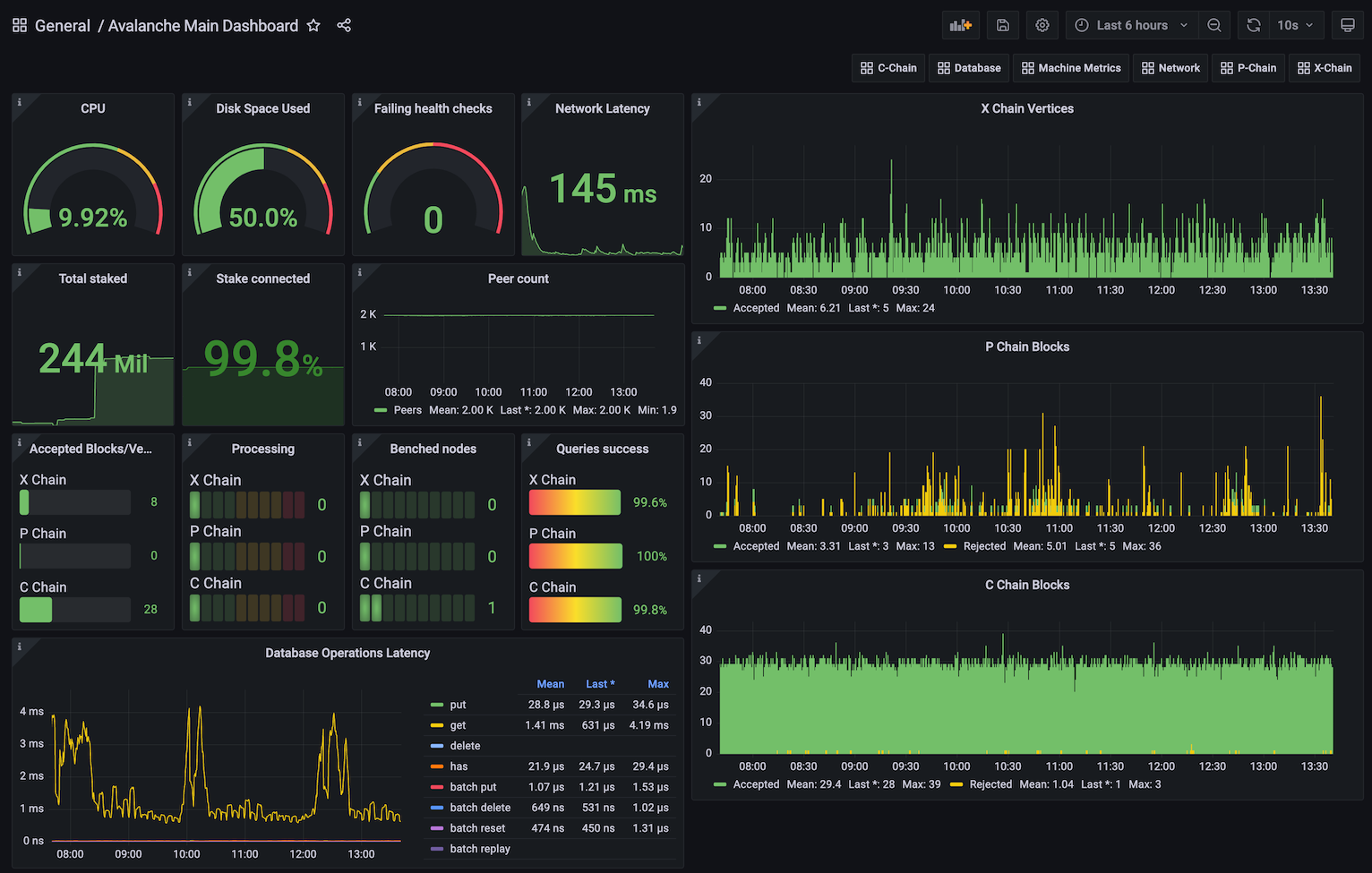
Some graphs may take some time to populate fully, as they need a series of data points in order to render correctly.
You can bookmark the main dashboard as it shows the most important information about the node at a glance. Every dashboard has a link to all the others as the first row, so you can move between them easily.
Step 5: Additional Dashboards (Optional)[](#step-5-additional-dashboards-optional "Direct link to heading")
------------------------------------------------------------------------------------------------------------
Step 4 installs the basic set of dashboards that make sense to have on any node. Step 5 is for installing additional dashboards that may not be useful for every installation.
Currently, there is only one additional dashboard: Lux L1s. If your node is running any Lux L1s, you may want to add this as well. Do:
```bash
./monitoring-installer.sh --5
```
This will add the Lux L1s dashboard. It allows you to monitor operational data for any Lux L1 that is synced on the node. There is an Lux L1 switcher that allows you to switch between different Lux L1s. As there are many Lux L1s and not every node will have all of them, by default, it comes populated only with Spaces and WAGMI Lux L1s that exist on Testnet testnet:
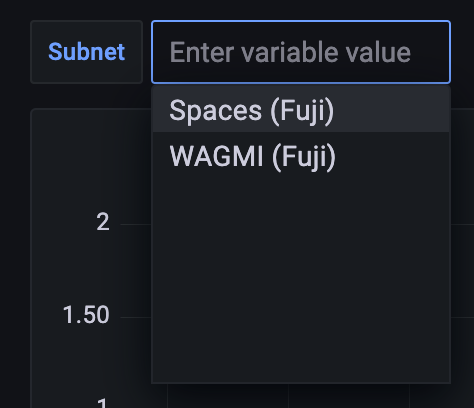
To configure the dashboard and add any Layer 1s that your node is syncing, you will need to edit the dashboard. Select the `dashboard settings` icon (image of a cog) in the upper right corner of the dashboard display and switch to `Variables` section and select the `subnet` variable. It should look something like this:
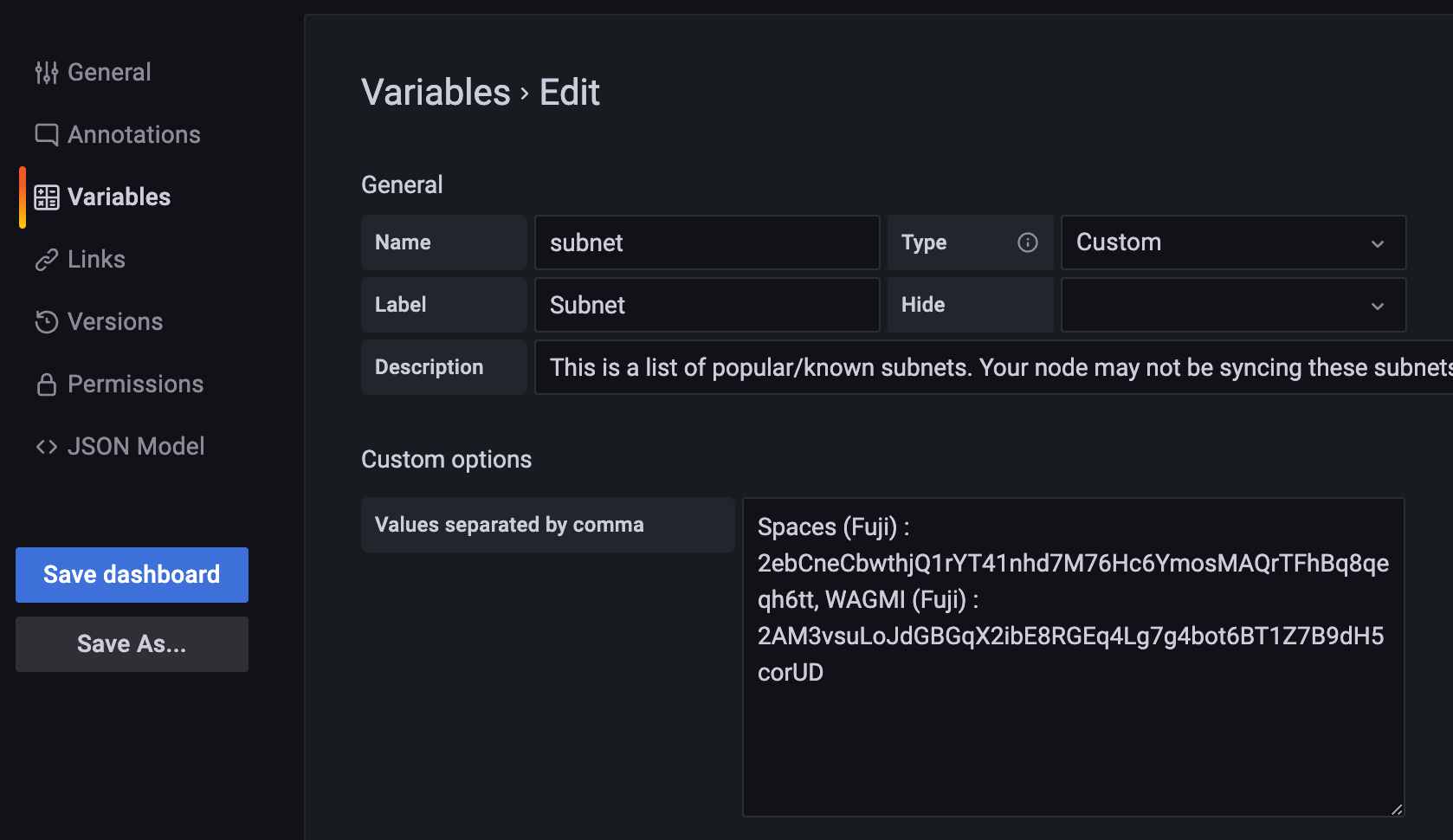
The variable format is:
```bash
Subnet name:
```
and the separator between entries is a comma. Entries for Spaces and WAGMI look like:
```bash
Spaces (Testnet) : 2ebCneCbwthjQ1rYT41nhd7M76Hc6YmosMAQrTFhBq8qeqh6tt, WAGMI (Testnet) : 2AM3vsuLoJdGBGqX2ibE8RGEq4Lg7g4bot6BT1Z7B9dH5corUD
```
After editing the values, press `Update` and then click `Save dashboard` button and confirm. Press the back arrow in the upper left corner to return to the dashboard. New values should now be selectable from the dropdown and data for the selected Lux L1 will be shown in the panels.
Updating[](#updating "Direct link to heading")
-----------------------------------------------
Available node metrics are updated constantly, new ones are added and obsolete removed, so it is good a practice to update the dashboards from time to time, especially if you notice any missing data in panels. Updating the dashboards is easy, just run the script with no arguments, and it will refresh the dashboards with the latest available versions. Allow up to 30s for dashboards to update in Grafana.
If you added the optional extra dashboards (step 5), they will be updated as well.
Summary[](#summary "Direct link to heading")
---------------------------------------------
Using the script to install node monitoring is easy, and it gives you insight into how your node is behaving and what's going on under the hood. Also, pretty graphs!
If you have feedback on this tutorial, problems with the script or following the steps, send us a message on [Discord](https://chat.avalabs.org/).
# Run Lux Node in Background (/docs/nodes/maintain/run-as-background-service)
---
title: Run Lux Node in Background
---
This page demonstrates how to set up a `luxgo.service` file to enable a manually deployed validator node to run in the background of a server instead of in the terminal directly.
Make sure that LuxGo is already installed on your machine.
Steps[](#steps "Direct link to heading")
-----------------------------------------
### Testnet Testnet Config[](#testnet-testnet-config "Direct link to heading")
Run this command in your terminal to create the `luxgo.service` file
```bash
sudo nano /etc/systemd/system/luxgo.service
```
Paste the following configuration into the `luxgo.service` file
Remember to modify the values of:
- _**user=**_
- _**group=**_
- _**WorkingDirectory=**_
- _**ExecStart=**_
For those that you have configured on your Server:
```toml
[Unit]
Description=Lux Node service
After=network.target
[Service]
User='YourUserHere'
Group='YourUserHere'
Restart=always
PrivateTmp=true
TimeoutStopSec=60s
TimeoutStartSec=10s
StartLimitInterval=120s
StartLimitBurst=5
WorkingDirectory=/Your/Path/To/luxgo
ExecStart=/Your/Path/To/luxgo/./luxgo \
--network-id=testnet \
--api-metrics-enabled=true
[Install]
WantedBy=multi-user.target
```
Press **Ctrl + X** then **Y** then **Enter** to save and exit.
Now, run:
```bash
sudo systemctl daemon-reload
```
### Mainnet Config[](#mainnet-config "Direct link to heading")
Run this command in your terminal to create the `luxgo.service` file
```bash
sudo nano /etc/systemd/system/luxgo.service
```
Paste the following configuration into the `luxgo.service` file
```toml
[Unit]
Description=Lux Node service
After=network.target
[Service]
User='YourUserHere'
Group='YourUserHere'
Restart=always
PrivateTmp=true
TimeoutStopSec=60s
TimeoutStartSec=10s
StartLimitInterval=120s
StartLimitBurst=5
WorkingDirectory=/Your/Path/To/luxgo
ExecStart=/Your/Path/To/luxgo/./luxgo \
--api-metrics-enabled=true
[Install]
WantedBy=multi-user.target
```
Press **Ctrl + X** then **Y** then **Enter** to save and exit.
Now, run:
```bash
sudo systemctl daemon-reload
```
Start the Node[](#start-the-node "Direct link to heading")
-----------------------------------------------------------
This command makes your node start automatically in case of a reboot, run it:
```bash
sudo systemctl enable luxgo
```
To start the node, run:
```bash
sudo systemctl start luxgo
sudo systemctl status luxgo
```
Output:
```bash
socopower@lux-node-01:~$ sudo systemctl status luxgo
● luxgo.service - Lux Node service
Loaded: loaded (/etc/systemd/system/luxgo.service; enabled; vendor p>
Active: active (running) since Tue 2023-08-29 23:14:45 UTC; 5h 46min ago
Main PID: 2226 (luxgo)
Tasks: 27 (limit: 38489)
Memory: 8.7G
CPU: 5h 50min 31.165s
CGroup: /system.slice/luxgo.service
└─2226 /usr/local/bin/luxgo/./luxgo --network-id=testnet
Aug 30 03:02:50 lux-node-01 luxgo[2226]: INFO [08-30|03:02:50.685] >
Aug 30 03:02:51 lux-node-01 luxgo[2226]: INFO [08-30|03:02:51.185] >
Aug 30 03:03:09 lux-node-01 luxgo[2226]: [08-30|03:03:09.380] INFO >
Aug 30 03:03:23 lux-node-01 luxgo[2226]: [08-30|03:03:23.983] INFO >
Aug 30 03:05:15 lux-node-01 luxgo[2226]: [08-30|03:05:15.192] INFO >
Aug 30 03:05:15 lux-node-01 luxgo[2226]: [08-30|03:05:15.237] INFO >
Aug 30 03:05:15 lux-node-01 luxgo[2226]: [08-30|03:05:15.238] INFO >
Aug 30 03:05:19 lux-node-01 luxgo[2226]: [08-30|03:05:19.809] INFO >
Aug 30 03:05:19 lux-node-01 luxgo[2226]: [08-30|03:05:19.809] INFO >
Aug 30 05:00:47 lux-node-01 luxgo[2226]: [08-30|05:00:47.001] INFO
```
To see the synchronization process, you can run the following command:
```bash
sudo journalctl -fu luxgo
```
# Upgrade Your LuxGo Node (/docs/nodes/maintain/upgrade)
---
title: Upgrade Your LuxGo Node
---
Backup Your Node[](#backup-your-node "Direct link to heading")
---------------------------------------------------------------
Before upgrading your node, it is recommended you backup your staker files which are used to identify your node on the network. In the default installation, you can copy them by running following commands:
```bash
cd
cp ~/.luxgo/staking/staker.crt .
cp ~/.luxgo/staking/staker.key .
```
Then download `staker.crt` and `staker.key` files and keep them somewhere safe and private. If anything happens to your node or the machine node runs on, these files can be used to fully recreate your node.
If you use your node for development purposes and have keystore users on your node, you should back up those too.
Node Installed Using the Installer Script[](#node-installed-using-the-installer-script "Direct link to heading")
-----------------------------------------------------------------------------------------------------------------
If you installed your node using the [installer script](/docs/nodes/run-a-node/using-install-script/installing-lux-go), to upgrade your node, just run the installer script again.
```bash
./luxgo-installer.sh
```
It will detect that you already have LuxGo installed:
```bash
LuxGo installer
---------------------
Preparing environment...
Found 64bit Intel/AMD architecture...
Found LuxGo systemd service already installed, switching to upgrade mode.
Stopping service...
```
It will then upgrade your node to the latest version, and after it's done, start the node back up, and print out the information about the latest version:
```bash
Node upgraded, starting service...
New node version:
lux/1.1.1 [network=mainnet, database=v1.0.0, commit=f76f1fd5f99736cf468413bbac158d6626f712d2]
Done!
```
And that is it, your node is upgraded to the latest version.
If you installed your node manually, proceed with the rest of the tutorial.
Stop the Old Node Version[](#stop-the-old-node-version "Direct link to heading")
---------------------------------------------------------------------------------
After the backup is secured, you may start upgrading your node. Begin by stopping the currently running version.
### Node Running from Terminal[](#node-running-from-terminal "Direct link to heading")
If your node is running in a terminal stop it by pressing `ctrl+c`.
### Node Running as a Service[](#node-running-as-a-service "Direct link to heading")
If your node is running as a service, stop it by entering: `sudo systemctl stop luxgo.service`
(your service may be named differently, `lux.service`, or similar)
### Node Running in Background[](#node-running-in-background "Direct link to heading")
If your node is running in the background (by running with `nohup`, for example) then find the process running the node by running `ps aux | grep lux`. This will produce output like:
```bash
ubuntu 6834 0.0 0.0 2828 676 pts/1 S+ 19:54 0:00 grep lux
ubuntu 2630 26.1 9.4 2459236 753316 ? Sl Dec02 1220:52 /home/ubuntu/build/luxgo
```
In this example, second line shows information about your node. Note the process id, in this case, `2630`. Stop the node by running `kill -2 2630`.
Now we are ready to download the new version of the node. You can either download the source code and then build the binary program, or you can download the pre-built binary. You don't need to do both.
Downloading pre-built binary is easier and recommended if you're just looking to run your own node and stake on it.
Building the node [from source](/docs/nodes/maintain/upgrade#build-from-source) is recommended if you're a developer looking to experiment and build on Lux.
Download Pre-Built Binary[](#download-pre-built-binary "Direct link to heading")
---------------------------------------------------------------------------------
If you want to download a pre-built binary instead of building it yourself, go to our [releases page](https://github.com/luxfi/luxgo/releases), and select the release you want (probably the latest one.)
If you have a node, you can subscribe to the [lux notify service](/docs/nodes/maintain/enroll-in-lux-notify) with your node ID to be notified about new releases.
In addition, or if you don't have a node ID, you can get release notifications from github. To do so, you can go to our [repository](https://github.com/luxfi/luxgo) and look on the top-right corner for the **Watch** option. After you click on it, select **Custom**, and then **Releases**. Press **Apply** and it is done.
Under `Assets`, select the appropriate file.
For MacOS:
Download: `luxgo-macos-.zip`
Unzip: `unzip luxgo-macos-.zip`
The resulting folder, `luxgo-`, contains the binaries.
For Linux on PCs or cloud providers:
Download: `luxgo-linux-amd64-.tar.gz`
Unzip: `tar -xvf luxgo-linux-amd64-.tar.gz`
The resulting folder, `luxgo--linux`, contains the binaries.
For Linux on Arm64-based computers:
Download: `luxgo-linux-arm64-.tar.gz`
Unzip: `tar -xvf luxgo-linux-arm64-.tar.gz`
The resulting folder, `luxgo--linux`, contains the binaries.
You are now ready to run the new version of the node.
### Running the Node from Terminal[](#running-the-node-from-terminal "Direct link to heading")
If you are using the pre-built binaries on MacOS:
```bash
./luxgo-/build/luxgo
```
If you are using the pre-built binaries on Linux:
```bash
./luxgo--linux/luxgo
```
Add `nohup` at the start of the command if you want to run the node in the background.
### Running the Node as a Service[](#running-the-node-as-a-service "Direct link to heading")
If you're running the node as a service, you need to replace the old binaries with the new ones.
```bash
cp -r luxgo--linux/*
```
and then restart the service with: `sudo systemctl start luxgo.service`.
Build from Source[](#build-from-source "Direct link to heading")
-----------------------------------------------------------------
First clone our GitHub repo (you can skip this step if you've done this before):
```bash
git clone https://github.com/luxfi/luxgo.git
```
The repository cloning method used is HTTPS, but SSH can be used too:
`git clone git@github.com:luxfi/luxgo.git`
You can find more about SSH and how to use it [here](https://docs.github.com/en/authentication/connecting-to-github-with-ssh/about-ssh).
Then move to the LuxGo directory:
```bash
cd luxgo
```
Pull the latest code:
```bash
git pull
```
If the master branch has not been updated with the latest release tag, you can get to it directly via first running `git fetch --all --tags` and then `git checkout --force tags/` (where `` is the latest release tag; for example `v1.3.2`) instead of `git pull`.
Note that your local copy will be in a 'detached HEAD' state, which is not an issue if you do not make changes to the source that you want push back to the repository (in which case you should check out to a branch and to the ordinary merges).
Note also that the `--force` flag will disregard any local changes you might have.
Check that your local code is up to date. Do:
```bash
git rev-parse HEAD
```
and check that the first 7 characters printed match the Latest commit field on our [GitHub](https://github.com/luxfi/luxgo).
If you used the `git checkout tags/` then these first 7 characters should match commit hash of that tag.
Now build the binary:
```bash
./scripts/build.sh
```
This should print: `Build Successful`
You can check what version you're running by doing:
```bash
./build/luxgo --version
```
You can run your node with:
```bash
./build/luxgo
```
# How to Stake (/docs/primary-network/validate/how-to-stake)
---
title: How to Stake
description: Learn how to stake on Lux.
---
Staking Parameters on Lux[](#staking-parameters-on-lux "Direct link to heading")
---------------------------------------------------------------------------------------------
When a validator is done validating the [Primary Network](http://support.avalabs.org/en/articles/4135650-what-is-the-primary-network), it receives back the LUX tokens it staked. It may receive a reward for helping to secure the network. A validator only receives a [validation reward](http://support.avalabs.org/en/articles/4587396-what-are-validator-staking-rewards) if it is sufficiently responsive and correct during the time it validates. Read the [Lux token white paper](https://www.avalabs.org/whitepapers) to learn more about LUX and the mechanics of staking.
Staking rewards are sent to your wallet address at the end of the staking term **as long as all of these parameters are met**.
### Mainnet[](#mainnet "Direct link to heading")
- The minimum amount that a validator must stake is 2,000 LUX
- The minimum amount that a delegator must delegate is 25 LUX
- The minimum amount of time one can stake funds for validation is 2 weeks
- The maximum amount of time one can stake funds for validation is 1 year
- The minimum amount of time one can stake funds for delegation is 2 weeks
- The maximum amount of time one can stake funds for delegation is 1 year
- The minimum delegation fee rate is 2%
- The maximum weight of a validator (their own stake + stake delegated to them) is the minimum of 3 million LUX and 5 times the amount the validator staked. For example, if you staked 2,000 LUX to become a validator, only 8000 LUX can be delegated to your node total (not per delegator)
A validator will receive a staking reward if they are online and response for more than 80% of their validation period, as measured by a majority of validators, weighted by stake. **You should aim for your validator be online and responsive 100% of the time.**
You can call API method `info.uptime` on your node to learn its weighted uptime and what percentage of the network currently thinks your node has an uptime high enough to receive a staking reward. See [here.](/docs/rpcs/other/info-rpc#infouptime) You can get another opinion on your node's uptime from Lux's [Validator Health dashboard](https://stats.lux.network/dashboard/validator-health-check/). If your reported uptime is not close to 100%, there may be something wrong with your node setup, which may jeopardize your staking reward. If this is the case, please see [here](#why-is-my-uptime-low) or contact us on [Discord](https://discord.gg/lux/) so we can help you find the issue. Note that only checking the uptime of your validator as measured by non-staking nodes, validators with small stake, or validators that have not been online for the full duration of your validation period can provide an inaccurate view of your node's true uptime.
### Testnet Testnet[](#testnet-testnet "Direct link to heading")
On Testnet Testnet, all staking parameters are the same as those on Mainnet except the following ones:
- The minimum amount that a validator must stake is 1 LUX
- The minimum amount that a delegator must delegate is 1 LUX
- The minimum amount of time one can stake funds for validation is 24 hours
- The minimum amount of time one can stake funds for delegation is 24 hours
Validators[](#validators "Direct link to heading")
---------------------------------------------------
**Validators** secure Lux, create new blocks, and process transactions. To achieve consensus, validators repeatedly sample each other. The probability that a given validator is sampled is proportional to its stake.
When you add a node to the validator set, you specify:
- Your node's ID
- Your node's BLS key and BLS signature
- When you want to start and stop validating
- How many LUX you are staking
- The address to send any rewards to
- Your delegation fee rate (see below)
The minimum amount that a validator must stake is 2,000 LUX.
Note that once you issue the transaction to add a node as a validator, there is no way to change the parameters. **You can't remove your stake early or change the stake amount, node ID, or reward address.**
Please make sure you're using the correct values in the API calls below. If you're not sure, ask for help on [Discord](https://discord.gg/lux/). If you want to add more tokens to your own validator, you can delegate the tokens to this node - but you cannot increase the base validation amount (so delegating to yourself goes against your delegation cap).
### Running a Validator[](#running-a-validator "Direct link to heading")
If you're running a validator, it's important that your node is well connected to ensure that you receive a reward.
When you issue the transaction to add a validator, the staked tokens and transaction fee (which is 0) are deducted from the addresses you control. When you are done validating, the staked funds are returned to the addresses they came from. If you earned a reward, it is sent to the address you specified when you added yourself as a validator.
#### Allow API Calls[](#allow-api-calls "Direct link to heading")
To make API calls to your node from remote machines, allow traffic on the API port (`9650` by default), and run your node with argument `--http-host=`
You should disable all APIs you will not use via command-line arguments. You should configure your network to only allow access to the API port from trusted machines (for example, your personal computer.)
#### Why Is My Uptime Low?[](#why-is-my-uptime-low "Direct link to heading")
Every validator on Lux keeps track of the uptime of other validators. Every validator has a weight (that is the amount staked on it.) The more weight a validator has, the more influence they have when validators vote on whether your node should receive a staking reward. You can call API method `info.uptime` on your node to learn its weighted uptime and what percentage of the network stake currently thinks your node has an uptime high enough to receive a staking reward.
You can also see the connections a node has by calling `info.peers`, as well as the uptime of each connection. **This is only one node's point of view**. Other nodes may perceive the uptime of your node differently. Just because one node perceives your uptime as being low does not mean that you will not receive staking rewards.
If your node's uptime is low, make sure you're setting config option `--public-ip=[NODE'S PUBLIC IP]` and that your node can receive incoming TCP traffic on port 9651.
#### Secret Management[](#secret-management "Direct link to heading")
The only secret that you need on your validating node is its Staking Key, the TLS key that determines your node's ID. The first time you start a node, the Staking Key is created and put in `$HOME/.luxgo/staking/staker.key`. You should back up this file (and `staker.crt`) somewhere secure. Losing your Staking Key could jeopardize your validation reward, as your node will have a new ID.
You do not need to have LUX funds on your validating node. In fact, it's best practice to **not** have a lot of funds on your node. Almost all of your funds should be in "cold" addresses whose private key is not on any computer.
#### Monitoring[](#monitoring "Direct link to heading")
Follow this [tutorial](/docs/nodes/maintain/monitoring) to learn how to monitor your node's uptime, general health, etc.
### Reward Formula[](#reward-formula "Direct link to heading")
Consider a validator which stakes a $Stake$ amount of Lux for $StakingPeriod$ seconds.
Assume that at the start of the staking period there is a $Supply$ amount of Lux in the Primary Network.
The maximum amount of Lux is $MaximumSupply$ . Then at the end of its staking period, a responsive validator receives a reward calculated as follows:
$$
Reward = \left(MaximumSupply - Supply \right) \times \frac{Stake}{Supply} \times \frac{Staking Period}{Minting Period} \times EffectiveConsumptionRate
$$
where,
$$
EffectiveConsumptionRate =
$$
$$
\frac{MinConsumptionRate}{PercentDenominator} \times \left(1- \frac{Staking Period}{Minting Period}\right) + \frac{MaxConsumptionRate}{PercentDenominator} \times \frac{Staking Period}{Minting Period}
$$
Note that $StakingPeriod$ is the staker's entire staking period, not just the staker's uptime, that is the aggregated time during which the staker has been responsive. The uptime comes into play only to decide whether a staker should be rewarded; to calculate the actual reward, only the staking period duration is taken into account.
$EffectiveConsumptionRate$ is a linear combination of $MinConsumptionRate$ and $MaxConsumptionRate$.
$MinConsumptionRate$ and $MaxConsumptionRate$ bound $EffectiveConsumptionRate$ because
$$
MinConsumptionRate \leq EffectiveConsumptionRate \leq MaxConsumptionRate
$$
The larger $StakingPeriod$ is, the closer $EffectiveConsumptionRate$ is to $MaxConsumptionRate$.
A staker achieves the maximum reward for its stake if $StakingPeriod$ = $Minting Period$.
The reward is:
$$
Max Reward = \left(MaximumSupply - Supply \right) \times \frac{Stake}{Supply} \times \frac{MaxConsumptionRate}{PercentDenominator}
$$
Delegators[](#delegators "Direct link to heading")
---------------------------------------------------
A delegator is a token holder, who wants to participate in staking, but chooses to trust an existing validating node through delegation.
When you delegate stake to a validator, you specify:
- The ID of the node you're delegating to
- When you want to start/stop delegating stake (must be while the validator is validating)
- How many LUX you are staking
- The address to send any rewards to
The minimum amount that a delegator must delegate is 25 LUX.
Note that once you issue the transaction to add your stake to a delegator, there is no way to change the parameters. **You can't remove your stake early or change the stake amount, node ID, or reward address.** If you're not sure, ask for help on [Discord](https://discord.gg/lux/).
### Delegator Rewards[](#delegator-rewards "Direct link to heading")
If the validator that you delegate tokens to is sufficiently correct and responsive, you will receive a reward when you are done delegating. Delegators are rewarded according to the same function as validators. However, the validator that you delegate to keeps a portion of your reward specified by the validator's delegation fee rate.
When you issue the transaction to delegate tokens, the staked tokens and transaction fee are deducted from the addresses you control. When you are done delegating, the staked tokens are returned to your address. If you earned a reward, it is sent to the address you specified when you delegated tokens. Rewards are sent to delegators right after the delegation ends with the return of staked tokens, and before the validation period of the node they're delegating to is complete.
FAQ[](#faq "Direct link to heading")
-------------------------------------
### Is There a Tool to Check the Health of a Validator?[](#is-there-a-tool-to-check-the-health-of-a-validator "Direct link to heading")
Yes, just enter your node's ID in the Lux Stats [Validator Health Dashboard](https://stats.lux.network/dashboard/validator-health-check/?nodeid=NodeID-Jp4dLMTHd6huttS1jZhqNnBN9ZMNmTmWC).
### How Is It Determined Whether a Validator Receives a Staking Reward?[](#how-is-it-determined-whether-a-validator-receives-a-staking-reward "Direct link to heading")
When a node leaves the validator set, the validators vote on whether the leaving node should receive a staking reward or not. If a validator calculates that the leaving node was responsive for more than the required uptime (currently 80%), the validator will vote for the leaving node to receive a staking reward. Otherwise, the validator will vote that the leaving node should not receive a staking reward. The result of this vote, which is weighted by stake, determines whether the leaving node receives a reward or not.
Each validator only votes "yes" or "no." It does not share its data such as the leaving node's uptime.
Each validation period is considered separately. That is, suppose a node joins the validator set, and then leaves. Then it joins and leaves again. The node's uptime during its first period in the validator set does not affect the uptime calculation in the second period, hence, has no impact on whether the node receives a staking reward for its second period in the validator set.
### How Are Delegation Fees Distributed To Validators?[](#how-are-delegation-fees-distributed-to-validators "Direct link to heading")
If a validator is online for 80% of a delegation period, they receive a % of the reward (the fee) earned by the delegator. The Platform-Chain used to distribute this fee as a separate UTXO per delegation period. After the [Cortina Activation](https://medium.com/luxlux/cortina-x-chain-linearization-a1d9305553f6), instead of sending a fee UTXO for each successful delegation period, fees are now batched during a node's entire validation period and are distributed when it is unstaked.
### Error: Couldn't Issue TX: Validator Would Be Over Delegated[](#error-couldnt-issue-tx-validator-would-be-over-delegated "Direct link to heading")
This error occurs whenever the delegator can not delegate to the named validator. This can be caused by the following.
- The delegator `startTime` is before the validator `startTime`
- The delegator `endTime` is after the validator `endTime`
- The delegator weight would result in the validator total weight exceeding its maximum weight
# Turn Node Into Validator (/docs/primary-network/validate/node-validator)
---
title: Turn Node Into Validator
description: This tutorial will show you how to add a node to the validator set of Primary Network on Lux.
---
## Introduction
The [Primary Network](/docs/primary-network)
is inherent to the Lux platform and validates Lux's built-in
blockchains. In this
tutorial, we'll add a node to the Primary Network on Lux.
The Platform-Chain manages metadata on Lux. This includes tracking which nodes
are in which Lux L1s, which blockchains exist, and which Lux L1s are validating
which blockchains. To add a validator, we'll issue
[transactions](http://support.avalabs.org/en/articles/4587384-what-is-a-transaction)
to the Platform-Chain.
Note that once you issue the transaction to add a node as a validator, there is
no way to change the parameters. **You can't remove your stake early or change
the stake amount, node ID, or reward address.** Please make sure you're using
the correct values in the API calls below. If you're not sure, feel free to join
our [Discord](https://chat.avalabs.org/) to ask questions.
## Requirements
You've completed [Run an Lux Node](/docs/nodes/run-a-node/from-source) and are familiar with
[Lux's architecture](/docs/primary-network). In this
tutorial, we use [LuxJS](/docs/tooling/lux-sdk) and
[Lux's Postman collection](/docs/tooling/lux-postman)
to help us make API calls.
In order to ensure your node is well-connected, make sure that your node can
receive and send TCP traffic on the staking port (`9651` by default) and your node
has a public IP address(it's optional to set --public-ip=[YOUR NODE'S PUBLIC IP HERE]
when executing the LuxGo binary, as by default, the node will attempt to perform
NAT traversal to get the node's IP according to its router). Failing to do either of
these may jeopardize your staking reward.
## Add a Validator with Core extension
First, we show you how to add your node as a validator by using [Core web](https://core.app).
### Retrieve the Node ID, the BLS signature and the BLS key
Get this info by calling [`info.getNodeID`](/docs/rpcs/other/info-rpc#infogetnodeid):
```bash
curl -X POST --data '{
"jsonrpc":"2.0",
"id" :1,
"method" :"info.getNodeID"
}' -H 'content-type:application/json' 127.0.0.1:9650/ext/info
```
The response has your node's ID, the BLS key (public key) and the BLS signature (proof of possession):
```json
{
"jsonrpc": "2.0",
"result": {
"nodeID": "NodeID-5mb46qkSBj81k9g9e4VFjGGSbaaSLFRzD",
"nodePOP": {
"publicKey": "0x8f95423f7142d00a48e1014a3de8d28907d420dc33b3052a6dee03a3f2941a393c2351e354704ca66a3fc29870282e15",
"proofOfPossession": "0x86a3ab4c45cfe31cae34c1d06f212434ac71b1be6cfe046c80c162e057614a94a5bc9f1ded1a7029deb0ba4ca7c9b71411e293438691be79c2dbf19d1ca7c3eadb9c756246fc5de5b7b89511c7d7302ae051d9e03d7991138299b5ed6a570a98"
}
},
"id": 1
}
```
### Add as a Validator
Connect [Core extension](https://core.app) to [Core web](https://core.app), and go the 'Staking' tab.
Here, choose 'Validate' from the menu.
Fill out the staking parameters. They are explained in more detail in [this doc](/docs/primary-network/validate/how-to-stake). When you've
filled in all the staking parameters and double-checked them, click `Submit Validation`. Make sure the staking period is at
least 2 weeks, the delegation fee rate is at least 2%, and you're staking at
least 2,000 LUX on Mainnet (1 LUX on Testnet Testnet). A full guide about this can be found
[here](https://support.lux.network/en/articles/8117267-core-web-how-do-i-validate-in-core-stake).
You should see a success message, and your balance should be updated.
Go back to the `Stake` tab, and you'll see here an overview of your validation,
with information like the amount staked, staking time, and more.
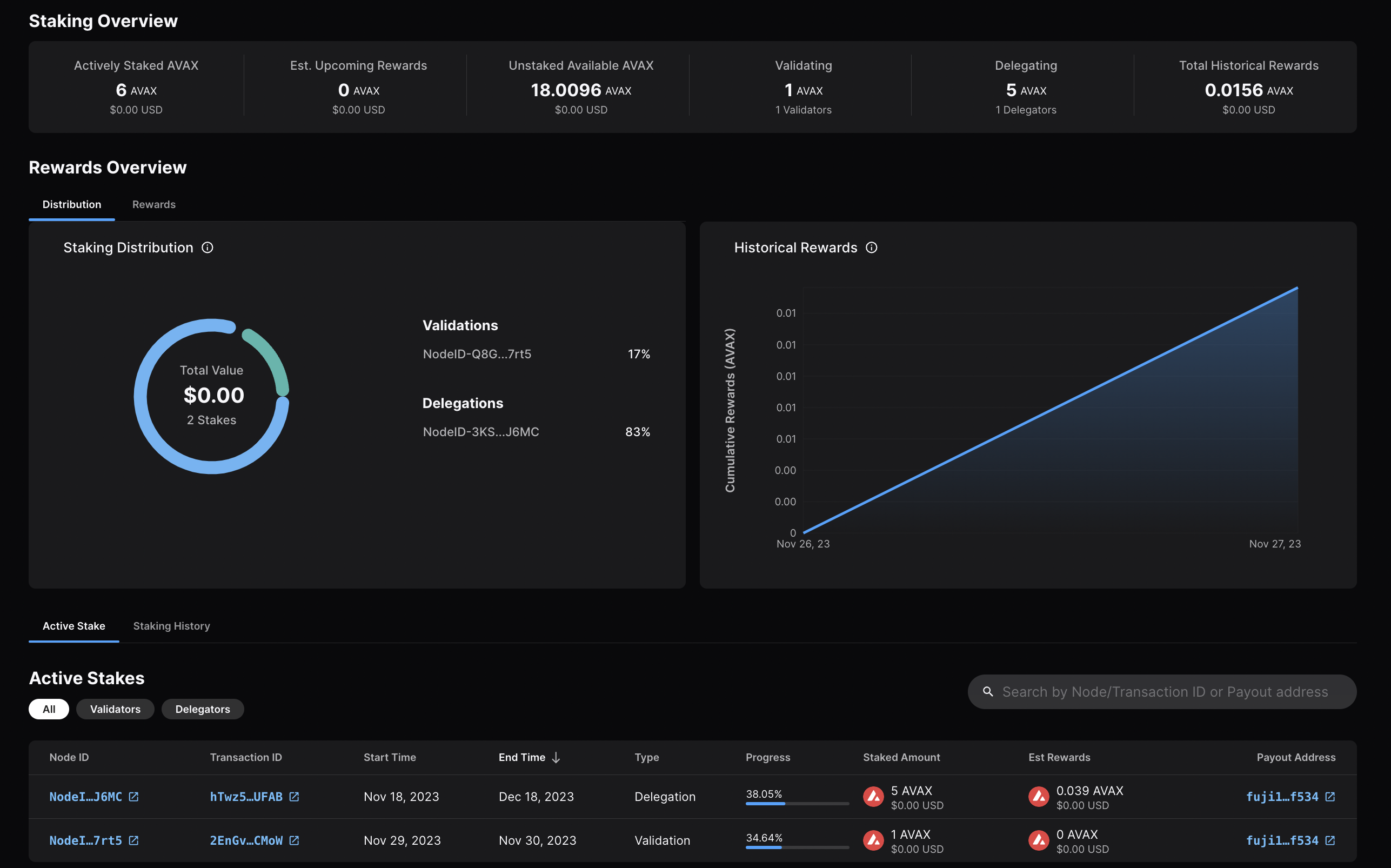
Calling
[`platform.getPendingValidators`](/docs/rpcs/p-chain#platformgetpendingvalidators)
verifies that your transaction was accepted. Note that this API call should be
made before your node's validation start time, otherwise, the return will not
include your node's id as it is no longer pending.
You can also call
[`platform.getCurrentValidators`](/docs/rpcs/p-chain#platformgetcurrentvalidators)
to check that your node's id is included in the response.
That's it!
## Add a Validator with LuxJS
We can also add a node to the validator set using [LuxJS](/docs/tooling/lux-sdk).
### Install LuxJS
To use LuxJS, you can clone the repo:
```bash
git clone https://github.com/luxfi/luxjs.git
```
The repository cloning method used is HTTPS, but SSH can be used too:
`git clone git@github.com:luxfi/luxjs.git`
You can find more about SSH and how to use it
[here](https://docs.github.com/en/authentication/connecting-to-github-with-ssh/about-ssh).
or add it to an existing project:
```bash
yarn add @luxfi/luxjs
```
For this tutorial we will use [`ts-node`](https://www.npmjs.com/package/ts-node)
to run the example scripts directly from an LuxJS directory.
### Testnet Workflow
In this section, we will use Testnet Testnet to show how to add a node to the validator set.
Open your LuxJS directory and select the
[**`examples/p-chain`**](https://github.com/luxfi/luxjs/tree/master/examples/p-chain)
folder to view the source code for the examples scripts.
We will use the
[**`validate.ts`**](https://github.com/luxfi/luxjs/blob/master/examples/p-chain/validate.ts)
script to add a validator.
#### Add Necessary Environment Variables
Locate the `.env.example` file at the root of LuxJS, and remove `.example`
from the title. Now, this will be the `.env` file for global variables.
Add the private key and the Platform-Chain address associated with it.
The API URL is already set to Testnet (`https://api.lux-test.network/`).
#### Retrieve the Node ID, the BLS signature and the BLS key
Get this info by calling [`info.getNodeID`](/docs/rpcs/other/info-rpc#infogetnodeid):
```bash
curl -X POST --data '{
"jsonrpc":"2.0",
"id" :1,
"method" :"info.getNodeID"
}' -H 'content-type:application/json' 127.0.0.1:9650/ext/info
```
The response has your node's ID, the BLS key (public key) and the BLS signature (proof of possession):
```json
{
"jsonrpc": "2.0",
"result": {
"nodeID": "NodeID-JXJNyJXhgXzvVGisLkrDiZvF938zJxnT5",
"nodePOP": {
"publicKey": "0xb982b485916c1d74e3b749e7ce49730ac0e52d28279ce4c5c989d75a43256d3012e04b1de0561276631ea6c2c8dc4429",
"proofOfPossession": "0xb6cdf3927783dba3245565bd9451b0c2a39af2087fdf401956489b42461452ec7639b9082195b7181907177b1ea09a6200a0d32ebbc668d9c1e9156872633cfb7e161fbd0e75943034d28b25ec9d9cdf2edad4aaf010adf804af8f6d0d5440c5"
}
},
"id": 1
}
```
#### Fill in the Node ID, the BLS signature and the BLS key
After retrieving this data, go to `examples/p-chain/validate.ts`.
Replace the `nodeID`, `blsPublicKey` and `blsSignature` with your
own node's values.

#### Settings for Validation
Next we need to specify the node's validation period and delegation fee.
#### Validation Period
The validation period is set by default to 21 days, the start date
being the date and time the transaction is issued. The start date
cannot be modified.
The end date can be adjusted in the code.
Let's say we want the validation period to end after 50 days.
You can achieve this by adding the number of desired days to
`endTime.getDate()`, in this case `50`.
```ts
// move ending date 50 days into the future
endTime.setDate(endTime.getDate() + 50);
```
Now let's say you want the staking period to end on a specific
date and time, for example May 15, 2024, at 11:20 AM.
It can be achieved as shown in the code below.
```ts
const startTime = await new PVMApi().getTimestamp();
const startDate = new Date(startTime.timestamp);
const start = BigInt(startDate.getTime() / 1000);
// Set the end time to a specific date and time
const endTime = new Date('2024-05-15T11:20:00'); // May 15, 2024, at 11:20 AM
const end = BigInt(endTime.getTime() / 1000);
```
#### Delegation Fee Rate
Lux allows for delegation of stake. This parameter is the percent fee this
validator charges when others delegate stake to them. For example, if
`delegationFeeRate` is `10` and someone delegates to this validator, then when
the delegation period is over, 10% of the reward goes to the validator and the
rest goes to the delegator, if this node meets the validation reward
requirements.
The delegation fee on LuxJS is set `20`. To change this, you need
to provide the desired fee percent as a parameter to `newAddPermissionlessValidatorTx`,
which is by default `1e4 * 20`.
For example, if you'd want it to be `10`, the updated code would look like this:
```ts
const tx = newAddPermissionlessValidatorTx(
context,
utxos,
[bech32ToBytes(P_CHAIN_ADDRESS)],
nodeID,
PrimaryNetworkID.toString(),
start,
end,
BigInt(1e9),
[bech32ToBytes(P_CHAIN_ADDRESS)],
[bech32ToBytes(P_CHAIN_ADDRESS)],
1e4 * 10, // delegation fee, replaced 20 with 10
undefined,
1,
0n,
blsPublicKey,
blsSignature,
);
```
#### Stake Amount
Set the amount being locked for validation when calling
`newAddPermissionlessValidatorTx` by replacing `weight` with a number
in the unit of nLUX. For example, `2 LUX` would be `2e9 nLUX`.
```ts
const tx = newAddPermissionlessValidatorTx(
context,
utxos,
[bech32ToBytes(P_CHAIN_ADDRESS)],
nodeID,
PrimaryNetworkID.toString(),
start,
end,
BigInt(2e9), // the amount to stake
[bech32ToBytes(P_CHAIN_ADDRESS)],
[bech32ToBytes(P_CHAIN_ADDRESS)],
1e4 * 10,
undefined,
1,
0n,
blsPublicKey,
blsSignature,
);
```
#### Execute the Code
Now that we have made all of the necessary changes to the example script, it's
time to add a validator to the Testnet Network.
Run the command:
```bash
node --loader ts-node/esm examples/p-chain/validate.ts
```
The response:
```bash
laviniatalpas@Lavinias-MacBook-Pro luxjs % node --loader ts-node/esm examples/p-chain/validate.ts
(node:87616) ExperimentalWarning: `--experimental-loader` may be removed in the future; instead use `register()`:
--import 'data:text/javascript,import { register } from "node:module"; import { pathToFileURL } from "node:url"; register("ts-node/esm", pathToFileURL("./"));'
(Use `node --trace-warnings ...` to show where the warning was created)
{ txID: 'RVe3CFRieRbBvKXKPu24Zbt1QehdyGVT6X4tPWVBeLPX3Ab8' }
```
We can check the transaction's status by running the example script with
[`platform.getTxStatus`](/docs/rpcs/p-chain#platformgettxstatus)
or looking up the validator directly on the
[explorer](https://subnets-test.lux.network/validators/NodeID-JXJNyJXhgXzvVGisLkrDiZvF938zJxnT5).
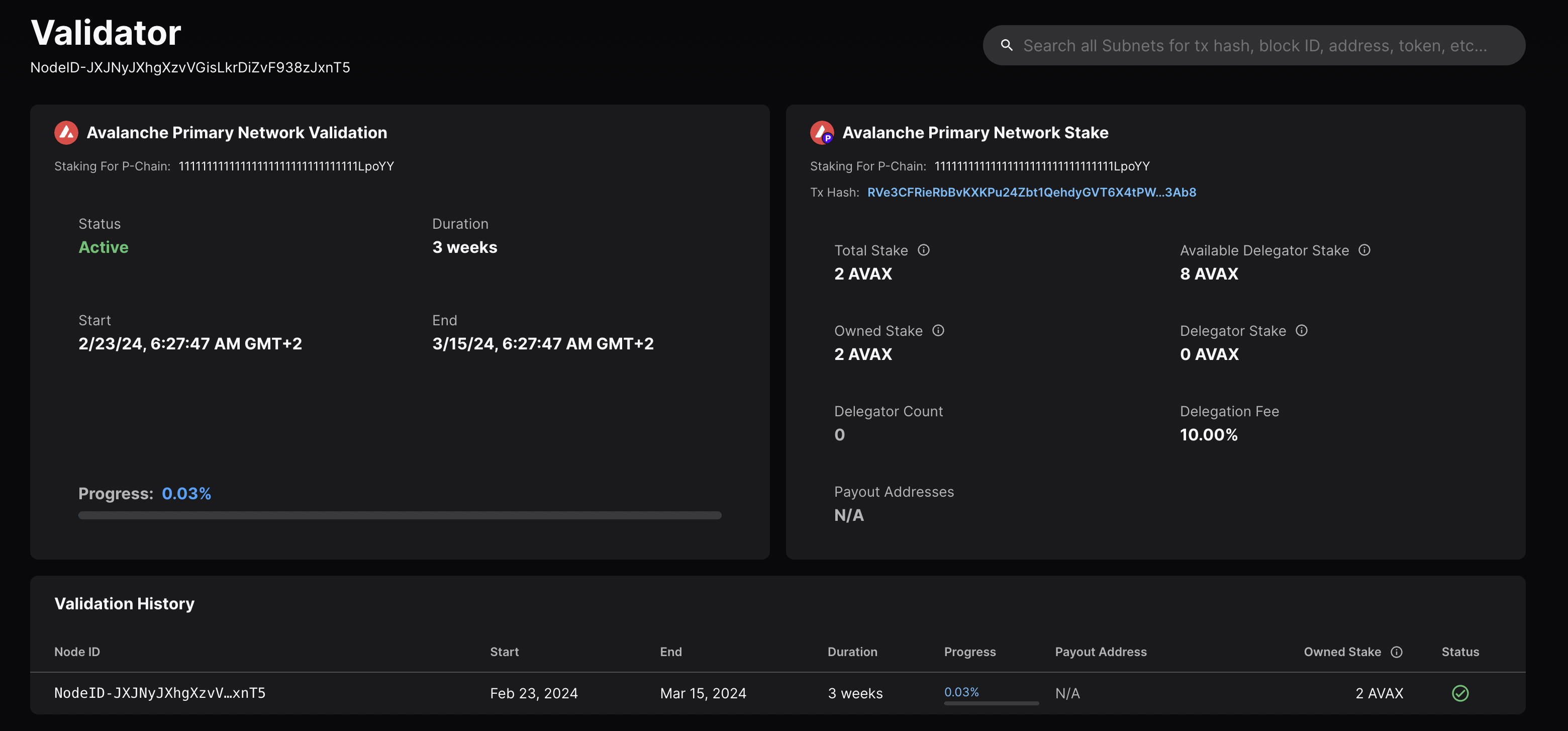
### Mainnet Workflow
The Testnet workflow above can be adapted to Mainnet with the following modifications:
- `LUX_PUBLIC_URL` should be `https://api.lux.network/`.
- `P_CHAIN_ADDRESS` should be the Mainnet Platform-Chain address.
- Set the correct amount to stake.
- The `blsPublicKey`, `blsSignature` and `nodeID` need to be the ones for your Mainnet Node.
# Rewards Formula (/docs/primary-network/validate/rewards-formula)
---
title: Rewards Formula
description: Learn about the rewards formula for the Lux Primary Network validator
---
## Primary Network Validator Rewards
Consider a Primary Network validator which stakes a $Stake$ amount of `LUX` for $StakingPeriod$ seconds.
The potential reward is calculated **at the beginning of the staking period**. At the beginning of the staking period there is a $Supply$ amount of `LUX` in the network. The maximum amount of `LUX` is $MaximumSupply$. At the end of its staking period, a responsive Primary Network validator receives a reward.
$$
Potential Reward = \left(MaximumSupply - Supply \right) \times \frac{Stake}{Supply} \times \frac{Staking Period}{Minting Period} \times EffectiveConsumptionRate
$$
where,
$$
MaximumSupply - Supply = \text{the number of LUX tokens left to emit in the network}
$$
$$
\frac{Stake}{Supply} = \text{the individual's stake as a percentage of all available LUX tokens in the network}
$$
$$
\frac{StakingPeriod}{MintingPeriod} = \text{time tokens are locked up divided by the $MintingPeriod$}
$$
$$
\text{$MintingPeriod$ is one year as configured by the network).}
$$
$$
EffectiveConsumptionRate =
$$
$$
\frac{MinConsumptionRate}{PercentDenominator} \times \left(1- \frac{Staking Period}{Minting Period}\right) + \frac{MaxConsumptionRate}{PercentDenominator} \times \frac{Staking Period}{Minting Period}
$$
Note that $StakingPeriod$ is the staker's entire staking period, not just the staker's uptime, that is the aggregated time during which the staker has been responsive. The uptime comes into play only to decide whether a staker should be rewarded; to calculate the actual reward only the staking period duration is taken into account.
$EffectiveConsumptionRate$ is the rate at which the Primary Network validator is rewarded based on $StakingPeriod$ selection.
$MinConsumptionRate$ and $MaxConsumptionRate$ bound $EffectiveConsumptionRate$:
$$
MinConsumptionRate \leq EffectiveConsumptionRate \leq MaxConsumptionRate
$$
The larger $StakingPeriod$ is, the closer $EffectiveConsumptionRate$ is to $MaxConsumptionRate$. The smaller $StakingPeriod$ is, the closer $EffectiveConsumptionRate$ is to $MinConsumptionRate$.
A staker achieves the maximum reward for its stake if $StakingPeriod$ = $Minting Period$. The reward is:
$$
Max Reward = \left(MaximumSupply - Supply \right) \times \frac{Stake}{Supply} \times \frac{MaxConsumptionRate}{PercentDenominator}
$$
Note that this formula is the same as the reward formula at the top of this section because $EffectiveConsumptionRate$ = $MaxConsumptionRate$.
For reference, you can find all the Primary network parameters in [the section below](#primary-network-parameters-on-mainnet).
## Delegators Weight Checks
There are bounds set of the maximum amount of delegators' stake that a validator can receive.
The maximum weight $MaxWeight$ a validator $Validator$ can have is:
$$
MaxWeight = \min(Validator.Weight \times MaxValidatorWeightFactor, MaxValidatorStake)
$$
where $MaxValidatorWeightFactor$ and $MaxValidatorStake$ are the Primary Network Parameters described above.
A delegator won't be added to a validator if the combination of their weights and all other validator's delegators' weight is larger than $MaxWeight$. Note that this must be true at any point in time.
Note that setting $MaxValidatorWeightFactor$ to 1 disables delegation since the $MaxWeight = Validator.Weight$.
## Notes on Percentages
`PercentDenominator = 1_000_000` is the denominator used to calculate percentages.
It allows you to specify percentages up to 4 digital positions. To denominate your percentage in `PercentDenominator` just multiply it by `10_000`. For example:
- `100%` corresponds to `100 * 10_000 = 1_000_000`
- `1%` corresponds to `1* 10_000 = 10_000`
- `0.02%` corresponds to `0.002 * 10_000 = 200`
- `0.0007%` corresponds to `0.0007 * 10_000 = 7`
## Primary Network Parameters on Mainnet
For reference we list below the Primary Network parameters on Mainnet:
- `AssetID = Lux`
- `InitialSupply = 240_000_000 Lux`
- `MaximumSupply = 720_000_000 Lux`.
- `MinConsumptionRate = 0.10 * reward.PercentDenominator`.
- `MaxConsumptionRate = 0.12 * reward.PercentDenominator`.
- `Minting Period = 365 * 24 * time.Hour`.
- `MinValidatorStake = 2_000 Lux`.
- `MaxValidatorStake = 3_000_000 Lux`.
- `MinStakeDuration = 2 * 7 * 24 * time.Hour`.
- `MaxStakeDuration = 365 * 24 * time.Hour`.
- `MinDelegationFee = 20000`, that is `2%`.
- `MinDelegatorStake = 25 Lux`.
- `MaxValidatorWeightFactor = 5`. This is a platformVM parameter rather than a genesis one, so it's shared across networks.
- `UptimeRequirement = 0.8`, that is `80%`.
### Interactive Graph
The graph below demonstrates the reward as a function of the length of time
staked. The x-axis depicts $\frac{StakingPeriod}{MintingPeriod}$ as a percentage
while the y-axis depicts $Reward$ as a percentage of $MaximumSupply - Supply$,
the amount of tokens left to be emitted.
Graph variables correspond to those defined above:
- `h` (high) = $MaxConsumptionRate$
- `l` (low) = $MinConsumptionRate$
- `s` = $\frac{Stake}{Supply}$
# Validate vs. Delegate (/docs/primary-network/validate/validate-vs-delegate)
---
title: Validate vs. Delegate
description: Understand the difference between validation and delegation.
---
Validation[](#validation "Direct link to heading")
---------------------------------------------------
Validation in the context of staking refers to the act of running a node on the blockchain network to validate transactions and secure the network.
- **Stake Requirement**: To become a validator on the Lux network, one must stake a minimum amount of 2,000 LUX tokens on the Mainnet (1 LUX on the Testnet Testnet).
- **Process**: Validators participate in achieving consensus by repeatedly sampling other validators. The probability of being sampled is proportional to the validator's stake, meaning the more tokens a validator stakes, the more influential they are in the consensus process.
- **Rewards**: Validators are eligible to receive rewards for their efforts in securing the network. To receive rewards, a validator must be online and responsive for more than 80% of their validation period.
Delegation[](#delegation "Direct link to heading")
---------------------------------------------------
Delegation allows token holders who do not wish to run their own validator node to still participate in staking by "delegating" their tokens to an existing validator node.
- **Stake Requirement**: To delegate on the Lux network, a minimum of 25 LUX tokens is required on the Mainnet (1 LUX on the Testnet Testnet).
- **Process**: Delegators choose a specific validator node to delegate their tokens to, trusting that the validator will behave correctly and help secure the network on their behalf.
- **Rewards**: Delegators are also eligible to receive rewards for their stake. The validator they delegate to shares a portion of the reward with them, according to the validator's delegation fee rate.
Key Differences[](#key-differences "Direct link to heading")
-------------------------------------------------------------
- **Responsibilities**: Validators actively run a node, validate transactions, and actively participate in securing the network. Delegators, on the other hand, do not run a node themselves but entrust their tokens to a validator to participate on their behalf.
- **Stake Requirement**: Validators have a higher minimum stake requirement compared to delegators, as they take on more responsibility in the network.
- **Rewards Distribution**: Validators receive rewards directly for their validation efforts. Delegators receive rewards indirectly through the validator they delegate to, sharing a portion of the validator's reward.
In summary, validation involves actively participating in securing the network by running a node, while delegation allows token holders to participate passively by trusting their stake to a chosen validator. Both validators and delegators can earn rewards, but validators have higher stakes and more direct involvement in the Lux network.
# What Is Staking? (/docs/primary-network/validate/what-is-staking)
---
title: What Is Staking?
description: Learn about staking and how it works in Lux.
---
Staking is the process where users lock up their tokens to support a blockchain network and, in return, receive rewards. It is an essential part of proof-of-stake (PoS) consensus mechanisms used by many blockchain networks, including Lux. PoS systems require participants to stake a certain amount of tokens as collateral to participate in the network and validate transactions.
How Does Proof-of-Stake Work?[](#how-does-proof-of-stake-work "Direct link to heading")
----------------------------------------------------------------------------------------
To resist [sybil attacks](https://support.avalabs.org/en/articles/4064853-what-is-a-sybil-attack), a decentralized network must require that network influence is paid with a scarce resource. This makes it infeasibly expensive for an attacker to gain enough influence over the network to compromise its security. On Lux, the scarce resource is the native token, [LUX](/docs/primary-network/lux-token). For a node to validate a blockchain on Lux, it must stake LUX.
# Chain State Management (/docs/nodes/node-storage/chain-state-management)
---
title: Chain State Management
description: Understanding active state vs archival state in EVM chains, and node configuration options.
---
When running an EVM-based blockchain (LUExchange-Chain or Subnet-EVM L1s), your node stores blockchain state
on disk. Understanding the difference between **active state** and **archival state** is crucial for
choosing the right configuration.
## State Sync
State sync is a method of bootstrapping a node by syncing from a state sync snapshot instead of full
replay of all historical blocks. This means instead of downloading and replaying all transactions of
all blocks since genesis, the node downloads only a latest result of these transactions from the
other validators.
This is a faster way to bootstrap a node and is recommended for new validator nodes that do not require archival state.
State sync is enabled by default for the LUExchange-Chain. For Lux L1s, you can configure it per-chain:
- **LUExchange-Chain configuration**: See [LUExchange-Chain Config](/docs/nodes/chain-configs/primary-network/c-chain#state-sync-enabled)
- **Lux L1 configuration**: See [Subnet-EVM
Config](/docs/nodes/chain-configs/lux-l1s/subnet-evm#state-sync-enabled)
To provide this feature, the all Lux nodes need to store state sync snapshots every 4000 blocks. This
requires additional disk space.
## State Types
Your node's storage requirements depend on which type of state you're maintaining:
| Property | Active State | Active State with Snapshots | Archival State |
|----------|--------------|------------------------------|----------------|
| **Size (LUExchange-Chain)** | ~500 GB | ~750 GB - 1 TB | ~13 TB+ (and growing) |
| **Contents** | Current account balances, contract storage, code | Active state + state sync snapshots for serving peers | Complete state history at every block |
| **Required for** | Validating, sending transactions, reading current state | Same as Active State, helps other nodes bootstrap | Historical queries at any block height, block explorers, analytics |
| **Sync method** | State sync (fast, hours) | State sync, then grows over time | Full sync from genesis (slow, days) |
| **Maintenance** | Periodic state sync snapshot deletion or resync recommended | Periodic pruning or resync recommended | None needed (intentional full history) |
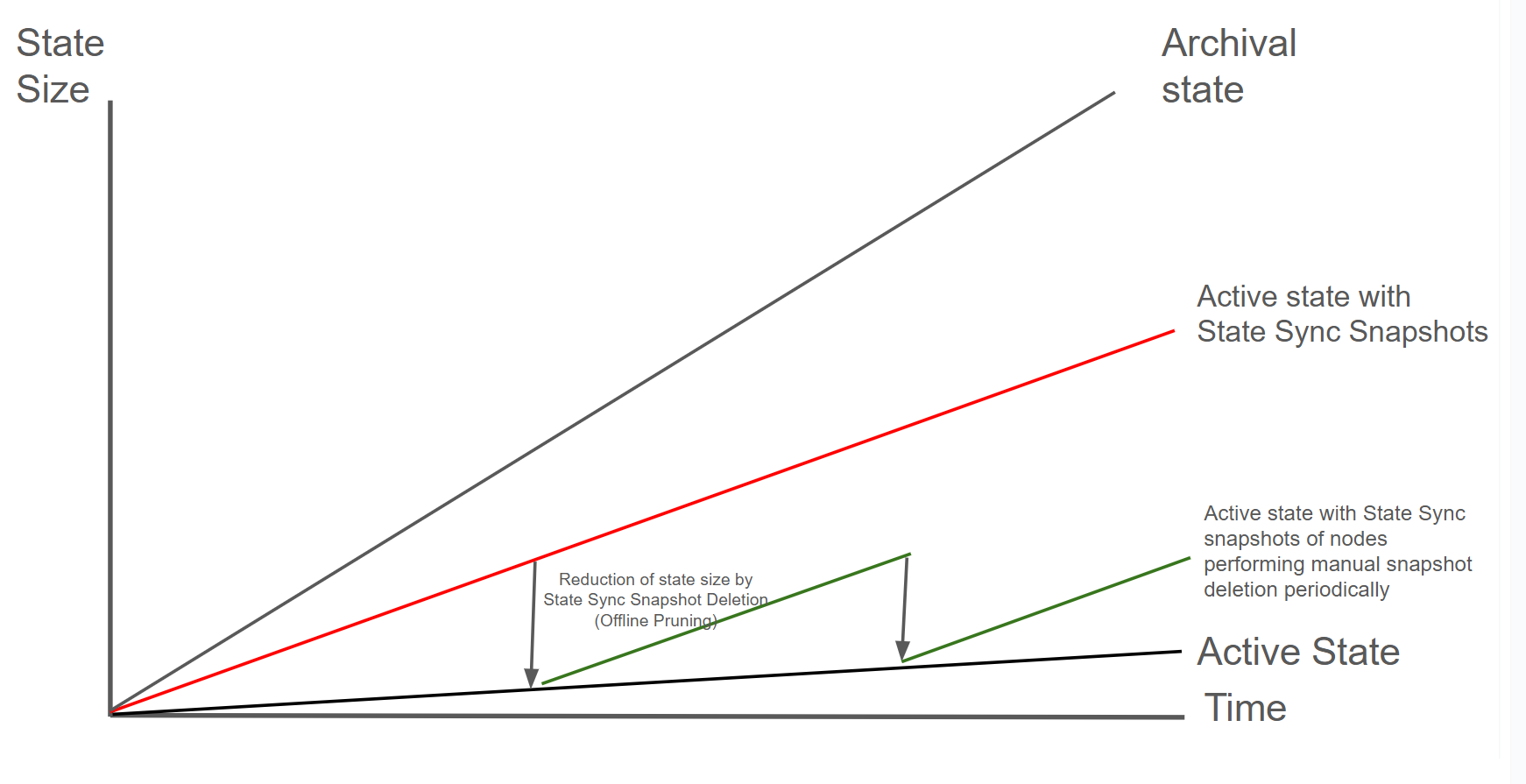
### Archival State (gray line)
The **archival state** includes the complete history of all state changes since genesis. This allows
querying historical state at any block height (e.g., "What was this account's balance at block
1,000,000?"). By default Archive nodes are typically only required for block explorers, indexers, and
specialized analytics applications. Their disk usage will grow fastest over time.
Most validators and RPC nodes only need **active state**. Archive nodes are specialized infrastructure for historical data access.
### Active State (black line)
The **active state** represents the current state of the blockchain: all account balances, contract
storage, and code as of the latest block. This is what your node needs to validate new transactions
and participate in consensus. When you bootstrap with state sync, you start with just the active
state. Freshly state-synced nodes will only have the active state.
### Active State with State Sync Snapshots (red line)
Nodes with the configuration `pruning-enabled: true` accumulate not the full historical state but
only the active state and state sync snapshots over time after starting with active state. As blocks
are processed, state sync snapshots are retained every 4000 blocks for serving other
nodes that want to bootstrap via state sync. This causes disk usage to grow beyond the active state
size. Most long-running validators operate in this state.
[Firewood](https://github.com/luxfi/firewood) is an upcoming database upgrade that will address the issue of state growing too large. This next-generation storage layer is designed to efficiently manage state growth and reduce disk space requirements for node operators.
### Active State with periodic snapshot deletion (green line)
Nodes that manually perform some maintenance can reduce their storage requirements by deleting state
sync snapshots. This can be achieved by periodically deteleting the state sync snapshots or
replacing the node with a freshly-state-synced node.
## Monitoring Disk Usage
Track your node's disk usage over time to plan maintenance:
```bash
# Check database size
du -sh ~/.luxgo/db
# Check available disk space
df -h /
```
Consider setting up alerts when disk usage exceeds 80% to give yourself time to plan maintenance.
## State Growth Rates
Even with the same configuration, different types of state grow at different rates:
| Growth Type | Rate | Description |
|-------------|------|-------------|
| Archival state | ~[TBD] GB/month | Complete history stored at every block |
| Active state + snapshots | ~[TBD] GB/month | Active state + Snapshots every 4000 blocks for serving peers |
| Active state | ~[TBD] GB/month | Current blockchain state only |
State sync snapshots are retained to help other nodes bootstrap. Even if you don't need archival state, these snapshots accumulate over time and increase disk usage.
## Node Configuration Matrix
Your node's final state depends on two factors: **how you bootstrap** and **whether pruning is enabled**.
| Bootstrap Method | Pruning Disabled | Pruning Enabled |
|------------------|------------------|-----------------|
| **State Sync** | Active + Snapshots (~1TB) To get full archival state, you must do a **full sync from genesis**. | Active State only (~500GB) |
| **Full Sync** | Full Archival (~13TB+) | N/A |
## Choosing Your Configuration
| Use Case | Bootstrap | Pruning | Result | Disk Size |
|----------|-----------|---------|--------|-----------|
| Validator | State Sync | Periodic | Active state, minimal disk | ~500 GB |
| Standard RPC | State Sync | Optional | Current state queries | ~500 GB - 1 TB |
| Archival RPC | State Sync | Disabled | Full state after sync point | ~750 GB - 1 TB |
| Block Explorer / Indexer | Full Sync | Disabled | Complete archival history | ~12.5 TB+ |
**Archival RPC vs Block Explorer**: An archival RPC started via state sync can answer queries from the sync point forward. For complete historical queries from genesis, you need a full sync.
# Periodic State Sync (/docs/nodes/node-storage/periodic-state-sync)
---
title: Periodic State Sync
description: Instructions for performing a periodic state sync.
---
By bootstrapping a new node via state sync and transfering your validator identity you can reduce
disk usage with zero downtime.
| Pros | Cons |
|------|------|
| No downtime for validator | Needs separate machine to bootstrap |
| Fresh, clean database | Network bandwidth for sync |
| No bloom filter disk overhead | More complex multi-step process |
If you don't have access to a separate machine, you can also do a [state sync snapshot deletion](/docs/nodes/node-storage/state-sync-snapshot-deletion) instead.
### How It Works
This works because your validator identity is determined by cryptographic keys in the staking directory, not the database.
Your validator identity consists of three key files in `~/.luxgo/staking/`:
- **staker.crt** - TLS certificate (determines your Node ID)
- **staker.key** - TLS private key (for encrypted P2P communication)
- **signer.key** - BLS signing key (for consensus signatures)
These files define your validator identity. The Node ID shown on the Platform-Chain is cryptographically derived from `staker.crt`, so copying these files transfers your complete validator identity.
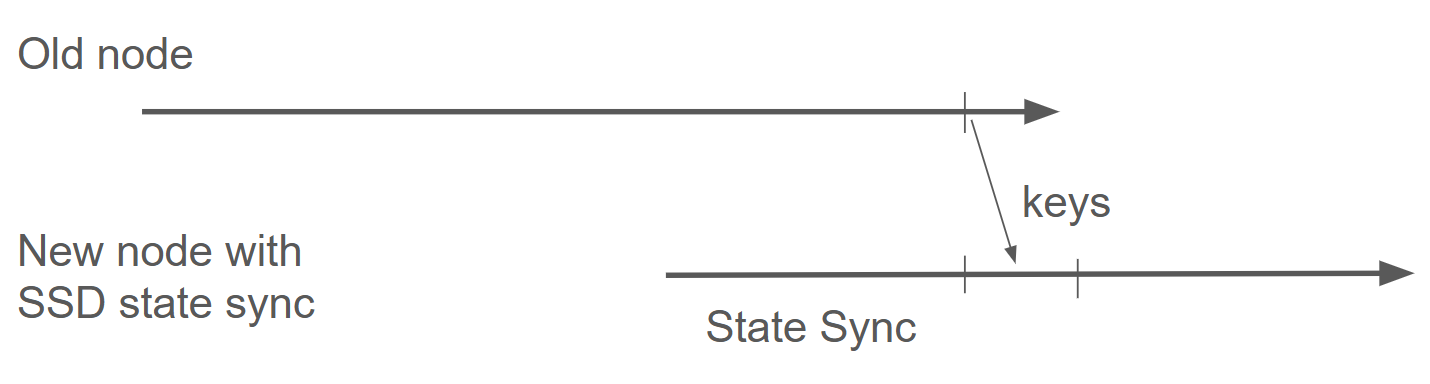
The diagram shows the process: stop the old node, let a new node state sync, then transfer the
staking keys to continue validating with a fresh database.
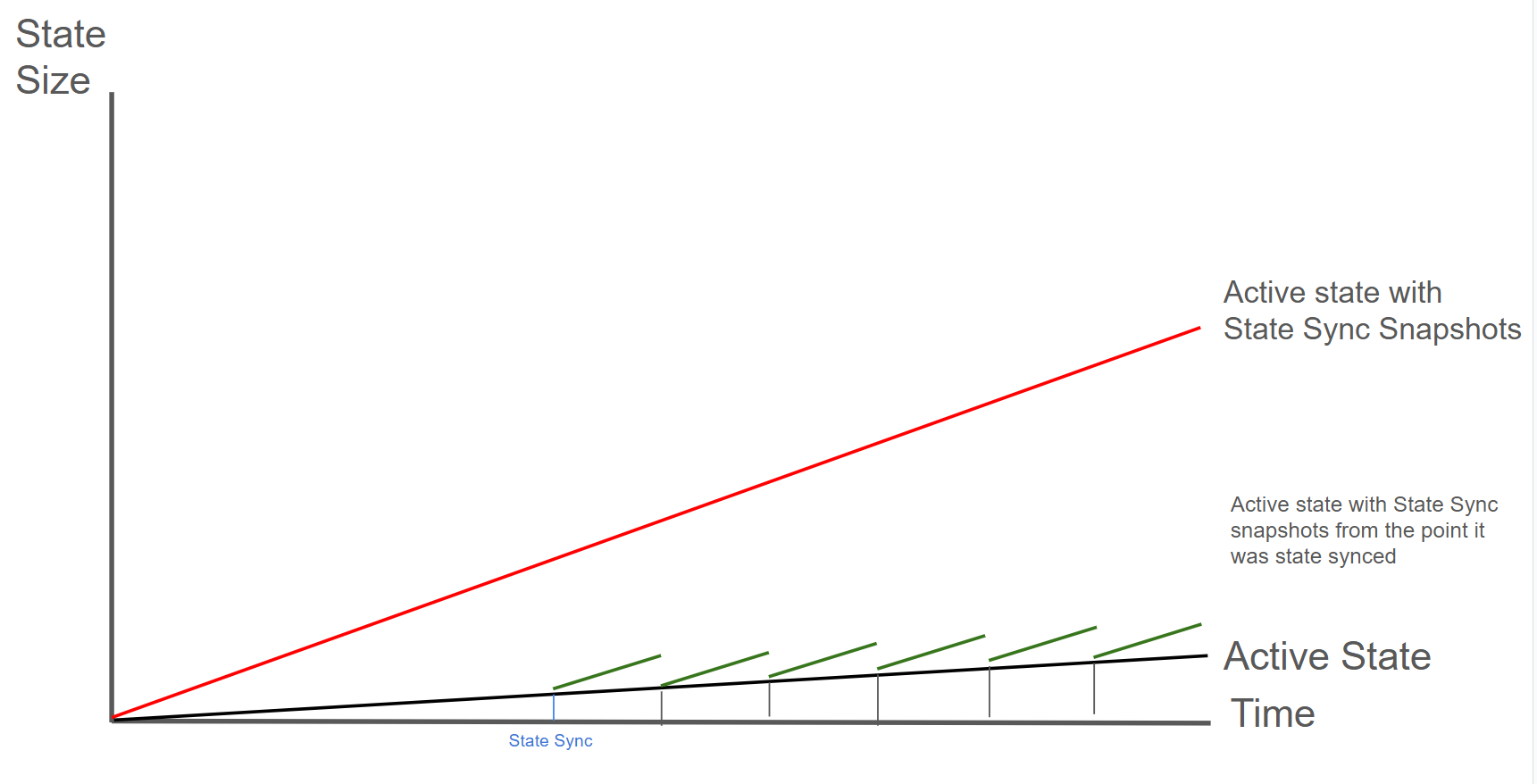
### Step-by-Step Process
## Save the Node ID of the old validator
To verify that the Node ID of the old validator matches the Node ID of the new validator note down
the node ID of the old validator:
```bash
# On old validator
curl -X POST --data '{
"jsonrpc":"2.0",
"id" :1,
"method" :"info.getNodeID"
}' -H 'content-type:application/json;' 127.0.0.1:9650/ext/info
```
## Provision a new server with the same or better specs than your current validator
Don't copy the database at `~/.luxgo/db/`. The new node sync a smaller fresh, synced database
from the other nodes.
## Install and configure LuxGo
Follow the instructions to set up a new node. If you have custom configuration in
`~/.luxgo/configs/`, copy those as well to maintain the same node behavior. Make sure that you
are not manually deactivating state sync in that config file.
## Start and monitor the node state sync
Start the node according to the instructions. State sync is enabled by default in the node
configuration. You can monitor the sync progress by checking the `info.isBootstrapped` RPC endpoint:
```bash
# Monitor sync progress (wait until fully synced)
# This may take several hours
curl -X POST --data '{
"jsonrpc":"2.0",
"id" :1,
"method" :"info.isBootstrapped",
"params": {
"chain":"C"
}
}' -H 'content-type:application/json;' 127.0.0.1:9650/ext/info
```
## Stop both nodes
Once the state sync has completed, stop both nodes to prepare for the identity transfer. The entire
stop → transfer → restart process typically takes 5-15 minutes. Your validator will miss some blocks
during this window, but won't be penalized as long as you're back online before your uptime drops below 80%.
## Backup the new server's auto-generated keys
Backup the new server's auto-generated keys (optional but recommended):
```bash
# On new server
mv ~/.luxgo/staking ~/.luxgo/staking.backup
```
## Transfer the staking keys
Copy the staking directory from your old validator to the new server
```bash
# From your old validator, copy to new server
scp -r ~/.luxgo/staking/ user@new-server:~/.luxgo/
# Or use rsync for better control:
rsync -avz ~/.luxgo/staking/ user@new-server:~/.luxgo/staking/
```
## Verify file permissions on the new server
```bash
# On new server
chmod 700 ~/.luxgo/staking
chmod 400 ~/.luxgo/staking/staker.key
chmod 400 ~/.luxgo/staking/staker.crt
chmod 400 ~/.luxgo/staking/signer.key
chown -R lux:lux ~/.luxgo/staking # If using lux user
```
## Start the new node with your validator identity
**Don't run both nodes simultaneously**: Running two nodes with the same staking keys simultaneously can cause network issues and potential penalties. Always stop the old node before starting the new one.
## Verify the Node ID matches
```bash
# On new server - confirm this matches your registered validator Node ID
curl -X POST --data '{
"jsonrpc":"2.0",
"id" :1,
"method" :"info.getNodeID"
}' -H 'content-type:application/json;' 127.0.0.1:9650/ext/info
```
## Monitor for successful validation
```bash
# Check if you're validating
curl -X POST --data '{
"jsonrpc":"2.0",
"id" :1,
"method" :"platform.getCurrentValidators",
"params": {
"subnetID": null
}
}' -H 'content-type:application/json;' 127.0.0.1:9650/ext/P
```
# State Sync Snapshot Deletion (Offline Pruning) (/docs/nodes/node-storage/state-sync-snapshot-deletion)
---
title: State Sync Snapshot Deletion (Offline Pruning)
description: Options for reducing disk usage on non-archival nodes through offline pruning or fresh state sync.
---
Removes accumulated state sync snapshots while keeping your database intact.
| Pros | Cons |
|------|------|
| Only need a single node | Need to stop the node |
| Preserves transaction index | Downtime required (duration varies) |
| No network bandwidth required | Requires temporary disk space for bloom filter |
The duration of offline pruning depends on how many state sync snapshots have accumulated since the
last pruning. A node pruned regularly may complete quickly, while one never pruned could take
significantly longer. If you don't prune regularly, consider doing a [fresh state sync](/docs/nodes/node-storage/periodic-state-sync) instead.

The green line shows a node performing periodic offline pruning. Each black vertical drop represents a pruning event: the node's state drops from "Active + Snapshots" back to just "Active State". Frequent pruning is recommended: it keeps disk usage low and each pruning operation completes faster since there are fewer snapshots to remove.
### How Offline Pruning Works
Offline Pruning is ported from `go-ethereum` to reduce the amount of disk space taken up by the TrieDB (storage for the Merkle Forest).
Offline pruning creates a bloom filter and adds all trie nodes in the active state to the bloom filter to mark the data as protected. This ensures that any part of the active state will not be removed during offline pruning.
After generating the bloom filter, offline pruning iterates over the database and searches for trie nodes that are safe to be removed from disk.
A bloom filter is a probabilistic data structure that reports whether an item is definitely not in a set or possibly in a set. Therefore, for each key we iterate, we check if it is in the bloom filter. If the key is definitely not in the bloom filter, then it is not in the active state and we can safely delete it. If the key is possibly in the set, then we skip over it to ensure we do not delete any active state.
During iteration, the underlying database (LevelDB) writes deletion markers, causing a temporary increase in disk usage.
After iterating over the database and deleting any old trie nodes that it can, offline pruning then
runs compaction to minimize the DB size after the potentially large number of delete operations.
## Stopping the Node
In order to enable offline pruning, you need to stop the node.
## Finding the LUExchange-Chain Config File
In order to enable offline pruning, you need to update the LUExchange-Chain config file to include the parameters `offline-pruning-enabled` and `offline-pruning-data-directory`.
The default location of the LUExchange-Chain config file is `~/.luxgo/configs/chains/C/config.json`.
**Please note that by default, this file does not exist. You would need to create it manually.**
## Configure Offline Pruning
In order to enable offline pruning, update the LUExchange-Chain config file to include the following parameters:
```json
{
"offline-pruning-enabled": true,
"offline-pruning-data-directory": "/home/ubuntu/offline-pruning"
}
```
This will set `/home/ubuntu/offline-pruning` as the directory to be used by the offline pruner. Offline pruning will store the bloom filter in this location, so you must ensure that the path exists.
## Restart the Node
Now that the LUExchange-Chain config file has been updated, you can restart your node.
Once LuxGo starts the LUExchange-Chain, you can expect to see update logs from the offline pruner:
```bash
INFO [02-09|00:20:15.625] Iterating state snapshot accounts=297,231 slots=6,669,708 elapsed=16.001s eta=1m29.03s
INFO [02-09|00:20:23.626] Iterating state snapshot accounts=401,907 slots=10,698,094 elapsed=24.001s eta=1m32.522s
INFO [02-09|00:20:31.626] Iterating state snapshot accounts=606,544 slots=13,891,948 elapsed=32.002s eta=1m10.927s
...
INFO [02-09|00:21:47.342] Iterated snapshot accounts=1,950,875 slots=49,667,870 elapsed=1m47.718s
INFO [02-09|00:21:47.351] Writing state bloom to disk name=/home/ubuntu/offline-pruning/statebloom.0xd6fca36db4b60b34330377040ef6566f6033ed8464731cbb06dc35c8401fa38e.bf.gz
INFO [02-09|00:23:04.421] State bloom filter committed name=/home/ubuntu/offline-pruning/statebloom.0xd6fca36db4b60b34330377040ef6566f6033ed8464731cbb06dc35c8401fa38e.bf.gz
```
The bloom filter should be populated and committed to disk after about 5 minutes. At this point, if
the node shuts down, it will resume the offline pruning session when it restarts (note: this
operation cannot be cancelled).
## Disable Offline Pruning
In order to ensure that users do not mistakenly leave offline pruning enabled for the long term (which could result in an hour of downtime on each restart), we have added a manual protection which requires that after an offline pruning session, the node must be started with offline pruning disabled at least once before it will start with offline pruning enabled again. Therefore, once the bloom filter has been committed to disk, you should update the LUExchange-Chain config file to include the following parameters:
```json
{
"offline-pruning-enabled": false,
"offline-pruning-data-directory": "/home/ubuntu/offline-pruning"
}
```
It is important to keep the same data directory in the config file, so that the node knows where to look for the bloom filter on a restart if offline pruning has not finished.
Now if your node restarts, it will be marked as having correctly disabled offline pruning after the
run and be allowed to resume normal operation once offline pruning has finished running.
## Monitor Offline Pruning Progress
You will see progress logs throughout the offline pruning run which will indicate the session's progress:
```bash
INFO [02-09|00:31:51.920] Pruning state data nodes=40,116,759 size=10.08GiB elapsed=8m47.499s eta=12m50.961s
INFO [02-09|00:31:59.921] Pruning state data nodes=41,659,059 size=10.47GiB elapsed=8m55.499s eta=12m13.822s
...
INFO [02-09|00:42:45.359] Pruned state data nodes=98,744,430 size=24.82GiB elapsed=19m40.938s
INFO [02-09|00:42:45.360] Compacting database range=0x00-0x10 elapsed="2.157µs"
...
INFO [02-09|00:59:34.367] Database compaction finished elapsed=16m49.006s
INFO [02-09|00:59:34.367] State pruning successful pruned=24.82GiB elapsed=39m34.749s
INFO [02-09|00:59:34.367] Completed offline pruning. Re-initializing blockchain.
```
At this point, the node will go into bootstrapping and (once bootstrapping completes) resume
consensus and operate as normal.
### Disk Space Considerations
To ensure the node does not enter an inconsistent state, the bloom filter used for pruning is persisted to `offline-pruning-data-directory` for the duration of the operation. This directory should have `offline-pruning-bloom-filter-size` available in disk space (default 512 MB).
The underlying database (LevelDB) uses deletion markers (tombstones) to identify newly deleted keys. These markers are temporarily persisted to disk until they are removed during a process known as compaction. This will lead to an increase in disk usage during pruning. If your node runs out of disk space during pruning, you may safely restart the pruning operation. This may succeed as restarting the node triggers compaction.
If restarting the pruning operation does not succeed, additional disk space should be provisioned.
# Lux L1 Nodes (/docs/nodes/run-a-node/avalanche-l1-nodes)
---
title: Lux L1 Nodes
description: Learn how to run an Lux node that tracks an Lux L1.
---
This article describes how to run a node that tracks an Lux L1. It requires building LuxGo, adding Virtual Machine binaries as plugins to your local data directory, and running LuxGo to track these binaries.
This tutorial specifically covers tracking an Lux L1 built with Lux's [Subnet-EVM](https://github.com/luxfi/subnet-evm), the default [Virtual Machine](/docs/primary-network/virtual-machines) run by Lux L1s on Lux.
## Build LuxGo
It is recommended that you must complete [this comprehensive guide](/docs/nodes/run-a-node/from-source) which demonstrates how to build and run a basic Lux node from source.
## Build Lux L1 Binaries
After building LuxGo successfully,
Clone [Subnet-EVM](https://github.com/luxfi/subnet-evm):
```bash
cd $GOPATH/src/github.com/luxfi
git clone https://github.com/luxfi/subnet-evm.git
```
In the Subnet-EVM directory, run the build script, and save it in the `plugins` folder of your `.luxgo` data directory. Name the plugin after the `VMID` of the Lux L1 you wish to track. The `VMID` of the WAGMI Lux L1 is the value beginning with **srEX...**
```bash
cd $GOPATH/src/github.com/luxfi/subnet-evm
./scripts/build.sh ~/.luxgo/plugins/srEXiWaHuhNyGwPUi444Tu47ZEDwxTWrbQiuD7FmgSAQ6X7Dy
```
VMID, Lux L1 ID (SubnetID), ChainID, and all other parameters can be found in the "Chain Info" section of the Lux L1 Explorer.
- [Lux Mainnet](https://subnets.lux.network/c-chain)
- [Testnet Testnet](https://subnets-test.lux.network/c-chain)
Create a file named `config.json` and add a `track-subnets` field that is populated with the `SubnetID` you wish to track. The `SubnetID` of the WAGMI Lux L1 is the value beginning with **28nr...**
```bash
cd ~/.luxgo
echo '{"track-subnets": "28nrH5T2BMvNrWecFcV3mfccjs6axM1TVyqe79MCv2Mhs8kxiY"}' > config.json
```
## Run the Node
Run LuxGo with the `—config-file` flag to start your node and ensure it tracks the Lux L1s included in the configuration file.
```bash
cd $GOPATH/src/github.com/luxfi/luxgo
./build/luxgo --config-file ~/.luxgo/config.json --network-id=testnet
```
Note: The above command includes the `--network-id=testnet` command because the WAGMI Lux L1 is deployed on Testnet Testnet.
If you would prefer to track Lux L1s using a command line flag, you can instead use the `--track-subnets` flag. For example:
```bash
./build/luxgo --track-subnets 28nrH5T2BMvNrWecFcV3mfccjs6axM1TVyqe79MCv2Mhs8kxiY --network-id=testnet
```
You should now see terminal filled with logs and information to suggest the node is properly running and has began bootstrapping to the network.
## Bootstrapping and RPC Details
It may take a few hours for the node to fully [bootstrap](/docs/nodes/run-a-node/from-source#bootstrapping) to the Lux Primary Network and tracked Lux L1s.
When finished bootstrapping, the endpoint will be:
```bash
localhost:9650/ext/bc//rpc
```
if run locally, or:
```bash
XXX.XX.XX.XXX:9650/ext/bc//rpc
```
if run on a cloud provider. The “X”s should be replaced with the public IP of your EC2 instance.
For more information on the requests available at these endpoints, please see the [Subnet-EVM API Reference](/docs/rpcs/subnet-evm) documentation.
Because each node is also tracking the Primary Network, those [RPC endpoints](/docs/nodes/run-a-node/from-source#rpc) are available as well.
# Common Errors (/docs/nodes/run-a-node/common-errors)
---
title: Common Errors
description: Common errors while running a node and their solutions.
---
If you experience any issues running your node, here are common errors and their solutions.
## Bootstrap and Initialization Errors
| Error | Cause | Solution |
|-------|-------|----------|
| `failed to connect to bootstrap nodes` | • No internet access • NodeID already in use • Old instance still running • Firewall blocking outbound connections | • Check internet connection • Ensure only one node instance is running • Verify firewall allows outbound connections • Confirm staking port (9651) is configured |
| `subnets not bootstrapped` | • Node still syncing with network • Health checks called too early • Network connectivity issues | • Wait for bootstrap to complete (can take hours) • Monitor `/api/health` endpoint • Ensure stable network connection • Check logs for progress |
| `db contains invalid genesis hash` | • Database from different network • Database corruption • Incompatible database | • Delete database and resync from scratch • Verify correct network connection • Check `--network-id` flag matches database |
## Network and Connectivity Errors
| Error | Cause | Solution |
|-------|-------|----------|
| `cannot query unfinalized data` | • Not connected to other validators • Wrong public IP configured • Port 9651 closed/blocked • Insufficient validator connections | • Configure public IP with `--public-ip` • Open port 9651 to internet • Allow inbound connections in firewall • Set up port forwarding if behind NAT • Verify peers: `curl -X POST --data '{"jsonrpc":"2.0","id":1,"method":"info.peers"}' -H 'content-type:application/json;' http://127.0.0.1:9650/ext/info` |
| `primary network validator has no inbound connections` | • Firewall blocking inbound traffic • NAT/router not configured • Wrong public IP advertised • ISP blocking connections | • Configure port forwarding for 9651 • Verify firewall allows inbound • Check public IP: `curl ifconfig.me` • Test port with online checkers • Use VPS if ISP blocks ports |
| `not connected to enough stake` | • Insufficient validator connections • Network partitioning • Node isolated from network • Bootstrap incomplete | • Check network connectivity • Verify firewall rules • Wait for more connections • Synchronize system time (NTP) |
| `throttled` (Code: -4) | • Too many connection attempts • Rate limiting by peers • Network congestion | • Wait before retrying • Check for connection loops • Reduce connection rate |
## Database and Storage Errors
| Error | Cause | Solution |
|-------|-------|----------|
| `closed` | • Database accessed after shutdown • Ungraceful termination • Connection lost | • Restart the node • Check for disk errors or full disk • Verify database files not corrupted |
| `blockdb: unrecoverable corruption detected` | • Ungraceful shutdown (power loss, kill -9) • Disk errors during writes • Hardware failure | • Delete database and resync • Run SMART diagnostics on disk • Ensure 10+ GiB free space • Use UPS for power protection • Maintain regular backups |
| Disk space warnings | • Usage exceeds threshold • Database growth without cleanup • Log accumulation | • Keep at least 10 GiB free (20+ GiB recommended) • Monitor disk usage regularly • Clean up old logs • Set up low-space alerts |
| `blockdb: invalid block height` | • Database corruption • Querying non-existent block • Index corruption | • Verify block height is valid • Resync if corrupted • Check database integrity |
## Configuration Errors
| Error | Cause | Solution |
|-------|-------|----------|
| `invalid TLS key` | • TLS key without certificate • Certificate without key • Invalid key format • Corrupted certificate files | • Provide both key and certificate together • Regenerate credentials if corrupted • Verify file permissions • Check certificate format |
| `minimum validator stake can't be greater than maximum` | • Invalid stake configuration • Conflicting parameters • Configuration typos | • Review configuration file • Ensure min < max stake • Check for typos |
| `uptime requirement must be in the range [0, 1]` | • Out-of-range uptime value | • Set uptime requirement between 0 and 1 |
| `delegation fee must be in the range [0, 1,000,000]` | • Invalid delegation fee | • Set fee between 0 and 1,000,000 |
| `min stake duration must be > 0` | • Invalid stake duration • Min > max duration | • Set min duration > 0 and < max |
| `sybil protection disabled on public network` | • Disabling protection on mainnet/testnet • Security misconfiguration | • Only disable on private networks • Verify network configuration • Remove override for public networks |
| `plugin dir is not a directory` | • Path points to file not directory • Directory doesn't exist • Permission issues | • Create plugin directory • Verify path points to directory • Check read/execute permissions |
## Resource and Capacity Errors
| Error | Cause | Solution |
|-------|-------|----------|
| `insufficient funds` | • Insufficient balance for fees • Transaction exceeds balance • Gas estimation too low | • Ensure sufficient balance • Account for transaction fees • Verify balance before submitting |
| `insufficient gas capacity to build block` | • Mempool exceeds block gas limit • Complex transactions • Network congestion | • Wait for congestion to clear • Break into smaller transactions • Increase gas limits if possible |
| `insufficient history to generate proof` | • Partial sync mode • Pruned historical data • Incomplete state sync | • Use full sync for complete history • Wait for state sync to finish • Use archival node for historical data |
## Validator and Consensus Errors
| Error | Cause | Solution |
|-------|-------|----------|
| `not a validator` (Code: -3) | • Validator-only operation on non-validator • Stake expired or not active • Not registered as validator | • Verify registration status • Check stake is active • Wait for validation period • Use correct API for node type |
| `unknown validator` | • Not in current validator set • NodeID mismatch • Validator expired/removed | • Verify validator is active • Check end time hasn't passed • Confirm correct NodeID • Query validator set |
## Version and Upgrade Errors
| Error | Cause | Solution |
|-------|-------|----------|
| `unknown network upgrade detected` | • Outdated node version • Network upgrade scheduled/active • Incompatible protocol | • **Update immediately** to latest version • Monitor upgrade announcements • Enable automatic updates • Check version: `luxgo --version` |
| `unknown network upgrade - update as soon as possible` | • Network upgrade approaching • Node version outdated | • Update within the day • Check GitHub releases • Plan for maintenance window |
| `imminent network upgrade - update immediately` | • Network upgrade imminent (within hour) | • **Critical: Update immediately** • Risk of network disconnection |
| `invalid upgrade configuration` | • Upgrade times not chronological • Conflicting schedules • Invalid precompile config | • Review upgrade config files • Ensure sequential timing • Validate precompile settings • Consult upgrade documentation |
## API and RPC Errors
| Error | Cause | Solution |
|-------|-------|----------|
| Health check: `not yet run` | • Node still initializing • Bootstrap incomplete • Subnet sync in progress • Network issues | • Wait for initialization • Monitor `/api/health` for updates • Check individual health checks • Ensure subnets are synced |
| `timed out` (Code: -1) | • Request exceeded timeout • Node overloaded • Network latency | • Increase timeout settings • Check resource usage (CPU/memory/disk) • Reduce request complexity • Use retry with exponential backoff |
| Invalid content-type | • Wrong Content-Type header • Missing header | • Add `Content-Type: application/json` • Verify API client config • Example: `curl -H 'content-type:application/json;' ...` |
## State Sync Errors
| Error | Cause | Solution |
|-------|-------|----------|
| `proof obtained an invalid root ID` | • State changed during sync • Corrupted merkle proof • Network issues | • Restart state sync • Ensure stable connection • Wait for state to stabilize |
| `vm does not implement StateSyncableVM interface` | • Unsupported VM • Outdated VM version | • Update VM to support state sync • Use full bootstrap instead • Check VM compatibility docs |
---
## Monitoring and Prevention
### Key Metrics to Monitor
| Metric | Threshold | How to Check |
|--------|-----------|--------------|
| **Disk Space** | Keep 10+ GiB free (20+ GiB recommended) | `df -h` |
| **Network Connectivity** | Inbound/outbound connections active | Check firewall, use port scanners |
| **Bootstrap Status** | Should be `bootstrapped` | `/api/health` |
| **Validator Connections** | Connected to sufficient stake | `/ext/info` API, check peer count |
| **Database Health** | No corruption warnings in logs | Monitor `~/.luxgo/logs/` |
| **Node Version** | Current with latest release | `luxgo --version` |
### Best Practices
| Practice | Benefit |
|----------|---------|
| Use UPS (uninterruptible power supply) | Prevents database corruption from power loss |
| Enable automatic updates | Stay current with security patches |
| Monitor logs regularly | Early detection of issues |
| Keep adequate disk space | Prevent database write failures |
| Configure port forwarding properly | Ensure validator connectivity |
| Synchronize system time with NTP | Prevent consensus issues |
| Backup critical files | Quick recovery from failures |
| Test changes on testnet first | Avoid production issues |
### Health Check Endpoints
| Endpoint | Purpose | What It Checks |
|----------|---------|----------------|
| `/ext/health/liveness` | Basic process health | Is the node process running? |
| `/ext/health/readiness` | Ready to serve traffic | Is bootstrapping complete? |
| `/ext/health` | Comprehensive status | All health checks and details |
### Getting Help
If you encounter errors not listed here:
1. **Check Logs**: Review `~/.luxgo/logs/` for detailed error messages
2. **Search Forum**: [Lux Forum](https://forum.lux.network/)
3. **Join Discord**: [Lux Discord](https://chat.lux.network/)
4. **GitHub Issues**: [Review existing issues](https://github.com/luxfi/luxgo/issues)
5. **Provide Context**: Include specific error messages, logs, and configuration when asking for help
### Quick Diagnostic Commands
```bash
# Check node version
luxgo --version
# Check disk space
df -h
# Check if port 9651 is open
nc -zv 9651
# Check node health
curl -X POST --data '{"jsonrpc":"2.0","id":1,"method":"health.health"}' -H 'content-type:application/json;' http://127.0.0.1:9650/ext/health
# Check peers
curl -X POST --data '{"jsonrpc":"2.0","id":1,"method":"info.peers"}' -H 'content-type:application/json;' http://127.0.0.1:9650/ext/info
# Check bootstrap status
curl -X POST --data '{"jsonrpc":"2.0","id":1,"method":"info.isBootstrapped","params":{"chain":"X"}}' -H 'content-type:application/json;' http://127.0.0.1:9650/ext/info
```
# Using Source Code (/docs/nodes/run-a-node/from-source)
---
title: Using Source Code
description: Learn how to run an Lux node from LuxGo Source code.
---
The following steps walk through downloading the LuxGo source code and locally building the binary program. If you would like to run your node using a pre-built binary, follow [this](/docs/nodes/run-a-node/using-binary) guide.
## Install Dependencies
- Install [gcc](https://gcc.gnu.org/)
- Install [go](https://go.dev/doc/install)
## Build the Node Binary
Set the `$GOPATH`. You can follow [this](https://github.com/golang/go/wiki/SettingGOPATH) guide.
Create a directory in your `$GOPATH`:
```bash
mkdir -p $GOPATH/src/github.com/luxfi
```
In the `$GOPATH`, clone [LuxGo](https://github.com/luxfi/luxgo), the consensus engine and node implementation that is the core of the Lux Network.
```bash
cd $GOPATH/src/github.com/luxfi
git clone https://github.com/luxfi/luxgo.git
```
From the `luxgo` directory, run the build script:
```bash
cd $GOPATH/src/github.com/luxfi/luxgo
./scripts/build.sh
```
## Start the Node
To be able to make API calls to your node from other machines, include the argument `--http-host=` when starting the node.
For running a node on the Lux Mainnet:
```bash
cd $GOPATH/src/github.com/luxfi/luxgo
./build/luxgo
```
For running a node on the Testnet Testnet:
```bash
cd $GOPATH/src/github.com/luxfi/luxgo
./build/luxgo --network-id=testnet
```
To kill the node, press `Ctrl + C`.
## Bootstrapping
A new node needs to catch up to the latest network state before it can participate in consensus and serve API calls. This process (called bootstrapping) currently takes several days for a new node connected to Mainnet, and a day or so for a new node connected to Testnet Testnet. When a given chain is done bootstrapping, it will print logs like this:
```bash
[09-09|17:01:45.295] INFO snowman/transitive.go:392 consensus starting {"lastAcceptedBlock": "2qaFwDJtmCCbMKP4jRpJwH8EFws82Q2yC1HhWgAiy3tGrpGFeb"}
[09-09|17:01:46.199] INFO
```
Run the project using Nodejs.
```bash
npm install express axios path body-parser dotenv
node app.js
```
Open a Chrome tab and type `http://localhost:3000`, you should see something like this. Then click on Connect and accept receiving push notifications. If you are using MacOS, check in **System Settings** > **Notifications** that you have enabled notifications for the browser.
If everything runs correctly your browser should be registered in OneSignal. To check go to **Audience** > **Subscriptions** and verify that your browser is registered.
### Step 3 - Backend Setup
Now, let's configure the backend to manage webhook events and dispatch notifications based on the incoming data. Here's the step-by-step process:
1. **Transaction Initiation:** When someone starts a transaction with your wallet as the destination, the webhooks detect the transaction and generate an event.
2. **Event Triggering:** The backend receives the event triggered by the transaction, containing the destination address.
3. **ExternalID Retrieval:** Using the received address, the backend retrieves the corresponding `externalID` associated with that wallet.
4. **Notification Dispatch:** The final step involves sending a notification through OneSignal, utilizing the retrieved `externalID`.
#### 3.1 - Use Ngrok to tunnel the traffic to localhost
If we want to test the webhook in our computer and we are behind a proxy/NAT device or a firewall we need a tool like Ngrok. Glacier will trigger the webhook and make a POST to the Ngrok cloud, then the request is forwarded to your local Ngrok client who in turn forwards it to the Node.js app listening on port 3000.
Go to [https://ngrok.com/](https://ngrok.com/) create a free account, download the binary, and connect to your account. Create a Node.js app with Express and paste the following code to receive the webhook:
To start an HTTP tunnel forwarding to your local port 3000 with Ngrok, run this next:
```bash
./ngrok http 3000
```
You should see something like this:
```
ngrok (Ctrl+C to quit)
Take our ngrok in production survey! https://forms.gle/aXiBFWzEA36DudFn6
Session Status online
Account javier.toledo@luxfi.org (Plan: Free)
Version 3.8.0
Region United States (us)
Latency 48ms
Web Interface http://127.0.0.1:4040
Forwarding https://c902-2600-1700-5220-11a0-813c-d5ac-d72c-f7fd.ngrok-free.app -> http://localhost:3000
Connections ttl opn rt1 rt5 p50 p90
33 0 0.00 0.00 5.02 5.05
HTTP Requests
-------------
```
#### 3.2 - Create the webhook
The webhook can be created using the [Avacloud Dashboard](https://app.avacloud.io/) or Glacier API. For convenience, we are going to use cURL. For that copy the forwarding URL generated by Ngrok and append the `/callbackpath` and our address.
```bash
curl --location 'https://glacier-api-dev.lux.network/v1/webhooks' \
--header 'x-glacier-api-key: ' \
--header 'Content-Type: application/json' \
--data '{
"url": " https://c902-2600-1700-5220-11a0-813c-d5ac-d72c-f7fd.ngrok-free.app/callback",
"chainId": "43113",
"eventType": "address_activity",
"includeInternalTxs": true,
"includeLogs": true,
"metadata": {
"addresses": ["0x8ae323046633A07FB162043f28Cea39FFc23B50A"]
},
"name": "My wallet",
"description": "My wallet"
}'
```
Don't forget to add your API Key. If you don't have one go to the [Avacloud Dashboard](https://app.avacloud.io/) and create a new one.
#### 3.3 - The backend
To run the backend we need to add the environment variables in the root of your project. For that create an `.env` file with the following values:
```
PORT=3000
ONESIGNAL_API_KEY=
APP_ID=
```
To get the APP ID from OneSignal go to **Settings** > **Keys and IDs**
Since we are simulating the connection to a database to retrieve the externalID, we need to add the wallet address and the OneSignal externalID to the myDB array.
```javascript
//simulating a DB
const myDB = [
{ name: 'wallet1', address: '0x8ae323046633A07FB162043f28Cea39FFc23B50A', externalID: '9c96e91d40c7a44c763fb55960e12293afbcfaf6228860550b0c1cc09cd40ac3' },
{ name: 'wallet2', address: '0x1f83eC80D755A87B31553f670070bFD897c40CE0', externalID: '0xd39d39c99305c6df2446d5cc3d584dc1eb041d95ac8fb35d4246f1d2176bf330' }
];
```
The code handles a webhook event triggered when a wallet receives a transaction, performs a lookup in the simulated "database" using the receiving address to retrieve the corresponding OneSignal `externalID`, and then sends an instruction to OneSignal to dispatch a notification to the browser, with OneSignal ultimately delivering the web push notification to the browser.
```javascript
require('dotenv').config();
const axios = require('axios');
const express = require('express');
const bodyParser = require('body-parser');
const path = require('path');
const app = express();
const port = process.env.PORT || 3000;
// Serve static website
app.use(bodyParser.json());
app.use(express.static(path.join(__dirname, './client')));
//simulating a DB
const myDB = [
{ name: 'wallet1', address: '0x8ae323046633A07FB162043f28Cea39FFc23B50A', externalID: '9c96e91d40c7a44c763fb55960e12293afbcfaf6228860550b0c1cc09cd40ac3' },
{ name: 'wallet2', address: '0x1f83eC80D755A87B31553f670070bFD897c40CE0', externalID: '0xd39d39c99305c6df2446d5cc3d584dc1eb041d95ac8fb35d4246f1d2176bf330' }
];
app.post('/callback', async (req, res) => {
const { body } = req;
try {
res.sendStatus(200);
handleTransaction(body.event.transaction).catch(error => {
console.error('Error processing transaction:', error);
});
} catch (error) {
console.error('Error processing transaction:', error);
res.status(500).json({ error: 'Internal server error' });
}
});
// Handle transaction
async function handleTransaction(transaction) {
console.log('*****Transaction:', transaction);
const notifications = [];
const erc20Transfers = transaction?.erc20Transfers || [];
for (const transfer of erc20Transfers) {
const externalID = await getExternalID(transfer.to);
const { symbol, valueWithDecimals } = transfer.erc20Token;
notifications.push({
type: transfer.type,
sender: transfer.from,
receiver: transfer.to,
amount: valueWithDecimals,
token: symbol,
externalID
});
}
if (transaction?.networkToken) {
const { tokenSymbol, valueWithDecimals } = transaction.networkToken;
const externalID = await getExternalID(transaction.to);
notifications.push({
sender: transaction.from,
receiver: transaction.to,
amount: valueWithDecimals,
token: tokenSymbol,
externalID
});
}
if (notifications.length > 0) {
sendNotifications(notifications);
}
}
//connect to DB and return externalID
async function getExternalID(address) {
const entry = myDB.find(entry => entry.address.toLowerCase() === address.toLowerCase());
return entry ? entry.externalID : null;
}
// Send notifications
async function sendNotifications(notifications) {
for (const notification of notifications) {
try {
const data = {
include_aliases: { external_id: [notification.externalID.toLowerCase()] },
target_channel: 'push',
isAnyWeb: true,
contents: { en: `You've received ${notification.amount} ${notification.token}` },
headings: { en: 'Core wallet' },
name: 'Notification',
app_id: process.env.APP_ID
};
console.log('data:', data);
const response = await axios.post('https://onesignal.com/api/v1/notifications', data, {
headers: {
Authorization: `Bearer ${process.env.ONESIGNAL_API_KEY}`,
'Content-Type': 'application/json'
}
});
console.log('Notification sent:', response.data);
} catch (error) {
console.error('Error sending notification:', error);
// Optionally, implement retry logic here
}
}
}
// Start the server
app.listen(port, () => {
console.log(`App listening at http://localhost:${port}`);
});
```
You can now start your backend server by running:
```shell
node app.js
```
Send LUX from another wallet to the wallet being monitored by the webhook and you should receive a notification with the amount of Lux received. You can try it with any other ERC20 token as well.
### Conclusion
In this tutorial, we've set up a frontend to connect to the Core wallet and enable push notifications using OneSignal. We've also implemented a backend to handle webhook events and send notifications based on the received data. By integrating the frontend with the backend, users can receive real-time notifications for blockchain events.
# Lux L1 Configs (/docs/nodes/chain-configs/avalanche-l1s/avalanche-l1-configs)
---
title: "Lux L1 Configs"
description: "This page describes the configuration options available for Lux L1s."
edit_url: https://github.com/luxfi/luxgo/edit/master/subnets/config.md
---
# Subnet Configs
It is possible to provide parameters for a Subnet. Parameters here apply to all
chains in the specified Subnet.
LuxGo looks for files specified with `{subnetID}.json` under
`--subnet-config-dir` as documented
[here](https://build.lux.network/docs/nodes/configure/configs-flags#subnet-configs).
Here is an example of Subnet config file:
```json
{
"validatorOnly": false,
"consensusParameters": {
"k": 25,
"alpha": 18
}
}
```
## Parameters
### Private Subnet
#### `validatorOnly` (bool)
If `true` this node does not expose Subnet blockchain contents to non-validators
via P2P messages. Defaults to `false`.
Lux Subnets are public by default. It means that every node can sync and
listen ongoing transactions/blocks in Subnets, even they're not validating the
listened Subnet.
Subnet validators can choose not to publish contents of blockchains via this
configuration. If a node sets `validatorOnly` to true, the node exchanges
messages only with this Subnet's validators. Other peers will not be able to
learn contents of this Subnet from this node.
:::tip
This is a node-specific configuration. Every validator of this Subnet has to use
this configuration in order to create a full private Subnet.
:::
#### `allowedNodes` (string list)
If `validatorOnly=true` this allows explicitly specified NodeIDs to be allowed
to sync the Subnet regardless of validator status. Defaults to be empty.
:::tip
This is a node-specific configuration. Every validator of this Subnet has to use
this configuration in order to properly allow a node in the private Subnet.
:::
### Consensus Parameters
Subnet configs supports loading new consensus parameters. JSON keys are
different from their matching `CLI` keys. These parameters must be grouped under
`consensusParameters` key. The consensus parameters of a Subnet default to the
same values used for the Primary Network, which are given [CLI Snow Parameters](https://build.lux.network/docs/nodes/configure/configs-flags#snow-parameters).
| CLI Key | JSON Key |
| :------------------------------- | :-------------------- |
| --snow-sample-size | k |
| --snow-quorum-size | alpha |
| --snow-commit-threshold | `beta` |
| --snow-concurrent-repolls | concurrentRepolls |
| --snow-optimal-processing | `optimalProcessing` |
| --snow-max-processing | maxOutstandingItems |
| --snow-max-time-processing | maxItemProcessingTime |
| --snow-lux-batch-size | `batchSize` |
| --snow-lux-num-parents | `parentSize` |
#### `proposerMinBlockDelay` (duration)
The minimum delay performed when building snowman++ blocks. Default is set to 1 second.
As one of the ways to control network congestion, Snowman++ will only build a
block `proposerMinBlockDelay` after the parent block's timestamp. Some
high-performance custom VMs may find this too strict. This flag allows tuning the
frequency at which blocks are built.
### Gossip Configs
It's possible to define different Gossip configurations for each Subnet without
changing values for Primary Network. JSON keys of these
parameters are different from their matching `CLI` keys. These parameters
default to the same values used for the Primary Network. For more information
see [CLI Gossip Configs](https://build.lux.network/docs/nodes/configure/configs-flags#gossiping).
| CLI Key | JSON Key |
| :------------------------------------------------------ | :------------------------------------- |
| --consensus-accepted-frontier-gossip-validator-size | gossipAcceptedFrontierValidatorSize |
| --consensus-accepted-frontier-gossip-non-validator-size | gossipAcceptedFrontierNonValidatorSize |
| --consensus-accepted-frontier-gossip-peer-size | gossipAcceptedFrontierPeerSize |
| --consensus-on-accept-gossip-validator-size | gossipOnAcceptValidatorSize |
| --consensus-on-accept-gossip-non-validator-size | gossipOnAcceptNonValidatorSize |
| --consensus-on-accept-gossip-peer-size | gossipOnAcceptPeerSize |
# Subnet-EVM Configs (/docs/nodes/chain-configs/avalanche-l1s/subnet-evm)
---
title: "Subnet-EVM Configs"
description: "This page describes the configuration options available for the Subnet-EVM."
edit_url: https://github.com/luxfi/subnet-evm/edit/master/plugin/evm/config/config.md
---
# Subnet-EVM Configuration
> **Note**: These are the configuration options available in the Subnet-EVM codebase. To set these values, you need to create a configuration file at `~/.luxgo/configs/chains//config.json`.
>
> For the LuxGo node configuration options, see the LuxGo Configuration page.
This document describes all configuration options available for Subnet-EVM.
## Example Configuration
```json
{
"eth-apis": ["eth", "eth-filter", "net", "web3"],
"pruning-enabled": true,
"commit-interval": 4096,
"trie-clean-cache": 512,
"trie-dirty-cache": 512,
"snapshot-cache": 256,
"rpc-gas-cap": 50000000,
"log-level": "info",
"metrics-expensive-enabled": true,
"continuous-profiler-dir": "./profiles",
"state-sync-enabled": false,
"accepted-cache-size": 32
}
```
## Configuration Format
Configuration is provided as a JSON object. All fields are optional unless otherwise specified.
## API Configuration
### Ethereum APIs
| Option | Type | Description | Default |
|--------|------|-------------|---------|
| `eth-apis` | array of strings | List of Ethereum services that should be enabled | `["eth", "eth-filter", "net", "web3", "internal-eth", "internal-blockchain", "internal-transaction"]` |
### Subnet-EVM Specific APIs
| Option | Type | Description | Default |
|--------|------|-------------|---------|
| `validators-api-enabled` | bool | Enable the validators API | `true` |
| `admin-api-enabled` | bool | Enable the admin API for administrative operations | `false` |
| `admin-api-dir` | string | Directory for admin API operations | - |
| `warp-api-enabled` | bool | Enable the Warp API for cross-chain messaging | `false` |
### API Limits and Security
| Option | Type | Description | Default |
|--------|------|-------------|---------|
| `rpc-gas-cap` | uint64 | Maximum gas limit for RPC calls | `50,000,000` |
| `rpc-tx-fee-cap` | float64 | Maximum transaction fee cap in LUX | `100` |
| `api-max-duration` | duration | Maximum duration for API calls (0 = no limit) | `0` |
| `api-max-blocks-per-request` | int64 | Maximum number of blocks per getLogs request (0 = no limit) | `0` |
| `http-body-limit` | uint64 | Maximum size of HTTP request bodies | - |
| `batch-request-limit` | uint64 | Maximum number of requests that can be batched in an RPC call. For no limit, set either this or `batch-response-max-size` to 0 | `1000` |
| `batch-response-max-size` | uint64 | Maximum size (in bytes) of response that can be returned from a batched RPC call. For no limit, set either this or `batch-request-limit` to 0. Defaults to `25 MB`| `1000` |
### WebSocket Settings
| Option | Type | Description | Default |
|--------|------|-------------|---------|
| `ws-cpu-refill-rate` | duration | Rate at which WebSocket CPU usage quota is refilled (0 = no limit) | `0` |
| `ws-cpu-max-stored` | duration | Maximum stored WebSocket CPU usage quota (0 = no limit) | `0` |
## Cache Configuration
### Trie Caches
| Option | Type | Description | Default |
|--------|------|-------------|---------|
| `trie-clean-cache` | int | Size of the trie clean cache in MB | `512` |
| `trie-dirty-cache` | int | Size of the trie dirty cache in MB | `512` |
| `trie-dirty-commit-target` | int | Memory limit to target in the dirty cache before performing a commit in MB | `20` |
| `trie-prefetcher-parallelism` | int | Maximum concurrent disk reads trie prefetcher should perform | `16` |
### Other Caches
| Option | Type | Description | Default |
|--------|------|-------------|---------|
| `snapshot-cache` | int | Size of the snapshot disk layer clean cache in MB | `256` |
| `accepted-cache-size` | int | Depth to keep in the accepted headers and logs cache (blocks) | `32` |
| `state-sync-server-trie-cache` | int | Trie cache size for state sync server in MB | `64` |
## Ethereum Settings
### Transaction Processing
| Option | Type | Description | Default |
|--------|------|-------------|---------|
| `preimages-enabled` | bool | Enable preimage recording | `false` |
| `allow-unfinalized-queries` | bool | Allow queries for unfinalized blocks | `false` |
| `allow-unprotected-txs` | bool | Allow unprotected transactions (without EIP-155) | `false` |
| `allow-unprotected-tx-hashes` | array | List of specific transaction hashes allowed to be unprotected | EIP-1820 registry tx |
| `local-txs-enabled` | bool | Enable treatment of transactions from local accounts as local | `false` |
### Snapshots
| Option | Type | Description | Default |
|--------|------|-------------|---------|
| `snapshot-wait` | bool | Wait for snapshot generation on startup | `false` |
| `snapshot-verification-enabled` | bool | Enable snapshot verification | `false` |
## Pruning and State Management
### Basic Pruning
| Option | Type | Description | Default |
|--------|------|-------------|---------|
| `pruning-enabled` | bool | Enable state pruning to save disk space | `true` |
| `commit-interval` | uint64 | Interval at which to persist EVM and atomic tries (blocks) | `4096` |
| `accepted-queue-limit` | int | Maximum blocks to queue before blocking during acceptance | `64` |
### State Reconstruction
| Option | Type | Description | Default |
|--------|------|-------------|---------|
| `allow-missing-tries` | bool | Suppress warnings about incomplete trie index | `false` |
| `populate-missing-tries` | uint64 | Starting block for re-populating missing tries (null = disabled) | `null` |
| `populate-missing-tries-parallelism` | int | Concurrent readers for re-populating missing tries | `1024` |
### Offline Pruning
| Option | Type | Description | Default |
|--------|------|-------------|---------|
| `offline-pruning-enabled` | bool | Enable offline pruning | `false` |
| `offline-pruning-bloom-filter-size` | uint64 | Bloom filter size for offline pruning in MB | `512` |
| `offline-pruning-data-directory` | string | Directory for offline pruning data | - |
### Historical Data
| Option | Type | Description | Default |
|--------|------|-------------|---------|
| `historical-proof-query-window` | uint64 | Number of blocks before last accepted for proof queries (archive mode only, ~24 hours) | `43200` |
| `state-history` | uint64 | Number of most recent states that are accesible on disk (pruning mode only) | `32` |
## Transaction Pool Configuration
| Option | Type | Description | Default |
|--------|------|-------------|---------|
| `tx-pool-price-limit` | uint64 | Minimum gas price for transaction acceptance | - |
| `tx-pool-price-bump` | uint64 | Minimum price bump percentage for transaction replacement | - |
| `tx-pool-account-slots` | uint64 | Maximum number of executable transaction slots per account | - |
| `tx-pool-global-slots` | uint64 | Maximum number of executable transaction slots for all accounts | - |
| `tx-pool-account-queue` | uint64 | Maximum number of non-executable transaction slots per account | - |
| `tx-pool-global-queue` | uint64 | Maximum number of non-executable transaction slots for all accounts | - |
| `tx-pool-lifetime` | duration | Maximum time transactions can stay in the pool | - |
## Gossip Configuration
### Push Gossip Settings
| Option | Type | Description | Default |
|--------|------|-------------|---------|
| `push-gossip-percent-stake` | float64 | Percentage of total stake to push gossip to (range: [0, 1]) | `0.9` |
| `push-gossip-num-validators` | int | Number of validators to push gossip to | `100` |
| `push-gossip-num-peers` | int | Number of non-validator peers to push gossip to | `0` |
### Regossip Settings
| Option | Type | Description | Default |
|--------|------|-------------|---------|
| `push-regossip-num-validators` | int | Number of validators to regossip to | `10` |
| `push-regossip-num-peers` | int | Number of non-validator peers to regossip to | `0` |
| `priority-regossip-addresses` | array | Addresses to prioritize for regossip | - |
### Timing Configuration
| Option | Type | Description | Default |
|--------|------|-------------|---------|
| `push-gossip-frequency` | duration | Frequency of push gossip | `100ms` |
| `pull-gossip-frequency` | duration | Frequency of pull gossip | `1s` |
| `regossip-frequency` | duration | Frequency of regossip | `30s` |
## Logging and Monitoring
### Logging
| Option | Type | Description | Default |
|--------|------|-------------|---------|
| `log-level` | string | Logging level (trace, debug, info, warn, error, crit) | `"info"` |
| `log-json-format` | bool | Use JSON format for logs | `false` |
### Profiling
| Option | Type | Description | Default |
|--------|------|-------------|---------|
| `continuous-profiler-dir` | string | Directory for continuous profiler output (empty = disabled) | - |
| `continuous-profiler-frequency` | duration | Frequency to run continuous profiler | `15m` |
| `continuous-profiler-max-files` | int | Maximum number of profiler files to maintain | `5` |
### Metrics
| Option | Type | Description | Default |
|--------|------|-------------|---------|
| `metrics-expensive-enabled` | bool | Enable expensive debug-level metrics; this includes Firewood metrics | `true` |
## Security and Access
### Keystore
| Option | Type | Description | Default |
|--------|------|-------------|---------|
| `keystore-directory` | string | Directory for keystore files (absolute or relative path) | - |
| `keystore-external-signer` | string | External signer configuration | - |
| `keystore-insecure-unlock-allowed` | bool | Allow insecure account unlocking | `false` |
### Fee Configuration
| Option | Type | Description | Default |
|--------|------|-------------|---------|
| `feeRecipient` | string | Address to send transaction fees to (leave empty if not supported) | - |
## Network and Sync
### Network
| Option | Type | Description | Default |
|--------|------|-------------|---------|
| `max-outbound-active-requests` | int64 | Maximum number of outbound active requests for VM2VM network | `16` |
### State Sync
| Option | Type | Description | Default |
|--------|------|-------------|---------|
| `state-sync-enabled` | bool | Enable state sync | `false` |
| `state-sync-skip-resume` | bool | Force state sync to use highest available summary block | `false` |
| `state-sync-ids` | string | Comma-separated list of state sync IDs | - |
| `state-sync-commit-interval` | uint64 | Commit interval for state sync (blocks) | `16384` |
| `state-sync-min-blocks` | uint64 | Minimum blocks ahead required for state sync | `300000` |
| `state-sync-request-size` | uint16 | Number of key/values to request per state sync request | `1024` |
## Database Configuration
> **WARNING**: `firewood` and `path` schemes are untested in production. Using `path` is strongly discouraged. To use `firewood`, you must also set the following config options:
>
> - `pruning-enabled: true` (enabled by default)
> - `state-sync-enabled: false`
> - `snapshot-cache: 0`
Failing to set these options will result in errors on VM initialization. Additionally, not all APIs are available - see these portions of the config documentation for more details.
| Option | Type | Description | Default |
|--------|------|-------------|---------|
| `database-type` | string | Type of database to use | `"pebbledb"` |
| `database-path` | string | Path to database directory | - |
| `database-read-only` | bool | Open database in read-only mode | `false` |
| `database-config` | string | Inline database configuration | - |
| `database-config-file` | string | Path to database configuration file | - |
| `use-standalone-database` | bool | Use standalone database instead of shared one | - |
| `inspect-database` | bool | Inspect database on startup | `false` |
| `state-scheme` | string | EXPERIMENTAL: specifies the database scheme to store state data; can be one of `hash` or `firewood` | `hash` |
## Transaction Indexing
| Option | Type | Description | Default |
|--------|------|-------------|---------|
| `transaction-history` | uint64 | Maximum number of blocks from head whose transaction indices are reserved (0 = no limit) | - |
| `tx-lookup-limit` | uint64 | **Deprecated** - use `transaction-history` instead | - |
| `skip-tx-indexing` | bool | Skip indexing transactions entirely | `false` |
## Warp Configuration
| Option | Type | Description | Default |
|--------|------|-------------|---------|
| `warp-off-chain-messages` | array | Off-chain messages the node should be willing to sign | - |
| `prune-warp-db-enabled` | bool | Clear warp database on startup | `false` |
## Miscellaneous
| Option | Type | Description | Default |
|--------|------|-------------|---------|
| `airdrop` | string | Path to airdrop file | - |
| `skip-upgrade-check` | bool | Skip checking that upgrades occur before last accepted block ⚠️ **Warning**: Only use when you understand the implications | `false` |
| `min-delay-target` | integer | The minimum delay between blocks (in milliseconds) that this node will attempt to use when creating blocks | Parent block's target |
## Gossip Constants
The following constants are defined for transaction gossip behavior and cannot be configured without a custom build of Subnet-EVM:
| Constant | Type | Description | Value |
|----------|------|-------------|-------|
| Bloom Filter Min Target Elements | int | Minimum target elements for bloom filter | `8,192` |
| Bloom Filter Target False Positive Rate | float | Target false positive rate | `1%` |
| Bloom Filter Reset False Positive Rate | float | Reset false positive rate | `5%` |
| Bloom Filter Churn Multiplier | int | Churn multiplier | `3` |
| Push Gossip Discarded Elements | int | Number of discarded elements | `16,384` |
| Tx Gossip Target Message Size | size | Target message size for transaction gossip | `20 KiB` |
| Tx Gossip Throttling Period | duration | Throttling period | `10s` |
| Tx Gossip Throttling Limit | int | Throttling limit | `2` |
| Tx Gossip Poll Size | int | Poll size | `1` |
## Validation Notes
- Cannot enable `populate-missing-tries` while pruning or offline pruning is enabled
- Cannot run offline pruning while pruning is disabled
- Commit interval must be non-zero when pruning is enabled
- `push-gossip-percent-stake` must be in range `[0, 1]`
- Some settings may require node restart to take effect
# Amazon Web Services (/docs/nodes/run-a-node/on-third-party-services/amazon-web-services)
---
title: Amazon Web Services
description: Learn how to run a node on Amazon Web Services.
---
Introduction[](#introduction "Direct link to heading")
-------------------------------------------------------
This tutorial will guide you through setting up an Lux node on [Amazon Web Services (AWS)](https://aws.amazon.com/). Cloud services like AWS are a good way to ensure that your node is highly secure, available, and accessible.
To get started, you'll need:
- An AWS account
- A terminal with which to SSH into your AWS machine
- A place to securely store and back up files
This tutorial assumes your local machine has a Unix style terminal. If you're on Windows, you'll have to adapt some of the commands used here.
Log Into AWS[](#log-into-aws "Direct link to heading")
-------------------------------------------------------
Signing up for AWS is outside the scope of this article, but Amazon has instructions [here](https://aws.amazon.com/premiumsupport/knowledge-center/create-and-activate-aws-account).
It is _highly_ recommended that you set up Multi-Factor Authentication on your AWS root user account to protect it. Amazon has documentation for this [here](https://docs.aws.amazon.com/IAM/latest/UserGuide/id_credentials_mfa_enable_virtual.html#enable-virt-mfa-for-root).
Once your account is set up, you should create a new EC2 instance. An EC2 is a virtual machine instance in AWS's cloud. Go to the [AWS Management Console](https://console.aws.amazon.com/) and enter the EC2 dashboard.
To log into the EC2 instance, you will need a key on your local machine that grants access to the instance. First, create that key so that it can be assigned to the EC2 instance later on. On the bar on the left side, under **Network & Security**, select **Key Pairs.**
Select **Create key pair** to launch the key pair creation wizard.
Name your key `lux`. If your local machine has MacOS or Linux, select the `pem` file format. If it's Windows, use the `ppk` file format. Optionally, you can add tags for the key pair to assist with tracking.
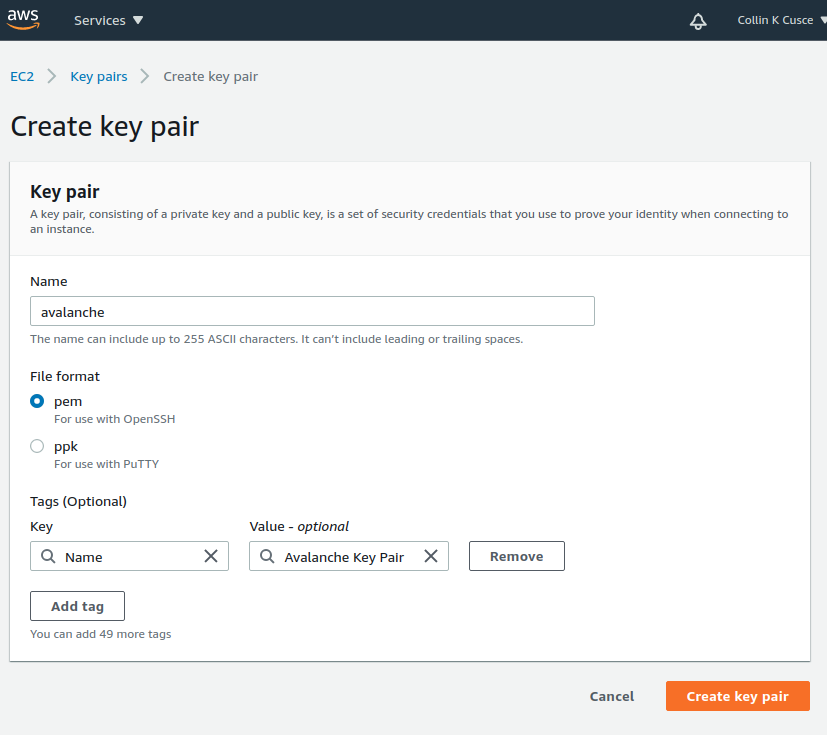
Click `Create key pair`. You should see a success message, and the key file should be downloaded to your local machine. Without this file, you will not be able to access your EC2 instance. **Make a copy of this file and put it on a separate storage medium such as an external hard drive. Keep this file secret; do not share it with others.**
Create a Security Group[](#create-a-security-group "Direct link to heading")
-----------------------------------------------------------------------------
An AWS Security Group defines what internet traffic can enter and leave your EC2 instance. Think of it like a firewall. Create a new Security Group by selecting **Security Groups** under the **Network & Security** drop-down.
This opens the Security Groups panel. Click **Create security group** in the top right of the Security Groups panel.
You'll need to specify what inbound traffic is allowed. Allow SSH traffic from your IP address so that you can log into your EC2 instance (each time your ISP changes your IP address, you will need to modify this rule). Allow TCP traffic on port 9651 so your node can communicate with other nodes on the network. Allow TCP traffic on port 9650 from your IP so you can make API calls to your node. **It's important that you only allow traffic on the SSH and API port from your IP.** If you allow incoming traffic from anywhere, this could be used to brute force entry to your node (SSH port) or used as a denial of service attack vector (API port). Finally, allow all outbound traffic.
Add a tag to the new security group with key `Name` and value`Lux Security Group`. This will enable us to know what this security group is when we see it in the list of security groups.
Click `Create security group`. You should see the new security group in the list of security groups.
Launch an EC2 Instance[](#launch-an-ec2-instance "Direct link to heading")
---------------------------------------------------------------------------
Now you're ready to launch an EC2 instance. Go to the EC2 Dashboard and select **Launch instance**.
Select **Ubuntu 20.04 LTS (HVM), SSD Volume Type** for the operating system.
Next, choose your instance type. This defines the hardware specifications of the cloud instance. In this tutorial we set up a **c5.2xlarge**. This should be more than powerful enough since Lux is a lightweight consensus protocol. To create a c5.2xlarge instance, select the **Compute-optimized** option from the filter drop-down menu.
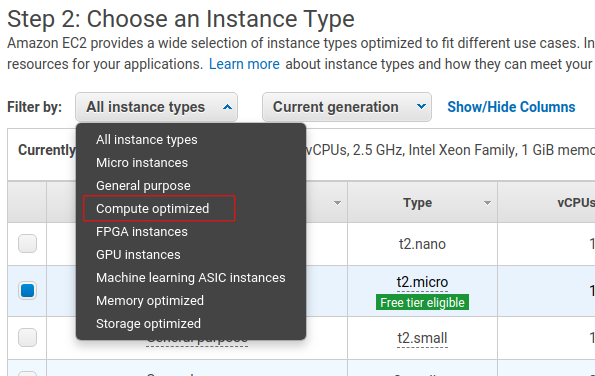
Select the checkbox next to the c5.2xlarge instance in the table.

Click the **Next: Configure Instance Details** button in the bottom right-hand corner.
The instance details can stay as their defaults.
When setting up a node as a validator, it is crucial to select the appropriate AWS instance type to ensure the node can efficiently process transactions and manage the network load. The recommended instance types are as follows:
- For a minimal stake, start with a compute-optimized instance such as c6, c6i, c6a, c7 and similar.
- Use a 2xlarge instance size for the minimal stake configuration.
- As the staked amount increases, choose larger instance sizes to accommodate the additional workload. For every order of magnitude increase in stake, move up one instance size. For example, for a 20k LUX stake, a 4xlarge instance is suitable.
### Optional: Using Reserved Instances[](#optional-using-reserved-instances "Direct link to heading")
By default, you will be charged hourly for running your EC2 instance. For a long term usage that is not optimal.
You could save money by using a **Reserved Instance**. With a reserved instance, you pay upfront for an entire year of EC2 usage, and receive a lower per-hour rate in exchange for locking in. If you intend to run a node for a long time and don't want to risk service interruptions, this is a good option to save money. Again, do your own research before selecting this option.
### Add Storage, Tags, Security Group[](#add-storage-tags-security-group "Direct link to heading")
Click the **Next: Add Storage** button in the bottom right corner of the screen.
You need to add space to your instance's disk. You should start with at least 700GB of disk space. Although upgrades to reduce disk usage are always in development, on average the database will continually grow, so you need to constantly monitor disk usage on the node and increase disk space if needed.
Note that the image below shows 100GB as disk size, which was appropriate at the time the screenshot was taken. You should check the current [recommended disk space size](https://github.com/luxfi/luxgo#installation) before entering the actual value here.

Click **Next: Add Tags** in the bottom right corner of the screen to add tags to the instance. Tags enable us to associate metadata with our instance. Add a tag with key `Name` and value `My Lux Node`. This will make it clear what this instance is on your list of EC2 instances.
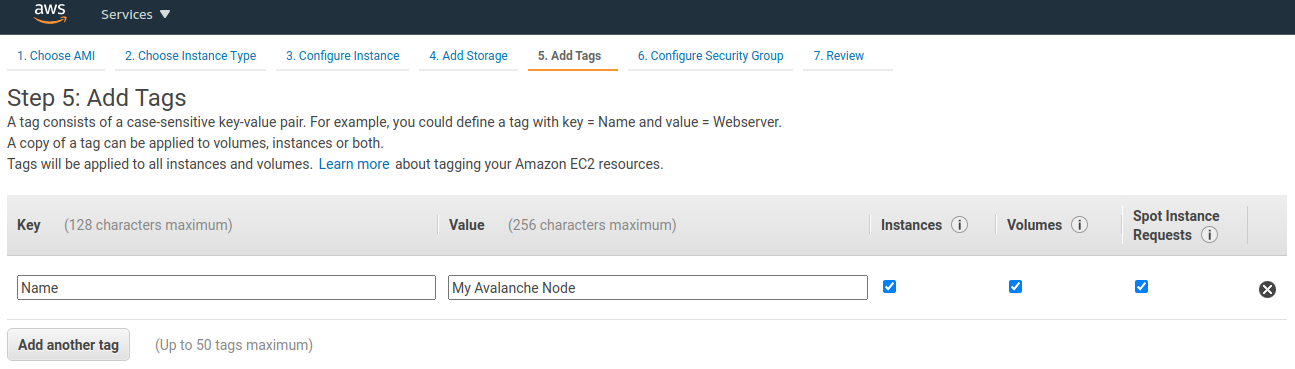
Now assign the security group created earlier to the instance. Choose **Select an existing security group** and choose the security group created earlier.
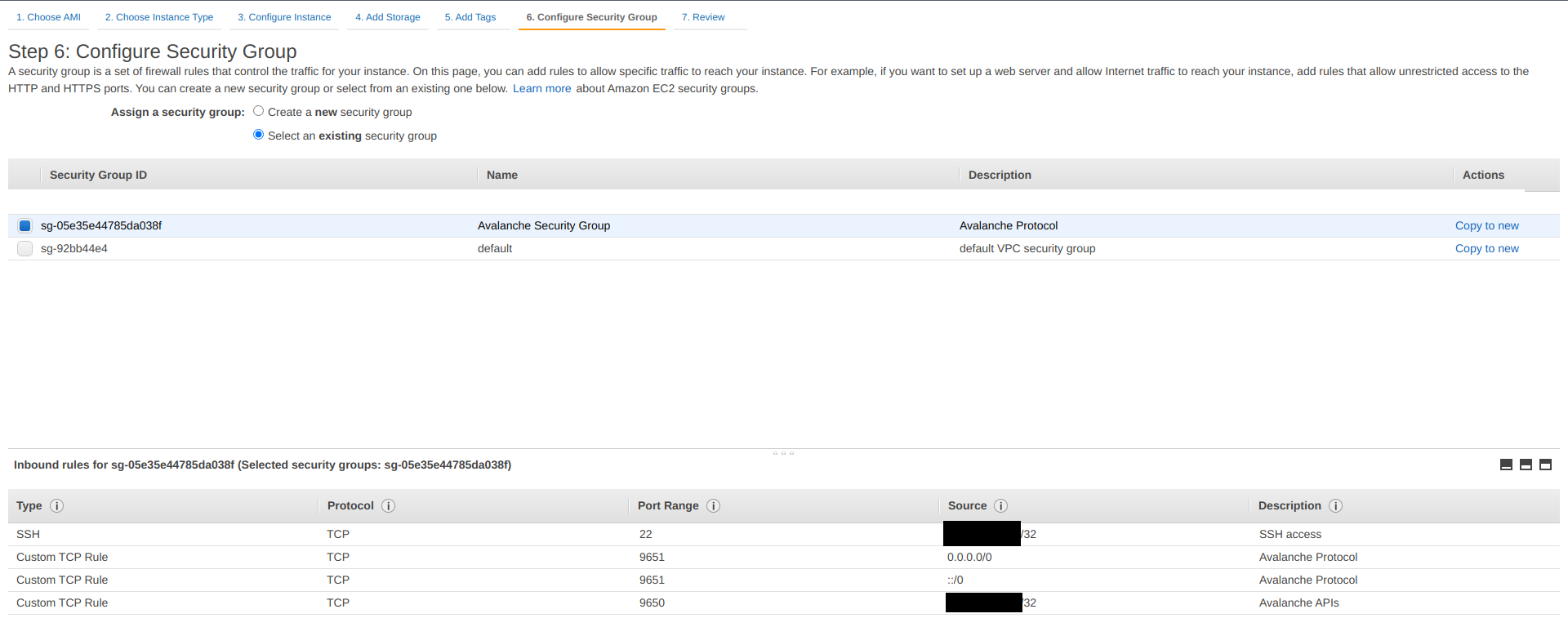
Finally, click **Review and Launch** in the bottom right. A review page will show the details of the instance you're about to launch. Review those, and if all looks good, click the blue **Launch** button in the bottom right corner of the screen.
You'll be asked to select a key pair for this instance. Select **Choose an existing key pair** and then select the `lux` key pair you made earlier in the tutorial. Check the box acknowledging that you have access to the `.pem` or `.ppk` file created earlier (make sure you've backed it up!) and then click **Launch Instances**.
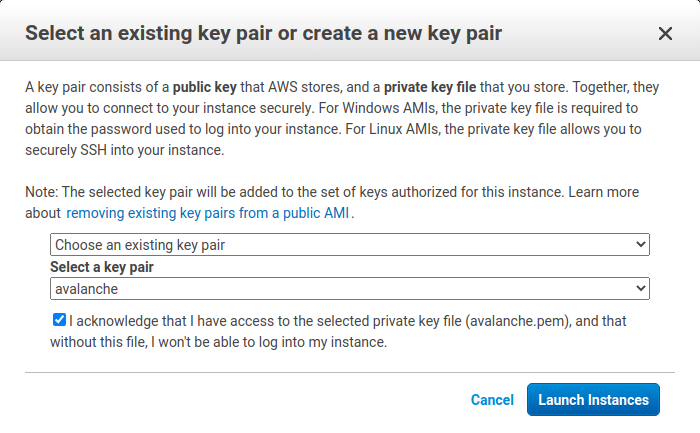
You should see a new pop up that confirms the instance is launching!
### Assign an Elastic IP[](#assign-an-elastic-ip "Direct link to heading")
By default, your instance will not have a fixed IP. Let's give it a fixed IP through AWS's Elastic IP service. Go back to the EC2 dashboard. Under **Network & Security,** select **Elastic IPs**.
Select **Allocate Elastic IP address**.
Select the region your instance is running in, and choose to use Amazon's pool of IPv4 addresses. Click **Allocate**.
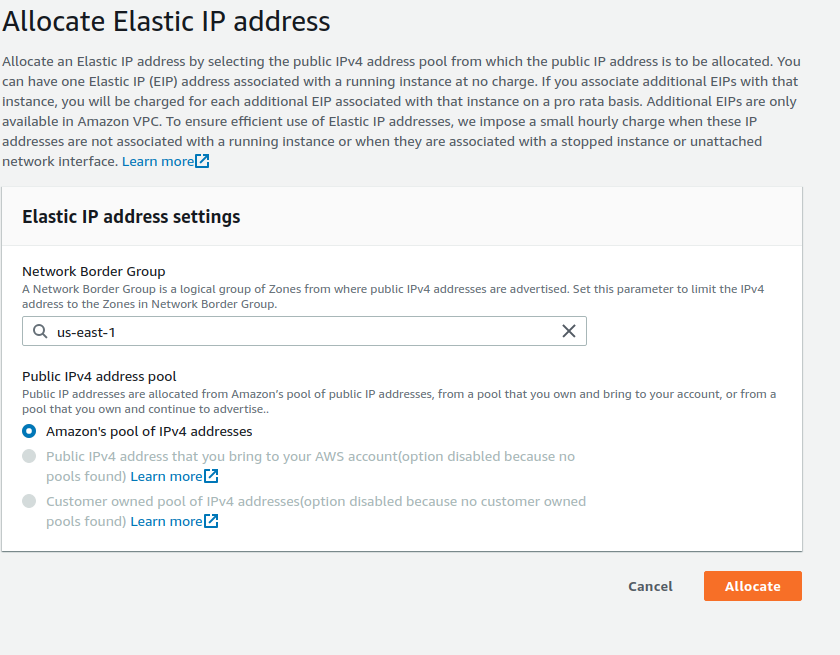
Select the Elastic IP you just created from the Elastic IP manager. From the **Actions** drop-down, choose **Associate Elastic IP address**.
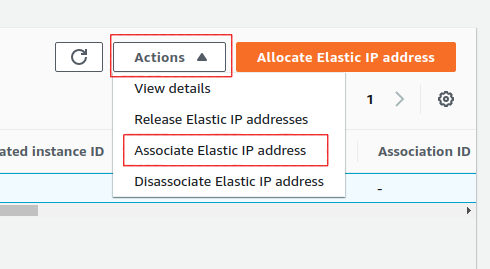
Select the instance you just created. This will associate the new Elastic IP with the instance and give it a public IP address that won't change.
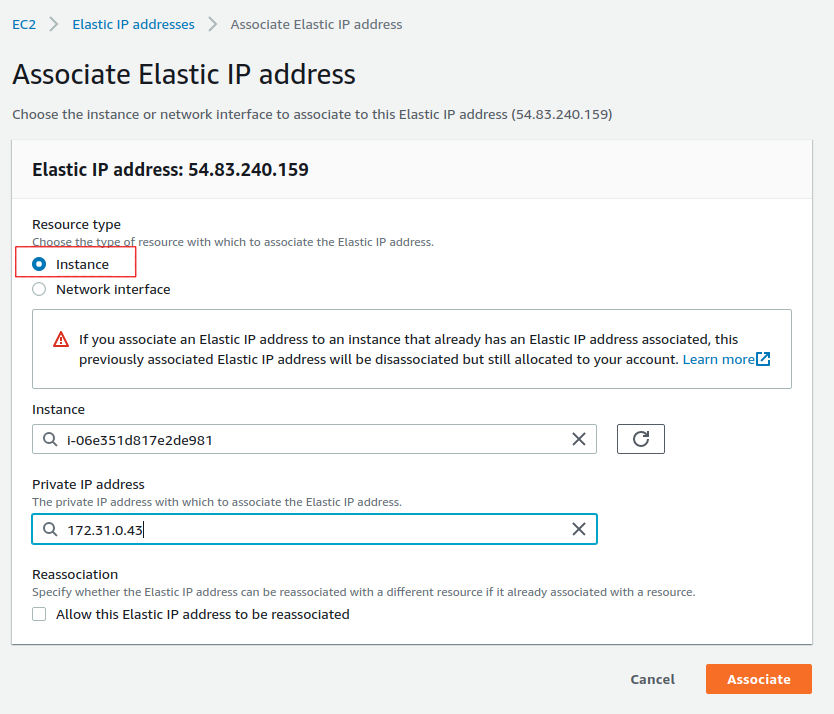
Set Up LuxGo[](#set-up-luxgo "Direct link to heading")
-------------------------------------------------------------------
Go back to the EC2 Dashboard and select `Running Instances`.
Select the newly created EC2 instance. This opens a details panel with information about the instance.
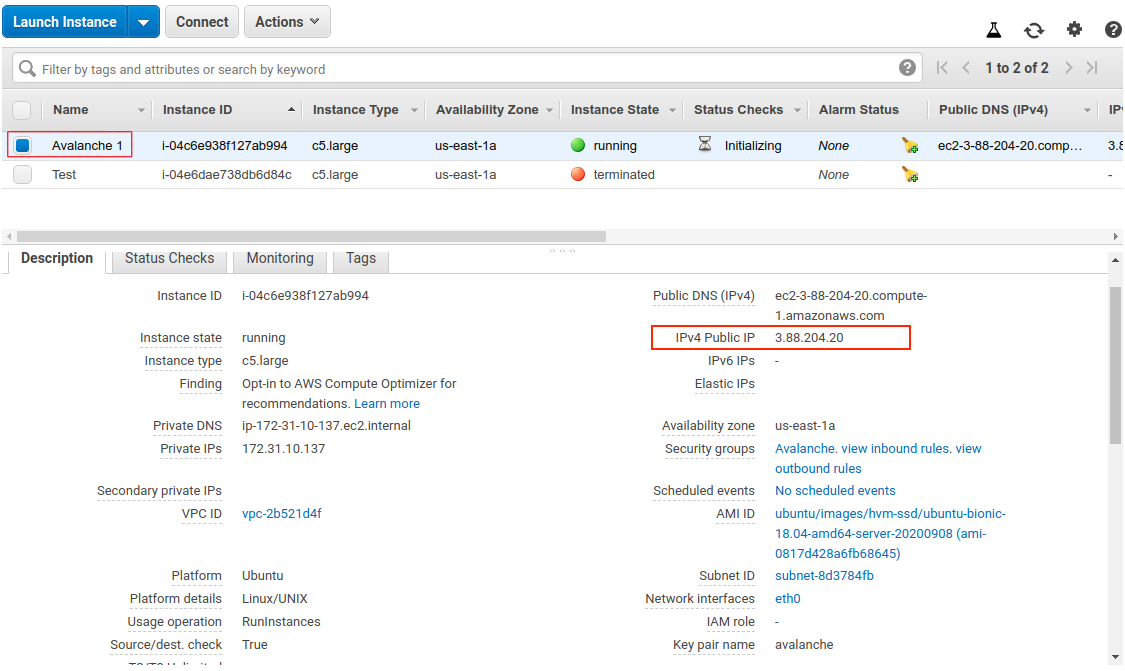
Copy the `IPv4 Public IP` field to use later. From now on we call this value `PUBLICIP`.
**Remember: the terminal commands below assume you're running Linux. Commands may differ for MacOS or other operating systems. When copy-pasting a command from a code block, copy and paste the entirety of the text in the block.**
Log into the AWS instance from your local machine. Open a terminal (try shortcut `CTRL + ALT + T`) and navigate to the directory containing the `.pem` file you downloaded earlier.
Move the `.pem` file to `$HOME/.ssh` (where `.pem` files generally live) with:
Add it to the SSH agent so that we can use it to SSH into your EC2 instance, and mark it as read-only.
```bash
ssh-add ~/.ssh/lux.pem; chmod 400 ~/.ssh/lux.pem
```
SSH into the instance. (Remember to replace `PUBLICIP` with the public IP field from earlier.)
If the permissions are **not** set correctly, you will see the following error.
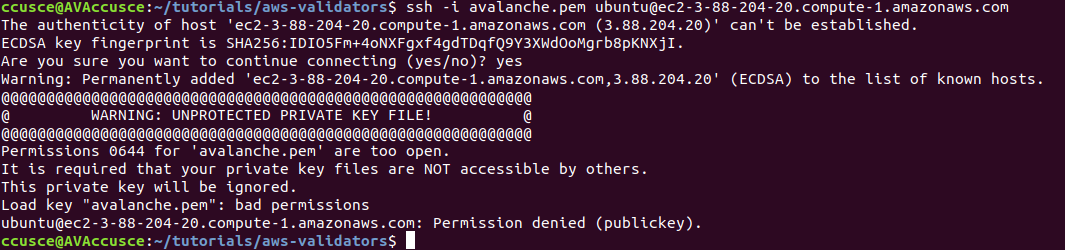
You are now logged into the EC2 instance.
If you have not already done so, update the instance to make sure it has the latest operating system and security updates:
```bash
sudo apt update; sudo apt upgrade -y; sudo reboot
```
This also reboots the instance. Wait 5 minutes, then log in again by running this command on your local machine:
You're logged into the EC2 instance again. Now we'll need to set up our Lux node. To do this, follow the [Set Up Lux Node With Installer](/docs/nodes/run-a-node/using-install-script/installing-lux-go) tutorial which automates the installation process. You will need the `PUBLICIP` we set up earlier.
Your LuxGo node should now be running and in the process of bootstrapping, which can take a few hours. To check if it's done, you can issue an API call using `curl`. If you're making the request from the EC2 instance, the request is:
```bash
curl -X POST --data '{
"jsonrpc":"2.0",
"id" :1,
"method" :"info.isBootstrapped",
"params": {
"chain":"X"
}
}' -H 'content-type:application/json;' 127.0.0.1:9650/ext/info
```
Once the node is finished bootstrapping, the response will be:
```json
{
"jsonrpc": "2.0",
"result": {
"isBootstrapped": true
},
"id": 1
}
```
You can continue on, even if LuxGo isn't done bootstrapping.
In order to make your node a validator, you'll need its node ID. To get it, run:
```bash
curl -X POST --data '{
"jsonrpc":"2.0",
"id" :1,
"method" :"info.getNodeID"
}' -H 'content-type:application/json;' 127.0.0.1:9650/ext/info
```
The response contains the node ID.
```json
{"jsonrpc":"2.0","result":{"nodeID":"NodeID-DznHmm3o7RkmpLkWMn9NqafH66mqunXbM"},"id":1}
```
In the above example the node ID is`NodeID-DznHmm3o7RkmpLkWMn9NqafH66mqunXbM`. Copy your node ID for later. Your node ID is not a secret, so you can just paste it into a text editor.
LuxGo has other APIs, such as the [Health API](/docs/rpcs/other/health-rpc), that may be used to interact with the node. Some APIs are disabled by default. To enable such APIs, modify the ExecStart section of `/etc/systemd/system/luxgo.service` (created during the installation process) to include flags that enable these endpoints. Don't manually enable any APIs unless you have a reason to.
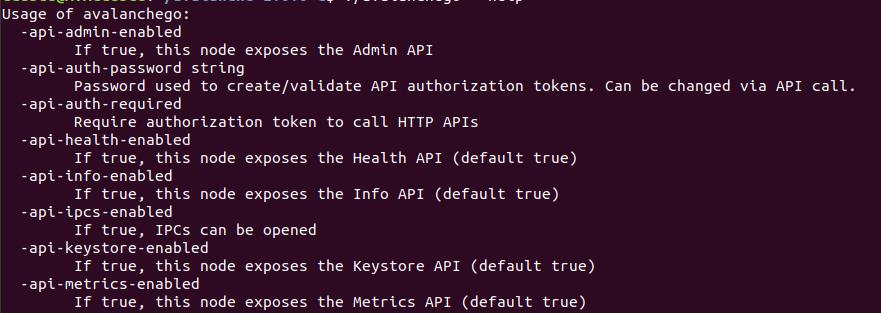
Back up the node's staking key and certificate in case the EC2 instance is corrupted or otherwise unavailable. The node's ID is derived from its staking key and certificate. If you lose your staking key or certificate then your node will get a new node ID, which could cause you to become ineligible for a staking reward if your node is a validator. **It is very strongly advised that you copy your node's staking key and certificate**. The first time you run a node, it will generate a new staking key/certificate pair and store them in directory `/home/ubuntu/.luxgo/staking`.
Exit out of the SSH instance by running:
Now you're no longer connected to the EC2 instance; you're back on your local machine.
To copy the staking key and certificate to your machine, run the following command. As always, replace `PUBLICIP`.
```bash
scp -r ubuntu@PUBLICIP:/home/ubuntu/.luxgo/staking ~/aws_lux_backup
```
Now your staking key and certificate are in directory `~/aws_lux_backup` . **The contents of this directory are secret.** You should hold this directory on storage not connected to the internet (like an external hard drive.)
### Upgrading Your Node[](#upgrading-your-node "Direct link to heading")
LuxGo is an ongoing project and there are regular version upgrades. Most upgrades are recommended but not required. Advance notice will be given for upgrades that are not backwards compatible. To update your node to the latest version, SSH into your AWS instance as before and run the installer script again.
```bash
./luxgo-installer.sh
```
Your machine is now running the newest LuxGo version. To see the status of the LuxGo service, run `sudo systemctl status luxgo.`
Increase Volume Size[](#increase-volume-size "Direct link to heading")
-----------------------------------------------------------------------
If you need to increase the volume size, follow these instructions from AWS:
- [Request modifications to your EBS volumes](https://docs.aws.amazon.com/AWSEC2/latest/UserGuide/requesting-ebs-volume-modifications.html)
- [Extend a Linux file system after resizing a volume](https://docs.aws.amazon.com/AWSEC2/latest/UserGuide/recognize-expanded-volume-linux.html)
Wrap Up[](#wrap-up "Direct link to heading")
---------------------------------------------
That's it! You now have an LuxGo node running on an AWS EC2 instance. We recommend setting up [node monitoring](/docs/nodes/maintain/monitoring)for your LuxGo node. We also recommend setting up AWS billing alerts so you're not surprised when the bill arrives. If you have feedback on this tutorial, or anything else, send us a message on [Discord](https://chat.avalabs.org/).
# AWS Marketplace (/docs/nodes/run-a-node/on-third-party-services/aws-marketplace)
---
title: AWS Marketplace
description: Learn how to run a node on AWS Marketplace.
---
## How to Launch an Lux Validator using AWS
With the intention of enabling developers and entrepreneurs to on-ramp into the Lux ecosystem with as little friction as possible, Lux Network recently launched an offering to deploy an Lux Validator node via the AWS Marketplace. This tutorial will show the main steps required to get this node running and validating on the Lux Testnet testnet.
Product Overview[](#product-overview "Direct link to heading")
---------------------------------------------------------------
The Lux Validator node is available via [the AWS Marketplace](https://aws.amazon.com/marketplace/pp/prodview-nd6wgi2bhhslg). There you'll find a high level product overview. This includes a product description, pricing information, usage instructions, support information and customer reviews. After reviewing this information you want to click the "Continue to Subscribe" button.
Subscribe to This Software[](#subscribe-to-this-software "Direct link to heading")
-----------------------------------------------------------------------------------
Once on the "Subscribe to this Software" page you will see a button which enables you to subscribe to this AWS Marketplace offering. In addition you'll see Terms of service including the seller's End User License Agreement and the [AWS Privacy Notice](https://aws.amazon.com/privacy/). After reviewing these you want to click on the "Continue to Configuration" button.
Configure This Software[](#configure-this-software "Direct link to heading")
-----------------------------------------------------------------------------
This page lets you choose a fulfillment option and software version to launch this software. No changes are needed as the default settings are sufficient. Leave the `Fulfillment Option` as `64-bit (x86) Amazon Machine Image (AMI)`. The software version is the latest build of [the LuxGo full node](https://github.com/luxfi/luxgo/releases), `v1.9.5 (Dec 22, 2022)`, AKA `Banff.5`. This will always show the latest version. Also, the Region to deploy in can be left as `US East (N. Virginia)`. On the right you'll see the software and infrastructure pricing. Lastly, click the "Continue to Launch" button.
Launch This Software[](#launch-this-software "Direct link to heading")
-----------------------------------------------------------------------
Here you can review the launch configuration details and follow the instructions to launch the Lux Validator Node. The changes are very minor. Leave the action as "Launch from Website." The EC2 Instance Type should remain `c5.2xlarge`. The primary change you'll need to make is to choose a keypair which will enable you to `ssh` into the newly created EC2 instance to run `curl` commands on the Validator node. You can search for existing Keypairs or you can create a new keypair and download it to your local machine. If you create a new keypair you'll need to move the keypair to the appropriate location, change the permissions and add it to the OpenSSH authentication agent. For example, on MacOS it would look similar to the following:
```bash
# In this example we have a keypair called lux.pem which was downloaded from AWS to ~/Downloads/lux.pem
# Confirm the file exists with the following command
test -f ~/Downloads/lux.pem && echo "Lux.pem exists."
# Running the above command will output the following:
# Lux.pem exists.
# Move the lux.pem keypair from the ~/Downloads directory to the hidden ~/.ssh directory
mv ~/Downloads/lux.pem ~/.ssh
# Next add the private key identity to the OpenSSH authentication agent
ssh-add ~/.ssh/lux.pem;
# Change file modes or Access Control Lists
sudo chmod 600 ~/.ssh/lux.pem
```
Once these steps are complete you are ready to launch the Validator node on EC2. To make that happen click the "Launch" button

You now have an Lux node deployed on an AWS EC2 instance! Copy the `AMI ID` and click on the `EC2 Console` link for the next step.
EC2 Console[](#ec2-console "Direct link to heading")
-----------------------------------------------------
Now take the `AMI ID` from the previous step and input it into the search bar on the EC2 Console. This will bring you to the dashboard where you can find the EC2 instances public IP address.
Copy that public IP address and open a Terminal or command line prompt. Once you have the new Terminal open `ssh` into the EC2 instance with the following command.
Node Configuration[](#node-configuration "Direct link to heading")
-------------------------------------------------------------------
### Switch to Testnet Testnet[](#switch-to-testnet-testnet "Direct link to heading")
By default the Lux Node available through the AWS Marketplace syncs the Mainnet. If this is what you are looking for, you can skip this step.
For this tutorial you want to sync and validate the Testnet Testnet. Now that you're `ssh`ed into the EC2 instance you can make the required changes to sync Testnet instead of Mainnet.
First, confirm that the node is syncing the Mainnet by running the `info.getNetworkID` command.
#### `info.getNetworkID` Request[](#infogetnetworkid-request "Direct link to heading")
```bash
curl -X POST --data '{
"jsonrpc":"2.0",
"id" :1,
"method" :"info.getNetworkID",
"params": {
}
}' -H 'content-type:application/json;' 127.0.0.1:9650/ext/info
```
#### `info.getNetworkID` Response[](#infogetnetworkid-response "Direct link to heading")
The returned `networkID` will be 1 which is the network ID for Mainnet.
```json
{
"jsonrpc": "2.0",
"result": {
"networkID": "1"
},
"id": 1
}
```
Now you want to edit `/etc/luxgo/conf.json` and change the `"network-id"` property from `"mainnet"` to `"testnet"`. To see the contents of `/etc/luxgo/conf.json` you can `cat` the file.
```bash
cat /etc/luxgo/conf.json
{
"api-keystore-enabled": false,
"http-host": "0.0.0.0",
"log-dir": "/var/log/luxgo",
"db-dir": "/data/luxgo",
"api-admin-enabled": false,
"public-ip-resolution-service": "opendns",
"network-id": "mainnet"
}
```
Edit that `/etc/luxgo/conf.json` with your favorite text editor and change the value of the `"network-id"` property from `"mainnet"` to `"testnet"`. Once that's complete, save the file and restart the Lux node via `sudo systemctl restart luxgo`. You can then call the `info.getNetworkID` endpoint to confirm the change was successful.
#### `info.getNetworkID` Request[](#infogetnetworkid-request-1 "Direct link to heading")
```bash
curl -X POST --data '{
"jsonrpc":"2.0",
"id" :1,
"method" :"info.getNetworkID",
"params": {
}
}' -H 'content-type:application/json;' 127.0.0.1:9650/ext/info
```
#### `info.getNetworkID` Response[](#infogetnetworkid-response-1 "Direct link to heading")
The returned `networkID` will be 5 which is the network ID for Testnet.
```json
{
"jsonrpc": "2.0",
"result": {
"networkID": "5"
},
"id": 1
}
```
Next you run the `info.isBoostrapped` command to confirm if the Lux Validator node has finished bootstrapping.
### `info.isBootstrapped` Request[](#infoisbootstrapped-request "Direct link to heading")
```bash
curl -X POST --data '{
"jsonrpc":"2.0",
"id" :1,
"method" :"info.isBootstrapped",
"params": {
"chain":"P"
}
}' -H 'content-type:application/json;' 127.0.0.1:9650/ext/info
```
Once the node is finished bootstrapping, the response will be:
### `info.isBootstrapped` Response[](#infoisbootstrapped-response "Direct link to heading")
```json
{
"jsonrpc": "2.0",
"result": {
"isBootstrapped": true
},
"id": 1
}
```
**Note** that initially the response is `false` because the network is still syncing.
When you're adding your node as a Validator on the Lux Mainnet you'll want to wait for this response to return `true` so that you don't suffer from any downtime while validating. For this tutorial you're not going to wait for it to finish syncing as it's not strictly necessary.
### `info.getNodeID` Request[](#infogetnodeid-request "Direct link to heading")
Next, you want to get the NodeID which will be used to add the node as a Validator. To get the node's ID you call the `info.getNodeID` jsonrpc endpoint.
```bash
curl --location --request POST 'http://127.0.0.1:9650/ext/info' \
--header 'Content-Type: application/json' \
--data-raw '{
"jsonrpc":"2.0",
"id" :1,
"method" :"info.getNodeID",
"params" :{
}
}'
```
### `info.getNodeID` Response[](#infogetnodeid-response "Direct link to heading")
Take a note of the `nodeID` value which is returned as you'll need to use it in the next step when adding a validator via the Lux Web Wallet. In this case the `nodeID` is `NodeID-Q8Gfaaio9FAqCmZVEXDq9bFvNPvDi7rt5`
```json
{
"jsonrpc": "2.0",
"result": {
"nodeID": "NodeID-Q8Gfaaio9FAqCmZVEXDq9bFvNPvDi7rt5",
"nodePOP": {
"publicKey": "0x85675db18b326a9585bfd43892b25b71bf01b18587dc5fac136dc5343a9e8892cd6c49b0615ce928d53ff5dc7fd8945d",
"proofOfPossession": "0x98a56f092830161243c1f1a613ad68a7f1fb25d2462ecf85065f22eaebb4e93a60e9e29649a32252392365d8f628b2571174f520331ee0063a94473f8db6888fc3a722be330d5c51e67d0d1075549cb55376e1f21d1b48f859ef807b978f65d9"
}
},
"id": 1
}
```
Add Node as Validator on Testnet via Core web[](#add-node-as-validator-on-testnet-via-core-web "Direct link to heading")
-------------------------------------------------------------------------------------------------------------------
For adding the new node as a Validator on the Testnet testnet's Primary Network you can use the [Core web](https://core.app/) [connected](https://support.lux.network/en/articles/6639869-core-web-how-do-i-connect-to-core-web) to [Core extension](https://core.app). If you don't have a Core extension already, check out this [guide](https://support.lux.network/en/articles/6100129-core-extension-how-do-i-create-a-new-wallet). If you'd like to import an existing wallet to Core extension, follow [these steps](https://support.lux.network/en/articles/6078933-core-extension-how-do-i-access-my-existing-account).
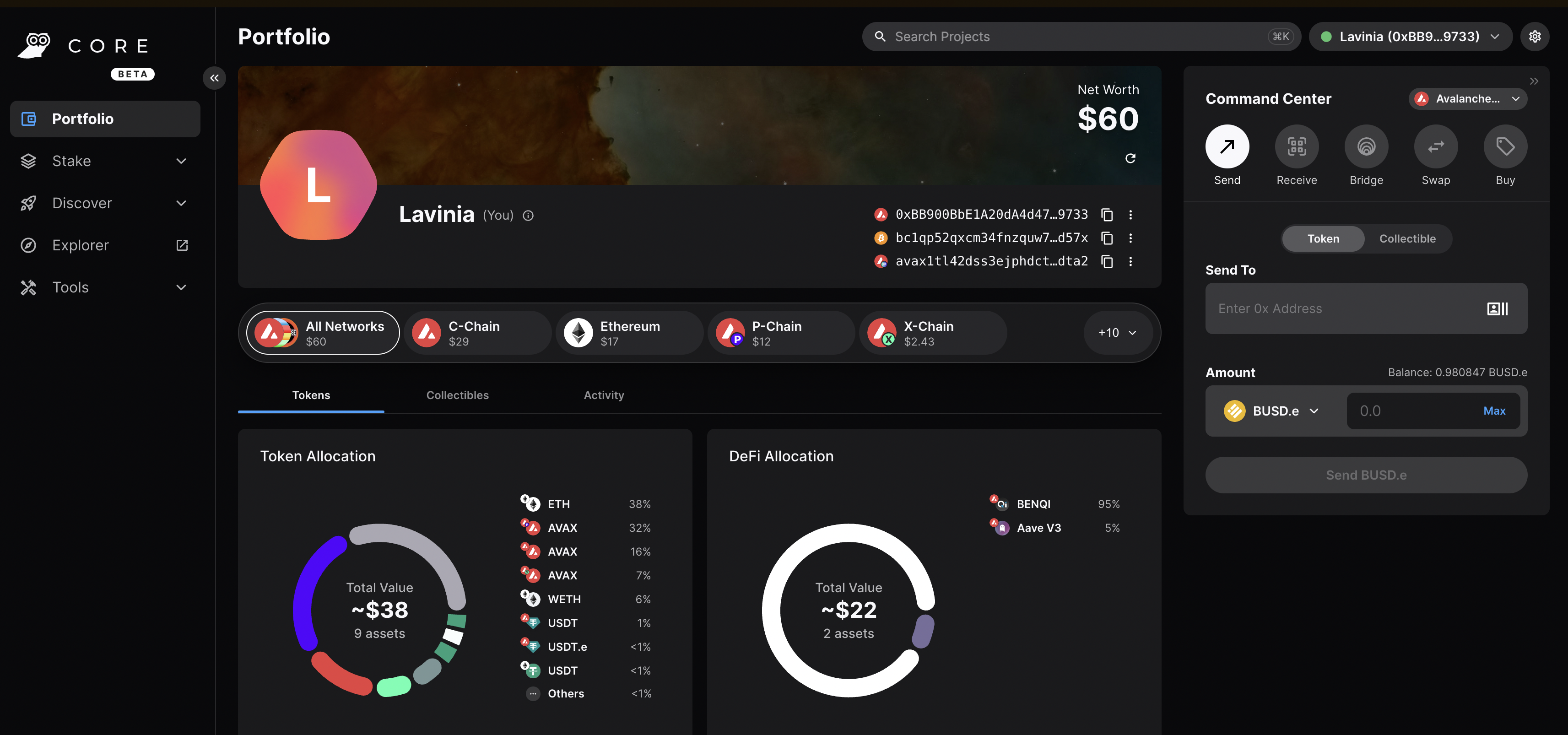
Core web is a free, all-in-one command center that gives users a more intuitive and comprehensive way to view assets, and use dApps across the Lux network, its various Lux L1s, and Ethereum. Core web is optimized for use with the Core browser extension and Core mobile (available on both iOS & Android). Together, they are key components of the Core product suite that brings dApps, NFTs, Lux Bridge, Lux L1s, L2s, and more, directly to users.
### Switching to Testnet Mode[](#switching-to-testnet-mode "Direct link to heading")
By default, Core web and Core extension are connected to Mainnet. For the sake of this demo, you want to connect to the Testnet Testnet.
#### On Core Extension[](#on-core-extension "Direct link to heading")
From the hamburger menu on the top-left corner, choose Advanced, and then toggle the Testnet Mode on.
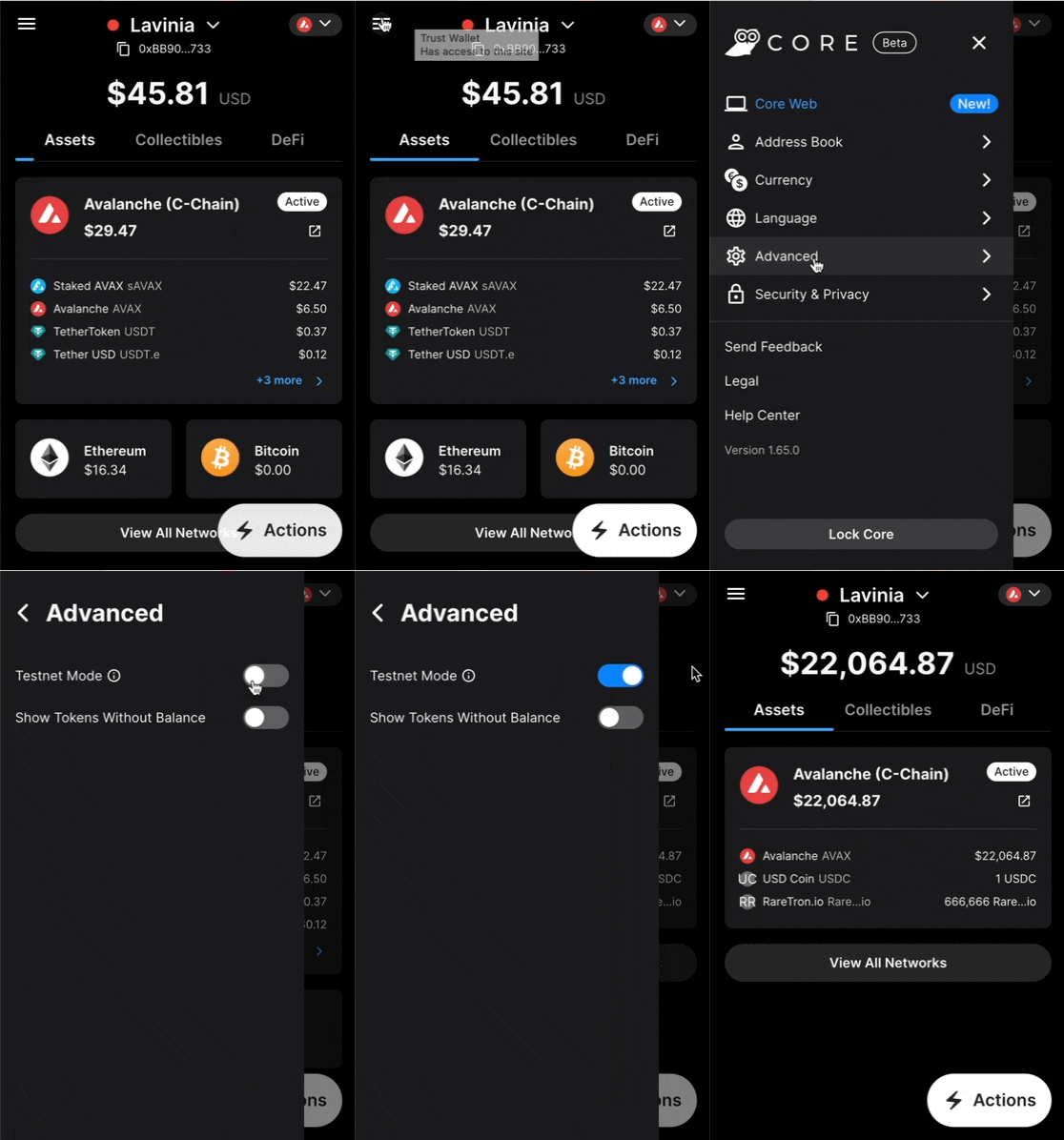
You can follow the same steps for switching back to Mainnet.
#### On Core web[](#on-core-web "Direct link to heading")
Click on the Settings button top-right corner of the page, then toggle Testnet Mode on.
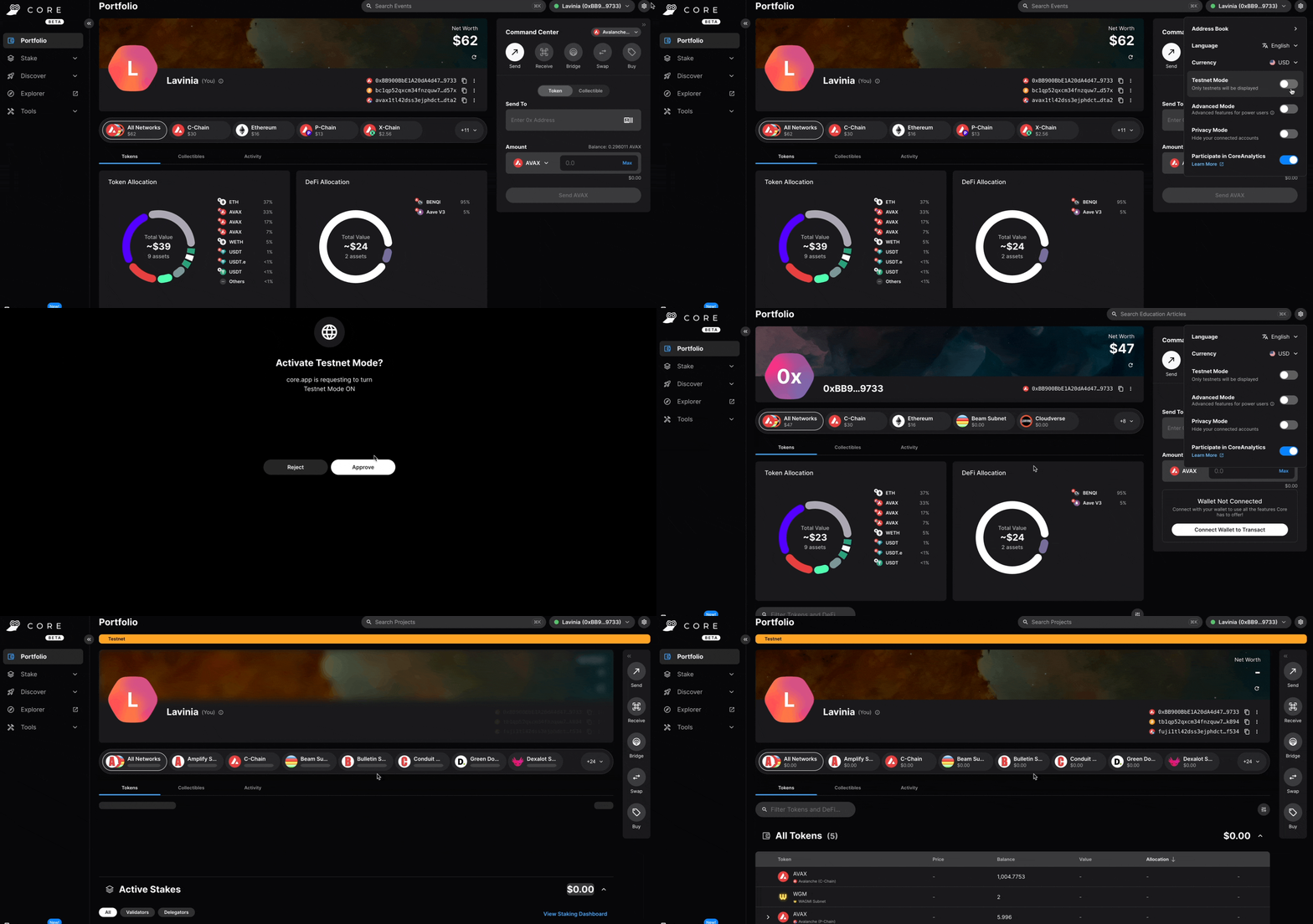
You can follow the same steps for switching back to Mainnet.
### Adding the Validator[](#adding-the-validator "Direct link to heading")
- Node ID: A unique ID derived from each individual node's staker certificate. Use the `NodeID` which was returned in the `info.getNodeID` response. In this example it's `NodeID-Q8Gfaaio9FAqCmZVEXDq9bFvNPvDi7rt5`
- Staking End Date: Your LUX tokens will be locked until this date.
- Stake Amount: The amount of LUX to lock for staking. On Mainnet, the minimum required amount is 2,000 LUX. On Testnet the minimum required amount is 1 AVAAX.
- Delegation Fee: You will claim this % of the rewards from the delegators on your node.
- Reward Address: A reward address is the destination address of the accumulated staking rewards.
To add a node as a Validator, first select the Stake tab on Core web, in the left hand nav menu. Next click the Validate button, and select Get Started.
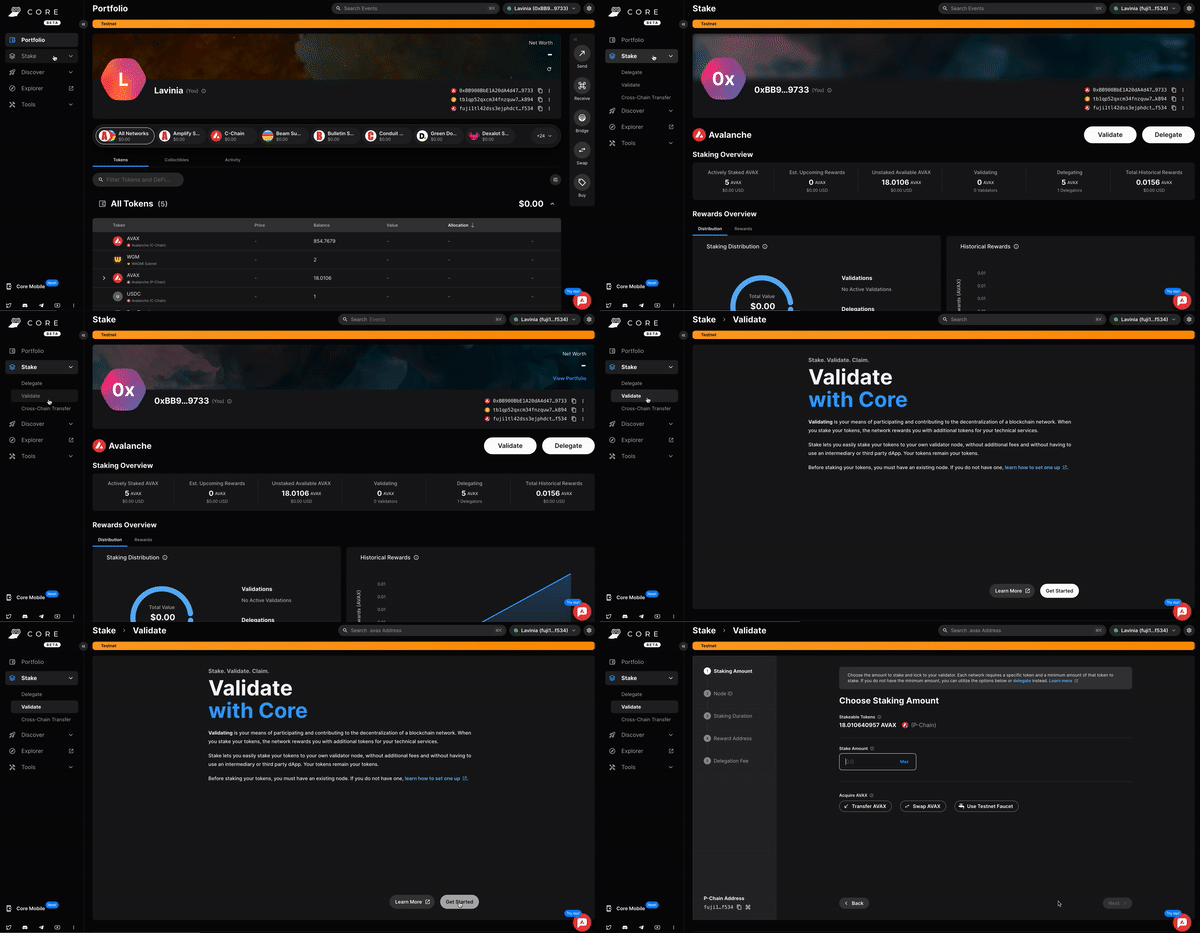
This page will open up.
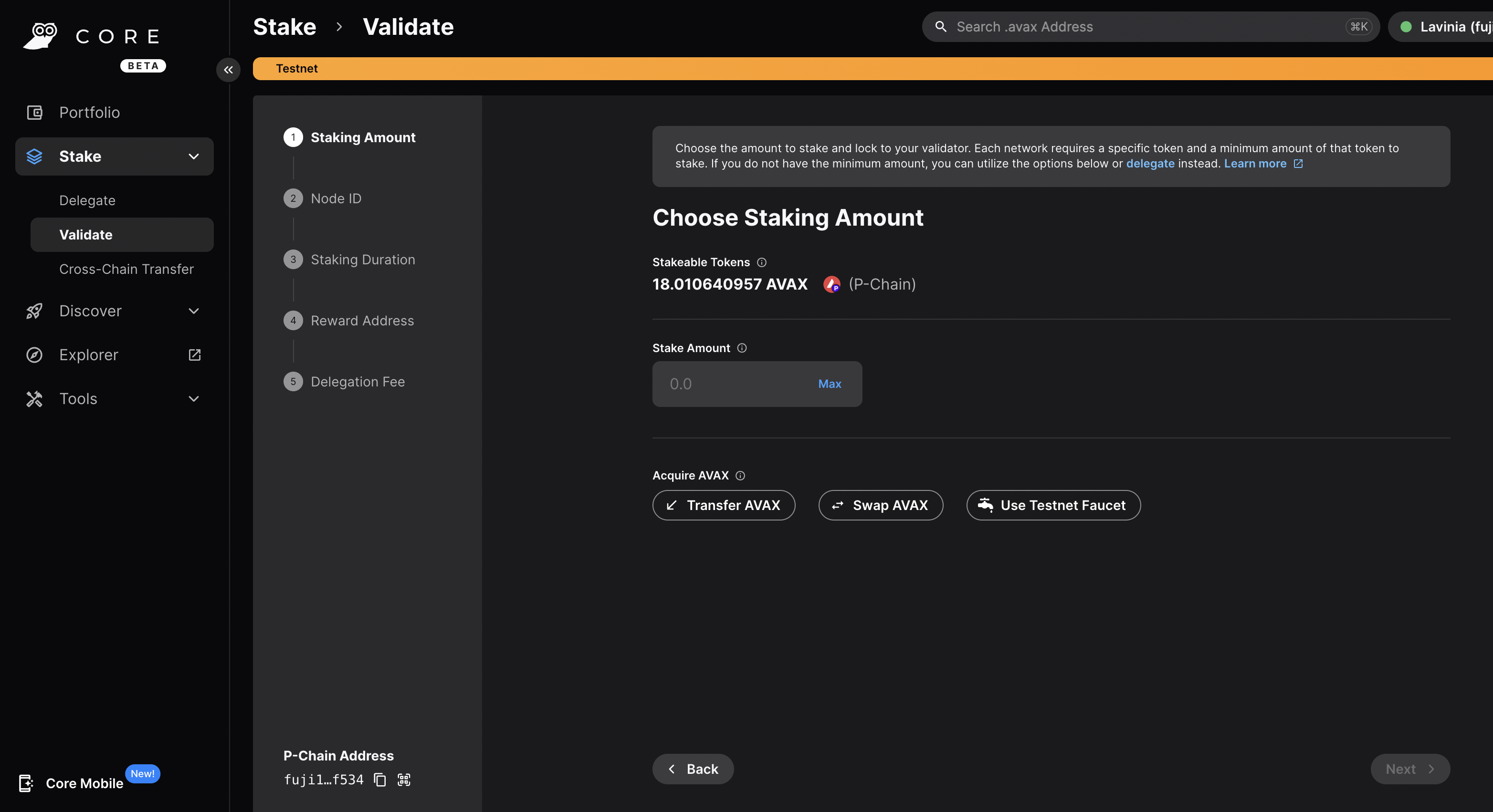
Choose the desired Staking Amount, then click Next.
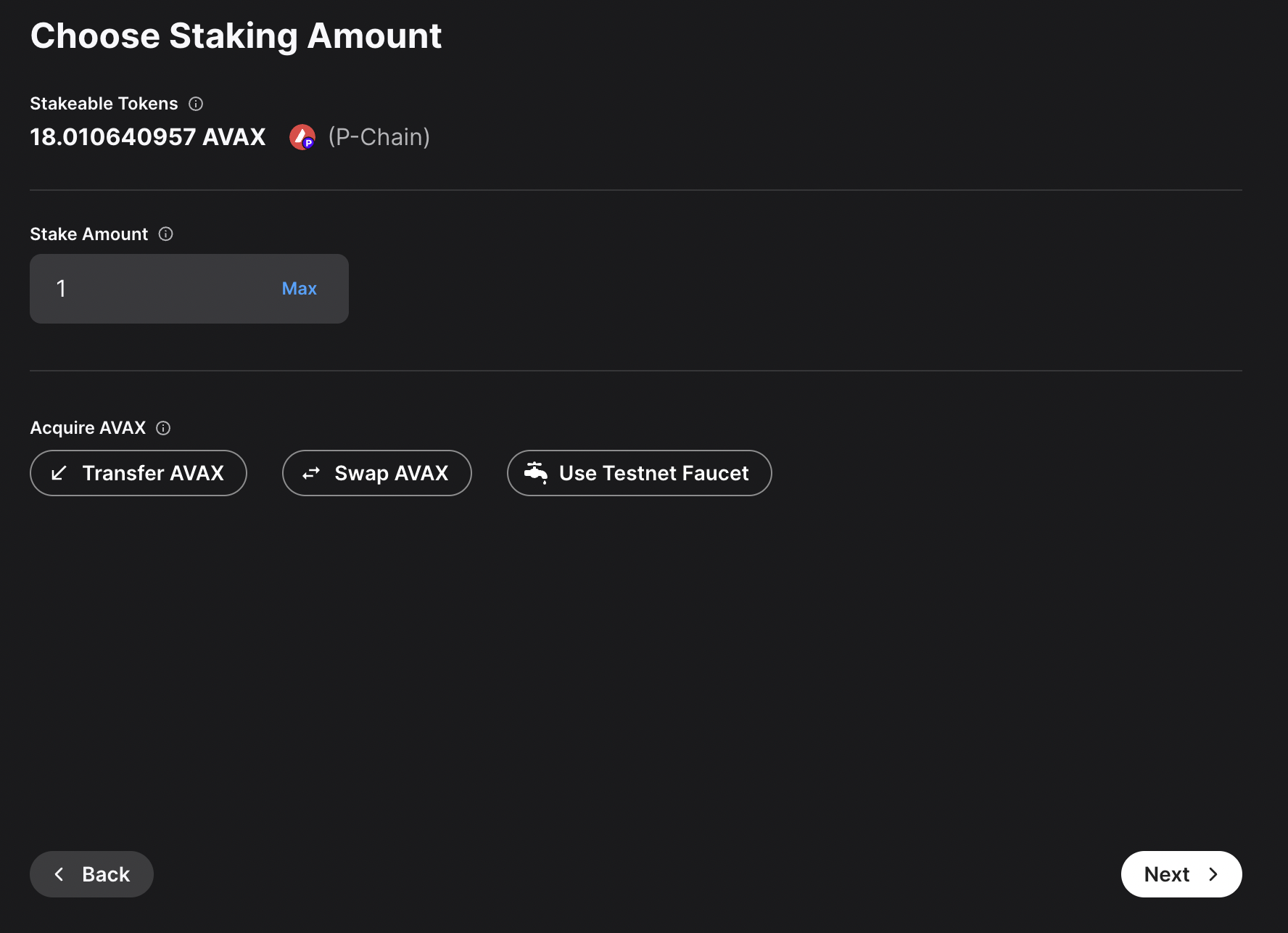
Enter you Node ID, then click Next.
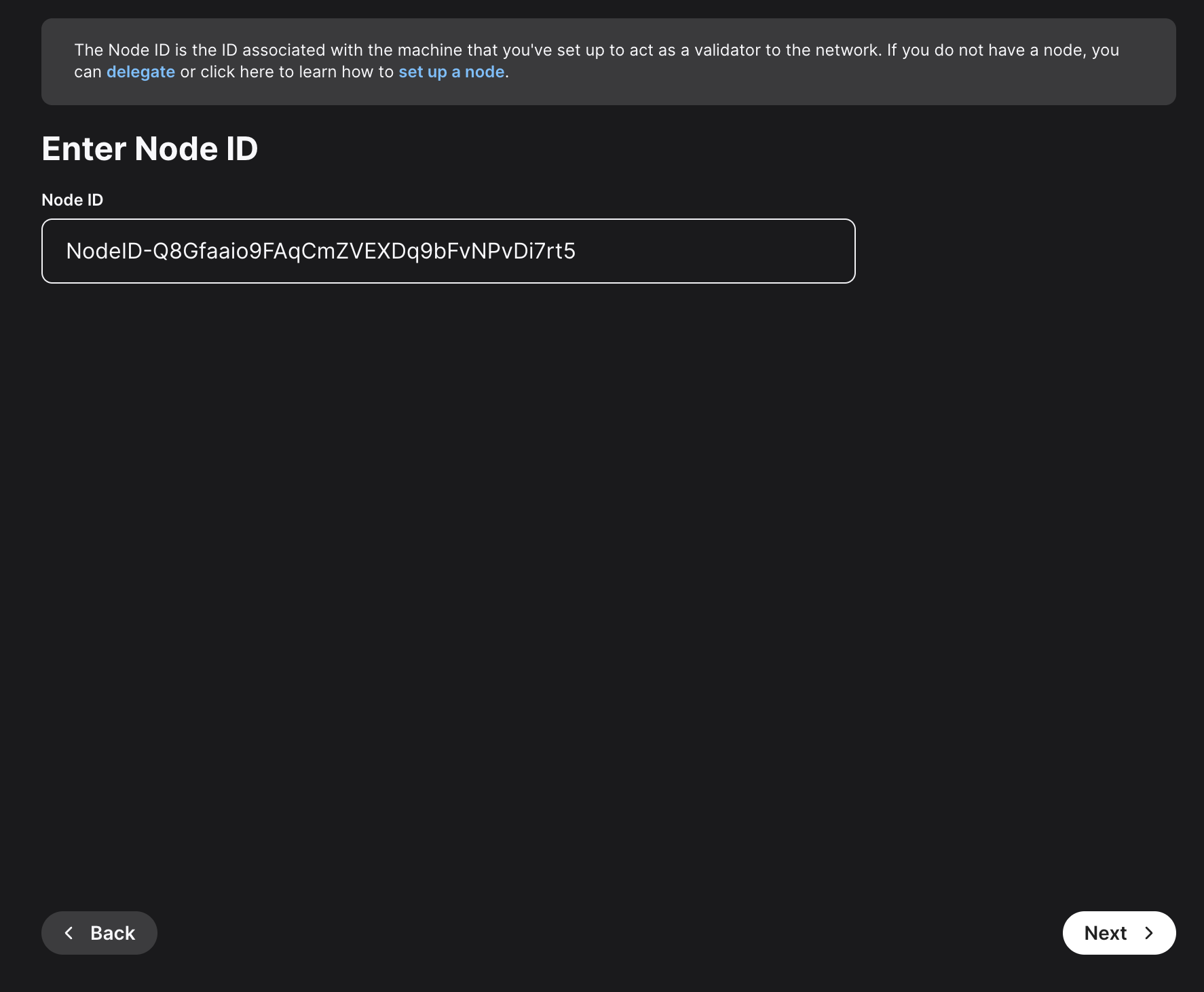
Here, you'll need to choose the staking duration. There are predefined values, like 1 day, 1 month and so on. You can also choose a custom period of time. For this example, 22 days were chosen.
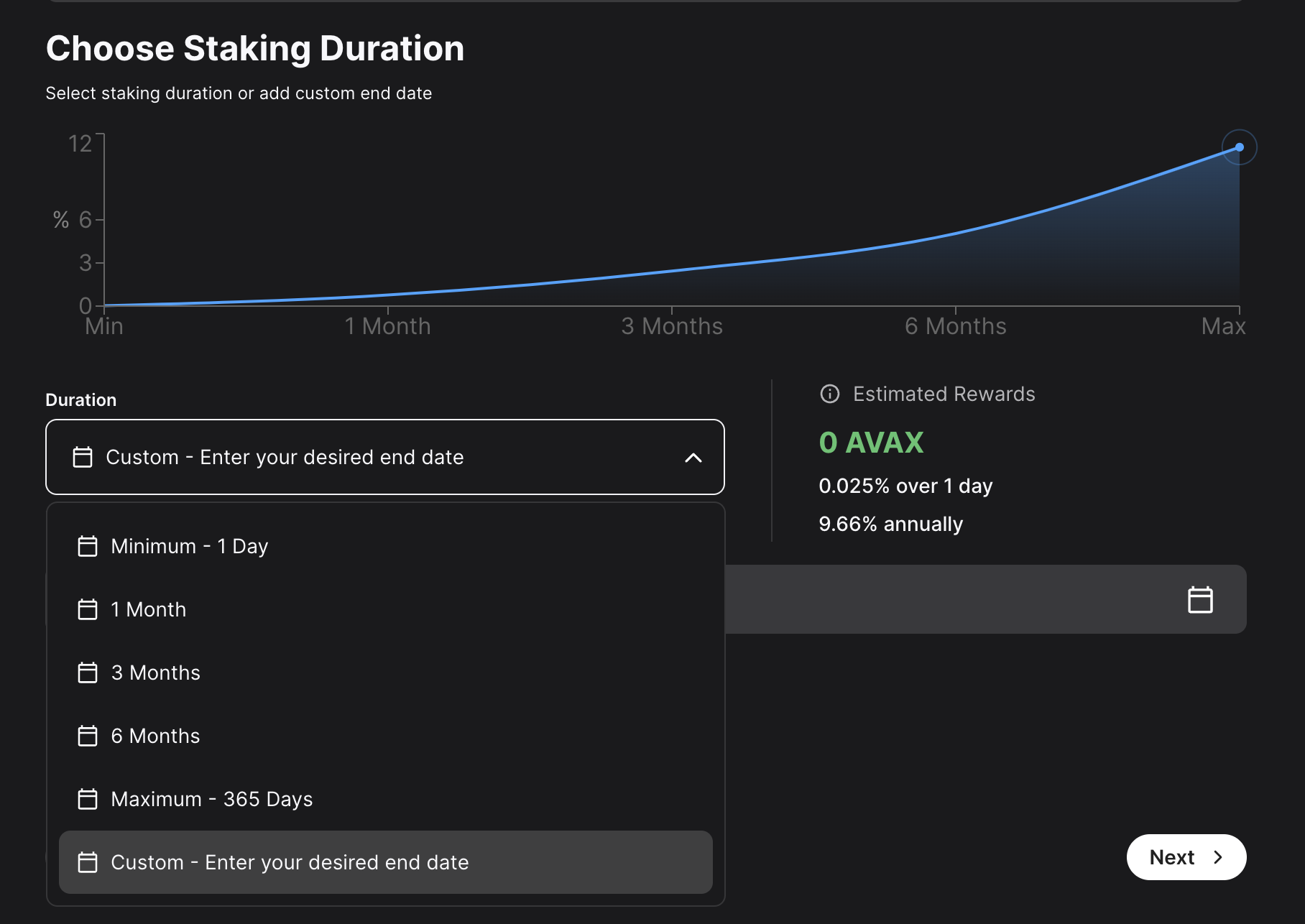
Choose the address that the network will send rewards to. Make sure it's the correct address because once the transaction is submitted this cannot be changed later or undone. You can choose the wallet's Platform-Chain address, or a custom Platform-Chain address. After entering the address, click Next.
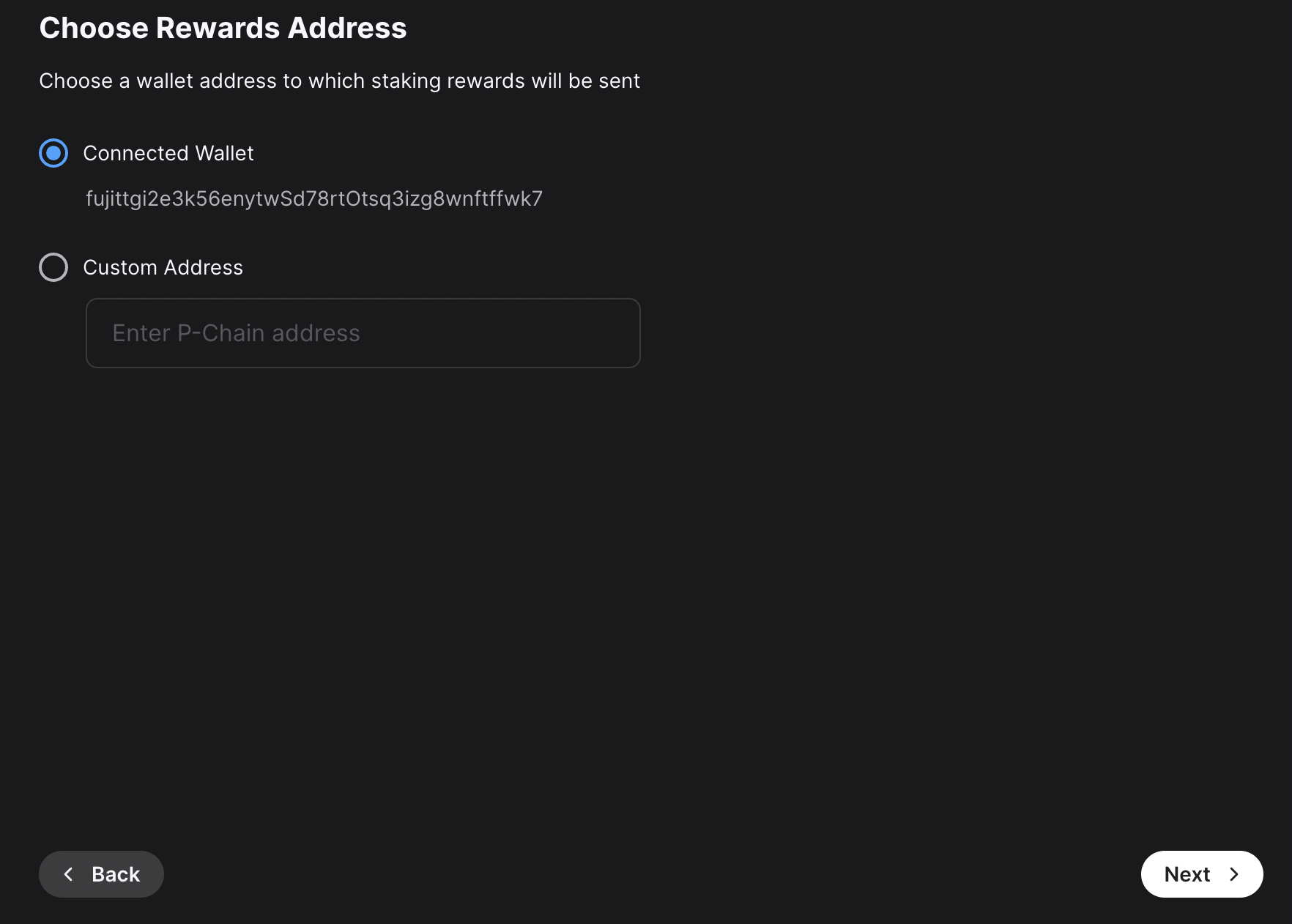
Other individuals can stake to your validator and receive rewards too, known as "delegating." You will claim this percent of the rewards from the delegators on your node. Click Next.
After entering all these details, a summary of your validation will show up. If everything is correct, you can proceed and click on Submit Validation. A new page will open up, prompting you to accept the transaction. Here, please approve the transaction.
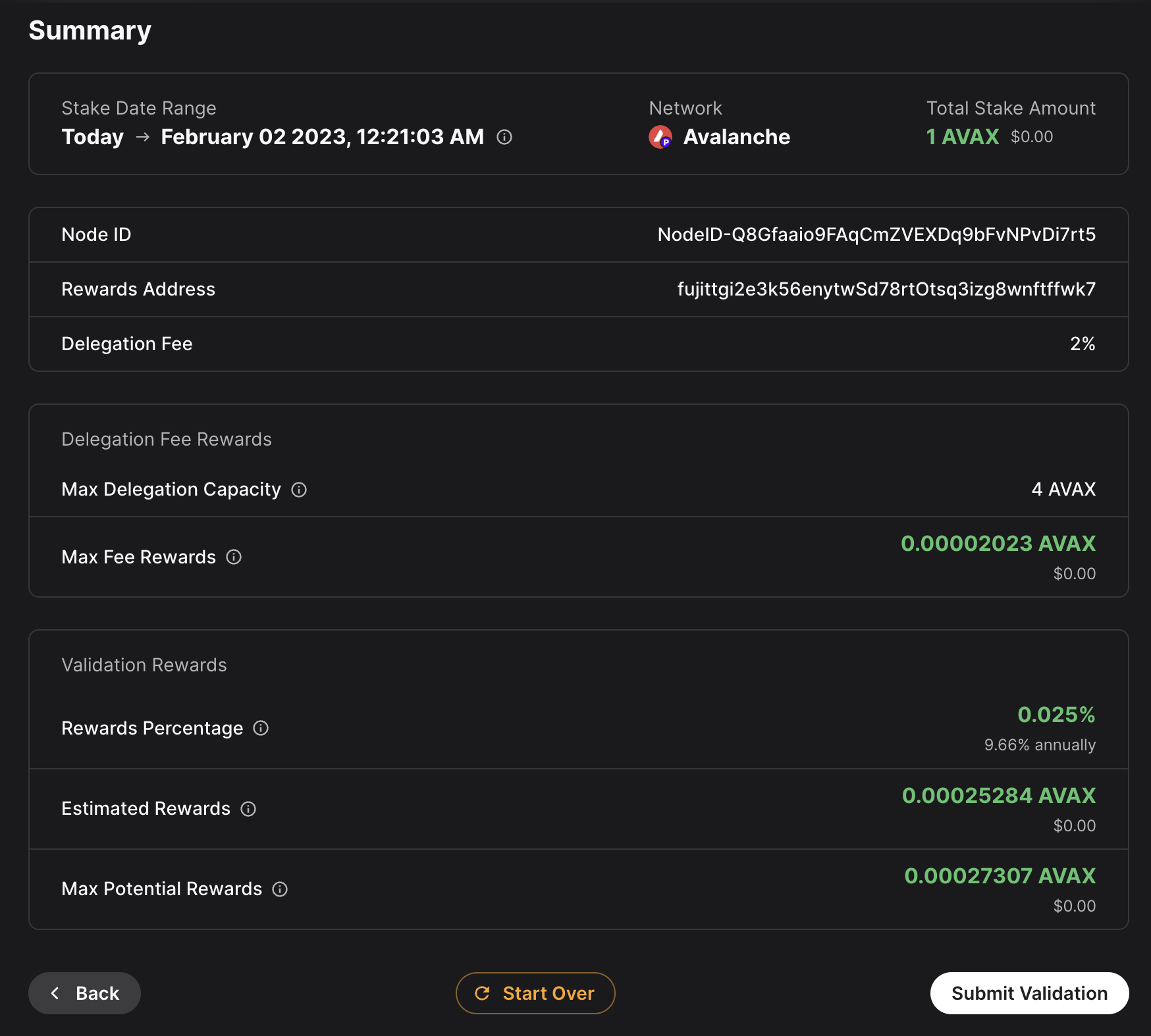
After the transaction is approved, you will see a message saying that your validation transaction was submitted.
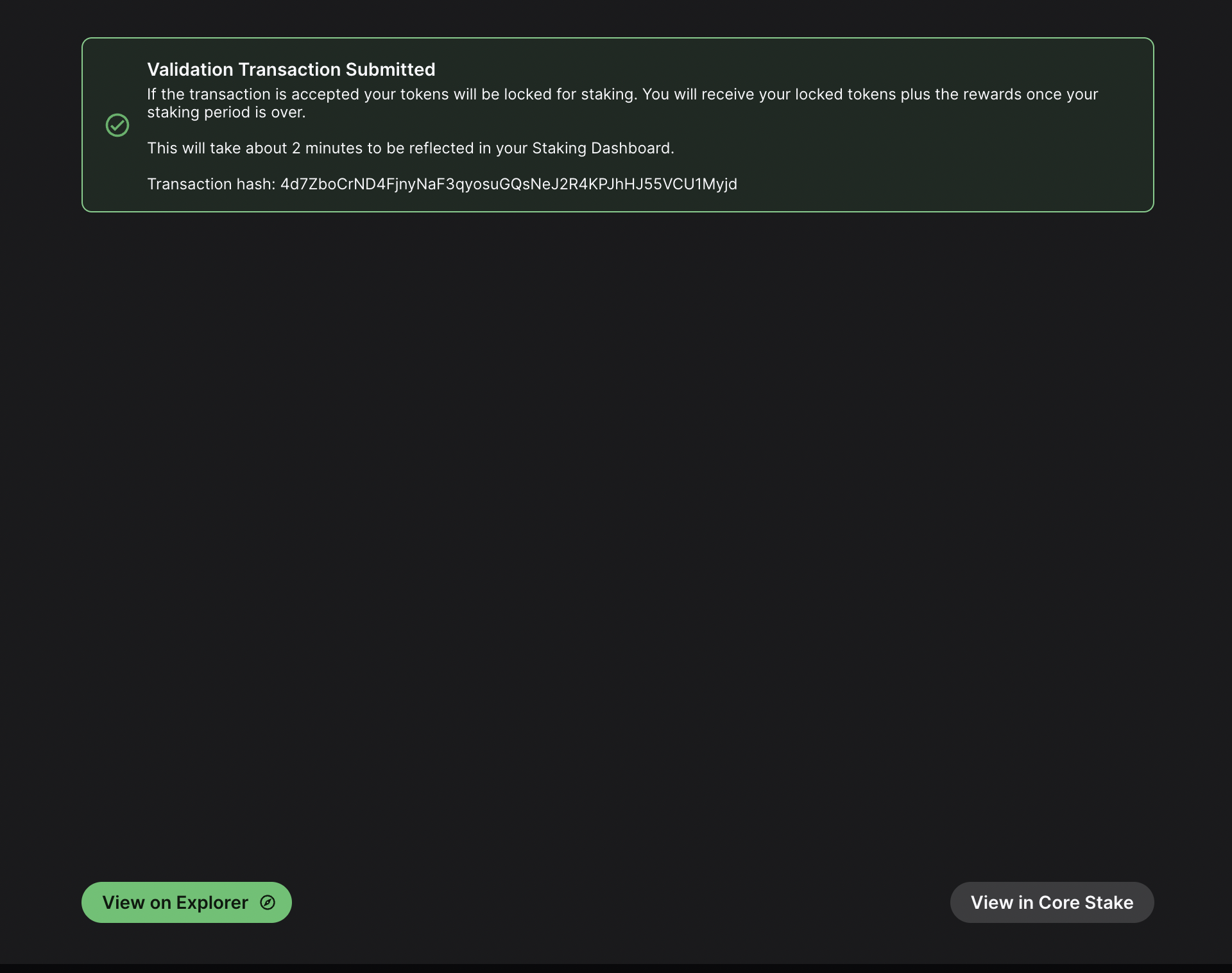
If you click on View on explorer, a new browser tab will open with the details of the `AddValidatorTx`. It will show details such as the total value of LUX transferred, any LUX which were burned, the blockchainID, the blockID, the NodeID of the validator, and the total time which has elapsed from the entire Validation period.
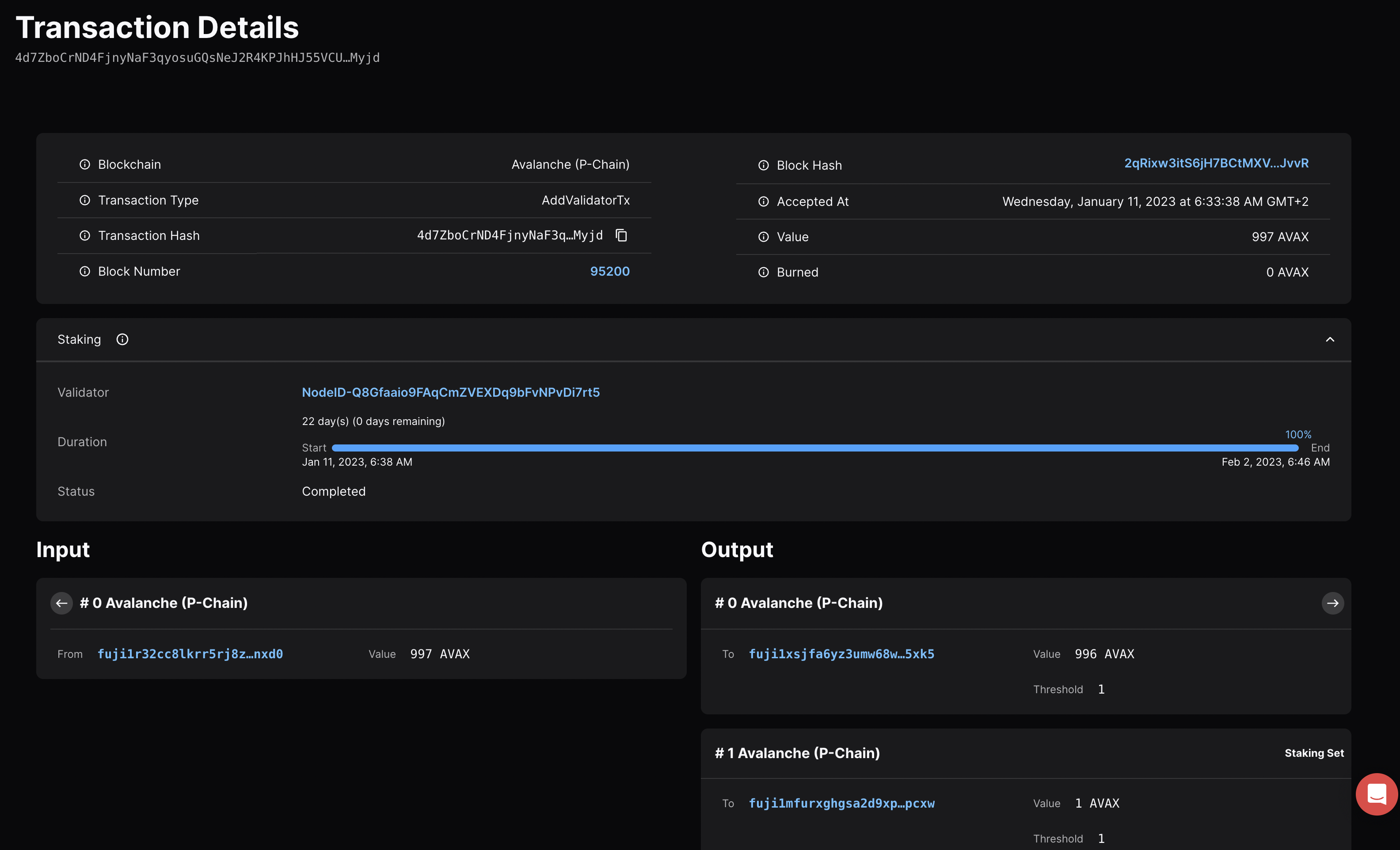
Confirm That the Node is a Pending Validator on Testnet[](#confirm-that-the-node-is-a-pending-validator-on-testnet "Direct link to heading")
---------------------------------------------------------------------------------------------------------------------------------------
As a last step you can call the `platform.getPendingvalidators` endpoint to confirm that the Lux node which was recently spun up on AWS is no in the pending validators queue where it will stay for 5 minutes.
### `platform.getPendingValidators` Request[](#platformgetpendingvalidators-request "Direct link to heading")
```bash
curl --location --request POST 'https://api.lux-test.network/ext/bc/P' \
--header 'Content-Type: application/json' \
--data-raw '{
"jsonrpc": "2.0",
"method": "platform.getPendingValidators",
"params": {
"subnetID": "11111111111111111111111111111111LpoYY",
"nodeIDs": []
},
"id": 1
}'
```
### `platform.getPendingValidators` Response[](#platformgetpendingvalidators-response "Direct link to heading")
```json
{
"jsonrpc": "2.0",
"result": {
"validators": [
{
"txID": "4d7ZboCrND4FjnyNaF3qyosuGQsNeJ2R4KPJhHJ55VCU1Myjd",
"startTime": "1673411918",
"endTime": "1675313170",
"stakeAmount": "1000000000",
"nodeID": "NodeID-Q8Gfaaio9FAqCmZVEXDq9bFvNPvDi7rt5",
"delegationFee": "2.0000",
"connected": false,
"delegators": null
}
],
"delegators": []
},
"id": 1
}
```
You can also pass in the `NodeID` as a string to the `nodeIDs` array in the request body.
```bash
curl --location --request POST 'https://api.lux-test.network/ext/bc/P' \
--header 'Content-Type: application/json' \
--data-raw '{
"jsonrpc": "2.0",
"method": "platform.getPendingValidators",
"params": {
"subnetID": "11111111111111111111111111111111LpoYY",
"nodeIDs": ["NodeID-Q8Gfaaio9FAqCmZVEXDq9bFvNPvDi7rt5"]
},
"id": 1
}'
```
This will filter the response by the `nodeIDs` array which will save you time by no longer requiring you to search through the entire response body for the NodeIDs.
```json
{
"jsonrpc": "2.0",
"result": {
"validators": [
{
"txID": "4d7ZboCrND4FjnyNaF3qyosuGQsNeJ2R4KPJhHJ55VCU1Myjd",
"startTime": "1673411918",
"endTime": "1675313170",
"stakeAmount": "1000000000",
"nodeID": "NodeID-Q8Gfaaio9FAqCmZVEXDq9bFvNPvDi7rt5",
"delegationFee": "2.0000",
"connected": false,
"delegators": null
}
],
"delegators": []
},
"id": 1
}
```
After 5 minutes the node will officially start validating the Lux Testnet testnet and you will no longer see it in the response body for the `platform.getPendingValidators` endpoint. Now you will access it via the `platform.getCurrentValidators` endpoint.
### `platform.getCurrentValidators` Request[](#platformgetcurrentvalidators-request "Direct link to heading")
```bash
curl --location --request POST 'https://api.lux-test.network/ext/bc/P' \
--header 'Content-Type: application/json' \
--data-raw '{
"jsonrpc": "2.0",
"method": "platform.getCurrentValidators",
"params": {
"subnetID": "11111111111111111111111111111111LpoYY",
"nodeIDs": ["NodeID-Q8Gfaaio9FAqCmZVEXDq9bFvNPvDi7rt5"]
},
"id": 1
}'
```
### `platform.getCurrentValidators` Response[](#platformgetcurrentvalidators-response "Direct link to heading")
```json
{
"jsonrpc": "2.0",
"result": {
"validators": [
{
"txID": "2hy57Z7KiZ8L3w2KonJJE1fs5j4JDzVHLjEALAHaXPr6VMeDhk",
"startTime": "1673411918",
"endTime": "1675313170",
"stakeAmount": "1000000000",
"nodeID": "NodeID-Q8Gfaaio9FAqCmZVEXDq9bFvNPvDi7rt5",
"rewardOwner": {
"locktime": "0",
"threshold": "1",
"addresses": [
"P-testnet1tgj2c3k56enytw5d78rt0tsq3lzg8wnftffwk7"
]
},
"validationRewardOwner": {
"locktime": "0",
"threshold": "1",
"addresses": [
"P-testnet1tgj2c3k56enytw5d78rt0tsq3lzg8wnftffwk7"
]
},
"delegationRewardOwner": {
"locktime": "0",
"threshold": "1",
"addresses": [
"P-testnet1tgj2c3k56enytw5d78rt0tsq3lzg8wnftffwk7"
]
},
"potentialReward": "5400963",
"delegationFee": "2.0000",
"uptime": "0.0000",
"connected": false,
"delegators": null
}
]
},
"id": 1
}
```
Mainnet[](#mainnet "Direct link to heading")
---------------------------------------------
All of these steps can be applied to Mainnet. However, the minimum required Lux token amounts to become a validator is 2,000 on the Mainnet. For more information, please read [this doc](/docs/primary-network/validate/how-to-stake#validators).
Maintenance[](#maintenance "Direct link to heading")
-----------------------------------------------------
AWS one click is meant to be used in automated environments, not as an end-user solution. You can still manage it manually, but it is not as easy as an Ubuntu instance or using the script:
- LuxGo binary is at `/usr/local/bin/luxgo`
- Main node config is at `/etc/luxgo/conf.json`
- Working directory is at `/home/lux/.luxgo/ (and belongs to luxgo user)`
- Database is at `/data/luxgo`
- Logs are at `/var/log/luxgo`
For a simple upgrade you would need to place the new binary at `/usr/local/bin/`. If you run an Lux L1, you would also need to place the VM binary into `/home/lux/.luxgo/plugins`.
You can also look at using [this guide](https://docs.aws.amazon.com/systems-manager/latest/userguide/automation-tutorial-update-ami.html), but that won't address updating the Lux L1, if you have one.
Summary[](#summary "Direct link to heading")
---------------------------------------------
Lux is the first decentralized smart contracts platform built for the scale of global finance, with near-instant transaction finality. Now with an Lux Validator node available as a one-click install from the AWS Marketplace developers and entrepreneurs can on-ramp into the Lux ecosystem in a matter of minutes. If you have any questions or want to follow up in any way please join our Discord server at [https://discord.gg/lux](https://discord.gg/lux/). For more developer resources please check out our [Developer Documentation](/docs).
# Google Cloud (/docs/nodes/run-a-node/on-third-party-services/google-cloud)
---
title: Google Cloud
description: Learn how to run an Lux node on Google Cloud.
---
This document was written by a community member, some information may be outdated.
Introduction[](#introduction "Direct link to heading")
-------------------------------------------------------
Google's Cloud Platform (GCP) is a scalable, trusted and reliable hosting platform. Google operates a significant amount of it's own global networking infrastructure. It's [fiber network](https://cloud.google.com/blog/products/networking/google-cloud-networking-in-depth-cloud-cdn) can provide highly stable and consistent global connectivity. In this article, we will leverage GCP to deploy a node on which Lux can installed via [terraform](https://www.terraform.io/). Leveraging `terraform` may seem like overkill, it should set you apart as an operator and administrator as it will enable you greater flexibility and provide the basis on which you can easily build further automation.
Conventions[](#conventions "Direct link to heading")
-----------------------------------------------------
- `Items` highlighted in this manor are GCP parlance and can be searched for further reference in the Google documentation for their cloud products.
Important Notes[](#important-notes "Direct link to heading")
-------------------------------------------------------------
- The machine type used in this documentation is for reference only and the actual sizing you use will depend entirely upon the amount that is staked and delegated to the node.
Architectural Description[](#architectural-description "Direct link to heading")
---------------------------------------------------------------------------------
This section aims to describe the architecture of the system that the steps in the [Setup Instructions](#-setup-instructions) section deploy when enacted. This is done so that the executor can not only deploy the reference architecture, but also understand and potentially optimize it for their needs.
### Project[](#project "Direct link to heading")
We will create and utilize a single GCP `Project` for deployment of all resources.
#### Service Enablement[](#service-enablement "Direct link to heading")
Within our GCP project we will need to enable the following Cloud Services:
- `Compute Engine`
- `IAP`
### Networking[](#networking "Direct link to heading")
#### Compute Network[](#compute-network "Direct link to heading")
We will deploy a single `Compute Network` object. This unit is where we will deploy all subsequent networking objects. It provides a logical boundary and securitization context should you wish to deploy other chain stacks or other infrastructure in GCP.
#### Public IP[](#public-ip "Direct link to heading")
Lux requires that a validator communicate outbound on the same public IP address that it advertises for other peers to connect to it on. Within GCP this precludes the possibility of us using a Cloud NAT Router for the outbound communications and requires us to bind the public IP that we provision to the interface of the machine. We will provision a single `EXTERNAL` static IPv4 `Compute Address`.
#### Lux L1s[](#lux-l1s "Direct link to heading")
For the purposes of this documentation we will deploy a single `Compute Subnetwork` in the US-EAST1 `Region` with a /24 address range giving us 254 IP addresses (not all usable but for the sake of generalized documentation).
### Compute[](#compute "Direct link to heading")
#### Disk[](#disk "Direct link to heading")
We will provision a single 400GB `PD-SSD` disk that will be attached to our VM.
#### Instance[](#instance "Direct link to heading")
We will deploy a single `Compute Instance` of size `e2-standard-8`. Observations of operations using this machine specification suggest it is memory over provisioned and could be brought down to 16GB using custom machine specification; but please review and adjust as needed (the beauty of compute virtualization!!).
#### Zone[](#zone "Direct link to heading")
We will deploy our instance into the `US-EAST1-B` `Zone`
#### Firewall[](#firewall "Direct link to heading")
We will provision the following `Compute Firewall` rules:
- IAP INGRESS for SSH (TCP 22) - this only allows GCP IAP sources inbound on SSH.
- P2P INGRESS for LUX Peers (TCP 9651)
These are obviously just default ports and can be tailored to your needs as you desire.
Setup Instructions[](#-setup-instructions "Direct link to heading")
--------------------------------------------------------------------
### GCP Account[](#gcp-account "Direct link to heading")
1. If you don't already have a GCP account go create one [here](https://console.cloud.google.com/freetrial)
You will get some free bucks to run a trial, the trial is feature complete but your usage will start to deplete your free bucks so turn off anything you don't need and/or add a credit card to your account if you intend to run things long term to avoid service shutdowns.
### Project[](#project-1 "Direct link to heading")
Login to the GCP `Cloud Console` and create a new `Project` in your organization. Let's use the name `my-lux-nodes` for the sake of this setup.
1. 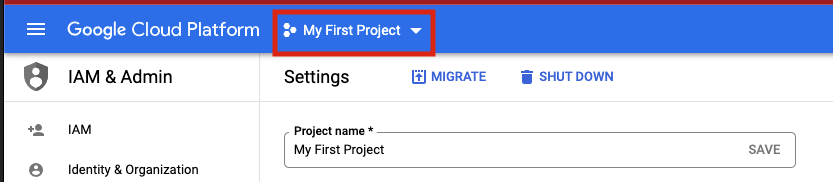
2. 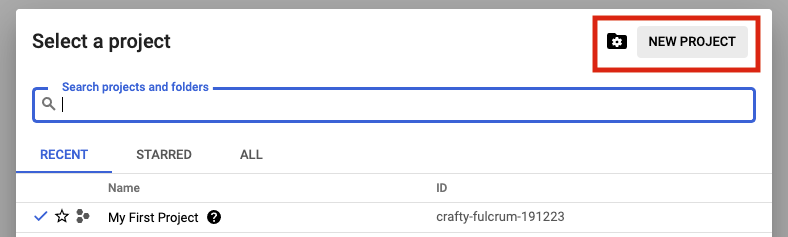
3. 
### Terraform State[](#terraform-state "Direct link to heading")
Terraform uses a state files to compose a differential between current infrastructure configuration and the proposed plan. You can store this state in a variety of different places, but using GCP storage is a reasonable approach given where we are deploying so we will stick with that.
1. 
2. 
Authentication to GCP from terraform has a few different options which are laid out [here](https://www.terraform.io/language/settings/backends/gcs). Please chose the option that aligns with your context and ensure those steps are completed before continuing.
Depending upon how you intend to execute your terraform operations you may or may not need to enable public access to the bucket. Obviously, not exposing the bucket for `public` access (even if authenticated) is preferable. If you intend to simply run terraform commands from your local machine then you will need to open the access up. I recommend to employ a full CI/CD pipeline using GCP Cloud Build which if utilized will mean the bucket can be marked as `private`. A full walk through of Cloud Build setup in this context can be found [here](https://cloud.google.com/architecture/managing-infrastructure-as-code)
### Clone GitHub Repository[](#clone-github-repository "Direct link to heading")
I have provided a rudimentary terraform construct to provision a node on which to run Lux which can be found [here](https://github.com/meaghanfitzgerald/deprecated-lux-docs/tree/master/static/scripts). Documentation below assumes you are using this repository but if you have another terraform skeleton similar steps will apply.
### Terraform Configuration[](#terraform-configuration "Direct link to heading")
1. If running terraform locally, please [install](https://learn.hashicorp.com/tutorials/terraform/install-cli) it.
2. In this repository, navigate to the `terraform` directory.
3. Under the `projects` directory, rename the `my-lux-project` directory to match your GCP project name that you created (not required, but nice to be consistent)
4. Under the folder you just renamed locate the `terraform.tfvars` file.
5. Edit this file and populate it with the values which make sense for your context and save it.
6. Locate the `backend.tf` file in the same directory.
7. Edit this file ensuring to replace the `bucket` property with the GCS bucket name that you created earlier.
If you do not with to use cloud storage to persist terraform state then simply switch the `backend` to some other desirable provider.
### Terraform Execution[](#terraform-execution "Direct link to heading")
Terraform enables us to see what it would do if we were to run it without actually applying any changes... this is called a `plan` operation. This plan is then enacted (optionally) by an `apply`.
#### Plan[](#plan "Direct link to heading")
1. In a terminal which is able to execute the `tf` binary, `cd` to the ~`my-lux-project` directory that you renamed in step 3 of `Terraform Configuration`.
2. Execute the command `tf plan`
3. You should see a JSON output to the stdout of the terminal which lays out the operations that terraform will execute to apply the intended state.
#### Apply[](#apply "Direct link to heading")
1. In a terminal which is able to execute the `tf` binary, `cd` to the ~`my-lux-project` directory that you renamed in step 3 of `Terraform Configuration`.
2. Execute the command `tf apply`
If you want to ensure that terraform does **exactly** what you saw in the `apply` output, you can optionally request for the `plan` output to be saved to a file to feed to `apply`. This is generally considered best practice in highly fluid environments where rapid change is occurring from multiple sources.
Conclusion[](#conclusion "Direct link to heading")
---------------------------------------------------
Establishing CI/CD practices using tools such as GitHub and Terraform to manage your infrastructure assets is a great way to ensure base disaster recovery capabilities and to ensure you have a place to embed any ~tweaks you have to make operationally removing the potential to miss them when you have to scale from 1 node to 10. Having an automated pipeline also gives you a place to build a bigger house... what starts as your interest in building and managing a single LUX node today can quickly change into you building an infrastructure operation for many different chains working with multiple different team members. I hope this may have inspired you to take a leap into automation in this context!
# Latitude (/docs/nodes/run-a-node/on-third-party-services/latitude)
---
title: Latitude
description: Learn how to run an Lux node on Latitude.sh.
---
Introduction[](#introduction "Direct link to heading")
-------------------------------------------------------
This tutorial will guide you through setting up an Lux node on [Latitude.sh](https://latitude.sh/). Latitude.sh provides high-performance lighting-fast bare metal servers to ensure that your node is highly secure, available, and accessible.
To get started, you'll need:
- A Latitude.sh account
- A terminal with which to SSH into your Latitude.sh machine
For the instructions on creating an account and server with Latitude.sh, please reference their [GitHub tutorial](https://github.com/NottherealIllest/Latitude.sh-post/blob/main/avalanhe/lux-copy.md) , or visit [this page](https://www.latitude.sh/dashboard/signup) to sign up and create your first project.
This tutorial assumes your local machine has a Unix-style terminal. If you're on Windows, you'll have to adapt some of the commands used here.
Configuring Your Server[](#configuring-your-server "Direct link to heading")
-----------------------------------------------------------------------------
### Create a Latitude.sh Account[](#create-a-latitudesh-account "Direct link to heading")
At this point your account has been verified, and you have created a new project and deployed the server according to the instructions linked above.
### Access Your Server & Further Steps[](#access-your-server--further-steps "Direct link to heading")
All your Latitude.sh credentials are available by clicking the `server` under your project, and can be used to access your Latitude.sh machine from your local machine using a terminal.
You will need to install the `lux node installer script` directly in the server's terminal.
After gaining access, we'll need to set up our Lux node. To do this, follow the instructions here to install and run your node [Set Up Lux Node With Installer](/docs/nodes/run-a-node/using-install-script/installing-lux-go).
Your LuxGo node should now be running and in the process of bootstrapping, which can take a few hours. To check if it's done, you can issue an API call using `curl`. The request is:
```bash
curl -X POST --data '{
"jsonrpc":"2.0",
"id" :1,
"method" :"info.isBootstrapped",
"params": {
"chain":"X"
}
}' -H 'content-type:application/json;' 127.0.0.1:9650/ext/info
```
Once the node is finished bootstrapping, the response will be:
```json
{
"jsonrpc": "2.0",
"result": {
"isBootstrapped": true
},
"id": 1
}
```
You can continue on, even if LuxGo isn't done bootstrapping. In order to make your node a validator, you'll need its node ID. To get it, run:
```bash
curl -X POST --data '{
"jsonrpc": "2.0",
"id": 1,
"method": "info.getNodeID"
}' -H 'content-type:application/json;' 127.0.0.1:9650/ext/info
```
The response contains the node ID.
```json
{
"jsonrpc": "2.0",
"result": { "nodeID": "KhDnAoZDW8iRJ3F26iQgK5xXVFMPcaYeu" },
"id": 1
}
```
In the above example the node ID is `NodeID-KhDnAoZDW8iRJ3F26iQgK5xXVFMPcaYeu`.
LuxGo has other APIs, such as the [Health API](/docs/rpcs/other/health-rpc), that may be used to interact with the node. Some APIs are disabled by default. To enable such APIs, modify the ExecStart section of `/etc/systemd/system/luxgo.service` (created during the installation process) to include flags that enable these endpoints. Don't manually enable any APIs unless you have a reason to.
Exit out of the SSH server by running:
### Upgrading Your Node[](#upgrading-your-node "Direct link to heading")
LuxGo is an ongoing project and there are regular version upgrades. Most upgrades are recommended but not required. Advance notice will be given for upgrades that are not backwards compatible. To update your node to the latest version, SSH into your server using a terminal and run the installer script again.
```bash
./luxgo-installer.sh
```
Your machine is now running the newest LuxGo version. To see the status of the LuxGo service, run `sudo systemctl status luxgo.`
Wrap Up[](#wrap-up "Direct link to heading")
---------------------------------------------
That's it! You now have an LuxGo node running on a Latitude.sh machine. We recommend setting up [node monitoring](/docs/nodes/maintain/monitoring) for your LuxGo node.
# Microsoft Azure (/docs/nodes/run-a-node/on-third-party-services/microsoft-azure)
---
title: Microsoft Azure
description: How to run an Lux node on Microsoft Azure.
---
This document was written by a community member, some information may be out of date.
Running a validator and staking with Lux provides extremely competitive rewards of between 9.69% and 11.54% depending on the length you stake for. The maximum rate is earned by staking for a year, whilst the lowest rate for 14 days. There is also no slashing, so you don't need to worry about a hardware failure or bug in the client which causes you to lose part or all of your stake. Instead with Lux you only need to currently maintain at least 80% uptime to receive rewards. If you fail to meet this requirement you don't get slashed, but you don't receive the rewards. **You also do not need to put your private keys onto a node to begin validating on that node.** Even if someone breaks into your cloud environment and gains access to the node, the worst they can do is turn off the node.
Not only does running a validator node enable you to receive rewards in LUX, but later you will also be able to validate other Lux L1s in the ecosystem as well and receive rewards in the token native to their Lux L1s.
Hardware requirements to run a validator are relatively modest: 8 CPU cores, 16 GB of RAM and 1 TB SSD. It also doesn't use enormous amounts of energy. Lux's [revolutionary consensus mechanism](/docs/primary-network/lux-consensus) is able to scale to millions of validators participating in consensus at once, offering unparalleled decentralisation.
Currently the minimum amount required to stake to become a validator is 2,000 LUX. Alternatively, validators can also charge a small fee to enable users to delegate their stake with them to help towards running costs.
In this article we will step through the process of configuring a node on Microsoft Azure. This tutorial assumes no prior experience with Microsoft Azure and will go through each step with as few assumptions possible.
At the time of this article, spot pricing for a virtual machine with 2 Cores and 8 GB memory costs as little as 0.01060perhourwhichworksoutatabout0.01060 per hour which works out at about 113.44 a year, **a saving of 83.76%! compared to normal pay as you go prices.** In comparison a virtual machine in AWS with 2 Cores and 4 GB Memory with spot pricing is around $462 a year.
Initial Subscription Configuration[](#initial-subscription-configuration "Direct link to heading")
---------------------------------------------------------------------------------------------------
### Set up 2 Factor[](#set-up-2-factor "Direct link to heading")
First you will need a Microsoft Account, if you don't have one already you will see an option to create one at the following link. If you already have one, make sure to set up 2 Factor authentication to secure your node by going to the following link and then selecting "Two-step verification" and following the steps provided.
[https://account.microsoft.com/security](https://account.microsoft.com/security)
Once two factor has been configured log into the Azure portal by going to [https://portal.azure.com](https://portal.azure.com/) and signing in with your Microsoft account. When you login you won't have a subscription, so we need to create one first. Select "Subscriptions" as highlighted below:
Then select "+ Add" to add a new subscription
If you want to use Spot Instance VM Pricing (which will be considerably cheaper) you can't use a Free Trial account (and you will receive an error upon validation), so **make sure to select Pay-As-You-Go.**

Enter your billing details and confirm identity as part of the sign-up process, when you get to Add technical support select the without support option (unless you want to pay extra for support) and press Next.
Create a Virtual Machine[](#create-a-virtual-machine "Direct link to heading")
-------------------------------------------------------------------------------
Now that we have a subscription, we can create the Ubuntu Virtual Machine for our Lux Node. Select the Icon in the top left for the Menu and choose "+ Create a resource"
Select Ubuntu Server 18.04 LTS (this will normally be under the popular section or alternatively search for it in the marketplace)
This will take you to the Create a virtual machine page as shown below:
First, enter a virtual machine a name, this can be anything but in my example, I have called it Lux (This will also automatically change the resource group name to match)
Then select a region from the drop-down list. Select one of the recommended ones in a region that you prefer as these tend to be the larger ones with most features enabled and cheaper prices. In this example I have selected North Europe.
You have the option of using spot pricing to save significant amounts on running costs. Spot instances use a supply and demand market price structure. As demand for instances goes up, the price for the spot instance goes up. If there is insufficient capacity, then your VM will be turned off. The chances of this happening are incredibly low though, especially if you select the Capacity only option. Even in the unlikely event it does get turned off temporarily you only need to maintain at least 80% up time to receive the staking rewards and there is no slashing implemented in Lux.
Select Yes for Azure Spot instance, select Eviction type to Capacity Only and **make sure to set the eviction policy to Stop / Deallocate. This is very important otherwise the VM will be deleted**
Choose "Select size" to change the Virtual Machine size, and from the menu select D2s\_v4 under the D-Series v4 selection (This size has 2 Cores, 8 GB Memory and enables Premium SSDs). You can use F2s\_v2 instances instead, with are 2 Cores, 4 GB Memory and enables Premium SSDs) but the spot price actually works out cheaper for the larger VM currently with spot instance prices. You can use [this link](https://azure.microsoft.com/en-us/pricing/details/virtual-machines/linux/) to view the prices across the different regions.
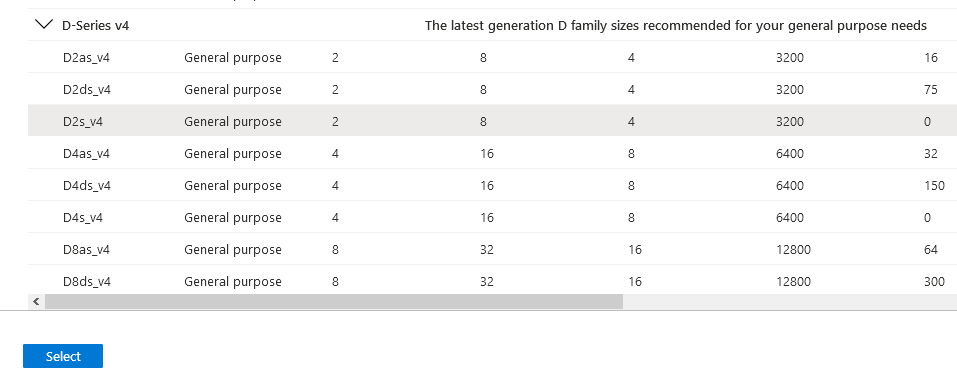
Once you have selected the size of the Virtual Machine, select "View pricing history and compare prices in nearby regions" to see how the spot price has changed over the last 3 months, and whether it's cheaper to use a nearby region which may have more spare capacity.

At the time of this article, spot pricing for D2s\_v4 in North Europe costs 0.07975perhour,oraround0.07975 per hour, or around 698.61 a year. With spot pricing, the price falls to 0.01295perhour,whichworksoutatabout0.01295 per hour, which works out at about 113.44 a year, **a saving of 83.76%!**
There are some regions which are even cheaper, East US for example is 0.01060perhouroraround0.01060 per hour or around 92.86 a year!
Below you can see the price history of the VM over the last 3 months for North Europe and regions nearby.
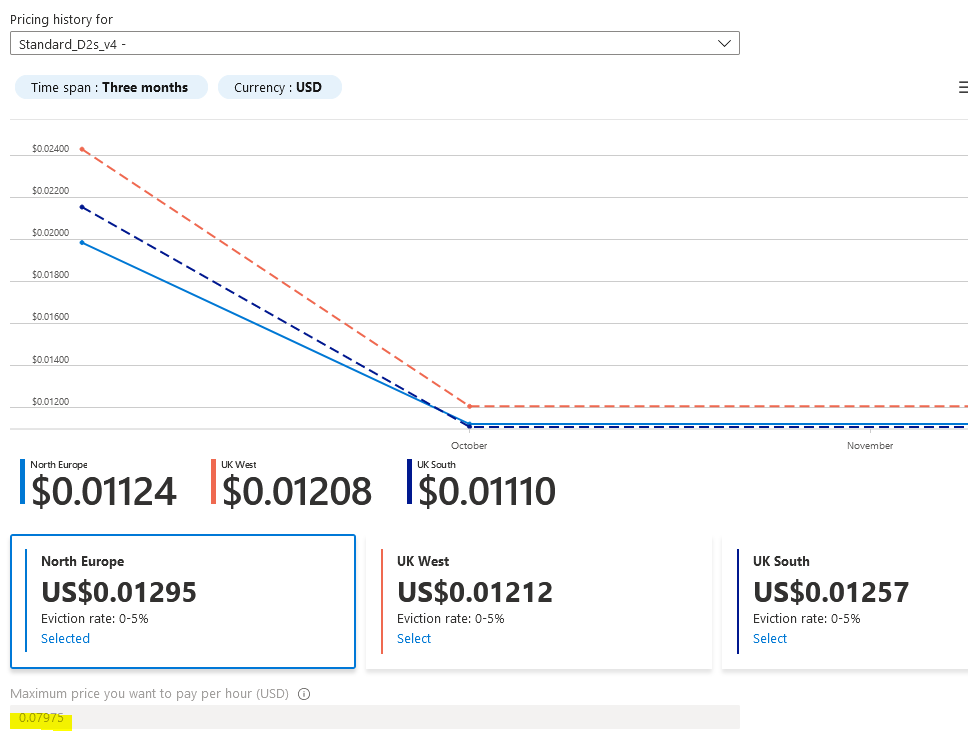
### Cheaper Than Amazon AWS[](#cheaper-than-amazon-aws "Direct link to heading")
As a comparison a c5.large instance costs 0.085USDperhouronAWS.Thistotals 0.085 USD per hour on AWS. This totals ~745 USD per year. Spot instances can save 62%, bringing that total down to $462.
The next step is to change the username for the VM, to align with other Lux tutorials change the username to Ubuntu. Otherwise you will need to change several commands later in this article and swap out Ubuntu with your new username.
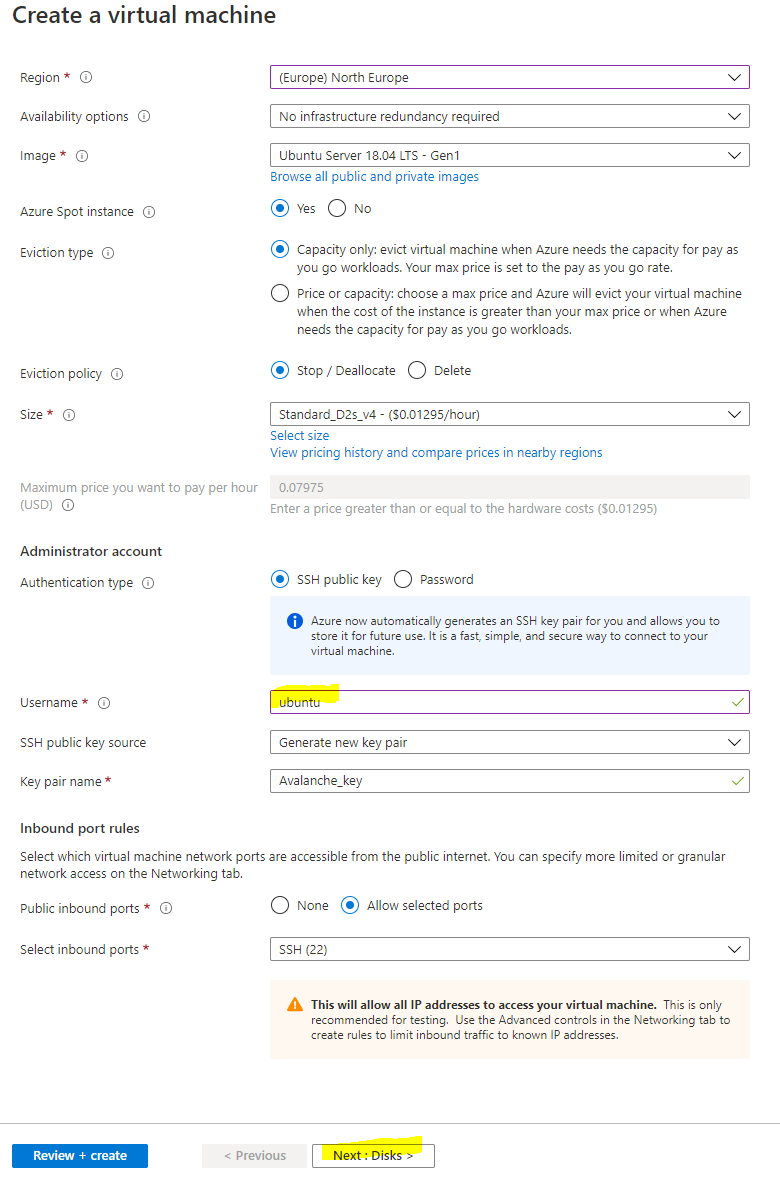
### Disks[](#disks "Direct link to heading")
Select Next: Disks to then configure the disks for the instance. There are 2 choices for disks, either Premium SSD which offer greater performance with a 64 GB disk costs around 10amonth,orthereisthestandardSSDwhichofferslowerperformanceandisaround10 a month, or there is the standard SSD which offers lower performance and is around 5 a month. You also have to pay $0.002 per 10,000 transaction units (reads / writes and deletes) with the Standard SSD, whereas with Premium SSDs everything is included. Personally, I chose the Premium SSD for greater performance, but also because the disks are likely to be heavily used and so may even work out cheaper in the long run.
Select Next: Networking to move onto the network configuration
### Network Config[](#network-config "Direct link to heading")
You want to use a Static IP so that the public IP assigned to the node doesn't change in the event it stops. Under Public IP select "Create new"
Then select "Static" as the Assignment type
Then we need to configure the network security group to control access inbound to the Lux node. Select "Advanced" as the NIC network security group type and select "Create new"
For security purposes you want to restrict who is able to remotely connect to your node. To do this you will first want to find out what your existing public IP is. This can be done by going to google and searching for "what's my IP"
It's likely that you have been assigned a dynamic public IP for your home, unless you have specifically requested it, and so your assigned public IP may change in the future. It's still recommended to restrict access to your current IP though, and then in the event your home IP changes and you are no longer able to remotely connect to the VM, you can just update the network security rules with your new public IP so you are able to connect again.
NOTE: If you need to change the network security group rules after deployment if your home IP has changed, search for "lux-nsg" and you can modify the rule for SSH and Port 9650 with the new IP. **Port 9651 needs to remain open to everyone** though as that's how it communicates with other Lux nodes.
Now that you have your public IP select the default allow ssh rule on the left under inbound rules to modify it. Change Source from "Any" to "IP Addresses" and then enter in your Public IP address that you found from google in the Source IP address field. Change the Priority towards the bottom to 100 and then press Save.
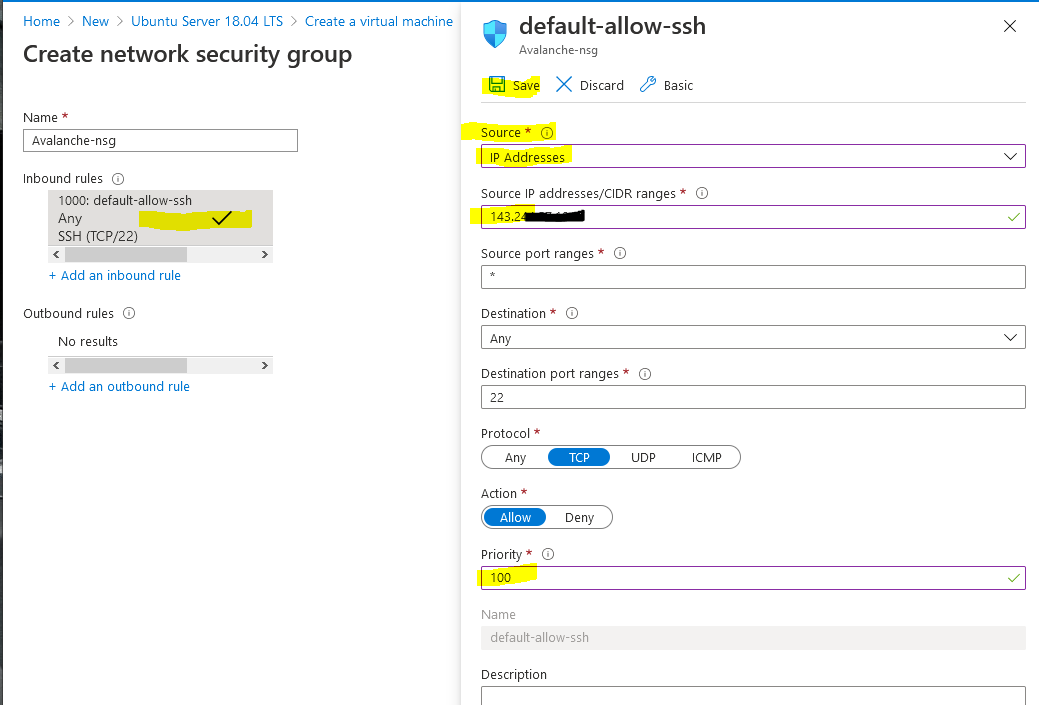
Then select "+ Add an inbound rule" to add another rule for RPC access, this should also be restricted to only your IP. Change Source to "IP Addresses" and enter in your public IP returned from google into the Source IP field. This time change the "Destination port ranges" field to 9650 and select "TCP" as the protocol. Change the priority to 110 and give it a name of "Lux\_RPC" and press Add.
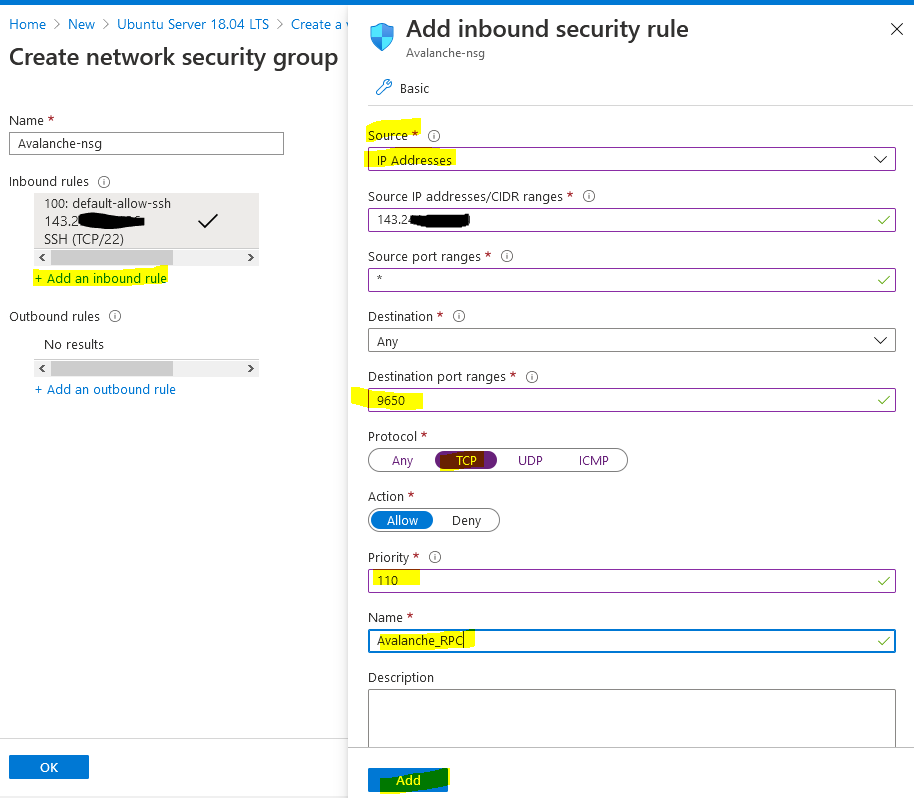
Select "+ Add an inbound rule" to add a final rule for the Lux Protocol so that other nodes can communicate with your node. This rule needs to be open to everyone so keep "Source" set to "Any." Change the Destination port range to "9651" and change the protocol to "TCP." Enter a priority of 120 and a name of Lux\_Protocol and press Add.
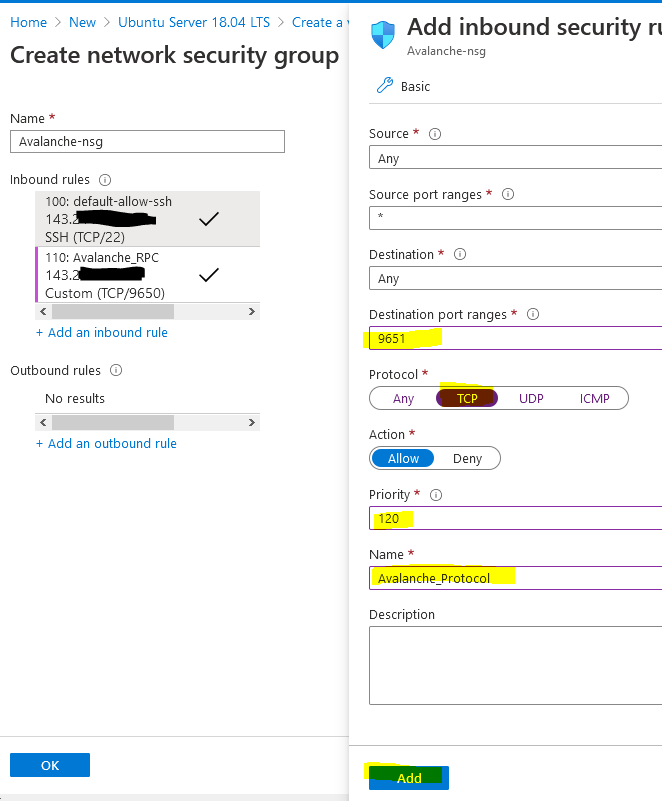
The network security group should look like the below (albeit your public IP address will be different) and press OK.
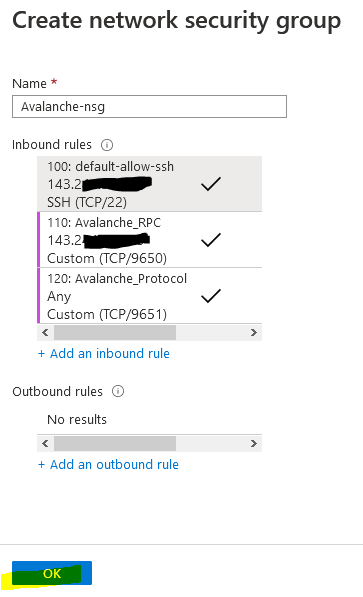
Leave the other settings as default and then press "Review + create" to create the Virtual machine.
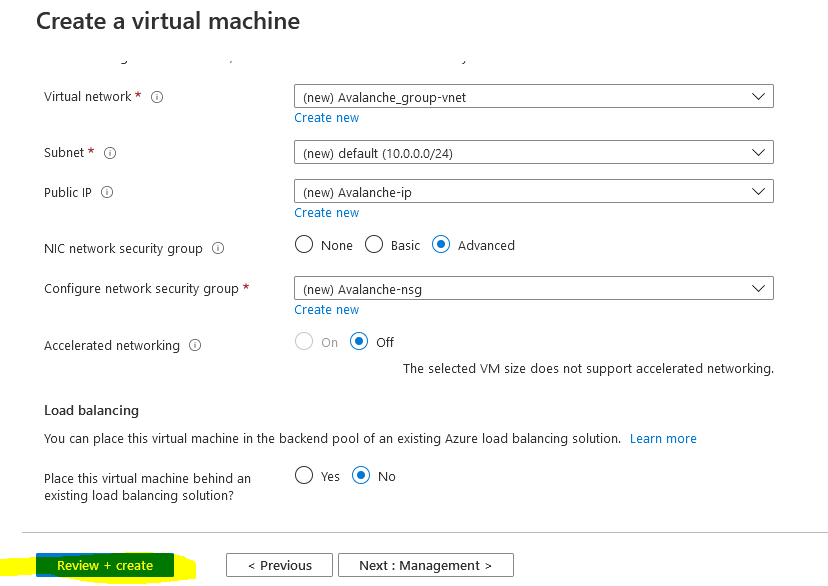
First it will perform a validation test. If you receive an error here, make sure you selected Pay-As-You-Go subscription model and you are not using the Free Trial subscription as Spot instances are not available. Verify everything looks correct and press "Create"
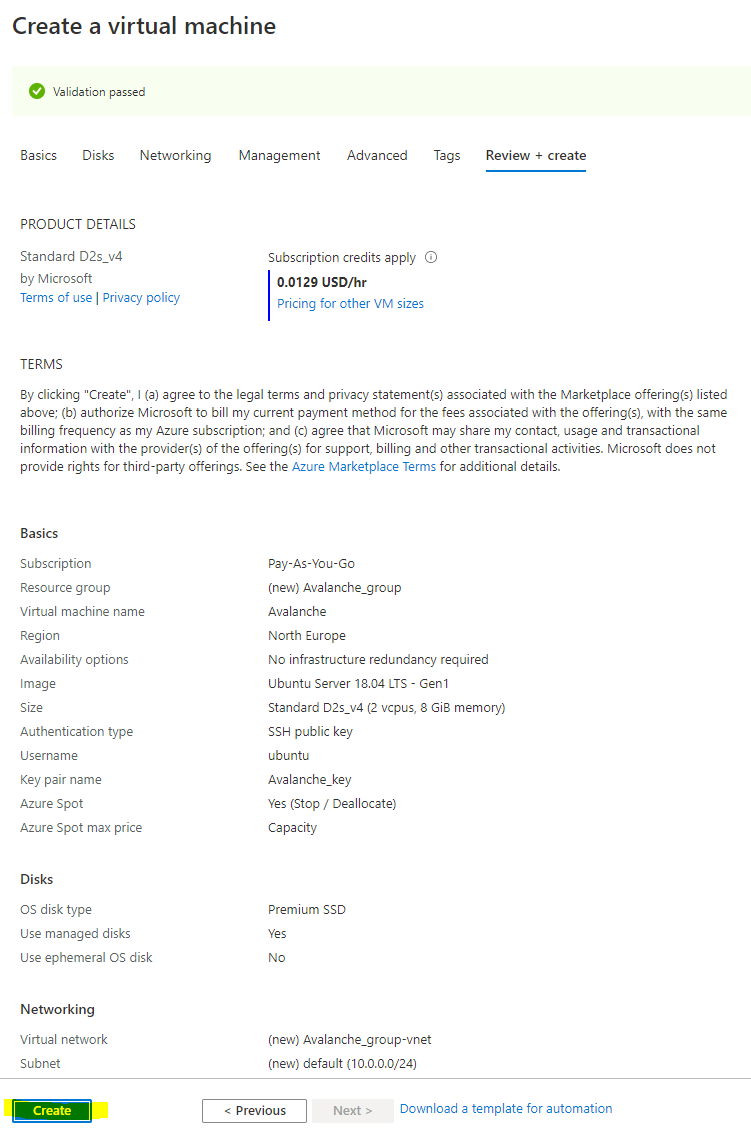
You should then receive a prompt asking you to generate a new key pair to connect your virtual machine. Select "Download private key and create resource" to download the private key to your PC.
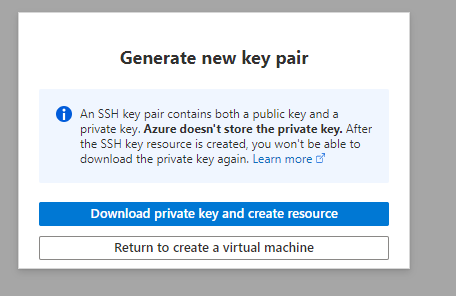
Once your deployment has finished, select "Go to resource"
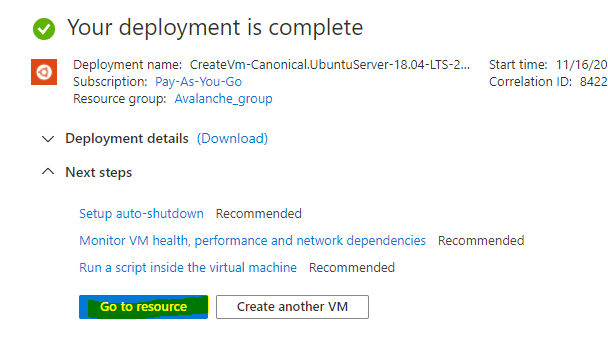
Change the Provisioned Disk Size[](#change-the-provisioned-disk-size "Direct link to heading")
-----------------------------------------------------------------------------------------------
By default, the Ubuntu VM will be provisioned with a 30 GB Premium SSD. You should increase this to 250 GB, to allow for database growth.
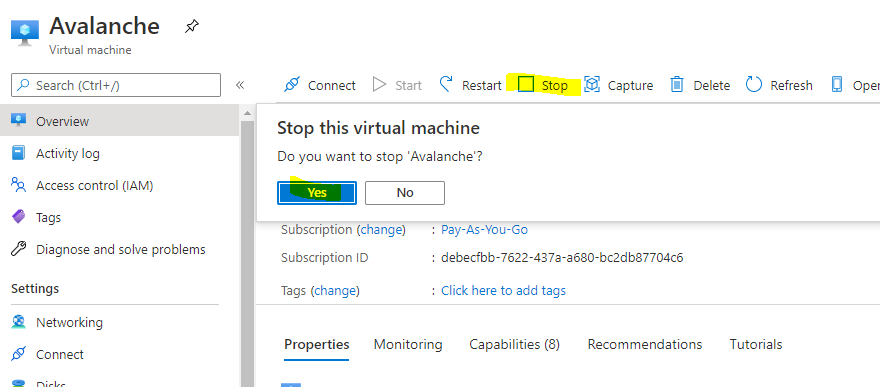
To change the Disk size, the VM needs to be stopped and deallocated. Select "Stop" and wait for the status to show deallocated. Then select "Disks" on the left.
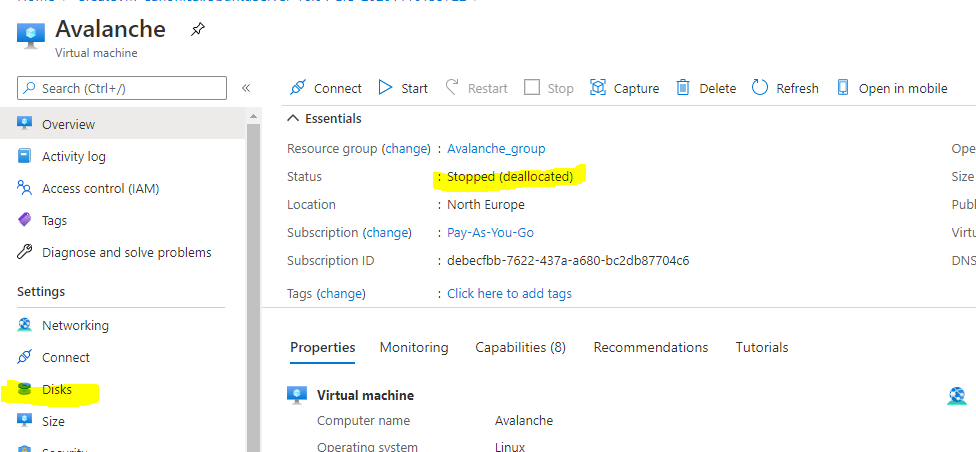
Select the Disk name that's current provisioned to modify it
Select "Size + performance" on the left under settings and change the size to 250 GB and press "Resize"
Doing this now will also extend the partition automatically within Ubuntu. To go back to the virtual machine overview page, select Lux in the navigation setting.
Then start the VM
Connect to the Lux Node[](#connect-to-the-lux-node "Direct link to heading")
-----------------------------------------------------------------------------------------
The following instructions show how to connect to the Virtual Machine from a Windows 10 machine. For instructions on how to connect from a Ubuntu machine see the [AWS tutorial](/docs/nodes/run-a-node/on-third-party-services/amazon-web-services).
On your local PC, create a folder on the root of the C: drive called Lux and then move the Lux\_key.pem file you downloaded before into the folder. Then right click the file and select Properties. Go to the security tab and select "Advanced" at the bottom
Select "Disable inheritance" and then "Remove all inherited permissions from this object" to remove all existing permissions on that file.
Then select "Add" to add a new permission and choose "Select a principal" at the top. From the pop-up box enter in your user account that you use to log into your machine. In this example I log on with a local user called Seq, you may have a Microsoft account that you use to log in, so use whatever account you login to your PC with and press "Check Names" and it should underline it to verify and press OK.
Then from the permissions section make sure only "Read & Execute" and "Read" are selected and press OK.
It should look something like the below, except with a different PC name / user account. This just means the key file can't be modified or accessed by any other accounts on this machine for security purposes so they can't access your Lux Node.
### Find your Lux Node Public IP[](#find-your-lux-node-public-ip "Direct link to heading")
From the Azure Portal make a note of your static public IP address that has been assigned to your node.
To log onto the Lux node, open command prompt by searching for `cmd` and selecting "Command Prompt" on your Windows 10 machine.
Then use the following command and replace the EnterYourAzureIPHere with the static IP address shown on the Azure portal.
ssh -i C:\\Lux\\Lux\_key.pem ubuntu@EnterYourAzureIPHere
for my example its:
ssh -i C:\\Lux\\Lux\_key.pem
The first time you connect you will receive a prompt asking to continue, enter yes.

You should now be connected to your Node.
The following section is taken from Colin's excellent tutorial for [configuring an Lux Node on Amazon's AWS](/docs/nodes/run-a-node/on-third-party-services/amazon-web-services).
### Update Linux with Security Patches[](#update-linux-with-security-patches "Direct link to heading")
Now that we are on our node, it's a good idea to update it to the latest packages. To do this, run the following commands, one-at-a-time, in order:
```
sudo apt update
sudo apt upgrade -y
sudo reboot
```
This will make our instance up to date with the latest security patches for our operating system. This will also reboot the node. We'll give the node a minute or two to boot back up, then log in again, same as before.
### Set up the Lux Node[](#set-up-the-lux-node "Direct link to heading")
Now we'll need to set up our Lux node. To do this, follow the [Set Up Lux Node With Installer](/docs/nodes/run-a-node/using-install-script/installing-lux-go) tutorial which automates the installation process. You will need the "IPv4 Public IP" copied from the Azure Portal we set up earlier.
Once the installation is complete, our node should now be bootstrapping! We can run the following command to take a peek at the latest status of the LuxGo node:
```
sudo systemctl status luxgo
```
To check the status of the bootstrap, we'll need to make a request to the local RPC using `curl`. This request is as follows:
```
curl -X POST --data '{
"jsonrpc":"2.0",
"id" :1,
"method" :"info.isBootstrapped",
"params": {
"chain":"X"
}
}' -H 'content-type:application/json;' 127.0.0.1:9650/ext/info
```
The node can take some time (upward of an hour at this moment writing) to bootstrap. Bootstrapping means that the node downloads and verifies the history of the chains. Give this some time. Once the node is finished bootstrapping, the response will be:
```
{
"jsonrpc": "2.0",
"result": {
"isBootstrapped": true
},
"id": 1
}
```
We can always use `sudo systemctl status luxgo` to peek at the latest status of our service as before, as well.
### Get Your NodeID[](#get-your-nodeid "Direct link to heading")
We absolutely must get our NodeID if we plan to do any validating on this node. This is retrieved from the RPC as well. We call the following curl command to get our NodeID.
```
curl -X POST --data '{
"jsonrpc":"2.0",
"id" :1,
"method" :"info.getNodeID"
}' -H 'content-type:application/json;' 127.0.0.1:9650/ext/info
```
If all is well, the response should look something like:
```
{"jsonrpc":"2.0","result":{"nodeID":"NodeID-Lve2PzuCvXZrqn8Stqwy9vWZux6VyGUCR"},"id":1}
```
That portion that says, "NodeID-Lve2PzuCvXZrqn8Stqwy9vWZux6VyGUCR" is our NodeID, the entire thing. Copy that and keep that in our notes. There's nothing confidential or secure about this value, but it's an absolute must for when we submit this node to be a validator.
### Backup Your Staking Keys[](#backup-your-staking-keys "Direct link to heading")
The last thing that should be done is backing up our staking keys in the untimely event that our instance is corrupted or terminated. It's just good practice for us to keep these keys. To back them up, we use the following command:
```
scp -i C:\Lux\lux_key.pem -r ubuntu@EnterYourAzureIPHere:/home/ubuntu/.luxgo/staking C:\Lux
```
As before, we'll need to replace "EnterYourAzureIPHere" with the appropriate value that we retrieved. This backs up our staking key and staking certificate into the C:\\Lux folder we created before.
# Installing LuxGo (/docs/nodes/run-a-node/using-install-script/installing-avalanche-go)
---
title: Installing LuxGo
description: Learn how to install LuxGo on your system.
---
## Running the Script
So, now that you prepared your system and have the info ready, let's get to it.
To download and run the script, enter the following in the terminal:
```bash
wget -nd -m https://raw.githubusercontent.com/luxfi/lux-docs/master/scripts/luxgo-installer.sh;\
chmod 755 luxgo-installer.sh;\
./luxgo-installer.sh
```
And we're off! The output should look something like this:
```bash
LuxGo installer
---------------------
Preparing environment...
Found arm64 architecture...
Looking for the latest arm64 build...
Will attempt to download:
https://github.com/luxfi/luxgo/releases/download/v1.1.1/luxgo-linux-arm64-v1.1.1.tar.gz
luxgo-linux-arm64-v1.1.1.tar.gz 100%[=========================================================================>] 29.83M 75.8MB/s in 0.4s
2020-12-28 14:57:47 URL:https://github-production-release-asset-2e65be.s3.amazonaws.com/246387644/f4d27b00-4161-11eb-8fb2-156a992fd2c8?X-Amz-Algorithm=AWS4-HMAC-SHA256&X-Amz-Credential=AKIAIWNJYAX4CSVEH53A%2F20201228%2Fus-east-1%2Fs3%2Faws4_request&X-Amz-Date=20201228T145747Z&X-Amz-Expires=300&X-Amz-Signature=ea838877f39ae940a37a076137c4c2689494c7e683cb95a5a4714c062e6ba018&X-Amz-SignedHeaders=host&actor_id=0&key_id=0&repo_id=246387644&response-content-disposition=attachment%3B%20filename%3Dluxgo-linux-arm64-v1.1.1.tar.gz&response-content-type=application%2Foctet-stream [31283052/31283052] -> "luxgo-linux-arm64-v1.1.1.tar.gz" [1]
Unpacking node files...
luxgo-v1.1.1/plugins/
luxgo-v1.1.1/plugins/evm
luxgo-v1.1.1/luxgo
Node files unpacked into /home/ubuntu/lux-node
```
And then the script will prompt you for information about the network environment:
```bash
To complete the setup some networking information is needed.
Where is the node installed:
1) residential network (dynamic IP)
2) cloud provider (static IP)
Enter your connection type [1,2]:
```
Enter `1` if you have dynamic IP, and `2` if you have a static IP. If you are on a static IP, it will try to auto-detect the IP and ask for confirmation.
```bash
Detected '3.15.152.14' as your public IP. Is this correct? [y,n]:
```
Confirm with `y`, or `n` if the detected IP is wrong (or empty), and then enter the correct IP at the next prompt.
Next, you have to set up RPC port access for your node. Those are used to query the node for its internal state, to send commands to the node, or to interact with the platform and its chains (sending transactions, for example). You will be prompted:
```bash
RPC port should be public (this is a public API node) or private (this is a validator)? [public, private]:
```
- `private`: this setting only allows RPC requests from the node machine itself.
- `public`: this setting exposes the RPC port to all network interfaces.
As this is a sensitive setting you will be asked to confirm if choosing `public`. Please read the following note carefully:
If you choose to allow RPC requests on any network interface you will need to set up a firewall to only let through RPC requests from known IP addresses, otherwise your node will be accessible to anyone and might be overwhelmed by RPC calls from malicious actors! If you do not plan to use your node to send RPC calls remotely, enter `private`.
The script will then prompt you to choose whether to enable state sync setting or not:
```bash
Do you want state sync bootstrapping to be turned on or off? [on, off]:
```
Turning state sync on will greatly increase the speed of bootstrapping, but will sync only the current network state. If you intend to use your node for accessing historical data (archival node) you should select `off`. Otherwise, select `on`. Validators can be bootstrapped with state sync turned on.
The script will then continue with system service creation and finish with starting the service.
```bash
Created symlink /etc/systemd/system/multi-user.target.wants/luxgo.service → /etc/systemd/system/luxgo.service.
Done!
Your node should now be bootstrapping.
Node configuration file is /home/ubuntu/.luxgo/configs/node.json
LUExchange-Chain configuration file is /home/ubuntu/.luxgo/configs/chains/C/config.json
Plugin directory, for storing subnet VM binaries, is /home/ubuntu/.luxgo/plugins
To check that the service is running use the following command (q to exit):
sudo systemctl status luxgo
To follow the log use (ctrl-c to stop):
sudo journalctl -u luxgo -f
Reach us over on https://discord.gg/lux if you're having problems.
```
The script is finished, and you should see the system prompt again.
## Post Installation
LuxGo should be running in the background as a service. You can check that it's running with:
```bash
sudo systemctl status luxgo
```
Below is an example of what the node's latest logs should look like:
```bash
● luxgo.service - LuxGo systemd service
Loaded: loaded (/etc/systemd/system/luxgo.service; enabled; vendor preset: enabled)
Active: active (running) since Tue 2021-01-05 10:38:21 UTC; 51s ago
Main PID: 2142 (luxgo)
Tasks: 8 (limit: 4495)
Memory: 223.0M
CGroup: /system.slice/luxgo.service
└─2142 /home/ubuntu/lux-node/luxgo --public-ip-resolution-service=opendns --http-host=
Jan 05 10:38:45 ip-172-31-30-64 luxgo[2142]: INFO [01-05|10:38:45]
luxgo/vms/platformvm/vm.go#322: initializing last accepted block as 2FUFPVPxbTpKNn39moGSzsmGroYES4NZRdw3mJgNvMkMiMHJ9e
Jan 05 10:38:45 ip-172-31-30-64 luxgo[2142]: INFO [01-05|10:38:45]
luxgo/snow/engine/snowman/transitive.go#58: initializing consensus engine
Jan 05 10:38:45 ip-172-31-30-64 luxgo[2142]: INFO [01-05|10:38:45] luxgo/api/server.go#143: adding route /ext/bc/11111111111111111111111111111111LpoYY
Jan 05 10:38:45 ip-172-31-30-64 luxgo[2142]: INFO [01-05|10:38:45] luxgo/api/server.go#88: HTTP API server listening on ":9650"
Jan 05 10:38:58 ip-172-31-30-64 luxgo[2142]: INFO [01-05|10:38:58]
luxgo/snow/engine/common/bootstrapper.go#185: Bootstrapping started syncing with 1 vertices in the accepted frontier
Jan 05 10:39:02 ip-172-31-30-64 luxgo[2142]: INFO [01-05|10:39:02]
luxgo/snow/engine/snowman/bootstrap/bootstrapper.go#210: fetched 2500 blocks
Jan 05 10:39:04 ip-172-31-30-64 luxgo[2142]: INFO [01-05|10:39:04]
luxgo/snow/engine/snowman/bootstrap/bootstrapper.go#210: fetched 5000 blocks
Jan 05 10:39:06 ip-172-31-30-64 luxgo[2142]: INFO [01-05|10:39:06]
luxgo/snow/engine/snowman/bootstrap/bootstrapper.go#210: fetched 7500 blocks
Jan 05 10:39:09 ip-172-31-30-64 luxgo[2142]: INFO [01-05|10:39:09]
luxgo/snow/engine/snowman/bootstrap/bootstrapper.go#210: fetched 10000 blocks
Jan 05 10:39:11 ip-172-31-30-64 luxgo[2142]: INFO [01-05|10:39:11]
Note the `active (running)` which indicates the service is running OK. You may need to press `q` to return to the command prompt.
To find out your NodeID, which is used to identify your node to the network, run the following command:
```bash
sudo journalctl -u luxgo | grep "NodeID"
```
It will produce output like:
```bash
Jan 05 10:38:38 ip-172-31-30-64 luxgo[2142]: INFO [01-05|10:38:38] luxgo/node/node.go#428: Set node's ID to 6seStrauyCnVV7NEVwRbfaT9B6EnXEzfY
```
Prepend `NodeID-` to the value to get, for example, `NodeID-6seStrauyCnVV7NEVwRbfaT9B6EnXEzfY`. Store that; it will be needed for staking or looking up your node.
Your node should be in the process of bootstrapping now. You can monitor the progress by issuing the following command:
```bash
sudo journalctl -u luxgo -f
```
Press `ctrl+C` when you wish to stop reading node output.
# Managing LuxGo (/docs/nodes/run-a-node/using-install-script/managing-avalanche-go)
---
title: Managing LuxGo
description: Learn how to start, stop and upgrade your LuxGo node
---
## Stop Your Node
To stop LuxGo, run:
```bash
sudo systemctl stop luxgo
```
## Start Your Node
To start your node again, run:
```bash
sudo systemctl start luxgo
```
## Upgrade Your Node
LuxGo is an ongoing project and there are regular version upgrades. Most upgrades are recommended but not required. Advance notice will be given for upgrades that are not backwards compatible. When a new version of the node is released, you will notice log lines like:
```bash
Jan 08 10:26:45 ip-172-31-16-229 luxgo[6335]: INFO [01-08|10:26:45] luxgo/network/peer.go#526: beacon 9CkG9MBNavnw7EVSRsuFr7ws9gascDQy3 attempting to connect with newer version lux/1.1.1. You may want to update your client
```
It is recommended to always upgrade to the latest version, because new versions bring bug fixes, new features and upgrades.
To upgrade your node, just run the installer script again:
```bash
./luxgo-installer.sh
```
It will detect that you already have LuxGo installed:
```bash
LuxGo installer
---------------------
Preparing environment...
Found 64bit Intel/AMD architecture...
Found LuxGo systemd service already installed, switching to upgrade mode.
Stopping service...
```
It will then upgrade your node to the latest version, and after it's done, start the node back up, and print out the information about the latest version:
```bash
Node upgraded, starting service...
New node version:
lux/1.1.1 [network=mainnet, database=v1.0.0, commit=f76f1fd5f99736cf468413bbac158d6626f712d2]
Done!
```
# Node Config and Maintenance (/docs/nodes/run-a-node/using-install-script/node-config-maintenance)
---
title: Node Config and Maintenance
description: Advanced options for configuring and maintaining your LuxGo node.
---
## Advanced Node Configuration
Without any additional arguments, the script installs the node in a most common configuration. But the script also enables various advanced options to be configured, via the command line prompts. Following is a list of advanced options and their usage:
- `admin` - [Admin API](/docs/rpcs/other/admin-rpc) will be enabled
- `archival` - disables database pruning and preserves the complete transaction history
- `state-sync` - if `on` state-sync for the LUExchange-Chain is used, if `off` it will use regular transaction replay to bootstrap; state-sync is much faster, but has no historical data
- `db-dir` - use to provide the full path to the location where the database will be stored
- `testnet` - node will connect to Testnet testnet instead of the Mainnet
- `index` - [Index API](/docs/rpcs/other/index-rpc) will be enabled
- `ip` - use `dynamic`, `static` arguments, of enter a desired IP directly to be used as the public IP node will advertise to the network
- `rpc` - use `any` or `local` argument to select any or local network interface to be used to listen for RPC calls
- `version` - install a specific node version, instead of the latest. See [here](#using-a-previous-version) for usage.
Configuring the `index` and `archival` options on an existing node will require a fresh bootstrap to recreate the database.
Complete script usage can be displayed by entering:
```bash
./luxgo-installer.sh --help
```
### Unattended Installation[](#unattended-installation "Direct link to heading")
If you want to use the script in an automated environment where you cannot enter the data at the prompts you must provide at least the `rpc` and `ip` options. For example:
```bash
./luxgo-installer.sh --ip 1.2.3.4 --rpc local
```
### Usage Examples[](#usage-examples "Direct link to heading")
- To run a Testnet node with indexing enabled and autodetected static IP:
```bash
./luxgo-installer.sh --testnet --ip static --index
```
- To run an archival Mainnet node with dynamic IP and database located at `/home/node/db`:
```bash
./luxgo-installer.sh --archival --ip dynamic --db-dir /home/node/db
```
- To use LUExchange-Chain state-sync to quickly bootstrap a Mainnet node, with dynamic IP and local RPC only:
```bash
./luxgo-installer.sh --state-sync on --ip dynamic --rpc local
```
- To reinstall the node using node version 1.7.10 and use specific IP and local RPC only:
```bash
./luxgo-installer.sh --reinstall --ip 1.2.3.4 --version v1.7.10 --rpc local
```
Node Configuration[](#node-configuration "Direct link to heading")
-------------------------------------------------------------------
The file that configures node operation is `~/.luxgo/configs/node.json`. You can edit it to add or change configuration options. The documentation of configuration options can be found [here](/docs/nodes/configure/configs-flags). Configuration may look like this:
```json
{
"public-ip-resolution-service": "opendns",
"http-host": ""
}
```
Note that the configuration file needs to be a properly formatted `JSON` file, so switches should formatted differently than they would be for the command line. Therefore, don't enter options like `--public-ip-resolution-service=opendns` as shown in the example above.
The script also creates an empty LUExchange-Chain config file, located at `~/.luxgo/configs/chains/C/config.json`. By editing that file, you can configure the LUExchange-Chain, as described in detail [here](/docs/nodes/configure/configs-flags).
Using a Previous Version[](#using-a-previous-version "Direct link to heading")
-------------------------------------------------------------------------------
The installer script can also be used to install a version of LuxGo other than the latest version.
To see a list of available versions for installation, run:
```bash
./luxgo-installer.sh --list
```
It will print out a list, something like:
```bash
LuxGo installer
---------------------
Available versions:
v1.3.2
v1.3.1
v1.3.0
v1.2.4-arm-fix
v1.2.4
v1.2.3-signed
v1.2.3
v1.2.2
v1.2.1
v1.2.0
```
To install a specific version, run the script with `--version` followed by the tag of the version. For example:
```bash
./luxgo-installer.sh --version v1.3.1
```
Note that not all LuxGo versions are compatible. You should generally run the latest version. Running a version other than latest may lead to your node not working properly and, for validators, not receiving a staking reward.
Thanks to community member [Jean Zundel](https://github.com/jzu) for the inspiration and help implementing support for installing non-latest node versions.
Reinstall and Script Update[](#reinstall-and-script-update "Direct link to heading")
-------------------------------------------------------------------------------------
The installer script gets updated from time to time, with new features and capabilities added. To take advantage of new features or to recover from modifications that made the node fail, you may want to reinstall the node. To do that, fetch the latest version of the script from the web with:
```bash
wget -nd -m https://raw.githubusercontent.com/luxfi/lux-build/master/scripts/luxgo-installer.sh
```
After the script has updated, run it again with the `--reinstall` config flag:
```bash
./luxgo-installer.sh --reinstall
```
This will delete the existing service file, and run the installer from scratch, like it was started for the first time. Note that the database and NodeID will be left intact.
Removing the Node Installation[](#removing-the-node-installation "Direct link to heading")
-------------------------------------------------------------------------------------------
If you want to remove the node installation from the machine, you can run the script with the `--remove` option, like this:
```bash
./luxgo-installer.sh --remove
```
This will remove the service, service definition file and node binaries. It will not remove the working directory, node ID definition or the node database. To remove those as well, you can type:
Please note that this is irreversible and the database and node ID will be deleted!
What Next?[](#what-next "Direct link to heading")
--------------------------------------------------
That's it, you're running an LuxGo node! Congratulations! Let us know you did it on our [X](https://x.com/lux), [Telegram](https://t.me/luxlux) or [Reddit](https://www.reddit.com/r/Lux/)!
If you're on a residential network (dynamic IP), don't forget to set up port forwarding. If you're on a cloud service provider, you're good to go.
Now you can [interact with your node](/docs/rpcs/other/guides/issuing-api-calls), [stake your tokens](/docs/primary-network/validate/what-is-staking), or level up your installation by setting up [node monitoring](/docs/nodes/maintain/monitoring) to get a better insight into what your node is doing. Also, you might want to use our [Postman Collection](/docs/tooling/lux-postman) to more easily issue commands to your node.
Finally, if you haven't already, it is a good idea to [back up](/docs/nodes/maintain/backup-restore) important files in case you ever need to restore your node to a different machine.
If you have any questions, or need help, feel free to contact us on our [Discord](https://chat.avalabs.org/) server.
# Preparing Your Environment (/docs/nodes/run-a-node/using-install-script/preparing-environment)
---
title: Preparing Your Environment
description: Learn how to prepare your environment before using install script.
---
We have a shell (bash) script that installs LuxGo on your computer. This script sets up full, running node in a matter of minutes with minimal user input required. Script can also be used for unattended, automated installs.
This install script assumes:
- LuxGo is not running and not already installed as a service
- User running the script has superuser privileges (can run `sudo`)
Environment Considerations[](#environment-considerations "Direct link to heading")
-----------------------------------------------------------------------------------
If you run a different flavor of Linux, the script might not work as intended. It assumes `systemd` is used to run system services. Other Linux flavors might use something else, or might have files in different places than is assumed by the script. It will probably work on any distribution that uses `systemd` but it has been developed for and tested on Ubuntu.
If you have a node already running on the computer, stop it before running the script. Script won't touch the node working directory so you won't need to bootstrap the node again.
### Node Running from Terminal[](#node-running-from-terminal "Direct link to heading")
If your node is running in a terminal stop it by pressing `ctrl+C`.
### Node Running as a Service[](#node-running-as-a-service "Direct link to heading")
If your node is already running as a service, then you probably don't need this script. You're good to go.
### Node Running in the Background[](#node-running-in-the-background "Direct link to heading")
If your node is running in the background (by running with `nohup`, for example) then find the process running the node by running `ps aux | grep lux`. This will produce output like:
```bash
ubuntu 6834 0.0 0.0 2828 676 pts/1 S+ 19:54 0:00 grep lux
ubuntu 2630 26.1 9.4 2459236 753316 ? Sl Dec02 1220:52 /home/ubuntu/build/luxgo
```
Look for line that doesn't have `grep` on it. In this example, that is the second line. It shows information about your node. Note the process id, in this case, `2630`. Stop the node by running `kill -2 2630`.
### Node Working Files[](#node-working-files "Direct link to heading")
If you previously ran an LuxGo node on this computer, you will have local node files stored in `$HOME/.luxgo` directory. Those files will not be disturbed, and node set up by the script will continue operation with the same identity and state it had before. That being said, for your node's security, back up `staker.crt` and `staker.key` files, found in `$HOME/.luxgo/staking` and store them somewhere secure. You can use those files to recreate your node on a different computer if you ever need to. Check out this [tutorial](/docs/nodes/maintain/backup-restore) for backup and restore procedure.
Networking Considerations[](#networking-considerations "Direct link to heading")
---------------------------------------------------------------------------------
To run successfully, LuxGo needs to accept connections from the Internet on the network port `9651`. Before you proceed with the installation, you need to determine the networking environment your node will run in.
### Running on a Cloud Provider[](#running-on-a-cloud-provider "Direct link to heading")
If your node is running on a cloud provider computer instance, it will have a static IP. Find out what that static IP is, or set it up if you didn't already. The script will try to find out the IP by itself, but that might not work in all environments, so you will need to check the IP or enter it yourself.
### Running on a Home Connection[](#running-on-a-home-connection "Direct link to heading")
If you're running a node on a computer that is on a residential internet connection, you have a dynamic IP; that is, your IP will change periodically. The install script will configure the node appropriately for that situation. But, for a home connection, you will need to set up inbound port forwarding of port `9651` from the internet to the computer the node is installed on.
As there are too many models and router configurations, we cannot provide instructions on what exactly to do, but there are online guides to be found (like [this](https://www.noip.com/support/knowledgebase/general-port-forwarding-guide/), or [this](https://www.howtogeek.com/66214/how-to-forward-ports-on-your-router/) ), and your service provider support might help too.
Please note that a fully connected Lux node maintains and communicates over a couple of thousand of live TCP connections. For some low-powered and older home routers that might be too much to handle. If that is the case you may experience lagging on other computers connected to the same router, node getting benched, failing to sync and similar issues.
# Banff Changes (/docs/rpcs/other/guides/banff-changes)
---
title: Banff Changes
description: This document specifies the changes in Lux “Banff”, which was released in LuxGo v1.9.x.
---
Block Changes[](#block-changes "Direct link to heading")
---------------------------------------------------------
### Apricot[](#apricot "Direct link to heading")
Apricot allows the following block types with the following content:
- _Standard Blocks_ may contain multiple transactions of the following types:
- CreateChainTx
- CreateSubnetTx
- ImportTx
- ExportTx
- _Proposal Blocks_ may contain a single transaction of the following types:
- AddValidatorTx
- AddDelegatorTx
- AddSubnetValidatorTx
- RewardValidatorTx
- AdvanceTimeTx
- _Options Blocks_, that is _Commit Block_ and _Abort Block_ do not contain any transactions.
Each block has a header containing:
- ParentID
- Height
### Banff[](#banff "Direct link to heading")
Banff allows the following block types with the following content:
- _Standard Blocks_ may contain multiple transactions of the following types:
- CreateChainTx
- CreateSubnetTx
- ImportTx
- ExportTx
- AddValidatorTx
- AddDelegatorTx
- AddSubnetValidatorTx
- _RemoveSubnetValidatorTx_
- _TransformSubnetTx_
- _AddPermissionlessValidatorTx_
- _AddPermissionlessDelegatorTx_
- _Proposal Blocks_ may contain a single transaction of the following types:
- RewardValidatorTx
- _Options blocks_, that is _Commit Block_ and _Abort Block_ do not contain any transactions.
Note that each block has an header containing:
- ParentID
- Height
- _Time_
So the two main differences with respect to Apricot are:
- _AddValidatorTx_, _AddDelegatorTx_, _AddSubnetValidatorTx_ are included into Standard Blocks rather than Proposal Blocks so that they don't need to be voted on (that is followed by a Commit/Abort Block).
- New Transaction types: _RemoveSubnetValidatorTx_, _TransformSubnetTx_, _AddPermissionlessValidatorTx_, and _AddPermissionlessDelegatorTx_ have been added into Standard Blocks.
- Block timestamp is explicitly serialized into block header, to allow chain time update.
### New Transactions[](#new-transactions "Direct link to heading")
#### RemoveSubnetValidatorTx[](#removesubnetvalidatortx "Direct link to heading")
```
type RemoveSubnetValidatorTx struct {
BaseTx `serialize:"true"`
// The node to remove from the Lux L1.
NodeID ids.NodeID `serialize:"true" json:"nodeID"`
// The Lux L1 to remove the node from.
Subnet ids.ID `serialize:"true" json:"subnet"`
// Proves that the issuer has the right to remove the node from the Lux L1.
SubnetAuth verify.Verifiable `serialize:"true" json:"subnetAuthorization"`
}
```
#### TransformSubnetTx[](#transformsubnettx "Direct link to heading")
```
type TransformSubnetTx struct {
// Metadata, inputs and outputs
BaseTx `serialize:"true"`
// ID of the Subnet to transform
// Restrictions:
// - Must not be the Primary Network ID
Subnet ids.ID `serialize:"true" json:"subnetID"`
// Asset to use when staking on the Lux L1
// Restrictions:
// - Must not be the Empty ID
// - Must not be the LUX ID
AssetID ids.ID `serialize:"true" json:"assetID"`
// Amount to initially specify as the current supply
// Restrictions:
// - Must be > 0
InitialSupply uint64 `serialize:"true" json:"initialSupply"`
// Amount to specify as the maximum token supply
// Restrictions:
// - Must be >= [InitialSupply]
MaximumSupply uint64 `serialize:"true" json:"maximumSupply"`
// MinConsumptionRate is the rate to allocate funds if the validator's stake
// duration is 0
MinConsumptionRate uint64 `serialize:"true" json:"minConsumptionRate"`
// MaxConsumptionRate is the rate to allocate funds if the validator's stake
// duration is equal to the minting period
// Restrictions:
// - Must be >= [MinConsumptionRate]
// - Must be <= [reward.PercentDenominator]
MaxConsumptionRate uint64 `serialize:"true" json:"maxConsumptionRate"`
// MinValidatorStake is the minimum amount of funds required to become a
// validator.
// Restrictions:
// - Must be > 0
// - Must be <= [InitialSupply]
MinValidatorStake uint64 `serialize:"true" json:"minValidatorStake"`
// MaxValidatorStake is the maximum amount of funds a single validator can
// be allocated, including delegated funds.
// Restrictions:
// - Must be >= [MinValidatorStake]
// - Must be <= [MaximumSupply]
MaxValidatorStake uint64 `serialize:"true" json:"maxValidatorStake"`
// MinStakeDuration is the minimum number of seconds a staker can stake for.
// Restrictions:
// - Must be > 0
MinStakeDuration uint32 `serialize:"true" json:"minStakeDuration"`
// MaxStakeDuration is the maximum number of seconds a staker can stake for.
// Restrictions:
// - Must be >= [MinStakeDuration]
// - Must be <= [GlobalMaxStakeDuration]
MaxStakeDuration uint32 `serialize:"true" json:"maxStakeDuration"`
// MinDelegationFee is the minimum percentage a validator must charge a
// delegator for delegating.
// Restrictions:
// - Must be <= [reward.PercentDenominator]
MinDelegationFee uint32 `serialize:"true" json:"minDelegationFee"`
// MinDelegatorStake is the minimum amount of funds required to become a
// delegator.
// Restrictions:
// - Must be > 0
MinDelegatorStake uint64 `serialize:"true" json:"minDelegatorStake"`
// MaxValidatorWeightFactor is the factor which calculates the maximum
// amount of delegation a validator can receive.
// Note: a value of 1 effectively disables delegation.
// Restrictions:
// - Must be > 0
MaxValidatorWeightFactor byte `serialize:"true" json:"maxValidatorWeightFactor"`
// UptimeRequirement is the minimum percentage a validator must be online
// and responsive to receive a reward.
// Restrictions:
// - Must be <= [reward.PercentDenominator]
UptimeRequirement uint32 `serialize:"true" json:"uptimeRequirement"`
// Authorizes this transformation
SubnetAuth verify.Verifiable `serialize:"true" json:"subnetAuthorization"`
}
```
#### AddPermissionlessValidatorTx[](#addpermissionlessvalidatortx "Direct link to heading")
```
type AddPermissionlessValidatorTx struct {
// Metadata, inputs and outputs
BaseTx `serialize:"true"`
// Describes the validator
Validator validator.Validator `serialize:"true" json:"validator"`
// ID of the Lux L1 this validator is validating
Subnet ids.ID `serialize:"true" json:"subnet"`
// Where to send staked tokens when done validating
StakeOuts []*lux.TransferableOutput `serialize:"true" json:"stake"`
// Where to send validation rewards when done validating
ValidatorRewardsOwner fx.Owner `serialize:"true" json:"validationRewardsOwner"`
// Where to send delegation rewards when done validating
DelegatorRewardsOwner fx.Owner `serialize:"true" json:"delegationRewardsOwner"`
// Fee this validator charges delegators as a percentage, times 10,000
// For example, if this validator has DelegationShares=300,000 then they
// take 30% of rewards from delegators
DelegationShares uint32 `serialize:"true" json:"shares"`
}
```
#### AddPermissionlessDelegatorTx[](#addpermissionlessdelegatortx "Direct link to heading")
```
type AddPermissionlessDelegatorTx struct {
// Metadata, inputs and outputs
BaseTx `serialize:"true"`
// Describes the validator
Validator validator.Validator `serialize:"true" json:"validator"`
// ID of the Lux L1 this validator is validating
Subnet ids.ID `serialize:"true" json:"subnet"`
// Where to send staked tokens when done validating
Stake []*lux.TransferableOutput `serialize:"true" json:"stake"`
// Where to send staking rewards when done validating
RewardsOwner fx.Owner `serialize:"true" json:"rewardsOwner"`
}
```
#### New TypeIDs[](#new-typeids "Direct link to heading")
```
ApricotProposalBlock = 0
ApricotAbortBlock = 1
ApricotCommitBlock = 2
ApricotStandardBlock = 3
ApricotAtomicBlock = 4
secp256k1fx.TransferInput = 5
secp256k1fx.MintOutput = 6
secp256k1fx.TransferOutput = 7
secp256k1fx.MintOperation = 8
secp256k1fx.Credential = 9
secp256k1fx.Input = 10
secp256k1fx.OutputOwners = 11
AddValidatorTx = 12
AddSubnetValidatorTx = 13
AddDelegatorTx = 14
CreateChainTx = 15
CreateSubnetTx = 16
ImportTx = 17
ExportTx = 18
AdvanceTimeTx = 19
RewardValidatorTx = 20
stakeable.LockIn = 21
stakeable.LockOut = 22
RemoveSubnetValidatorTx = 23
TransformSubnetTx = 24
AddPermissionlessValidatorTx = 25
AddPermissionlessDelegatorTx = 26
EmptyProofOfPossession = 27
BLSProofOfPossession = 28
BanffProposalBlock = 29
BanffAbortBlock = 30
BanffCommitBlock = 31
BanffStandardBlock = 32
```
# Flow of a Single Blockchain (/docs/rpcs/other/guides/blockchain-flow)
---
title: Flow of a Single Blockchain
---
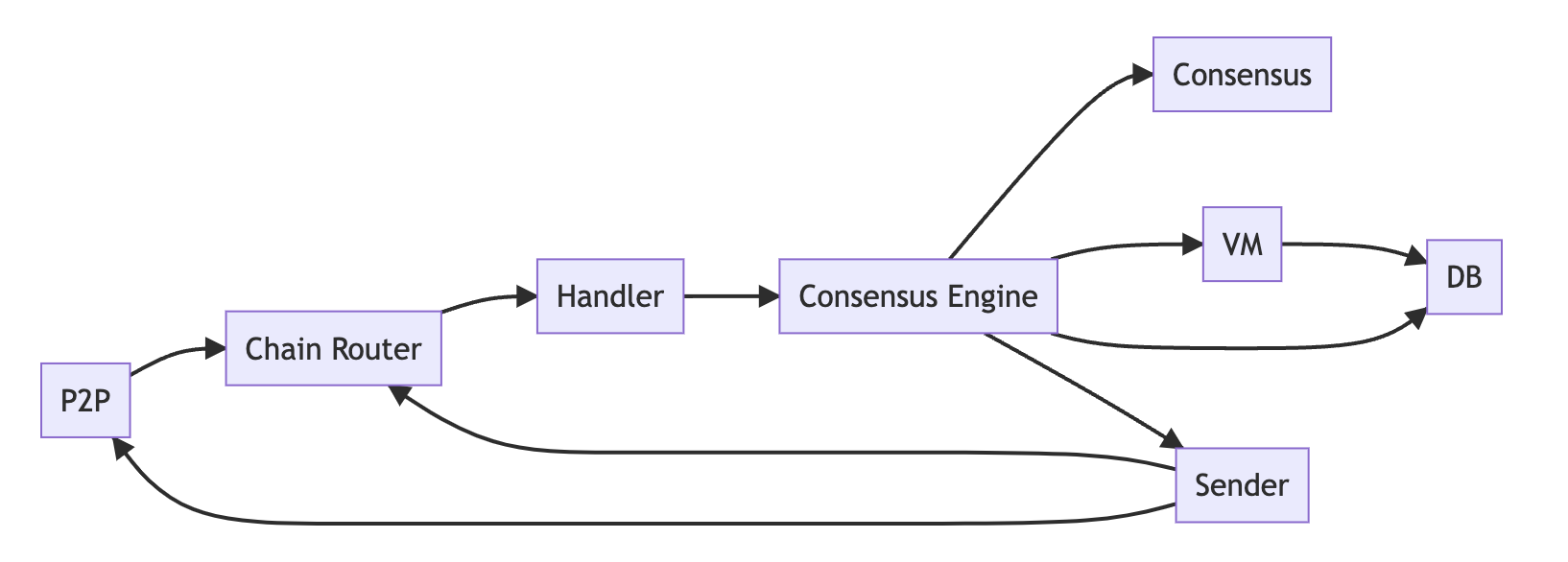
Intro[](#intro "Direct link to heading")
-----------------------------------------
The Lux network consists of 3 built-in blockchains: Exchange-Chain, LUExchange-Chain, and Platform-Chain. The Exchange-Chain is used to manage assets and uses the Lux consensus protocol. The LUExchange-Chain is used to create and interact with smart contracts and uses the Snowman consensus protocol. The Platform-Chain is used to coordinate validators and stake and also uses the Snowman consensus protocol. At the time of writing, the Lux network has ~1200 validators. A set of validators makes up an Lux L1. Lux L1s can validate 1 or more chains. It is a common misconception that 1 Lux L1 = 1 chain and this is shown by the primary Lux L1 of Lux which is made up of the Exchange-Chain, LUExchange-Chain, and Platform-Chain.
A node in the Lux network can either be a validator or a non-validator. A validator stakes LUX tokens and participates in consensus to earn rewards. A non-validator does not participate in consensus or have any LUX staked but can be used as an API server. Both validators and non-validators need to have their own copy of the chain and need to know the current state of the network. At the time of writing, there are ~1200 validators and ~1800 non-validators.
Each blockchain on Lux has several components: the virtual machine, database, consensus engine, sender, and handler. These components help the chain run smoothly. Blockchains also interact with the P2P layer and the chain router to send and receive messages.
Peer-to-Peer (P2P)[](#peer-to-peer-p2p "Direct link to heading")
-----------------------------------------------------------------
### Outbound Messages[](#outbound-messages "Direct link to heading")
[The `OutboundMsgBuilder` interface](https://github.com/luxfi/luxgo/blob/master/message/outbound_msg_builder.go) specifies methods that build messages of type `OutboundMessage`. Nodes communicate to other nodes by sending `OutboundMessage` messages.
All messaging functions in `OutboundMsgBuilder` can be categorized as follows:
- **Handshake**
- Nodes need to be on a certain version before they can be accepted into the network.
- **State Sync**
- A new node can ask other nodes for the current state of the network. It only syncs the required state for a specific block.
- **Bootstrapping**
- Nodes can ask other nodes for blocks to build their own copy of the chain. A node can fetch all blocks from the locally last accepted block to the current last accepted block in the network.
- **Consensus**
- Once a node is up to tip they can participate in consensus! During consensus, a node conducts a poll to several different small random samples of the validator set. They can communicate decisions on whether or not they have accepted/rejected a block.
- **App**
- VMs communicate application-specific messages to other nodes through app messages. A common example is mempool gossiping.
Currently, LuxGo implements its own message serialization to communicate. In the future, LuxGo will use protocol buffers to communicate.
### Network[](#network "Direct link to heading")
[The networking interface](https://github.com/luxfi/luxgo/blob/master/network/network.go) is shared across all chains. It implements functions from the `ExternalSender` interface. The two functions it implements are `Send` and `Gossip`. `Send` sends a message of type `OutboundMessage` to a specific set of nodes (specified by an array of `NodeIDs`). `Gossip` sends a message of type `OutboundMessage` to a random group of nodes in an Lux L1 (can be a validator or a non-validator). Gossiping is used to push transactions across the network. The networking protocol uses TLS to pass messages between peers.
Along with sending and gossiping, the networking library is also responsible for making connections and maintaining connections. Any node, either a validator or non-validator, will attempt to connect to the primary network.
Router[](#router "Direct link to heading")
-------------------------------------------
[The `ChainRouter`](https://github.com/luxfi/luxgo/blob/master/snow/networking/router/chain_router.go) routes all incoming messages to its respective blockchain using `ChainID`. It does this by pushing all the messages onto the respective Chain handler's queue. The `ChainRouter` references all existing chains on the network such as the X-chain, C-chain, P-chain and possibly any other chain. The `ChainRouter` handles timeouts as well. When sending messages on the P2P layer, timeouts are registered on the sender and cleared on the `ChainRouter` side when a response is received. If no response is received, then it triggers a timeout. Because timeouts are handled on the `ChainRouter` side, the handler is reliable. Timeouts are triggered when peers do not respond and the `ChainRouter` will still notify the handler of failure cases. The timeout manager within `ChainRouter` is also adaptive. If the network is experiencing long latencies, timeouts will then be adjusted as well.
Handler[](#handler "Direct link to heading")
---------------------------------------------
The main function of [the `Handler`](https://github.com/luxfi/luxgo/blob/master/snow/networking/handler/handler.go) is to pass messages from the network to the consensus engine. It receives these messages from the `ChainRouter`. It passes messages by pushing them onto a sync or Async queue (depends on message type). Messages are then popped from the queue, parsed, and routed to the correct function in consensus engine. This can be one of the following.
- **State sync message (sync queue)**
- **Bootstrapping message (sync queue)**
- **Consensus message (sync queue)**
- **App message (Async queue)**
Sender[](#sender "Direct link to heading")
-------------------------------------------
The main role of [the `sender`](https://github.com/luxfi/luxgo/blob/master/snow/networking/sender/sender.go) is to build and send outbound messages. It is actually a very thin wrapper around the normal networking code. The main difference here is that sender registers timeouts and tells the router to expect a response message. The timer starts on the sender side. If there is no response, sender will send a failed response to the router. If a node is repeatedly unresponsive, that node will get benched and the sender will immediately start marking those messages as failed. If a sufficient amount of network deems the node benched, it might not get rewards (as a validator).
Consensus Engine[](#consensus-engine "Direct link to heading")
---------------------------------------------------------------
Consensus is defined as getting a group of distributed systems to agree on an outcome. In the case of the Lux network, consensus is achieved when validators are in agreement with the state of the blockchain. The novel consensus algorithm is documented in the [white paper](https://assets.website-files.com/5d80307810123f5ffbb34d6e/6009805681b416f34dcae012_Lux%20Consensus%20Whitepaper.pdf). There are two main consensus algorithms: Lux and [Snowman](https://github.com/luxfi/luxgo/blob/master/snow/consensus/snowman/consensus.go). The engine is responsible for adding proposing a new block to consensus, repeatedly polling the network for decisions (accept/reject), and communicating that decision to the `Sender`.
Blockchain Creation[](#blockchain-creation "Direct link to heading")
---------------------------------------------------------------------
[The `Manager`](https://github.com/luxfi/luxgo/blob/master/chains/manager.go) is what kick-starts everything in regards to blockchain creation, starting with the Platform-Chain. Once the Platform-Chain finishes bootstrapping, it will kickstart LUExchange-Chain and Exchange-Chain and any other chains. The `Manager`'s job is not done yet, if a create-chain transaction is seen by a validator, a whole new process to create a chain will be started by the `Manager`. This can happen dynamically, long after the 3 chains in the Primary Network have been created and bootstrapped.
# Issuing API Calls (/docs/rpcs/other/guides/issuing-api-calls)
---
title: Issuing API Calls
description: This guide explains how to make calls to APIs exposed by Lux nodes.
---
Endpoints[](#endpoints "Direct link to heading")
-------------------------------------------------
An API call is made to an endpoint, which is a URL, made up of the base URI which is the address and the port of the node, and the path the particular endpoint the API call is on.
### Base URL[](#base-url "Direct link to heading")
The base of the URL is always:
`[node-ip]:[http-port]`
where
- `node-ip` is the IP address of the node the call is to.
- `http-port` is the port the node listens on for HTTP calls. This is specified by [command-line argument](/docs/nodes/configure/configs-flags#http-server) `http-port` (default value `9650`).
For example, if you're making RPC calls on the local node, the base URL might look like this: `127.0.0.1:9650`.
If you're making RPC calls to remote nodes, then the instead of `127.0.0.1` you should use the public IP of the server where the node is. Note that by default the node will only accept API calls on the local interface, so you will need to set up the [`http-host`](/docs/nodes/configure/configs-flags#--http-host-string) config flag on the node. Also, you will need to make sure the firewall and/or security policy allows access to the `http-port` from the internet.
When setting up RPC access to a node, make sure you don't leave the `http-port` accessible to everyone! There are malicious actors that scan for nodes that have unrestricted access to their RPC port and then use those nodes for spamming them with resource-intensive queries which can knock the node offline. Only allow access to your node's RPC port from known IP addresses!
### Endpoint Path[](#endpoint-path "Direct link to heading")
Each API's documentation specifies what endpoint path a user should make calls to in order to access the API's methods.
In general, they are formatted like:
So for the Admin API, the endpoint path is `/ext/admin`, for the Info API it is `/ext/info` and so on. Note that some APIs have additional path components, most notably the chain RPC endpoints which includes the Lux L1 chain RPCs. We'll go over those in detail in the next section.
So, in combining the base URL and the endpoint path we get the complete URL for making RPC calls. For example, to make a local RPC call on the Info API, the full URL would be:
```
http://127.0.0.1:9650/ext/info
```
Primary Network and Lux L1 RPC calls[](#primary-network-and-lux-l1-rpc-calls "Direct link to heading")
-------------------------------------------------------------------------------------------------------
Besides the APIs that are local to the node, like Admin or Metrics APIs, nodes also expose endpoints for talking to particular chains that are either part of the Primary Network (the X, P and C chains), or part of any Lux L1s the node might be syncing or validating.
In general, chain endpoints are formatted as:
### Primary Network Endpoints[](#primary-network-endpoints "Direct link to heading")
The Primary Network consists of three chains: X, P and C chain. As those chains are present on every node, there are also convenient aliases defined that can be used instead of the full blockchainIDs. So, the endpoints look like:
### LUExchange-Chain and Subnet-EVM Endpoints[](#c-chain-and-subnet-evm-endpoints "Direct link to heading")
LUExchange-Chain and many Lux L1s run a version of the EthereumVM (EVM). EVM exposes its own endpoints, which are also accessible on the node: JSON-RPC, and Websocket.
#### JSON-RPC EVM Endpoints[](#json-rpc-evm-endpoints "Direct link to heading")
To interact with LUExchange-Chain EVM via the JSON-RPC use the endpoint:
To interact with Lux L1 instances of the EVM via the JSON-RPC endpoint:
```
/ext/bc/[blockchainID]/rpc
```
where `blockchainID` is the ID of the blockchain running the EVM. So for example, the RPC URL for the DFK Network (an Lux L1 that runs the DeFi Kingdoms:Crystalvale game) running on a local node would be:
```
http://127.0.0.1/ext/bc/q2aTwKuyzgs8pynF7UXBZCU7DejbZbZ6EUyHr3JQzYgwNPUPi/rpc
```
Or for the WAGMI Lux L1 on the Testnet testnet:
```
http://127.0.0.1/ext/bc/2ebCneCbwthjQ1rYT41nhd7M76Hc6YmosMAQrTFhBq8qeqh6tt/rpc
```
#### Websocket EVM Endpoints[](#websocket-evm-endpoints "Direct link to heading")
To interact with LUExchange-Chain via the websocket endpoint, use:
To interact with other instances of the EVM via the websocket endpoint:
where `blockchainID` is the ID of the blockchain running the EVM. For example, to interact with the LUExchange-Chain's Ethereum APIs via websocket on localhost you can use:
```
ws://127.0.0.1:9650/ext/bc/C/ws
```
When using the [Public API](/docs/rpcs) or another host that supports HTTPS, use `https://` or `wss://` instead of `http://` or `ws://`.
Also, note that the [public API](/docs/rpcs#using-the-public-api-nodes) only supports LUExchange-Chain websocket API calls for API methods that don't exist on the LUExchange-Chain's HTTP API.
Making a JSON RPC Request[](#making-a-json-rpc-request "Direct link to heading")
---------------------------------------------------------------------------------
Most of the built-in APIs use the [JSON RPC 2.0](https://www.jsonrpc.org/specification) format to describe their requests and responses. Such APIs include the Platform API and the Exchange-Chain API.
Suppose we want to call the `getTxStatus` method of the [Exchange-Chain API](/docs/rpcs/x-chain). The Exchange-Chain API documentation tells us that the endpoint for this API is `/ext/bc/X`.
That means that the endpoint we send our API call to is:
`[node-ip]:[http-port]/ext/bc/X`
The Exchange-Chain API documentation tells us that the signature of `getTxStatus` is:
[`xvm.getTxStatus`](/docs/rpcs/x-chain#avmgettxstatus)`(txID:bytes) -> (status:string)`
where:
- Argument `txID` is the ID of the transaction we're getting the status of.
- Returned value `status` is the status of the transaction in question.
To call this method, then:
```
curl -X POST --data '{
"jsonrpc":"2.0",
"id" :4,
"method" :"xvm.getTxStatus",
"params" :{
"txID":"2QouvFWUbjuySRxeX5xMbNCuAaKWfbk5FeEa2JmoF85RKLk2dD"
}
}' -H 'content-type:application/json;' 127.0.0.1:9650/ext/bc/X
```
- `jsonrpc` specifies the version of the JSON RPC protocol. (In practice is always 2.0)
- `method` specifies the service (`xvm`) and method (`getTxStatus`) that we want to invoke.
- `params` specifies the arguments to the method.
- `id` is the ID of this request. Request IDs should be unique.
That's it!
### JSON RPC Success Response[](#json-rpc-success-response "Direct link to heading")
If the call is successful, the response will look like this:
```
{
"jsonrpc": "2.0",
"result": {
"Status": "Accepted"
},
"id": 1
}
```
- `id` is the ID of the request that this response corresponds to.
- `result` is the returned values of `getTxStatus`.
### JSON RPC Error Response[](#json-rpc-error-response "Direct link to heading")
If the API method invoked returns an error then the response will have a field `error` in place of `result`. Additionally, there is an extra field, `data`, which holds additional information about the error that occurred.
Such a response would look like:
```
{
"jsonrpc": "2.0",
"error": {
"code": -32600,
"message": "[Some error message here]",
"data": [Object with additional information about the error]
},
"id": 1
}
```
Other API Formats[](#other-api-formats "Direct link to heading")
-----------------------------------------------------------------
Some APIs may use a standard other than JSON RPC 2.0 to format their requests and responses. Such extension should specify how to make calls and parse responses to them in their documentation.
Sending and Receiving Bytes[](#sending-and-receiving-bytes "Direct link to heading")
-------------------------------------------------------------------------------------
Unless otherwise noted, when bytes are sent in an API call/response, they are in hex representation. However, Transaction IDs (TXIDs), ChainIDs, and subnetIDs are in [CB58](https://support.avalabs.org/en/articles/4587395-what-is-cb58) representation, a base-58 encoding with a checksum.
# Transaction Fees (/docs/rpcs/other/guides/txn-fees)
---
title: Transaction Fees
---
In order to prevent spam, transactions on Lux require the payment of a transaction fee. The fee is paid in LUX. **The transaction fee is burned (destroyed forever).**
When you issue a transaction through Lux's API, the transaction fee is automatically deducted from one of the addresses you control.
The [luxgo wallet](https://github.com/luxfi/luxgo/blob/master/wallet/chain) contains example code written in golang for building and signing transactions on all three mainnet chains.
Exchange-Chain Fees[](#fee-schedule)
-------------------------------------------------------
The Exchange-Chain currently operates under a fixed fee mechanism. This table shows the Exchange-Chain transaction fee schedule:
```
+----------+---------------------------+--------------------------------+
| Chain | Transaction Type | Mainnet Transaction Fee (LUX) |
+----------+---------------------------+--------------------------------+
| X | Send | 0.001 |
+----------+---------------------------+--------------------------------+
| X | Create Asset | 0.01 |
+----------+---------------------------+--------------------------------+
| X | Mint Asset | 0.001 |
+----------+---------------------------+--------------------------------+
| X | Import LUX | 0.001 |
+----------+---------------------------+--------------------------------+
| X | Export LUX | 0.001 |
+----------+---------------------------+--------------------------------+
```
LUExchange-Chain Fees[](#c-chain-fees)
-------------------------------------------------------
The Lux LUExchange-Chain uses an algorithm to determine the "base fee" for a transaction. The base fee increases when network utilization is above the target utilization and decreases when network utilization is below the target.
### Dynamic Fee Transactions[](#dynamic-fee-transactions )
Transaction fees for non-atomic transactions are based on Ethereum's EIP-1559 style Dynamic Fee Transactions, which consists of a gas fee cap and a gas tip cap.
The fee cap specifies the maximum price the transaction is willing to pay per unit of gas. The tip cap (also called the priority fee) specifies the maximum amount above the base fee that the transaction is willing to pay per unit of gas. Therefore, the effective gas price paid by a transaction will be `min(gasFeeCap, baseFee + gasTipCap)`. Unlike in Ethereum, where the priority fee is paid to the miner that produces the block, in Lux both the base fee and the priority fee are burned. For legacy transactions, which only specify a single gas price, the gas price serves as both the gas fee cap and the gas tip cap.
Use the [`eth_baseFee`](/docs/rpcs/c-chain#eth_basefee) API method to estimate the base fee for the next block. If more blocks are produced in between the time that you construct your transaction and it is included in a block, the base fee could be different from the base fee estimated by the API call, so it is important to treat this value as an estimate.
Next, use [eth\_maxPriorityFeePerGas](/docs/rpcs/c-chain#eth_maxpriorityfeepergas) API call to estimate the priority fee needed to be included in a block. This API call will look at the most recent blocks and see what tips have been paid by recent transactions in order to be included in the block.
Transactions are ordered by the priority fee, then the timestamp (oldest first).
Based off of this information, you can specify the `gasFeeCap` and `gasTipCap` to your liking based on how you prioritize getting your transaction included as quickly as possible vs. minimizing the price paid per unit of gas.
#### Base Fee[](#base-fee)
The base fee can go as low as 1 nLUX (Gwei) and has no upper bound. You can use the [`eth_baseFee`](/docs/rpcs/c-chain#eth_basefee) and [eth\_maxPriorityFeePerGas](/docs/rpcs/c-chain#eth_maxpriorityfeepergas) API methods, or [Snowtrace's LUExchange-Chain Gas Tracker](https://snowtrace.io/gastracker), to estimate the gas price to use in your transactions.
### Atomic Transaction Fees[](#atomic-transaction-fees)
LUExchange-Chain atomic transactions (that is imports and exports from/to other chains) charge dynamic fees based on the amount of gas used by the transaction and the base fee of the block that includes the atomic transaction.
Gas Used:
```
+---------------------+-------+
| Item : Gas |
+---------------------+-------+
| Unsigned Tx Byte : 1 |
+---------------------+-------+
| Signature : 1000 |
+---------------------+-------+
| Per Atomic Tx : 10000 |
+---------------------+-------+
```
Therefore, the gas used by an atomic transaction is `1 * len(unsignedTxBytes) + 1,000 * numSignatures + 10,000`
The TX fee additionally takes the base fee into account. Due to the fact that atomic transactions use units denominated in 9 decimal places, the base fee must be converted to 9 decimal places before calculating the actual fee paid by the transaction. Therefore, the actual fee is: `gasUsed * baseFee (converted to 9 decimals)`.
Platform-Chain Fees[](#p-chain-fees)
-------------------------------------------------------
The Lux Platform-Chain utilizes a dynamic fee mechanism to optimize transaction costs and network utilization. This system adapts fees based on gas consumption to maintain a target utilization rate.
### Dimensions of Gas Consumption
Gas consumption is measured across four dimensions:
1. **Bandwidth** The transaction size in bytes.
2. **Reads** The number of state/database reads.
3. **Writes** The number of state/database writes.
4. **Compute** The compute time in microseconds.
The total gas consumed ($G$) by a transaction is:
```math
G = B + 1000R + 1000W + 4C
```
The current fee dimension weight configurations as well as the parameter configurations of the Platform-Chain can be read at any time with the [`platform.getFeeConfig`](/docs/rpcs/p-chain#platformgetfeeconfig) API endpoint.
### Fee Adjustment Mechanism
Fees adjust dynamically based on excess gas consumption, the difference between current gas usage and the target gas rate. The exponential adjustment ensures consistent reactivity regardless of the current gas price. Fee changes scale proportionally with excess gas consumption, maintaining fairness and network stability. The technical specification of this mechanism is documented in [LP-103](/docs/lps/103-dynamic-fees#mechanism).
# Exchange-Chain Migration (/docs/rpcs/other/guides/x-chain-migration)
---
title: Exchange-Chain Migration
---
Overview[](#overview "Direct link to heading")
-----------------------------------------------
This document summarizes all of the changes made to the Exchange-Chain API to support Lux Cortina (v1.10.0), which migrates the Exchange-Chain to run Snowman++. In summary, the core transaction submission and confirmation flow is unchanged, however, there are new APIs that must be called to index all transactions.
Transaction Broadcast and Confirmation[](#transaction-broadcast-and-confirmation "Direct link to heading")
-----------------------------------------------------------------------------------------------------------
The transaction format on the Exchange-Chain does not change in Cortina. This means that wallets that have already integrated with the Exchange-Chain don't need to change how they sign transactions. Additionally, there is no change to the format of the [xvm.issueTx](/docs/rpcs/x-chain#avmissuetx) or the [xvm.getTx](/docs/rpcs/x-chain#avmgettx) API.
However, the [xvm.getTxStatus](/docs/rpcs/x-chain#avmgettxstatus) endpoint is now deprecated and its usage should be replaced with [xvm.getTx](/docs/rpcs/x-chain#avmgettx) (which only returns accepted transactions for LuxGo >= v1.9.12). [xvm.getTxStatus](/docs/rpcs/x-chain#avmgettxstatus) will still work up to and after the Cortina activation if you wish to migrate after the network upgrade has occurred.
Vertex -> Block Indexing[](#vertex---block-indexing "Direct link to heading")
------------------------------------------------------------------------------
Before Cortina, indexing the Exchange-Chain required polling the `/ext/index/X/vtx` endpoint to fetch new vertices. During the Cortina activation, a “stop vertex” will be produced using a [new codec version](https://github.com/luxfi/luxgo/blob/c27721a8da1397b218ce9e9ec69839b8a30f9860/snow/engine/lux/vertex/codec.go#L17-L18) that will contain no transactions. This new vertex type will be the [same format](https://github.com/luxfi/luxgo/blob/c27721a8da1397b218ce9e9ec69839b8a30f9860/snow/engine/lux/vertex/stateless_vertex.go#L95-L102) as previous vertices. To ensure historical data can still be accessed in Cortina, the `/ext/index/X/vtx` will remain accessible even though it will no longer be populated with chain data.
The index for the X-chain tx and vtx endpoints will never increase again. The index for the X-chain blocks will increase as new blocks are added.
After Cortina activation, you will need to migrate to using the new _ext/index/X/block_ endpoint (shares the same semantics as [/ext/index/P/block](/docs/rpcs/other/index-rpc#p-chain-blocks)) to continue indexing Exchange-Chain activity. Because Exchange-Chain ordering is deterministic in Cortina, this means that Exchange-Chain blocks across all heights will be consistent across all nodes and will include a timestamp. Here is an example of iterating over these blocks in Golang:
```
package main
import (
"context"
"fmt"
"log"
"time"
"github.com/luxfi/luxgo/indexer"
"github.com/luxfi/luxgo/vms/proposervm/block"
"github.com/luxfi/luxgo/wallet/chain/x"
"github.com/luxfi/luxgo/wallet/subnet/primary"
)
func main() {
var (
uri = fmt.Sprintf("%s/ext/index/X/block", primary.LocalAPIURI)
client = indexer.NewClient(uri)
ctx = context.Background()
nextIndex uint64
)
for {
log.Printf("polling for next accepted block")
container, err := client.GetContainerByIndex(ctx, nextIndex)
if err != nil {
time.Sleep(time.Second)
continue
}
proposerVMBlock, err := block.Parse(container.Bytes)
if err != nil {
log.Fatalf("failed to parse proposervm block: %s\n", err)
}
avmBlockBytes := proposerVMBlock.Block()
avmBlock, err := x.Parser.ParseBlock(avmBlockBytes)
if err != nil {
log.Fatalf("failed to parse xvm block: %s\n", err)
}
acceptedTxs := avmBlock.Txs()
log.Printf("accepted block %s with %d transactions", avmBlock.ID(), len(acceptedTxs))
for _, tx := range acceptedTxs {
log.Printf("accepted transaction %s", tx.ID())
}
nextIndex++
}
}
```
After Cortina activation, it will also be possible to fetch Exchange-Chain blocks directly without enabling the Index API. You can use the [xvm.getBlock](/docs/rpcs/x-chain#avmgetblock), [xvm.getBlockByHeight](/docs/rpcs/x-chain#avmgetblockbyheight), and [xvm.getHeight](/docs/rpcs/x-chain#avmgetheight) endpoints to do so. This, again, will be similar to the [Platform-Chain semantics](/docs/rpcs/p-chain#platformgetblock).
Deprecated API Calls[](#deprecated-api-calls "Direct link to heading")
-----------------------------------------------------------------------
This long-term deprecation effort will better align usage of LuxGo with its purpose, to be a minimal and efficient runtime that supports only what is required to validate the Primary Network and Lux L1s. Integrators should make plans to migrate to tools and services that are better optimized for serving queries over Lux Network state and avoid keeping any keys on the node itself.
This deprecation ONLY applies to APIs that LuxGo exposes over the HTTP port. Transaction types with similar names to these APIs are NOT being deprecated.
- ipcs
- ipcs.publishBlockchain
- ipcs.unpublishBlockchain
- ipcs.getPublishedBlockchains
- keystore
- keystore.createUser
- keystore.deleteUser
- keystore.listUsers
- keystore.importUser
- keystore.exportUser
- xvm/pubsub
- xvm
- xvm.getAddressTxs
- xvm.getBalance
- xvm.getAllBalances
- xvm.createAsset
- xvm.createFixedCapAsset
- xvm.createVariableCapAsset
- xvm.createNFTAsset
- xvm.createAddress
- xvm.listAddresses
- xvm.exportKey
- xvm.importKey
- xvm.mint
- xvm.sendNFT
- xvm.mintNFT
- xvm.import
- xvm.export
- xvm.send
- xvm.sendMultiple
- xvm/wallet
- wallet.issueTx
- wallet.send
- wallet.sendMultiple
- platform
- platform.exportKey
- platform.importKey
- platform.getBalance
- platform.createAddress
- platform.listAddresses
- platform.getSubnets
- platform.addValidator
- platform.addDelegator
- platform.addSubnetValidator
- platform.createSubnet
- platform.exportLUX
- platform.importLUX
- platform.createBlockchain
- platform.getBlockchains
- platform.getStake
- platform.getMaxStakeAmount
- platform.getRewardUTXOs
Cortina FAQ[](#cortina-faq "Direct link to heading")
-----------------------------------------------------
### Do I Have to Upgrade my Node?[](#do-i-have-to-upgrade-my-node "Direct link to heading")
If you don't upgrade your validator to `v1.10.0` before the Lux Mainnet activation date, your node will be marked as offline and other nodes will report your node as having lower uptime, which may jeopardize your staking rewards.
### Is There any Change in Hardware Requirements?[](#is-there-any-change-in-hardware-requirements "Direct link to heading")
No.
### Will Updating Decrease my Validator's Uptime?[](#will-updating-decrease-my-validators-uptime "Direct link to heading")
No. As a reminder, you can check your validator's estimated uptime using the [`info.uptime` API call](/docs/rpcs/other/info-rpc#infouptime).
### I Think Something Is Wrong. What Should I Do?[](#i-think-something-is-wrong-what-should-i-do "Direct link to heading")
First, make sure that you've read the documentation thoroughly and checked the [FAQs](https://support.lux.network/en/). If you don't see an answer to your question, go to our [Discord](https://discord.com/invite/RwXY7P6) server and search for your question. If it has not already been asked, please post it in the appropriate channel.
# Lux Network Protocol (/docs/rpcs/other/standards/avalanche-network-protocol)
---
title: Lux Network Protocol
---
Overview[](#overview "Direct link to heading")
-----------------------------------------------
Lux network defines the core communication format between Lux nodes. It uses the [primitive serialization](/docs/rpcs/other/standards/serialization-primitives) format for payload packing.
`"Containers"` are mentioned extensively in the description. A Container is simply a generic term for blocks.
This document describes the protocol for peer-to-peer communication using Protocol Buffers (proto3). The protocol defines a set of messages exchanged between peers in a peer-to-peer network. Each message is represented by the `Message` proto message, which can encapsulate various types of messages, including network messages, state-sync messages, bootstrapping messages, consensus messages, and application messages.
Message[](#message "Direct link to heading")
---------------------------------------------
The `Message` proto message is the main container for all peer-to-peer communication. It uses the `oneof` construct to represent different message types. The supported compression algorithms include Gzip and Zstd.
```
message Message {
oneof message {
bytes compressed_gzip = 1;
bytes compressed_zstd = 2;
// ... (other compression algorithms can be added)
Ping ping = 11;
Pong pong = 12;
Version version = 13;
PeerList peer_list = 14;
// ... (other message types)
}
}
```
### Compression[](#compression "Direct link to heading")
The `compressed_gzip` and `compressed_zstd` fields are used for Gzip and Zstd compression, respectively, of the encapsulated message. These fields are set only if the message type supports compression.
Network Messages[](#network-messages "Direct link to heading")
---------------------------------------------------------------
### Ping[](#ping "Direct link to heading")
The `Ping` message reports a peer's perceived uptime percentage.
```
message Ping {
uint32 uptime = 1;
repeated SubnetUptime subnet_uptimes = 2;
}
```
- `uptime`: Uptime percentage on the primary network \[0, 100\].
- `subnet_uptimes`: Uptime percentages on Lux L1s.
### Pong[](#pong "Direct link to heading")
The `Pong` message is sent in response to a `Ping` with the perceived uptime of the peer.
```
message Pong {
uint32 uptime = 1; // Deprecated: uptime is now sent in Ping
repeated SubnetUptime subnet_uptimes = 2; // Deprecated: uptime is now sent in Ping
}
```
### Version[](#version "Direct link to heading")
The `Version` message is the first outbound message sent to a peer during the p2p handshake.
```
message Version {
uint32 network_id = 1;
uint64 my_time = 2;
bytes ip_addr = 3;
uint32 ip_port = 4;
string my_version = 5;
uint64 my_version_time = 6;
bytes sig = 7;
repeated bytes tracked_subnets = 8;
}
```
- `network_id`: Network identifier (e.g., local, testnet, Mainnet).
- `my_time`: Unix timestamp when the `Version` message was created.
- `ip_addr`: IP address of the peer.
- `ip_port`: IP port of the peer.
- `my_version`: Lux client version.
- `my_version_time`: Timestamp of the IP.
- `sig`: Signature of the peer IP port pair at a provided timestamp.
- `tracked_subnets`: Lux L1s the peer is tracking.
### PeerList[](#peerlist "Direct link to heading")
The `PeerList` message contains network-level metadata for a set of validators.
```
message PeerList {
repeated ClaimedIpPort claimed_ip_ports = 1;
}
```
- `claimed_ip_ports`: List of claimed IP and port pairs.
### PeerListAck[](#peerlistack "Direct link to heading")
The `PeerListAck` message is sent in response to `PeerList` to acknowledge the subset of peers that the peer will attempt to connect to.
```
message PeerListAck {
reserved 1; // deprecated; used to be tx_ids
repeated PeerAck peer_acks = 2;
}
```
- `peer_acks`: List of acknowledged peers.
State-Sync Messages[](#state-sync-messages "Direct link to heading")
---------------------------------------------------------------------
### GetStateSummaryFrontier[](#getstatesummaryfrontier "Direct link to heading")
The `GetStateSummaryFrontier` message requests a peer's most recently accepted state summary.
```
message GetStateSummaryFrontier {
bytes chain_id = 1;
uint32 request_id = 2;
uint64 deadline = 3;
}
```
- `chain_id`: Chain being requested from.
- `request_id`: Unique identifier for this request.
- `deadline`: Timeout (ns) for this request.
### StateSummaryFrontier[](#statesummaryfrontier "Direct link to heading")
The `StateSummaryFrontier` message is sent in response to a `GetStateSummaryFrontier` request.
```
message StateSummaryFrontier {
bytes chain_id = 1;
uint32 request_id = 2;
bytes summary = 3;
}
```
- `chain_id`: Chain being responded from.
- `request_id`: Request ID of the original `GetStateSummaryFrontier` request.
- `summary`: The requested state summary.
### GetAcceptedStateSummary[](#getacceptedstatesummary "Direct link to heading")
The `GetAcceptedStateSummary` message requests a set of state summaries at specified block heights.
```
message GetAcceptedStateSummary {
bytes chain_id = 1;
uint32 request_id = 2;
uint64 deadline = 3;
repeated uint64 heights = 4;
}
```
- `chain_id`: Chain being requested from.
- `request_id`: Unique identifier for this request.
- `deadline`: Timeout (ns) for this request.
- `heights`: Heights being requested.
### AcceptedStateSummary[](#acceptedstatesummary "Direct link to heading")
The `AcceptedStateSummary` message is sent in response to `GetAcceptedStateSummary`.
```
message AcceptedStateSummary {
bytes chain_id = 1;
uint32 request_id = 2;
repeated bytes summary_ids = 3;
}
```
- `chain_id`: Chain being responded from.
- `request_id`: Request ID of the original `GetAcceptedStateSummary` request.
- `summary_ids`: State summary IDs.
Bootstrapping Messages[](#bootstrapping-messages "Direct link to heading")
---------------------------------------------------------------------------
### GetAcceptedFrontier[](#getacceptedfrontier "Direct link to heading")
The `GetAcceptedFrontier` message requests the accepted frontier from a peer.
```
message GetAcceptedFrontier {
bytes chain_id = 1;
uint32 request_id = 2;
uint64 deadline = 3;
EngineType engine_type = 4;
}
```
- `chain_id`: Chain being requested from.
- `request_id`: Unique identifier for this request.
- `deadline`: Timeout (ns) for this request.
- `engine_type`: Consensus type the remote peer should use to handle this message.
### AcceptedFrontier[](#acceptedfrontier "Direct link to heading")
The `AcceptedFrontier` message contains the remote peer's last accepted frontier.
```
message AcceptedFrontier {
reserved 4; // Until Cortina upgrade is activated
bytes chain_id = 1;
uint32 request_id = 2;
bytes container_id = 3;
}
```
- `chain_id`: Chain being responded from.
- `request_id`: Request ID of the original `GetAcceptedFrontier` request.
- `container_id`: The ID of the last accepted frontier.
### GetAccepted[](#getaccepted "Direct link to heading")
The `GetAccepted` message sends a request with the sender's accepted frontier to a remote peer.
```
message GetAccepted {
bytes chain_id = 1;
uint32 request_id = 2;
uint64 deadline = 3;
repeated bytes container_ids = 4;
EngineType engine_type = 5;
}
```
- `chain_id`: Chain being requested from.
- `request_id`: Unique identifier for this message.
- `deadline`: Timeout (ns) for this request.
- `container_ids`: The
sender's accepted frontier.
- `engine_type`: Consensus type to handle this message.
### Accepted[](#accepted "Direct link to heading")
The `Accepted` message is sent in response to `GetAccepted`.
```
message Accepted {
reserved 4; // Until Cortina upgrade is activated
bytes chain_id = 1;
uint32 request_id = 2;
repeated bytes container_ids = 3;
}
```
- `chain_id`: Chain being responded from.
- `request_id`: Request ID of the original `GetAccepted` request.
- `container_ids`: Subset of container IDs from the `GetAccepted` request that the sender has accepted.
### GetAncestors[](#getancestors "Direct link to heading")
The `GetAncestors` message requests the ancestors for a given container.
```
message GetAncestors {
bytes chain_id = 1;
uint32 request_id = 2;
uint64 deadline = 3;
bytes container_id = 4;
EngineType engine_type = 5;
}
```
- `chain_id`: Chain being requested from.
- `request_id`: Unique identifier for this request.
- `deadline`: Timeout (ns) for this request.
- `container_id`: Container for which ancestors are being requested.
- `engine_type`: Consensus type to handle this message.
### Ancestors[](#ancestors "Direct link to heading")
The `Ancestors` message is sent in response to `GetAncestors`.
```
message Ancestors {
reserved 4; // Until Cortina upgrade is activated
bytes chain_id = 1;
uint32 request_id = 2;
repeated bytes containers = 3;
}
```
- `chain_id`: Chain being responded from.
- `request_id`: Request ID of the original `GetAncestors` request.
- `containers`: Ancestry for the requested container.
Consensus Messages[](#consensus-messages "Direct link to heading")
-------------------------------------------------------------------
### Get[](#get "Direct link to heading")
The `Get` message requests a container from a remote peer.
```
message Get {
bytes chain_id = 1;
uint32 request_id = 2;
uint64 deadline = 3;
bytes container_id = 4;
EngineType engine_type = 5;
}
```
- `chain_id`: Chain being requested from.
- `request_id`: Unique identifier for this request.
- `deadline`: Timeout (ns) for this request.
- `container_id`: Container being requested.
- `engine_type`: Consensus type to handle this message.
### Put[](#put "Direct link to heading")
The `Put` message is sent in response to `Get` with the requested block.
```
message Put {
bytes chain_id = 1;
uint32 request_id = 2;
bytes container = 3;
EngineType engine_type = 4;
}
```
- `chain_id`: Chain being responded from.
- `request_id`: Request ID of the original `Get` request.
- `container`: Requested container.
- `engine_type`: Consensus type to handle this message.
### PushQuery[](#pushquery "Direct link to heading")
The `PushQuery` message requests the preferences of a remote peer given a container.
```
message PushQuery {
bytes chain_id = 1;
uint32 request_id = 2;
uint64 deadline = 3;
bytes container = 4;
EngineType engine_type = 5;
uint64 requested_height = 6;
}
```
- `chain_id`: Chain being requested from.
- `request_id`: Unique identifier for this request.
- `deadline`: Timeout (ns) for this request.
- `container`: Container being gossiped.
- `engine_type`: Consensus type to handle this message.
- `requested_height`: Requesting peer's last accepted height.
### PullQuery[](#pullquery "Direct link to heading")
The `PullQuery` message requests the preferences of a remote peer given a container id.
```
message PullQuery {
bytes chain_id = 1;
uint32 request_id = 2;
uint64 deadline = 3;
bytes container_id = 4;
EngineType engine_type = 5;
uint64 requested_height = 6;
}
```
- `chain_id`: Chain being requested from.
- `request_id`: Unique identifier for this request.
- `deadline`: Timeout (ns) for this request.
- `container_id`: Container id being gossiped.
- `engine_type`: Consensus type to handle this message.
- `requested_height`: Requesting peer's last accepted height.
### Chits[](#chits "Direct link to heading")
The `Chits` message contains the preferences of a peer in response to a `PushQuery` or `PullQuery` message.
```
message Chits {
bytes chain_id = 1;
uint32 request_id = 2;
bytes preferred_id = 3;
bytes accepted_id = 4;
bytes preferred_id_at_height = 5;
}
```
- `chain_id`: Chain being responded from.
- `request_id`: Request ID of the original `PushQuery`/`PullQuery` request.
- `preferred_id`: Currently preferred block.
- `accepted_id`: Last accepted block.
- `preferred_id_at_height`: Currently preferred block at the requested height.
Application Messages[](#application-messages "Direct link to heading")
-----------------------------------------------------------------------
### AppRequest[](#apprequest "Direct link to heading")
The `AppRequest` message is a VM-defined request.
```
message AppRequest {
bytes chain_id = 1;
uint32 request_id = 2;
uint64 deadline = 3;
bytes app_bytes = 4;
}
```
- `chain_id`: Chain being requested from.
- `request_id`: Unique identifier for this request.
- `deadline`: Timeout (ns) for this request.
- `app_bytes`: Request body.
### AppResponse[](#appresponse "Direct link to heading")
The `AppResponse` message is a VM-defined response sent in response to `AppRequest`.
```
message AppResponse {
bytes chain_id = 1;
uint32 request_id = 2;
bytes app_bytes = 3;
}
```
- `chain_id`: Chain being responded from.
- `request_id`: Request ID of the original `AppRequest`.
- `app_bytes`: Response body.
### AppGossip[](#appgossip "Direct link to heading")
The `AppGossip` message is a VM-defined message.
```
message AppGossip {
bytes chain_id = 1;
bytes app_bytes = 2;
}
```
- `chain_id`: Chain the message is for.
- `app_bytes`: Message body.
# Cryptographic Primitives (/docs/rpcs/other/standards/cryptographic-primitives)
---
title: Cryptographic Primitives
---
Lux uses a variety of cryptographic primitives for its different functions. This file summarizes the type and kind of cryptography used at the network and blockchain layers.
## Cryptography in the Network Layer
Lux uses Transport Layer Security, TLS, to protect node-to-node communications from eavesdroppers. TLS combines the practicality of public-key cryptography with the efficiency of symmetric-key cryptography. This has resulted in TLS becoming the standard for internet communication. Whereas most classical consensus protocols employ public-key cryptography to prove receipt of messages to third parties, the novel Snow\* consensus family does not require such proofs. This enables Lux to employ TLS in authenticating stakers and eliminates the need for costly public-key cryptography for signing network messages.
### TLS Certificates
Lux does not rely on any centralized third-parties, and in particular, it does not use certificates issued by third-party authenticators. All certificates used within the network layer to identify endpoints are self-signed, thus creating a self-sovereign identity layer. No third parties are ever involved.
### TLS Addresses
To avoid posting the full TLS certificate to the Platform-Chain, the certificate is first hashed. For consistency, Lux employs the same hashing mechanism for the TLS certificates as is used in Bitcoin. Namely, the DER representation of the certificate is hashed with sha256, and the result is then hashed with ripemd160 to yield a 20-byte identifier for stakers.
This 20-byte identifier is represented by "NodeID-" followed by the data's [CB58](https://support.avalabs.org/en/articles/4587395-what-is-cb58) encoded string.
## Cryptography in the Lux Virtual Machine
The Lux virtual machine uses elliptic curve cryptography, specifically `secp256k1`, for its signatures on the blockchain.
This 32-byte identifier is represented by "PrivateKey-" followed by the data's [CB58](https://support.avalabs.org/en/articles/4587395-what-is-cb58) encoded string.
### Secp256k1 Addresses
Lux is not prescriptive about addressing schemes, choosing to instead leave addressing up to each blockchain.
The addressing scheme of the Exchange-Chain and the Platform-Chain relies on secp256k1. Lux follows a similar approach as Bitcoin and hashes the ECDSA public key. The 33-byte compressed representation of the public key is hashed with sha256 **once**. The result is then hashed with ripemd160 to yield a 20-byte address.
Lux uses the convention `chainID-address` to specify which chain an address exists on. `chainID` may be replaced with an alias of the chain. When transmitting information through external applications, the CB58 convention is required.
### Bech32
Addresses on the Exchange-Chain and Platform-Chain use the [Bech32](http://support.avalabs.org/en/articles/4587392-what-is-bech32) standard outlined in [BIP 0173](https://en.bitcoin.it/wiki/BIP_0173). There are four parts to a Bech32 address scheme. In order of appearance:
- A human-readable part (HRP). On Mainnet this is `lux`.
- The number `1`, which separates the HRP from the address and error correction code.
- A base-32 encoded string representing the 20 byte address.
- A 6-character base-32 encoded error correction code.
Additionally, an Lux address is prefixed with the alias of the chain it exists on, followed by a dash. For example, Exchange-Chain addresses are prefixed with `X-`.
The following regular expression matches addresses on the Exchange-Chain, Platform-Chain and LUExchange-Chain for Mainnet, Testnet and localhost. Note that all valid Lux addresses will match this regular expression, but some strings that are not valid Lux addresses may match this regular expression.
```
^([XPC]|[a-km-zA-HJ-NP-Z1-9]{36,72})-[a-zA-Z]{1,83}1[qpzry9x8gf2tvdw0s3jn54khce6mua7l]{38}$
```
Read more about Lux's [addressing scheme](https://support.avalabs.org/en/articles/4596397-what-is-an-address).
For example the following Bech32 address, `X-lux19rknw8l0grnfunjrzwxlxync6zrlu33y2jxhrg`, is composed like so:
1. HRP: `lux`
2. Separator: `1`
3. Address: `9rknw8l0grnfunjrzwxlxync6zrlu33y`
4. Checksum: `2jxhrg`
Depending on the `networkID`, the encoded addresses will have a distinctive HRP per each network.
- 0 - X-`custom`19rknw8l0grnfunjrzwxlxync6zrlu33yeg5dya
- 1 - X-`lux`19rknw8l0grnfunjrzwxlxync6zrlu33y2jxhrg
- 2 - X-`cascade`19rknw8l0grnfunjrzwxlxync6zrlu33ypmtvnh
- 3 - X-`denali`19rknw8l0grnfunjrzwxlxync6zrlu33yhc357h
- 4 - X-`everest`19rknw8l0grnfunjrzwxlxync6zrlu33yn44wty
- 5 - X-`testnet`19rknw8l0grnfunjrzwxlxync6zrlu33yxqzg0h
- 1337 - X-`custom`19rknw8l0grnfunjrzwxlxync6zrlu33yeg5dya
- 12345 - X-`local`19rknw8l0grnfunjrzwxlxync6zrlu33ynpm3qq
Here's the mapping of `networkID` to bech32 HRP.
```
0: "custom",
1: "lux",
2: "cascade",
3: "denali",
4: "everest",
5: "testnet",
1337: "custom",
12345: "local"
```
### Secp256k1 Recoverable Signatures
Recoverable signatures are stored as the 65-byte **`[R || S || V]`** where **`V`** is 0 or 1 to allow quick public key recoverability. **`S`** must be in the lower half of the possible range to prevent signature malleability. Before signing a message, the message is hashed using sha256.
### Secp256k1 Example
Suppose Rick and Morty are setting up a secure communication channel. Morty creates a new public-private key pair.
Private Key: `0x98cb077f972feb0481f1d894f272c6a1e3c15e272a1658ff716444f465200070`
Public Key (33-byte compressed): `0x02b33c917f2f6103448d7feb42614037d05928433cb25e78f01a825aa829bb3c27`
Because of Rick's infinite wisdom, he doesn't trust himself with carrying around Morty's public key, so he only asks for Morty's address. Morty follows the instructions, SHA256's his public key, and then ripemd160's that result to produce an address.
SHA256(Public Key): `0x28d7670d71667e93ff586f664937f52828e6290068fa2a37782045bffa7b0d2f`
Address: `0xe8777f38c88ca153a6fdc25942176d2bf5491b89`
Morty is quite confused because a public key should be safe to be public knowledge. Rick belches and explains that hashing the public key protects the private key owner from potential future security flaws in elliptic curve cryptography. In the event cryptography is broken and a private key can be derived from a public key, users can transfer their funds to an address that has never signed a transaction before, preventing their funds from being compromised by an attacker. This enables coin owners to be protected while the cryptography is upgraded across the clients.
Later, once Morty has learned more about Rick's backstory, Morty attempts to send Rick a message. Morty knows that Rick will only read the message if he can verify it was from him, so he signs the message with his private key.
Message: `0x68656c702049276d207472617070656420696e206120636f6d7075746572`
Message Hash: `0x912800c29d554fb9cdce579c0abba991165bbbc8bfec9622481d01e0b3e4b7da`
Message Signature: `0xb52aa0535c5c48268d843bd65395623d2462016325a86f09420c81f142578e121d11bd368b88ca6de4179a007e6abe0e8d0be1a6a4485def8f9e02957d3d72da01`
Morty was never seen again.
### Signed Messages
A standard for interoperable generic signed messages based on the Bitcoin Script format and Ethereum format.
```
sign(sha256(length(prefix) + prefix + length(message) + message))
```
The prefix is simply the string `\x1ALux Signed Message:\n`, where `0x1A` is the length of the prefix text and `length(message)` is an [integer](/docs/rpcs/other/standards/serialization-primitives#integer) of the message size.
### Gantt Pre-Image Specification
```
+---------------+-----------+------------------------------+
| prefix : [26]byte | 26 bytes |
+---------------+-----------+------------------------------+
| messageLength : int | 4 bytes |
+---------------+-----------+------------------------------+
| message : []byte | size(message) bytes |
+---------------+-----------+------------------------------+
| 26 + 4 + size(message) |
+------------------------------+
```
### Example
As an example we will sign the message "Through consensus to the stars"
```
// prefix size: 26 bytes
0x1a
// prefix: Lux Signed Message:\n
0x41 0x76 0x61 0x6c 0x61 0x6e 0x63 0x68 0x65 0x20 0x53 0x69 0x67 0x6e 0x65 0x64 0x20 0x4d 0x65 0x73 0x73 0x61 0x67 0x65 0x3a 0x0a
// msg size: 30 bytes
0x00 0x00 0x00 0x1e
// msg: Through consensus to the stars
54 68 72 6f 75 67 68 20 63 6f 6e 73 65 6e 73 75 73 20 74 6f 20 74 68 65 20 73 74 61 72 73
```
After hashing with `sha256` and signing the pre-image we return the value [cb58](https://support.avalabs.org/en/articles/4587395-what-is-cb58) encoded: `4Eb2zAHF4JjZFJmp4usSokTGqq9mEGwVMY2WZzzCmu657SNFZhndsiS8TvL32n3bexd8emUwiXs8XqKjhqzvoRFvghnvSN`. Here's an example using [Core web](https://core.app/tools/signing-tools/sign/).
A full guide on how to sign messages with Core web can be found [here](https://support.lux.network/en/articles/7206948-core-web-how-do-i-use-the-signing-tools).
## Cryptography in Ethereum Virtual Machine
Lux nodes support the full Ethereum Virtual Machine (EVM) and precisely duplicate all of the cryptographic constructs used in Ethereum. This includes the Keccak hash function and the other mechanisms used for cryptographic security in the EVM.
## Cryptography in Other Virtual Machines
Since Lux is an extensible platform, we expect that people will add additional cryptographic primitives to the system over time.
# Serialization Primitives (/docs/rpcs/other/standards/serialization-primitives)
---
title: Serialization Primitives
---
Lux uses a simple, uniform, and elegant representation for all internal data. This document describes how primitive types are encoded on the Lux platform. Transactions are encoded in terms of these basic primitive types.
Byte[](#byte "Direct link to heading")
---------------------------------------
Bytes are packed as-is into the message payload.
Example:
```
Packing:
0x01
Results in:
[0x01]
```
Short[](#short "Direct link to heading")
-----------------------------------------
Shorts are packed in BigEndian format into the message payload.
Example:
```
Packing:
0x0102
Results in:
[0x01, 0x02]
```
Integer[](#integer "Direct link to heading")
---------------------------------------------
Integers are 32-bit values packed in BigEndian format into the message payload.
Example:
```
Packing:
0x01020304
Results in:
[0x01, 0x02, 0x03, 0x04]
```
Long Integers[](#long-integers "Direct link to heading")
---------------------------------------------------------
Long integers are 64-bit values packed in BigEndian format into the message payload.
Example:
```
Packing:
0x0102030405060708
Results in:
[0x01, 0x02, 0x03, 0x04, 0x05, 0x06, 0x07, 0x08]
```
IP Addresses[](#ip-addresses "Direct link to heading")
-------------------------------------------------------
IP addresses are represented as 16-byte IPv6 format, with the port appended into the message payload as a Short. IPv4 addresses are padded with 12 bytes of leading 0x00s.
IPv4 example:
```
Packing:
"127.0.0.1:9650"
Results in:
[
0x00, 0x00, 0x00, 0x00, 0x00, 0x00, 0x00, 0x00,
0x00, 0x00, 0xff, 0xff, 0x7f, 0x00, 0x00, 0x01,
0x25, 0xb2,
]
```
IPv6 example:
```
Packing:
"[2001:0db8:ac10:fe01::]:12345"
Results in:
[
0x20, 0x01, 0x0d, 0xb8, 0xac, 0x10, 0xfe, 0x01,
0x00, 0x00, 0x00, 0x00, 0x00, 0x00, 0x00, 0x00,
0x30, 0x39,
]
```
Fixed-Length Array[](#fixed-length-array "Direct link to heading")
-------------------------------------------------------------------
Fixed-length arrays, whose length is known ahead of time and by context, are packed in order.
Byte array example:
```
Packing:
[0x01, 0x02]
Results in:
[0x01, 0x02]
```
Integer array example:
```
Packing:
[0x03040506]
Results in:
[0x03, 0x04, 0x05, 0x06]
```
Variable Length Array[](#variable-length-array "Direct link to heading")
-------------------------------------------------------------------------
The length of the array is prefixed in Integer format, followed by the packing of the array contents in Fixed Length Array format.
Byte array example:
```
Packing:
[0x01, 0x02]
Results in:
[0x00, 0x00, 0x00, 0x02, 0x01, 0x02]
```
Int array example:
```
Packing:
[0x03040506]
Results in:
[0x00, 0x00, 0x00, 0x01, 0x03, 0x04, 0x05, 0x06]
```
String[](#string "Direct link to heading")
-------------------------------------------
A String is packed similarly to a variable-length byte array. However, the length prefix is a short rather than an int. Strings are encoded in UTF-8 format.
Example:
```
Packing:
"Lux"
Results in:
[0x00, 0x04, 0x41, 0x76, 0x61, 0x78]
```
# Deploy Custom VM (/docs/tooling/avalanche-cli/create-avalanche-nodes/deploy-custom-vm)
---
title: Deploy Custom VM
description: This page demonstrates how to deploy a custom VM into cloud-based validators using Lux-CLI.
---
Currently, only Testnet network and Devnets are supported.
ALPHA WARNING: This command is currently in experimental mode. Proceed at your own risk.
## Prerequisites
Before we begin, you will need to have:
- Created a cloud server node as described [here](/docs/tooling/lux-cli/create-lux-nodes/run-validators-aws)
- Created a Custom VM, as described [here](/docs/primary-network/virtual-machines).
- (Ignore for Devnet) Set up a key to be able to pay for transaction Fees, as described [here](/docs/tooling/lux-cli/create-deploy-lux-l1s/deploy-on-testnet-testnet).
Currently, only AWS & GCP cloud services are supported.
Deploying the VM[](#deploying-the-vm "Direct link to heading")
---------------------------------------------------------------
We will be deploying the [MorpheusVM](https://github.com/luxfi/hypersdk/tree/main/examples/morpheusvm) example built with the HyperSDK.
The following settings will be used:
- Repo url: `https://github.com/luxfi/hypersdk/`
- Branch Name: `vryx-poc`
- Build Script: `examples/morpheusvm/scripts/build.sh`
The CLI needs a public repo url in order to be able to download and install the custom VM on cloud.
### Genesis File[](#genesis-file "Direct link to heading")
The following contents will serve as the chain genesis. They were generated using `morpheus-cli` as shown [here](https://github.com/luxfi/hypersdk/blob/main/examples/morpheusvm/scripts/run.sh).
Save it into a file with path `` (for example `~/morpheusvm_genesis.json`):
```bash
{
"stateBranchFactor":16,
"minBlockGap":1000,
"minUnitPrice":[1,1,1,1,1],
"maxChunkUnits":[1800000,18446744073709551615,18446744073709551615,18446744073709551615,18446744073709551615],
"epochDuration":60000,
"validityWindow":59000,
"partitions":8,
"baseUnits":1,
"baseWarpUnits":1024,
"warpUnitsPerSigner":128,
"outgoingWarpComputeUnits":1024,
"storageKeyReadUnits":5,
"storageValueReadUnits":2,
"storageKeyAllocateUnits":20,
"storageValueAllocateUnits":5,
"storageKeyWriteUnits":10,
"storageValueWriteUnits":3,
"customAllocation": [
{
"address":"morpheus1qrzvk4zlwj9zsacqgtufx7zvapd3quufqpxk5rsdd4633m4wz2fdjk97rwu",
"balance":3000000000000000000
},
{"address":"morpheus1qryyvfut6td0l2vwn8jwae0pmmev7eqxs2vw0fxpd2c4lr37jj7wvrj4vc3",
"balance":3000000000000000000
},
{"address":"morpheus1qp52zjc3ul85309xn9stldfpwkseuth5ytdluyl7c5mvsv7a4fc76g6c4w4",
"balance":3000000000000000000
},
{"address":"morpheus1qzqjp943t0tudpw06jnvakdc0y8w790tzk7suc92aehjw0epvj93s0uzasn",
"balance":3000000000000000000
},
{"address":"morpheus1qz97wx3vl3upjuquvkulp56nk20l3jumm3y4yva7v6nlz5rf8ukty8fh27r",
"balance":3000000000000000000
}
]
}
```
Create the Lux L1[](#create-the-lux-l1 "Direct link to heading")
-----------------------------------------------------------------
Let's create an Lux L1 called ``, with custom VM binary and genesis.
```bash
lux blockchain create
```
Choose custom
```bash
Use the arrow keys to navigate: ↓ ↑ → ←
? Choose your VM:
Subnet-EVM
▸ Custom
```
Provide path to genesis:
```bash
✗ Enter path to custom genesis:
```
Provide the source code repo url:
```bash
✗ Source code repository URL: https://github.com/luxfi/hypersdk/
```
Set the branch and finally set the build script:
```bash
✗ Build script: examples/morpheusvm/scripts/build.sh
```
CLI will generate a locally compiled binary, and then create the Lux L1.
```bash
Cloning into ...
Successfully created subnet configuration
```
## Deploy Lux L1
For this example, we will deploy the Lux L1 and blockchain on Testnet. Run:
```bash
lux blockchain deploy
```
Choose Testnet:
```bash
Use the arrow keys to navigate: ↓ ↑ → ←
? Choose a network to deploy on:
Local Network
▸ Testnet
Mainnet
```
Use the stored key:
```bash
Use the arrow keys to navigate: ↓ ↑ → ←
? Which key source should be used to pay transaction fees?:
▸ Use stored key
Use ledger
```
Choose `` as the key to use to pay the fees:
```bash
Use the arrow keys to navigate: ↓ ↑ → ←
? Which stored key should be used to pay transaction fees?:
▸
```
Use the same key as the control key for the Lux L1:
```bash
Use the arrow keys to navigate: ↓ ↑ → ←
? How would you like to set your control keys?:
▸ Use fee-paying key
Use all stored keys
Custom list
```
The successfully creation of our Lux L1 and blockchain is confirmed by the following output:
```bash
Your Subnet's control keys: [P-testnet1dlwux652lkflgz79g3nsphjzvl6t35xhmunfk1]
Your subnet auth keys for chain creation: [P-testnet1dlwux652lkflgz79g3nsphjzvl6t35xhmunfk1]
Subnet has been created with ID: RU72cWmBmcXber6ZBPT7R5scFFuVSoFRudcS3vayf3L535ZE3
Now creating blockchain...
+--------------------+----------------------------------------------------+
| DEPLOYMENT RESULTS | |
+--------------------+----------------------------------------------------+
| Chain Name | blockchainName |
+--------------------+----------------------------------------------------+
| Subnet ID | RU72cWmBmcXber6ZBPT7R5scFFuVSoFRudcS3vayf3L535ZE3 |
+--------------------+----------------------------------------------------+
| VM ID | srEXiWaHq58RK6uZMmUNaMF2FzG7vPzREsiXsptAHk9gsZNvN |
+--------------------+----------------------------------------------------+
| Blockchain ID | 2aDgZRYcSBsNoLCsC8qQH6iw3kUSF5DbRHM4sGEqVKwMSfBDRf |
+--------------------+ +
| Platform-Chain TXID | |
+--------------------+----------------------------------------------------+
```
Set the Config Files[](#set-the-config-files "Direct link to heading")
-----------------------------------------------------------------------
Lux-CLI supports uploading the full set of configuration files for a blockchain:
- Genesis File
- Blockchain Config
- Lux L1 Config
- Network Upgrades
- LuxGo Config
The following example uses all of them, but the user can decide to provide a subset of those.
### LuxGo Flags[](#luxgo-flags "Direct link to heading")
Save the following content (as defined [here](https://github.com/luxfi/hypersdk/blob/vryx-poc/examples/morpheusvm/tests/e2e/e2e_test.go))
into a file with path `` (for example `~/morpheusvm_avago.json`):
```json
{
"log-level":"INFO",
"log-display-level":"INFO",
"proposervm-use-current-height":true,
"throttler-inbound-validator-alloc-size":"10737418240",
"throttler-inbound-at-large-alloc-size":"10737418240",
"throttler-inbound-node-max-processing-msgs":"1000000",
"throttler-inbound-node-max-at-large-bytes":"10737418240",
"throttler-inbound-bandwidth-refill-rate":"1073741824",
"throttler-inbound-bandwidth-max-burst-size":"1073741824",
"throttler-inbound-cpu-validator-alloc":"100000",
"throttler-inbound-cpu-max-non-validator-usage":"100000",
"throttler-inbound-cpu-max-non-validator-node-usage":"100000",
"throttler-inbound-disk-validator-alloc":"10737418240000",
"throttler-outbound-validator-alloc-size":"10737418240",
"throttler-outbound-at-large-alloc-size":"10737418240",
"throttler-outbound-node-max-at-large-bytes":"10737418240",
"consensus-on-accept-gossip-validator-size":"10",
"consensus-on-accept-gossip-peer-size":"10",
"network-compression-type":"zstd",
"consensus-app-concurrency":"128",
"profile-continuous-enabled":true,
"profile-continuous-freq":"1m",
"http-host":"",
"http-allowed-origins": "*",
"http-allowed-hosts": "*"
}
```
Then set the Lux L1 to use it by executing:
```bash
lux blockchain configure blockchainName
```
Select node-config.json:
```bash
Use the arrow keys to navigate: ↓ ↑ → ←
? Which configuration file would you like to provide?:
▸ node-config.json
chain.json
subnet.json
per-node-chain.json
```
Provide the path to the LuxGo config file:
```bash
✗ Enter the path to your configuration file:
```
Finally, choose no:
```bash
Use the arrow keys to navigate: ↓ ↑ → ←
? Would you like to provide the chain.json file as well?:
▸ No
Yes
File ~/.lux-cli/subnets/blockchainName/node-config.json successfully written
```
### Blockchain Config[](#blockchain-config "Direct link to heading")
`morpheus-cli` as shown [here](https://github.com/luxfi/hypersdk/blob/vryx-poc/examples/morpheusvm/scripts/run.sh).
Save the following content (generated by this [script](https://github.com/luxfi/hypersdk/blob/vryx-poc/examples/morpheusvm/scripts/run.sh))
in a known file path (for example `~/morpheusvm_chain.json`):
```json
{
"chunkBuildFrequency": 250,
"targetChunkBuildDuration": 250,
"blockBuildFrequency": 100,
"mempoolSize": 2147483648,
"mempoolSponsorSize": 10000000,
"authExecutionCores": 16,
"precheckCores": 16,
"actionExecutionCores": 8,
"missingChunkFetchers": 48,
"verifyAuth": true,
"authRPCCores": 48,
"authRPCBacklog": 10000000,
"authGossipCores": 16,
"authGossipBacklog": 10000000,
"chunkStorageCores": 16,
"chunkStorageBacklog": 10000000,
"streamingBacklogSize": 10000000,
"continuousProfilerDir":"/home/ubuntu/morpheusvm-profiles",
"logLevel": "INFO"
}
```
Then set the Lux L1 to use it by executing:
```bash
lux blockchain configure blockchainName
```
Select chain.json:
```bash
Use the arrow keys to navigate: ↓ ↑ → ←
? Which configuration file would you like to provide?:
node-config.json
▸ chain.json
subnet.json
per-node-chain.json
```
Provide the path to the blockchain config file:
```bash
✗ Enter the path to your configuration file: ~/morpheusvm_chain.json
```
Finally choose no:
```bash
Use the arrow keys to navigate: ↓ ↑ → ←
? Would you like to provide the subnet.json file as well?:
▸ No
Yes
File ~/.lux-cli/subnets/blockchainName/chain.json successfully written
```
### Lux L1 Config[](#lux-l1-config "Direct link to heading")
Save the following content (generated by this [script](https://github.com/luxfi/hypersdk/blob/vryx-poc/examples/morpheusvm/scripts/run.sh))
in a known path (for example `~/morpheusvm_subnet.json`):
```json
{
"proposerMinBlockDelay": 0,
"proposerNumHistoricalBlocks": 512
}
```
Then set the Lux L1 to use it by executing:
```bash
lux blockchain configure blockchainName
```
Select `subnet.json`:
```bash
Use the arrow keys to navigate: ↓ ↑ → ←
? Which configuration file would you like to provide?:
node-config.json
chain.json
▸ subnet.json
per-node-chain.json
```
Provide the path to the Lux L1 config file:
```bash
✗ Enter the path to your configuration file: ~/morpheusvm_subnet.json
```
Choose no:
```bash
Use the arrow keys to navigate: ↓ ↑ → ←
? Would you like to provide the chain.json file as well?:
▸ No
Yes
File ~/.lux-cli/subnets/blockchainName/subnet.json successfully written
```
### Network Upgrades[](#network-upgrades "Direct link to heading")
Save the following content (currently with no network upgrades) in a known path (for example `~/morpheusvm_upgrades.json`):
Then set the Lux L1 to use it by executing:
```bash
lux blockchain upgrade import blockchainName
```
Provide the path to the network upgrades file:
```bash
✗ Provide the path to the upgrade file to import: ~/morpheusvm_upgrades.json
```
Deploy Our Custom VM[](#deploy-our-custom-vm "Direct link to heading")
-----------------------------------------------------------------------
To deploy our Custom VM, run:
```bash
lux node sync
```
```bash
Node(s) successfully started syncing with Subnet!
```
Your custom VM is successfully deployed!
You can also use `lux node update blockchain
 Developers generally have two options to fetch this data:
1. **Using RPC methods to index blockchain data on their own**
2. **Leveraging an indexer provider like the Data API**
While both methods aim to achieve the same goal, the Data API offers a more efficient, scalable, and developer-friendly solution. This article delves into why using the Data API is better than relying on traditional RPC (Remote Procedure Call) methods.
### What Are RPC methods and their challenges?
Remote Procedure Call (RPC) methods allow developers to interact directly with blockchain nodes. One of their key advantages is that they are standardized and universally understood by blockchain developers across different platforms. With RPC, you can perform tasks such as querying data, submitting transactions, and interacting with smart contracts. These methods are typically low-level and synchronous, meaning they require a deep understanding of the blockchain’s architecture and specific command structures.
You can refer to the [official documentation](https://ethereum.org/en/developers/docs/apis/json-rpc/) to gain a more comprehensive understanding of the JSON-RPC API.
Here’s an example using the `eth_getBalance` method to retrieve the native balance of a wallet:
```bash
curl --location 'https://api.lux.network/ext/bc/C/rpc' \
--header 'Content-Type: application/json' \
--data '{"method":"eth_getBalance","params":["0x8ae323046633A07FB162043f28Cea39FFc23B50A", "latest"],"id":1,"jsonrpc":"2.0"}'
```
This call returns the following response:
```json
{
"jsonrpc": "2.0",
"id": 1,
"result": "0x284476254bc5d594"
}
```
The balance in this wallet is 2.9016 LUX. However, despite the wallet holding multiple tokens such as USDC, the `eth_getBalance` method only returns the LUX amount and it does so in Wei and in hexadecimal format. This is not particularly human-readable, adding to the challenge for developers who need to manually convert the balance to a more understandable format.
#### No direct RPC methods to retrieve token balances
Despite their utility, RPC methods come with significant limitations when it comes to retrieving detailed token and transaction data. Currently, RPC methods do not provide direct solutions for the following:
* **Listing all tokens held by a wallet**: There is no RPC method that provides a complete list of ERC-20 tokens owned by a wallet.
* **Retrieving all transactions for a wallet**: : There is no direct method for fetching all transactions associated with a wallet.
* **Getting ERC-20/721/1155 token balances**: The `eth_getBalance` method only returns the balance of the wallet’s native token (such as LUX on Lux) and cannot be used to retrieve ERC-20/721/1155 token balances.
To achieve these tasks using RPC methods alone, you would need to:
* **Query every block for transaction logs**: Scan the entire blockchain, which is resource-intensive and impractical.
* **Parse transaction logs**: Identify and extract ERC-20 token transfer events from each transaction.
* **Aggregate data**: Collect and process this data to compute balances and transaction histories.
#### Manual blockchain indexing is difficult and costly
Using RPC methods to fetch token balances involves an arduous process:
1. You must connect to a node and subscribe to new block events.
2. For each block, parse every transaction to identify ERC-20 token transfers involving the user's address.
3. Extract contract addresses and other relevant data from the parsed transactions.
4. Compute balances by processing transfer events.
5. Store the processed data in a database for quick retrieval and aggregation.
#### Why this is difficult:
* **Resource-Intensive**: Requires significant computational power and storage to process and store blockchain data.
* **Time-consuming**: Processing millions of blocks and transactions can take an enormous amount of time.
* **Complexity**: Handling edge cases like contract upgrades, proxy contracts, and non-standard implementations adds layers of complexity.
* **Maintenance**: Keeping the indexed data up-to-date necessitates continuous synchronization with new blocks being added to the blockchain.
* **High Costs**: Associated with servers, databases, and network bandwidth.
### The Data API Advantage
The Data API provides a streamlined, efficient, and scalable solution for fetching token balances. Here's why it's the best choice:
With a single API call, you can retrieve all ERC-20 token balances for a user's address:
```javascript
luxSDK.data.evm.balances.listErc20Balances({
address: "0xYourAddress",
});
```
Sample Response:
```json
{
"erc20TokenBalances": [
{
"ercType": "ERC-20",
"chainId": "43114",
"address": "0xB97EF9Ef8734C71904D8002F8b6Bc66Dd9c48a6E",
"name": "USD Coin",
"symbol": "USDC",
"decimals": 6,
"price": {
"value": 1.0,
"currencyCode": "usd"
},
"balance": "15000000",
"balanceValue": {
"currencyCode": "usd",
"value": 9.6
},
"logoUri": "https://images.ctfassets.net/gcj8jwzm6086/e50058c1-2296-4e7e-91ea-83eb03db95ee/8db2a492ce64564c96de87c05a3756fd/43114-0xB97EF9Ef8734C71904D8002F8b6Bc66Dd9c48a6E.png"
}
// Additional tokens...
]
}
```
As you can see with a single call the API returns an array of token balances for all the wallet tokens, including:
* **Token metadata**: Contract address, name, symbol, decimals.
* **Balance information**: Token balance in both hexadecimal and decimal formats, Also retrieves balances of native assets like ETH or LUX.
* **Price data**: Current value in USD or other supported currencies, saving you the effort of integrating another API.
* **Visual assets**: Token logo URI for better user interface integration.
If you’re building a wallet, DeFi app, or any application that requires displaying balances, transaction history, or smart contract interactions, relying solely on RPC methods can be challenging. Just as there’s no direct RPC method to retrieve token balances, there’s also no simple way to fetch all transactions associated with a wallet, especially for ERC-20, ERC-721, or ERC-1155 token transfers.
However, by using the Data API, you can retrieve all token transfers for a given wallet **with a single API call**, making the process much more efficient. This approach simplifies tracking and displaying wallet activity without the need to manually scan the entire blockchain.
Below are two examples that demonstrate the power of the Data API: in the first, it returns all ERC transfers, including ERC-20, ERC-721, and ERC-1155 tokens, and in the second, it shows all internal transactions, such as when one contract interacts with another.
Developers generally have two options to fetch this data:
1. **Using RPC methods to index blockchain data on their own**
2. **Leveraging an indexer provider like the Data API**
While both methods aim to achieve the same goal, the Data API offers a more efficient, scalable, and developer-friendly solution. This article delves into why using the Data API is better than relying on traditional RPC (Remote Procedure Call) methods.
### What Are RPC methods and their challenges?
Remote Procedure Call (RPC) methods allow developers to interact directly with blockchain nodes. One of their key advantages is that they are standardized and universally understood by blockchain developers across different platforms. With RPC, you can perform tasks such as querying data, submitting transactions, and interacting with smart contracts. These methods are typically low-level and synchronous, meaning they require a deep understanding of the blockchain’s architecture and specific command structures.
You can refer to the [official documentation](https://ethereum.org/en/developers/docs/apis/json-rpc/) to gain a more comprehensive understanding of the JSON-RPC API.
Here’s an example using the `eth_getBalance` method to retrieve the native balance of a wallet:
```bash
curl --location 'https://api.lux.network/ext/bc/C/rpc' \
--header 'Content-Type: application/json' \
--data '{"method":"eth_getBalance","params":["0x8ae323046633A07FB162043f28Cea39FFc23B50A", "latest"],"id":1,"jsonrpc":"2.0"}'
```
This call returns the following response:
```json
{
"jsonrpc": "2.0",
"id": 1,
"result": "0x284476254bc5d594"
}
```
The balance in this wallet is 2.9016 LUX. However, despite the wallet holding multiple tokens such as USDC, the `eth_getBalance` method only returns the LUX amount and it does so in Wei and in hexadecimal format. This is not particularly human-readable, adding to the challenge for developers who need to manually convert the balance to a more understandable format.
#### No direct RPC methods to retrieve token balances
Despite their utility, RPC methods come with significant limitations when it comes to retrieving detailed token and transaction data. Currently, RPC methods do not provide direct solutions for the following:
* **Listing all tokens held by a wallet**: There is no RPC method that provides a complete list of ERC-20 tokens owned by a wallet.
* **Retrieving all transactions for a wallet**: : There is no direct method for fetching all transactions associated with a wallet.
* **Getting ERC-20/721/1155 token balances**: The `eth_getBalance` method only returns the balance of the wallet’s native token (such as LUX on Lux) and cannot be used to retrieve ERC-20/721/1155 token balances.
To achieve these tasks using RPC methods alone, you would need to:
* **Query every block for transaction logs**: Scan the entire blockchain, which is resource-intensive and impractical.
* **Parse transaction logs**: Identify and extract ERC-20 token transfer events from each transaction.
* **Aggregate data**: Collect and process this data to compute balances and transaction histories.
#### Manual blockchain indexing is difficult and costly
Using RPC methods to fetch token balances involves an arduous process:
1. You must connect to a node and subscribe to new block events.
2. For each block, parse every transaction to identify ERC-20 token transfers involving the user's address.
3. Extract contract addresses and other relevant data from the parsed transactions.
4. Compute balances by processing transfer events.
5. Store the processed data in a database for quick retrieval and aggregation.
#### Why this is difficult:
* **Resource-Intensive**: Requires significant computational power and storage to process and store blockchain data.
* **Time-consuming**: Processing millions of blocks and transactions can take an enormous amount of time.
* **Complexity**: Handling edge cases like contract upgrades, proxy contracts, and non-standard implementations adds layers of complexity.
* **Maintenance**: Keeping the indexed data up-to-date necessitates continuous synchronization with new blocks being added to the blockchain.
* **High Costs**: Associated with servers, databases, and network bandwidth.
### The Data API Advantage
The Data API provides a streamlined, efficient, and scalable solution for fetching token balances. Here's why it's the best choice:
With a single API call, you can retrieve all ERC-20 token balances for a user's address:
```javascript
luxSDK.data.evm.balances.listErc20Balances({
address: "0xYourAddress",
});
```
Sample Response:
```json
{
"erc20TokenBalances": [
{
"ercType": "ERC-20",
"chainId": "43114",
"address": "0xB97EF9Ef8734C71904D8002F8b6Bc66Dd9c48a6E",
"name": "USD Coin",
"symbol": "USDC",
"decimals": 6,
"price": {
"value": 1.0,
"currencyCode": "usd"
},
"balance": "15000000",
"balanceValue": {
"currencyCode": "usd",
"value": 9.6
},
"logoUri": "https://images.ctfassets.net/gcj8jwzm6086/e50058c1-2296-4e7e-91ea-83eb03db95ee/8db2a492ce64564c96de87c05a3756fd/43114-0xB97EF9Ef8734C71904D8002F8b6Bc66Dd9c48a6E.png"
}
// Additional tokens...
]
}
```
As you can see with a single call the API returns an array of token balances for all the wallet tokens, including:
* **Token metadata**: Contract address, name, symbol, decimals.
* **Balance information**: Token balance in both hexadecimal and decimal formats, Also retrieves balances of native assets like ETH or LUX.
* **Price data**: Current value in USD or other supported currencies, saving you the effort of integrating another API.
* **Visual assets**: Token logo URI for better user interface integration.
If you’re building a wallet, DeFi app, or any application that requires displaying balances, transaction history, or smart contract interactions, relying solely on RPC methods can be challenging. Just as there’s no direct RPC method to retrieve token balances, there’s also no simple way to fetch all transactions associated with a wallet, especially for ERC-20, ERC-721, or ERC-1155 token transfers.
However, by using the Data API, you can retrieve all token transfers for a given wallet **with a single API call**, making the process much more efficient. This approach simplifies tracking and displaying wallet activity without the need to manually scan the entire blockchain.
Below are two examples that demonstrate the power of the Data API: in the first, it returns all ERC transfers, including ERC-20, ERC-721, and ERC-1155 tokens, and in the second, it shows all internal transactions, such as when one contract interacts with another.
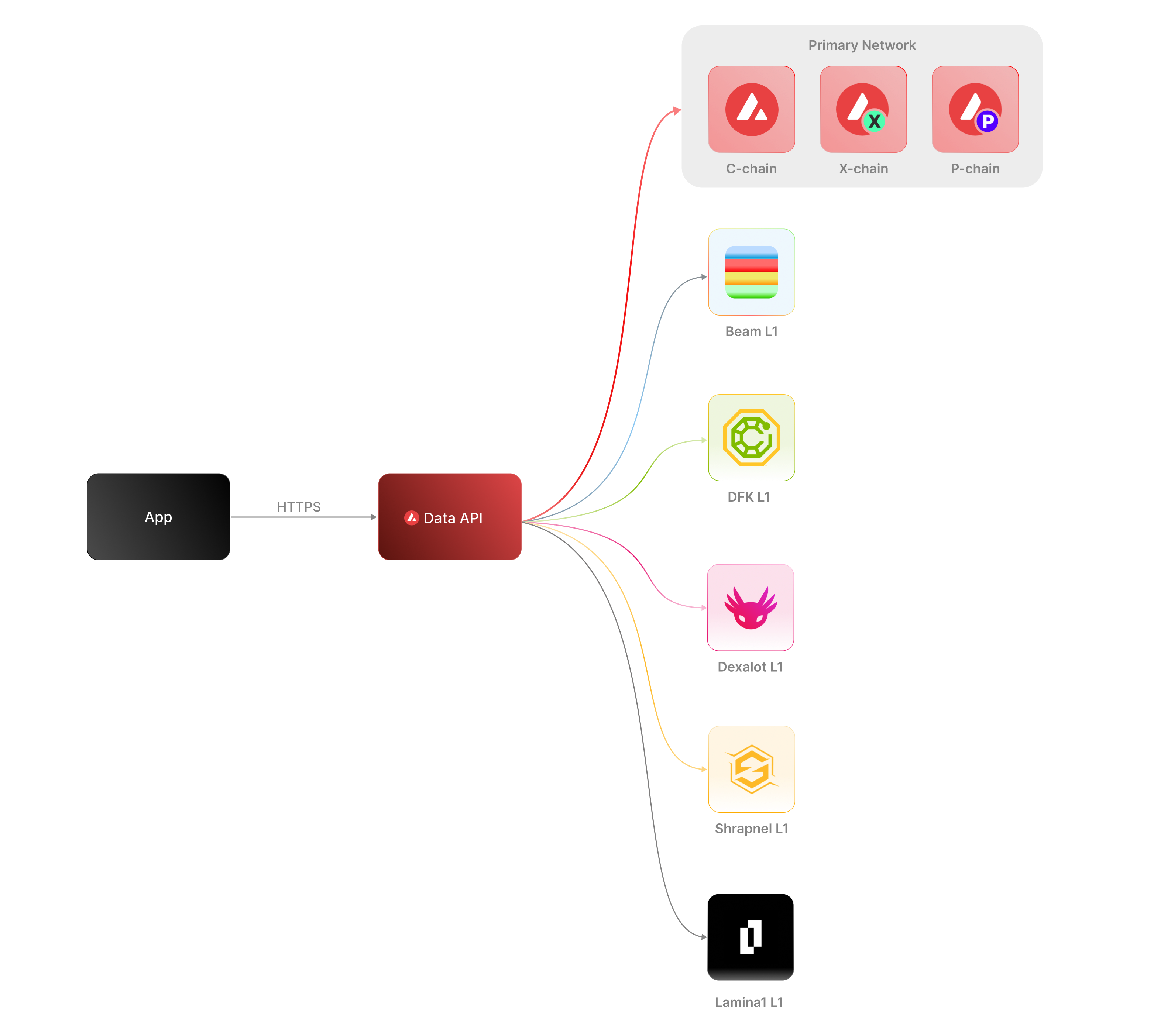 The [Data API](/docs/api-reference/data-api), along with the [Metrics API](/docs/api-reference/metrics-api), are the engines behind the [Lux Explorer](https://subnets.lux.network/stats/) and the [Core wallet](https://core.app/en/). They are used to display transactions, logs, balances, NFTs, and more. The data and visualizations presented are all powered by these APIs, offering real-time and historical insights that are essential for building sophisticated, data-driven blockchain products.
### Features
* **Extensive L1 Support**: Gain access to data from over 100+ L1s across both mainnet and testnet. If an L1 is listed on the [Lux Explorer](https://subnets.lux.network/), you can query its data using the Data API.
* **Transactions and UTXOs**: easily retrieve details related to transactions, UTXOs, and token transfers from Lux EVMs, Ethereum, and Lux's Primary Network - the Platform-Chain, Exchange-Chain and LUExchange-Chain.
* **Blocks**: retrieve latest blocks and block details
* **Balances**: fetch balances of native, ERC-20, ERC-721, and ERC-1155 tokens along with relevant metadata.
* **Tokens**: augment your user experience with asset details.
* **Staking**: get staking related data for active and historical validations.
### Supported Chains
Lux’s architecture supports a diverse ecosystem of interconnected L1 blockchains, each operating independently while retaining the ability to seamlessly communicate with other L1s within the network. Central to this architecture is the Primary Network—Lux’s foundational network layer, which all validators are required to validate prior to [LP-77](/docs/lps/77-reinventing-subnets). The Primary Network runs three essential blockchains:
* The Contract Chain (LUExchange-Chain)
* The Platform Chain (Platform-Chain)
* The Exchange Chain (Exchange-Chain)
However, with the implementation of [LP-77](/docs/lps/77-reinventing-subnets), this requirement will change. Subnet Validators will be able to operate independently of the Primary Network, allowing for more flexible and affordable Subnet creation and management.
The **Data API** supports a wide range of L1 blockchains (**over 100**) across both **mainnet** and **testnet**, including popular ones like Beam, DFK, Lamina1, Dexalot, Shrapnel, and Pulsar. In fact, every L1 you see on the [Lux Explorer](https://explorer.lux.network/) can be queried through the Data API. This list is continually expanding as we keep adding more L1s. For a full list of supported chains, visit [List chains](/docs/api-reference/data-api/evm-chains/supportedChains).
#### The Contract Chain (LUExchange-Chain)
The LUExchange-Chain is an implementation of the Ethereum Virtual Machine (EVM). The primary network endpoints only provide information related to LUExchange-Chain atomic memory balances and import/export transactions. For additional data, please reference the [EVM APIs](/docs/rpcs/c-chain/rpc).
#### The Platform Chain (Platform-Chain)
The Platform-Chain is responsible for all validator and L1-level operations. The Platform-Chain supports the creation of new blockchains and L1s, the addition of validators to L1s, staking operations, and other platform-level operations.
#### The Exchange Chain (Exchange-Chain)
The Exchange-Chain is responsible for operations on digital smart assets known as Lux Native Tokens. A smart asset is a representation of a real-world resource (for example, equity, or a bond) with sets of rules that govern its behavior, like "can’t be traded until tomorrow." The Exchange-Chain supports the creation and trade of Lux Native Tokens.
| Feature | Description |
| :--------------- | :--------------------------------------------------------------------------------------------------------------------------------------------------------------------------------------------------------------------------------------------------------------------------------------------------------------------------------------------------------------------------------------- |
| **Chains** | Utilize this endpoint to retrieve the Primary Network chains that an address has transaction history associated with. |
| **Blocks** | Blocks are the container for transactions executed on the Primary Network. Retrieve the latest blocks, a specific block by height or hash, or a list of blocks proposed by a specified NodeID on Primary Network chains. |
| **Vertices** | Prior to Lux Cortina (v1.10.0), the Exchange-Chain functioned as a DAG with vertices rather than blocks. These endpoints allow developers to retrieve historical data related to that period of chain history. Retrieve the latest vertices, a specific vertex, or a list of vertices at a specific height from the Exchange-Chain. |
| **Transactions** | Transactions are a user's primary form of interaction with a chain and provide details around their on-chain activity, including staking-related behavior. Retrieve a list of the latest transactions, a specific transaction, a list of active staking transactions for a specified address, or a list of transactions associated with a provided asset id from Primary Network chains. |
| **UTXOs** | UTXOs are fundamental elements that denote the funds a user has available. Get a list of UTXOs for provided addresses from the Primary Network chains. |
| **Balances** | User balances are an essential function of the blockchain. Retrieve balances related to the X and Platform-Chains, as well as atomic memory balances for the LUExchange-Chain. |
| **Rewards** | Staking is the process where users lock up their tokens to support a blockchain network and, in return, receive rewards. It is an essential part of proof-of-stake (PoS) consensus mechanisms used by many blockchain networks, including Lux. Using the Data API, you can easily access pending and historical rewards associated with a set of addresses. |
| **Assets** | Get asset details corresponding to the given asset id on the Exchange-Chain. |
#### EVM
The LUExchange-Chain is an instance of the Coreth Virtual Machine, and many Lux L1s are instances of the *Subnet-EVM*, which is a Virtual Machine (VM) that defines the L1 Contract Chains. *Subnet-EVM* is a simplified version of *Coreth VM* (LUExchange-Chain).
| Feature | Description |
| :--------------- | :------------------------------------------------------------------------------------------------------------------------------------------------------------------------------------------------------------------------------------------------------------------------------------------------------------ |
| **Chains** | There are a number of chains supported by the Data API. These endpoints can be used to understand which chains are included/indexed as part of the API and retrieve information related to a specific chain. |
| **Blocks** | Blocks are the container for transactions executed within the EVM. Retrieve the latest blocks or a specific block by height or hash. |
| **Transactions** | Transactions are a user's primary form of interaction with a chain and provide details around their on-chain activity. These endpoints can be used to retrieve information related to specific transaction details, internal transactions, contract deployments, specific token standard transfers, and more! |
| **Balances** | User balances are an essential function of the blockchain. Easily retrieve native token, collectible, and fungible token balances related to an EVM chain with these endpoints. |
#### Operations
The Operations API allows users to easily access their on-chain history by creating transaction exports returned in a CSV format. This API supports EVMs as well as non-EVM Primary Network chains.
# Rate Limits (/docs/api-reference/data-api/rate-limits)
---
title: Rate Limits
description: Rate Limits for the Data API
icon: Clock
---
Rate limiting is managed through a weighted scoring system, known as Compute Units (CUs). Each API request consumes a specified number of CUs, determined by the complexity of the request. This system is designed to accommodate basic requests while efficiently handling more computationally intensive operations.
## Rate Limit Tiers
The maximum CUs (rate-limiting score) for a user depends on their subscription level and is delineated in the following table:
| Subscription Level | Per Minute Limit (CUs) | Per Day Limit (CUs) |
| :----------------- | :--------------------- | :------------------ |
| Unauthenticated | 6,000 | 1,200,000 |
| Free | 8,000 | 2,000,000 |
| Base | 10,000 | 3,750,000 |
| Growth | 14,000 | 11,200,000 |
| Pro | 20,000 | 25,000,000 |
To update your subscription level use the [AvaCloud Portal](https://app.avacloud.io/)
The [Data API](/docs/api-reference/data-api), along with the [Metrics API](/docs/api-reference/metrics-api), are the engines behind the [Lux Explorer](https://subnets.lux.network/stats/) and the [Core wallet](https://core.app/en/). They are used to display transactions, logs, balances, NFTs, and more. The data and visualizations presented are all powered by these APIs, offering real-time and historical insights that are essential for building sophisticated, data-driven blockchain products.
### Features
* **Extensive L1 Support**: Gain access to data from over 100+ L1s across both mainnet and testnet. If an L1 is listed on the [Lux Explorer](https://subnets.lux.network/), you can query its data using the Data API.
* **Transactions and UTXOs**: easily retrieve details related to transactions, UTXOs, and token transfers from Lux EVMs, Ethereum, and Lux's Primary Network - the Platform-Chain, Exchange-Chain and LUExchange-Chain.
* **Blocks**: retrieve latest blocks and block details
* **Balances**: fetch balances of native, ERC-20, ERC-721, and ERC-1155 tokens along with relevant metadata.
* **Tokens**: augment your user experience with asset details.
* **Staking**: get staking related data for active and historical validations.
### Supported Chains
Lux’s architecture supports a diverse ecosystem of interconnected L1 blockchains, each operating independently while retaining the ability to seamlessly communicate with other L1s within the network. Central to this architecture is the Primary Network—Lux’s foundational network layer, which all validators are required to validate prior to [LP-77](/docs/lps/77-reinventing-subnets). The Primary Network runs three essential blockchains:
* The Contract Chain (LUExchange-Chain)
* The Platform Chain (Platform-Chain)
* The Exchange Chain (Exchange-Chain)
However, with the implementation of [LP-77](/docs/lps/77-reinventing-subnets), this requirement will change. Subnet Validators will be able to operate independently of the Primary Network, allowing for more flexible and affordable Subnet creation and management.
The **Data API** supports a wide range of L1 blockchains (**over 100**) across both **mainnet** and **testnet**, including popular ones like Beam, DFK, Lamina1, Dexalot, Shrapnel, and Pulsar. In fact, every L1 you see on the [Lux Explorer](https://explorer.lux.network/) can be queried through the Data API. This list is continually expanding as we keep adding more L1s. For a full list of supported chains, visit [List chains](/docs/api-reference/data-api/evm-chains/supportedChains).
#### The Contract Chain (LUExchange-Chain)
The LUExchange-Chain is an implementation of the Ethereum Virtual Machine (EVM). The primary network endpoints only provide information related to LUExchange-Chain atomic memory balances and import/export transactions. For additional data, please reference the [EVM APIs](/docs/rpcs/c-chain/rpc).
#### The Platform Chain (Platform-Chain)
The Platform-Chain is responsible for all validator and L1-level operations. The Platform-Chain supports the creation of new blockchains and L1s, the addition of validators to L1s, staking operations, and other platform-level operations.
#### The Exchange Chain (Exchange-Chain)
The Exchange-Chain is responsible for operations on digital smart assets known as Lux Native Tokens. A smart asset is a representation of a real-world resource (for example, equity, or a bond) with sets of rules that govern its behavior, like "can’t be traded until tomorrow." The Exchange-Chain supports the creation and trade of Lux Native Tokens.
| Feature | Description |
| :--------------- | :--------------------------------------------------------------------------------------------------------------------------------------------------------------------------------------------------------------------------------------------------------------------------------------------------------------------------------------------------------------------------------------- |
| **Chains** | Utilize this endpoint to retrieve the Primary Network chains that an address has transaction history associated with. |
| **Blocks** | Blocks are the container for transactions executed on the Primary Network. Retrieve the latest blocks, a specific block by height or hash, or a list of blocks proposed by a specified NodeID on Primary Network chains. |
| **Vertices** | Prior to Lux Cortina (v1.10.0), the Exchange-Chain functioned as a DAG with vertices rather than blocks. These endpoints allow developers to retrieve historical data related to that period of chain history. Retrieve the latest vertices, a specific vertex, or a list of vertices at a specific height from the Exchange-Chain. |
| **Transactions** | Transactions are a user's primary form of interaction with a chain and provide details around their on-chain activity, including staking-related behavior. Retrieve a list of the latest transactions, a specific transaction, a list of active staking transactions for a specified address, or a list of transactions associated with a provided asset id from Primary Network chains. |
| **UTXOs** | UTXOs are fundamental elements that denote the funds a user has available. Get a list of UTXOs for provided addresses from the Primary Network chains. |
| **Balances** | User balances are an essential function of the blockchain. Retrieve balances related to the X and Platform-Chains, as well as atomic memory balances for the LUExchange-Chain. |
| **Rewards** | Staking is the process where users lock up their tokens to support a blockchain network and, in return, receive rewards. It is an essential part of proof-of-stake (PoS) consensus mechanisms used by many blockchain networks, including Lux. Using the Data API, you can easily access pending and historical rewards associated with a set of addresses. |
| **Assets** | Get asset details corresponding to the given asset id on the Exchange-Chain. |
#### EVM
The LUExchange-Chain is an instance of the Coreth Virtual Machine, and many Lux L1s are instances of the *Subnet-EVM*, which is a Virtual Machine (VM) that defines the L1 Contract Chains. *Subnet-EVM* is a simplified version of *Coreth VM* (LUExchange-Chain).
| Feature | Description |
| :--------------- | :------------------------------------------------------------------------------------------------------------------------------------------------------------------------------------------------------------------------------------------------------------------------------------------------------------ |
| **Chains** | There are a number of chains supported by the Data API. These endpoints can be used to understand which chains are included/indexed as part of the API and retrieve information related to a specific chain. |
| **Blocks** | Blocks are the container for transactions executed within the EVM. Retrieve the latest blocks or a specific block by height or hash. |
| **Transactions** | Transactions are a user's primary form of interaction with a chain and provide details around their on-chain activity. These endpoints can be used to retrieve information related to specific transaction details, internal transactions, contract deployments, specific token standard transfers, and more! |
| **Balances** | User balances are an essential function of the blockchain. Easily retrieve native token, collectible, and fungible token balances related to an EVM chain with these endpoints. |
#### Operations
The Operations API allows users to easily access their on-chain history by creating transaction exports returned in a CSV format. This API supports EVMs as well as non-EVM Primary Network chains.
# Rate Limits (/docs/api-reference/data-api/rate-limits)
---
title: Rate Limits
description: Rate Limits for the Data API
icon: Clock
---
Rate limiting is managed through a weighted scoring system, known as Compute Units (CUs). Each API request consumes a specified number of CUs, determined by the complexity of the request. This system is designed to accommodate basic requests while efficiently handling more computationally intensive operations.
## Rate Limit Tiers
The maximum CUs (rate-limiting score) for a user depends on their subscription level and is delineated in the following table:
| Subscription Level | Per Minute Limit (CUs) | Per Day Limit (CUs) |
| :----------------- | :--------------------- | :------------------ |
| Unauthenticated | 6,000 | 1,200,000 |
| Free | 8,000 | 2,000,000 |
| Base | 10,000 | 3,750,000 |
| Growth | 14,000 | 11,200,000 |
| Pro | 20,000 | 25,000,000 |
To update your subscription level use the [AvaCloud Portal](https://app.avacloud.io/)
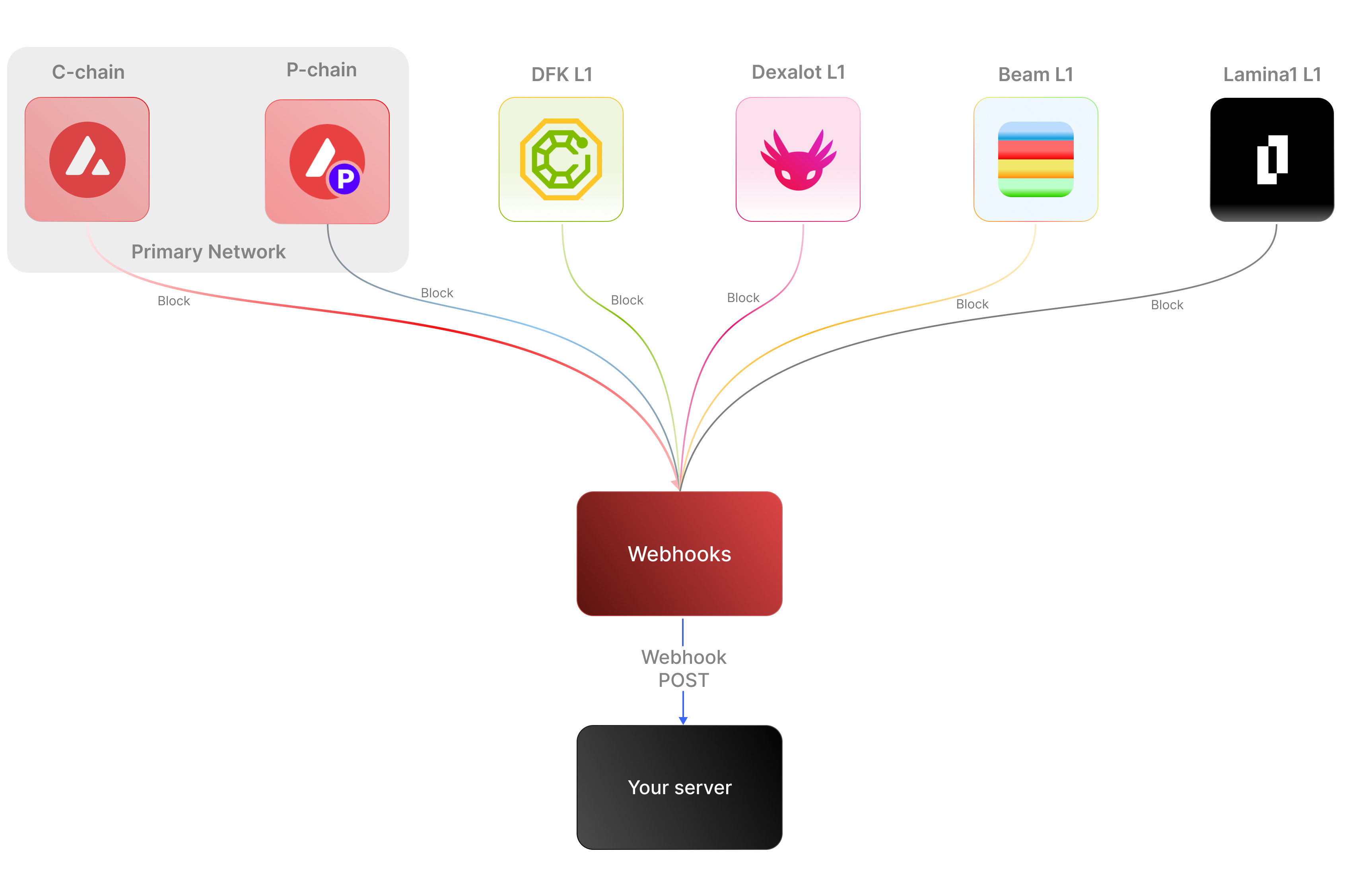 ### Key Features:
* **Real-time notifications:** Receive immediate updates on specified on-chain activities without polling.
* **Customizable:** Specify the desired event type to listen for, customizing notifications based on your individual requirements.
* **Secure:** Employ shared secrets and signature-based verification to ensure that notifications originate from a trusted source.
* **Broad Coverage:**
* **C-chain:** Mainnet and testnet, covering smart contract events, NFT transfers, and wallet-to-wallet transactions.
* **Platform Chain (P and X chains):** Address and validator events, staking activities, and other platform-level transactions.
By supporting both the C-chain and the Platform Chain, you can monitor an even wider range of Lux activities.
### Use cases
* **NFT marketplace transactions**: Get alerts for NFT minting, transfers, auctions, bids, sales, and other interactions within NFT marketplaces.
* **Wallet notifications**: Receive alerts when an address performs actions such as sending, receiving, swapping, or burning assets.
* **DeFi activities**: Receive notifications for various DeFi activities such as liquidity provisioning, yield farming, borrowing, lending, and liquidations.
* **Staking rewards:** Get real-time notifications when a validator stakes, receives delegation, or earns staking rewards on the Platform-Chain, enabling seamless monitoring of validator earnings and participation.
## APIs for continuous polling vs. Webhooks for events data
The following example uses the address activity webhook topic to illustrate the difference between polling an API for wallet event data versus subscribing to a webhook topic to receive wallet events.
### Key Features:
* **Real-time notifications:** Receive immediate updates on specified on-chain activities without polling.
* **Customizable:** Specify the desired event type to listen for, customizing notifications based on your individual requirements.
* **Secure:** Employ shared secrets and signature-based verification to ensure that notifications originate from a trusted source.
* **Broad Coverage:**
* **C-chain:** Mainnet and testnet, covering smart contract events, NFT transfers, and wallet-to-wallet transactions.
* **Platform Chain (P and X chains):** Address and validator events, staking activities, and other platform-level transactions.
By supporting both the C-chain and the Platform Chain, you can monitor an even wider range of Lux activities.
### Use cases
* **NFT marketplace transactions**: Get alerts for NFT minting, transfers, auctions, bids, sales, and other interactions within NFT marketplaces.
* **Wallet notifications**: Receive alerts when an address performs actions such as sending, receiving, swapping, or burning assets.
* **DeFi activities**: Receive notifications for various DeFi activities such as liquidity provisioning, yield farming, borrowing, lending, and liquidations.
* **Staking rewards:** Get real-time notifications when a validator stakes, receives delegation, or earns staking rewards on the Platform-Chain, enabling seamless monitoring of validator earnings and participation.
## APIs for continuous polling vs. Webhooks for events data
The following example uses the address activity webhook topic to illustrate the difference between polling an API for wallet event data versus subscribing to a webhook topic to receive wallet events.
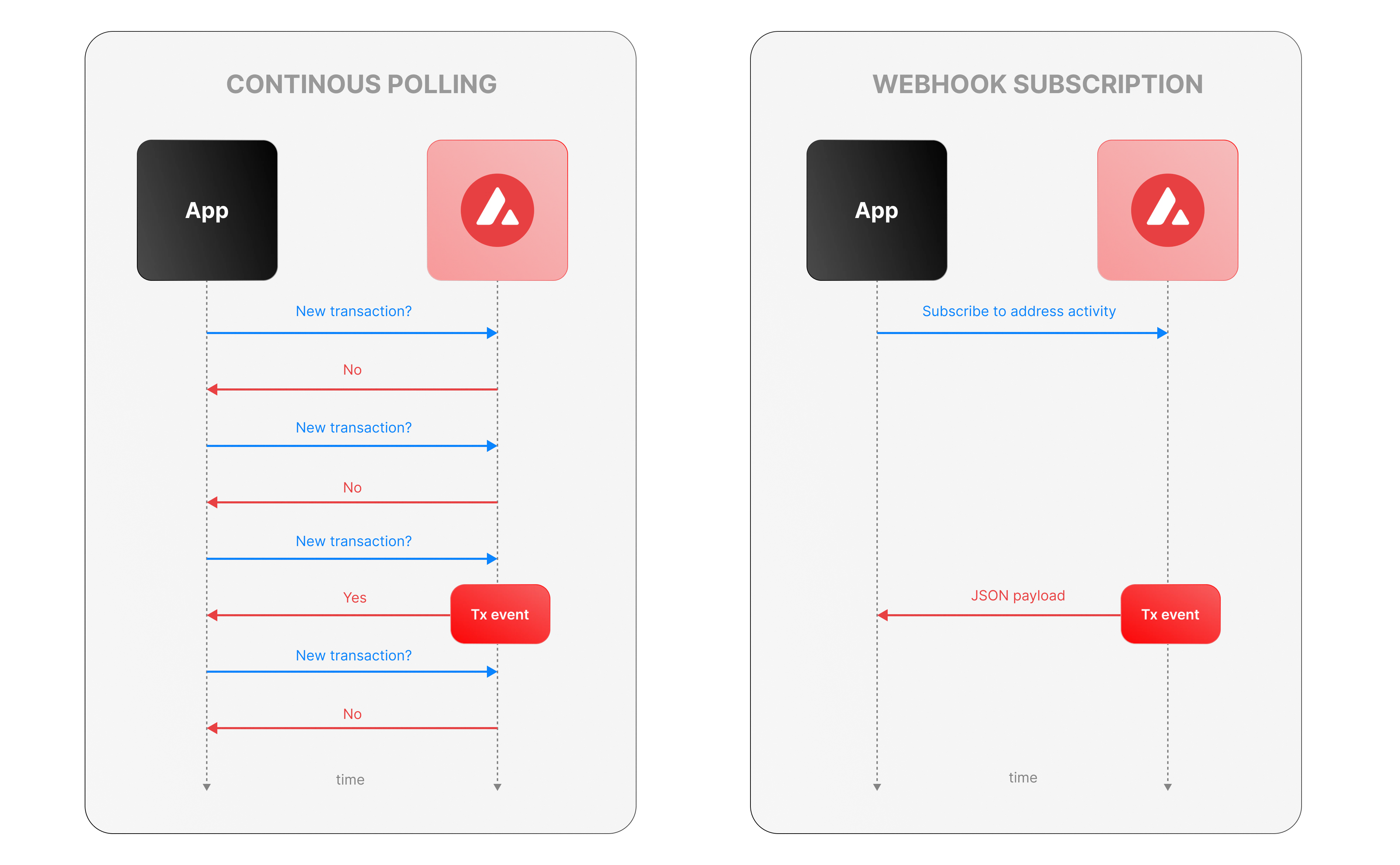 ### Continous polling
Continuous polling is a method where your application repeatedly sends requests to an API at fixed intervals to check for new data or events. Think of it like checking your mailbox every five minutes to see if new mail has arrived, whether or not anything is there.
* You want to track new transactions for a specific wallet.
* Your application calls an API every few seconds (e.g., every 5 seconds) with a query like, “Are there any new transactions for this wallet since my last check?”
* The API responds with either new transaction data or a confirmation that nothing has changed.
**Downsides of continuous polling**
* **Inefficiency:** Your app makes requests even when no new transactions occur, wasting computational resources, bandwidth, and potentially incurring higher API costs.
For example, if no transactions happen for an hour, your app still sends hundreds of unnecessary requests.
* **Delayed updates:**
Since polling happens at set intervals, there’s a potential delay in detecting events. If a transaction occurs just after a poll, your app won’t know until the next check—up to 5 seconds later in our example.
This lag can be critical for time-sensitive applications, like trading or notifications.
* **Scalability challenges:** Monitoring one wallet might be manageable, but if you’re tracking dozens or hundreds of wallets, the number of requests multiplies quickly.
### Webhook subscription
Webhooks are an event-driven alternative where your application subscribes to specific events, and the Lux service notifies you instantly when those events occur. It’s like signing up for a delivery alert—when the package (event) arrives, you get a text message right away, instead of checking the tracking site repeatedly.
* Your app registers a webhook specifying an endpoint (e.g., `https://your-app.com/webhooks/transactions`) and the event type (e.g., `address_activity`).
* When a new transaction occurs we send a POST request to your endpoint with the transaction details.
* Your app receives the data only when something happens, with no need to ask repeatedly.
**Benefits of Lux webhooks**
* **Real-Time updates:** Notifications arrive the moment a transaction is processed, eliminating delays inherent in polling. This is ideal for applications needing immediate responses, like alerting users or triggering automated actions.
* **Efficiency:** Your app doesn’t waste resources making requests when there’s no new data. Data flows only when events occur. This reduces server load, bandwidth usage, and API call quotas.
* **Scalability:** You can subscribe to events for multiple wallets or event types (e.g., transactions, smart contract calls) without increasing the number of requests your app makes. We handle the event detection and delivery, so your app scales effortlessly as monitoring needs grow.
## Event payload structure
The Event structure always begins with the following parameters:
```json theme={null}
{
"webhookId": "6d1bd383-aa8d-47b5-b793-da6d8a115fde",
"eventType": "address_activity",
"messageId": "8e4e7284-852a-478b-b425-27631c8d22d2",
"event": {
}
}
```
**Parameters:**
* `webhookId`: Unique identifier for the webhook in your account.
* `eventType`: The event that caused the webhook to be triggered. In the future, there will be multiple types of events, for the time being only the address\_activity event is supported. The address\_activity event gets triggered whenever the specified addresses participate in a token or LUX transaction.
* `messageId`: Unique identifier per event sent.
* `event`: Event payload. It contains details about the transaction, logs, and traces. By default logs and internal transactions are not included, if you want to include them use `"includeLogs": true`, and `"includeInternalTxs": true`.
### Address Activity webhook
The address activity webhook allows you to track any interaction with an address (any address). Here is an example of this type of event:
```json theme={null}
{
"webhookId": "263942d1-74a4-4416-aeb4-948b9b9bb7cc",
"eventType": "address_activity",
"messageId": "94df1881-5d93-49d1-a1bd-607830608de2",
"event": {
"transaction": {
"blockHash": "0xbd093536009f7dd785e9a5151d80069a93cc322f8b2df63d373865af4f6ee5be",
"blockNumber": "44568834",
"from": "0xf73166f0c75a3DF444fAbdFDC7e5EE4a73fA51C7",
"gas": "651108",
"gasPrice": "31466275484",
"maxFeePerGas": "31466275484",
"maxPriorityFeePerGas": "31466275484",
"txHash": "0xf6a791920652e87ccc91d2f1b20c1505a94452b88f359acdeb5a6fa8205638c4",
"txStatus": "1",
"input": "0xb80c2f090000000000000000000000000000000000000000000000000000000000000000000000000000000000000000eeeeeeeeeeeeeeeeeeeeeeeeeeeeeeeeeeeeeeee000000000000000000000000b97ef9ef8734c71904d8002f8b6bc66dd9c48a6e000000000000000000000000000000000000000000000000006ca0c737b131f2000000000000000000000000000000000000000000000000000000000011554e000000000000000000000000000000000000000000000000000000006627dadc0000000000000000000000000000000000000000000000000000000000000120000000000000000000000000000000000000000000000000000000000000016000000000000000000000000000000000000000000000000000000000000004600000000000000000000000000000000000000000000000000000000000000001000000000000000000000000000000000000000000000000006ca0c737b131f2000000000000000000000000000000000000000000000000000000000000000100000000000000000000000000000000000000000000000000000000000000200000000000000000000000000000000000000000000000000000000000000001000000000000000000000000000000000000000000000000000000000000002000000000000000000000000000000000000000000000000000000000000000a000000000000000000000000000000000000000000000000000000000000000e000000000000000000000000000000000000000000000000000000000000001200000000000000000000000000000000000000000000000000000000000000160000000000000000000000000b31f66aa3c1e785363f0875a1b74e27b85fd66c70000000000000000000000000000000000000000000000000000000000000001000000000000000000000000be882fb094143b59dc5335d32cecb711570ebdd40000000000000000000000000000000000000000000000000000000000000001000000000000000000000000be882fb094143b59dc5335d32cecb711570ebdd400000000000000000000000000000000000000000000000000000000000000010000000000000000000027100e663593657b064e1bae76d28625df5d0ebd44210000000000000000000000000000000000000000000000000000000000000001000000000000000000000000000000000000000000000000000000000000002000000000000000000000000000000000000000000000000000000000000000c0000000000000000000000000000000000000000000000000000000000000000000000000000000000000000000000000000000000000000000000000000000400000000000000000000000000000000000000000000000000000000000000060000000000000000000000000b31f66aa3c1e785363f0875a1b74e27b85fd66c7000000000000000000000000b97ef9ef8734c71904d8002f8b6bc66dd9c48a6e0000000000000000000000000000000000000000000000000000000000000bb80000000000000000000000000000000000000000000000000000000000000000",
"nonce": "4",
"to": "0x1dac23e41fc8ce857e86fd8c1ae5b6121c67d96d",
"transactionIndex": 0,
"value": "30576074978046450",
"type": 0,
"chainId": "43114",
"receiptCumulativeGasUsed": "212125",
"receiptGasUsed": "212125",
"receiptEffectiveGasPrice": "31466275484",
"receiptRoot": "0xf355b81f3e76392e1b4926429d6abf8ec24601cc3d36d0916de3113aa80dd674",
"erc20Transfers": [
{
"transactionHash": "0xf6a791920652e87ccc91d2f1b20c1505a94452b88f359acdeb5a6fa8205638c4",
"type": "ERC20",
"from": "0x1daC23e41Fc8ce857E86fD8C1AE5b6121C67D96d",
"to": "0xbe882fb094143B59Dc5335D32cEcB711570EbDD4",
"value": "30576074978046450",
"blockTimestamp": 1713884373,
"logIndex": 2,
"erc20Token": {
"address": "0xB31f66AA3C1e785363F0875A1B74E27b85FD66c7",
"name": "Wrapped LUX",
"symbol": "WLUX",
"decimals": 18,
"valueWithDecimals": "0.030576074978046448"
}
},
{
"transactionHash": "0xf6a791920652e87ccc91d2f1b20c1505a94452b88f359acdeb5a6fa8205638c4",
"type": "ERC20",
"from": "0x0E663593657B064e1baE76d28625Df5D0eBd4421",
"to": "0xf73166f0c75a3DF444fAbdFDC7e5EE4a73fA51C7",
"value": "1195737",
"blockTimestamp": 1713884373,
"logIndex": 3,
"erc20Token": {
"address": "0xB97EF9Ef8734C71904D8002F8b6Bc66Dd9c48a6E",
"name": "USD Coin",
"symbol": "USDC",
"decimals": 6,
"valueWithDecimals": "1.195737"
}
},
{
"transactionHash": "0xf6a791920652e87ccc91d2f1b20c1505a94452b88f359acdeb5a6fa8205638c4",
"type": "ERC20",
"from": "0xbe882fb094143B59Dc5335D32cEcB711570EbDD4",
"to": "0x0E663593657B064e1baE76d28625Df5D0eBd4421",
"value": "30576074978046450",
"blockTimestamp": 1713884373,
"logIndex": 4,
"erc20Token": {
"address": "0xB31f66AA3C1e785363F0875A1B74E27b85FD66c7",
"name": "Wrapped LUX",
"symbol": "WLUX",
"decimals": 18,
"valueWithDecimals": "0.030576074978046448"
}
}
],
"erc721Transfers": [],
"erc1155Transfers": [],
"internalTransactions": [
{
"from": "0xf73166f0c75a3DF444fAbdFDC7e5EE4a73fA51C7",
"to": "0x1daC23e41Fc8ce857E86fD8C1AE5b6121C67D96d",
"internalTxType": "CALL",
"value": "30576074978046450",
"gasUsed": "212125",
"gasLimit": "651108",
"transactionHash": "0xf6a791920652e87ccc91d2f1b20c1505a94452b88f359acdeb5a6fa8205638c4"
},
{
"from": "0x1daC23e41Fc8ce857E86fD8C1AE5b6121C67D96d",
"to": "0xF2781Bb34B6f6Bb9a6B5349b24de91487E653119",
"internalTxType": "DELEGATECALL",
"value": "30576074978046450",
"gasUsed": "176417",
"gasLimit": "605825",
"transactionHash": "0xf6a791920652e87ccc91d2f1b20c1505a94452b88f359acdeb5a6fa8205638c4"
},
{
"from": "0x1daC23e41Fc8ce857E86fD8C1AE5b6121C67D96d",
"to": "0xB97EF9Ef8734C71904D8002F8b6Bc66Dd9c48a6E",
"internalTxType": "STATICCALL",
"value": "0",
"gasUsed": "9750",
"gasLimit": "585767",
"transactionHash": "0xf6a791920652e87ccc91d2f1b20c1505a94452b88f359acdeb5a6fa8205638c4"
},
{
"from": "0xB97EF9Ef8734C71904D8002F8b6Bc66Dd9c48a6E",
"to": "0x30DFE0469803BcE76F8F62aC24b18d33D3d6FfE6",
"internalTxType": "DELEGATECALL",
"value": "0",
"gasUsed": "2553",
"gasLimit": "569571",
"transactionHash": "0xf6a791920652e87ccc91d2f1b20c1505a94452b88f359acdeb5a6fa8205638c4"
},
{
"from": "0x1daC23e41Fc8ce857E86fD8C1AE5b6121C67D96d",
"to": "0xB31f66AA3C1e785363F0875A1B74E27b85FD66c7",
"internalTxType": "CALL",
"value": "30576074978046450",
"gasUsed": "23878",
"gasLimit": "566542",
"transactionHash": "0xf6a791920652e87ccc91d2f1b20c1505a94452b88f359acdeb5a6fa8205638c4"
},
{
"from": "0x1daC23e41Fc8ce857E86fD8C1AE5b6121C67D96d",
"to": "0xB31f66AA3C1e785363F0875A1B74E27b85FD66c7",
"internalTxType": "CALL",
"value": "0",
"gasUsed": "25116",
"gasLimit": "540114",
"transactionHash": "0xf6a791920652e87ccc91d2f1b20c1505a94452b88f359acdeb5a6fa8205638c4"
},
{
"from": "0x1daC23e41Fc8ce857E86fD8C1AE5b6121C67D96d",
"to": "0xbe882fb094143B59Dc5335D32cEcB711570EbDD4",
"internalTxType": "CALL",
"value": "0",
"gasUsed": "81496",
"gasLimit": "511279",
"transactionHash": "0xf6a791920652e87ccc91d2f1b20c1505a94452b88f359acdeb5a6fa8205638c4"
},
{
"from": "0xbe882fb094143B59Dc5335D32cEcB711570EbDD4",
"to": "0xB31f66AA3C1e785363F0875A1B74E27b85FD66c7",
"internalTxType": "STATICCALL",
"value": "0",
"gasUsed": "491",
"gasLimit": "501085",
"transactionHash": "0xf6a791920652e87ccc91d2f1b20c1505a94452b88f359acdeb5a6fa8205638c4"
},
{
"from": "0xbe882fb094143B59Dc5335D32cEcB711570EbDD4",
"to": "0x0E663593657B064e1baE76d28625Df5D0eBd4421",
"internalTxType": "CALL",
"value": "0",
"gasUsed": "74900",
"gasLimit": "497032",
"transactionHash": "0xf6a791920652e87ccc91d2f1b20c1505a94452b88f359acdeb5a6fa8205638c4"
},
{
"from": "0x0E663593657B064e1baE76d28625Df5D0eBd4421",
"to": "0xB97EF9Ef8734C71904D8002F8b6Bc66Dd9c48a6E",
"internalTxType": "CALL",
"value": "0",
"gasUsed": "32063",
"gasLimit": "463431",
"transactionHash": "0xf6a791920652e87ccc91d2f1b20c1505a94452b88f359acdeb5a6fa8205638c4"
},
{
"from": "0xB97EF9Ef8734C71904D8002F8b6Bc66Dd9c48a6E",
"to": "0x30DFE0469803BcE76F8F62aC24b18d33D3d6FfE6",
"internalTxType": "DELEGATECALL",
"value": "0",
"gasUsed": "31363",
"gasLimit": "455542",
"transactionHash": "0xf6a791920652e87ccc91d2f1b20c1505a94452b88f359acdeb5a6fa8205638c4"
},
{
"from": "0x0E663593657B064e1baE76d28625Df5D0eBd4421",
"to": "0xB31f66AA3C1e785363F0875A1B74E27b85FD66c7",
"internalTxType": "STATICCALL",
"value": "0",
"gasUsed": "2491",
"gasLimit": "430998",
"transactionHash": "0xf6a791920652e87ccc91d2f1b20c1505a94452b88f359acdeb5a6fa8205638c4"
},
{
"from": "0x0E663593657B064e1baE76d28625Df5D0eBd4421",
"to": "0xbe882fb094143B59Dc5335D32cEcB711570EbDD4",
"internalTxType": "CALL",
"value": "0",
"gasUsed": "7591",
"gasLimit": "427775",
"transactionHash": "0xf6a791920652e87ccc91d2f1b20c1505a94452b88f359acdeb5a6fa8205638c4"
},
{
"from": "0xbe882fb094143B59Dc5335D32cEcB711570EbDD4",
"to": "0xB31f66AA3C1e785363F0875A1B74E27b85FD66c7",
"internalTxType": "CALL",
"value": "0",
"gasUsed": "6016",
"gasLimit": "419746",
"transactionHash": "0xf6a791920652e87ccc91d2f1b20c1505a94452b88f359acdeb5a6fa8205638c4"
},
{
"from": "0x0E663593657B064e1baE76d28625Df5D0eBd4421",
"to": "0xB31f66AA3C1e785363F0875A1B74E27b85FD66c7",
"internalTxType": "STATICCALL",
"value": "0",
"gasUsed": "491",
"gasLimit": "419670",
"transactionHash": "0xf6a791920652e87ccc91d2f1b20c1505a94452b88f359acdeb5a6fa8205638c4"
},
{
"from": "0x1daC23e41Fc8ce857E86fD8C1AE5b6121C67D96d",
"to": "0xB97EF9Ef8734C71904D8002F8b6Bc66Dd9c48a6E",
"internalTxType": "STATICCALL",
"value": "0",
"gasUsed": "3250",
"gasLimit": "430493",
"transactionHash": "0xf6a791920652e87ccc91d2f1b20c1505a94452b88f359acdeb5a6fa8205638c4"
},
{
"from": "0xB97EF9Ef8734C71904D8002F8b6Bc66Dd9c48a6E",
"to": "0x30DFE0469803BcE76F8F62aC24b18d33D3d6FfE6",
"internalTxType": "DELEGATECALL",
"value": "0",
"gasUsed": "2553",
"gasLimit": "423121",
"transactionHash": "0xf6a791920652e87ccc91d2f1b20c1505a94452b88f359acdeb5a6fa8205638c4"
},
{
"from": "0x1daC23e41Fc8ce857E86fD8C1AE5b6121C67D96d",
"to": "0xB97EF9Ef8734C71904D8002F8b6Bc66Dd9c48a6E",
"internalTxType": "STATICCALL",
"value": "0",
"gasUsed": "1250",
"gasLimit": "426766",
"transactionHash": "0xf6a791920652e87ccc91d2f1b20c1505a94452b88f359acdeb5a6fa8205638c4"
},
{
"from": "0xB97EF9Ef8734C71904D8002F8b6Bc66Dd9c48a6E",
"to": "0x30DFE0469803BcE76F8F62aC24b18d33D3d6FfE6",
"internalTxType": "DELEGATECALL",
"value": "0",
"gasUsed": "553",
"gasLimit": "419453",
"transactionHash": "0xf6a791920652e87ccc91d2f1b20c1505a94452b88f359acdeb5a6fa8205638c4"
}
],
"blockTimestamp": 1713884373
}
}
}
```
# Rate Limits (/docs/api-reference/webhook-api/rate-limits)
---
title: Rate Limits
description: Rate Limits for the Webhooks API
icon: Clock
---
Rate limiting is managed through a weighted scoring system, known as Compute Units (CUs). Each API request consumes a specified number of CUs, determined by the complexity of the request. This system is designed to accommodate basic requests while efficiently handling more computationally intensive operations.
## Rate Limit Tiers
The maximum CUs (rate-limiting score) for a user depends on their subscription level and is delineated in the following table:
| Subscription Level | Per Minute Limit (CUs) | Per Day Limit (CUs) |
| :----------------- | :--------------------- | :------------------ |
| Unauthenticated | 6,000 | 1,200,000 |
| Free | 8,000 | 2,000,000 |
| Base | 10,000 | 3,750,000 |
| Growth | 14,000 | 11,200,000 |
| Pro | 20,000 | 25,000,000 |
To update your subscription level use the [AvaCloud Portal](https://app.avacloud.io/)
### Continous polling
Continuous polling is a method where your application repeatedly sends requests to an API at fixed intervals to check for new data or events. Think of it like checking your mailbox every five minutes to see if new mail has arrived, whether or not anything is there.
* You want to track new transactions for a specific wallet.
* Your application calls an API every few seconds (e.g., every 5 seconds) with a query like, “Are there any new transactions for this wallet since my last check?”
* The API responds with either new transaction data or a confirmation that nothing has changed.
**Downsides of continuous polling**
* **Inefficiency:** Your app makes requests even when no new transactions occur, wasting computational resources, bandwidth, and potentially incurring higher API costs.
For example, if no transactions happen for an hour, your app still sends hundreds of unnecessary requests.
* **Delayed updates:**
Since polling happens at set intervals, there’s a potential delay in detecting events. If a transaction occurs just after a poll, your app won’t know until the next check—up to 5 seconds later in our example.
This lag can be critical for time-sensitive applications, like trading or notifications.
* **Scalability challenges:** Monitoring one wallet might be manageable, but if you’re tracking dozens or hundreds of wallets, the number of requests multiplies quickly.
### Webhook subscription
Webhooks are an event-driven alternative where your application subscribes to specific events, and the Lux service notifies you instantly when those events occur. It’s like signing up for a delivery alert—when the package (event) arrives, you get a text message right away, instead of checking the tracking site repeatedly.
* Your app registers a webhook specifying an endpoint (e.g., `https://your-app.com/webhooks/transactions`) and the event type (e.g., `address_activity`).
* When a new transaction occurs we send a POST request to your endpoint with the transaction details.
* Your app receives the data only when something happens, with no need to ask repeatedly.
**Benefits of Lux webhooks**
* **Real-Time updates:** Notifications arrive the moment a transaction is processed, eliminating delays inherent in polling. This is ideal for applications needing immediate responses, like alerting users or triggering automated actions.
* **Efficiency:** Your app doesn’t waste resources making requests when there’s no new data. Data flows only when events occur. This reduces server load, bandwidth usage, and API call quotas.
* **Scalability:** You can subscribe to events for multiple wallets or event types (e.g., transactions, smart contract calls) without increasing the number of requests your app makes. We handle the event detection and delivery, so your app scales effortlessly as monitoring needs grow.
## Event payload structure
The Event structure always begins with the following parameters:
```json theme={null}
{
"webhookId": "6d1bd383-aa8d-47b5-b793-da6d8a115fde",
"eventType": "address_activity",
"messageId": "8e4e7284-852a-478b-b425-27631c8d22d2",
"event": {
}
}
```
**Parameters:**
* `webhookId`: Unique identifier for the webhook in your account.
* `eventType`: The event that caused the webhook to be triggered. In the future, there will be multiple types of events, for the time being only the address\_activity event is supported. The address\_activity event gets triggered whenever the specified addresses participate in a token or LUX transaction.
* `messageId`: Unique identifier per event sent.
* `event`: Event payload. It contains details about the transaction, logs, and traces. By default logs and internal transactions are not included, if you want to include them use `"includeLogs": true`, and `"includeInternalTxs": true`.
### Address Activity webhook
The address activity webhook allows you to track any interaction with an address (any address). Here is an example of this type of event:
```json theme={null}
{
"webhookId": "263942d1-74a4-4416-aeb4-948b9b9bb7cc",
"eventType": "address_activity",
"messageId": "94df1881-5d93-49d1-a1bd-607830608de2",
"event": {
"transaction": {
"blockHash": "0xbd093536009f7dd785e9a5151d80069a93cc322f8b2df63d373865af4f6ee5be",
"blockNumber": "44568834",
"from": "0xf73166f0c75a3DF444fAbdFDC7e5EE4a73fA51C7",
"gas": "651108",
"gasPrice": "31466275484",
"maxFeePerGas": "31466275484",
"maxPriorityFeePerGas": "31466275484",
"txHash": "0xf6a791920652e87ccc91d2f1b20c1505a94452b88f359acdeb5a6fa8205638c4",
"txStatus": "1",
"input": "0xb80c2f090000000000000000000000000000000000000000000000000000000000000000000000000000000000000000eeeeeeeeeeeeeeeeeeeeeeeeeeeeeeeeeeeeeeee000000000000000000000000b97ef9ef8734c71904d8002f8b6bc66dd9c48a6e000000000000000000000000000000000000000000000000006ca0c737b131f2000000000000000000000000000000000000000000000000000000000011554e000000000000000000000000000000000000000000000000000000006627dadc0000000000000000000000000000000000000000000000000000000000000120000000000000000000000000000000000000000000000000000000000000016000000000000000000000000000000000000000000000000000000000000004600000000000000000000000000000000000000000000000000000000000000001000000000000000000000000000000000000000000000000006ca0c737b131f2000000000000000000000000000000000000000000000000000000000000000100000000000000000000000000000000000000000000000000000000000000200000000000000000000000000000000000000000000000000000000000000001000000000000000000000000000000000000000000000000000000000000002000000000000000000000000000000000000000000000000000000000000000a000000000000000000000000000000000000000000000000000000000000000e000000000000000000000000000000000000000000000000000000000000001200000000000000000000000000000000000000000000000000000000000000160000000000000000000000000b31f66aa3c1e785363f0875a1b74e27b85fd66c70000000000000000000000000000000000000000000000000000000000000001000000000000000000000000be882fb094143b59dc5335d32cecb711570ebdd40000000000000000000000000000000000000000000000000000000000000001000000000000000000000000be882fb094143b59dc5335d32cecb711570ebdd400000000000000000000000000000000000000000000000000000000000000010000000000000000000027100e663593657b064e1bae76d28625df5d0ebd44210000000000000000000000000000000000000000000000000000000000000001000000000000000000000000000000000000000000000000000000000000002000000000000000000000000000000000000000000000000000000000000000c0000000000000000000000000000000000000000000000000000000000000000000000000000000000000000000000000000000000000000000000000000000400000000000000000000000000000000000000000000000000000000000000060000000000000000000000000b31f66aa3c1e785363f0875a1b74e27b85fd66c7000000000000000000000000b97ef9ef8734c71904d8002f8b6bc66dd9c48a6e0000000000000000000000000000000000000000000000000000000000000bb80000000000000000000000000000000000000000000000000000000000000000",
"nonce": "4",
"to": "0x1dac23e41fc8ce857e86fd8c1ae5b6121c67d96d",
"transactionIndex": 0,
"value": "30576074978046450",
"type": 0,
"chainId": "43114",
"receiptCumulativeGasUsed": "212125",
"receiptGasUsed": "212125",
"receiptEffectiveGasPrice": "31466275484",
"receiptRoot": "0xf355b81f3e76392e1b4926429d6abf8ec24601cc3d36d0916de3113aa80dd674",
"erc20Transfers": [
{
"transactionHash": "0xf6a791920652e87ccc91d2f1b20c1505a94452b88f359acdeb5a6fa8205638c4",
"type": "ERC20",
"from": "0x1daC23e41Fc8ce857E86fD8C1AE5b6121C67D96d",
"to": "0xbe882fb094143B59Dc5335D32cEcB711570EbDD4",
"value": "30576074978046450",
"blockTimestamp": 1713884373,
"logIndex": 2,
"erc20Token": {
"address": "0xB31f66AA3C1e785363F0875A1B74E27b85FD66c7",
"name": "Wrapped LUX",
"symbol": "WLUX",
"decimals": 18,
"valueWithDecimals": "0.030576074978046448"
}
},
{
"transactionHash": "0xf6a791920652e87ccc91d2f1b20c1505a94452b88f359acdeb5a6fa8205638c4",
"type": "ERC20",
"from": "0x0E663593657B064e1baE76d28625Df5D0eBd4421",
"to": "0xf73166f0c75a3DF444fAbdFDC7e5EE4a73fA51C7",
"value": "1195737",
"blockTimestamp": 1713884373,
"logIndex": 3,
"erc20Token": {
"address": "0xB97EF9Ef8734C71904D8002F8b6Bc66Dd9c48a6E",
"name": "USD Coin",
"symbol": "USDC",
"decimals": 6,
"valueWithDecimals": "1.195737"
}
},
{
"transactionHash": "0xf6a791920652e87ccc91d2f1b20c1505a94452b88f359acdeb5a6fa8205638c4",
"type": "ERC20",
"from": "0xbe882fb094143B59Dc5335D32cEcB711570EbDD4",
"to": "0x0E663593657B064e1baE76d28625Df5D0eBd4421",
"value": "30576074978046450",
"blockTimestamp": 1713884373,
"logIndex": 4,
"erc20Token": {
"address": "0xB31f66AA3C1e785363F0875A1B74E27b85FD66c7",
"name": "Wrapped LUX",
"symbol": "WLUX",
"decimals": 18,
"valueWithDecimals": "0.030576074978046448"
}
}
],
"erc721Transfers": [],
"erc1155Transfers": [],
"internalTransactions": [
{
"from": "0xf73166f0c75a3DF444fAbdFDC7e5EE4a73fA51C7",
"to": "0x1daC23e41Fc8ce857E86fD8C1AE5b6121C67D96d",
"internalTxType": "CALL",
"value": "30576074978046450",
"gasUsed": "212125",
"gasLimit": "651108",
"transactionHash": "0xf6a791920652e87ccc91d2f1b20c1505a94452b88f359acdeb5a6fa8205638c4"
},
{
"from": "0x1daC23e41Fc8ce857E86fD8C1AE5b6121C67D96d",
"to": "0xF2781Bb34B6f6Bb9a6B5349b24de91487E653119",
"internalTxType": "DELEGATECALL",
"value": "30576074978046450",
"gasUsed": "176417",
"gasLimit": "605825",
"transactionHash": "0xf6a791920652e87ccc91d2f1b20c1505a94452b88f359acdeb5a6fa8205638c4"
},
{
"from": "0x1daC23e41Fc8ce857E86fD8C1AE5b6121C67D96d",
"to": "0xB97EF9Ef8734C71904D8002F8b6Bc66Dd9c48a6E",
"internalTxType": "STATICCALL",
"value": "0",
"gasUsed": "9750",
"gasLimit": "585767",
"transactionHash": "0xf6a791920652e87ccc91d2f1b20c1505a94452b88f359acdeb5a6fa8205638c4"
},
{
"from": "0xB97EF9Ef8734C71904D8002F8b6Bc66Dd9c48a6E",
"to": "0x30DFE0469803BcE76F8F62aC24b18d33D3d6FfE6",
"internalTxType": "DELEGATECALL",
"value": "0",
"gasUsed": "2553",
"gasLimit": "569571",
"transactionHash": "0xf6a791920652e87ccc91d2f1b20c1505a94452b88f359acdeb5a6fa8205638c4"
},
{
"from": "0x1daC23e41Fc8ce857E86fD8C1AE5b6121C67D96d",
"to": "0xB31f66AA3C1e785363F0875A1B74E27b85FD66c7",
"internalTxType": "CALL",
"value": "30576074978046450",
"gasUsed": "23878",
"gasLimit": "566542",
"transactionHash": "0xf6a791920652e87ccc91d2f1b20c1505a94452b88f359acdeb5a6fa8205638c4"
},
{
"from": "0x1daC23e41Fc8ce857E86fD8C1AE5b6121C67D96d",
"to": "0xB31f66AA3C1e785363F0875A1B74E27b85FD66c7",
"internalTxType": "CALL",
"value": "0",
"gasUsed": "25116",
"gasLimit": "540114",
"transactionHash": "0xf6a791920652e87ccc91d2f1b20c1505a94452b88f359acdeb5a6fa8205638c4"
},
{
"from": "0x1daC23e41Fc8ce857E86fD8C1AE5b6121C67D96d",
"to": "0xbe882fb094143B59Dc5335D32cEcB711570EbDD4",
"internalTxType": "CALL",
"value": "0",
"gasUsed": "81496",
"gasLimit": "511279",
"transactionHash": "0xf6a791920652e87ccc91d2f1b20c1505a94452b88f359acdeb5a6fa8205638c4"
},
{
"from": "0xbe882fb094143B59Dc5335D32cEcB711570EbDD4",
"to": "0xB31f66AA3C1e785363F0875A1B74E27b85FD66c7",
"internalTxType": "STATICCALL",
"value": "0",
"gasUsed": "491",
"gasLimit": "501085",
"transactionHash": "0xf6a791920652e87ccc91d2f1b20c1505a94452b88f359acdeb5a6fa8205638c4"
},
{
"from": "0xbe882fb094143B59Dc5335D32cEcB711570EbDD4",
"to": "0x0E663593657B064e1baE76d28625Df5D0eBd4421",
"internalTxType": "CALL",
"value": "0",
"gasUsed": "74900",
"gasLimit": "497032",
"transactionHash": "0xf6a791920652e87ccc91d2f1b20c1505a94452b88f359acdeb5a6fa8205638c4"
},
{
"from": "0x0E663593657B064e1baE76d28625Df5D0eBd4421",
"to": "0xB97EF9Ef8734C71904D8002F8b6Bc66Dd9c48a6E",
"internalTxType": "CALL",
"value": "0",
"gasUsed": "32063",
"gasLimit": "463431",
"transactionHash": "0xf6a791920652e87ccc91d2f1b20c1505a94452b88f359acdeb5a6fa8205638c4"
},
{
"from": "0xB97EF9Ef8734C71904D8002F8b6Bc66Dd9c48a6E",
"to": "0x30DFE0469803BcE76F8F62aC24b18d33D3d6FfE6",
"internalTxType": "DELEGATECALL",
"value": "0",
"gasUsed": "31363",
"gasLimit": "455542",
"transactionHash": "0xf6a791920652e87ccc91d2f1b20c1505a94452b88f359acdeb5a6fa8205638c4"
},
{
"from": "0x0E663593657B064e1baE76d28625Df5D0eBd4421",
"to": "0xB31f66AA3C1e785363F0875A1B74E27b85FD66c7",
"internalTxType": "STATICCALL",
"value": "0",
"gasUsed": "2491",
"gasLimit": "430998",
"transactionHash": "0xf6a791920652e87ccc91d2f1b20c1505a94452b88f359acdeb5a6fa8205638c4"
},
{
"from": "0x0E663593657B064e1baE76d28625Df5D0eBd4421",
"to": "0xbe882fb094143B59Dc5335D32cEcB711570EbDD4",
"internalTxType": "CALL",
"value": "0",
"gasUsed": "7591",
"gasLimit": "427775",
"transactionHash": "0xf6a791920652e87ccc91d2f1b20c1505a94452b88f359acdeb5a6fa8205638c4"
},
{
"from": "0xbe882fb094143B59Dc5335D32cEcB711570EbDD4",
"to": "0xB31f66AA3C1e785363F0875A1B74E27b85FD66c7",
"internalTxType": "CALL",
"value": "0",
"gasUsed": "6016",
"gasLimit": "419746",
"transactionHash": "0xf6a791920652e87ccc91d2f1b20c1505a94452b88f359acdeb5a6fa8205638c4"
},
{
"from": "0x0E663593657B064e1baE76d28625Df5D0eBd4421",
"to": "0xB31f66AA3C1e785363F0875A1B74E27b85FD66c7",
"internalTxType": "STATICCALL",
"value": "0",
"gasUsed": "491",
"gasLimit": "419670",
"transactionHash": "0xf6a791920652e87ccc91d2f1b20c1505a94452b88f359acdeb5a6fa8205638c4"
},
{
"from": "0x1daC23e41Fc8ce857E86fD8C1AE5b6121C67D96d",
"to": "0xB97EF9Ef8734C71904D8002F8b6Bc66Dd9c48a6E",
"internalTxType": "STATICCALL",
"value": "0",
"gasUsed": "3250",
"gasLimit": "430493",
"transactionHash": "0xf6a791920652e87ccc91d2f1b20c1505a94452b88f359acdeb5a6fa8205638c4"
},
{
"from": "0xB97EF9Ef8734C71904D8002F8b6Bc66Dd9c48a6E",
"to": "0x30DFE0469803BcE76F8F62aC24b18d33D3d6FfE6",
"internalTxType": "DELEGATECALL",
"value": "0",
"gasUsed": "2553",
"gasLimit": "423121",
"transactionHash": "0xf6a791920652e87ccc91d2f1b20c1505a94452b88f359acdeb5a6fa8205638c4"
},
{
"from": "0x1daC23e41Fc8ce857E86fD8C1AE5b6121C67D96d",
"to": "0xB97EF9Ef8734C71904D8002F8b6Bc66Dd9c48a6E",
"internalTxType": "STATICCALL",
"value": "0",
"gasUsed": "1250",
"gasLimit": "426766",
"transactionHash": "0xf6a791920652e87ccc91d2f1b20c1505a94452b88f359acdeb5a6fa8205638c4"
},
{
"from": "0xB97EF9Ef8734C71904D8002F8b6Bc66Dd9c48a6E",
"to": "0x30DFE0469803BcE76F8F62aC24b18d33D3d6FfE6",
"internalTxType": "DELEGATECALL",
"value": "0",
"gasUsed": "553",
"gasLimit": "419453",
"transactionHash": "0xf6a791920652e87ccc91d2f1b20c1505a94452b88f359acdeb5a6fa8205638c4"
}
],
"blockTimestamp": 1713884373
}
}
}
```
# Rate Limits (/docs/api-reference/webhook-api/rate-limits)
---
title: Rate Limits
description: Rate Limits for the Webhooks API
icon: Clock
---
Rate limiting is managed through a weighted scoring system, known as Compute Units (CUs). Each API request consumes a specified number of CUs, determined by the complexity of the request. This system is designed to accommodate basic requests while efficiently handling more computationally intensive operations.
## Rate Limit Tiers
The maximum CUs (rate-limiting score) for a user depends on their subscription level and is delineated in the following table:
| Subscription Level | Per Minute Limit (CUs) | Per Day Limit (CUs) |
| :----------------- | :--------------------- | :------------------ |
| Unauthenticated | 6,000 | 1,200,000 |
| Free | 8,000 | 2,000,000 |
| Base | 10,000 | 3,750,000 |
| Growth | 14,000 | 11,200,000 |
| Pro | 20,000 | 25,000,000 |
To update your subscription level use the [AvaCloud Portal](https://app.avacloud.io/)
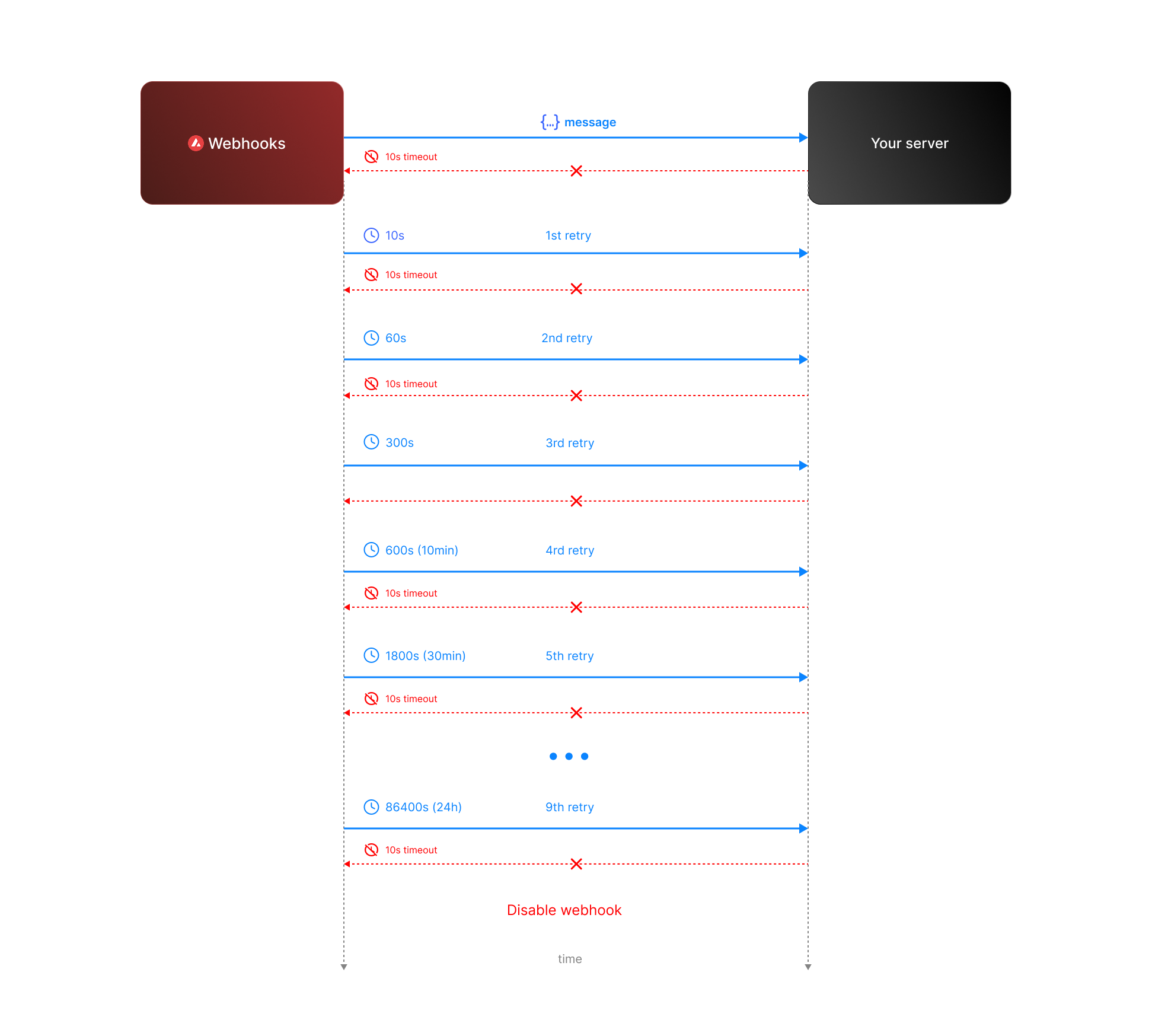 * **Attempt 1:** We send the message expecting a respose with `200` status code. If we do not receive a `200` status code within **10 seconds**, the attempt is considered failed. During this window, any non-`2xx` responses are ignored.
* **Attempt 2:** Occurs **10 seconds** after the first attempt, with another 10-second timeout and the same rule for ignoring non-`2xx` responses.
* **Retry Queue After Two Failed Attempts**
If both initial attempts fail, the message enters a **retry queue** with progressively longer intervals between attempts. Each retry attempt still has a 10-second timeout, and non-`2xx` responses are ignored during this window.
The retry schedule is as follows:
| Attempt | Interval |
| ------- | -------- |
| 3 | 1 min |
| 4 | 5 min |
| 5 | 10 min |
| 6 | 30 min |
| 7 | 2 hours |
| 8 | 6 hours |
| 9 | 12 hours |
| 10 | 24 hours |
**Total Retry Duration:** Up to approximately 44.8 hours (2,688 minutes) if all retries are exhausted.
**Interval Timing:** Each retry interval starts 10 seconds after the previous attempt is deemed failed. For example, if attempt 2 fails at t=20 seconds, attempt 3 will start at t=80 seconds (20s + 1 minute interval + 10s).
* **Attempt 1:** We send the message expecting a respose with `200` status code. If we do not receive a `200` status code within **10 seconds**, the attempt is considered failed. During this window, any non-`2xx` responses are ignored.
* **Attempt 2:** Occurs **10 seconds** after the first attempt, with another 10-second timeout and the same rule for ignoring non-`2xx` responses.
* **Retry Queue After Two Failed Attempts**
If both initial attempts fail, the message enters a **retry queue** with progressively longer intervals between attempts. Each retry attempt still has a 10-second timeout, and non-`2xx` responses are ignored during this window.
The retry schedule is as follows:
| Attempt | Interval |
| ------- | -------- |
| 3 | 1 min |
| 4 | 5 min |
| 5 | 10 min |
| 6 | 30 min |
| 7 | 2 hours |
| 8 | 6 hours |
| 9 | 12 hours |
| 10 | 24 hours |
**Total Retry Duration:** Up to approximately 44.8 hours (2,688 minutes) if all retries are exhausted.
**Interval Timing:** Each retry interval starts 10 seconds after the previous attempt is deemed failed. For example, if attempt 2 fails at t=20 seconds, attempt 3 will start at t=80 seconds (20s + 1 minute interval + 10s).
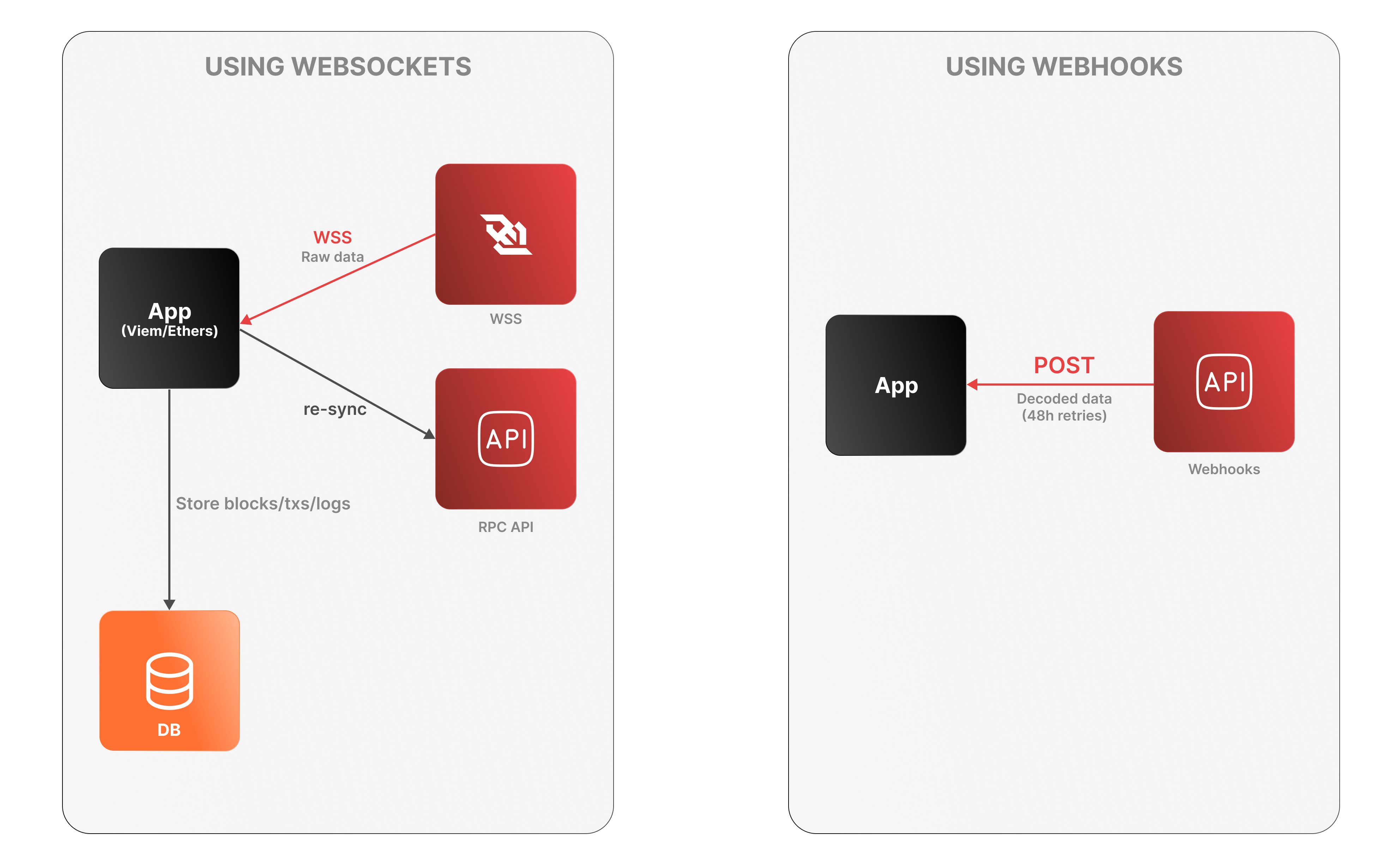 **WebSockets**
* The app connects to the Lux RPC API over WSS to receive raw log data.
* It must decode logs, manage connection state, and store data locally.
* On disconnection, it must re-sync via an external Data API or using standard `eth_*` RPC calls (e.g., `eth_getLogs`, `eth_getBlockByNumber`).
**WebSockets**
* The app connects to the Lux RPC API over WSS to receive raw log data.
* It must decode logs, manage connection state, and store data locally.
* On disconnection, it must re-sync via an external Data API or using standard `eth_*` RPC calls (e.g., `eth_getLogs`, `eth_getBlockByNumber`).
 ### Features
* **Chain Throughput:** Retrieve detailed metrics on gas consumption, Transactions Per Second (TPS), and gas prices, including rolling windows of data for granular analysis.
* **Cumulative Metrics:** Access cumulative data on addresses, contracts, deployers, and transaction counts, providing insights into network growth over time.
* **Staking Information:** Obtain staking-related data, including the number of validators and delegators, along with their respective weights, across different subnets.
* **Blockchains and Subnets:** Get information about supported blockchains, including EVM Chain IDs, blockchain IDs, and subnet associations, facilitating multi-chain analytics.
* **Composite Queries:** Perform advanced queries by combining different metric types and conditions, enabling detailed and customizable data retrieval.
The Metrics API is designed to provide developers with powerful tools to analyze and monitor on-chain activity across Lux’s primary network, Lux L1s, and other supported EVM chains. Below is an overview of the key features available:
### Chain Throughput Metrics
* **Gas Consumption**
### Features
* **Chain Throughput:** Retrieve detailed metrics on gas consumption, Transactions Per Second (TPS), and gas prices, including rolling windows of data for granular analysis.
* **Cumulative Metrics:** Access cumulative data on addresses, contracts, deployers, and transaction counts, providing insights into network growth over time.
* **Staking Information:** Obtain staking-related data, including the number of validators and delegators, along with their respective weights, across different subnets.
* **Blockchains and Subnets:** Get information about supported blockchains, including EVM Chain IDs, blockchain IDs, and subnet associations, facilitating multi-chain analytics.
* **Composite Queries:** Perform advanced queries by combining different metric types and conditions, enabling detailed and customizable data retrieval.
The Metrics API is designed to provide developers with powerful tools to analyze and monitor on-chain activity across Lux’s primary network, Lux L1s, and other supported EVM chains. Below is an overview of the key features available:
### Chain Throughput Metrics
* **Gas Consumption** 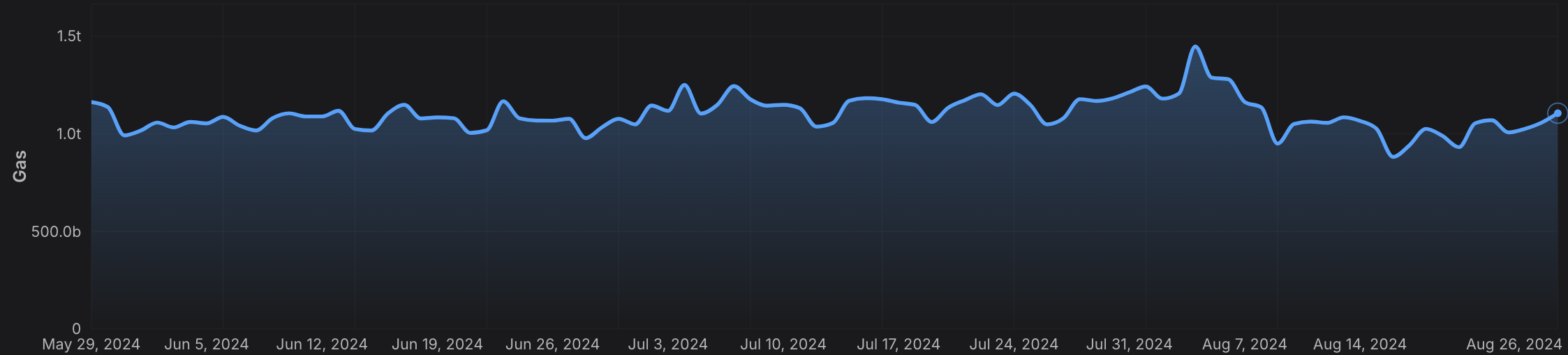 * **Transactions Per Second (TPS)**
 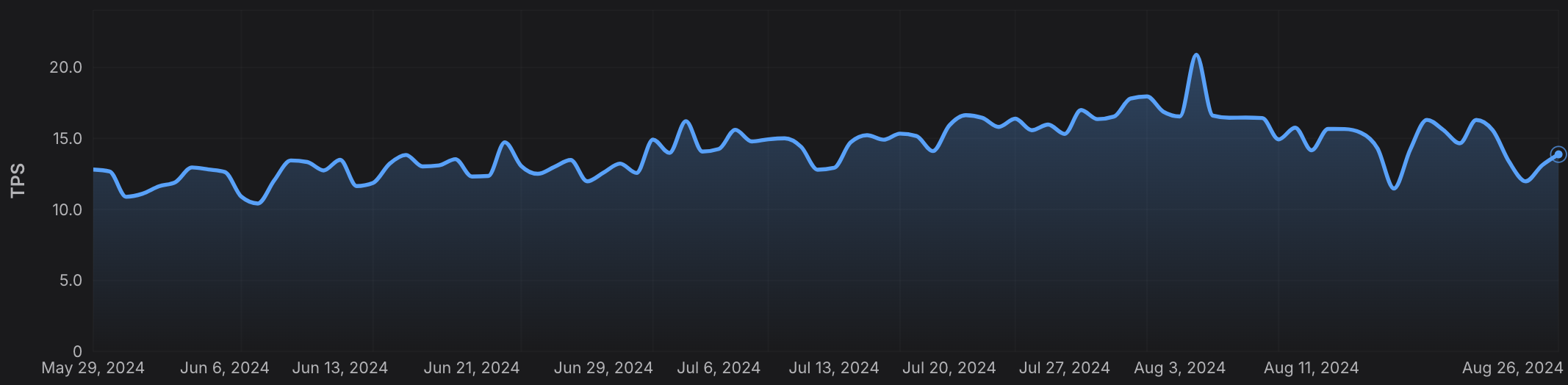 * **Gas Prices**
 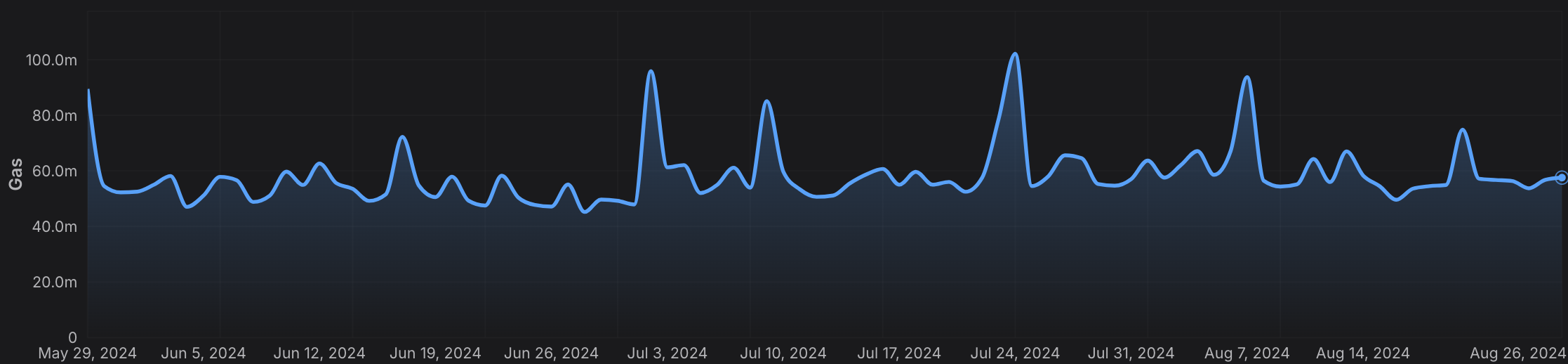 ### Cumulative Metrics
* **Address Growth**
### Cumulative Metrics
* **Address Growth** 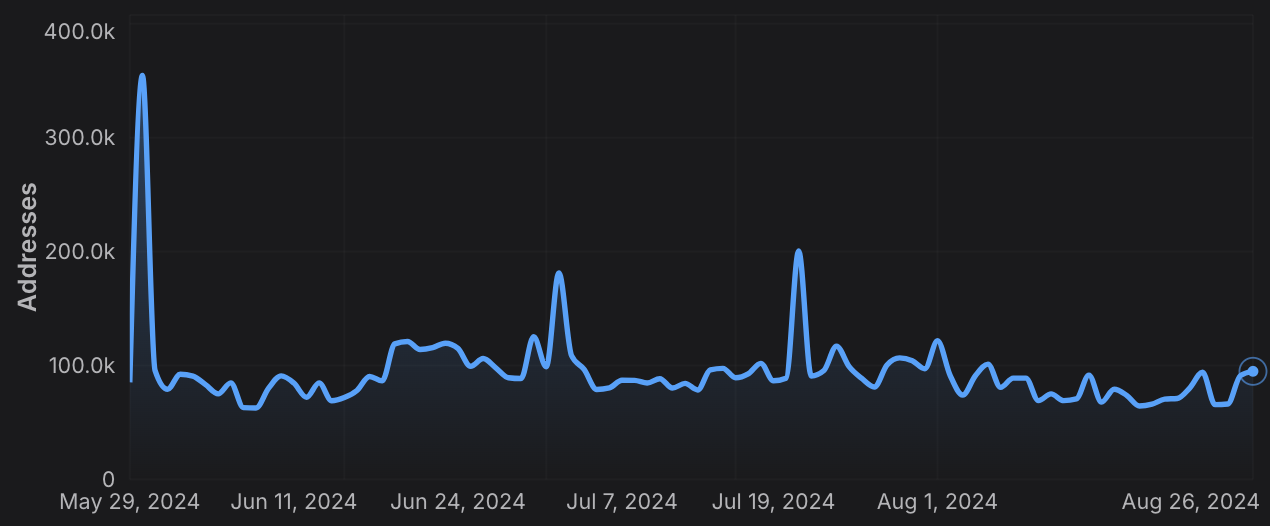 * **Contract Deployment**
 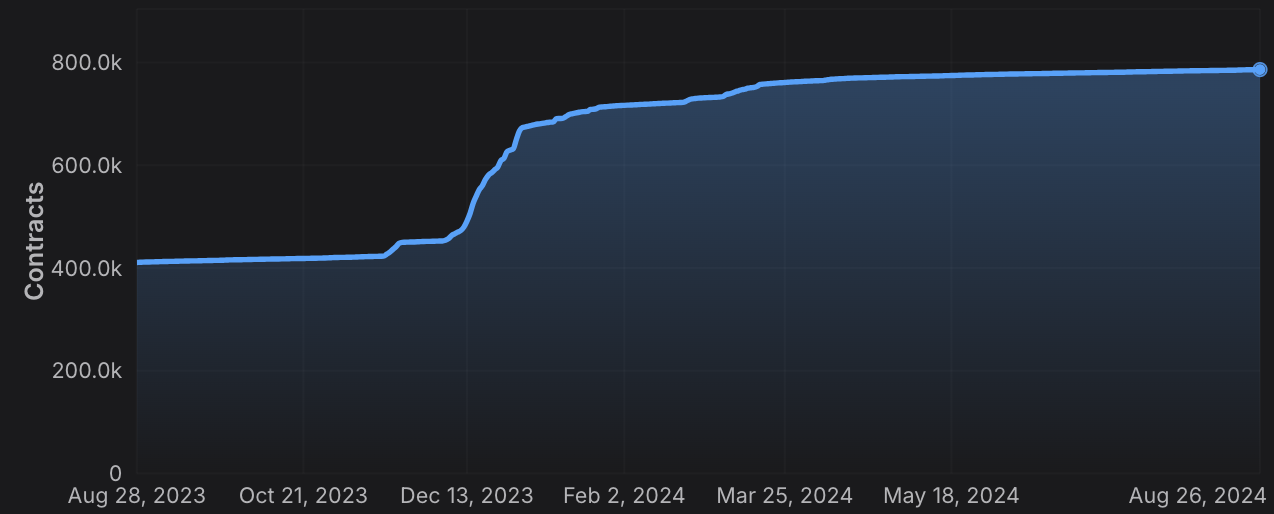 * **Transaction Count**
 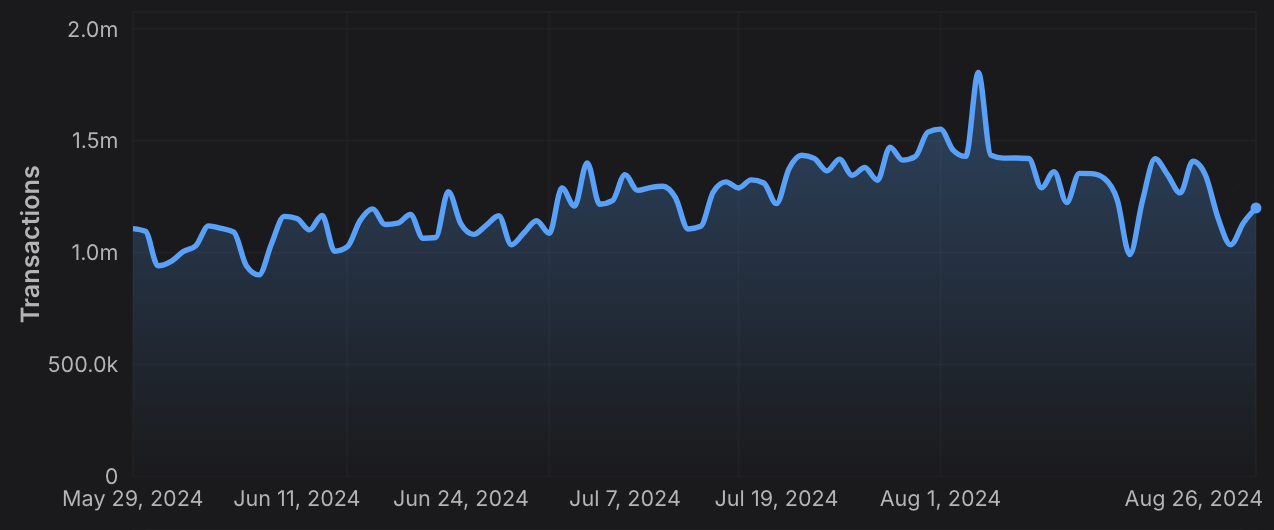 ### Staking Information
* **Validator and Delegator Counts**
### Staking Information
* **Validator and Delegator Counts** 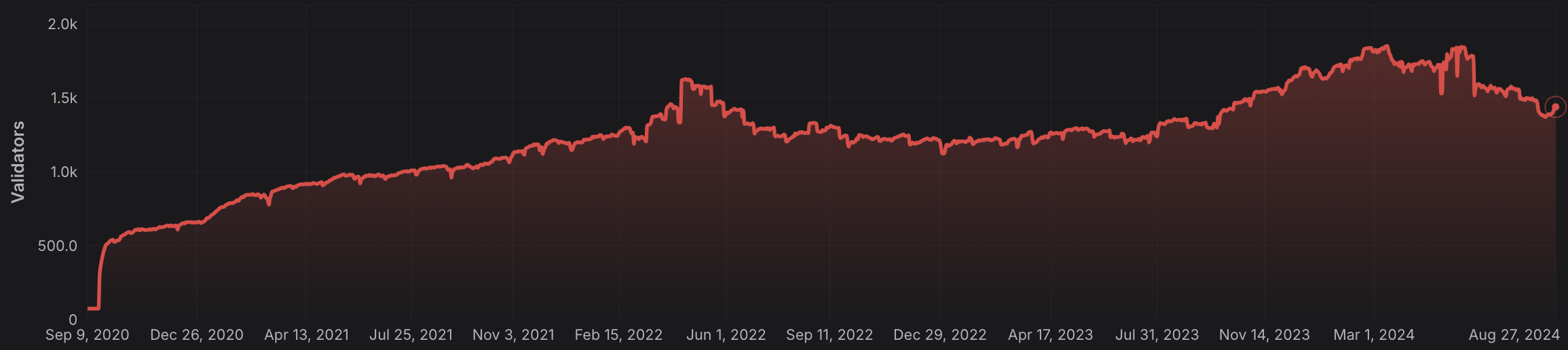 * **Staking Weights**
 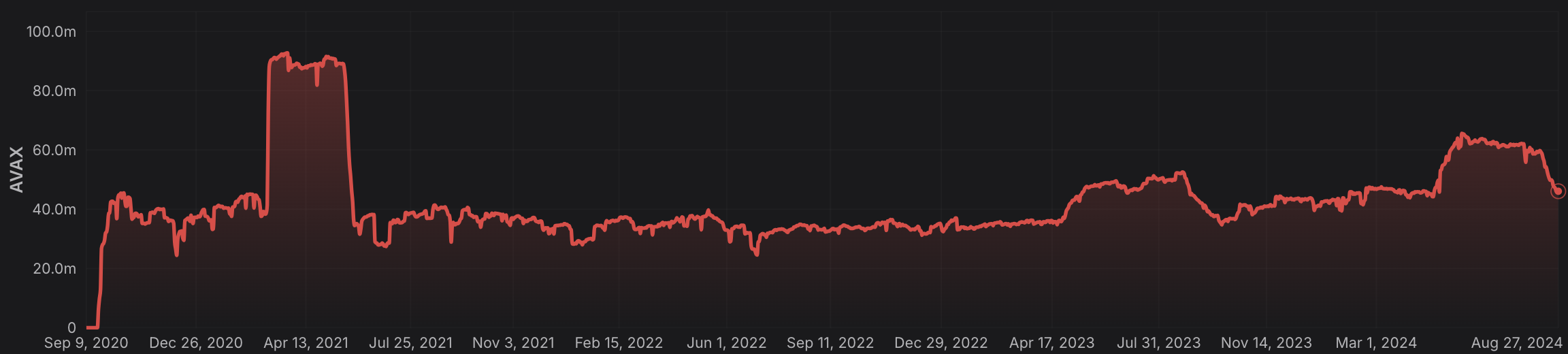 ### Rolling Window Analytics
* **Short-Term and Long-Term Metrics:** Perform rolling window analysis on various metrics like gas used, TPS, and gas prices, allowing for both short-term and long-term trend analysis.
* **Customizable Time Frames:** Choose from different time intervals (hourly, daily, monthly) to suit your specific analytical needs.
### Blockchain and L1 Information
* **Chain and L1 Mapping:** Get detailed information about EVM chains and their associated L1s, including chain IDs, blockchain IDs, and subnet IDs, facilitating cross-chain analytics.
### Advanced Composite Queries
* **Custom Metrics Combinations**: Combine multiple metrics and apply logical operators to perform sophisticated queries, enabling deep insights and tailored analytics.
* **Paginated Results:** Handle large datasets efficiently with paginated responses, ensuring seamless data retrieval in your applications.
The Metrics API equips developers with the tools needed to build robust analytics, monitoring, and reporting solutions, leveraging the full power of multi-chain data across the Lux ecosystem and beyond.
# Rate Limits (/docs/api-reference/metrics-api/rate-limits)
---
title: Rate Limits
description: Rate Limits for the Metrics API
icon: Clock
---
# Rate Limits
Rate limiting is managed through a weighted scoring system, known as Compute Units (CUs). Each API request consumes a specified number of CUs, determined by the complexity of the request. This system is designed to accommodate basic requests while efficiently handling more computationally intensive operations.
## Rate Limit Tiers
The maximum CUs (rate-limiting score) for a user depends on their subscription level and is delineated in the following table:
| Subscription Level | Per Minute Limit (CUs) | Per Day Limit (CUs) |
| :----------------- | :--------------------- | :------------------ |
| Free | 8,000 | 1,200,000 |
> We are working on new subscription tiers with higher rate limits to support even greater request volumes.
## Rate Limit Categories
The CUs for each category are defined in the following table:
| Weight | CU Value |
| :----- | :------- |
| Free | 1 |
| Small | 20 |
| Medium | 100 |
| Large | 500 |
| XL | 1000 |
| XXL | 3000 |
## Rate Limits for Metrics Endpoints
The CUs for each route are defined in the table below:
| Endpoint | Method | Weight | CU Value |
| :---------------------------------------------------------- | :----- | :----- | :------- |
| `/v2/health-check` | GET | Free | 1 |
| `/v2/chains` | GET | Free | 1 |
| `/v2/chains/{chainId}` | GET | Free | 1 |
| `/v2/chains/{chainId}/metrics/{metric}` | GET | Medium | 100 |
| `/v2/chains/{chainId}/teleporterMetrics/{metric}` | GET | Medium | 100 |
| `/v2/chains/{chainId}/rollingWindowMetrics/{metric}` | GET | Medium | 100 |
| `/v2/networks/{network}/metrics/{metric}` | GET | Medium | 100 |
| `/v2/chains/{chainId}/contracts/{address}/nfts:listHolders` | GET | Large | 500 |
| `/v2/chains/{chainId}/contracts/{address}/balances` | GET | XL | 1000 |
| `/v2/chains/43114/btcb/bridged:getAddresses` | GET | Large | 500 |
| `/v2/subnets/{subnetId}/validators:getAddresses` | GET | Large | 500 |
| `/v2/lookingGlass/compositeQuery` | POST | XXL | 3000 |
### Rolling Window Analytics
* **Short-Term and Long-Term Metrics:** Perform rolling window analysis on various metrics like gas used, TPS, and gas prices, allowing for both short-term and long-term trend analysis.
* **Customizable Time Frames:** Choose from different time intervals (hourly, daily, monthly) to suit your specific analytical needs.
### Blockchain and L1 Information
* **Chain and L1 Mapping:** Get detailed information about EVM chains and their associated L1s, including chain IDs, blockchain IDs, and subnet IDs, facilitating cross-chain analytics.
### Advanced Composite Queries
* **Custom Metrics Combinations**: Combine multiple metrics and apply logical operators to perform sophisticated queries, enabling deep insights and tailored analytics.
* **Paginated Results:** Handle large datasets efficiently with paginated responses, ensuring seamless data retrieval in your applications.
The Metrics API equips developers with the tools needed to build robust analytics, monitoring, and reporting solutions, leveraging the full power of multi-chain data across the Lux ecosystem and beyond.
# Rate Limits (/docs/api-reference/metrics-api/rate-limits)
---
title: Rate Limits
description: Rate Limits for the Metrics API
icon: Clock
---
# Rate Limits
Rate limiting is managed through a weighted scoring system, known as Compute Units (CUs). Each API request consumes a specified number of CUs, determined by the complexity of the request. This system is designed to accommodate basic requests while efficiently handling more computationally intensive operations.
## Rate Limit Tiers
The maximum CUs (rate-limiting score) for a user depends on their subscription level and is delineated in the following table:
| Subscription Level | Per Minute Limit (CUs) | Per Day Limit (CUs) |
| :----------------- | :--------------------- | :------------------ |
| Free | 8,000 | 1,200,000 |
> We are working on new subscription tiers with higher rate limits to support even greater request volumes.
## Rate Limit Categories
The CUs for each category are defined in the following table:
| Weight | CU Value |
| :----- | :------- |
| Free | 1 |
| Small | 20 |
| Medium | 100 |
| Large | 500 |
| XL | 1000 |
| XXL | 3000 |
## Rate Limits for Metrics Endpoints
The CUs for each route are defined in the table below:
| Endpoint | Method | Weight | CU Value |
| :---------------------------------------------------------- | :----- | :----- | :------- |
| `/v2/health-check` | GET | Free | 1 |
| `/v2/chains` | GET | Free | 1 |
| `/v2/chains/{chainId}` | GET | Free | 1 |
| `/v2/chains/{chainId}/metrics/{metric}` | GET | Medium | 100 |
| `/v2/chains/{chainId}/teleporterMetrics/{metric}` | GET | Medium | 100 |
| `/v2/chains/{chainId}/rollingWindowMetrics/{metric}` | GET | Medium | 100 |
| `/v2/networks/{network}/metrics/{metric}` | GET | Medium | 100 |
| `/v2/chains/{chainId}/contracts/{address}/nfts:listHolders` | GET | Large | 500 |
| `/v2/chains/{chainId}/contracts/{address}/balances` | GET | XL | 1000 |
| `/v2/chains/43114/btcb/bridged:getAddresses` | GET | Large | 500 |
| `/v2/subnets/{subnetId}/validators:getAddresses` | GET | Large | 500 |
| `/v2/lookingGlass/compositeQuery` | POST | XXL | 3000 |
 />
/>
 alt="Upgrade UML diagram"/>
 ### Core Capabilities
* **Direct Chain Access** - RPC calls, wallet integration, and transaction management.
* **Indexed Data & Metrics** - Access Glacier Data API & Metrics API with type safety.
* **Interchain Messaging** - Build cross-L1 applications with ICM/Teleporter.
### Core Capabilities
* **Direct Chain Access** - RPC calls, wallet integration, and transaction management.
* **Indexed Data & Metrics** - Access Glacier Data API & Metrics API with type safety.
* **Interchain Messaging** - Build cross-L1 applications with ICM/Teleporter.
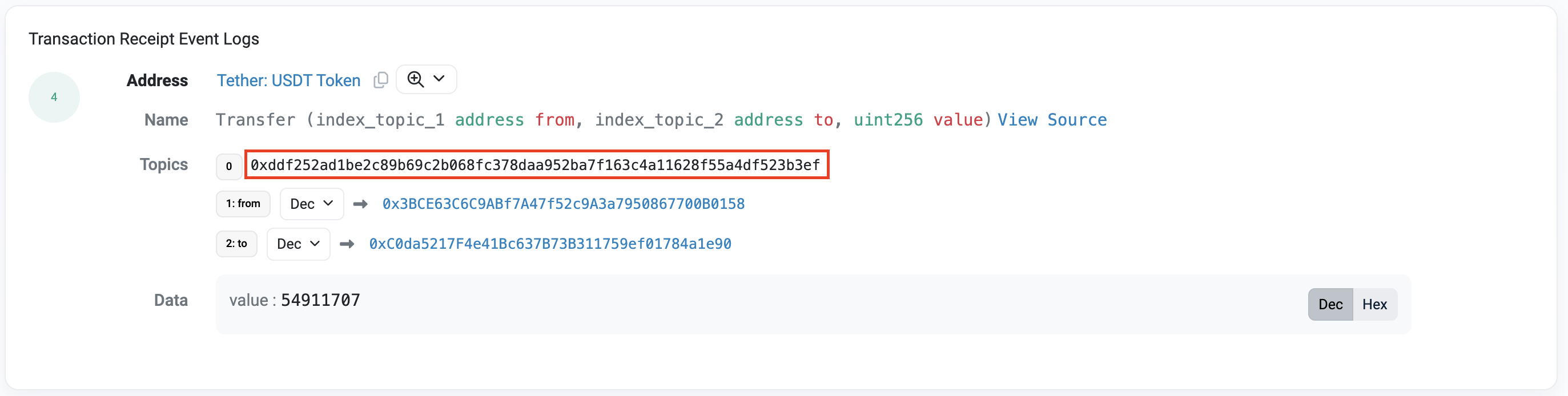 With the event signature, we can create the webhook as follows:
```bash
curl --location '
With the event signature, we can create the webhook as follows:
```bash
curl --location '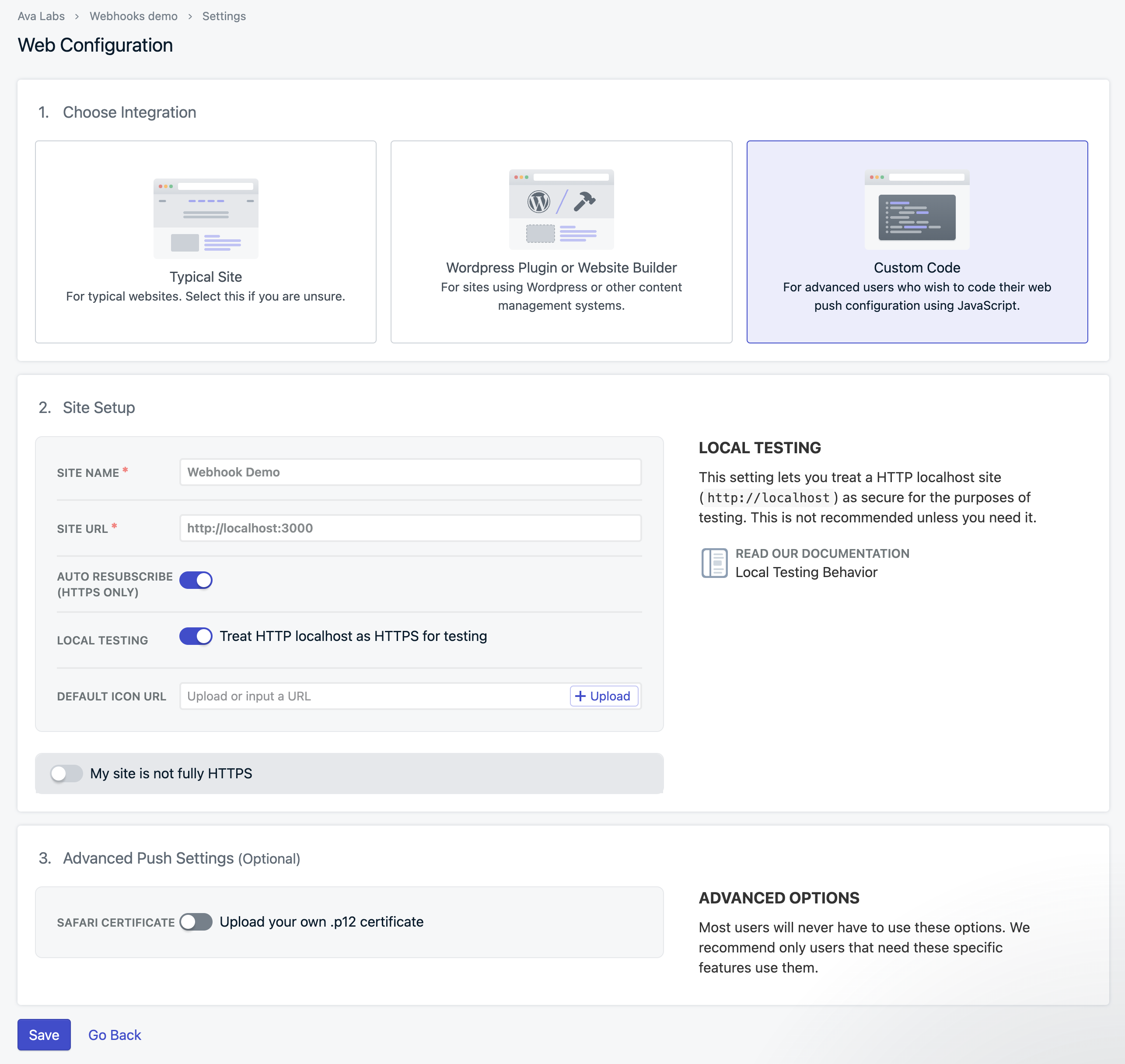 This will generate a code snippet to add to your code. Download the OneSignal SDK files and copy them to the top-level root of your directory.
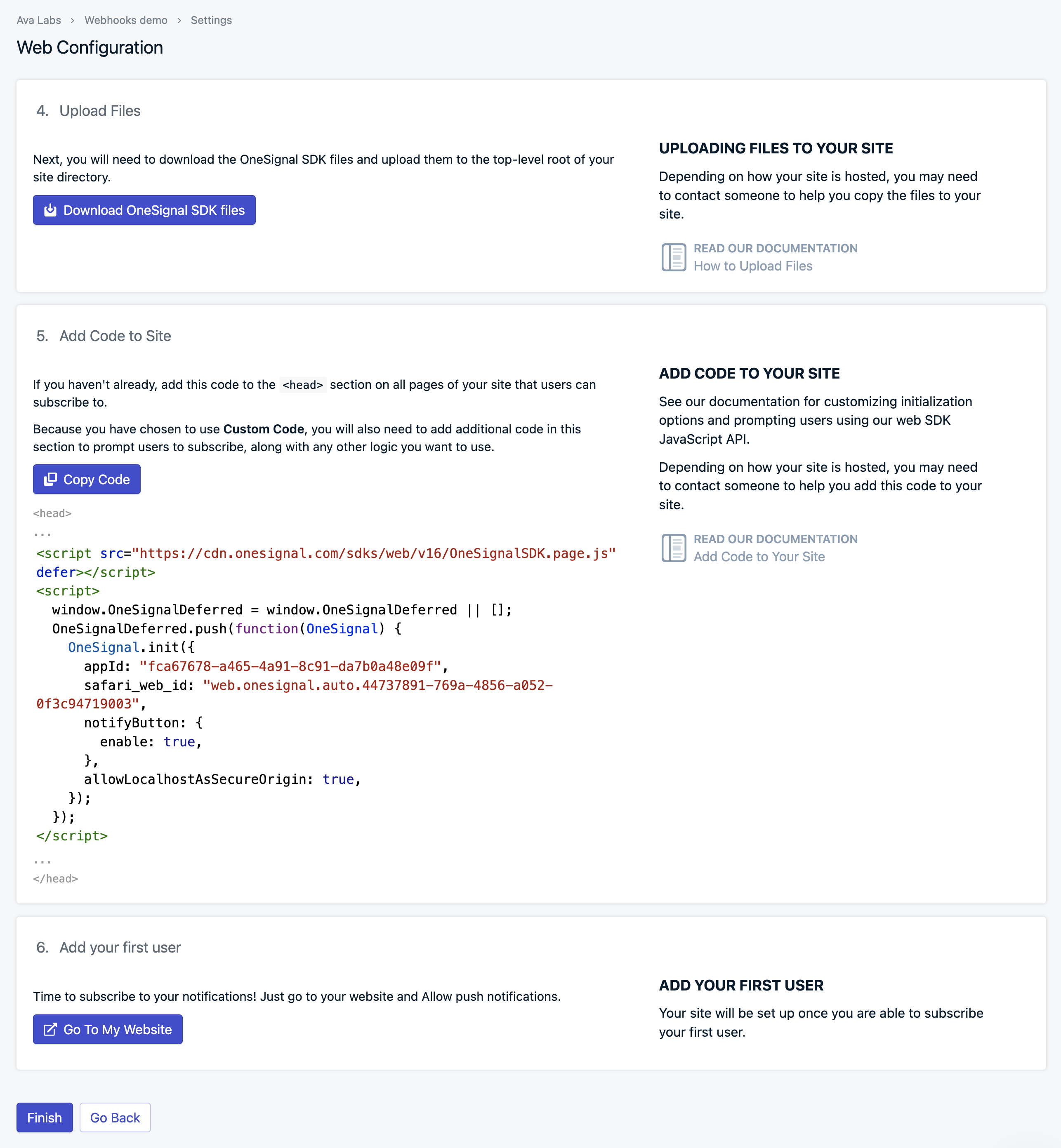 ### Step 2 - Frontend Setup
In a real-world scenario, your architecture typically involves customers signing up for subscriptions within your Web or Mobile App. To ensure these notifications are sent out, your app needs to register with a push notification provider such as OneSignal.
To maintain privacy and security, we'll be using a hash of the wallet address as the `externalID` instead of directly sharing the addresses with OneSignal. This `externalID` will then be mapped to an address in our database. So, when our backend receives a webhook for a specific address, it can retrieve the corresponding `externalID` and send a push notification accordingly.
### Step 2 - Frontend Setup
In a real-world scenario, your architecture typically involves customers signing up for subscriptions within your Web or Mobile App. To ensure these notifications are sent out, your app needs to register with a push notification provider such as OneSignal.
To maintain privacy and security, we'll be using a hash of the wallet address as the `externalID` instead of directly sharing the addresses with OneSignal. This `externalID` will then be mapped to an address in our database. So, when our backend receives a webhook for a specific address, it can retrieve the corresponding `externalID` and send a push notification accordingly.
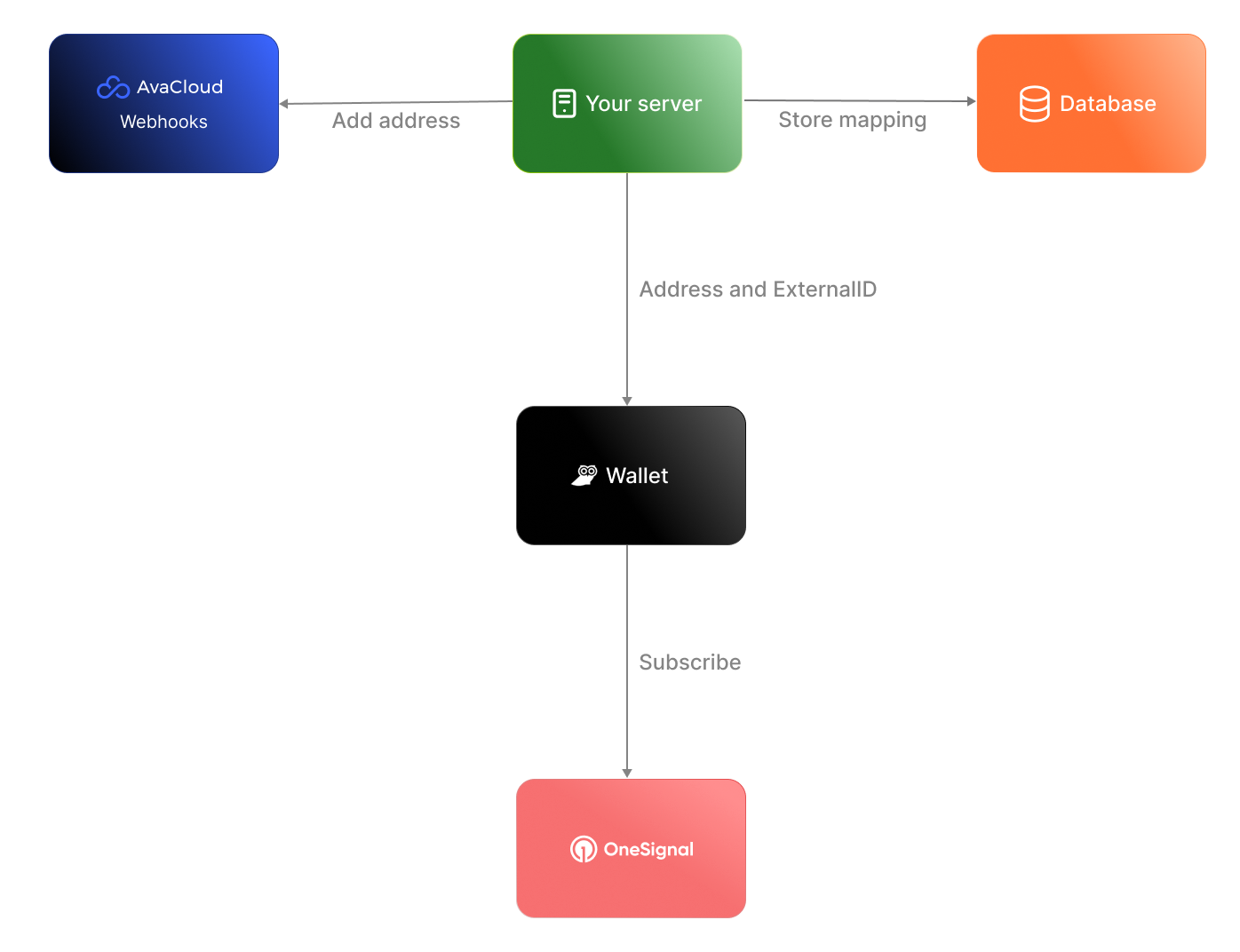 For the sake of simplicity in our demonstration, we'll present a basic scenario where our frontend app retrieves the wallet address and registers it with OneSignal. Additionally, we'll simulate a database using an array within the code. Download the [sample code](https://github.com/javiertc/webhookdemo) and you'll see `client/index.html` with this content.
```html
For the sake of simplicity in our demonstration, we'll present a basic scenario where our frontend app retrieves the wallet address and registers it with OneSignal. Additionally, we'll simulate a database using an array within the code. Download the [sample code](https://github.com/javiertc/webhookdemo) and you'll see `client/index.html` with this content.
```html
 If everything runs correctly your browser should be registered in OneSignal. To check go to **Audience** > **Subscriptions** and verify that your browser is registered.
 ### Step 3 - Backend Setup
Now, let's configure the backend to manage webhook events and dispatch notifications based on the incoming data. Here's the step-by-step process:
1. **Transaction Initiation:** When someone starts a transaction with your wallet as the destination, the webhooks detect the transaction and generate an event.
2. **Event Triggering:** The backend receives the event triggered by the transaction, containing the destination address.
3. **ExternalID Retrieval:** Using the received address, the backend retrieves the corresponding `externalID` associated with that wallet.
4. **Notification Dispatch:** The final step involves sending a notification through OneSignal, utilizing the retrieved `externalID`.
### Step 3 - Backend Setup
Now, let's configure the backend to manage webhook events and dispatch notifications based on the incoming data. Here's the step-by-step process:
1. **Transaction Initiation:** When someone starts a transaction with your wallet as the destination, the webhooks detect the transaction and generate an event.
2. **Event Triggering:** The backend receives the event triggered by the transaction, containing the destination address.
3. **ExternalID Retrieval:** Using the received address, the backend retrieves the corresponding `externalID` associated with that wallet.
4. **Notification Dispatch:** The final step involves sending a notification through OneSignal, utilizing the retrieved `externalID`.
 #### 3.1 - Use Ngrok to tunnel the traffic to localhost
If we want to test the webhook in our computer and we are behind a proxy/NAT device or a firewall we need a tool like Ngrok. Glacier will trigger the webhook and make a POST to the Ngrok cloud, then the request is forwarded to your local Ngrok client who in turn forwards it to the Node.js app listening on port 3000.
Go to [https://ngrok.com/](https://ngrok.com/) create a free account, download the binary, and connect to your account. Create a Node.js app with Express and paste the following code to receive the webhook:
To start an HTTP tunnel forwarding to your local port 3000 with Ngrok, run this next:
```bash
./ngrok http 3000
```
You should see something like this:
```
ngrok (Ctrl+C to quit)
Take our ngrok in production survey! https://forms.gle/aXiBFWzEA36DudFn6
Session Status online
Account javier.toledo@luxfi.org (Plan: Free)
Version 3.8.0
Region United States (us)
Latency 48ms
Web Interface http://127.0.0.1:4040
Forwarding https://c902-2600-1700-5220-11a0-813c-d5ac-d72c-f7fd.ngrok-free.app -> http://localhost:3000
Connections ttl opn rt1 rt5 p50 p90
33 0 0.00 0.00 5.02 5.05
HTTP Requests
-------------
```
#### 3.2 - Create the webhook
The webhook can be created using the [Avacloud Dashboard](https://app.avacloud.io/) or Glacier API. For convenience, we are going to use cURL. For that copy the forwarding URL generated by Ngrok and append the `/callbackpath` and our address.
```bash
curl --location 'https://glacier-api-dev.lux.network/v1/webhooks' \
--header 'x-glacier-api-key:
#### 3.1 - Use Ngrok to tunnel the traffic to localhost
If we want to test the webhook in our computer and we are behind a proxy/NAT device or a firewall we need a tool like Ngrok. Glacier will trigger the webhook and make a POST to the Ngrok cloud, then the request is forwarded to your local Ngrok client who in turn forwards it to the Node.js app listening on port 3000.
Go to [https://ngrok.com/](https://ngrok.com/) create a free account, download the binary, and connect to your account. Create a Node.js app with Express and paste the following code to receive the webhook:
To start an HTTP tunnel forwarding to your local port 3000 with Ngrok, run this next:
```bash
./ngrok http 3000
```
You should see something like this:
```
ngrok (Ctrl+C to quit)
Take our ngrok in production survey! https://forms.gle/aXiBFWzEA36DudFn6
Session Status online
Account javier.toledo@luxfi.org (Plan: Free)
Version 3.8.0
Region United States (us)
Latency 48ms
Web Interface http://127.0.0.1:4040
Forwarding https://c902-2600-1700-5220-11a0-813c-d5ac-d72c-f7fd.ngrok-free.app -> http://localhost:3000
Connections ttl opn rt1 rt5 p50 p90
33 0 0.00 0.00 5.02 5.05
HTTP Requests
-------------
```
#### 3.2 - Create the webhook
The webhook can be created using the [Avacloud Dashboard](https://app.avacloud.io/) or Glacier API. For convenience, we are going to use cURL. For that copy the forwarding URL generated by Ngrok and append the `/callbackpath` and our address.
```bash
curl --location 'https://glacier-api-dev.lux.network/v1/webhooks' \
--header 'x-glacier-api-key:  ### Conclusion
In this tutorial, we've set up a frontend to connect to the Core wallet and enable push notifications using OneSignal. We've also implemented a backend to handle webhook events and send notifications based on the received data. By integrating the frontend with the backend, users can receive real-time notifications for blockchain events.
# Lux L1 Configs (/docs/nodes/chain-configs/avalanche-l1s/avalanche-l1-configs)
---
title: "Lux L1 Configs"
description: "This page describes the configuration options available for Lux L1s."
edit_url: https://github.com/luxfi/luxgo/edit/master/subnets/config.md
---
# Subnet Configs
It is possible to provide parameters for a Subnet. Parameters here apply to all
chains in the specified Subnet.
LuxGo looks for files specified with `{subnetID}.json` under
`--subnet-config-dir` as documented
[here](https://build.lux.network/docs/nodes/configure/configs-flags#subnet-configs).
Here is an example of Subnet config file:
```json
{
"validatorOnly": false,
"consensusParameters": {
"k": 25,
"alpha": 18
}
}
```
## Parameters
### Private Subnet
#### `validatorOnly` (bool)
If `true` this node does not expose Subnet blockchain contents to non-validators
via P2P messages. Defaults to `false`.
Lux Subnets are public by default. It means that every node can sync and
listen ongoing transactions/blocks in Subnets, even they're not validating the
listened Subnet.
Subnet validators can choose not to publish contents of blockchains via this
configuration. If a node sets `validatorOnly` to true, the node exchanges
messages only with this Subnet's validators. Other peers will not be able to
learn contents of this Subnet from this node.
:::tip
This is a node-specific configuration. Every validator of this Subnet has to use
this configuration in order to create a full private Subnet.
:::
#### `allowedNodes` (string list)
If `validatorOnly=true` this allows explicitly specified NodeIDs to be allowed
to sync the Subnet regardless of validator status. Defaults to be empty.
:::tip
This is a node-specific configuration. Every validator of this Subnet has to use
this configuration in order to properly allow a node in the private Subnet.
:::
### Consensus Parameters
Subnet configs supports loading new consensus parameters. JSON keys are
different from their matching `CLI` keys. These parameters must be grouped under
`consensusParameters` key. The consensus parameters of a Subnet default to the
same values used for the Primary Network, which are given [CLI Snow Parameters](https://build.lux.network/docs/nodes/configure/configs-flags#snow-parameters).
| CLI Key | JSON Key |
| :------------------------------- | :-------------------- |
| --snow-sample-size | k |
| --snow-quorum-size | alpha |
| --snow-commit-threshold | `beta` |
| --snow-concurrent-repolls | concurrentRepolls |
| --snow-optimal-processing | `optimalProcessing` |
| --snow-max-processing | maxOutstandingItems |
| --snow-max-time-processing | maxItemProcessingTime |
| --snow-lux-batch-size | `batchSize` |
| --snow-lux-num-parents | `parentSize` |
#### `proposerMinBlockDelay` (duration)
The minimum delay performed when building snowman++ blocks. Default is set to 1 second.
As one of the ways to control network congestion, Snowman++ will only build a
block `proposerMinBlockDelay` after the parent block's timestamp. Some
high-performance custom VMs may find this too strict. This flag allows tuning the
frequency at which blocks are built.
### Gossip Configs
It's possible to define different Gossip configurations for each Subnet without
changing values for Primary Network. JSON keys of these
parameters are different from their matching `CLI` keys. These parameters
default to the same values used for the Primary Network. For more information
see [CLI Gossip Configs](https://build.lux.network/docs/nodes/configure/configs-flags#gossiping).
| CLI Key | JSON Key |
| :------------------------------------------------------ | :------------------------------------- |
| --consensus-accepted-frontier-gossip-validator-size | gossipAcceptedFrontierValidatorSize |
| --consensus-accepted-frontier-gossip-non-validator-size | gossipAcceptedFrontierNonValidatorSize |
| --consensus-accepted-frontier-gossip-peer-size | gossipAcceptedFrontierPeerSize |
| --consensus-on-accept-gossip-validator-size | gossipOnAcceptValidatorSize |
| --consensus-on-accept-gossip-non-validator-size | gossipOnAcceptNonValidatorSize |
| --consensus-on-accept-gossip-peer-size | gossipOnAcceptPeerSize |
# Subnet-EVM Configs (/docs/nodes/chain-configs/avalanche-l1s/subnet-evm)
---
title: "Subnet-EVM Configs"
description: "This page describes the configuration options available for the Subnet-EVM."
edit_url: https://github.com/luxfi/subnet-evm/edit/master/plugin/evm/config/config.md
---
# Subnet-EVM Configuration
> **Note**: These are the configuration options available in the Subnet-EVM codebase. To set these values, you need to create a configuration file at `~/.luxgo/configs/chains/
### Conclusion
In this tutorial, we've set up a frontend to connect to the Core wallet and enable push notifications using OneSignal. We've also implemented a backend to handle webhook events and send notifications based on the received data. By integrating the frontend with the backend, users can receive real-time notifications for blockchain events.
# Lux L1 Configs (/docs/nodes/chain-configs/avalanche-l1s/avalanche-l1-configs)
---
title: "Lux L1 Configs"
description: "This page describes the configuration options available for Lux L1s."
edit_url: https://github.com/luxfi/luxgo/edit/master/subnets/config.md
---
# Subnet Configs
It is possible to provide parameters for a Subnet. Parameters here apply to all
chains in the specified Subnet.
LuxGo looks for files specified with `{subnetID}.json` under
`--subnet-config-dir` as documented
[here](https://build.lux.network/docs/nodes/configure/configs-flags#subnet-configs).
Here is an example of Subnet config file:
```json
{
"validatorOnly": false,
"consensusParameters": {
"k": 25,
"alpha": 18
}
}
```
## Parameters
### Private Subnet
#### `validatorOnly` (bool)
If `true` this node does not expose Subnet blockchain contents to non-validators
via P2P messages. Defaults to `false`.
Lux Subnets are public by default. It means that every node can sync and
listen ongoing transactions/blocks in Subnets, even they're not validating the
listened Subnet.
Subnet validators can choose not to publish contents of blockchains via this
configuration. If a node sets `validatorOnly` to true, the node exchanges
messages only with this Subnet's validators. Other peers will not be able to
learn contents of this Subnet from this node.
:::tip
This is a node-specific configuration. Every validator of this Subnet has to use
this configuration in order to create a full private Subnet.
:::
#### `allowedNodes` (string list)
If `validatorOnly=true` this allows explicitly specified NodeIDs to be allowed
to sync the Subnet regardless of validator status. Defaults to be empty.
:::tip
This is a node-specific configuration. Every validator of this Subnet has to use
this configuration in order to properly allow a node in the private Subnet.
:::
### Consensus Parameters
Subnet configs supports loading new consensus parameters. JSON keys are
different from their matching `CLI` keys. These parameters must be grouped under
`consensusParameters` key. The consensus parameters of a Subnet default to the
same values used for the Primary Network, which are given [CLI Snow Parameters](https://build.lux.network/docs/nodes/configure/configs-flags#snow-parameters).
| CLI Key | JSON Key |
| :------------------------------- | :-------------------- |
| --snow-sample-size | k |
| --snow-quorum-size | alpha |
| --snow-commit-threshold | `beta` |
| --snow-concurrent-repolls | concurrentRepolls |
| --snow-optimal-processing | `optimalProcessing` |
| --snow-max-processing | maxOutstandingItems |
| --snow-max-time-processing | maxItemProcessingTime |
| --snow-lux-batch-size | `batchSize` |
| --snow-lux-num-parents | `parentSize` |
#### `proposerMinBlockDelay` (duration)
The minimum delay performed when building snowman++ blocks. Default is set to 1 second.
As one of the ways to control network congestion, Snowman++ will only build a
block `proposerMinBlockDelay` after the parent block's timestamp. Some
high-performance custom VMs may find this too strict. This flag allows tuning the
frequency at which blocks are built.
### Gossip Configs
It's possible to define different Gossip configurations for each Subnet without
changing values for Primary Network. JSON keys of these
parameters are different from their matching `CLI` keys. These parameters
default to the same values used for the Primary Network. For more information
see [CLI Gossip Configs](https://build.lux.network/docs/nodes/configure/configs-flags#gossiping).
| CLI Key | JSON Key |
| :------------------------------------------------------ | :------------------------------------- |
| --consensus-accepted-frontier-gossip-validator-size | gossipAcceptedFrontierValidatorSize |
| --consensus-accepted-frontier-gossip-non-validator-size | gossipAcceptedFrontierNonValidatorSize |
| --consensus-accepted-frontier-gossip-peer-size | gossipAcceptedFrontierPeerSize |
| --consensus-on-accept-gossip-validator-size | gossipOnAcceptValidatorSize |
| --consensus-on-accept-gossip-non-validator-size | gossipOnAcceptNonValidatorSize |
| --consensus-on-accept-gossip-peer-size | gossipOnAcceptPeerSize |
# Subnet-EVM Configs (/docs/nodes/chain-configs/avalanche-l1s/subnet-evm)
---
title: "Subnet-EVM Configs"
description: "This page describes the configuration options available for the Subnet-EVM."
edit_url: https://github.com/luxfi/subnet-evm/edit/master/plugin/evm/config/config.md
---
# Subnet-EVM Configuration
> **Note**: These are the configuration options available in the Subnet-EVM codebase. To set these values, you need to create a configuration file at `~/.luxgo/configs/chains/